Guide
How to Scale Ecommerce Creative Production
A practical guide to scaling ecommerce creative production with better briefs, reusable assets, controlled AI workflows, and review checklists.
- Guides
- Brand Creative Workflows

Examples
Scenes from the Riverflow library
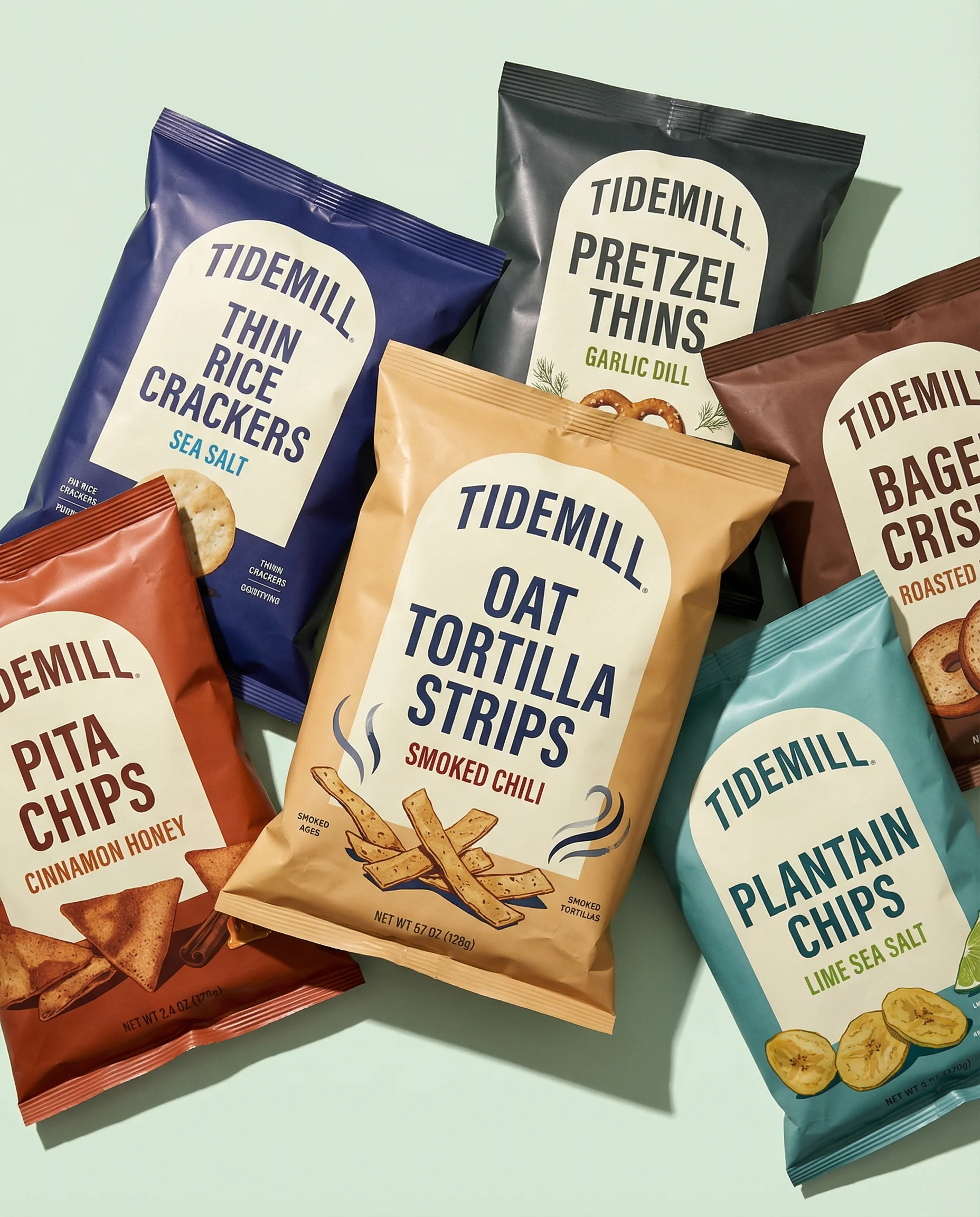
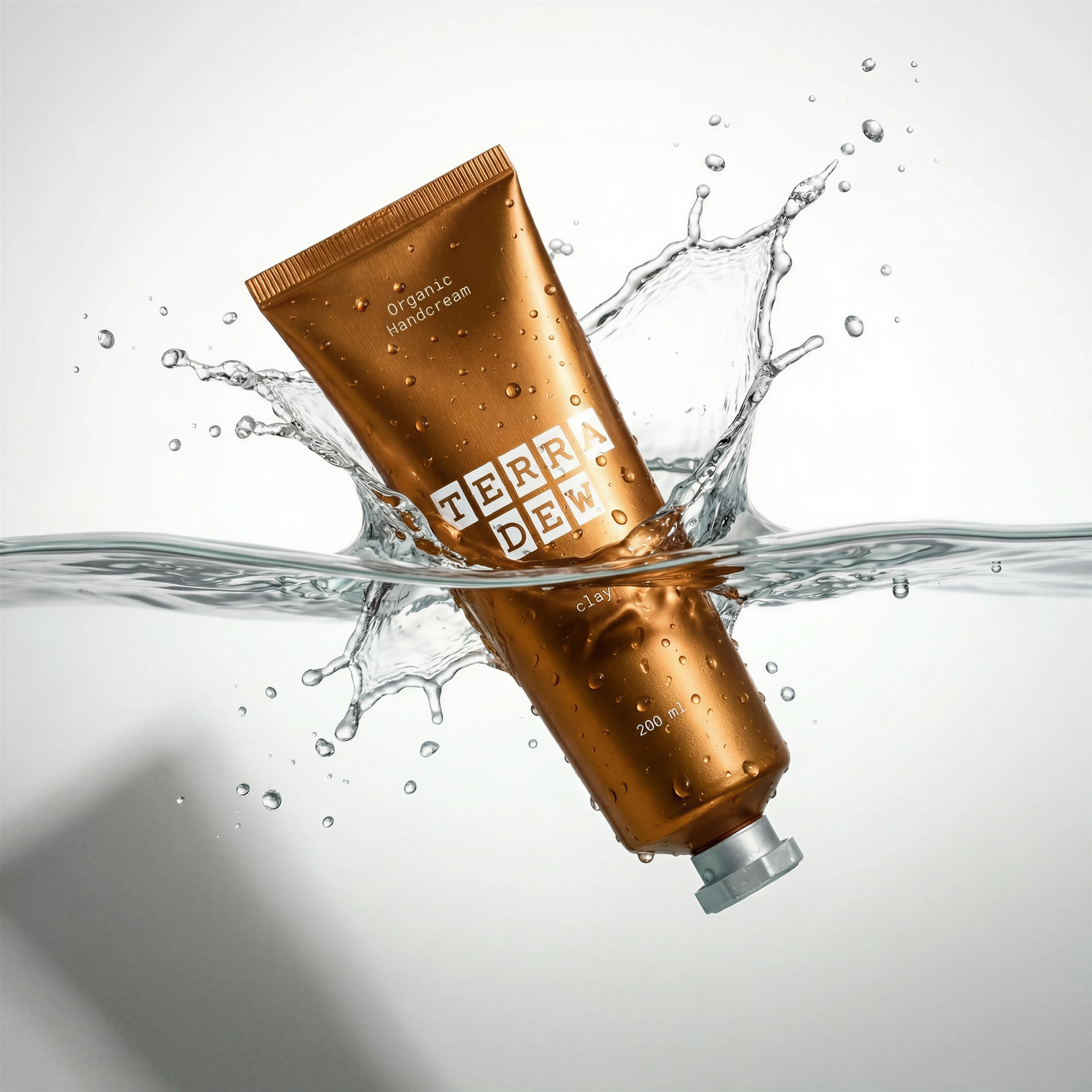
Overlapping SKU set shows fast variant coverage.
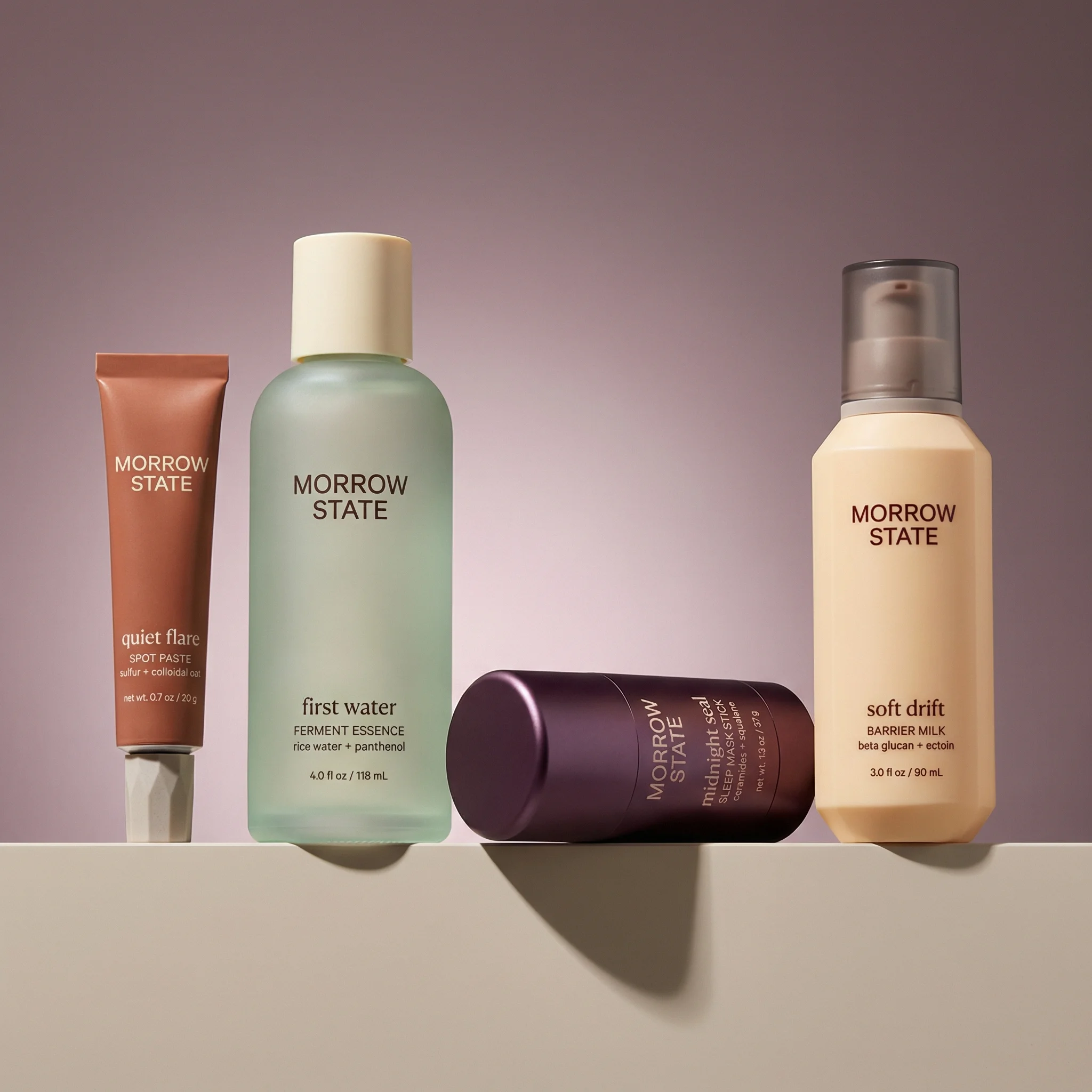
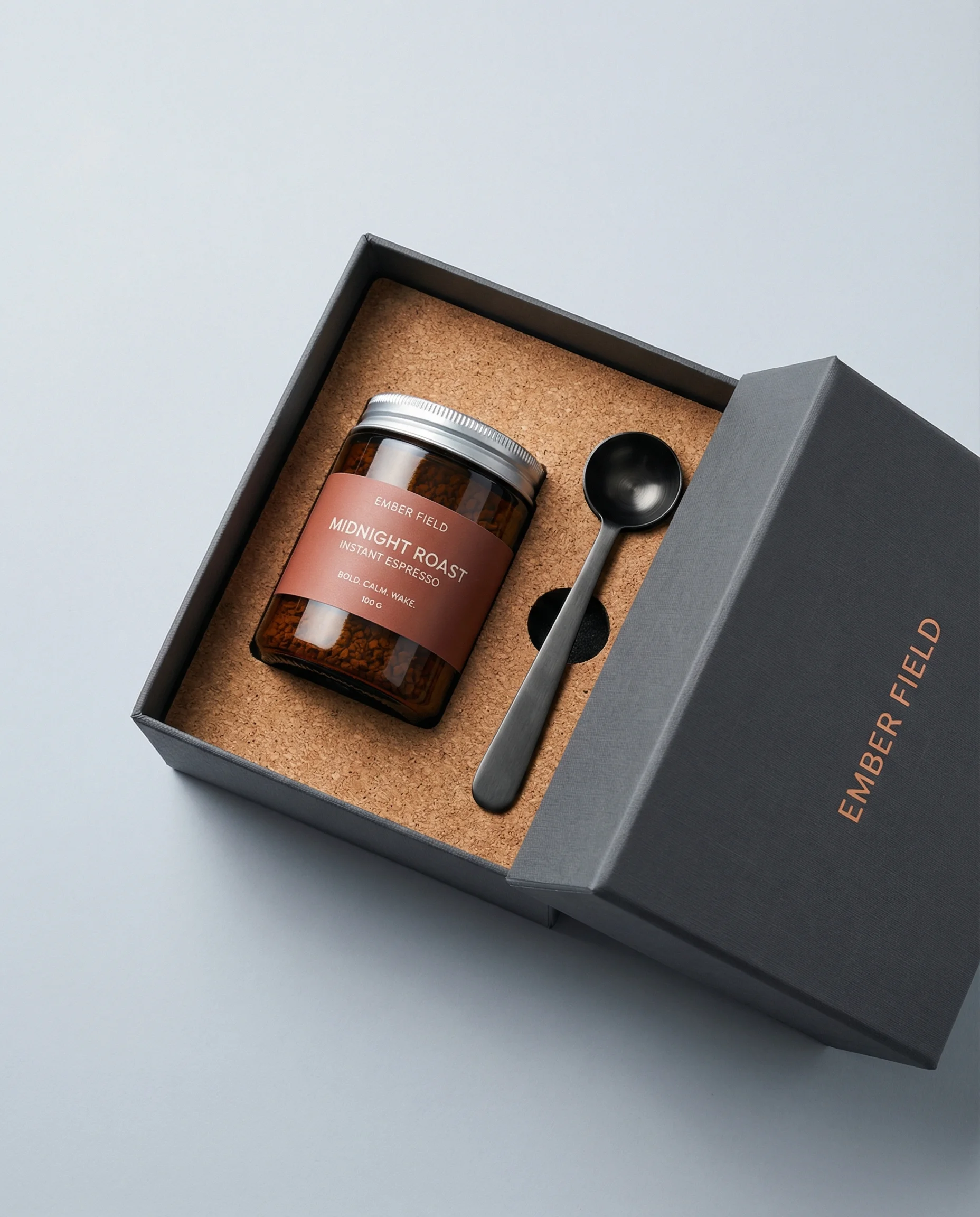
Consistent shelf-style layout works for collection pages.

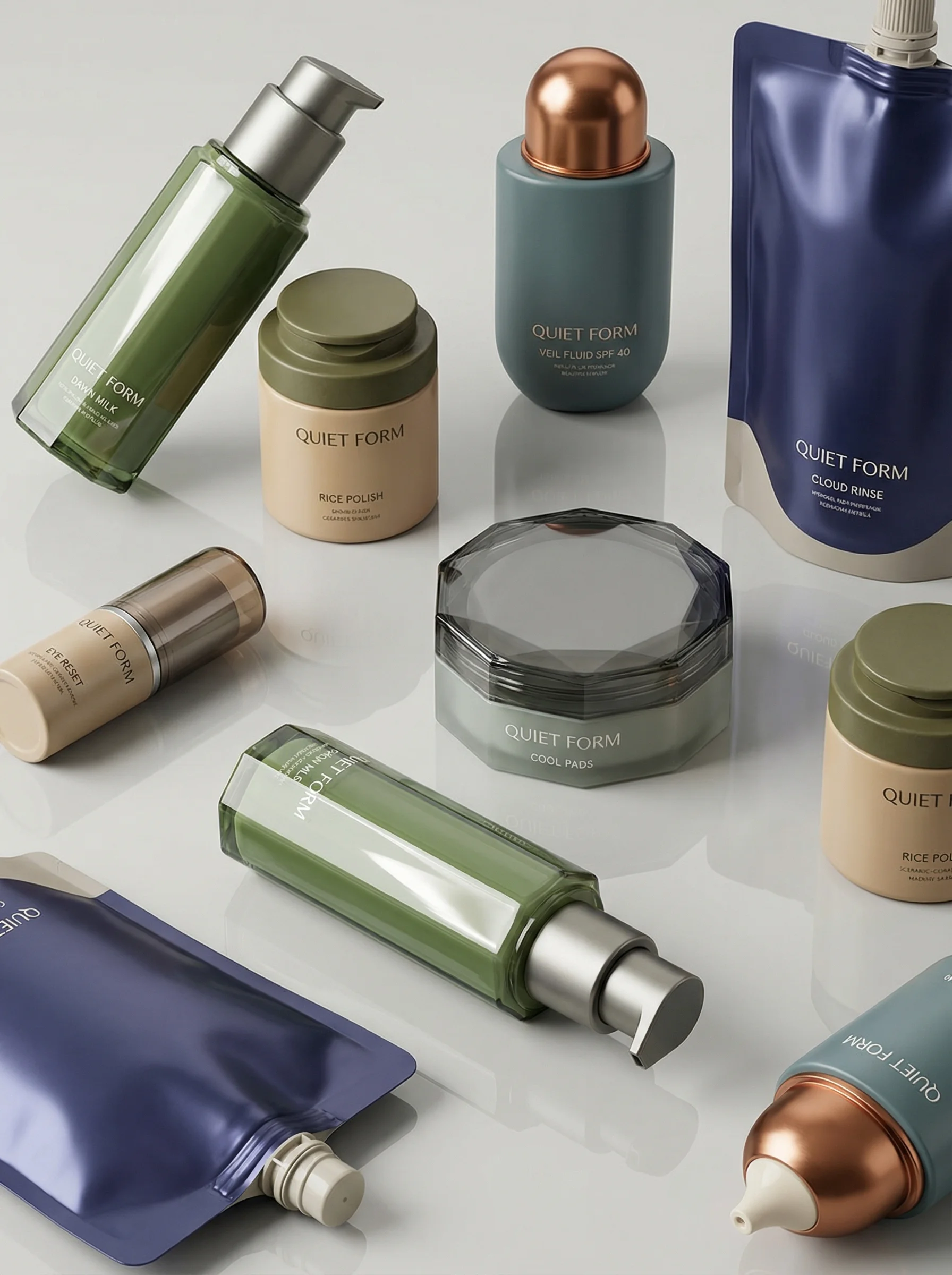
Many variants in one frame emphasizes catalog scale.
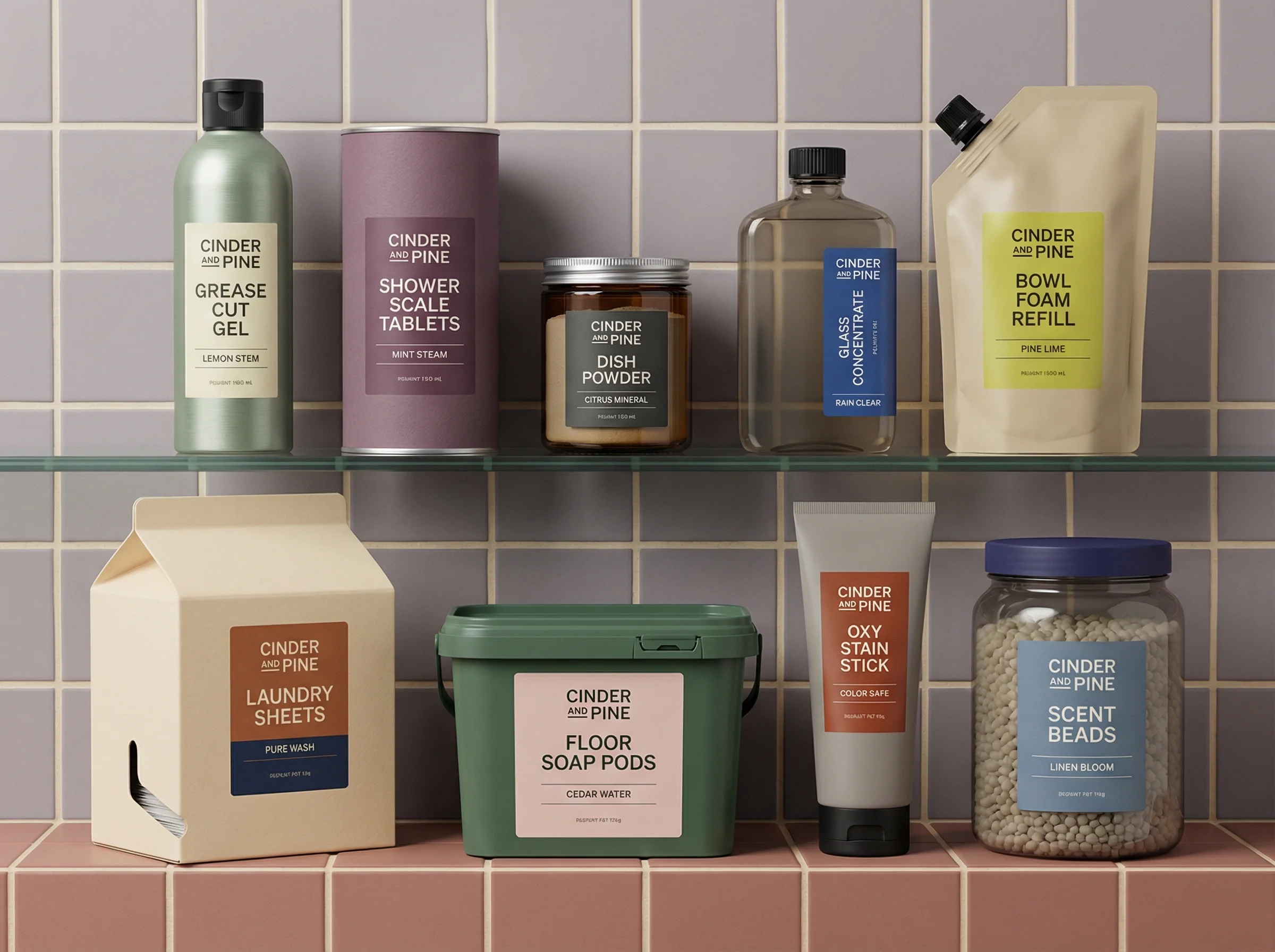
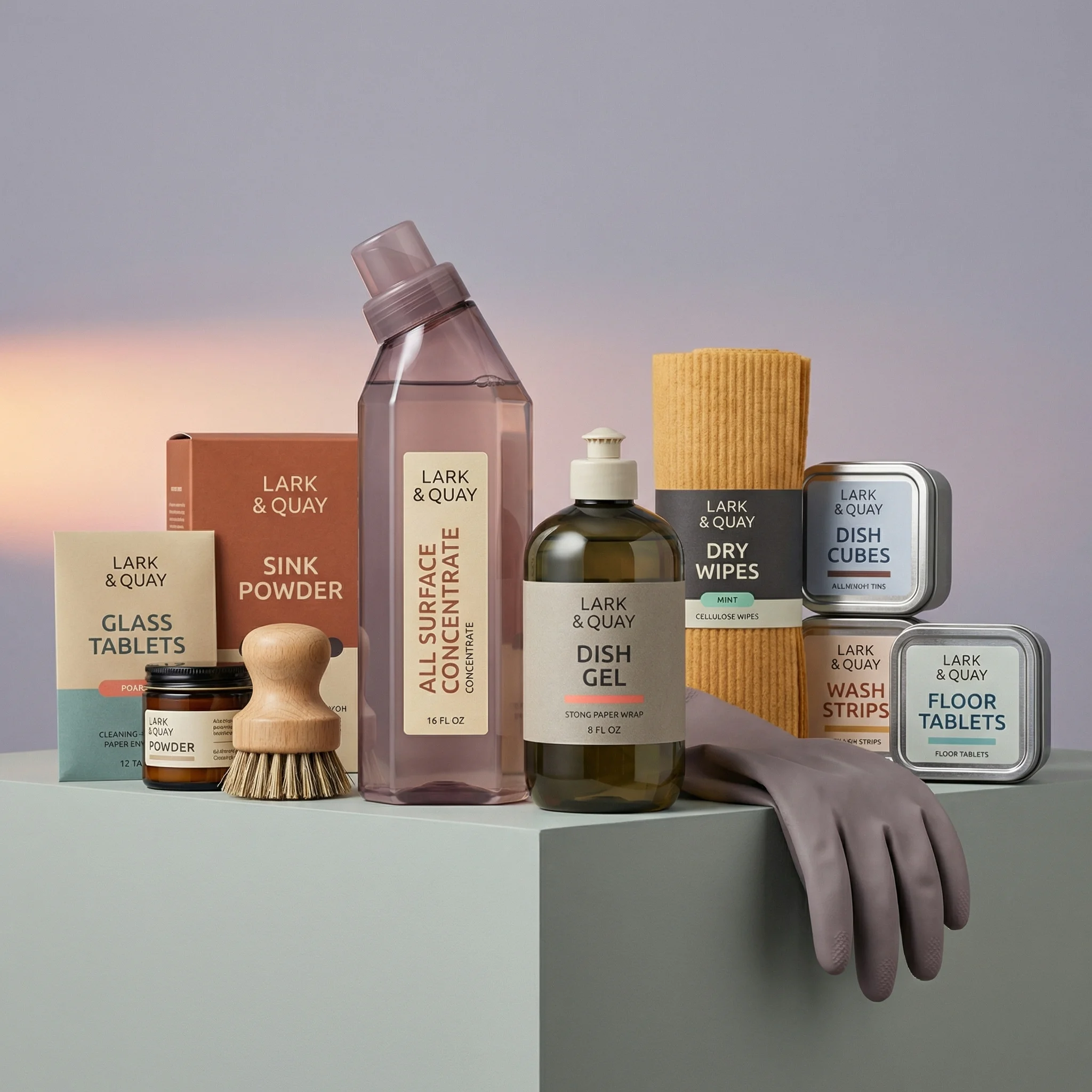
A coordinated product range shows scalable multi-SKU merchandising.
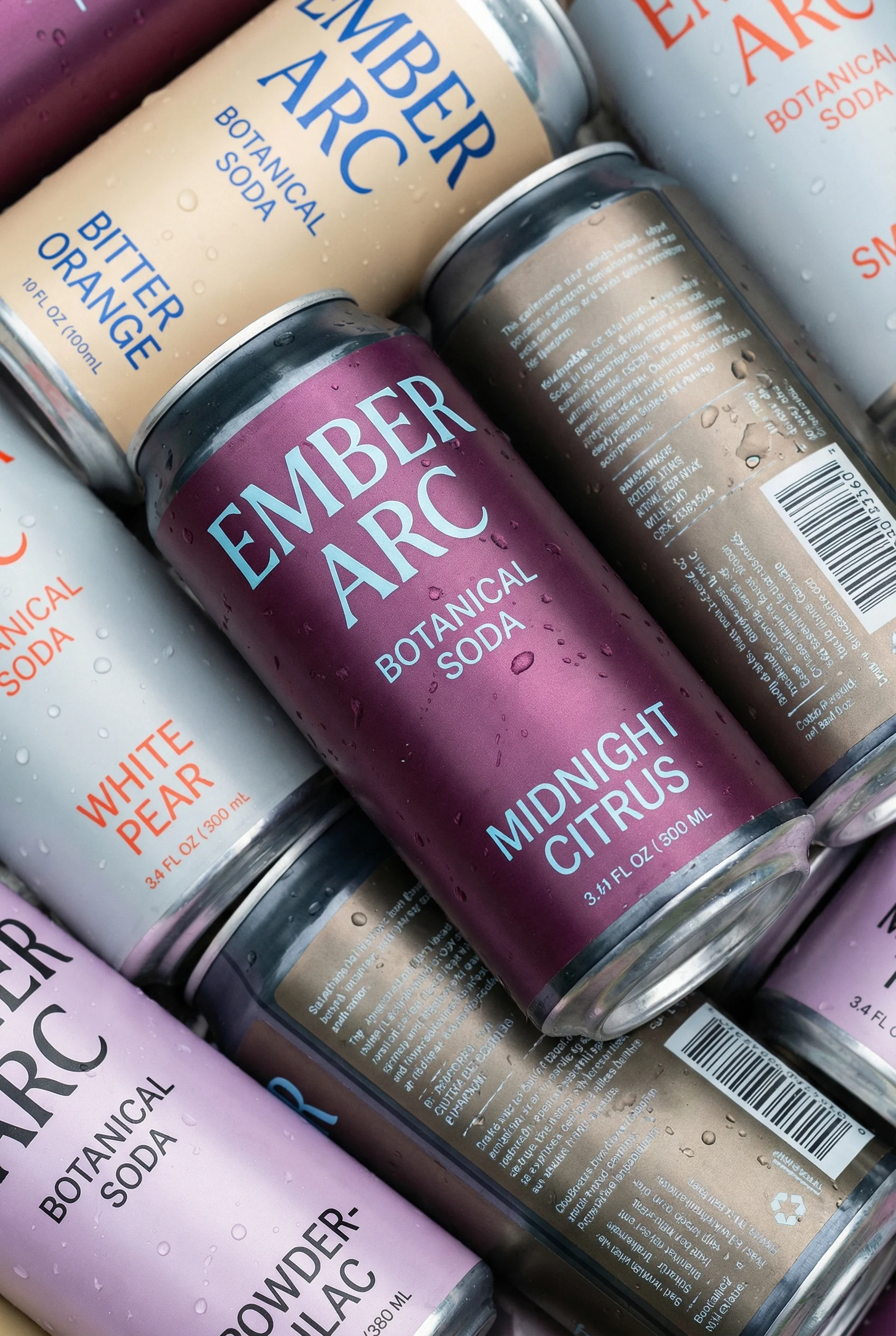
Assorted cans demonstrate repeatable variant production across flavors.
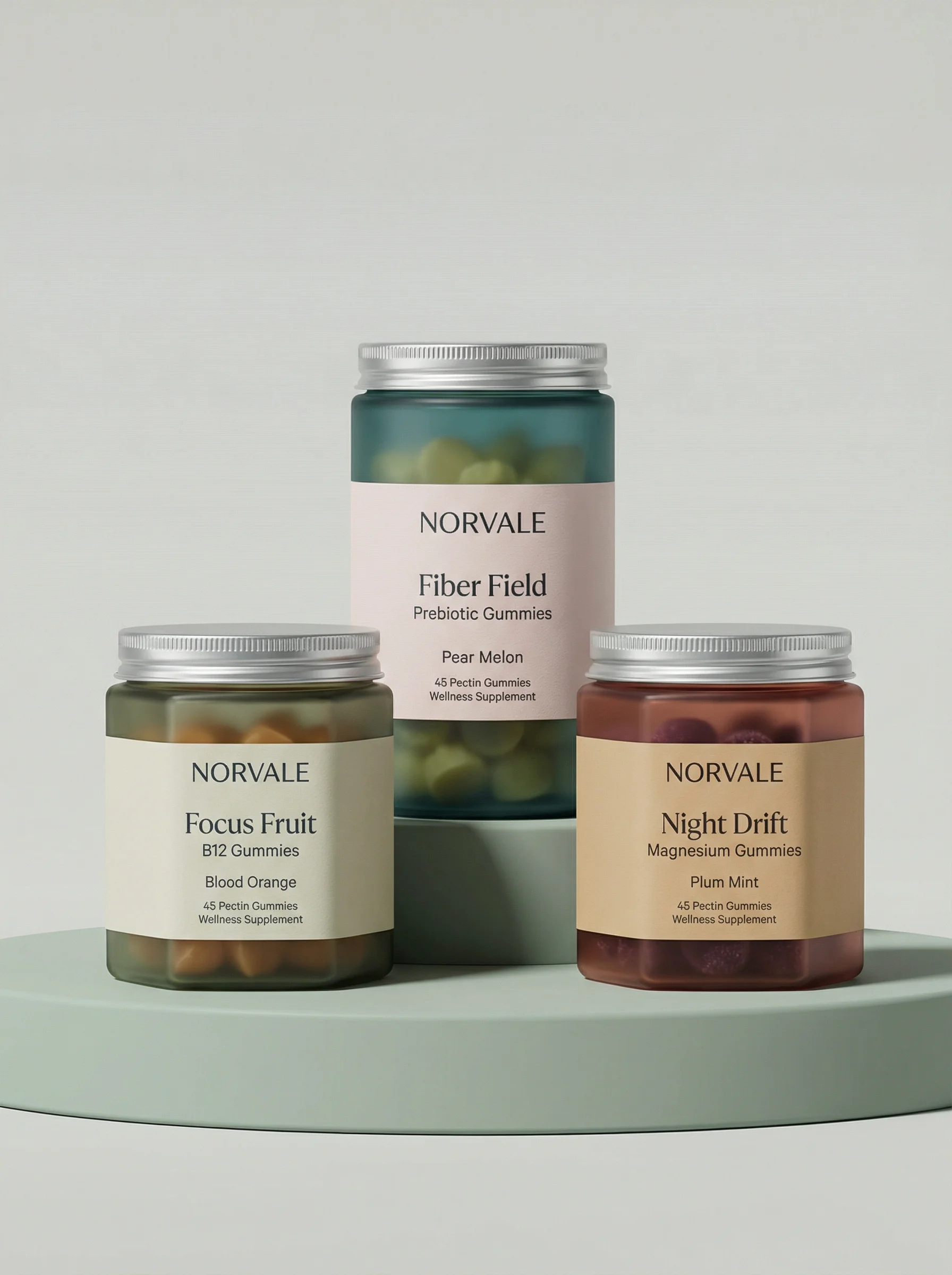
A three-product setup reinforces batch creation for related SKUs.
Build repeatable creative modules
Scaling ecommerce creative production is not the same as making more files. The aim is to produce more useful assets without losing product accuracy, brand consistency, or review discipline across SKUs, channels, and teams.
The strongest operating model has five reusable layers: product truth, scene systems, style systems, model access, and edit rules. Once those layers are defined, new assets become controlled variations rather than disconnected one-off requests.
This guide sits next to the channel guides for ecommerce ad creative examples, Meta ad creative examples, and TikTok product ad examples. Use those to define demand; use this workflow to keep the production queue from becoming a pile of urgent one-offs.
Visual playbook
Creative modules that scale across catalogs
Start with formats that repeat naturally across products, then vary the product, Scene, Style, crop, and channel.
Variant coverage
Mini-brief: make a flavor, color, or size system scalable enough that each SKU can be swapped in without rebuilding the layout or review checklist.
Use when: Use for collection pages, launch merchandising, paid social carousels, and email product blocks.
Prompt cue
Create a clean product family image using these snack pouches. Preserve each variant color, label, package shape, and product count. Use the same composition for the next 12 variant exports.
Consistent collection layout
Mini-brief: standardize the shelf, lineup, or hero grid so teams can compare products without debating art direction on every request.
Use when: Use for PDP galleries, category headers, bundle modules, and brand merchandising tiles.
Prompt cue
Arrange this skincare range in a consistent shelf-style composition with soft light, clear label visibility, balanced product spacing, and the approved skincare Style. Leave crop-safe room for PDP and email exports.
Assortment campaign asset
Mini-brief: create a campaign module that can absorb new SKUs, seasonal props, or channel crops while keeping every product traceable to its source reference.
Use when: Use for seasonal launches, paid social refreshes, homepage campaigns, and lifecycle marketing.
Prompt cue
Create a chilled beverage assortment Scene with all supplied cans visible, variant colors preserved, realistic condensation, and no invented label copy. Generate 1:1, 4:5, 9:16, and email crops only after the master image passes product review.
Production operating model
Choose the right approach
Scale without losing control
A scalable creative system needs defined inputs, repeatable execution, and review standards that do not change by requester.
| System layer | What to standardize | Review standard |
|---|---|---|
| Product source library | Product references, side views, packaging artwork, variant data, approved claims, logo files, and usage restrictions. | Every request should start from current source material rather than scattered files or old campaign exports. |
| Scene library | Riverflow brand-safe Scenes for common ecommerce contexts, plus owned Scenes from the brand's own photoshoots. | Teams should know whether a request needs a new physical shoot, a library Scene, or an owned Scene reuse. |
| Styles | Lighting, camera distance, surface treatment, composition, category mood, and shot-type consistency. | A product should feel like the same brand as it moves across lifestyle, hero, collection, and ad formats. |
| Images model access | When to use text-to-image or image-to-image with Riverflow 2.0 Pro, Google's Nano Banana 2, or OpenAI GPT-Image-2. | Model choice should be deliberate, and outputs should still pass product, brand, and channel review. |
| Editing rules | Angle variants, aspect-ratio adaptation, product detail repair, product swaps, safe areas, and crop handoff. | Teams should use targeted edits before restarting generation or requesting a new shoot. |
Define production roles and SLAs
Scale breaks when every request depends on the same senior reviewer or when nobody owns the decision to reject an asset. Assign roles by decision type, not by file handoff.
Choose the right approach
Creative production operating roles
A lightweight ownership map makes high-volume creative faster because reviewers know what they are approving.
| Role | Owns | SLA target |
|---|---|---|
| Requester | Campaign goal, audience, channel, due date, required formats, product SKUs, and business priority. | Complete intake before production starts; same-day clarification for blocked requests. |
| Creative lead | Module choice, Scene direction, Style fit, hierarchy, and whether the request needs bespoke work or reusable production. | First concept direction within 1 business day for standard modules. |
| Product owner | SKU accuracy, variant details, pack count, packaging artwork, ingredient or material details, and product-page match. | Product review within 1 business day for standard batches. |
| Brand reviewer | Tone, typography, color, logo use, layout consistency, and whether the asset fits the broader brand system. | Brand review within 1 business day after product accuracy passes. |
| Claims or legal reviewer | Discount terms, review quotes, before-after claims, comparison language, certifications, and regulated category notes. | Review before media handoff; no silent approval for claim changes. |
| Channel owner | Safe areas, crop ratios, destination rules, naming, UTM or campaign handoff, and placement fit. | Final export check on the day assets are handed to media, lifecycle, or ecommerce teams. |
For production-ready approval criteria, connect this role model to the production-ready AI creative guide. The role split matters most when an asset is visually strong but commercially unsafe.
Intake, queue, and escalation rules
Choose the right approach
Scaled creative queue rules
Use these rules to keep throughput high without letting urgent work erase quality.
| Scenario | Queue rule | Why it matters | Escalation path |
|---|---|---|---|
| No source, no start | Requests must include current product references, packaging artwork, claims, variants, and destination formats. | Missing inputs cause rework later. | Return to requester with the exact missing fields. |
| One module per batch | A batch should have one production pattern: hero, bundle, routine, proof, launch, retargeting, or seasonal refresh. | Mixed batches make review and performance learning unclear. | Split into separate tickets or briefs. |
| Edit before regenerate | If the idea is approved but the crop, angle, product detail, or SKU is wrong, use targeted Editing. | Regenerating burns time and can lose what already worked. | Creative lead decides whether to edit, regenerate, or shoot. |
| Block on product accuracy | Brand polish cannot compensate for wrong packaging, variant, scale, or included items. | Product errors create campaign, PDP, and support risk. | Product owner has veto until the source truth is corrected. |
| Measure module health | Track approval rate, revision count, cycle time, channel rejections, and performance reuse by module. | Scale should reduce repeated decisions over time. | Retire or rewrite modules that keep failing review or performance. |
Riverflow workflow
How this works in Riverflow
Riverflow supports a scaled workflow by separating source truth, scene adaptation, model generation, and final edits.
Photoshoots
Adapt products into repeatable Scenes
Use Scenes from Riverflow's extensive brand-safe library or bring owned Scenes from your own photoshoots, then adapt those scenes to different products. Styles help keep the same brand system consistent across different scenes and shot types.
Images
Use model access where exploration helps
Images gives teams access to powerful text-to-image and image-to-image models: Riverflow 2.0 Pro, Google's Nano Banana 2, and OpenAI GPT-Image-2. Use this layer for concept range, transformations, and image generation that still follows product rules.
Editing
Turn approved assets into more deliverables
Editing works across Photoshoots and Images, including 9 angle variants, natural aspect-ratio changes with center-point adjustment, product detail fixes with Riverflow 2.0 Reference-Based Super Resolution that agentically finds and updates artwork in place without altering the rest of the image, and Swap product for replacing a product in an existing image.
Scaling checklist
Before you publish
Put this in place before increasing creative volume
- Create a current source library for every active SKU and variant, including packaging artwork and detail references.
- Tag which environments are Riverflow brand-safe Scenes, owned Scenes from your shoots, or scenes that still need physical capture.
- Define Styles for recurring category treatments, shot types, surfaces, lighting, and product hierarchy.
- Define reusable modules for product hero, feature spotlight, bundle, routine, proof, launch, retargeting, and seasonal creative.
- Attach brand rules to every request: colors, fonts, logo treatment, tone, claims, and off-limits props.
- Plan destination formats early, including PDP, Shopify, Google Shopping, Meta, TikTok, email, landing page, and organic social.
- Choose when to use Photoshoots, when to use Images, and when Editing can finish the job.
- Review every output for product accuracy, brand consistency, typography, claims, and channel fit.
- Store final assets with clear names, source references, Scenes, Styles, models, prompts, edits, versions, and approval notes.
For repeatable channel planning, connect the brief to concrete requirements such as the Shopify product image guide, Google Shopping image requirements, Meta ad image sizes, and TikTok Shop image guide.
What to measure as production scales
Creative scale should improve cycle time and learning quality, not just increase output count.
Before you publish
Production health metrics
- Brief completeness rate: how often requests arrive with product source, claims, channel formats, and success criteria.
- First-pass approval rate by module, channel, product category, and requester.
- Average revision count before product, brand, claims, and channel approval.
- Cycle time from accepted brief to first review, final approval, and channel handoff.
- Percentage of final assets reused across PDP, paid social, email, lifecycle, marketplace, or launch pages.
- Performance readout quality: whether each batch had a control, one test variable, and a usable decision.
Riverflow prompt recipe
Create it in Riverflow
Riverflow prompt recipe
Use this structure to turn the strategy into a specific creative brief that keeps the product accurate and the scene useful.
- 1
Input
Attach product references, variant list, packaging artwork, brand rules, approved claims, destination channels, and the creative module you want to scale.
- 2
Scene
Specify whether to use a Riverflow brand-safe Scene, an owned Scene from the brand's own photoshoot, or Images for a new text-to-image or image-to-image generation.
- 3
Style
Name the reusable Style that should hold across outputs: lighting, surface, camera distance, spacing, crop logic, and category mood.
- 4
Controls
Lock product accuracy, typography, copy length, layout hierarchy, crop requirements, claims, and any compliance notes.
- 5
Batch
Ask for a consistent set of outputs across SKUs, variants, or channels while preserving traceability to each product reference, Scene, Style, and model.
- 6
Finish
Use Editing to request angle variants, natural aspect-ratio changes, detail fixes, or product swaps only after the strongest output is selected.
Example prompt
Mistakes to avoid
Scaling before defining quality.
Agree on product accuracy, Scene choice, Style, typography, claims, and channel readiness before increasing creative volume.
Treating every campaign as completely unique.
Reserve bespoke work for true hero moments and use proven modules, Scenes, and Styles for recurring ecommerce needs.
Letting AI outputs become untraceable files.
Store each approved asset with its source product, Scene, Style, model, prompt, edit history, export settings, and approval notes.
Designing one asset first and forcing channels later.
Brief aspect ratios, safe zones, mobile legibility, and destination rules before generation starts.
Restarting generation for small production changes.
Use Editing for angle variants, aspect-ratio changes, product detail fixes, and product swaps when the asset is otherwise approved.
Operator FAQ
What should block a creative request from entering production?+
Block the request when the SKU, packaging reference, claim approval, destination formats, audience, or business priority is missing. Starting anyway usually moves the delay into review.
When should a team create a new module instead of fulfilling a one-off request?+
Create a module when the request will recur across SKUs, channels, launches, or seasonal refreshes. Keep one-off work for true hero moments or genuinely new creative strategy.
How do we keep AI production from becoming unreviewable?+
Store source references, Scene, Style, model, prompt, edits, crop specs, and approval notes with the final file. Reviewers should be able to explain why an asset was approved months later.
What does Riverflow change operationally?+
Riverflow lets teams separate product source truth, Scene adaptation, model exploration, and targeted Editing, so production can scale through controlled modules instead of ad hoc prompt retries.
Start creating
Get started with on-brand visuals
Turn guide ideas into product-accurate creative in Riverflow, using your brand, products, scenes, styles, and channel crops from the start.
Your catalog into campaign-ready Creative
Riverflow connects your products, brand rules and creative workflows so your team can create on-brand photoshoots, ads, videos and edits across every campaign.