Guide
Ecommerce Ad Creative Examples for Product Campaigns
A practical guide to ecommerce ad creative examples that help brands turn product context into clearer, more useful campaigns.
- Guides
- Ad Creative

Examples
Scenes from the Riverflow library
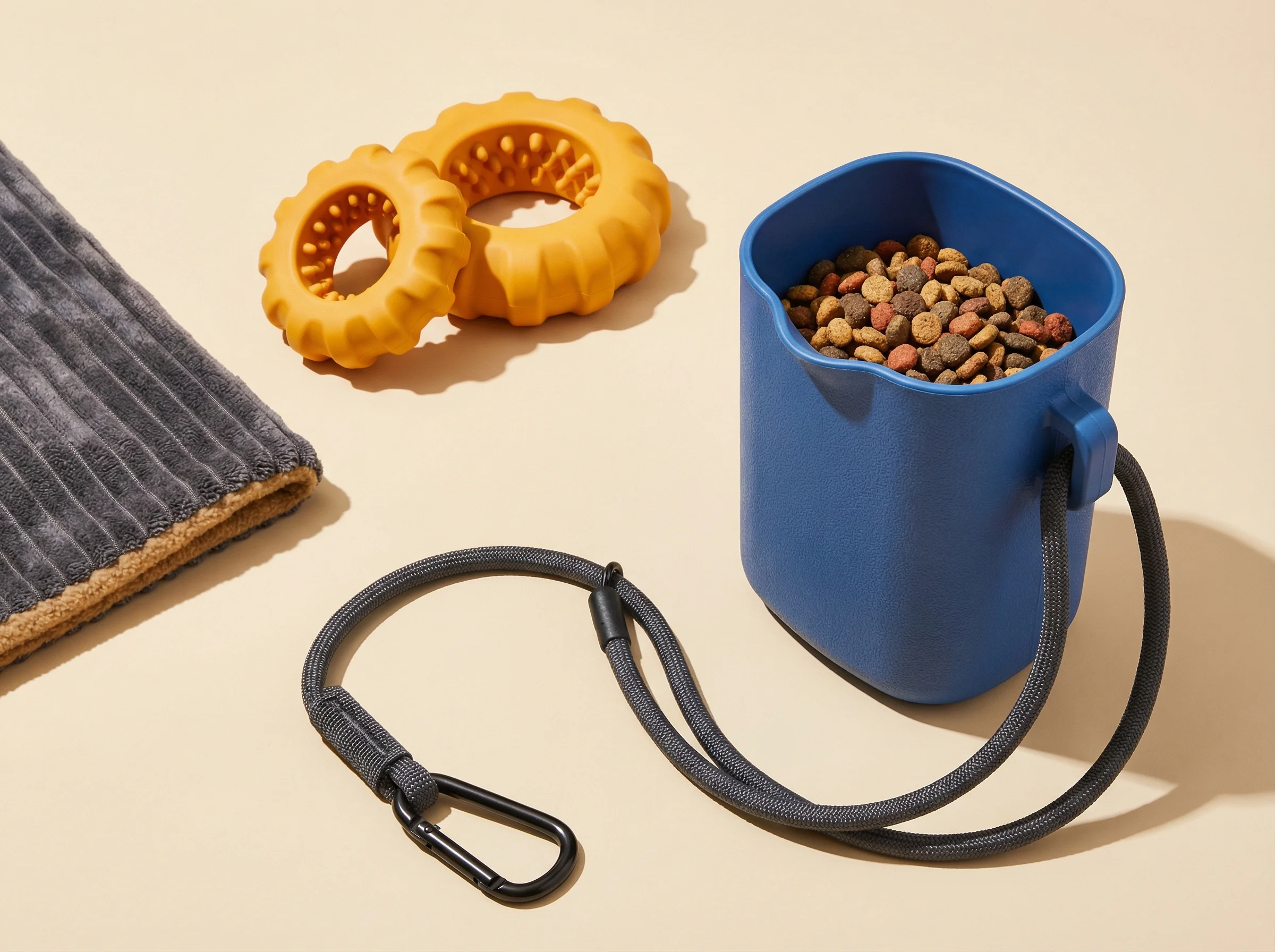
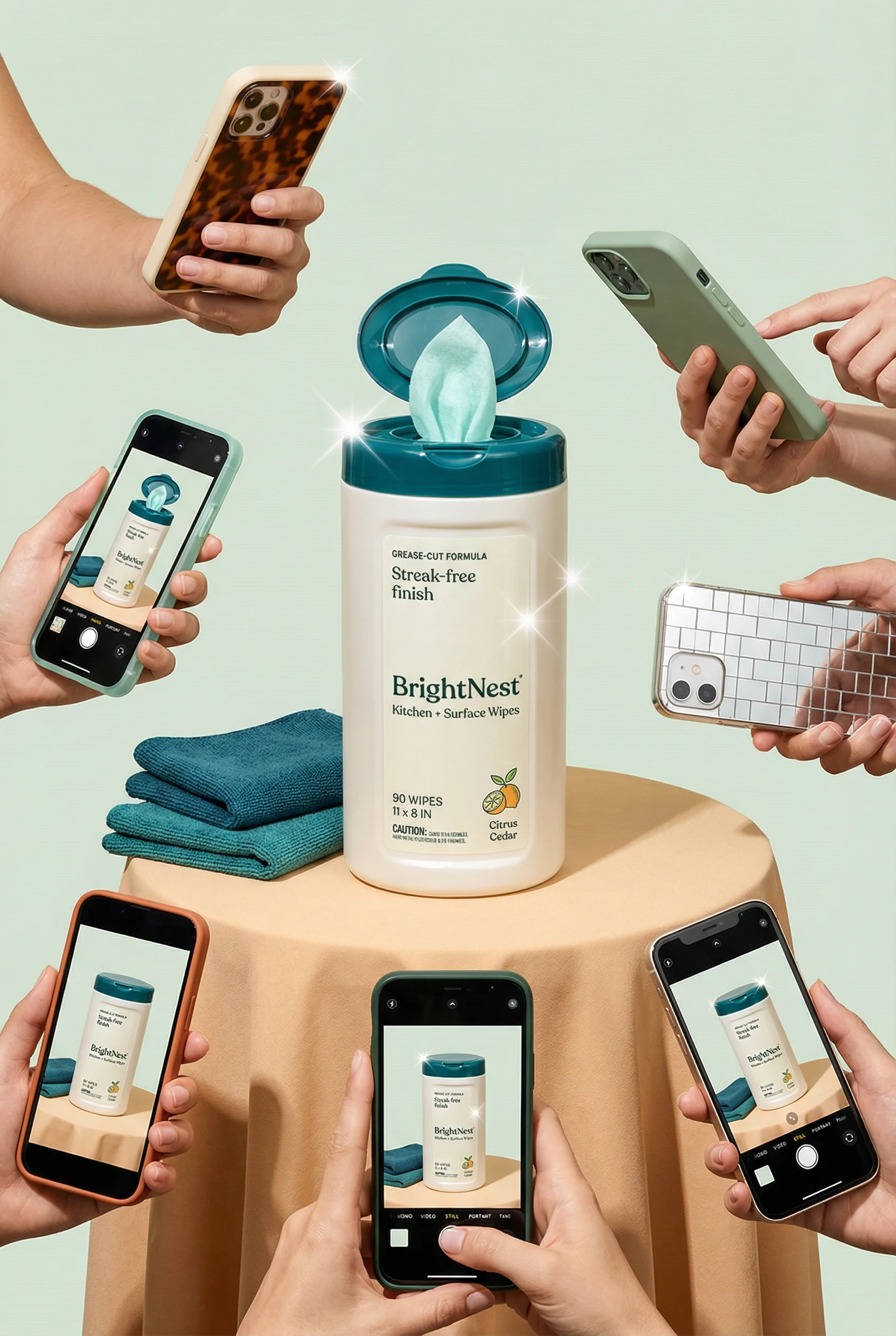
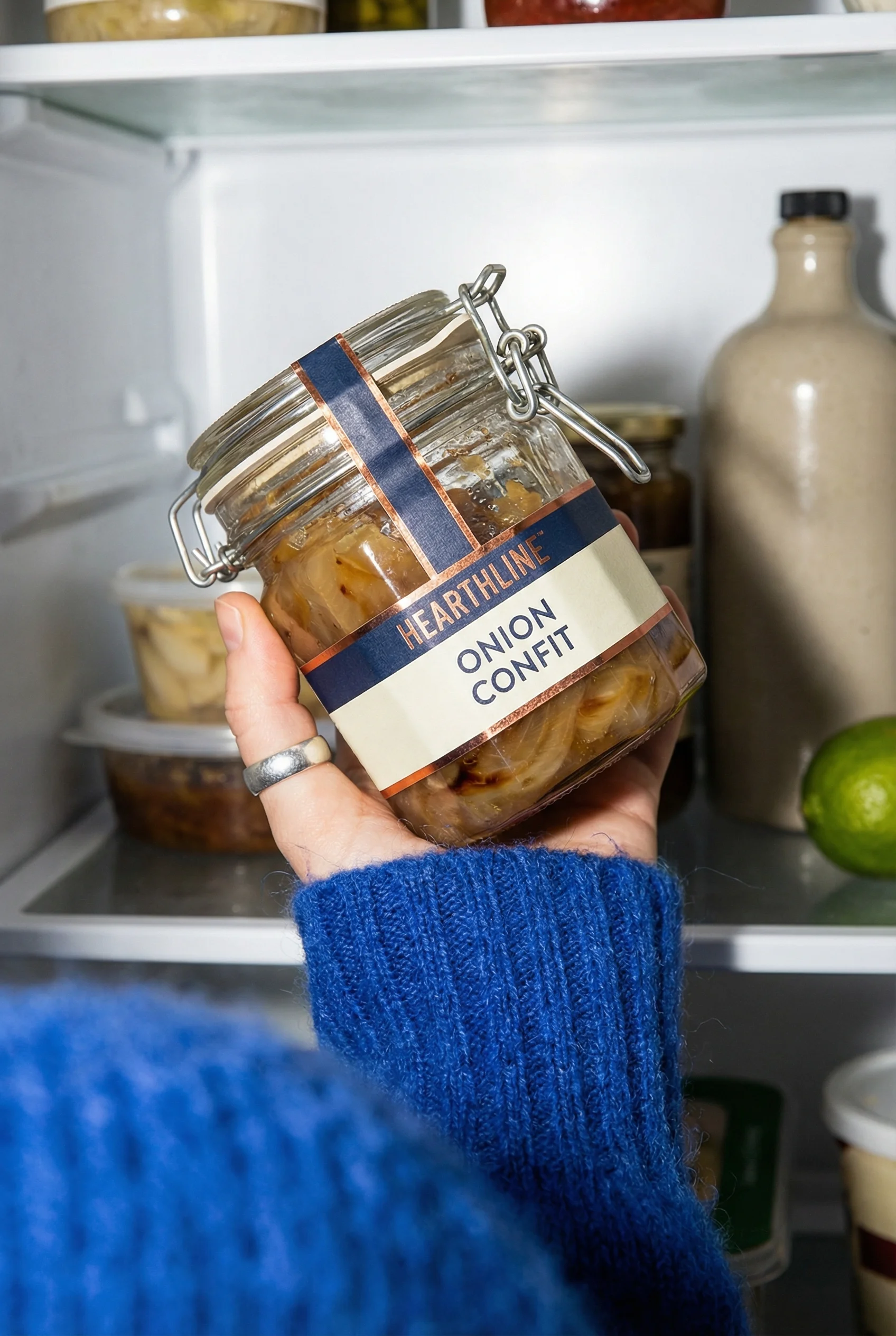
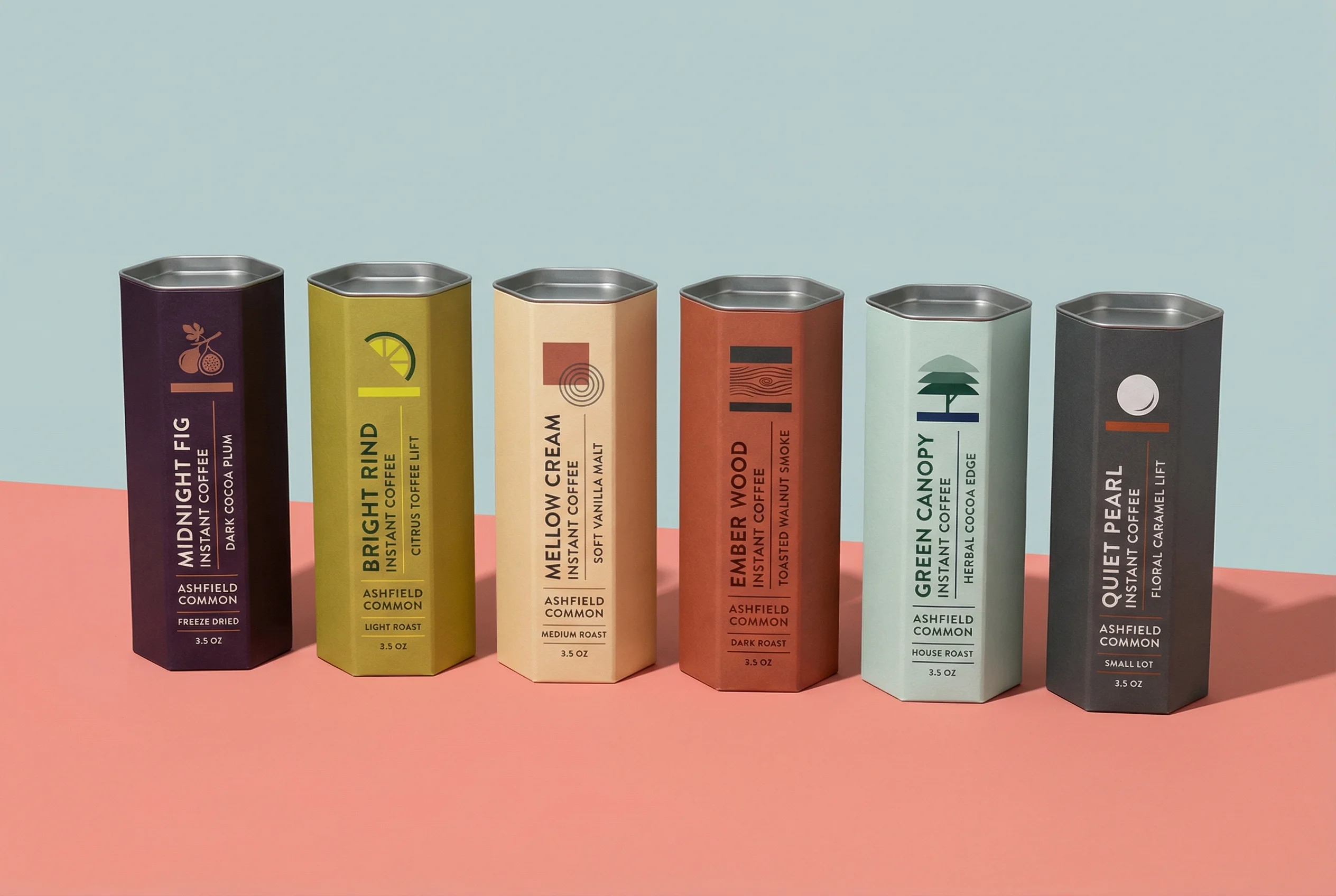
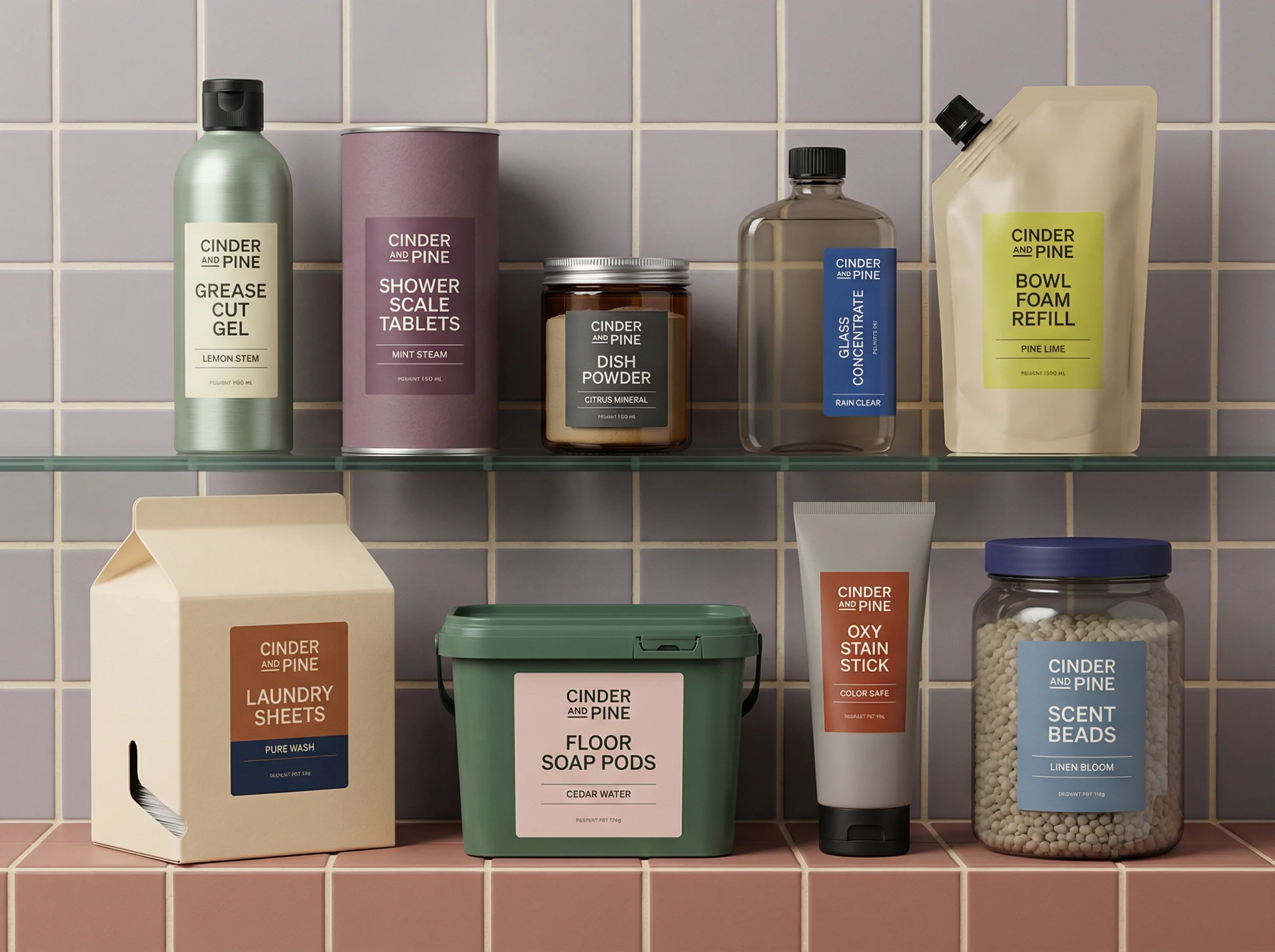
Bundle-style flat lay that works for collection and cross-sell ads.
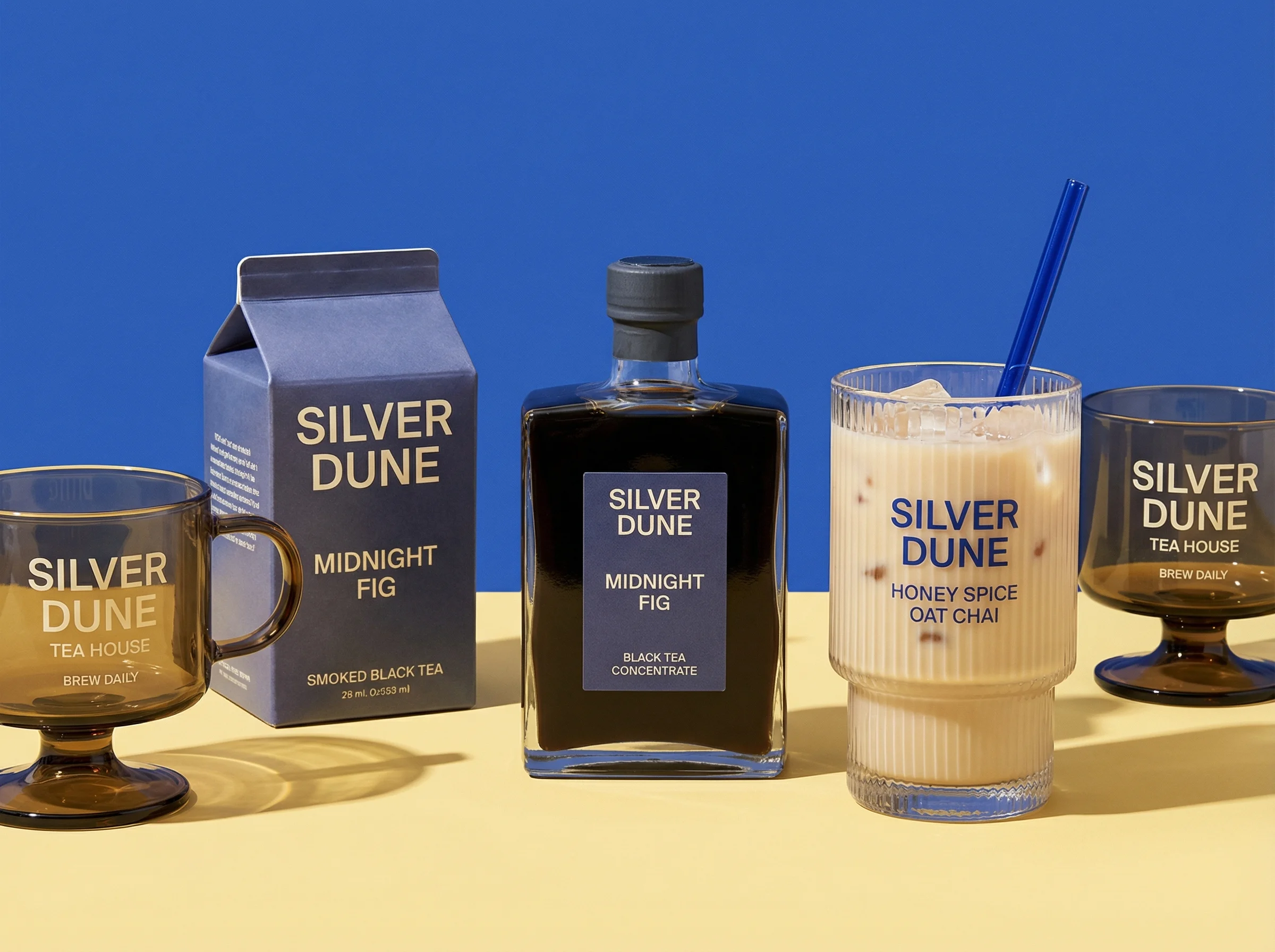
Bold color-blocked still life for flavor or variant messaging.
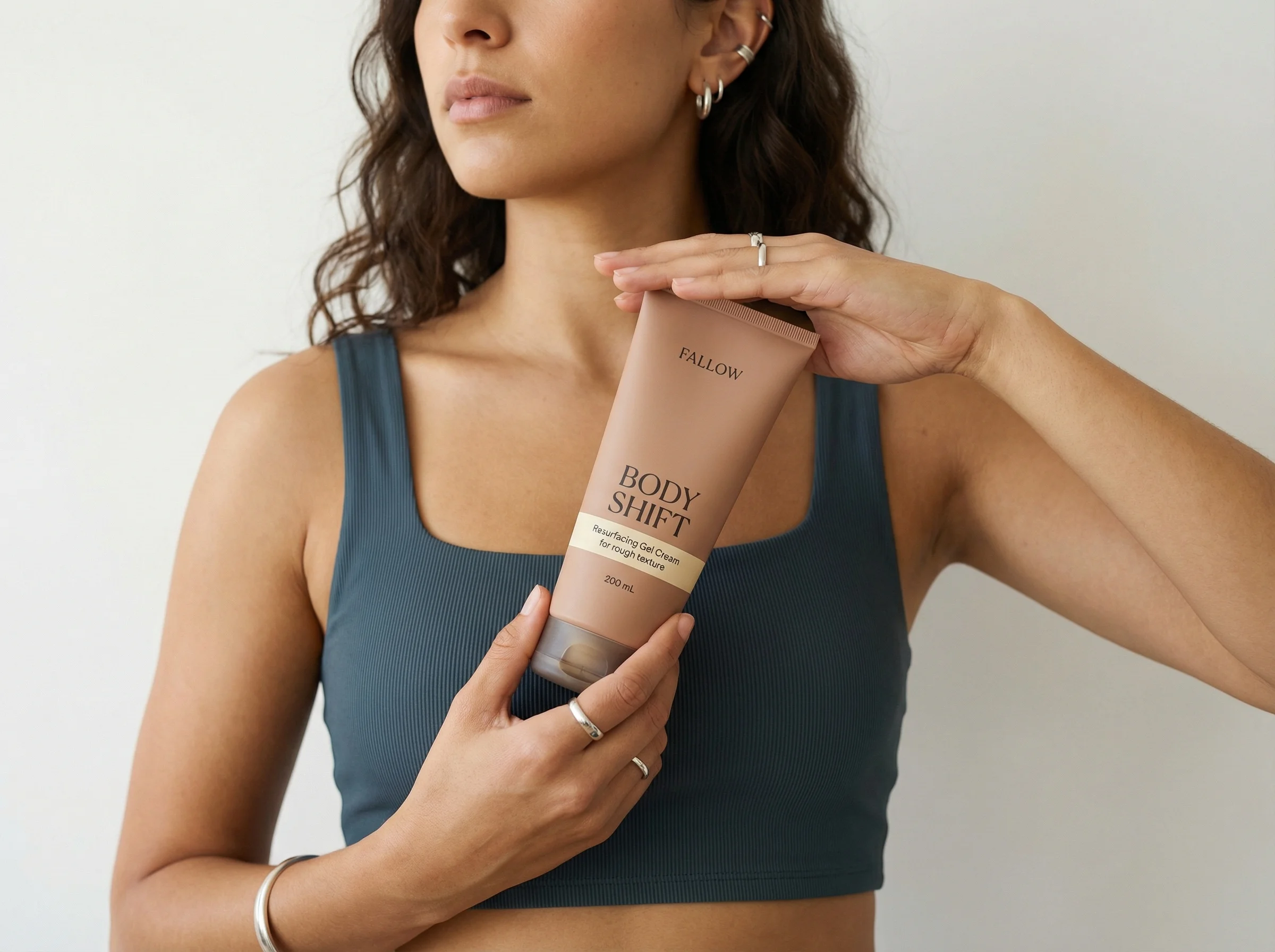
Lifestyle crop that keeps the pack visible while adding human context.
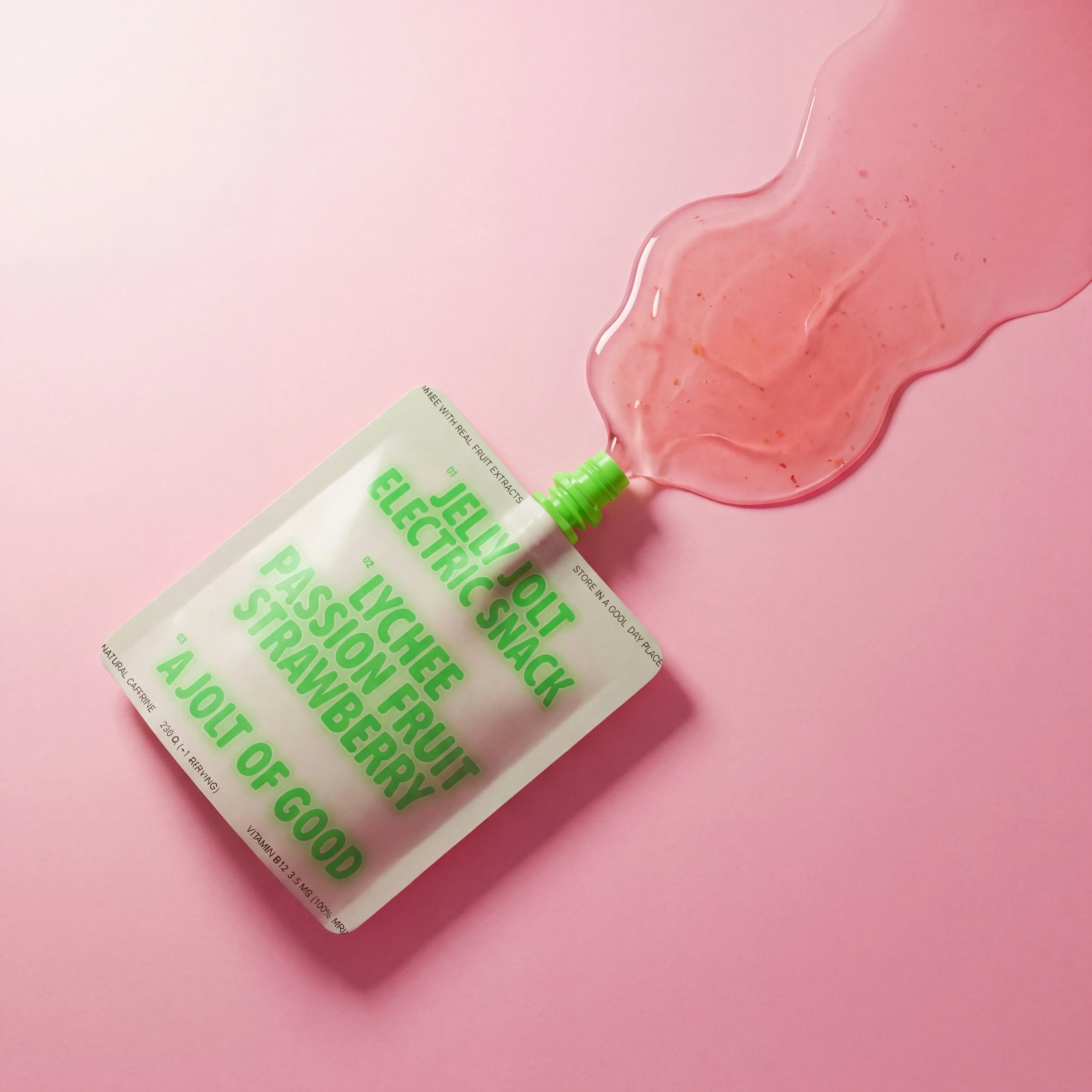
Product-first snack visual with texture cues for simple performance creative.

Refined accessory still life for premium, giftable, or collection-led ad angles.
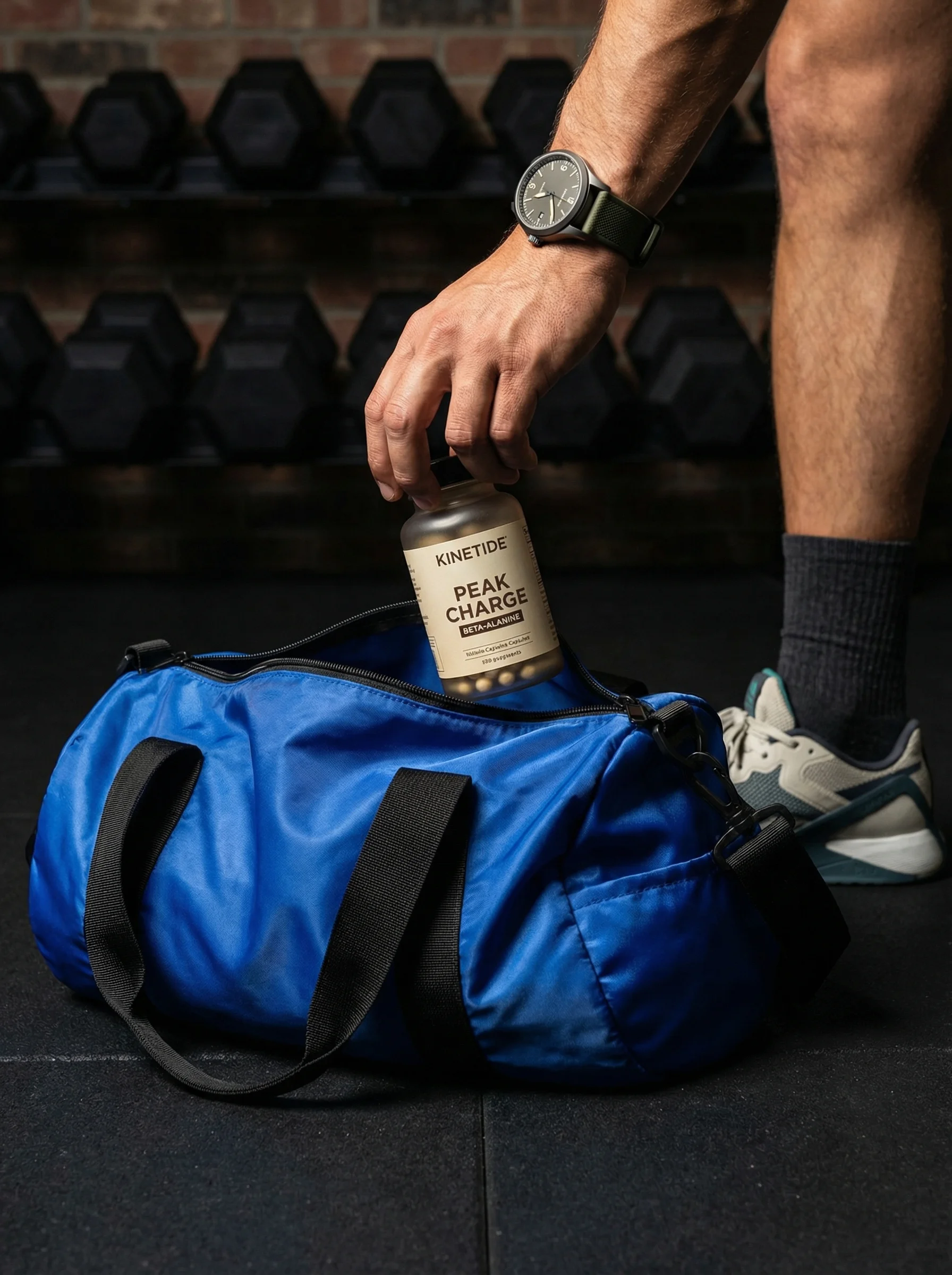
Action-oriented lifestyle crop that connects product use to a specific routine.
Ecommerce ad creative has a short window to build confidence. Polish helps, but the asset still has to show the product, explain the value, and match the item a shopper will see on the product page.
For creative teams, the pressure is volume. One campaign may need prospecting, retargeting, launch, seasonal, bundle, and channel-specific variants. The playbook below turns the same product truth into multiple useful ad angles without loosening the brand system. If you are planning channel-specific versions, pair this with the Meta ad creative examples, TikTok product ad examples, and product launch ad ideas guides.
In Riverflow, that means treating concepts, source scenes, and final edits as one workflow. Photoshoots helps teams adapt products into brand-safe Scenes, Images helps generate or transform assets when a campaign needs a new starting point, and Editing helps turn approved ideas into the formats a media plan actually needs.
Ecommerce ad creative examples
Visual playbook
Product campaign visual plays
Use these examples as modular building blocks. Each one can be adapted into square, portrait feed, and vertical story crops.
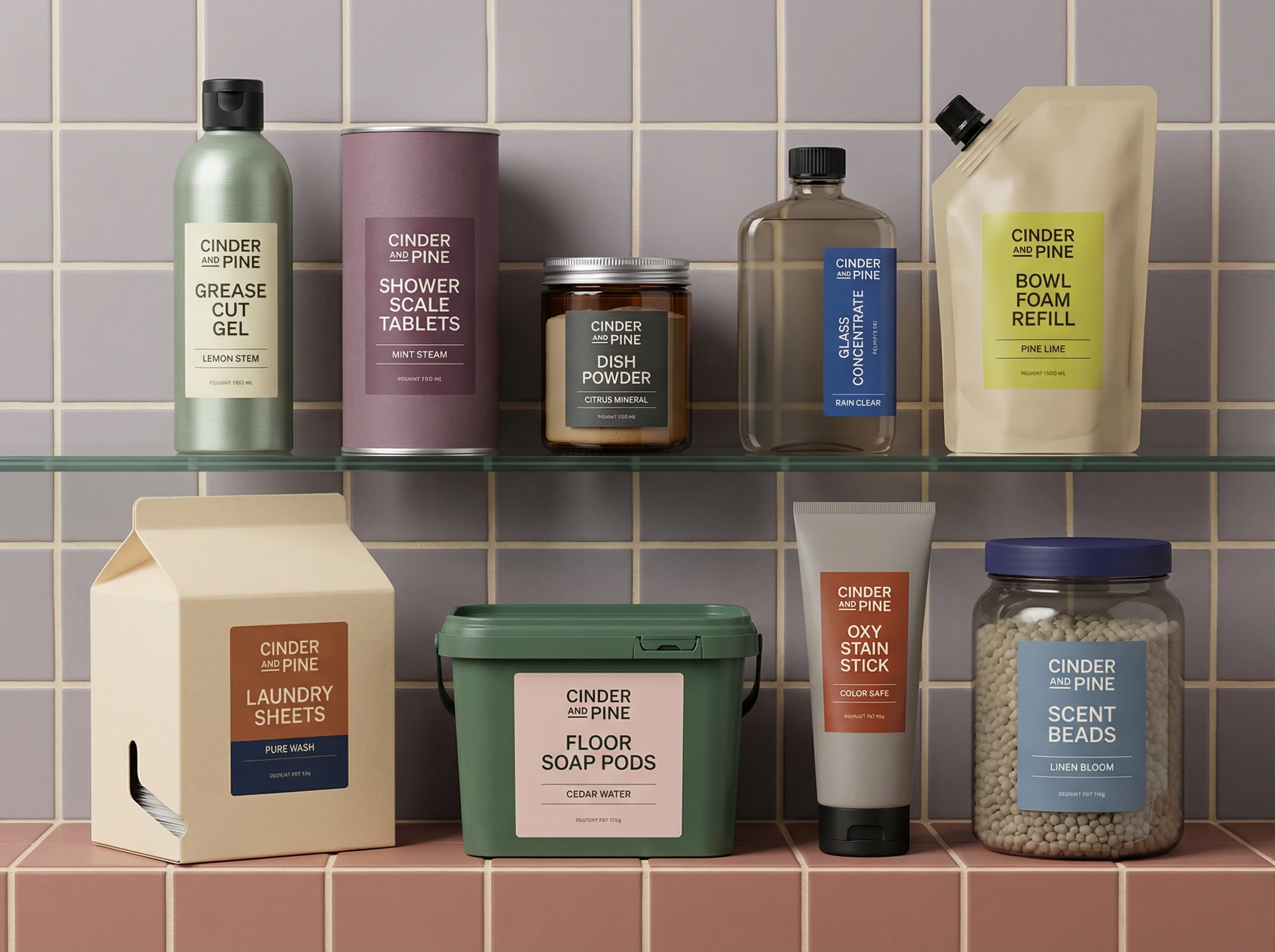
Product-first studio creative
Mini-brief: prove the shopper can identify the SKU, category, and main benefit before reading the caption. Use this as the control asset for more expressive tests.
Use when: Use for prospecting, evergreen paid social, marketplace-ad consistency, and new SKU introductions.
Prompt cue
Create a product-first ecommerce ad with the pack large, the label accurate, one benefit headline, and a restrained brand background. Hold product size and offer constant across three headline tests.
Bundle and cross-sell flat lay
Mini-brief: make the commercial structure visible. The viewer should understand what is included, which item leads the offer, and why the set belongs together.
Use when: Use for bundles, starter kits, gift sets, subscription boxes, and products commonly bought together.
Prompt cue
Create a bundle ad flat lay showing every included item clearly, with short labels for each role, one bundle value headline, and no misleading extra products.
Variant or flavor system
Mini-brief: help the shopper choose. Treat color, flavor, scent, size, or finish as the decision point, not background decoration.
Use when: Use for flavors, scents, colors, sizes, finishes, and limited seasonal ranges.
Prompt cue
Create a variant-led ecommerce ad showing three flavors in a consistent lineup, with accurate colors, readable packaging, and one collection headline. Keep the layout fixed while testing which variant leads.
Human-scale lifestyle crop
Mini-brief: reduce uncertainty about size, texture, handling, or routine fit. The person is evidence for the product, not the main subject.
Use when: Use when product scale, routine, feel, or application method influences purchase confidence.
Prompt cue
Create a lifestyle ecommerce ad where a person holds the product naturally, the tube remains readable, and the scene communicates one routine benefit. Reject versions where the hand hides the label or changes scale.
Use-case action moment
Mini-brief: attach the product to one buying moment, such as commute, gym bag, lunchbox, bathroom shelf, gifting, or restock.
Use when: Use for wellness, sports, food, travel, home, and products bought for a specific moment.
Prompt cue
Create an action-oriented ecommerce ad showing the product in a gym bag routine, with the pack visible and one short use-case headline. Produce variants for pre-workout, post-workout, and travel use without changing the SKU.
Choose the right creative angle
Choose the right approach
Ecommerce ad creative matrix
Match the image format to the shopper question the ad needs to answer.
| Scenario | Best use | Creative note |
|---|---|---|
| Product-first | When shoppers need to understand the product quickly. | Use a clear packshot, restrained background, and one benefit-led line. |
| Problem and solution | When the product solves a concrete daily friction. | Make the problem visual and specific, then let the product feel like the natural next step. |
| Bundle or routine | When multiple products need to be understood together. | Show every included item clearly and avoid implying extras that are not part of the offer. |
| Social proof | When approved customer language can reduce purchase uncertainty. | Use one short quote and pair it with the product context that supports the claim. |
| Lifestyle context | When the shopper needs to know where the product belongs. | Keep the product as the focal point, not a small prop inside a beautiful scene. |
What to test and hold constant
Performance learning gets muddy when the team changes the product, crop, message, offer, and audience at the same time. Treat each ecommerce ad example as a small experiment with a control asset and one deliberate creative variable.
Choose the right approach
Creative testing plan
Use this to brief media buyers, designers, and reviewers on what the test is allowed to change.
| Scenario | Test variable | Hold constant | Read the result as |
|---|---|---|---|
| Message angle | Benefit, problem, use case, review quote, ingredient, routine, or offer framing. | Same product image, crop, audience, placement, price, and landing page. | Which reason to care is most legible for this audience. |
| Visual context | Studio, lifestyle, flat lay, human-scale crop, routine, or seasonal Scene. | Same headline, product, offer, audience, and channel crop. | Whether the shopper needs more context or more product clarity. |
| Product hierarchy | Hero SKU, bundle lead item, variant order, pack count, or product scale. | Same background, copy, offer, placement, and landing page. | Which product read drives attention without confusing the offer. |
| Proof format | Approved review, press line, ingredient proof, comparison, founder note, or usage stat. | Same product, layout, audience, and claim approval path. | Which trust signal reduces hesitation. |
| Crop and placement | 1:1, 4:5, 9:16, story-safe, carousel card, or email module. | Same concept, product, message, and offer. | Whether performance is limited by format fit rather than the idea itself. |
If the product detail itself is failing review, fix that before interpreting media results. The production-ready AI creative and product consistency in AI images guides are useful companion checks for that part of the workflow.
Ecommerce ad creative checklist
Before you publish
Creative quality checklist
- The product is recognizable at mobile size.
- The main benefit is understandable without reading a long caption.
- Packaging text, logos, labels, and product count are accurate.
- The product color, material, and scale match the SKU.
- The crop works for the intended channel and placement.
- The ad has one primary message, not several competing claims.
- Any discount, customer quote, ingredient, performance, or comparison claim is approved.
- The visual style matches the product page and broader brand system.
Fatigue signals and refresh decisions
Creative fatigue is not always a sign that the concept is bad. Sometimes the audience has simply seen the same visual structure too often; sometimes the ad is attracting attention but not setting up the landing page well enough.
Choose the right approach
When to refresh ecommerce ad creative
Use performance and review signals together before deciding whether to edit, regenerate, or retire an asset.
| Scenario | Signal | Refresh decision |
|---|---|---|
| CTR falls while conversion rate holds | The product and offer may still be working, but the hook is less novel. | Refresh the first read: headline, crop, Scene, or product hierarchy while holding the landing page and offer constant. |
| CTR holds while conversion rate drops | The ad may be promising something the page does not support. | Check claim, product variant, discount, bundle contents, and page match before making more creative. |
| Frequency rises and comments repeat objections | The same hesitation is showing up after exposure. | Add objection-led retargeting creative, such as scale, texture, ingredient, shipping, guarantee, or bundle explanation. |
| Reviewers keep debating the same asset | The brief is underspecified. | Add rejection criteria for product accuracy, claim approval, crop safety, and brand fit before expanding the batch. |
Riverflow prompt recipe
Riverflow workflow
How this works in Riverflow
Use the creative matrix as a production plan, then keep every asset tied to the same product source.
Photoshoots
Build concept families from Scenes
Choose Scenes from Riverflow's brand-safe library or bring in Scenes from your own photoshoots, adapt those scenes to the product, and apply Styles so product-first, bundle, and lifestyle shots stay consistent.
Images
Generate and transform starting points
Use Riverflow 2.0 Pro, Google's Nano Banana 2, or OpenAI GPT-Image-2 for text-to-image and image-to-image exploration when the campaign needs new backgrounds, layouts, or source transformations.
Editing
Turn approved ideas into variants
Generate 9 angle variants, change aspect ratio while keeping the image natural and adjusting the center point, use Riverflow 2.0 Reference-Based Super Resolution to update product artwork in place without changing the rest of the image, or swap a product into an existing high-performing image.
Create it in Riverflow
Create a repeatable ecommerce ad system in Riverflow
Use this structure to turn the strategy into a specific creative brief that keeps the product accurate and the scene useful.
- 1
Input
Upload the approved product source, brand rules, exact SKU or variant, and the campaign goal. Use a Photoshoots Scene when the concept needs lifestyle context.
- 2
Angle
Select one ad format per batch: product-first, problem-solution, bundle, social proof, lifestyle, or retargeting. Keep Styles consistent across related scenes.
- 3
Message
Write one concise headline that names the benefit, use case, or offer without stacking multiple claims.
- 4
Output
Generate controlled variants in the channel crops you need, then use Editing for angle options, aspect-ratio adaptation, product detail fixes, and final review before export.
Example prompt
Mistakes to avoid
Over-designing the ad until the shopper has to decode it.
Make the product, message, and next step obvious before adding decorative complexity.
Generating many unrelated concepts without a message system.
Use a small set of repeatable angles with controlled variations so the team can learn from results.
Letting generated visuals alter packaging, labels, features, or proportions.
Review each asset against the product page and approved source image before it enters a campaign.
Making every ad discount-led.
Balance offer creative with assets that communicate quality, use case, trust, and product value.
Operator FAQ
What should we hold constant when testing a new creative angle?+
Hold the product source, offer, landing page, audience, placement, and crop steady unless one of those is the stated test variable. Change the message or visual context on purpose, not by accident.
When should we refresh creative instead of changing the offer?+
Refresh creative when attention metrics decline but purchase quality is still healthy. Change the offer only after checking that the ad, product page, variant, bundle, and claim all match.
What should reviewers reject before an ad reaches media buying?+
Reject assets that alter packaging, hide the SKU, imply unapproved claims, add products not included in the offer, fail mobile legibility, or cannot be traced back to the approved product source.
Start creating
Get started with on-brand visuals
Turn guide ideas into product-accurate creative in Riverflow, using your brand, products, scenes, styles, and channel crops from the start.
Your catalog into campaign-ready Creative
Riverflow connects your products, brand rules and creative workflows so your team can create on-brand photoshoots, ads, videos and edits across every campaign.