Guide
AI Product Photography vs Traditional Photoshoots
A practical guide to choosing between AI product photography, traditional photoshoots, and hybrid creative workflows.
- Guides
- Brand Creative Workflows

Examples
Scenes from the Riverflow library
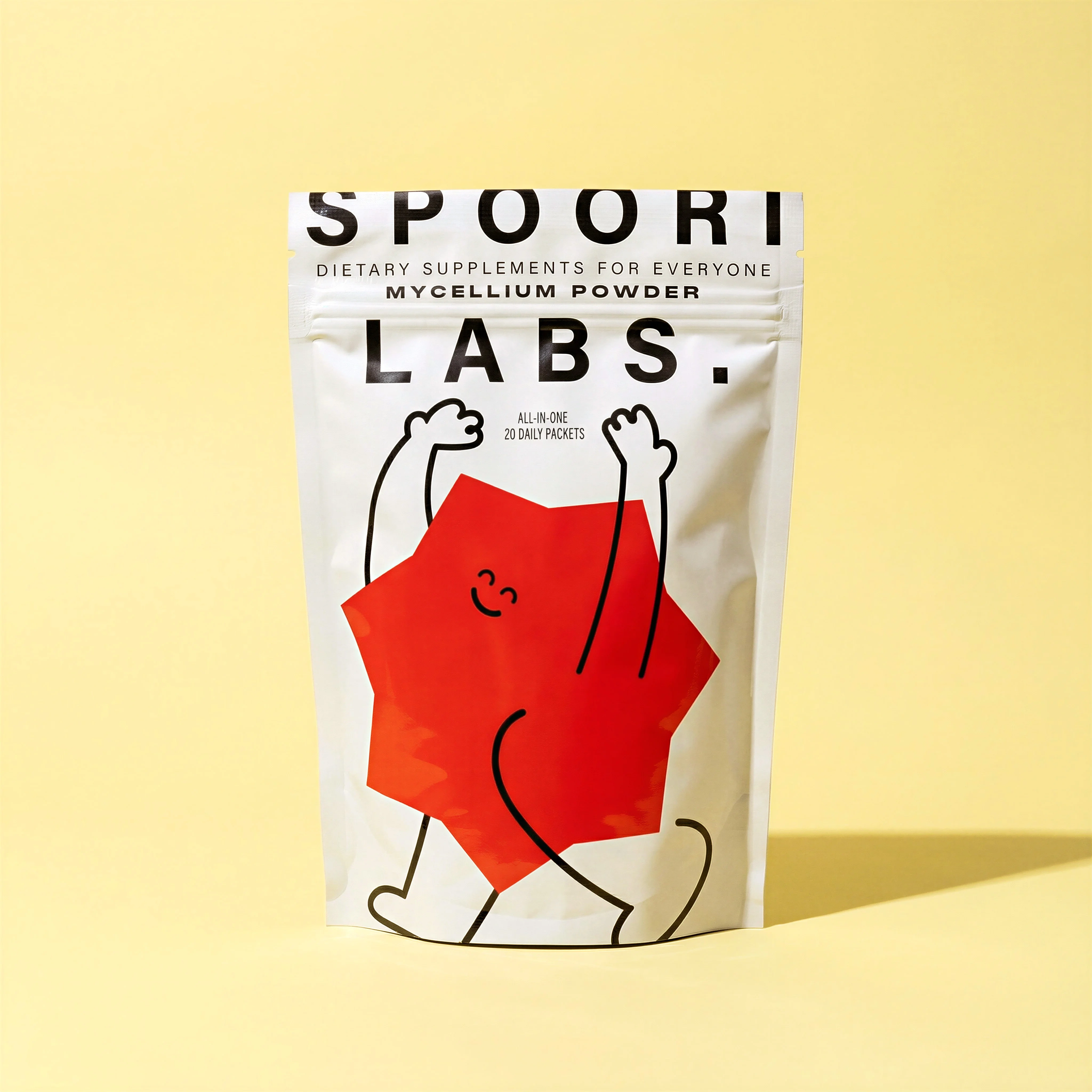
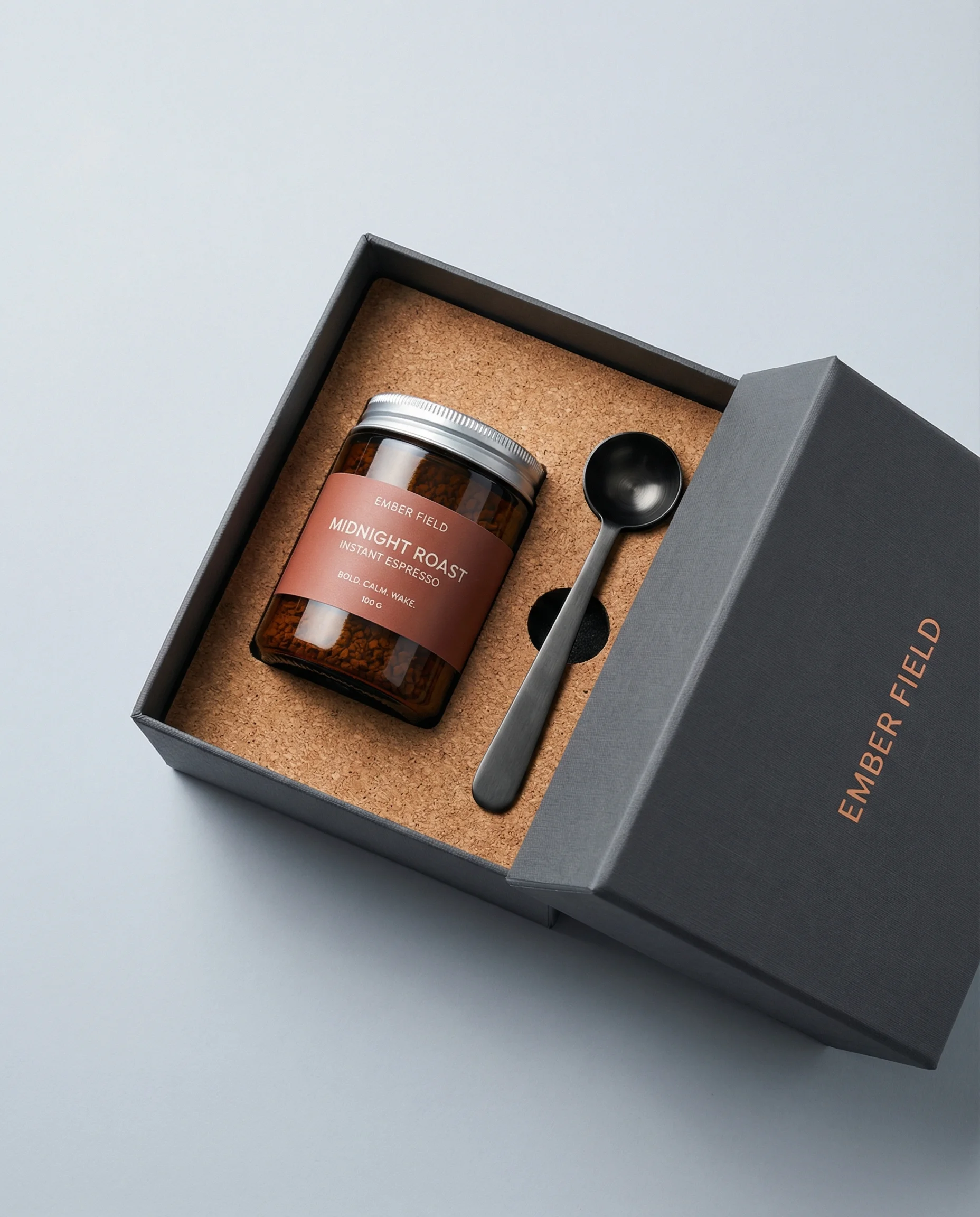
Plain packshot baseline for traditional ecommerce photography.
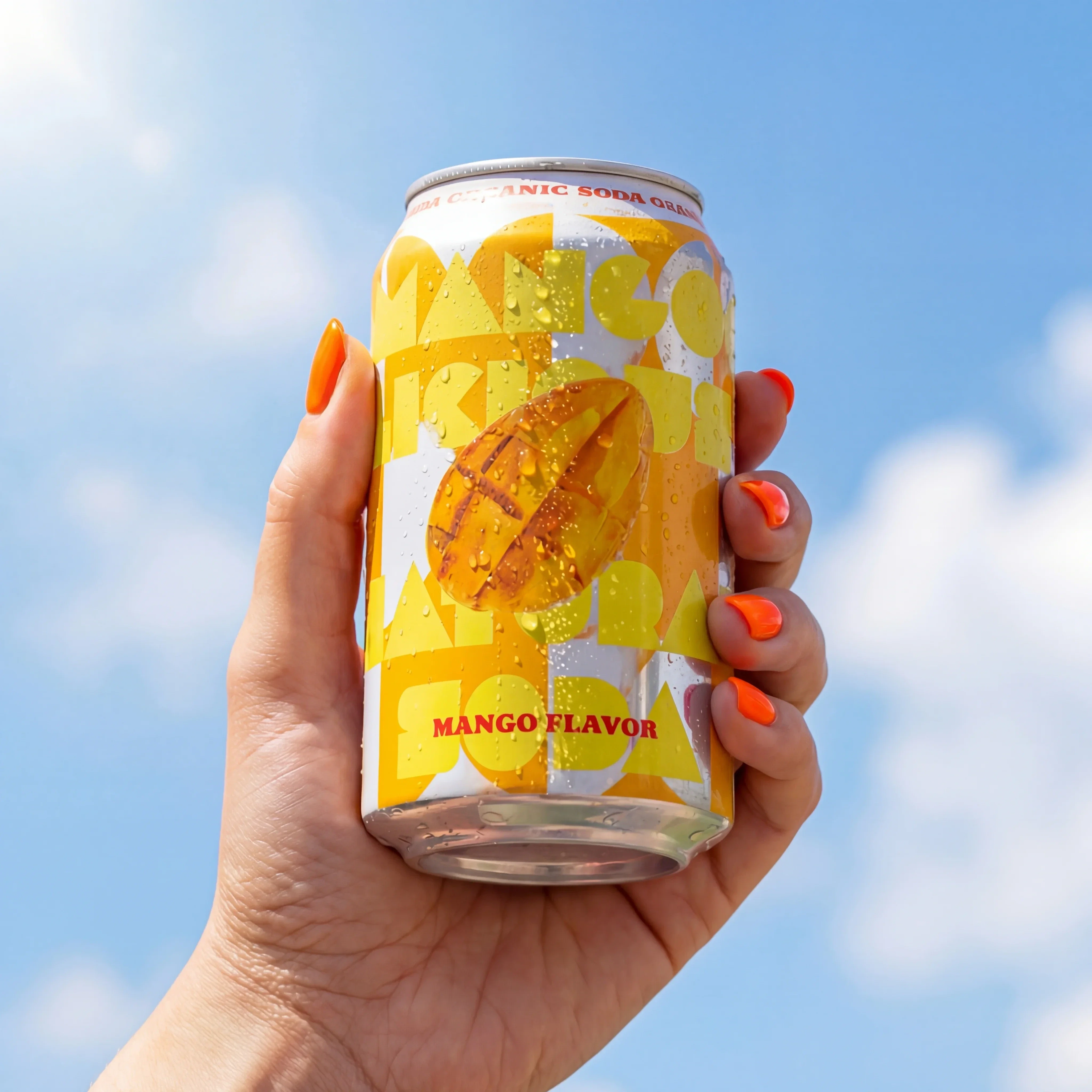
Handheld outdoor scene shows location-style creative without a shoot.
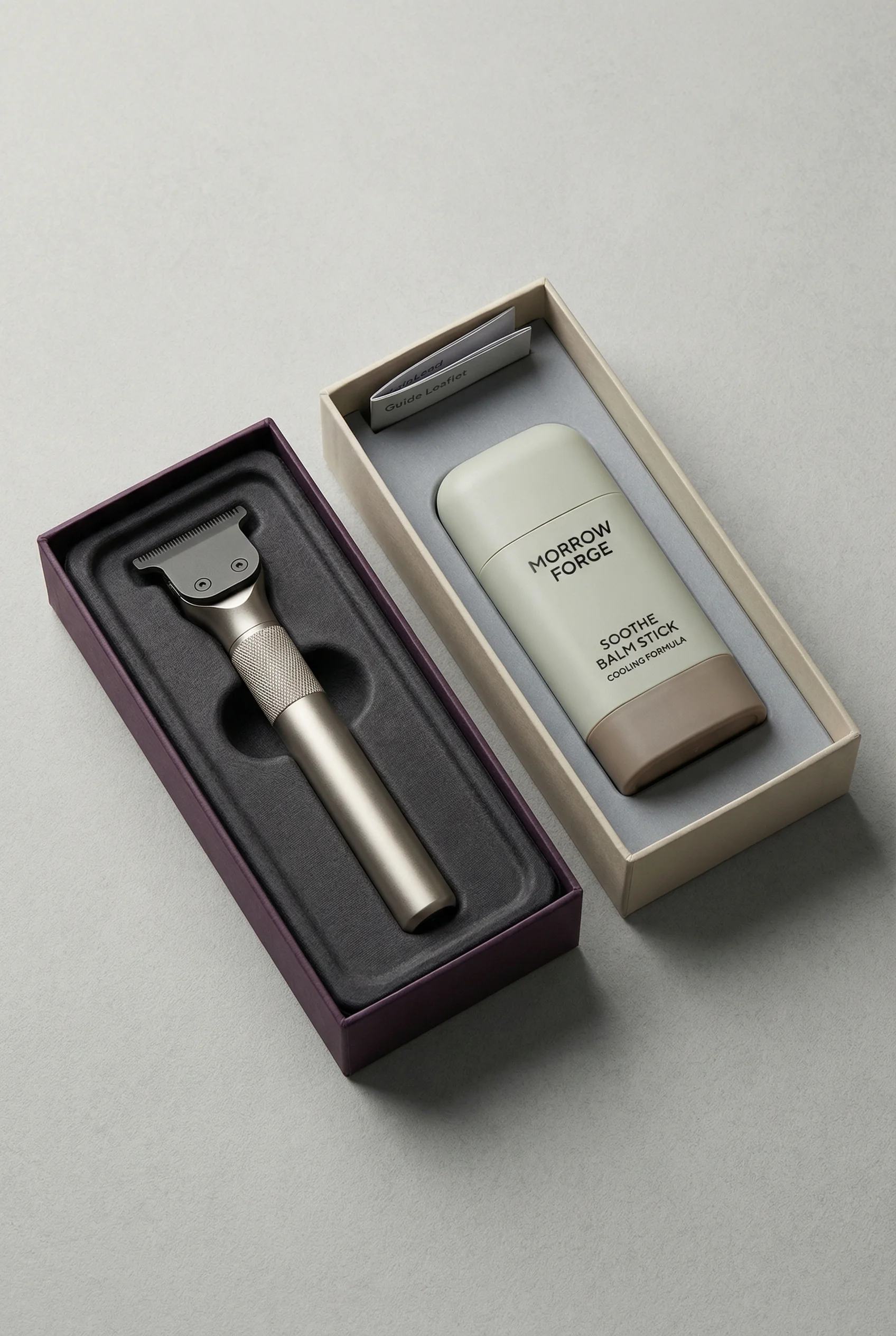
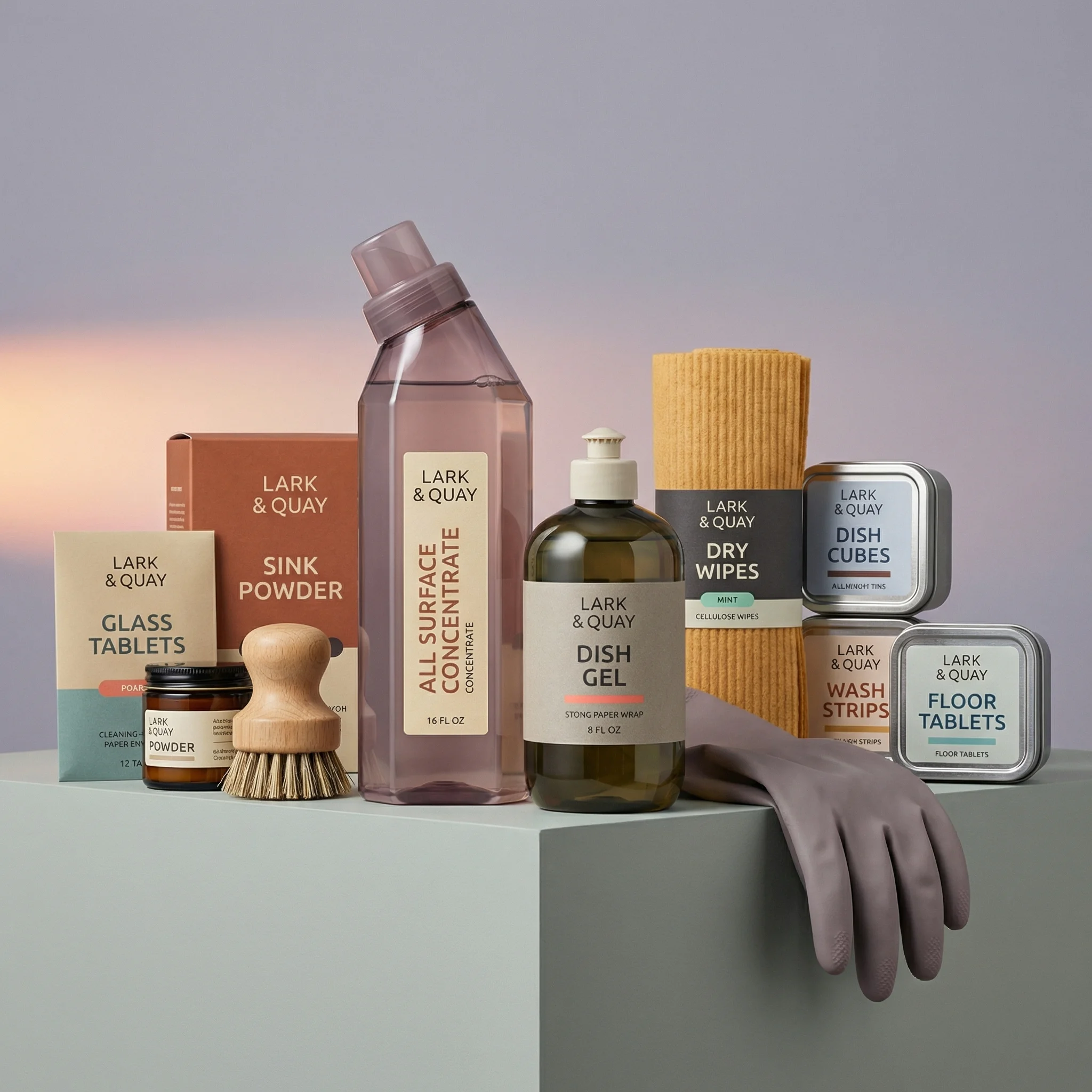
Multi-item styled set illustrates traditional prop and set complexity.
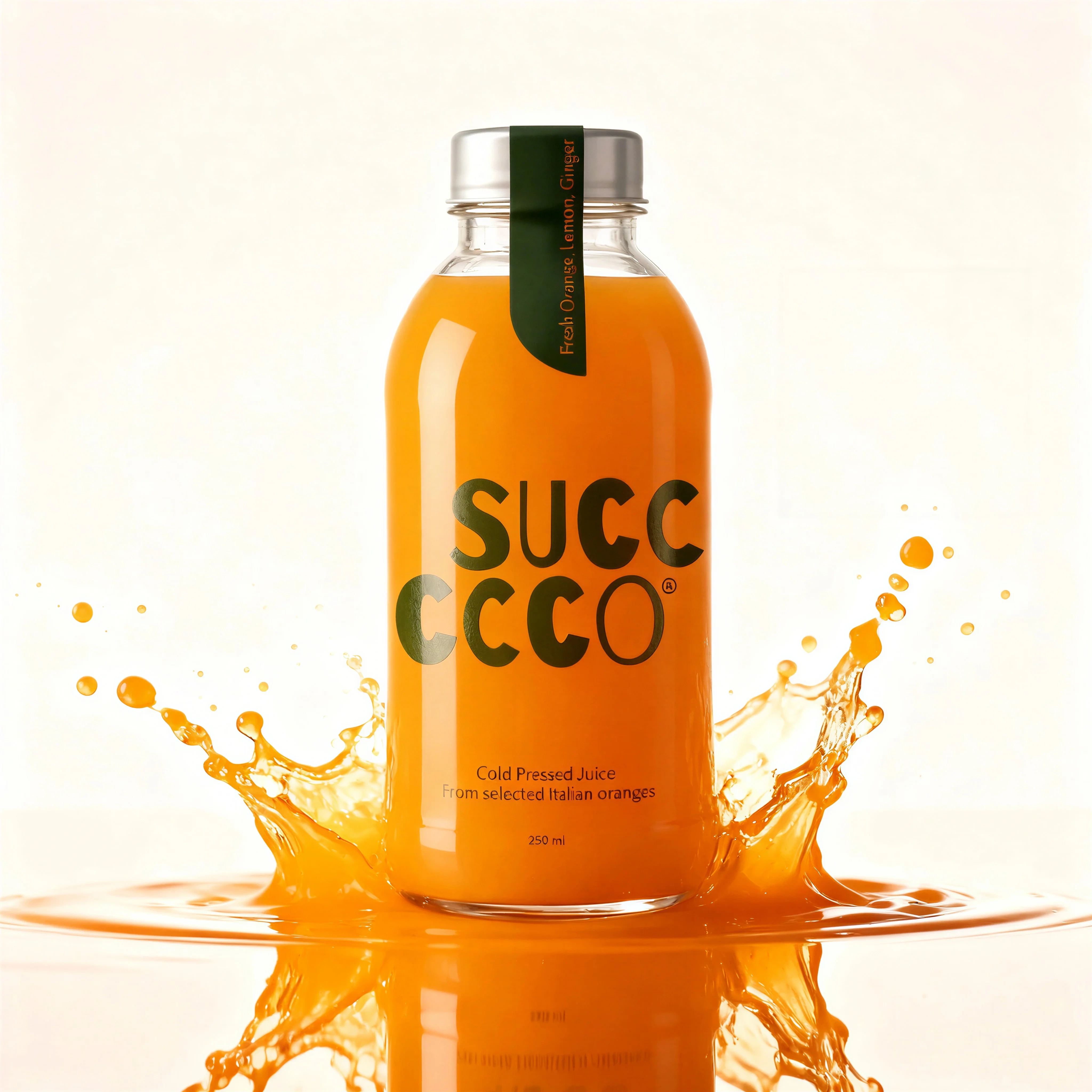
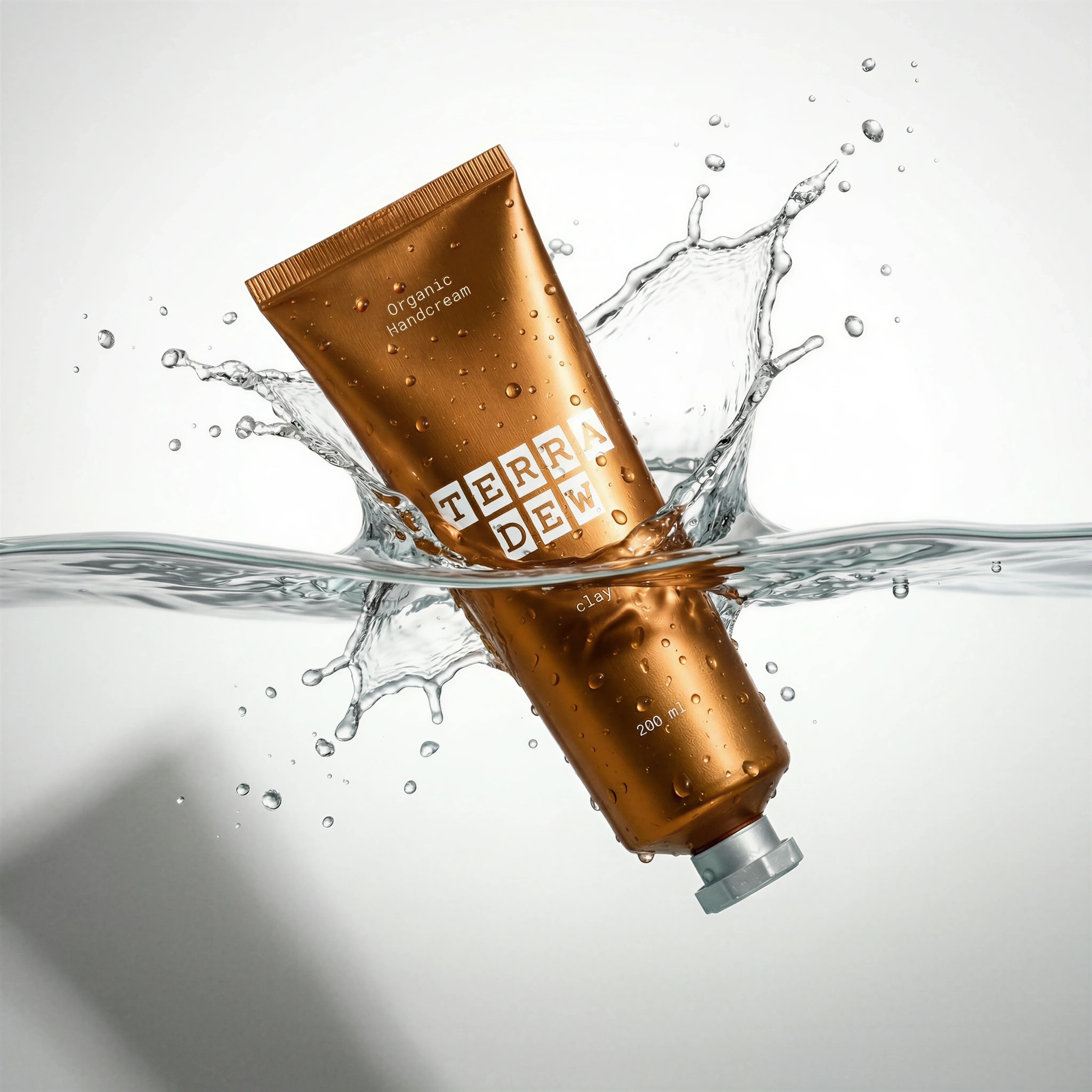
High-motion studio creative shows the production complexity AI can compress.
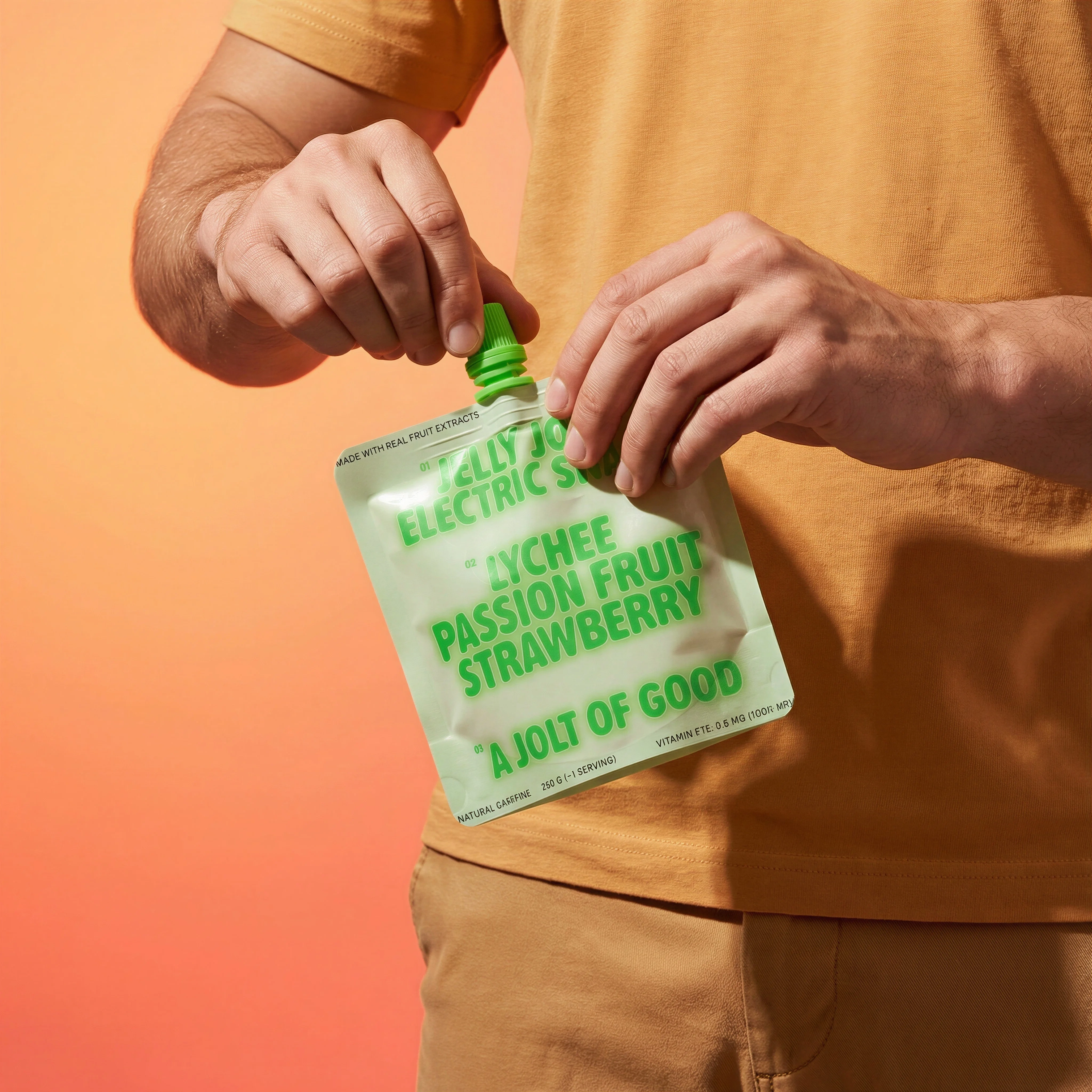
Human-led lifestyle framing represents a more traditional shoot requirement.
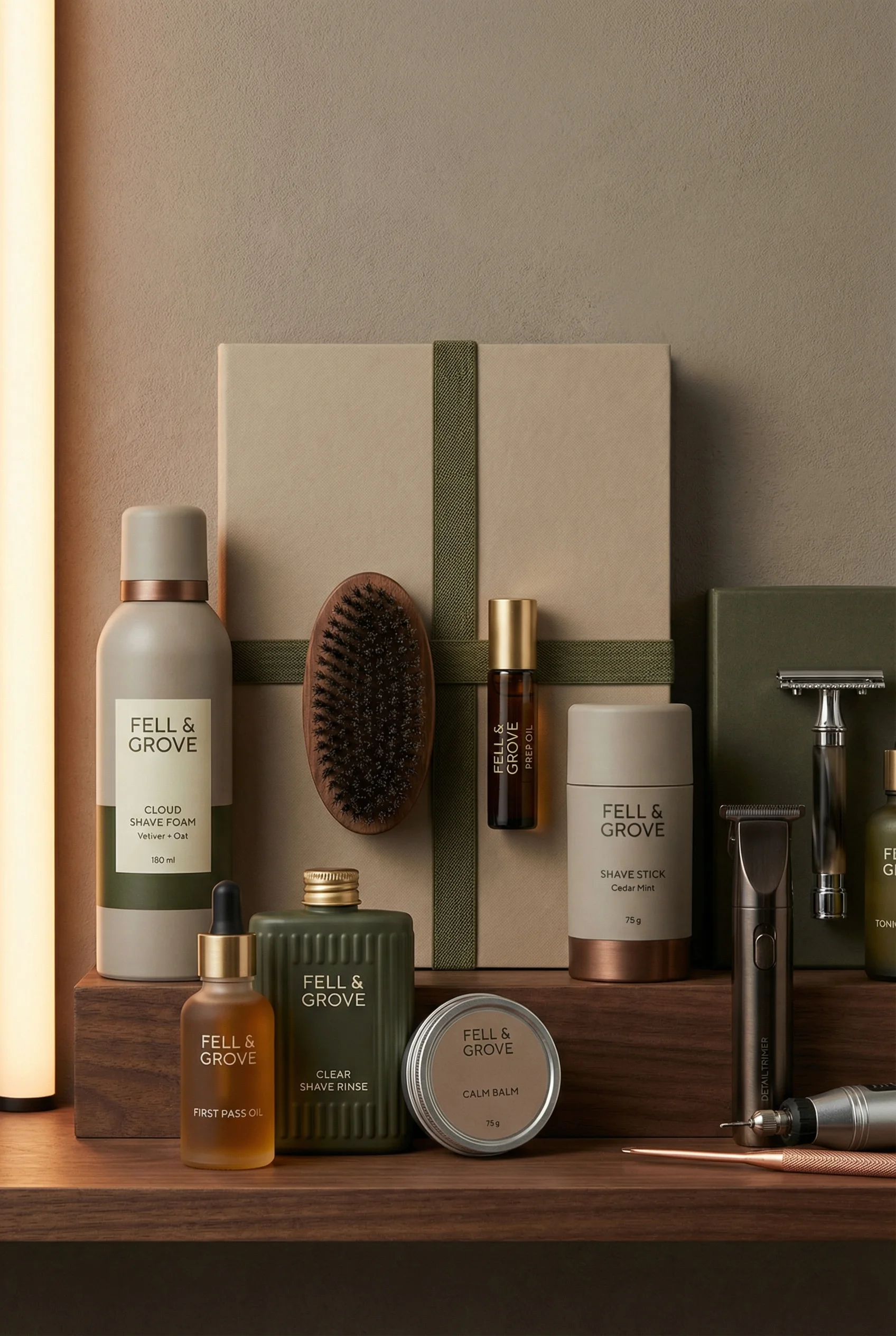
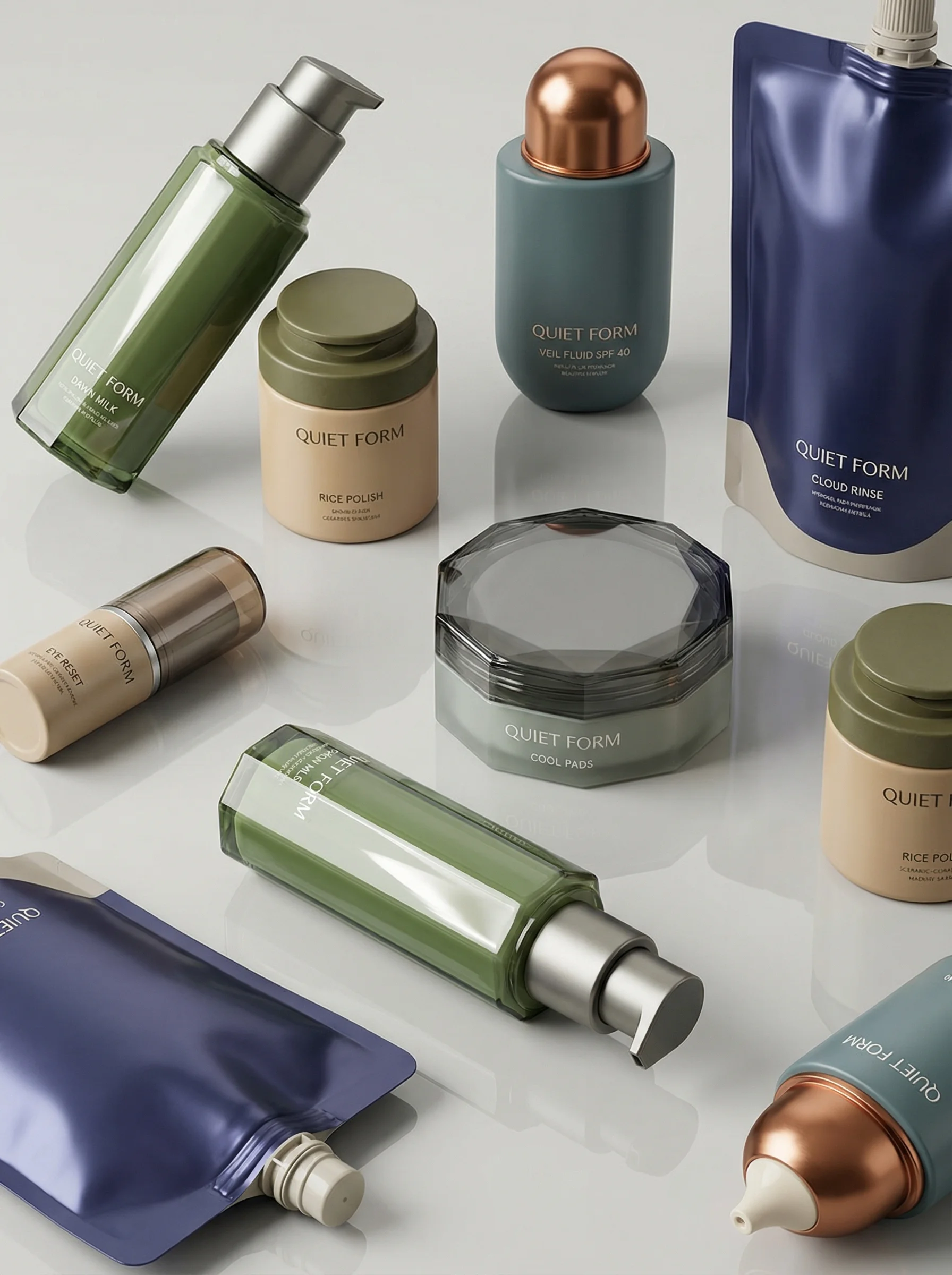
A styled collection highlights prop, layout, and multi-SKU coordination.
Before choosing a workflow, price the whole asset system: capture, retouching, approvals, usage, channel crops, and future reuse. For budget ranges, see the product photography cost guide. For the source capture plan, start with an ecommerce product photography shot list and a clean product-on-white photography baseline.
AI vs traditional snapshot
Choose the right approach
Reviewed May 2, 2026
Use this as a decision table, not a universal quote. Product category, risk, usage, and review standards matter.
| Decision point | Traditional photoshoot | AI-assisted workflow |
|---|---|---|
| Best job | Create reliable source truth: product shape, material, color, packaging, texture, talent, and physical interaction. | Turn approved truth into scene variations, crops, seasonal versions, ad tests, and product swaps. |
| Typical cost pattern | Often tens to hundreds of dollars per finished image, plus day rates, retouching, styling, talent, usage, shipping, and coordination. | Usually lower marginal cost per variation after references and review rules are set; software, prompting, curation, and QA still count. |
| Timeline | Days to weeks once booking, shipping, shooting, selections, retouching, and revisions are included. | Minutes to days for many variants, depending on generation, review, detail correction, and approval workflow. |
| Accuracy strength | Strongest for hard-to-verify details, true material behavior, macro texture, transparent or reflective products, food freshness, and exact model fit. | Strong when anchored to high-quality references and reviewed against product truth; weaker when expected to invent exact physical details. |
| Scale strength | Best for fewer high-stakes assets or reusable owned scenes. Scaling many scenes, products, and crops adds production overhead. | Best for many variants, markets, seasons, aspect ratios, and test concepts once the product is controlled. |
| Risk | Higher upfront cost, slower changes, production logistics, reshoot risk, and licensing complexity. | Product drift, inaccurate labels, invented details, unclear disclosure/metadata handling, and over-trusting outputs without review. |
| Best default | Shoot the source assets you cannot safely synthesize. | Generate and edit the variations you should not need to reshoot. |
Choose the right production method
The useful comparison is not AI versus photographers. It is source capture versus content adaptation. Traditional production creates the product truth; AI-assisted production helps ecommerce teams reuse that truth across scenes, styles, models, crops, and edits without rebuilding every asset from zero.
Choose the right approach
AI vs traditional workflow matrix
Match the workflow to the asset risk and the level of product truth you already have.
| Workflow | Best use | Review standard |
|---|---|---|
| Traditional photoshoot | Original source capture, difficult materials, live talent, handling, motion, regulated claims, or hero assets that need physical certainty. | Approve color, material, scale, texture, fit, packaging, talent usage, and legal clearance before the images become reusable references. |
| Riverflow Photoshoots | Adapting approved products into Scenes from Riverflow's extensive brand-safe library or into owned Scenes from your own photoshoots, with Styles applied for consistency. | Confirm the product stays accurate while the scene, lighting, styling, and shot type change. |
| Riverflow Images | Using text-to-image and image-to-image models such as Riverflow 2.0 Pro, Google's Nano Banana 2, and OpenAI GPT-Image-2 for concepting and controlled image generation. | Compare model outputs against the source product and brand rules, then keep only assets that can pass ecommerce review. |
| Hybrid workflow | Capturing clean references once, then using Riverflow to create lifestyle scenes, campaign variants, channel crops, and future product swaps. | Keep the original source, Scene, Style, prompt, model choice, edits, and approval decision attached to the final asset. |
Riverflow workflow
How this works in Riverflow
A practical hybrid workflow uses the shoot for product truth, then turns that source into a reusable creative system.
Photoshoots
Reuse scenes instead of rebuilding sets
Choose a Scene from Riverflow's extensive brand-safe library or bring in an owned Scene from your own photoshoot, then adapt that environment to the product. Apply Styles when the same SKU needs to stay consistent across lifestyle, hero, and collection shots.
Images
Route generation through the right model
Use Images for text-to-image and image-to-image work with Riverflow 2.0 Pro, Google's Nano Banana 2, and OpenAI GPT-Image-2. This is useful when the brief needs model exploration before committing to a final scene direction.
Editing
Finish with controlled post-generation changes
Use Editing to generate 9 angle variants, change aspect ratio while keeping the image natural and adjusting center point, fix product details with Riverflow 2.0 Reference-Based Super Resolution, which agentically finds and updates artwork in place without altering the rest of the image, or Swap product into an existing image.
Visual playbook
Visual playbook
Plan source capture and AI variation as one system
The strongest ecommerce workflow usually combines a clean product baseline with reusable scenes and controlled edits.
Clean product baseline
Capture or approve a neutral product reference before building campaign imagery. This becomes the product truth for future Scenes, Images generations, and edits.
Use when: Use for PDPs, marketplace review, packaging validation, and any AI workflow that needs an accurate source.
Prompt cue
Use the supplied product reference exactly. Keep the front label, proportions, color, material, and visible text unchanged on a clean neutral background.
Scene-based lifestyle variation
Move an approved product into a shopper-relevant environment while keeping the SKU unchanged and the scene reusable.
Use when: Use when the team needs paid social, seasonal creative, landing page imagery, or a faster alternative to new location production.
Prompt cue
Place the exact product in a summer outdoor refreshment Scene with natural daylight, realistic scale, and clear label visibility.
Styled collection set
Use Styles to keep the creative system consistent when products move across different scenes, shot types, and campaign formats.
Use when: Use for collection pages, launch campaigns, merchandising modules, and ads that need more than one product in frame.
Prompt cue
Create a premium grooming collection scene using the supplied products, balanced spacing, soft studio light, and no invented packaging text.
Hybrid workflow checklist
Before you publish
Use this sequence before scaling variants
- Decide which images must be real capture because the business cannot tolerate product drift.
- Assign each final asset a job: PDP clarity, marketplace compliance, ad testing, email, landing page, social, or campaign hero.
- Capture or select product references that show the front, side, detail, texture, packaging artwork, and variant differences.
- Approve what must not change: shape, color, logo placement, label text, material, size, accessories, and pack count.
- Decide which scene needs a traditional shoot, which can use a Riverflow brand-safe Scene, and which owned Scenes should be reused from past shoots.
- Create or select Styles for recurring lighting, composition, surface, and category treatment across scenes and shot types.
- Use Images when the brief needs text-to-image or image-to-image exploration across Riverflow 2.0 Pro, Google's Nano Banana 2, or OpenAI GPT-Image-2.
- Use Editing for angle variants, aspect-ratio adaptation, product detail fixes, and product swaps before asking for a new shoot.
- Review generated outputs against the original product reference, not just against the scene brief.
- Archive the source image, Scene, Style, model, prompt, edits, approved output, and channel export together.
Riverflow prompt recipe
Create it in Riverflow
Riverflow prompt recipe
Use this structure to turn the strategy into a specific creative brief that keeps the product accurate and the scene useful.
- 1
Input
Attach the approved product photo or shoot reference, packaging artwork if available, and any brand rules for color, fonts, crops, claims, and off-limits details.
- 2
Scene
Choose a Riverflow brand-safe Scene, bring an owned Scene from a previous shoot, or describe the ecommerce use case for Images if the concept needs model exploration.
- 3
Style
State the Style that should carry across outputs: lighting, surface, camera distance, product scale, composition, and category mood.
- 4
Control
Lock exact product shape, label, logo, color, material, variant, pack count, and visible text before asking for scene changes.
- 5
Edit
After selecting an output, specify whether you need 9 angle variants, a new aspect ratio, a product detail correction, or a Swap product edit.
Example prompt
Mistakes to avoid
Comparing only the cost of one final image.
Compare the full workflow: source capture, reusable Scenes, Styles, model exploration, edits, approvals, channel crops, and future reuse.
Using AI before the product truth is established.
Start with accurate product references. If the product has not been captured correctly, schedule source photography first.
Treating a traditional shoot as a one-time campaign expense.
Plan the shoot to create reusable inputs: clean angles, detail shots, texture references, isolated packshots, and owned Scenes that Riverflow can adapt later.
Creating one-off prompts with no scene or style system.
Use Riverflow Scenes and Styles so new outputs are easier to review, repeat, and compare across products.
Reshooting when a controlled edit would solve the problem.
Use Editing for angle exploration, aspect-ratio changes, product detail corrections, and product swaps when the source product truth is already approved.
FAQ
Can AI product photography replace traditional photoshoots?+
Sometimes for variation, but not for every job. AI works best when accurate source references already exist. Traditional photoshoots are still important for original capture, complex physical products, live talent, video, and high-risk campaigns.
What should we shoot before using AI?+
Capture the assets that define product truth: front, side, back, texture, packaging artwork, variant differences, scale references, and any material behavior that shoppers or compliance reviewers will care about.
When is AI product photography the better operational choice?+
Use AI-assisted production when you need many lifestyle scenes, seasonal refreshes, ad tests, aspect-ratio variants, localization, or product swaps from an already approved reference.
What is the best ecommerce workflow for most brands?+
Use a hybrid system: capture reliable product references through photography or renders, then use reusable Scenes, Styles, generation, and Editing to create product-accurate lifestyle scenes, ads, seasonal variants, and channel exports.
When should a brand avoid AI product photography?+
Avoid it when product accuracy cannot be verified, when required disclosure or metadata handling is unclear, when the product has not been captured well, or when the concept depends on physical behavior that would be risky to approximate.
Sources and review notes
Last reviewed: May 2, 2026.
Start creating
Get started with on-brand visuals
Turn guide ideas into product-accurate creative in Riverflow, using your brand, products, scenes, styles, and channel crops from the start.
Your catalog into campaign-ready Creative
Riverflow connects your products, brand rules and creative workflows so your team can create on-brand photoshoots, ads, videos and edits across every campaign.