Guide
Google Shopping Image Requirements for Ecommerce
A practical guide to preparing product images for Google Shopping and Merchant Center feeds without losing product accuracy.
- Guides
- Ecommerce Image Requirements

Examples
Scenes from the Riverflow library
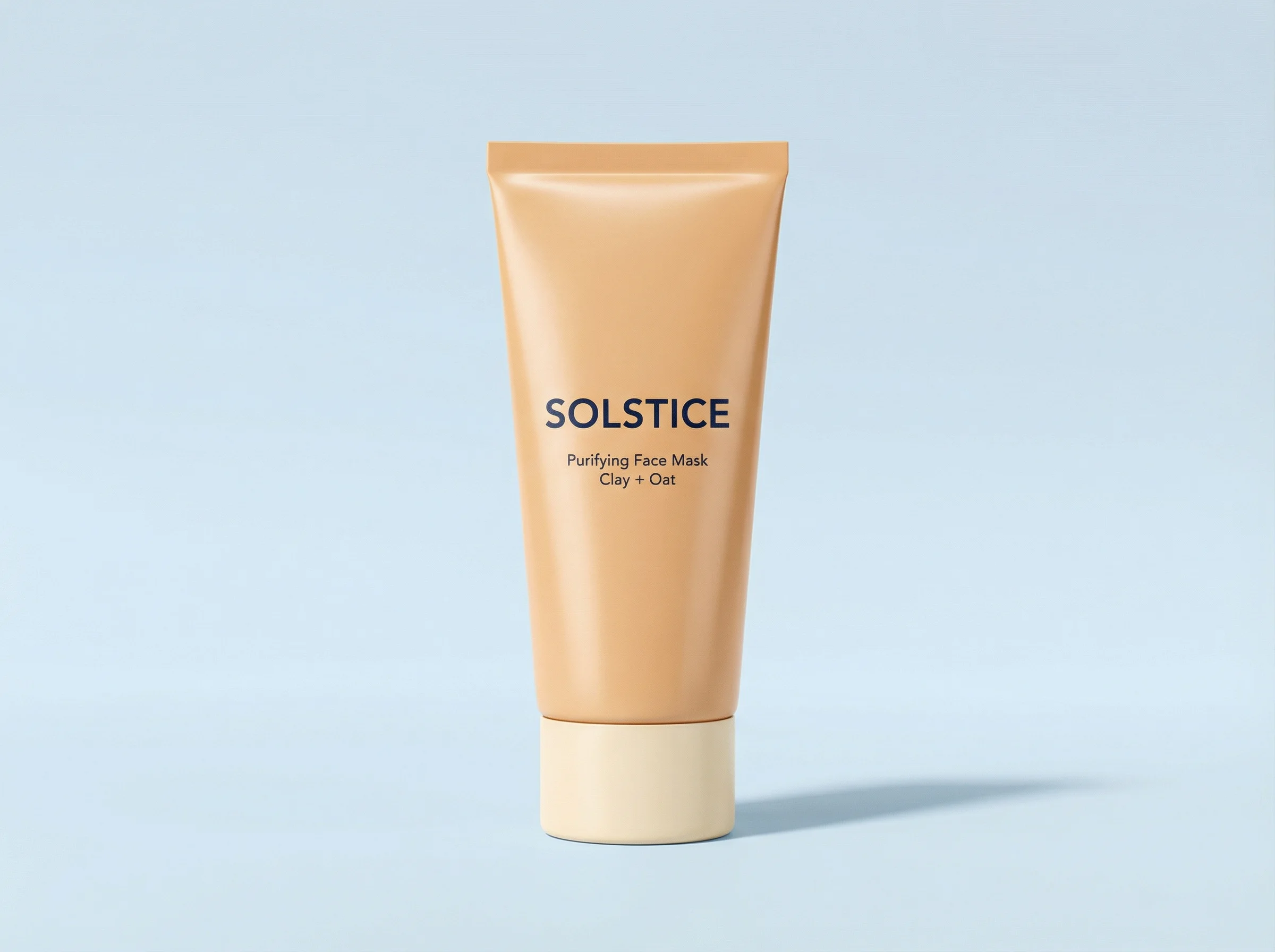
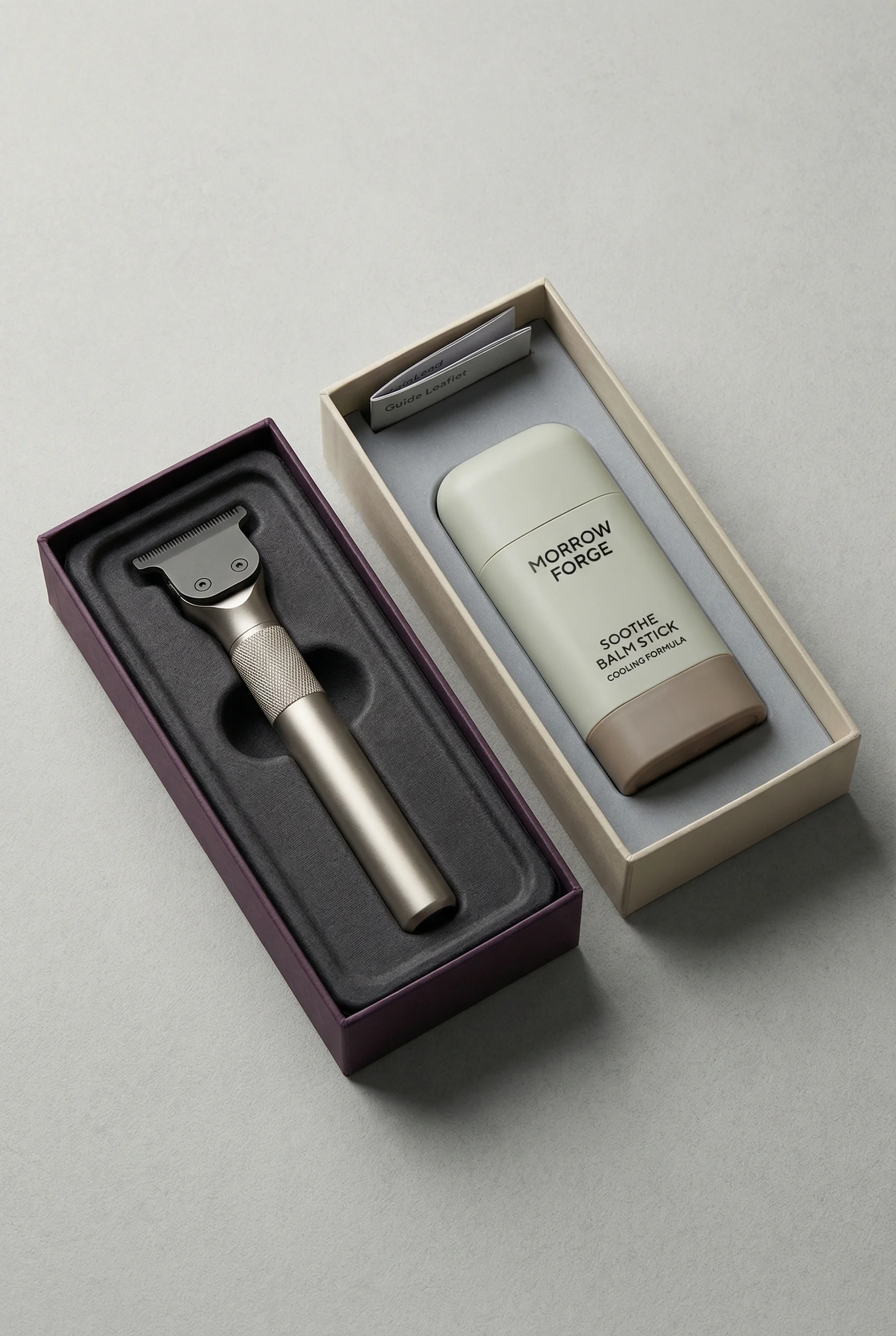
Minimal centered tube with product dominating the frame.
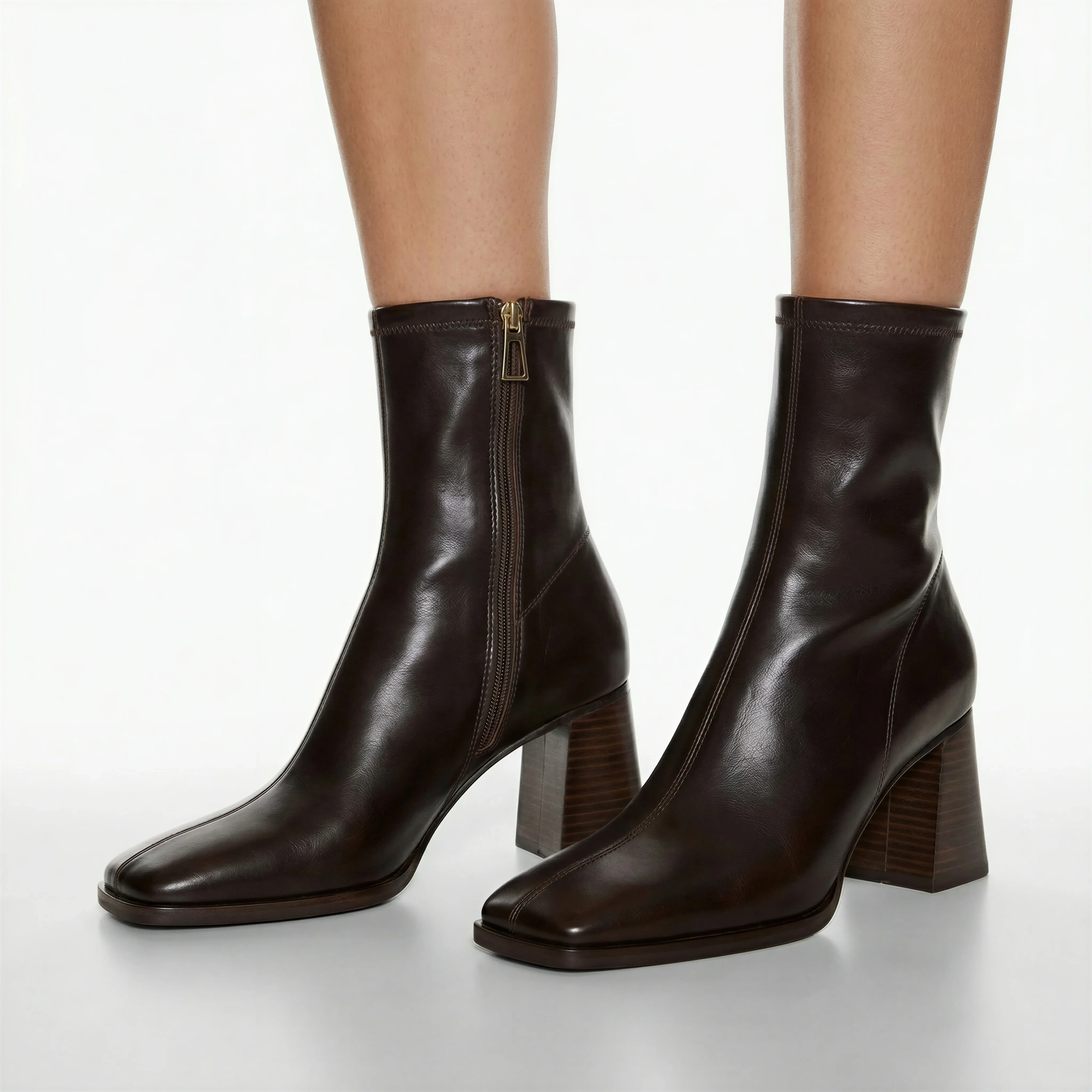
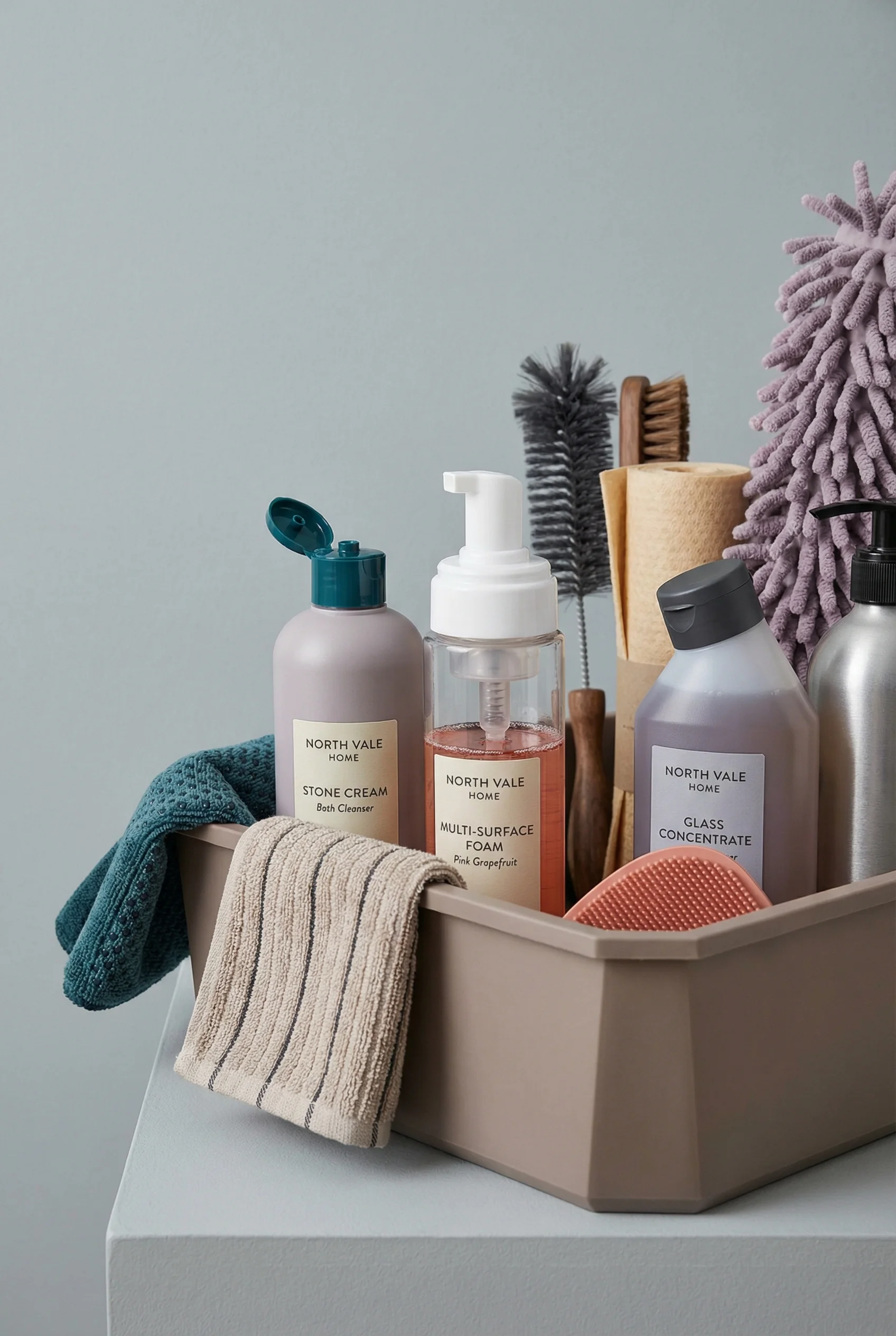
Footwear isolated against a plain studio background for easy recognition.
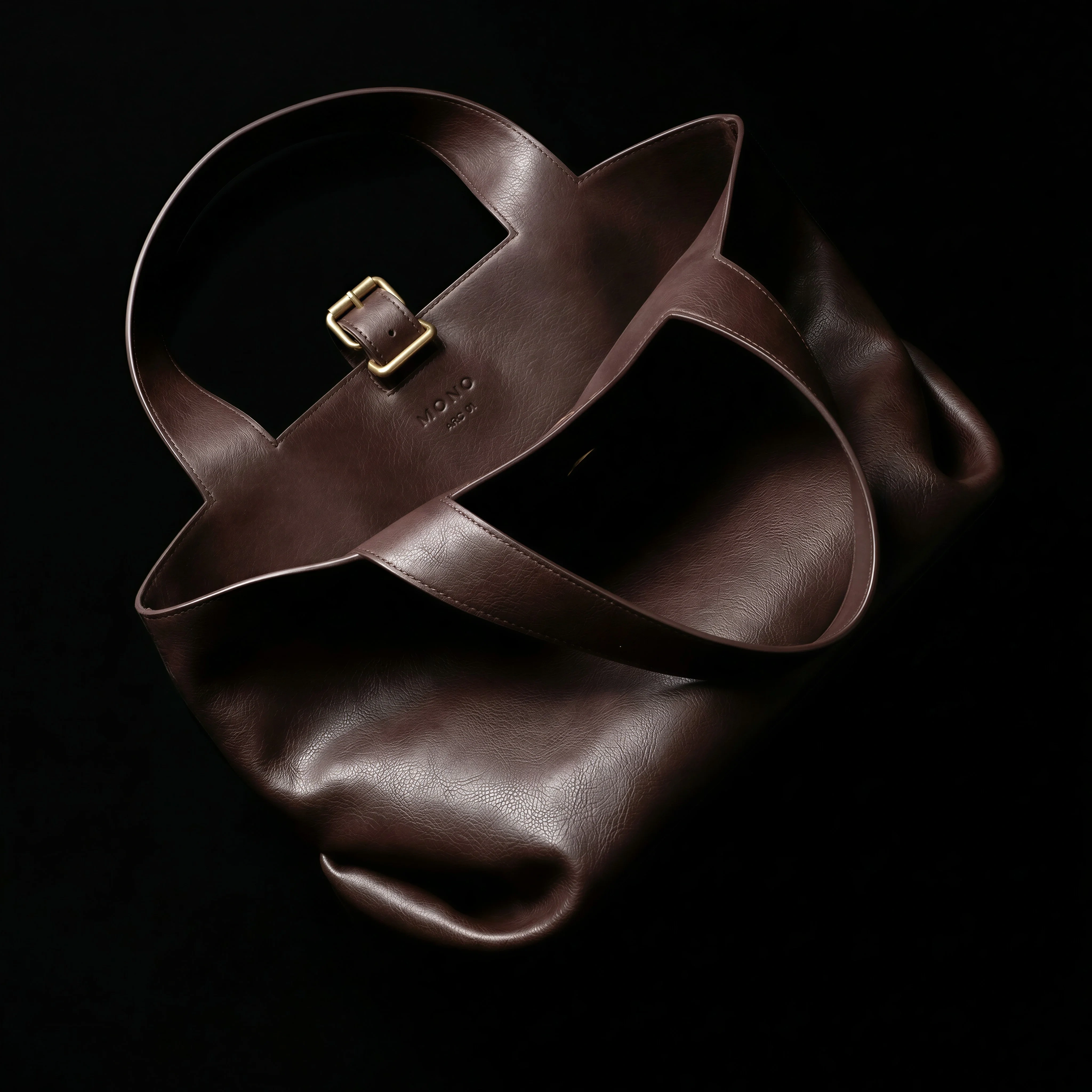
Simple accessory packshot with clear silhouette and no overlay text.
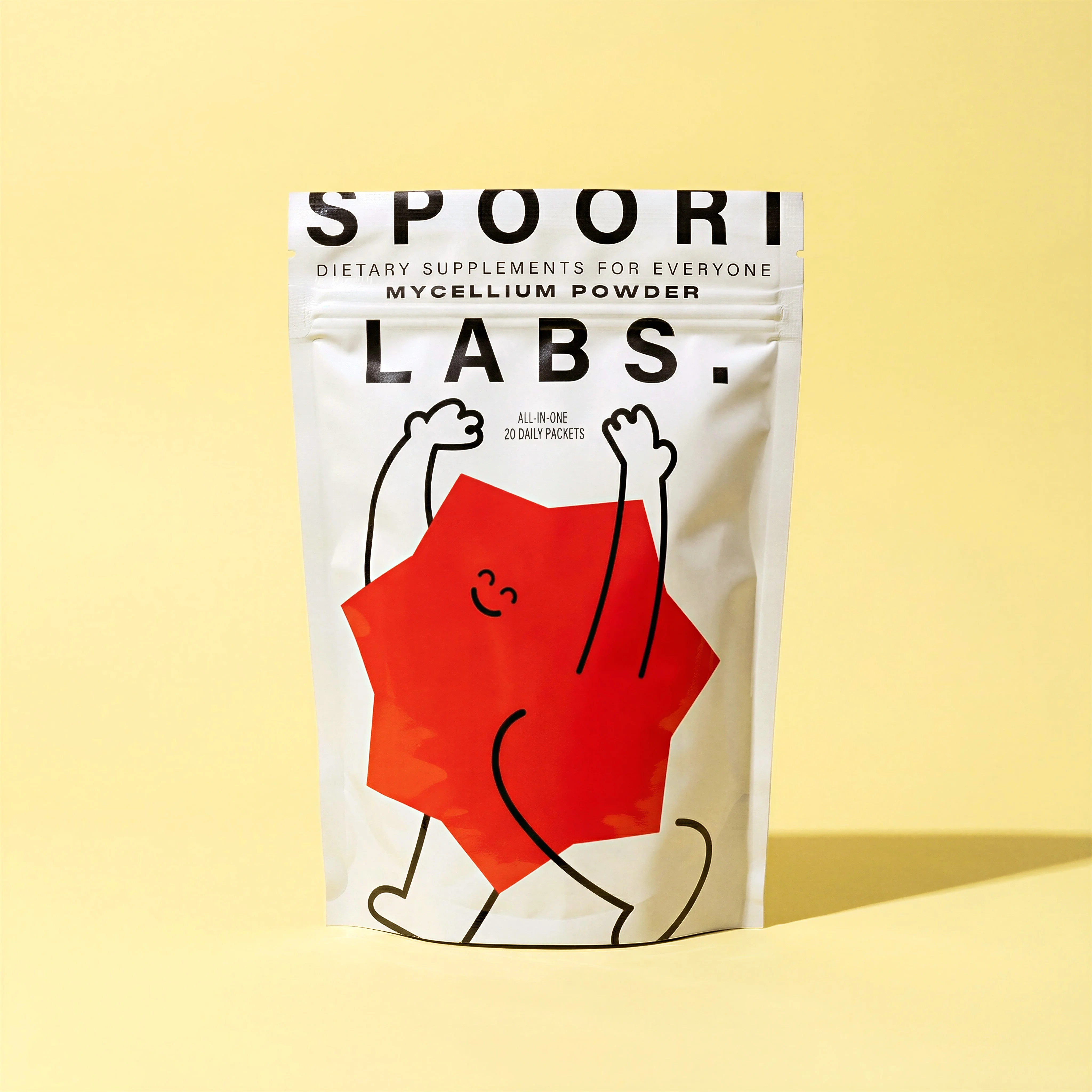
Centered single-SKU image with strong product dominance for feed clarity.
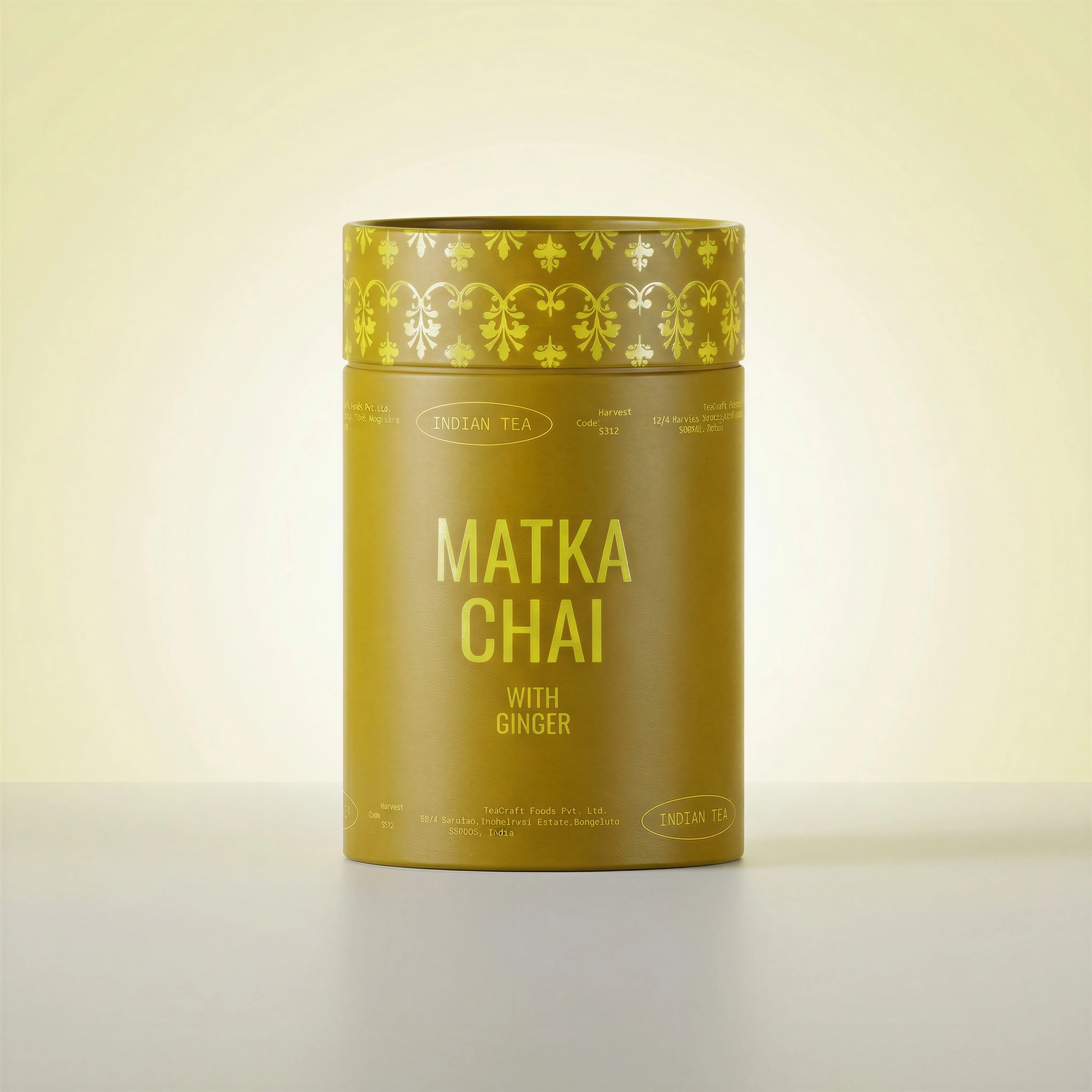
Simple packaging view with a clean silhouette and no promotional overlay.
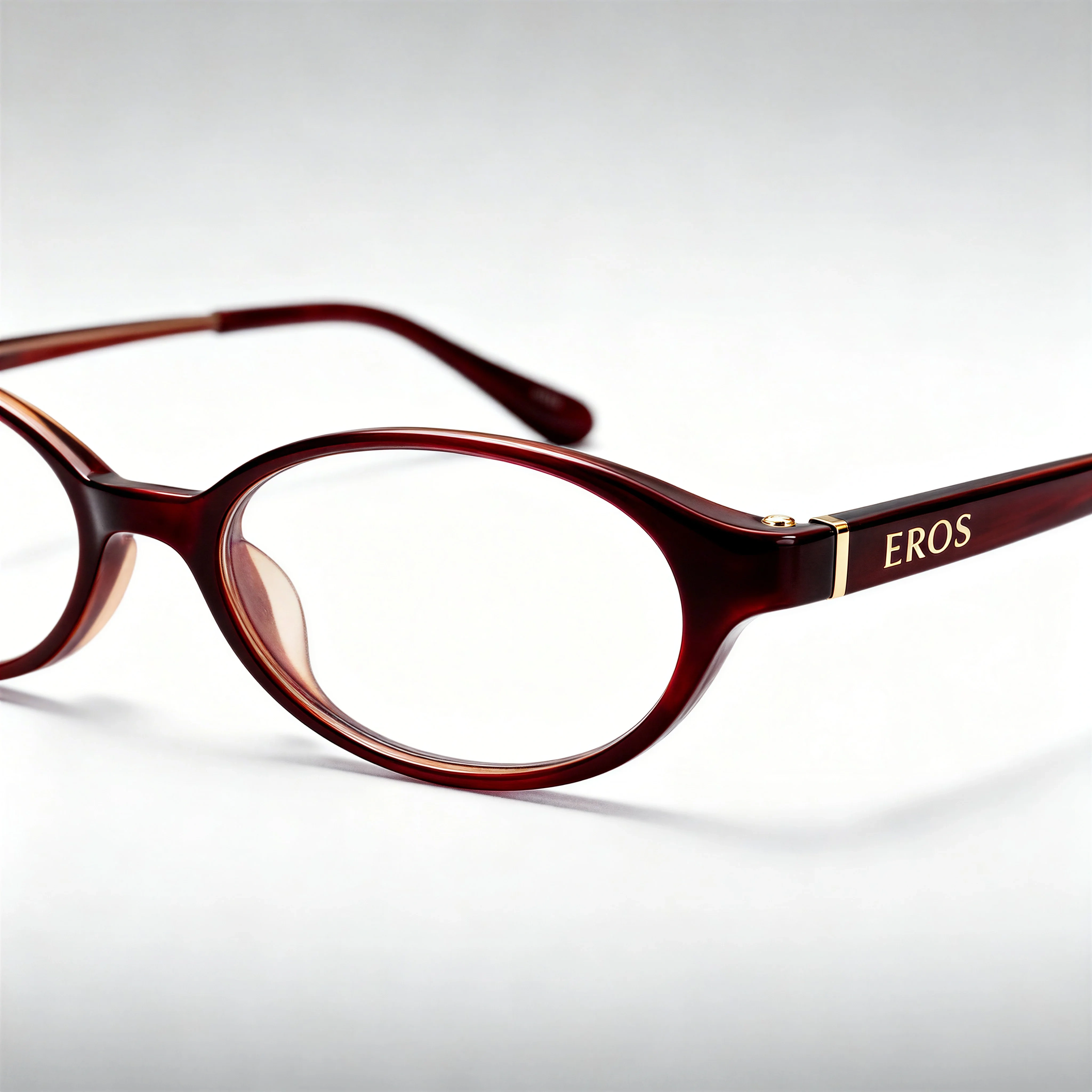
Accessory image with clear shape recognition against a low-distraction backdrop.
Google Shopping images need to help the product qualify for listings and help shoppers recognize the exact item being sold. The image is not just a design asset. It is product data that Merchant Center uses to represent the item across ads and free listings.
Because requirements can change by policy, category, market, and Merchant Center rollout, use the guidance below as a reviewed snapshot and confirm current diagnostics before publishing.
If you also need onsite gallery assets, compare this with the Shopify product image guide so your main feed image and product-page carousel support each other instead of competing. For the source capture itself, the product-on-white photography guide is the closest match to Google's clean main-image expectation.
Google Shopping requirements snapshot
Choose the right approach
Reviewed May 2, 2026
Use this as the production guardrail before feed QA. Merchant Center diagnostics remain the source of truth for final eligibility.
| Requirement | Current practical answer | Operator note |
|---|---|---|
| Main image URL | Required for each product through the image_link attribute. | Submit one http or https URL in a supported image format and make sure Googlebot and Googlebot-image can crawl it. |
| Minimum dimensions | Plan for at least 500 x 500 px. | Older low minimums still appear in some ecosystem references, but 500 x 500 is the safer 2026 production floor and avoids near-term rework. |
| Preferred resolution | Use images around 1500 x 1500 px or above when possible. | Higher-quality source files help Shopping, ads, free listings, and future crops without upscaling thumbnails. |
| Maximum size | No more than 64 megapixels and no more than 16 MB. | Compress carefully; over-compression can make labels, edges, and materials look untrustworthy. |
| Supported formats | JPEG, WebP, PNG, GIF, BMP, and TIFF. | Keep the file extension aligned with the real file type to avoid unsupported-image errors. |
| Product framing | Show the whole product accurately; Google recommends the product fill about 75-90% of the image. | Do not crop the item, imply a bundle that is not sold, or show a different variant. |
| Main-image no-go list | No promotional text, CTAs, prices, free shipping claims, watermarks, borders, placeholder graphics, or overlays covering the product. | Keep lifestyle and campaign storytelling for additional images, product pages, and ads. |
| AI-generated images | Preserve required AI source metadata, including IPTC DigitalSourceType tags where applicable. | Do not strip metadata from generated or synthetic product images before submitting them. |
Google Shopping image requirements
Choose the right approach
Feed image planning matrix
Use this matrix to separate feed requirements from campaign creative needs.
| Scenario | Image requirement | Creative note |
|---|---|---|
| Main image | Show the exact product clearly, accurately, and in a high-quality source image that meets current Merchant Center rules. | Keep it clean and product-led; avoid promotional overlays, watermarks, badges, borders, fake interface elements, and stripped AI metadata. |
| Variant image | Match the image to the submitted SKU, color, pattern, size, pack count, or personalization option. | Do not show a different variant because it looks better or was easier to source. |
| Additional image | Use additional images to explain angles, close-ups, scale, contents, or product in use. | Keep the main image compliant and let supporting images carry extra context. |
| Image URL | Use a real, accessible image URL that Merchant Center can crawl consistently. | Avoid unpredictable redirects, blocked files, or asset URLs that change during feed syncs. |
Feed-ready visual examples
Visual playbook
Clean product image patterns
These image patterns help ecommerce teams prepare assets that are clear enough for Shopping listings and reusable across product systems.
Centered beauty packshot
A minimal product view makes the tube, label, and silhouette easy to inspect without promotional clutter.
Use when: Use for main images, variant tiles, and clean product-feed source assets.
Prompt cue
Create a clean product image for a beauty tube on a simple background, with the full item visible, label readable, and no text overlays or badges.
Clear footwear silhouette
A simple studio crop keeps shape, color, and material visible for shoppers comparing similar items.
Use when: Use when product form and color need to be recognized quickly in Shopping results.
Prompt cue
Create a clean footwear product image with the full shoe visible, accurate material and color, and a low-distraction background.
Accessory shape control
A centered accessory image helps the shopper understand structure, handles, hardware, and scale cues.
Use when: Use for bags, eyewear, jewelry, and accessories where silhouette matters.
Prompt cue
Create a product-only accessory image showing the full bag shape, accurate hardware, and clean edges with no promotional graphics.
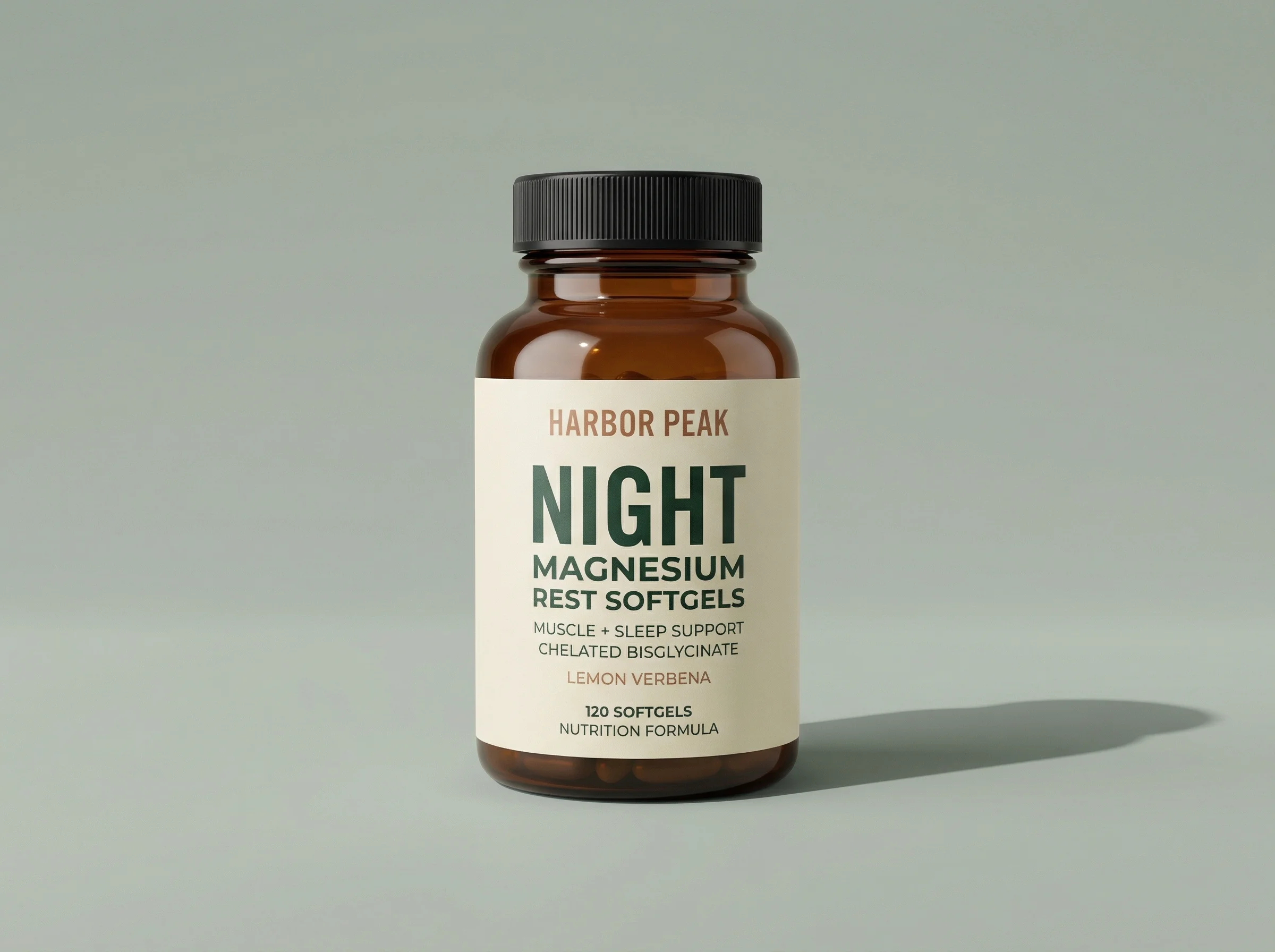
Simple packaging view
Packaged goods need readable labels and accurate product count without implying a bundle that is not included.
Use when: Use for food, beverage, supplements, pantry, and personal care SKUs.
Prompt cue
Create a clean packaged-goods image with the canister label readable, the product count accurate, and no discount or promotional overlay.
Match the image to product data
The image should match the title, variant, landing page, and SKU. If the product feed says "navy," the image should not show black. If the product is sold as a two-pack, the image should not imply a four-pack unless that is the actual offer.
When packaging changes, update the image, feed, and product page together. Old packaging in Shopping results can create confusion even when the formula, material, or product function has not changed.
Google Shopping image checklist
Before you publish
Feed readiness checklist
- The image URL points to a real, accessible, crawlable image.
- The file is at least 500 x 500 px, with a larger source such as 1500 x 1500 px or above when available.
- The file is no larger than 64 MP or 16 MB.
- The main image shows the product accurately and completely.
- The image matches the SKU, variant, title, and landing page.
- The main image avoids promotional overlays, watermarks, borders, and fake buttons.
- AI-generated or synthetic images preserve required source metadata where applicable.
- The file is high quality and not visibly pixelated or over-compressed.
- The product is not cropped in a misleading way.
- Packaging, labels, included items, and pack count are current.
- Additional images explain details without replacing the main product representation.
- Current Merchant Center rules are checked before submission.
Riverflow prompt recipe
Riverflow workflow
How this works in Riverflow
Use Riverflow to produce accurate source images, then complete the required feed and Merchant Center checks before publishing.
Photoshoots
Create clean product views
Use brand-safe Scenes from Riverflow's library or bring your own photoshoot Scenes, then adapt them to the exact SKU. Apply Styles when a collection needs consistent backgrounds, lighting, and product scale.
Images
Generate supporting images carefully
Use Riverflow 2.0 Pro, Google's Nano Banana 2, or OpenAI GPT-Image-2 for text-to-image and image-to-image work when you need additional views, but keep main feed images conservative and product-led.
Editing
Repair and adapt feed assets
Change aspect ratio while keeping the product natural and centered, generate 9 angle variants for review, use Riverflow 2.0 Reference-Based Super Resolution to update artwork in place without changing the rest of the image, or swap a product into a clean template for another SKU.
Create it in Riverflow
Create feed-ready product images in Riverflow
Use this structure to turn the strategy into a specific creative brief that keeps the product accurate and the scene useful.
- 1
Source
Use the approved product reference, exact SKU, variant, pack count, and current packaging as the source of truth.
- 2
Main image
Generate a clean, product-led image with the full item visible and no promotional overlays, watermarks, badges, or fake buttons.
- 3
Additional images
Create supporting views for angles, detail close-ups, scale, in-use context, and included contents. Keep them accurate to the same SKU and offer.
- 4
Review
Check every output against the feed title, product page, crawlable image URL, and current Merchant Center image requirements before syncing.
Example prompt
Mistakes to avoid
Using social ad creative as the main Shopping image.
Use a clean product representation for the main image and save campaign messaging for ads or additional creative.
Submitting lifestyle images where the product is too small to identify.
Keep the product large enough to recognize in Shopping results, especially on mobile.
Letting feed image URLs change or become blocked.
Coordinate with ecommerce, feed, and web teams so image URLs stay accessible when Merchant Center checks them.
FAQ
What size should our Google Shopping images be in 2026?+
Use at least 500 x 500 px as the production minimum, but aim for around 1500 x 1500 px or above when you have the source quality. Keep the file at or below 64 MP and 16 MB.
Can the main Shopping image include text?+
Avoid promotional text, CTAs, prices, badges, free shipping claims, watermarks, borders, and fake interface elements. Text that is physically part of the product packaging is different, but it still needs to be accurate.
What should we do when Shopify updates an image but Merchant Center still shows the old one?+
Check that the image_link value in the submitted feed changed to a crawlable URL. Google says a new unique URL usually prompts a faster recrawl than replacing the file behind the same URL.
Should additional images be as clean as the main image?+
Additional images can show angles, detail, scale, contents, or product in use, but they should still match the product data and avoid implying anything the shopper will not receive.
What is the biggest risk with AI-generated Shopping images?+
Product drift and missing disclosure metadata. Packaging, color, size, label text, and included items must match the feed and landing page, and required IPTC source metadata should be preserved for generated images.
Sources and review notes
Last reviewed: May 2, 2026.
Start creating
Get started with on-brand visuals
Turn guide ideas into product-accurate creative in Riverflow, using your brand, products, scenes, styles, and channel crops from the start.
Your catalog into campaign-ready Creative
Riverflow connects your products, brand rules and creative workflows so your team can create on-brand photoshoots, ads, videos and edits across every campaign.