Guide
Meta Ad Image Sizes for Ecommerce Creative
A practical guide to planning Meta ad image sizes and crops for ecommerce campaigns across feed, stories, reels, and carousel placements.
- Guides
- Ecommerce Image Requirements


Examples
Scenes from the Riverflow library
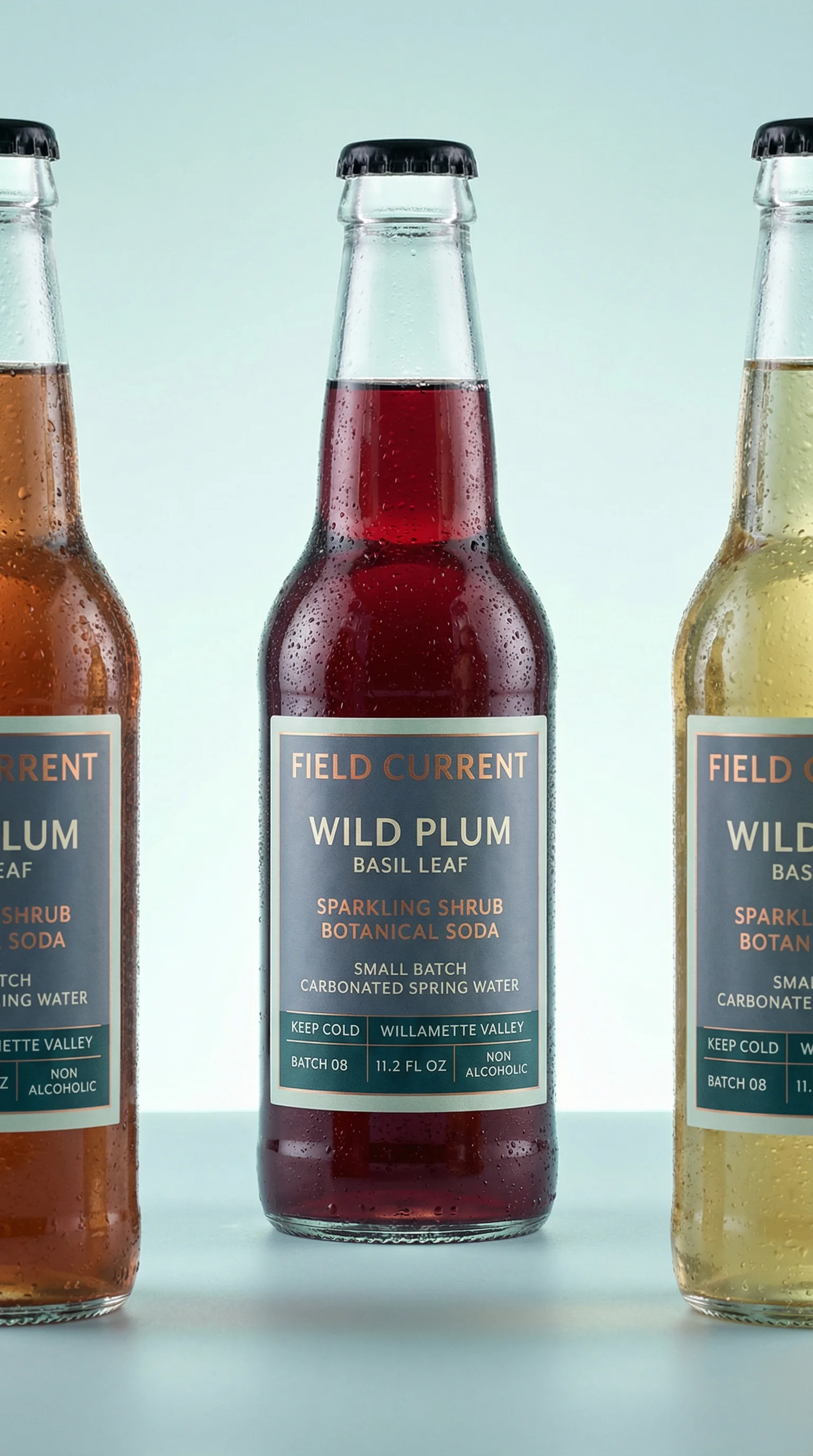
Tall centered lineup suited to Stories and Reels style crops.

Landscape-friendly product display with clean edges for feed crops.
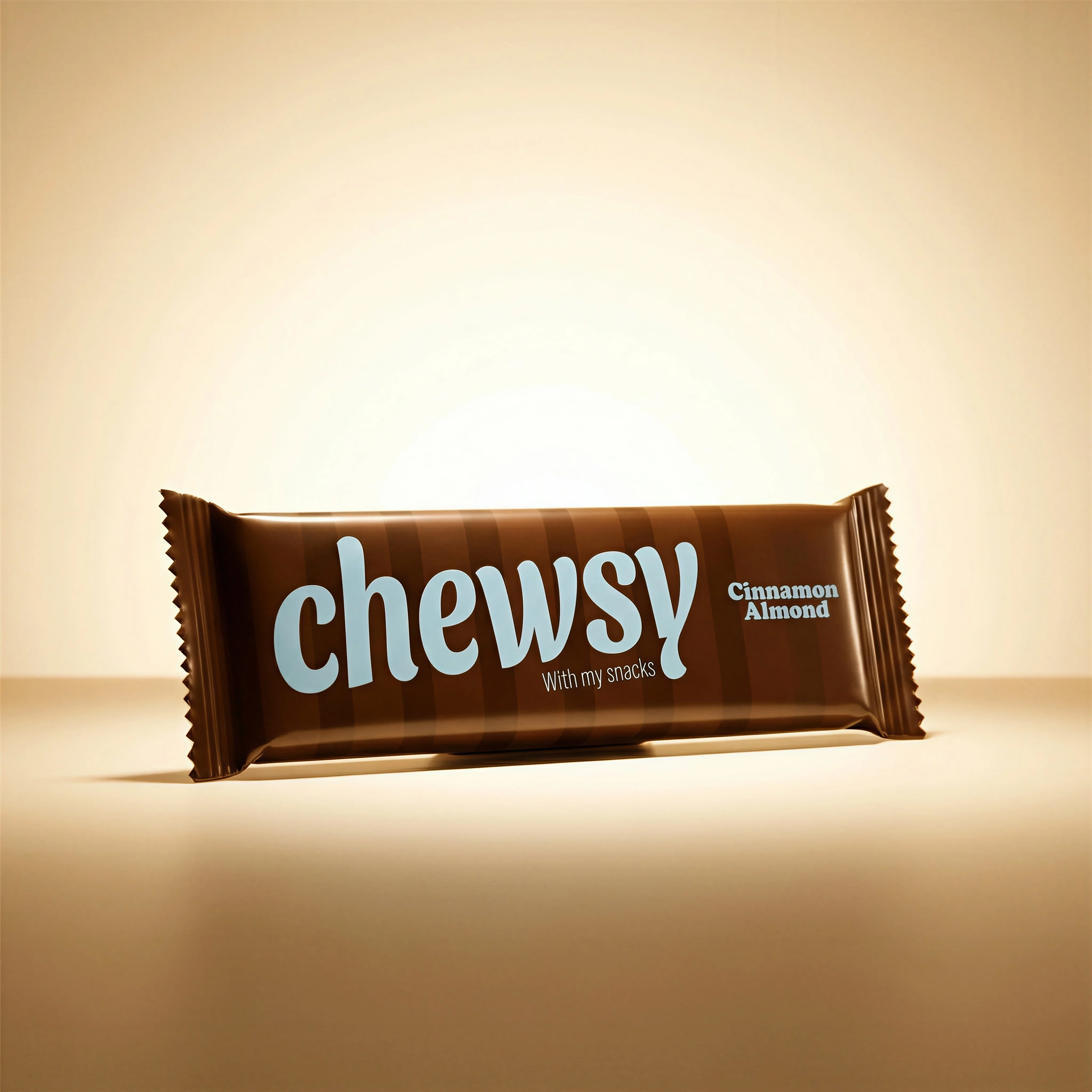
Square packshot example for 1:1 ad and catalog placements.
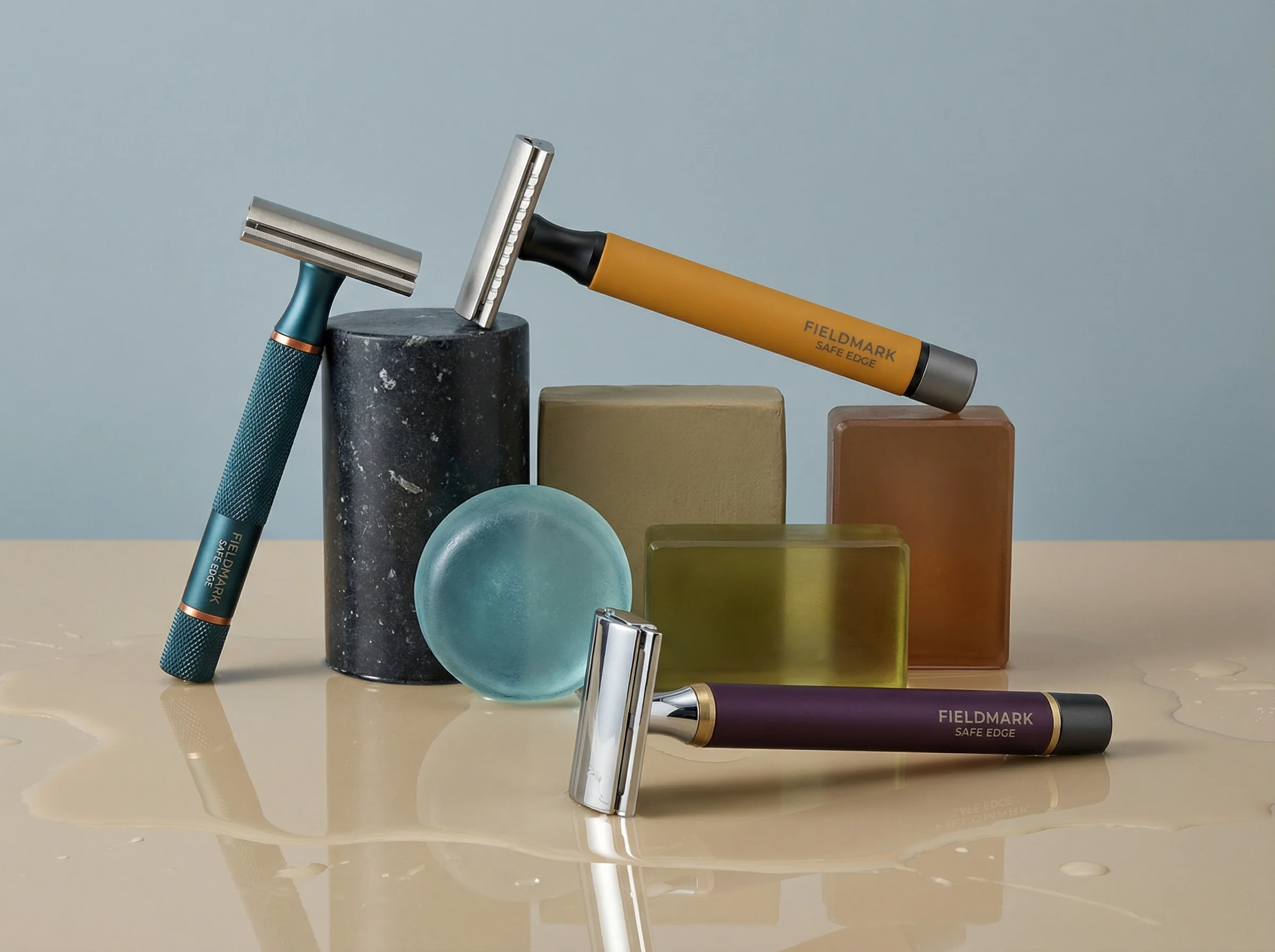
Landscape still life with clear product spacing for wide ad placements.
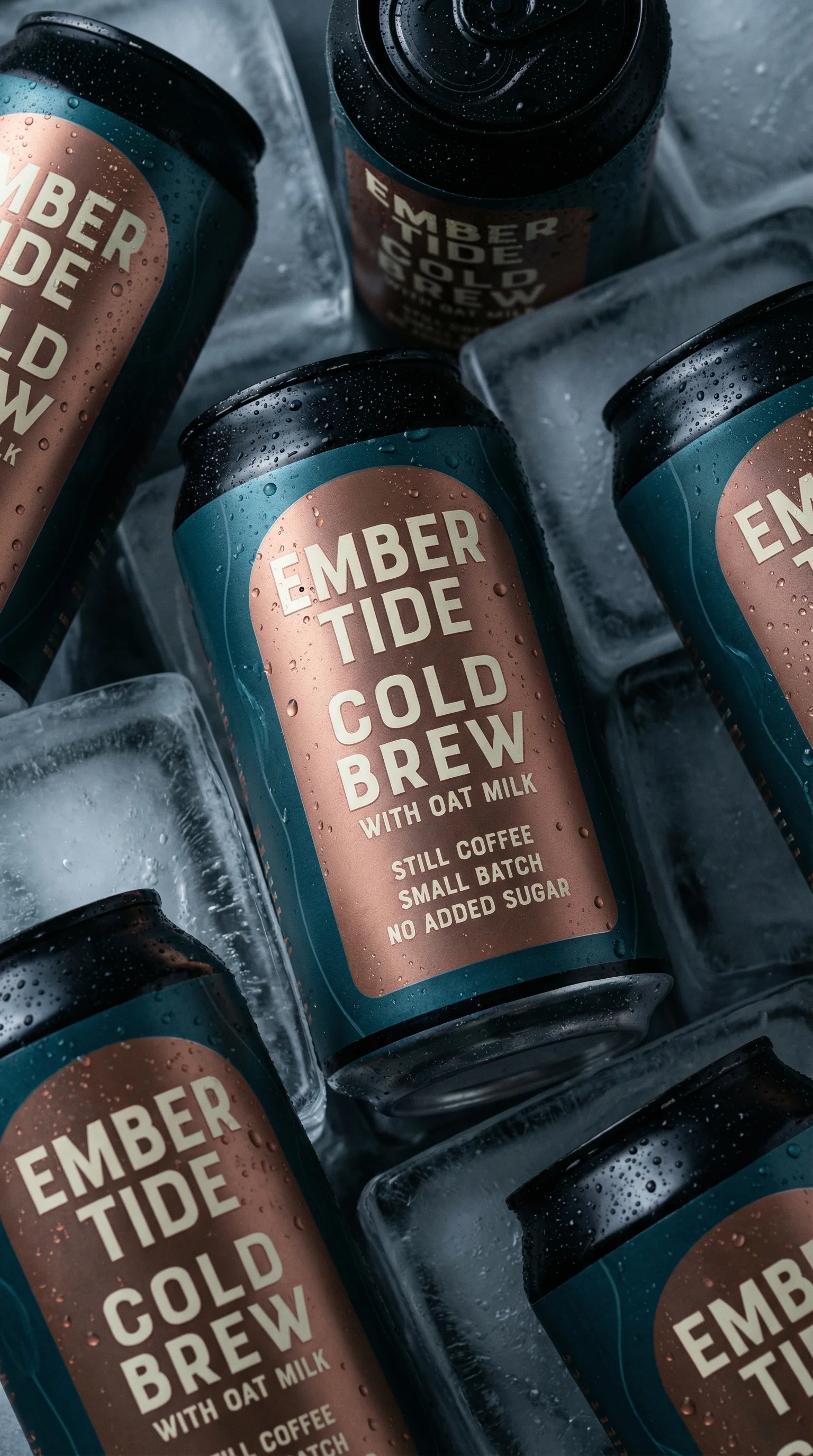
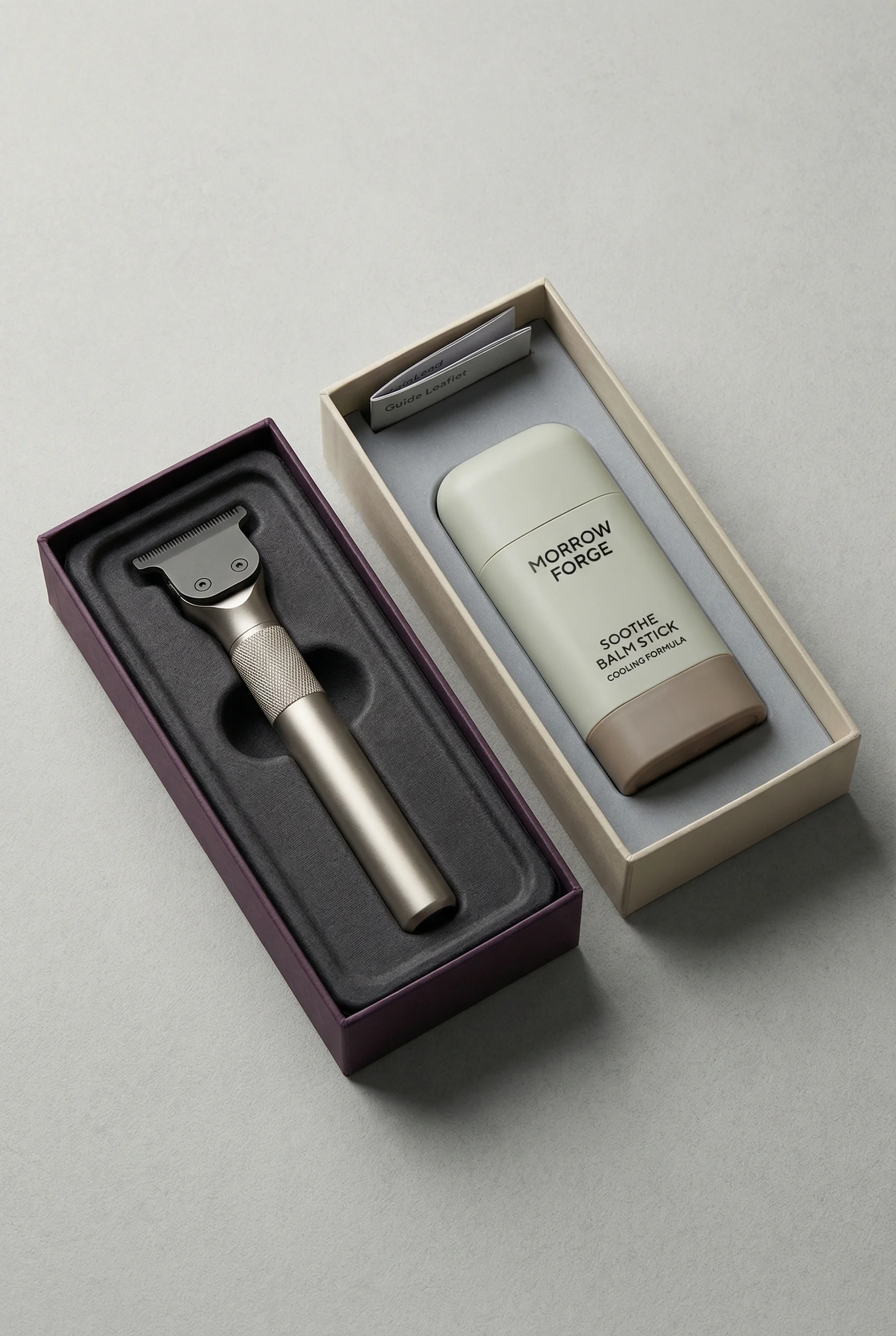
Vertical can arrangement that can support Reels, Stories, and portrait feed crops.

Horizontal tech composition with negative space for Meta placement testing.
Meta ad image sizes are not just technical export settings. They decide how much of the product shoppers can inspect, whether the headline remains legible, and whether the same idea survives across Facebook and Instagram placements.
Because Meta placement specs, crop previews, and creative enhancements can change, treat the numbers below as a reviewed snapshot and confirm the current recommendation inside Meta Ads Manager before publishing, especially for important campaigns or regulated categories.
If you are still deciding the campaign concept, pair this sizing guide with Meta ad creative examples. If the same product assets also need to feed marketplace or onsite listings, compare the cleaner requirements in the Google Shopping image requirements and Shopify product image guide.
Meta ad image size snapshot
Choose the right approach
Reviewed May 2, 2026
Use this as a production brief, then validate final files in Ads Manager because placement previews and eligibility can shift.
| Scenario | Practical export | Best use | Operator note |
|---|---|---|---|
| 4:5 portrait feed | 1080 x 1350 px or 1440 x 1800 px. | Facebook Feed, Instagram Feed, Threads-style feed inventory, and mobile-first single-image ads. | Usually the highest-value ecommerce feed crop because the product gets more vertical screen space. |
| 1:1 square | 1080 x 1080 px or 1440 x 1440 px. | Carousel cards, product cards, catalog-style layouts, marketplace-style inventory, and safe multi-placement fallback. | Keep card-to-card margins consistent so automated previews do not make one product feel larger than another. |
| 9:16 full-screen vertical | 1080 x 1920 px or 1440 x 2560 px. | Stories, Reels, and other full-screen mobile placements. | Keep logos, claims, prices, and calls to action away from the top and bottom interface zones. |
| 1.91:1 landscape | 1200 x 628 px is the common wide export. | Link-style inventory, horizontal fallbacks, and wide product compositions. | Use deliberately; many ecommerce campaigns can skip this unless the placement mix or layout requires it. |
| File guardrails | JPG or PNG, generally kept below Meta's 30 MB image limit. | All static-image exports. | Optimize for sharp mobile display, but do not ship unnecessarily heavy files that slow review and delivery. |
Plan the core Meta ad image ratios
Choose the right approach
Meta crop planning matrix
Brief each ratio with a job rather than resizing one master design after approval.
| Scenario | Decision | Creative note |
|---|---|---|
| If the product needs to feel large in feed | Start with 4:5. | This is usually the workhorse crop for mobile ecommerce prospecting and retargeting. |
| If every card must compare cleanly | Start with 1:1. | Best for carousel rhythm, catalog consistency, and SKUs that shoppers compare side by side. |
| If the placement is full-screen | Start with 9:16. | Treat Stories and Reels as native vertical creative, not enlarged feed art. |
| If the scene is naturally wide | Create a 1.91:1 export only after the feed and full-screen needs are covered. | Do not shrink the product just to preserve background scenery. |
Build a size family
Visual playbook
Visual size family examples
A size family keeps the same product, message, and brand system while adapting the layout for each placement.
Full-screen vertical product lineup
A tall product arrangement gives the creative enough height for Stories and Reels-style placements without crowding the pack.
Use when: Use for mobile-first prospecting, product launches, and vertical retargeting reminders.
Prompt cue
Create a 9:16 Meta ad image with the product centered, a short hook in the upper middle, and conservative safe space at the top and bottom.
Landscape feed fallback
A wide product display can support link-style inventory when the product and message have enough horizontal room.
Use when: Use when broad placement coverage requires a landscape export.
Prompt cue
Create a landscape Meta ad variant with the product group on one side, concise benefit copy on the other side, and clean spacing around every edge.
Square packshot control
A centered square asset is useful as the control version for catalog-style ads, carousel cards, and multi-placement testing.
Use when: Use when consistency across many products or carousel cards matters more than scene depth.
Prompt cue
Create a 1:1 Meta ad product card with a centered packshot, one benefit-led headline, and enough margin for automated previews.
Portrait feed close-up
A vertical product crop can make cans, bottles, apparel, and beauty products feel larger in mobile feeds.
Use when: Use for feed placements where the product needs more visual presence than a square crop provides.
Prompt cue
Create a 4:5 Meta feed ad with the product occupying the center of the frame, readable packaging, and a short proof point below the headline.
Safe zones for ecommerce creative
Safe zones are the areas where product details, offer terms, logos, and calls to action should remain visible after previews, platform UI, and placement-specific cropping. Keep essential content away from the extreme top, bottom, and side edges, then inspect the asset in every intended placement.
For full-screen vertical creative, avoid placing critical copy where app controls, captions, profile elements, or calls to action may compete. For feed creative, leave enough margin around product edges so the item does not feel clipped on mobile.
Meta ad image checklist
Before you publish
Pre-export checklist
- Product remains recognizable in every planned ratio.
- Text is large enough to read on a mobile preview.
- Important product details, offer terms, and CTAs are not at the extreme edges.
- The image matches the landing page product, variant, and offer.
- Brand fonts, colors, and layout rules are consistent across versions.
- Square, 4:5 feed, and 9:16 full-screen exports feel intentionally designed.
- File names include ratio and pixel size so media buyers can choose the right version quickly.
- Product labels and packaging remain accurate after resizing.
- Final dimensions, file requirements, and placement eligibility are checked in Ads Manager.
Riverflow prompt recipe
Riverflow workflow
How this works in Riverflow
Create intentional size variants from the same product truth, then validate them against current Meta requirements.
Photoshoots
Start from adaptable Scenes
Use brand-safe Scenes from Riverflow's library or bring Scenes from your own shoots, then adapt them to the product. Apply Styles so square, portrait, vertical, and landscape versions still feel like one campaign.
Images
Generate missing creative starters
Use Riverflow 2.0 Pro, Google's Nano Banana 2, or OpenAI GPT-Image-2 for text-to-image and image-to-image work when a placement needs a new background, composition, or source transformation.
Editing
Adapt crops without blunt resizing
Change aspect ratio while keeping the image natural and adjusting the center point, generate 9 angle variants, use Riverflow 2.0 Reference-Based Super Resolution to update product artwork in place without changing the rest of the image, or swap a product into an approved placement layout.
Create it in Riverflow
Create a Meta ad size family in Riverflow
Use this structure to turn the strategy into a specific creative brief that keeps the product accurate and the scene useful.
- 1
Format
Generate 1:1, 4:5, 9:16, and optional landscape variants from the same approved product image and brand direction.
- 2
Message
Use one short benefit-led headline, one approved offer or proof point, and no more than one visual emphasis per asset.
- 3
Product control
Preserve the exact packaging, color, label, product count, and proportions across every crop. Use product-detail editing when artwork or labels need correction.
- 4
Safe areas
Keep logos, claims, and calls to action inside conservative mobile-safe areas with extra margin for platform previews, then confirm current requirements in Ads Manager.
Example prompt
Mistakes to avoid
Designing only one square asset and relying on automatic crops for every placement.
Build intentional square, portrait feed, and full-screen vertical versions for campaigns that matter.
Placing prices, claims, or CTAs near the bottom of Story-style creative.
Move essential information toward the central safe area and check the placement preview before launch.
Shrinking the product to make room for decorative scenery.
Make the product large enough to inspect at mobile size, then use scene detail only to support context.
FAQ
What should we export if the campaign launches today?+
Export 4:5 feed, 1:1 square, and 9:16 full-screen versions first. Add a 1.91:1 landscape file only if the media plan or preview shows a real need for wide inventory.
Should the feed image be 1:1 or 4:5?+
Use 4:5 when the priority is mobile feed attention and product scale. Use 1:1 when the priority is carousel consistency, catalog-like comparison, or broad fallback across placements.
How much text is safe on a Meta ad image?+
Keep image text short, large, approved, and central. Product claims, prices, and CTAs should survive both mobile compression and placement UI, so do not place them near the frame edge.
How should catalog or product-card creative differ from prospecting creative?+
Catalog and carousel cards need clean product comparison, consistent margins, and accurate SKU representation. Prospecting creative can carry more scene, hook, or benefit language, but it still needs placement-safe crops.
Do Meta ad image size rules change?+
Yes. Placement recommendations, previews, creative enhancements, and delivery behavior can change, so treat this guide as a snapshot and confirm final specs in Meta Ads Manager before export.
Sources and review notes
Last reviewed: May 2, 2026.
Start creating
Get started with on-brand visuals
Turn guide ideas into product-accurate creative in Riverflow, using your brand, products, scenes, styles, and channel crops from the start.
Your catalog into campaign-ready Creative
Riverflow connects your products, brand rules and creative workflows so your team can create on-brand photoshoots, ads, videos and edits across every campaign.