Guide
TikTok Shop Image Guide for Product Listings
A practical guide to TikTok Shop product images, including clean listing visuals, gallery planning, common mistakes, and Riverflow workflows.
- Guides
- Ecommerce Image Requirements


Examples
Scenes from the Riverflow library
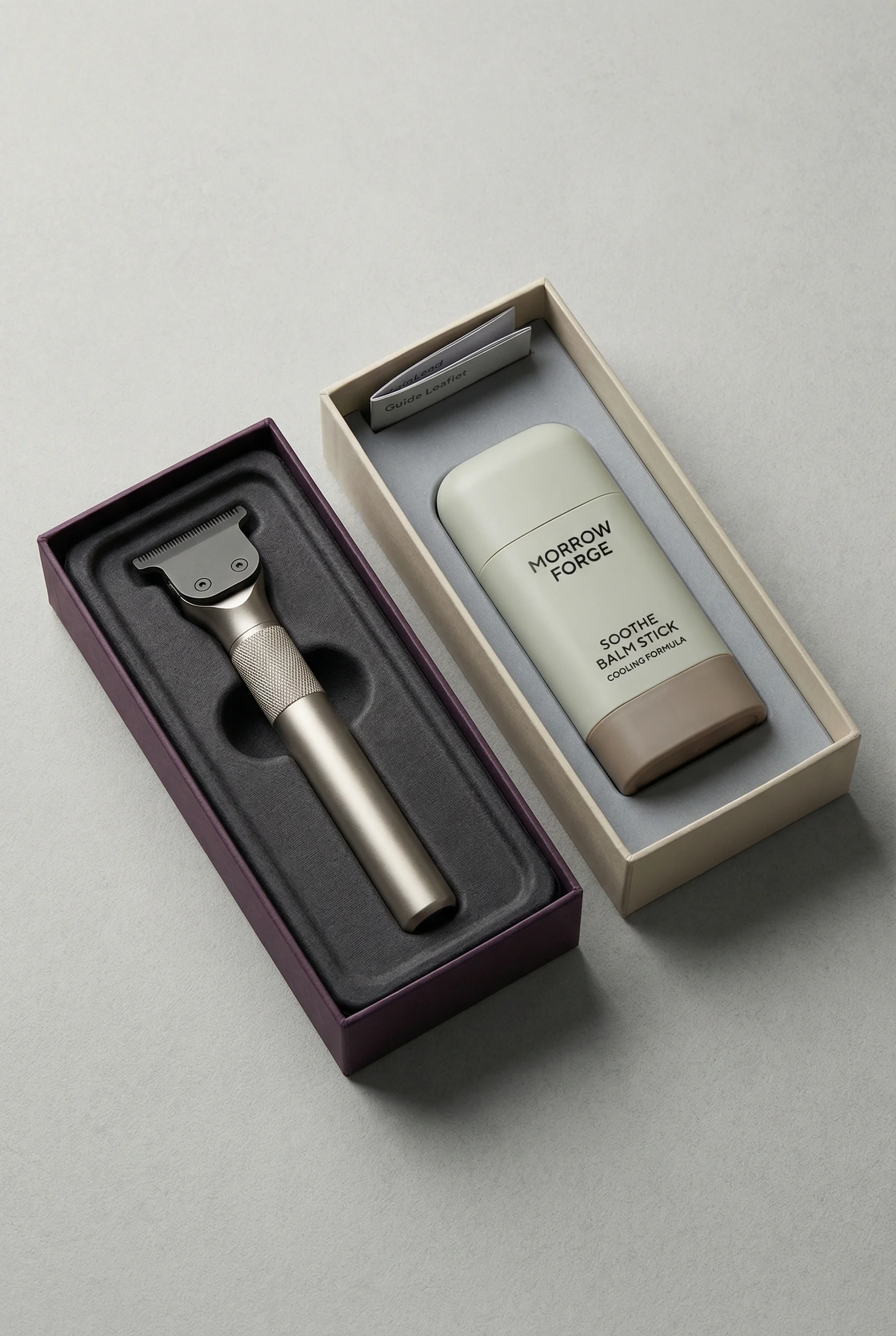
Retail-style handheld product shot for TikTok Shop browsing context.
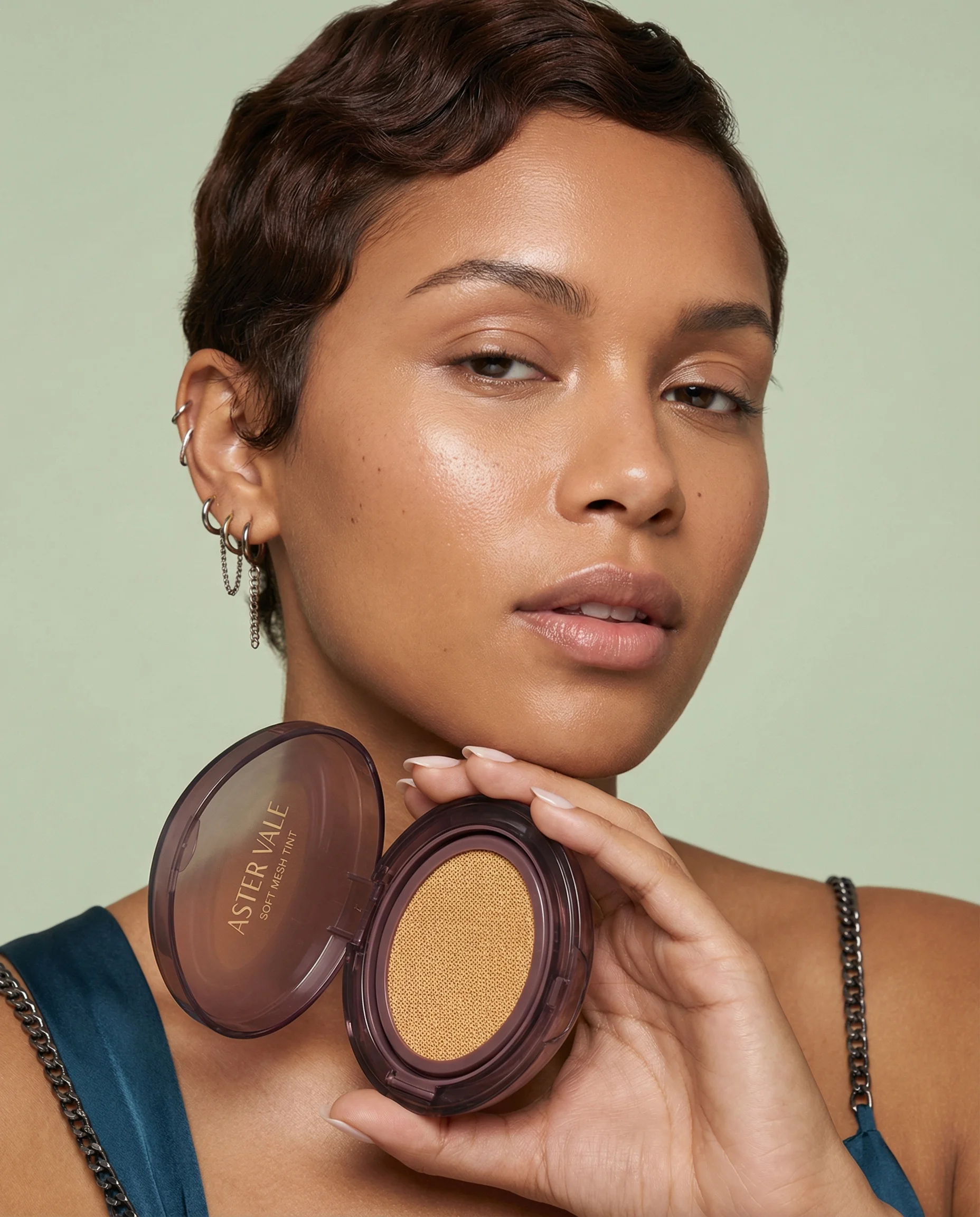
Creator-friendly portrait crop with product, face, and application context.
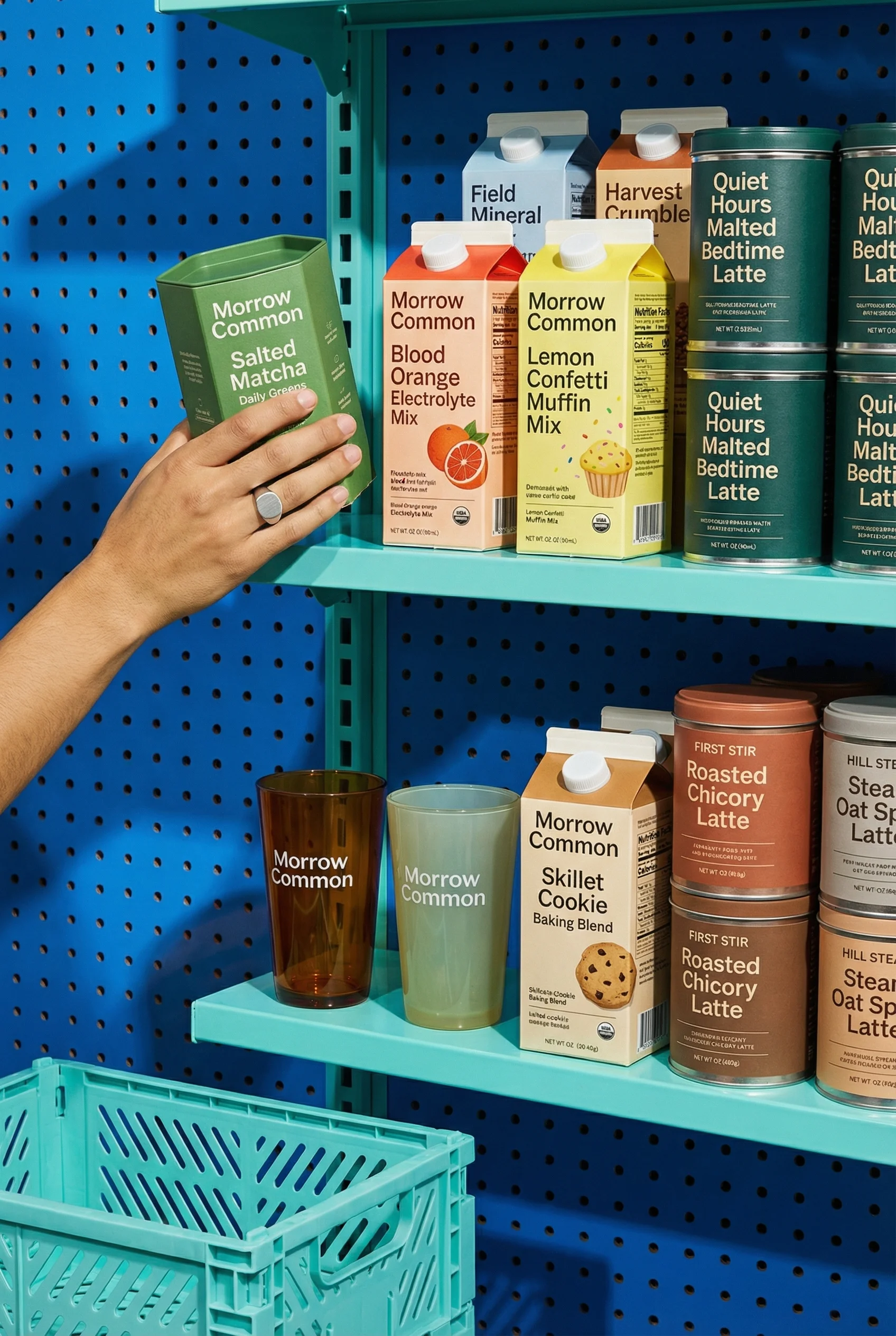
Shelf and hand composition that feels shoppable without losing the product.
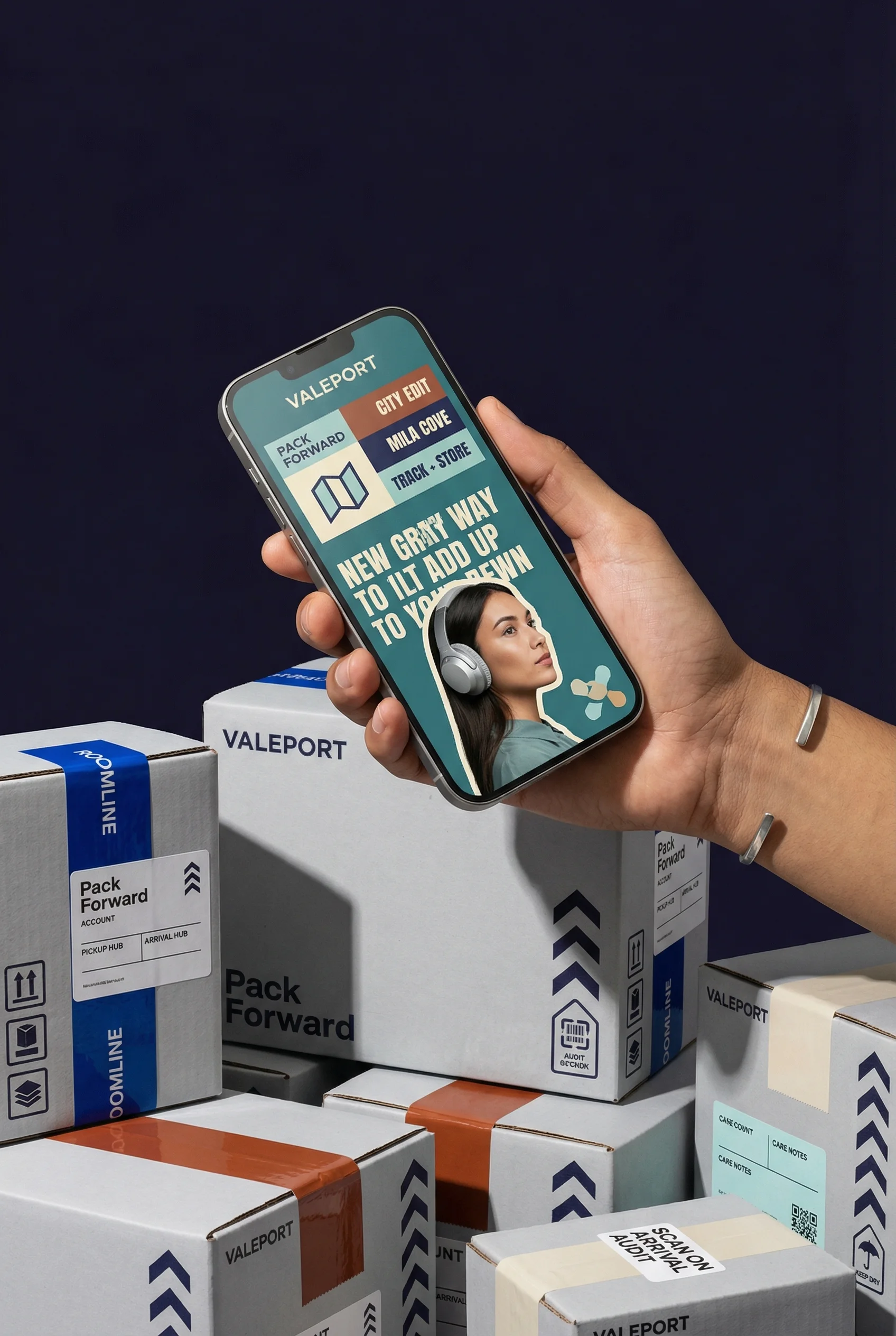
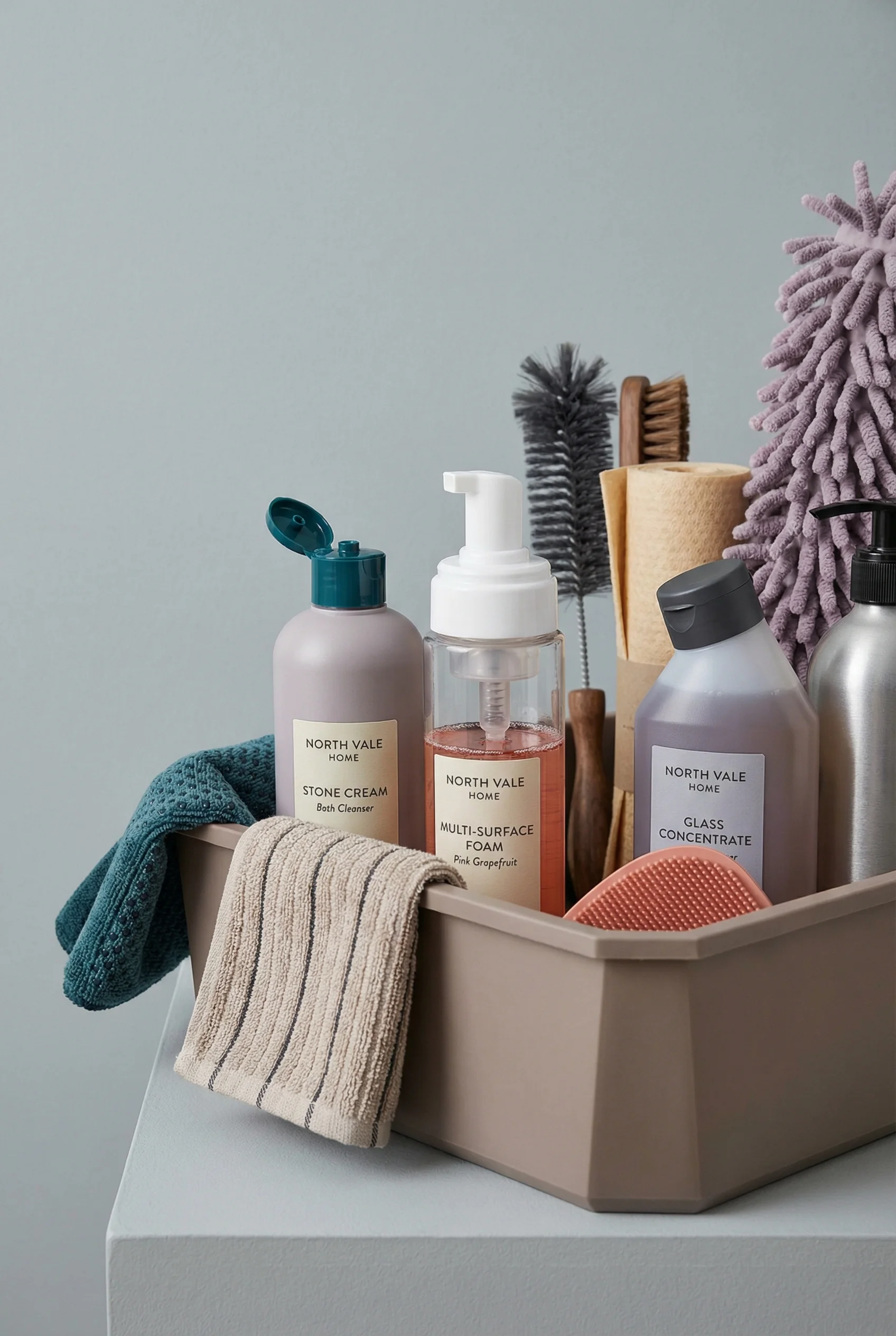
Mobile shopping context with packaging cues for a TikTok Shop journey.
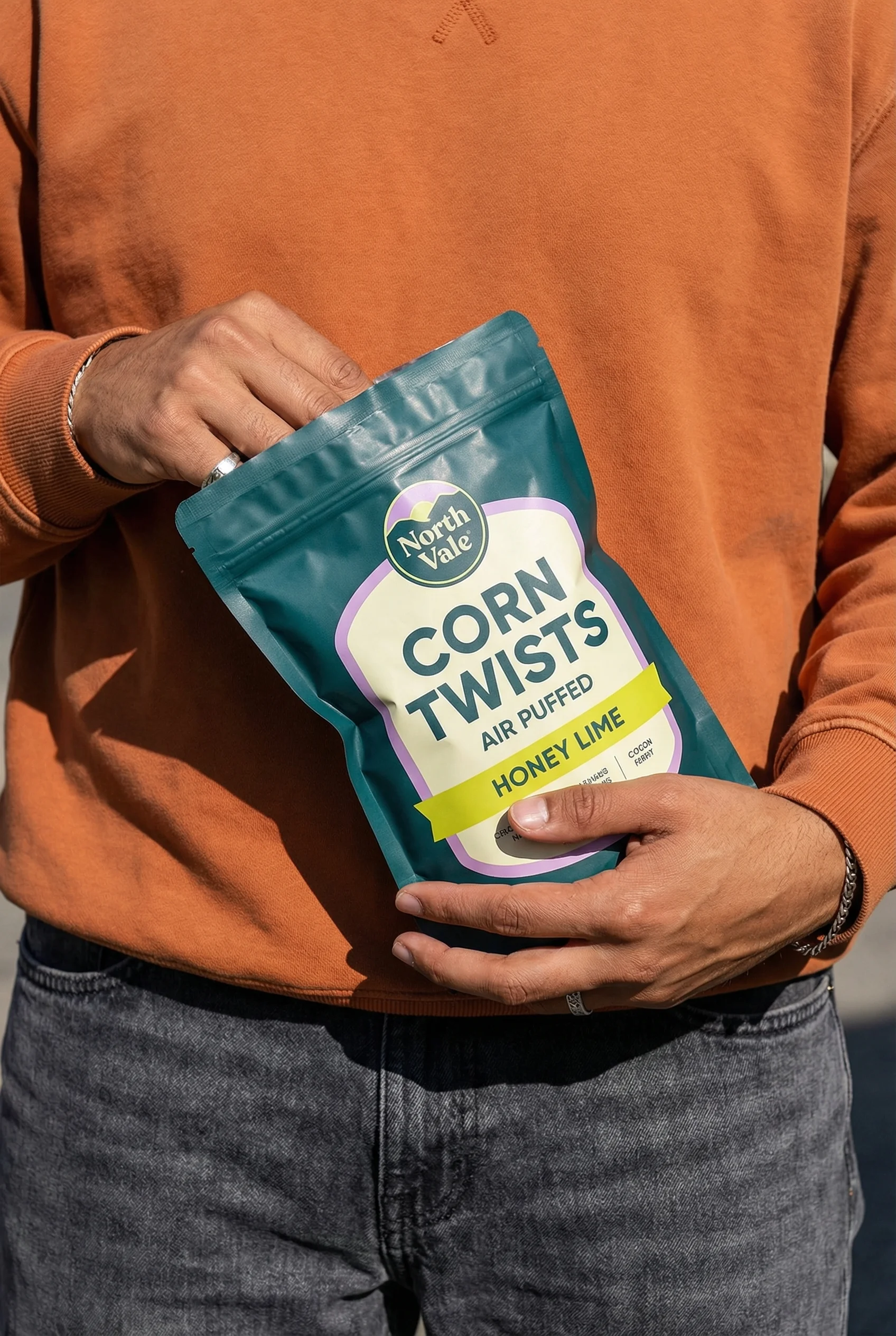
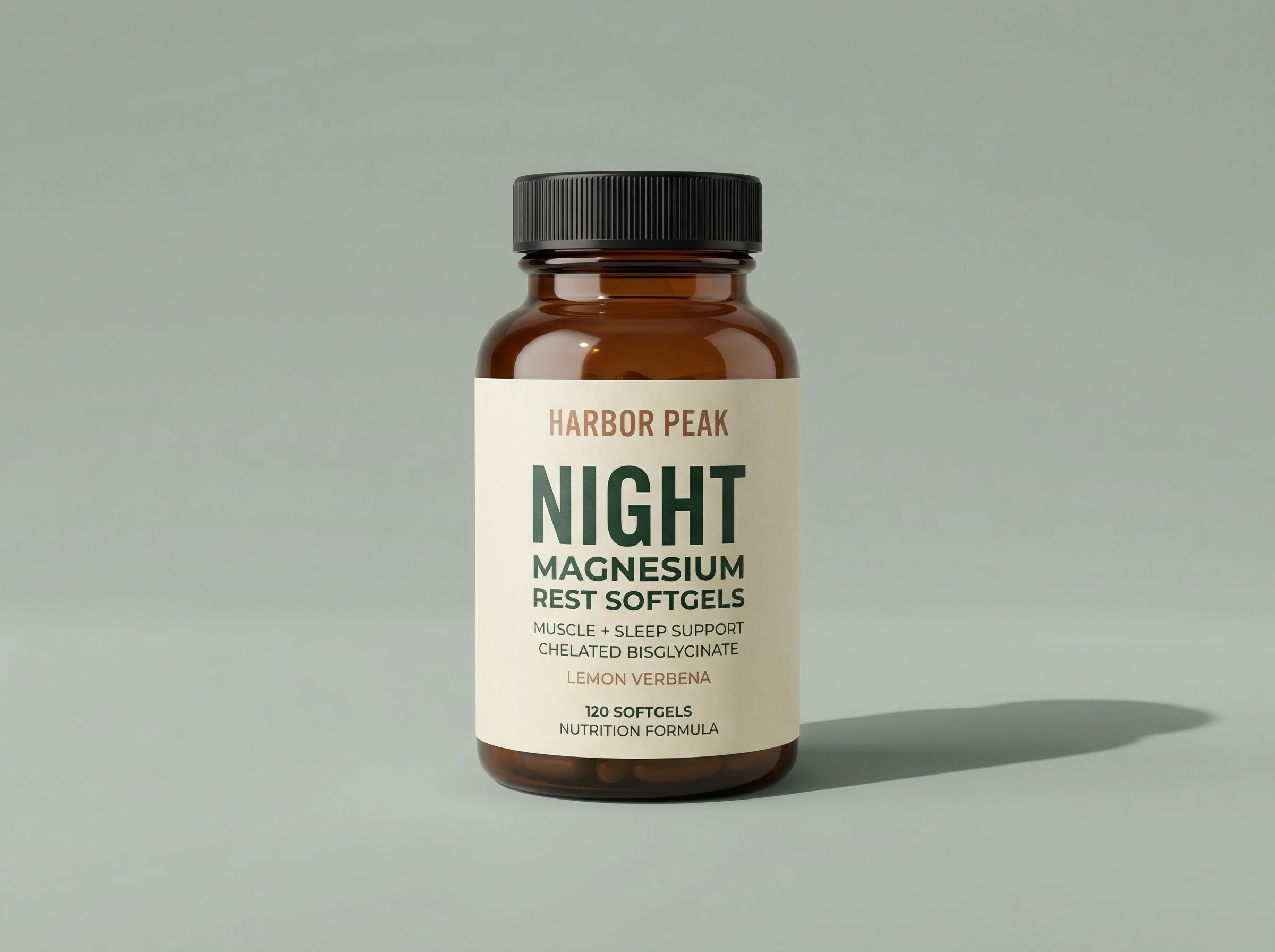
Creator-style handheld crop that keeps the snack pack visible on mobile.
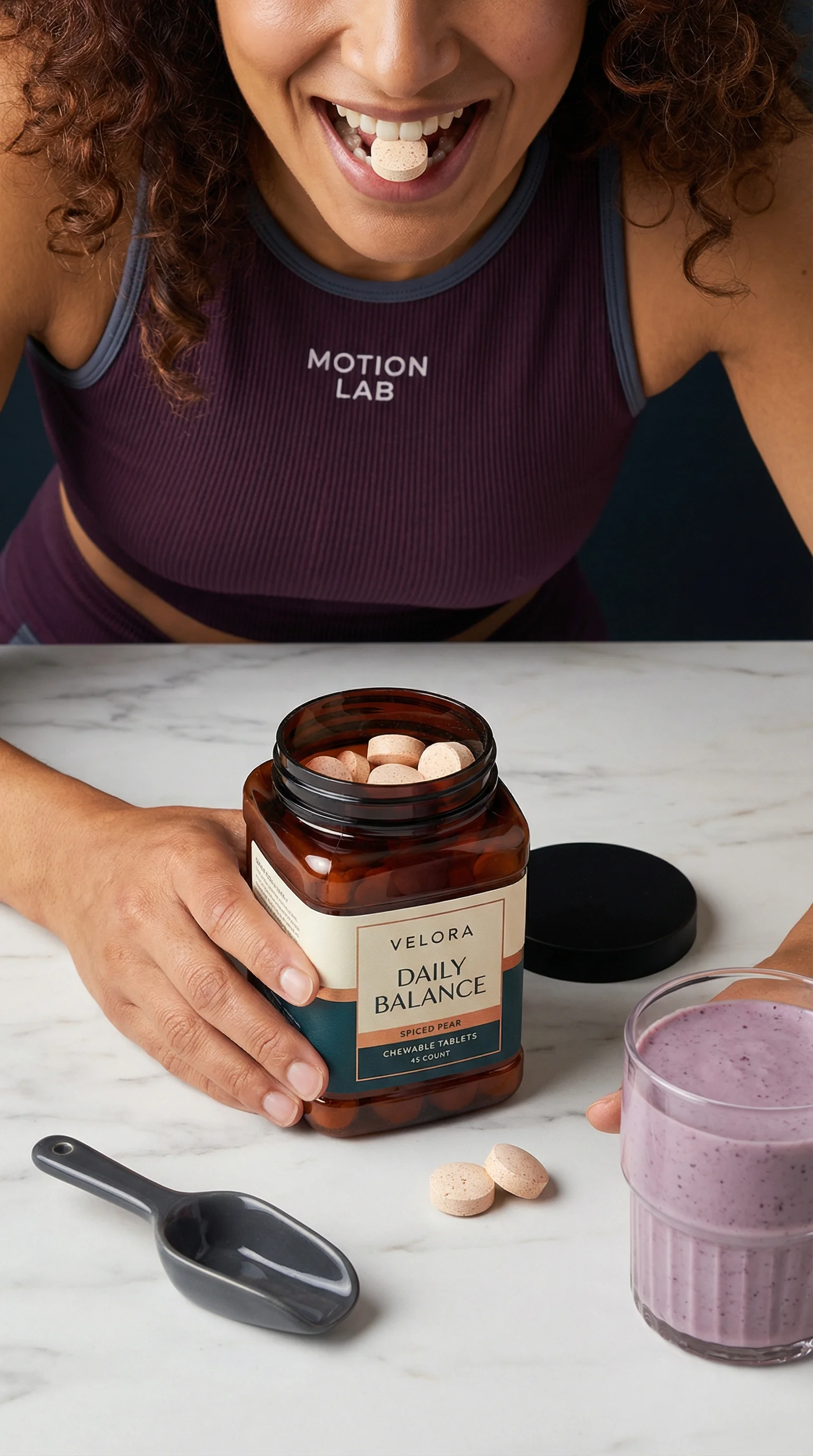
Tall product-in-use frame suited to listing galleries and shop-native browsing.
TikTok Shop images do two jobs at once. They must represent the product clearly enough for listing review and the product detail page, while also fitting a shopping journey shaped by short-form content.
Requirements can vary by market, category, and policy update, so treat this as a reviewed snapshot and confirm the current rule set in Seller Center before upload.
For the performance side of the funnel, use the TikTok product ad examples to plan native hooks separately from listing images. If you also sell through your own store or Google, compare the Shopify product image guide and Google Shopping image requirements before final export.
TikTok Shop image requirements snapshot
Choose the right approach
Reviewed May 2, 2026
Based on TikTok Shop US listing policy and PDP quality guidance. Check Seller Center for category and market-specific changes.
| Requirement | Current practical answer | Operator note |
|---|---|---|
| Image count | Upload up to nine square images. | Do not repeat the same angle; use the gallery to show front, back, sides, details, accessories, variation, use, and scale. |
| Main image | Select one main image showing the front physical view of the product. | The main image should be objective and straightforward, not an ad thumbnail. |
| Background | The main image must use a pure white background in the US policy. | Use lifestyle, styled, or creator-context images later in the gallery when they remain accurate. |
| Minimum size | All product images must be at least 600 x 600 px; PDP quality guidance expects the main image to be over 600 x 600 px. | Export larger square sources when possible so zoom and mobile review stay sharp. |
| No-go elements | No added logos, text, borders, watermarks, or graphics covering the product or background. | Keep promotional claims, discount badges, and platform logos out of listing images. |
| Accuracy | Images must show only what the customer will receive; placeholders and digital renderings are not allowed under the US policy. | Bundle, accessory, and pack-count mismatches are review and trust risks. |
| Listing quality | Good-tier guidance calls for at least five images, high resolution, and multiple angles or detail shots. | Treat five useful images as the practical floor for important SKUs. |
TikTok Shop listing image requirements
Choose the right approach
Listing image planning matrix
Separate the clean listing image job from the more expressive ad creative job.
| Scenario | Image requirement | Creative note |
|---|---|---|
| Main image | Show the exact product clearly with accurate color, shape, packaging, and product count. | Keep it product-led, square, on a pure white background, and free from ad-style clutter. |
| Gallery detail | Add close-ups for texture, label, ingredient, material, finish, or product features. | Use detail shots to answer shopper questions without replacing the main image. |
| In-use context | Show realistic scale and product use in a mobile-friendly crop. | Keep the product visible and consistent with the video or ad that drove the click. |
| Variant image | Match each listing or variant to the correct color, flavor, size, scent, quantity, or pack type. | Do not use a different variant as the main visual because it is more visually interesting. |
| Bundle or kit | Show only the products, accessories, and packaging included in the listing. | Avoid implying a multipack, gift set, or extra item unless that is the actual offer. |
Mobile-first visual examples
Visual playbook
TikTok Shop image patterns
Use these patterns to build a listing gallery that feels native to mobile shopping while staying product-accurate.
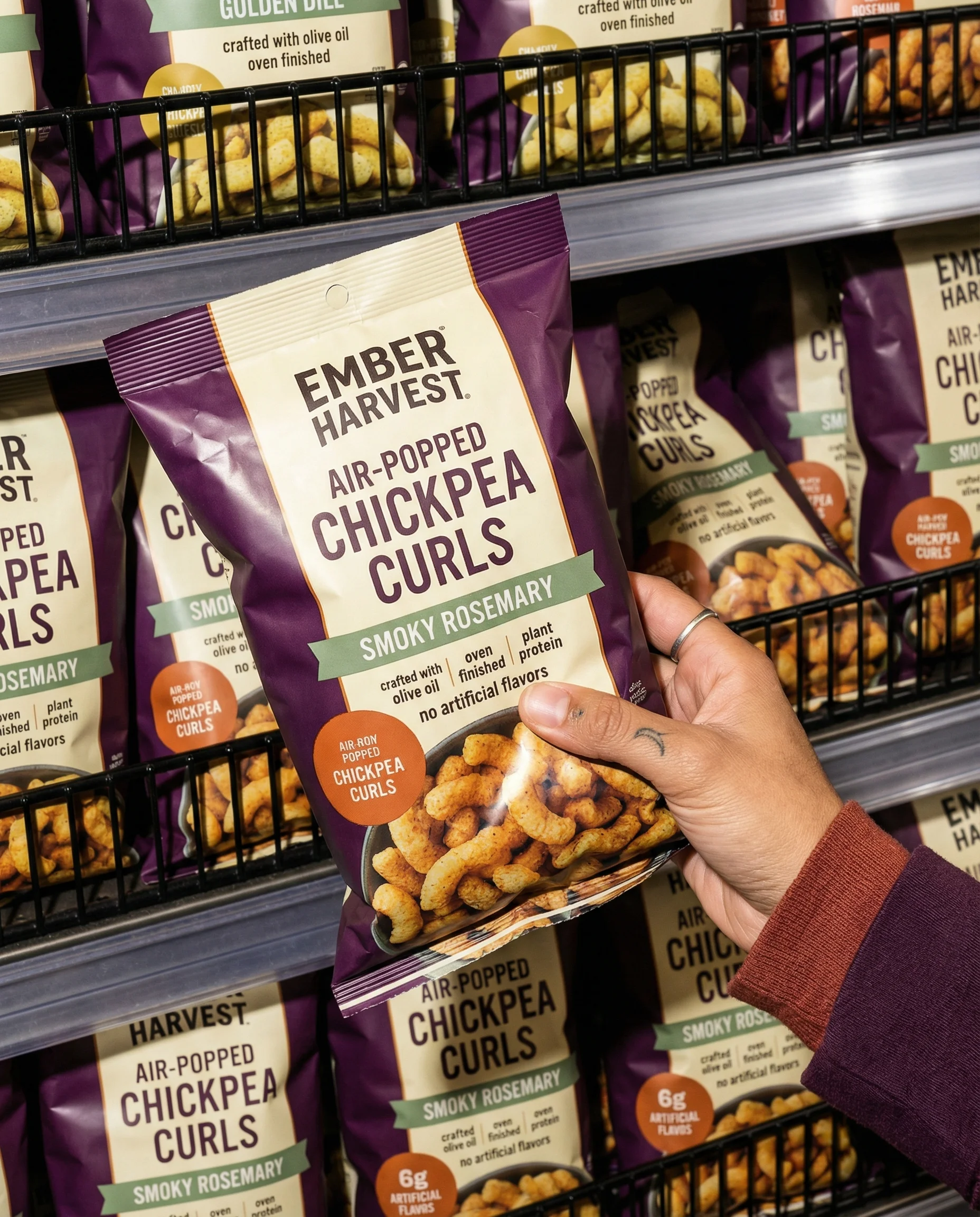
Handheld product proof
A handheld crop adds human scale while keeping the pack visible for mobile browsing.
Use when: Use as a supporting gallery image for snacks, drinks, beauty, wellness, and creator-driven products.
Prompt cue
Create a TikTok Shop gallery image with the product held naturally in a store context, pack readable, color accurate, and no promotional overlay.
Creator-style application context
For beauty and personal care, a mobile portrait can show product, person, and application context in one frame.
Use when: Use when skin finish, shade, texture, or application method matters.
Prompt cue
Create a TikTok Shop beauty gallery image showing the product and application context, with accurate packaging and realistic finish.
Shop journey context
A phone or shopping context can connect the listing to the mobile path without turning the image into an ad.
Use when: Use for supporting images that explain purchase context, packaging, or multi-item listings.
Prompt cue
Create a TikTok Shop supporting image showing mobile shopping context with product cartons visible, accurate pack count, and no fake interface claims.
In-hand mobile tile
A simple in-hand image helps the shopper judge scale, pack shape, and product personality quickly.
Use when: Use for snacks, supplements, small accessories, and products bought from short-form content.
Prompt cue
Create an in-hand TikTok Shop gallery image with the pouch large enough to read, realistic scale, and clean mobile composition.
Product-in-use sequence frame
A use moment adds context to the listing gallery while preserving the product details that review and shoppers depend on.
Use when: Use for consumables, supplements, tools, and products where usage reduces uncertainty.
Prompt cue
Create a TikTok Shop in-use gallery image for a chewable supplement with accurate packaging, realistic scale, and a clear product moment.
Connect Shop images and ad creative
Listing images should be clean, accurate, and easy to review. Ad creative can be more expressive, with lifestyle scenes, hooks, product demonstrations, and creator-style framing. Both should use the same source product truth so the item remains consistent across the funnel.
If a shopper taps from a video showing one version of the product and lands on a listing with different packaging, color, or pack count, confidence can drop quickly.
TikTok Shop image checklist
Before you publish
Before publishing
- The main image is square, clean, product-led, and on a pure white background where required.
- Every image is at least 600 x 600 px, with larger square exports for priority listings.
- The gallery includes at least five useful images for important SKUs where possible.
- The product matches the exact listing and variant.
- Image dimensions, file types, and category rules are checked in Seller Center.
- No watermarks, misleading overlays, unrelated platform logos, or ad-style badges appear.
- Lifestyle images show realistic scale and use.
- Bundles and included items are represented accurately.
- Packaging, labels, and product details are current.
- Gallery images work as a sequence, not a random collection.
- The listing imagery is consistent with the video, ad, or creator post that drove the click.
Riverflow prompt recipe
Riverflow workflow
How this works in Riverflow
Create mobile-ready listing images and supporting creative, then confirm current TikTok Shop requirements before upload.
Photoshoots
Build listing galleries from Scenes
Use Riverflow's brand-safe Scene library or bring your own photoshoot Scenes, then adapt them to the product. Apply Styles so clean main images, handheld proof, in-use frames, and variant shots feel consistent.
Images
Generate supporting mobile visuals
Use Riverflow 2.0 Pro, Google's Nano Banana 2, and OpenAI GPT-Image-2 for text-to-image and image-to-image work when you need additional gallery context or transformed creative starters.
Editing
Adapt and correct before review
Generate 9 angle variants, change aspect ratio for mobile presentation while keeping the image natural, use Riverflow 2.0 Reference-Based Super Resolution to update product artwork in place without changing the rest of the image, or swap a product into an approved listing or ad scene.
Create it in Riverflow
Create TikTok Shop listing images in Riverflow
Use this structure to turn the strategy into a specific creative brief that keeps the product accurate and the scene useful.
- 1
Listing truth
Start with the exact product, variant, pack count, packaging, and Seller Center listing details.
- 2
Main image
Generate a clean product-led image that is easy to identify on mobile and avoids promotional overlays or unrelated logos.
- 3
Gallery
Add detail, scale, in-use, packaging, variant, and bundle images that answer specific shopper questions. Use Styles to keep the set coherent.
- 4
Consistency
Keep listing images and TikTok ad creative connected through the same approved product source, while keeping their roles distinct and checking final assets in Seller Center.
Example prompt
Mistakes to avoid
Using hook-heavy ad thumbnails as listing images.
Keep listing images cleaner and more product-led, then use ads for hooks, demos, and creator-style framing.
Letting generated scenes change product details.
Check cap shape, label, ingredient text, stitching, handle, color, and product count before upload.
Ignoring variant coverage.
Give each meaningful color, flavor, size, scent, or pack-count variant a clear matching image where possible.
FAQ
What image size should TikTok Shop listings use?+
Use square images at least 600 x 600 px. For priority products, export larger square files so the PDP image stays sharp after upload, zoom, and mobile compression.
Should the TikTok Shop main image look like a TikTok ad?+
No. The main image should be a clean front-view listing image, usually on pure white. Put hooks, creator context, and discount language into videos, ads, or supporting creative rather than the listing main image.
How many images does a TikTok Shop listing need?+
The US policy allows up to nine square images. For important SKUs, plan at least five useful images because TikTok's listing quality guidance associates better PDP quality with multiple high-resolution images and detail coverage.
Can TikTok Shop gallery images include lifestyle context?+
Yes, supporting images can show use, scale, and styled scenes, but they must remain accurate and should not imply products, accessories, quantities, or bundles that are not included.
Where should I check current TikTok Shop image rules?+
Use Seller Center and TikTok Shop policy documentation for the relevant market and category before publishing. Rules and enforcement can differ by category and region.
Sources and review notes
Last reviewed: May 2, 2026.
Start creating
Get started with on-brand visuals
Turn guide ideas into product-accurate creative in Riverflow, using your brand, products, scenes, styles, and channel crops from the start.
Your catalog into campaign-ready Creative
Riverflow connects your products, brand rules and creative workflows so your team can create on-brand photoshoots, ads, videos and edits across every campaign.