Guide
Meta Ad Creative Examples for Ecommerce Brands
A guide to useful Meta ad creative examples for ecommerce teams planning product campaigns across Facebook and Instagram placements.
- Guides
- Ad Creative

Examples
Scenes from the Riverflow library
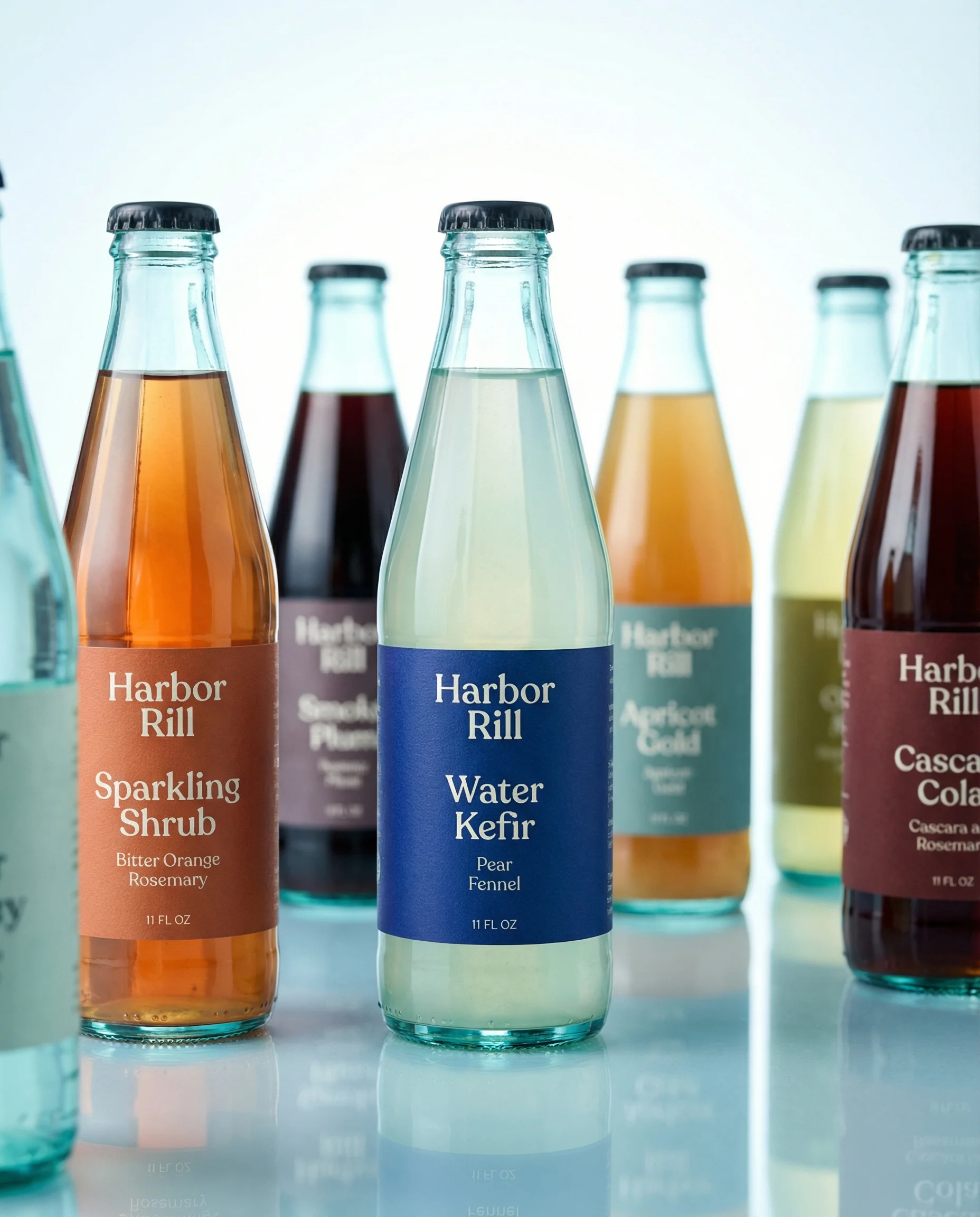
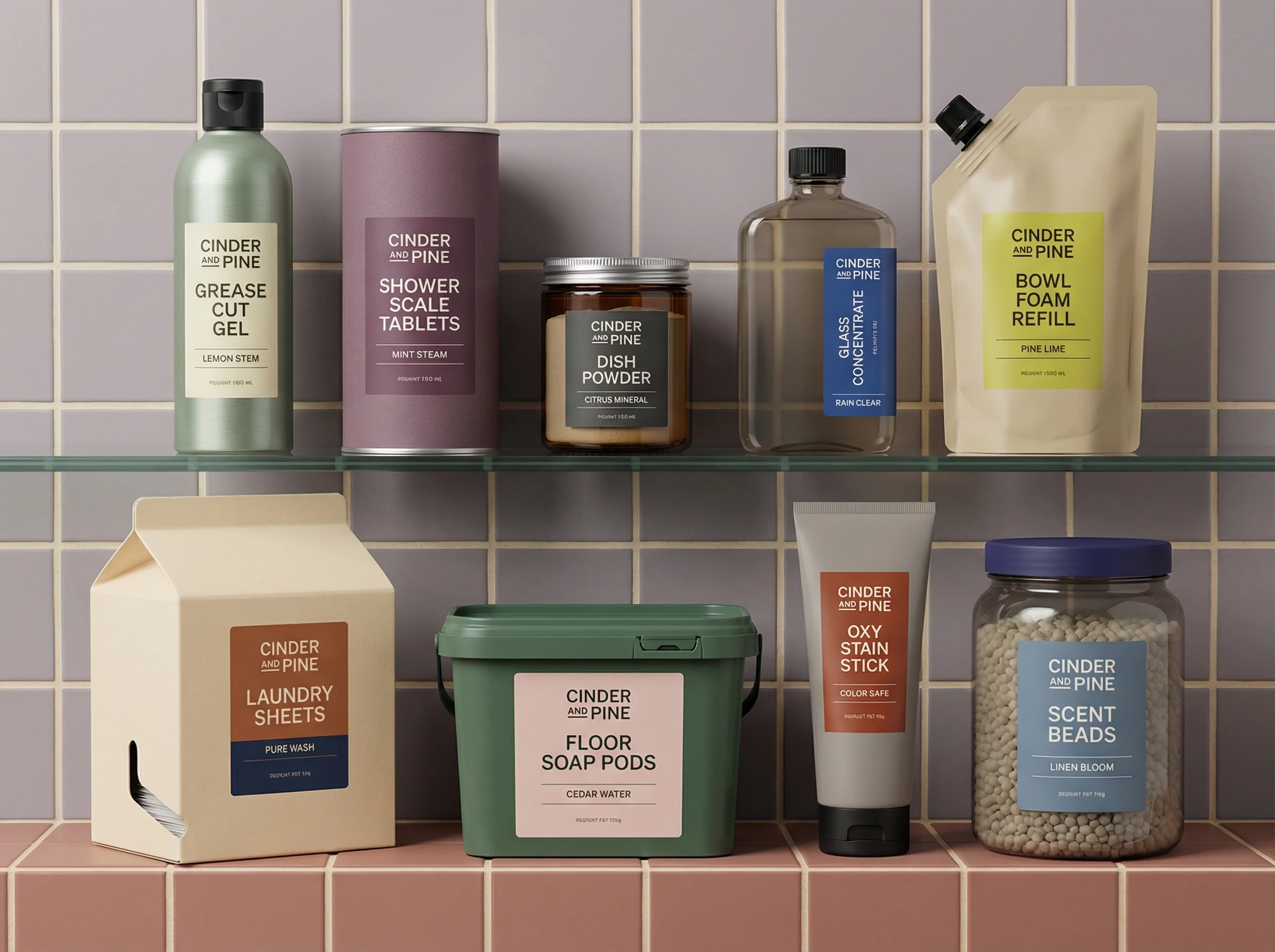
Bright lineup for carousel or collection creative.
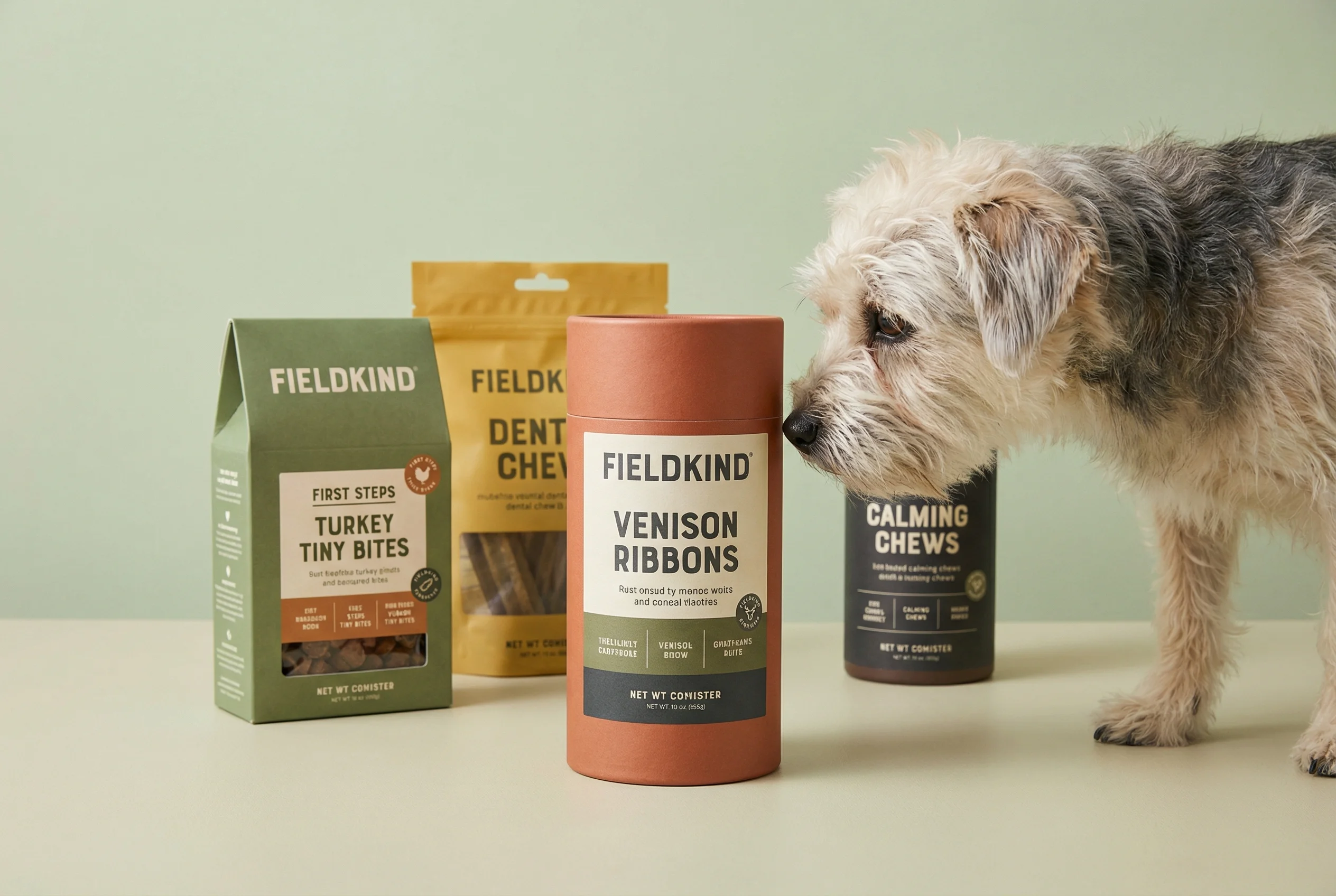
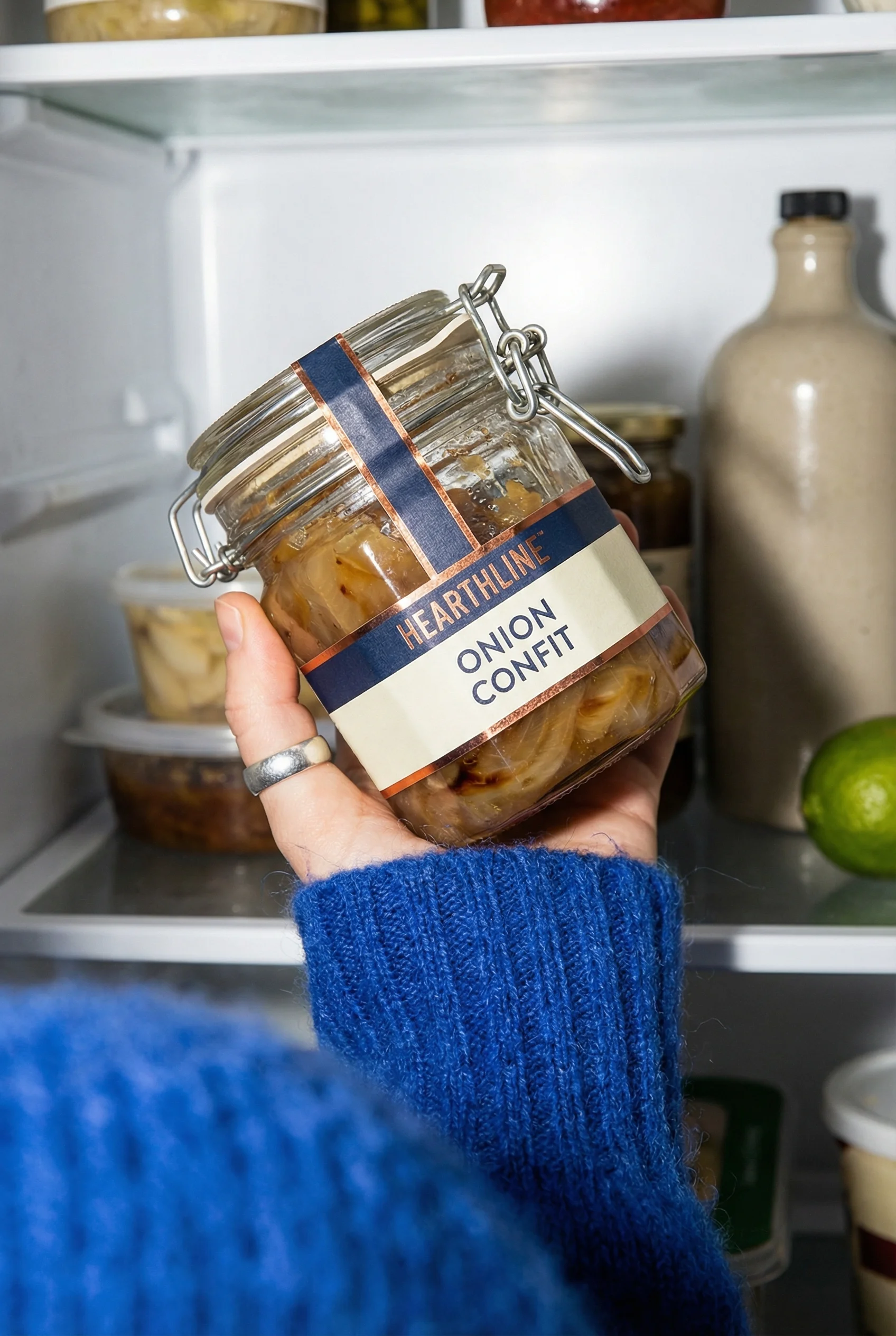
Product plus user context for emotional proof.
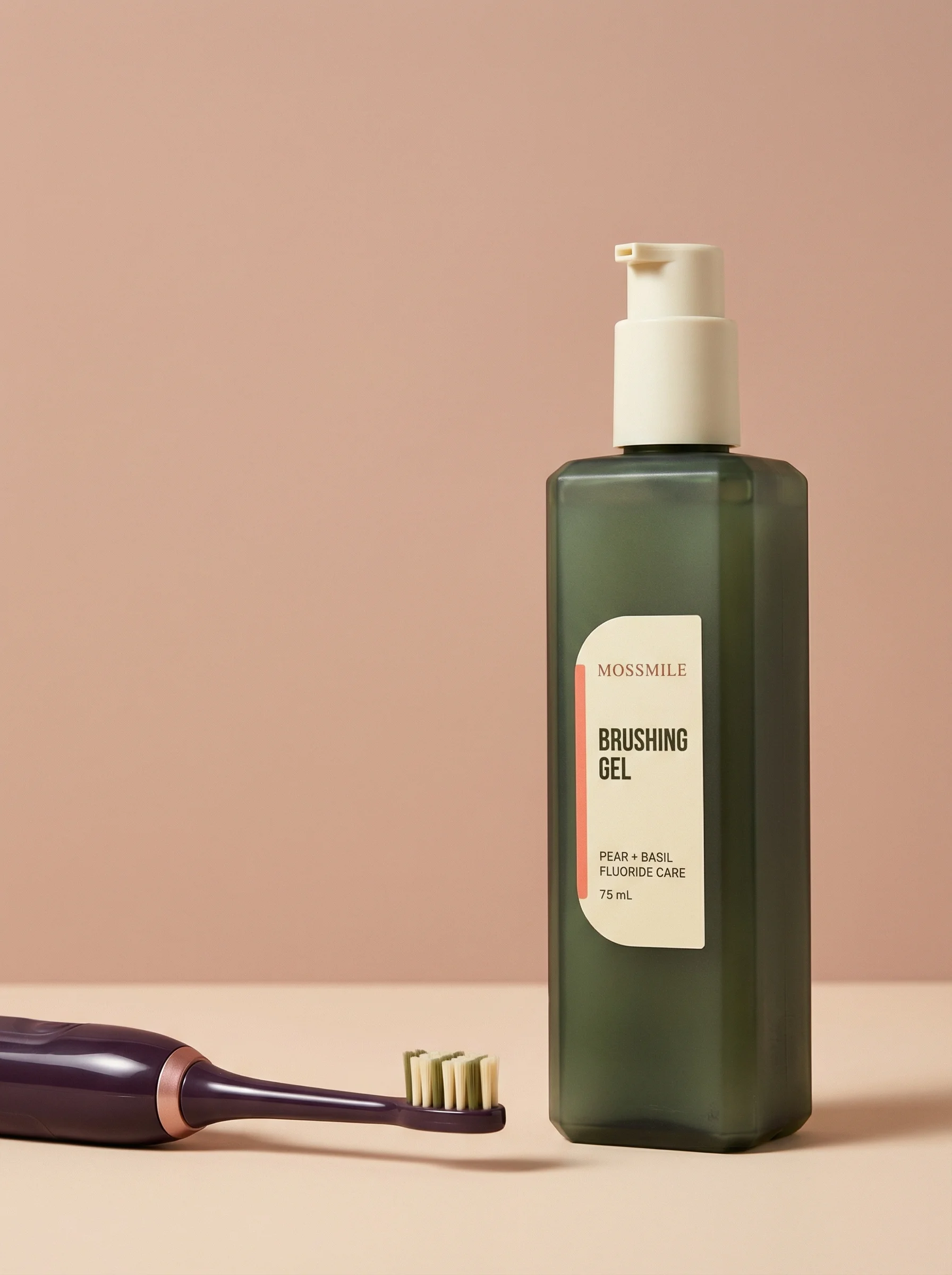
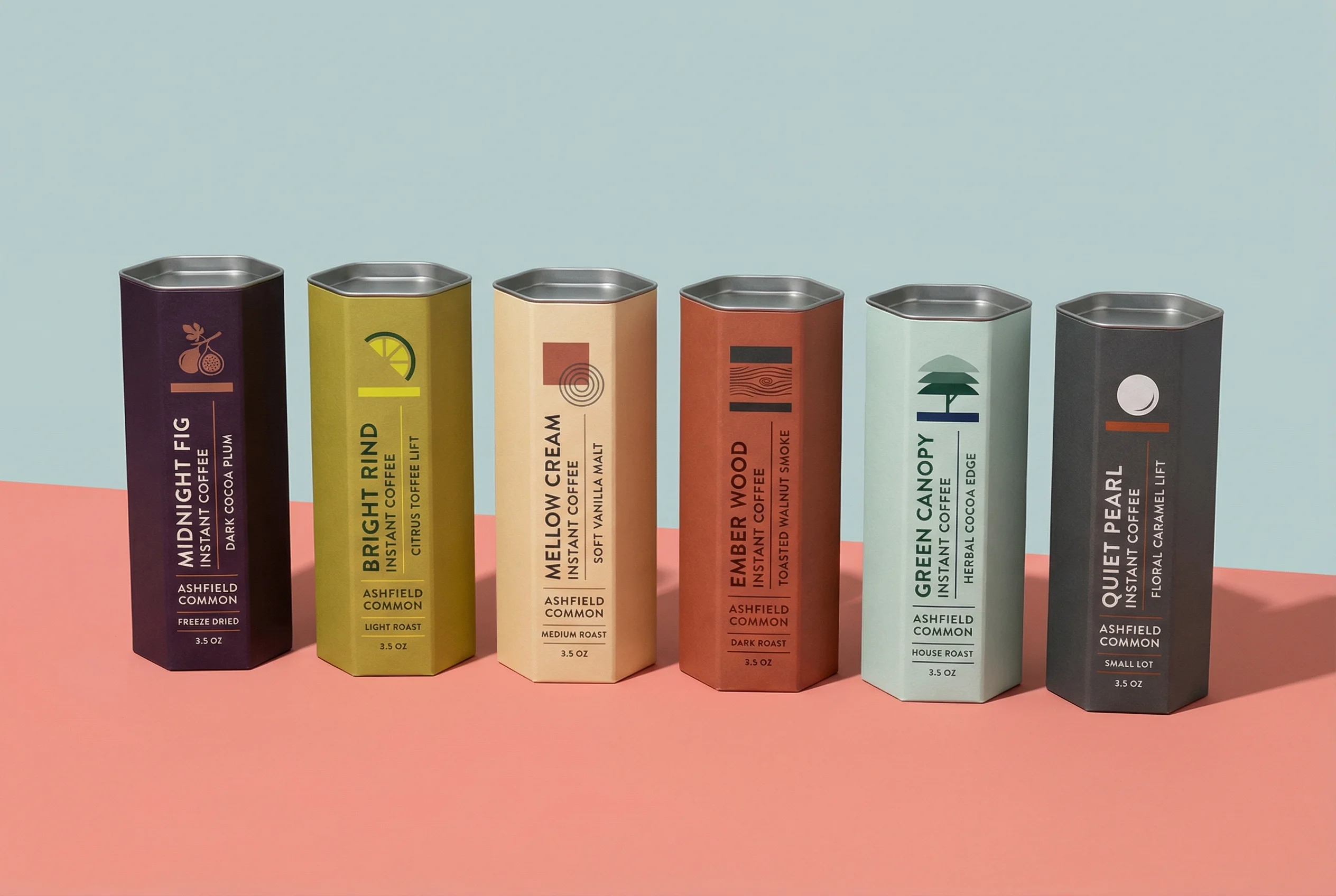
Negative-space studio composition ready for headline or offer copy.
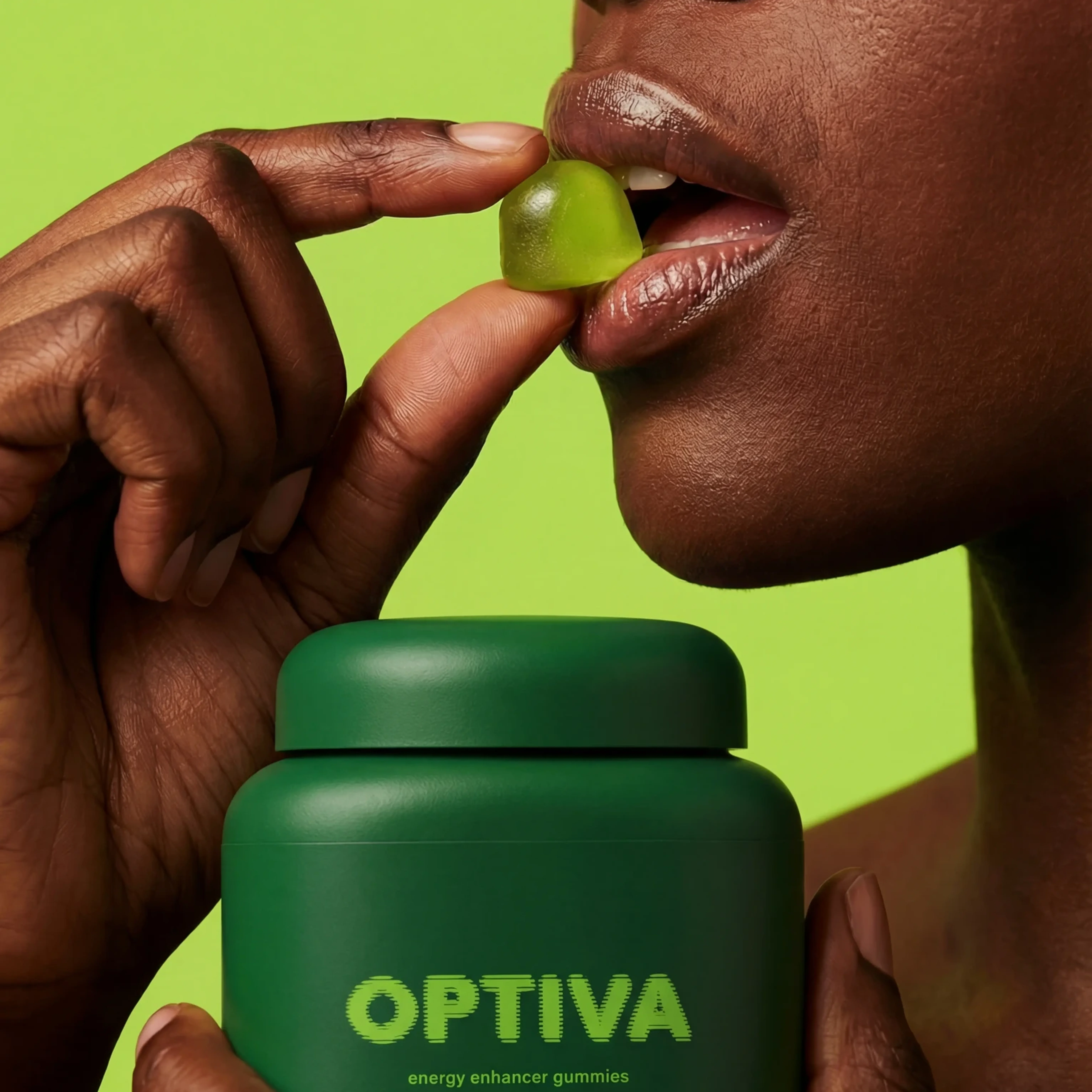
Human-context wellness creative that supports routine and social-proof angles.
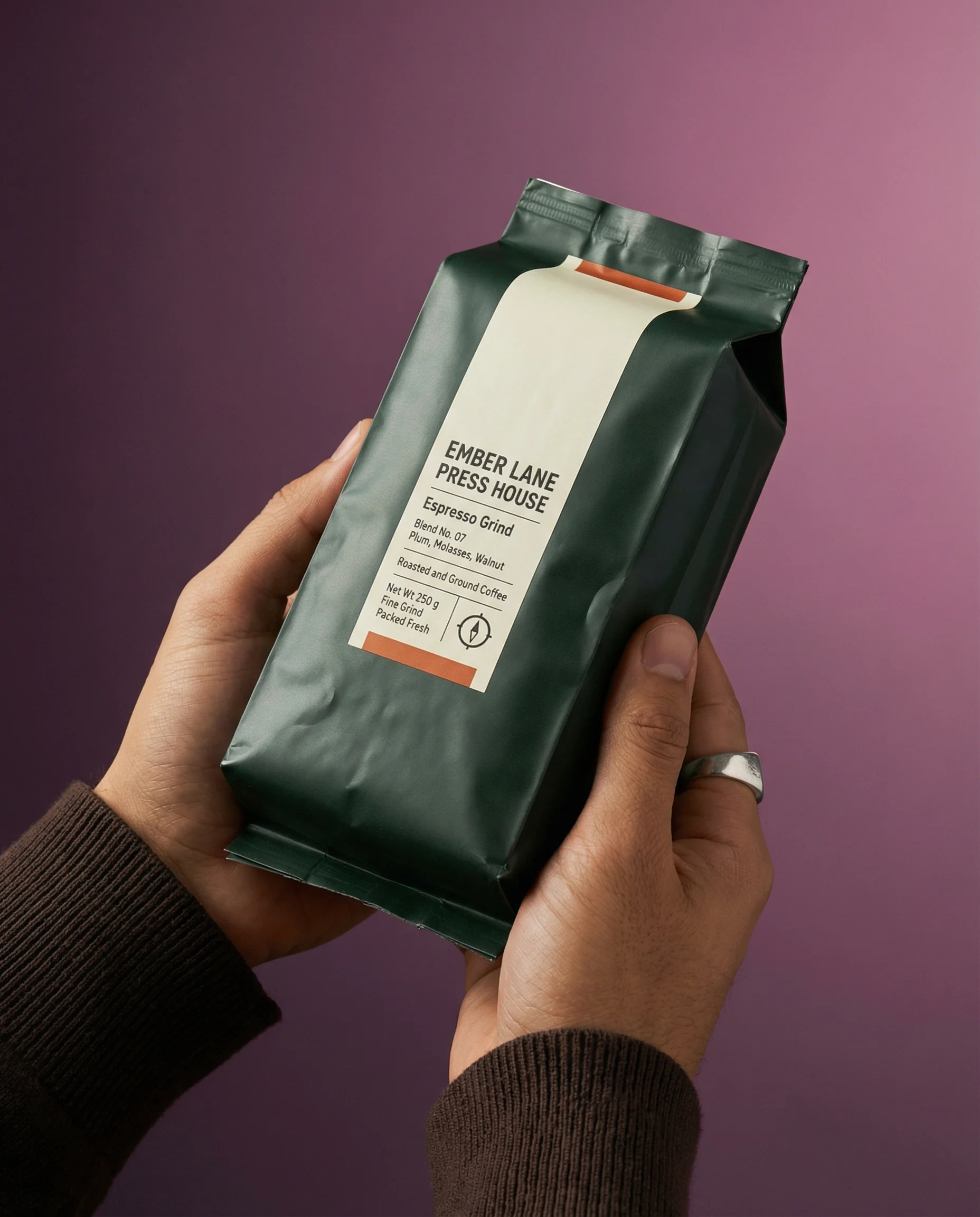
Premium handheld product shot for mobile-first testimonial or benefit creative.
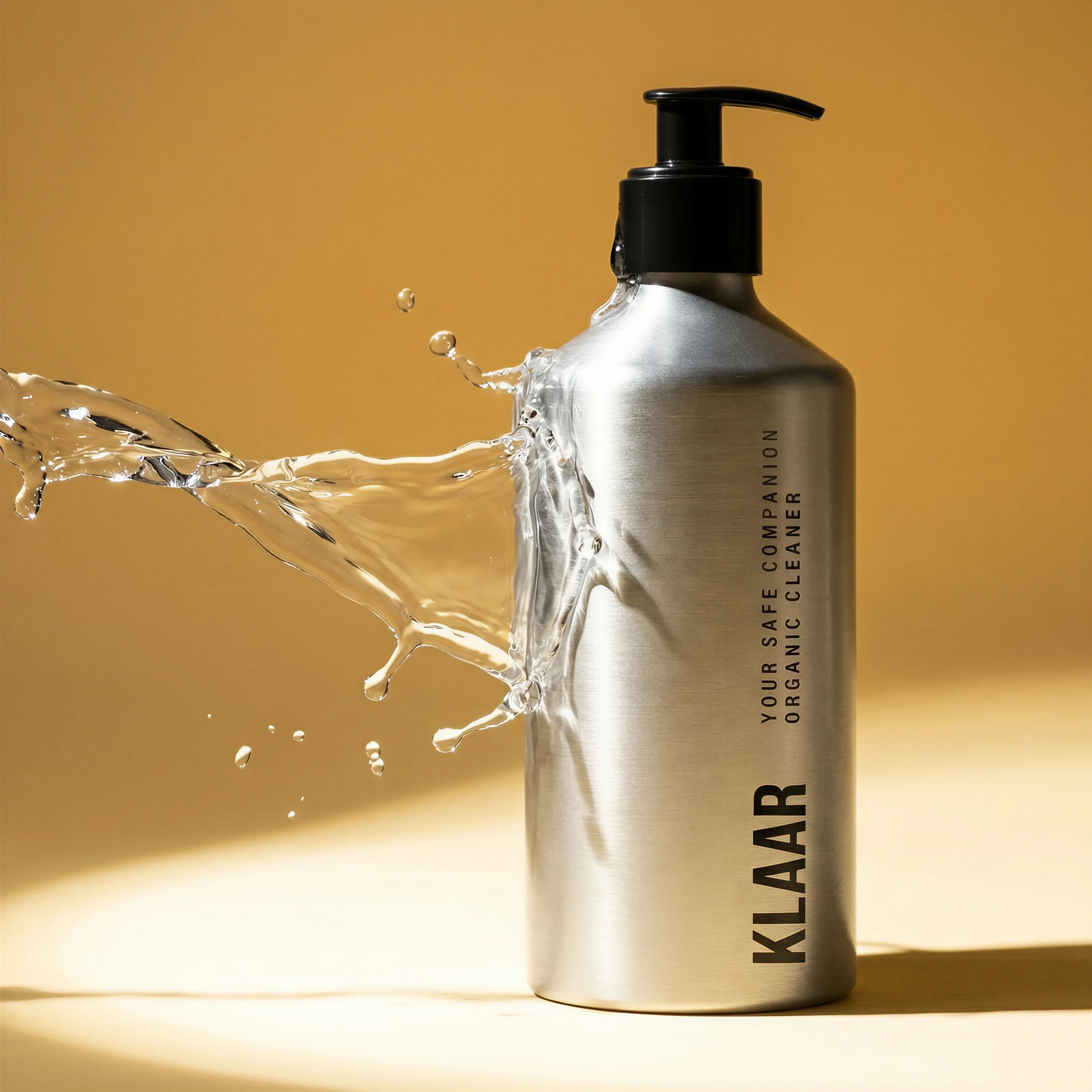
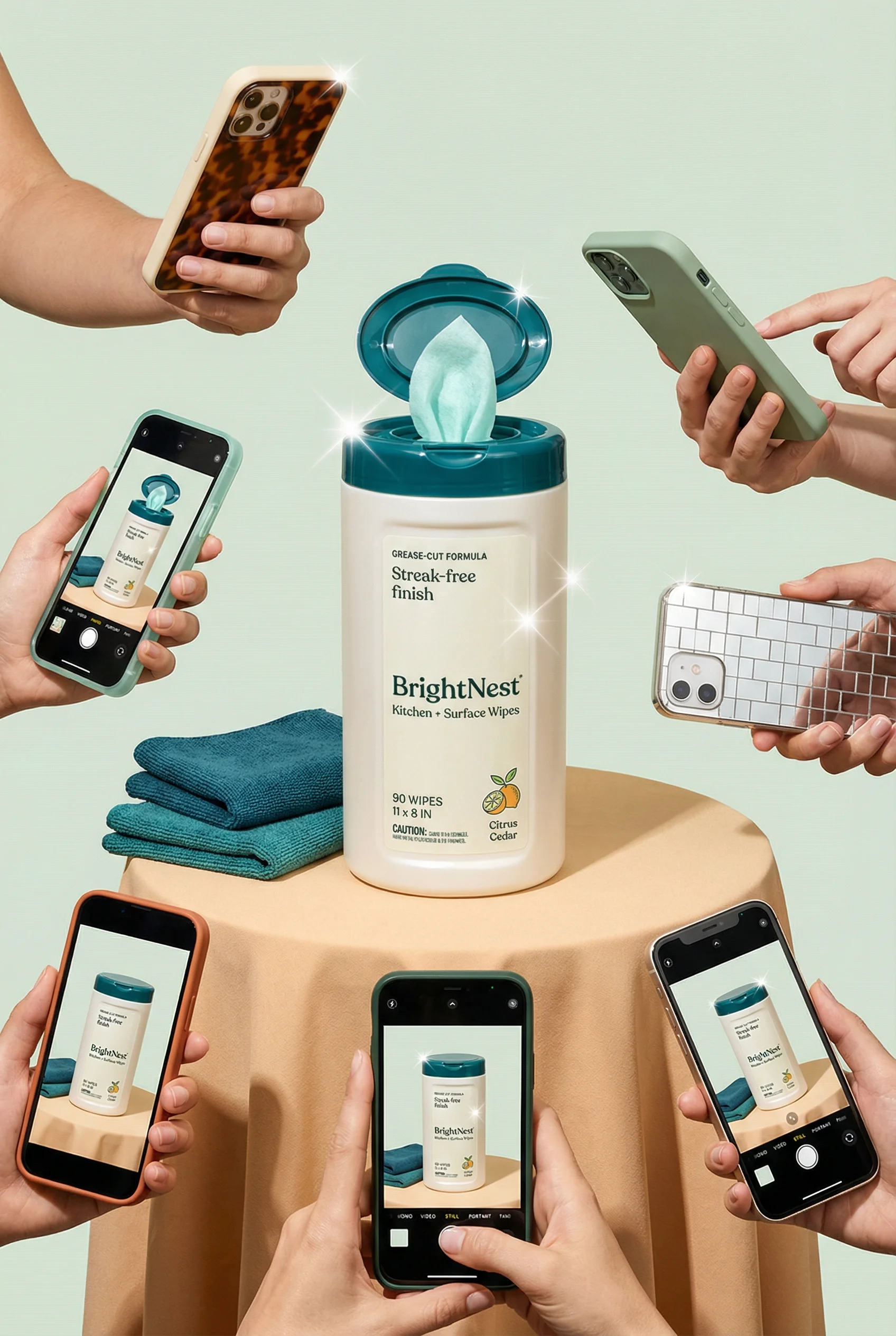
Dynamic studio scene that makes a cleaning benefit visually immediate.
Meta ad creative has to travel across Facebook Feed, Instagram Feed, Stories, Reels, Explore, Marketplace, and catalog-style surfaces. One strong concept usually needs several versions, not one resized file.
The examples below are structured as ecommerce creative plays. Use them with the Meta ad image sizes guide so every idea has a matching crop strategy before export. For channel comparison, see the broader ecommerce ad creative examples and TikTok product ad examples.
Riverflow is useful here when the team needs both creative range and control. Photoshoots can adapt products into repeatable Scenes, Styles keep the look coherent across placements, Images can generate or transform source assets, and Editing can turn a winning concept into crop, angle, and product-swap variants without rebuilding the idea from scratch.
Meta ad creative examples
Visual playbook
Reusable ecommerce Meta ad plays
Each play starts with a clear job for the image, then adapts the product, message, and layout for the placement.
Feed product hero
Mini-brief: give broad audiences a fast product read and one reason to click. This should be the control for later hook, proof, and lifestyle tests.
Use when: Use for prospecting, evergreen paid social, and first-touch product education.
Prompt cue
Create a Meta feed product hero with the product large, packaging accurate, one short benefit headline, and restrained brand-color background. Keep the same crop while testing three benefit headlines.
Carousel product story
Mini-brief: sequence the shopper's decision. Card one earns attention, card two clarifies the problem, card three explains the product, card four proves fit, and card five handles the offer.
Use when: Use when the product needs more explanation than a single image can carry.
Prompt cue
Create five Meta carousel cards for a beverage product: main hook, flavor lineup, ingredient detail, use occasion, and bundle offer. Keep product scale and typography consistent across cards.
Social proof with product context
Mini-brief: make the proof inspectable. The quote should connect to the product moment shown, not float over an unrelated lifestyle image.
Use when: Use for retargeting, bestsellers, review-led prospecting, and high-consideration products.
Prompt cue
Create a review-led Meta ad with one approved customer quote, the product clearly visible, and a natural use context that supports the quote. Reject any version where the animal context implies an unapproved claim.
Routine or use-case creative
Mini-brief: answer where this fits in the shopper's day. Use the Scene to show timing, setting, scale, and handling.
Use when: Use for beauty, wellness, food, pet, home, and products where context increases confidence.
Prompt cue
Create a Meta ad still showing the product in a realistic daily routine, with the pack readable and one short routine-based benefit. Hold the headline constant across morning, desk, and travel Scene tests.
Benefit made visual
Mini-brief: turn an approved benefit into a visual proof cue. The effect should make the claim easier to understand, not stronger than the claim allows.
Use when: Use for cleaning, beauty texture, food freshness, hydration, shine, or material performance claims that are approved.
Prompt cue
Create a Meta ad image that visualizes one approved benefit with a dynamic studio scene while preserving exact product packaging and scale. Keep the benefit claim unchanged across motion, texture, and studio-lighting variants.
Match the format to the campaign job
Choose the right approach
Meta creative decision matrix
Choose the format based on what the shopper needs to understand next.
| Scenario | Best use | Creative note |
|---|---|---|
| Product hero | Introduce the product clearly to a broad audience. | Keep the pack large, the benefit short, and the background owned but quiet. |
| Carousel | Explain multiple features, variants, ingredients, or use cases. | Treat each card as a step in a sequence instead of a random gallery. |
| Stories and Reels still | Capture vertical attention with a mobile-first product moment. | Use large type and avoid placing critical copy near likely interface areas. |
| Retargeting reminder | Reassure product page visitors or cart abandoners. | Reference the specific product, variant, review, bundle, or offer they already considered. |
| Before and after | Show a visible change for home, beauty, cleaning, organization, or styling products. | Keep the comparison honest, inspectable, and supported by approved claims. |
Map creative to funnel stage
Meta campaigns often fail when every asset tries to do the same job. Prospecting creative should make the product and category easy to understand. Mid-funnel creative should add proof or context. Retargeting creative should remove the specific hesitation that kept the shopper from buying.
Choose the right approach
Meta funnel-stage creative map
Use this before generating variations so each asset has a performance role.
| Scenario | Creative job | What to test | Hold constant |
|---|---|---|---|
| Cold prospecting | Make the product category, hero benefit, and visual hook obvious. | Product hero vs routine Scene vs benefit visual. | Product, landing page, audience, offer, and placement crop. |
| Consideration | Give the shopper more reasons to believe the product fits their need. | Carousel sequence, review proof, ingredient detail, comparison, or use case. | Claim approval, SKU, price, and core message. |
| Retargeting | Resolve the hesitation after product page visits or cart activity. | Social proof, bundle reminder, shipping note, guarantee, FAQ, or offer clarity. | Product variant, CTA, offer rules, and landing page. |
| Catalog and collection support | Make SKUs easy to scan and compare. | Variant order, collection layout, pack count, or product hierarchy. | Background Style, crop ratio, label accuracy, and naming. |
For launch campaigns, use this map alongside the product launch ad ideas guide so teaser, reveal, education, and retargeting assets do not collapse into one generic announcement.
What to test before scaling spend
Choose the right approach
Meta testing controls
Change the variable that answers the question; keep everything else stable enough to learn.
| Scenario | Question | Test | Decision |
|---|---|---|---|
| Is the product clear enough? | Product hero against lifestyle and benefit-visual versions. | Keep the headline, offer, audience, and landing page constant. | If hero wins, improve clarity before adding more native-looking assets. |
| Which reason to care works? | Benefit, problem, review, ingredient, use case, or offer headline. | Keep the same visual, crop, and placement. | Move winning message into carousel, retargeting, and vertical crops. |
| Does proof reduce hesitation? | Approved review, product detail, before-after, comparison, or founder note. | Keep product, landing page, and audience stable. | Use proof formats where click quality or checkout rate improves, not only CTR. |
| Is format limiting performance? | 1:1 feed, 4:5 feed, 9:16 Story/Reel, and carousel card sequence. | Keep concept, product, message, and offer unchanged. | Build placement-native exports for the concept before declaring it weak. |
Meta ad creative checklist
Before you publish
Pre-launch creative review
- The product is recognizable at mobile size in every crop.
- Each variation has one primary message.
- Feed, Story, Reel, and carousel assets preserve packaging and product edges.
- Text remains legible without zooming.
- Brand fonts, colors, and layout rules are consistent.
- The first frame or still image communicates the offer without audio.
- Any review, discount, ingredient, performance, or comparison claim is approved.
- The landing page matches the product, variant, and offer shown in the ad.
Fatigue and rejection signals
Before you publish
Refresh or reject Meta creative when
- Frequency rises and the first-frame visual has not changed enough for the audience to notice.
- CTR drops but downstream conversion quality stays stable, suggesting the product and offer still work.
- Comments or support tickets repeat a confusion the creative could answer, such as size, bundle contents, flavor, shipping, or routine fit.
- The crop hides the product, cuts off package edges, or places important copy under likely Meta interface areas.
- A generated visual implies a claim, result, ingredient, or before-after state that legal or product teams have not approved.
- The ad and landing page show different variants, product counts, prices, or promotional terms.
Riverflow prompt recipe
Riverflow workflow
How this works in Riverflow
Plan the Meta concept once, then produce placement-aware versions that still feel connected.
Photoshoots
Create reusable scene systems
Use Riverflow's brand-safe Scene library or bring your own photoshoot Scenes, then adapt them to the product. Apply Styles so feed heroes, carousel cards, and lifestyle crops share the same visual rules.
Images
Explore model-led creative routes
Use Riverflow 2.0 Pro, Google's Nano Banana 2, and OpenAI GPT-Image-2 for text-to-image and image-to-image variations when you need different hooks, backgrounds, or source transformations.
Editing
Adapt for Meta placements
Generate 9 angle variants, change aspect ratio naturally while adjusting the center point, use Riverflow 2.0 Reference-Based Super Resolution to update product artwork in place without changing the rest of the image, or swap a product into an approved scene for another SKU.
Create it in Riverflow
Generate Meta ad creative examples in Riverflow
Use this structure to turn the strategy into a specific creative brief that keeps the product accurate and the scene useful.
- 1
Product truth
Start with the approved product image, exact SKU, packaging, variant, and campaign landing page. Use Photoshoots Scenes when context or lifestyle proof matters.
- 2
Creative angle
Choose one angle per batch: product hero, carousel story, routine, review, benefit visual, or retargeting reminder. Keep Styles consistent across the batch.
- 3
Placement
Generate square, portrait feed, and full-screen vertical versions for the selected angle, then use Editing to refine center point and product detail.
- 4
Control
Keep the message, offer, and brand style consistent so performance differences are easier to interpret.
Example prompt
Mistakes to avoid
Relying on auto-crops for every placement.
Create intentional feed, carousel, and full-screen versions for important campaigns.
Testing too many changes at once.
Hold the product, offer, and crop steady when testing a message, or hold the message steady when testing a visual style.
Using hooks without enough product education.
Make the product truth visible: what it is, who it is for, and why the shopper should care.
Operator FAQ
How should we brief a Meta test so the result is readable?+
Write the question first, then name the one variable allowed to change. For example: test benefit message while product, offer, crop, audience, and landing page remain fixed.
When should a winning feed concept become a carousel?+
Turn it into a carousel when the concept gets qualified clicks but shoppers still need education. Use the sequence to explain feature, proof, use case, offer, and objection rather than repeating the same hero image.
What should we reject before a Meta asset goes live?+
Reject assets with hidden or distorted packaging, unsupported before-after cues, unreadable mobile text, unsafe interface placement, mismatched landing page details, or claim language that has not been approved.
Start creating
Get started with on-brand visuals
Turn guide ideas into product-accurate creative in Riverflow, using your brand, products, scenes, styles, and channel crops from the start.
Your catalog into campaign-ready Creative
Riverflow connects your products, brand rules and creative workflows so your team can create on-brand photoshoots, ads, videos and edits across every campaign.