Guide
Product Photography Cost Guide for Ecommerce Teams
A practical guide to product photography costs, from shoot planning and retouching to AI-assisted creative production workflows.
- Guides
- Brand Creative Workflows

Examples
Scenes from the Riverflow library
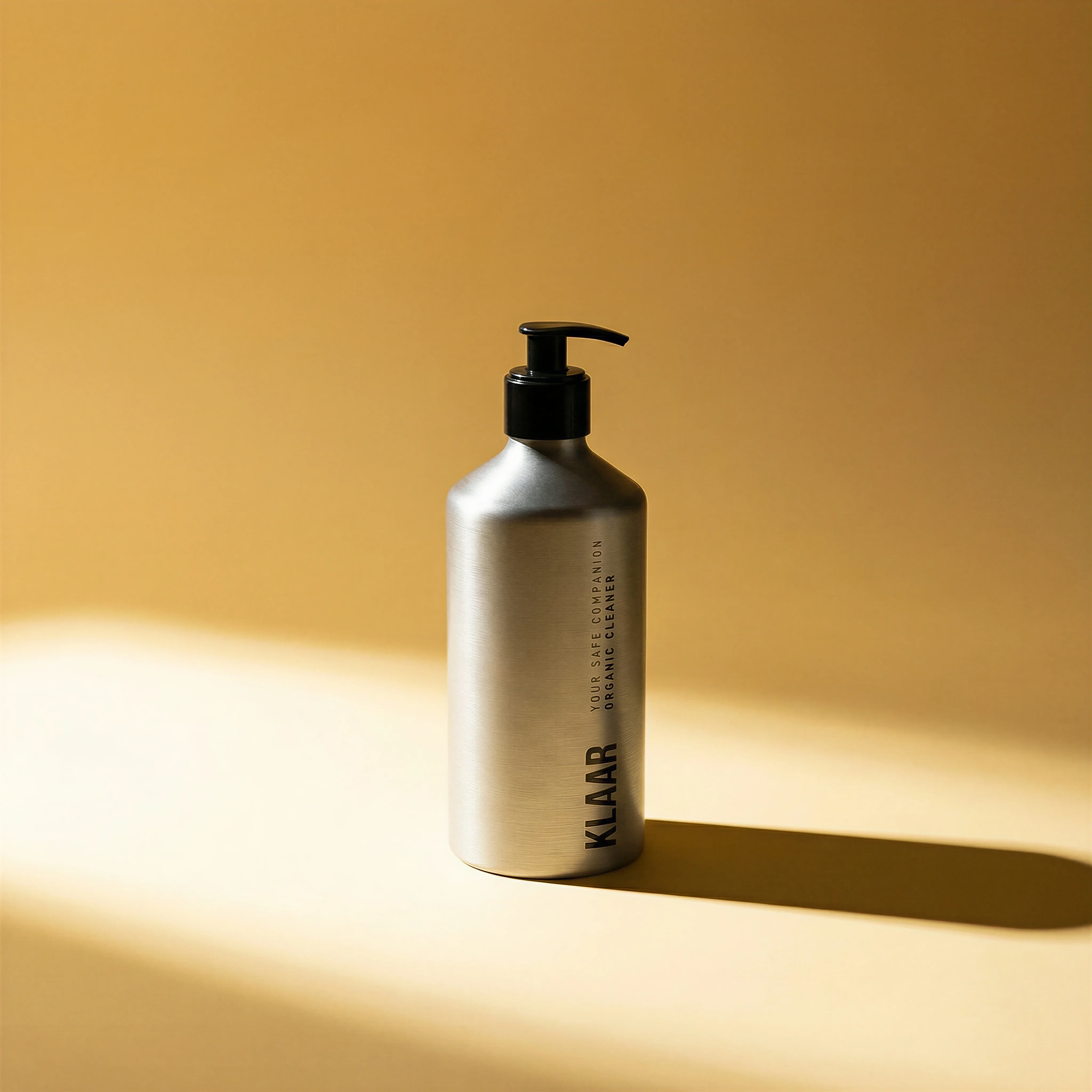
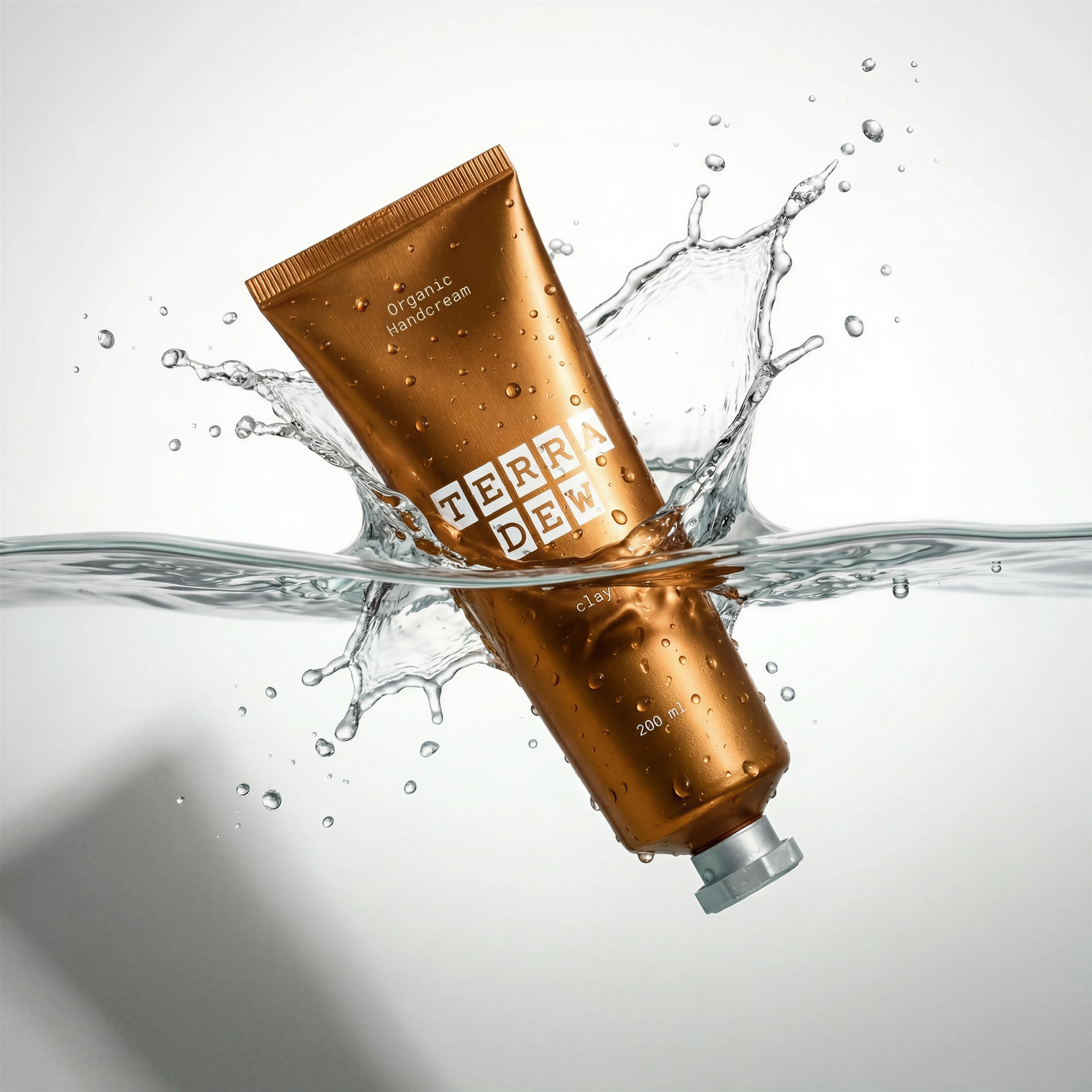
Simple single-SKU packshot represents the low-cost end.
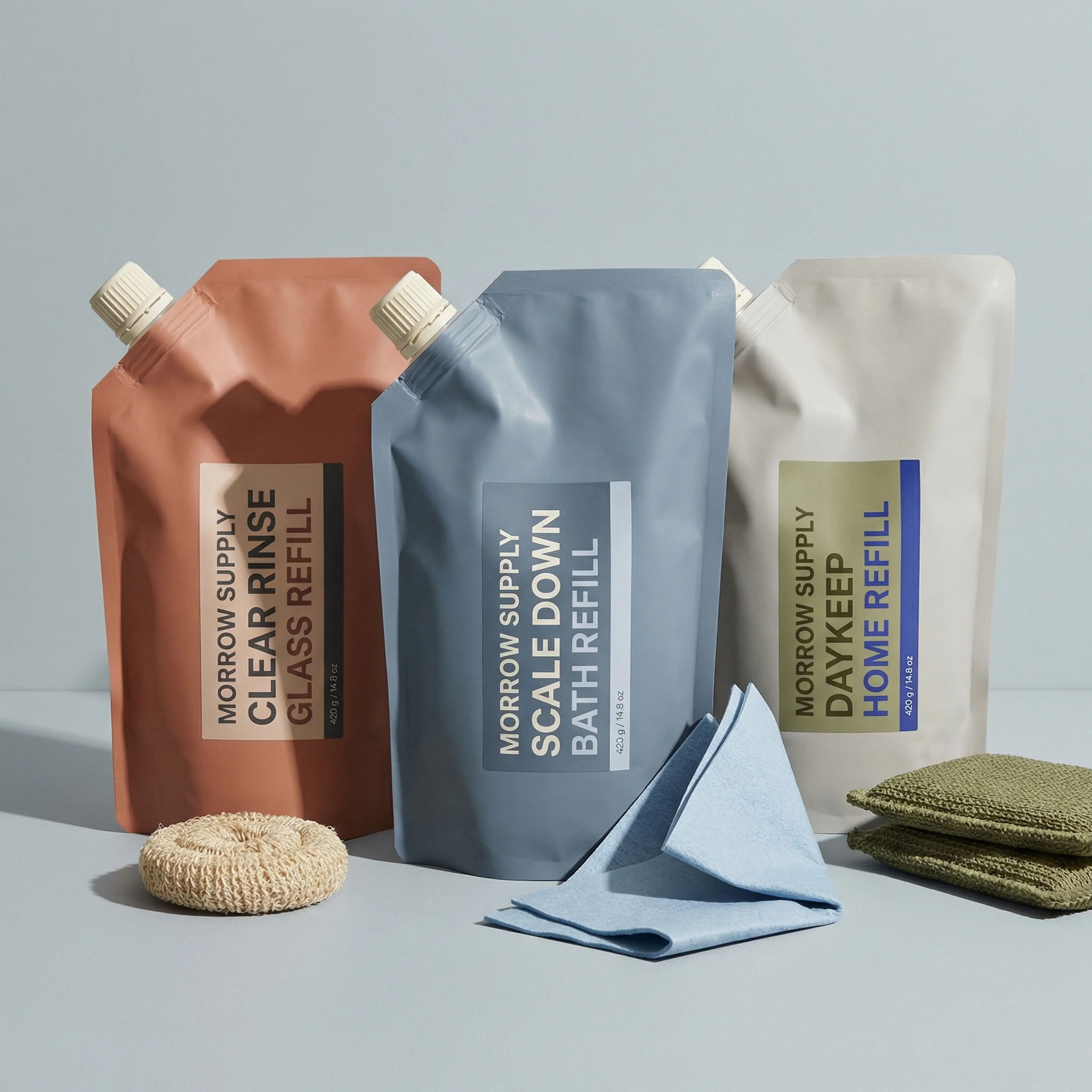
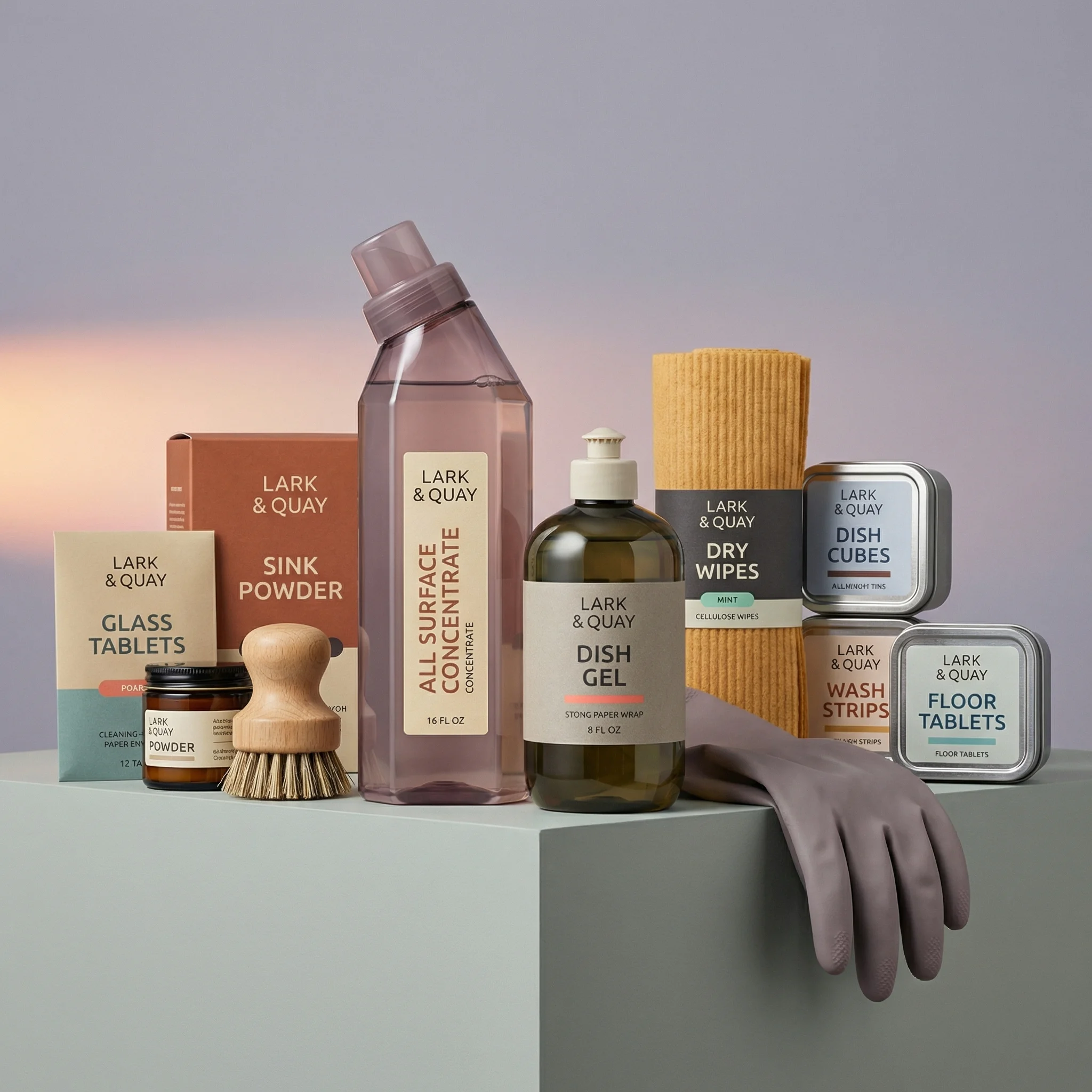
Group shots add layout and styling cost.
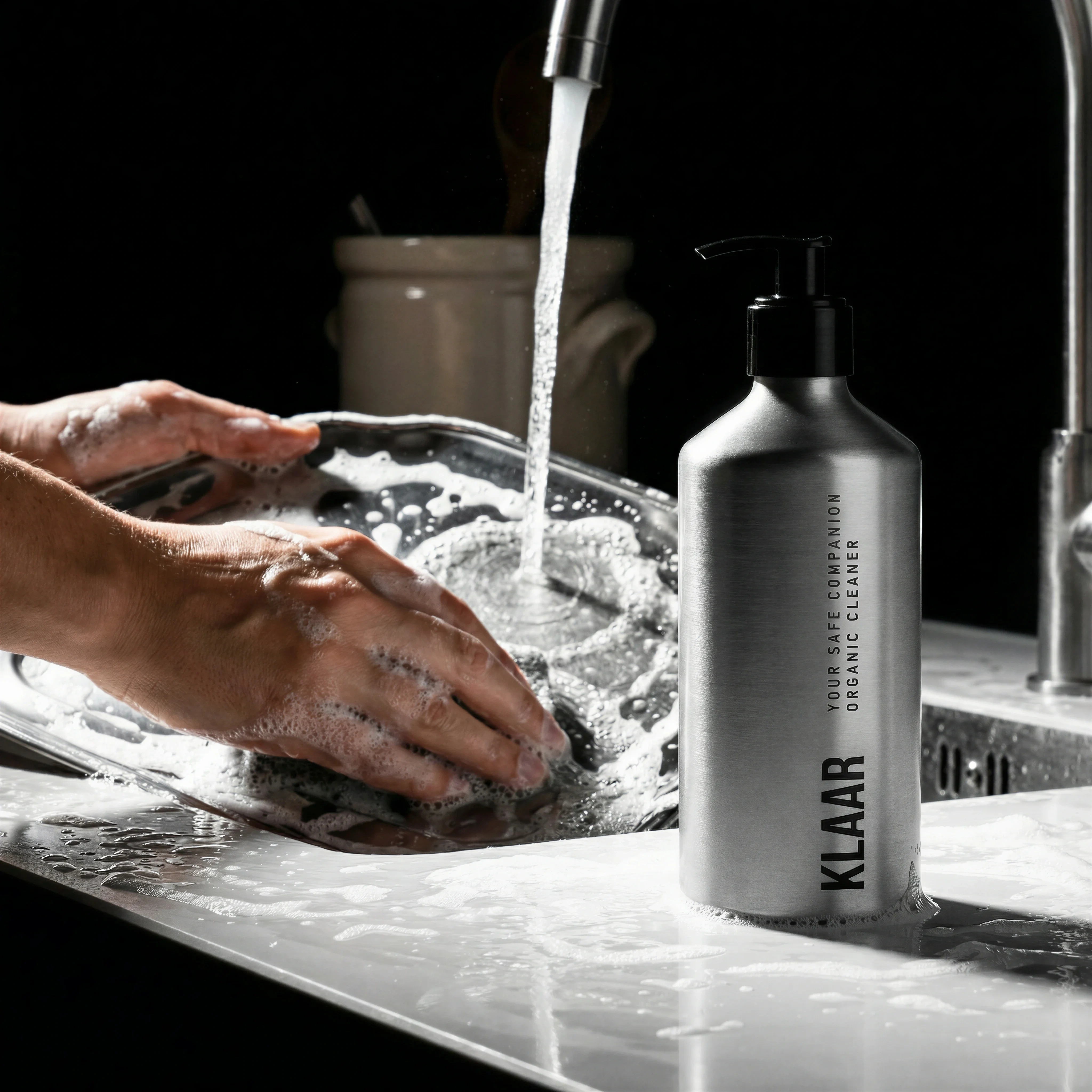
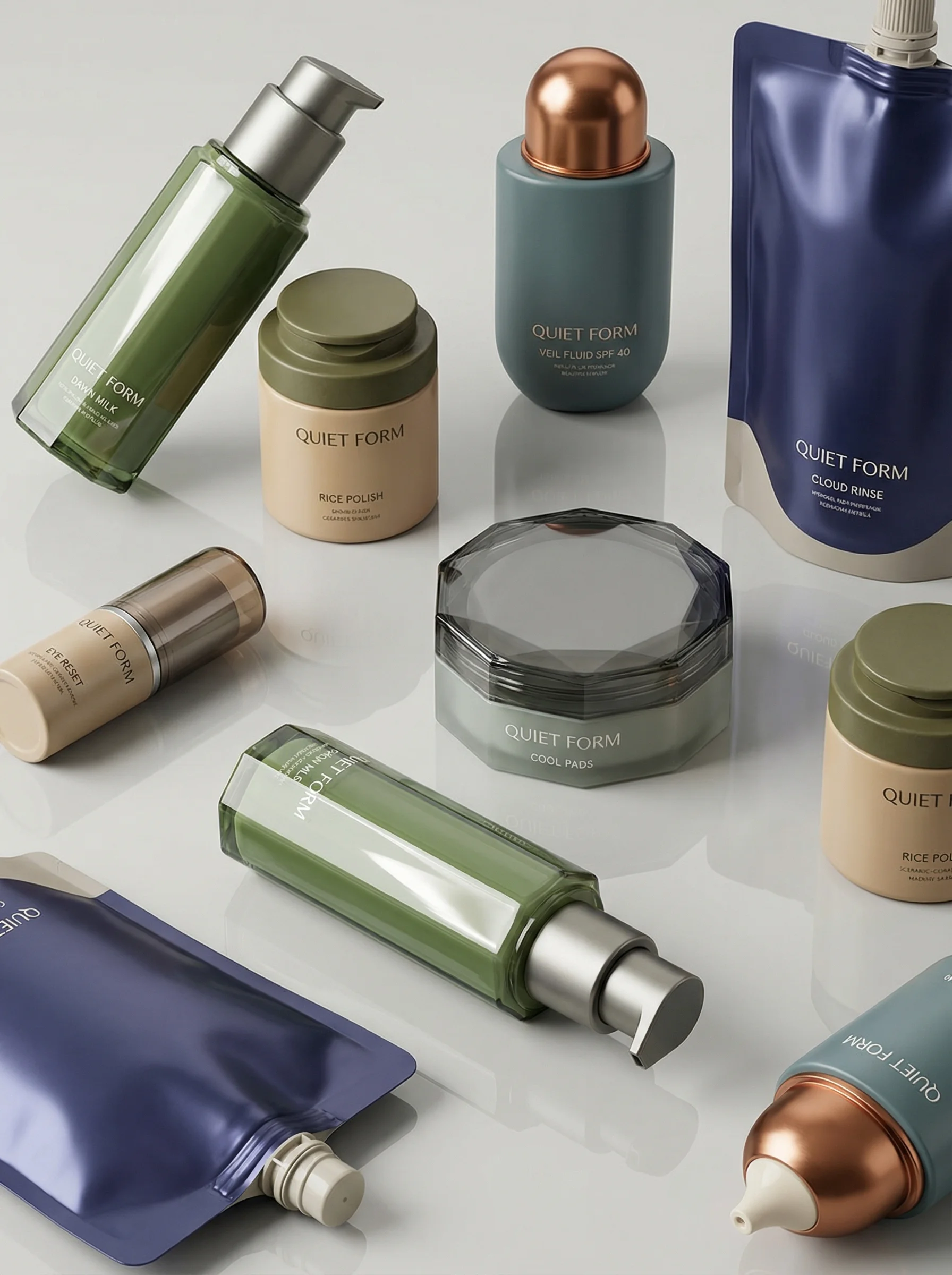
Lifestyle context shows the higher-cost location-use case.
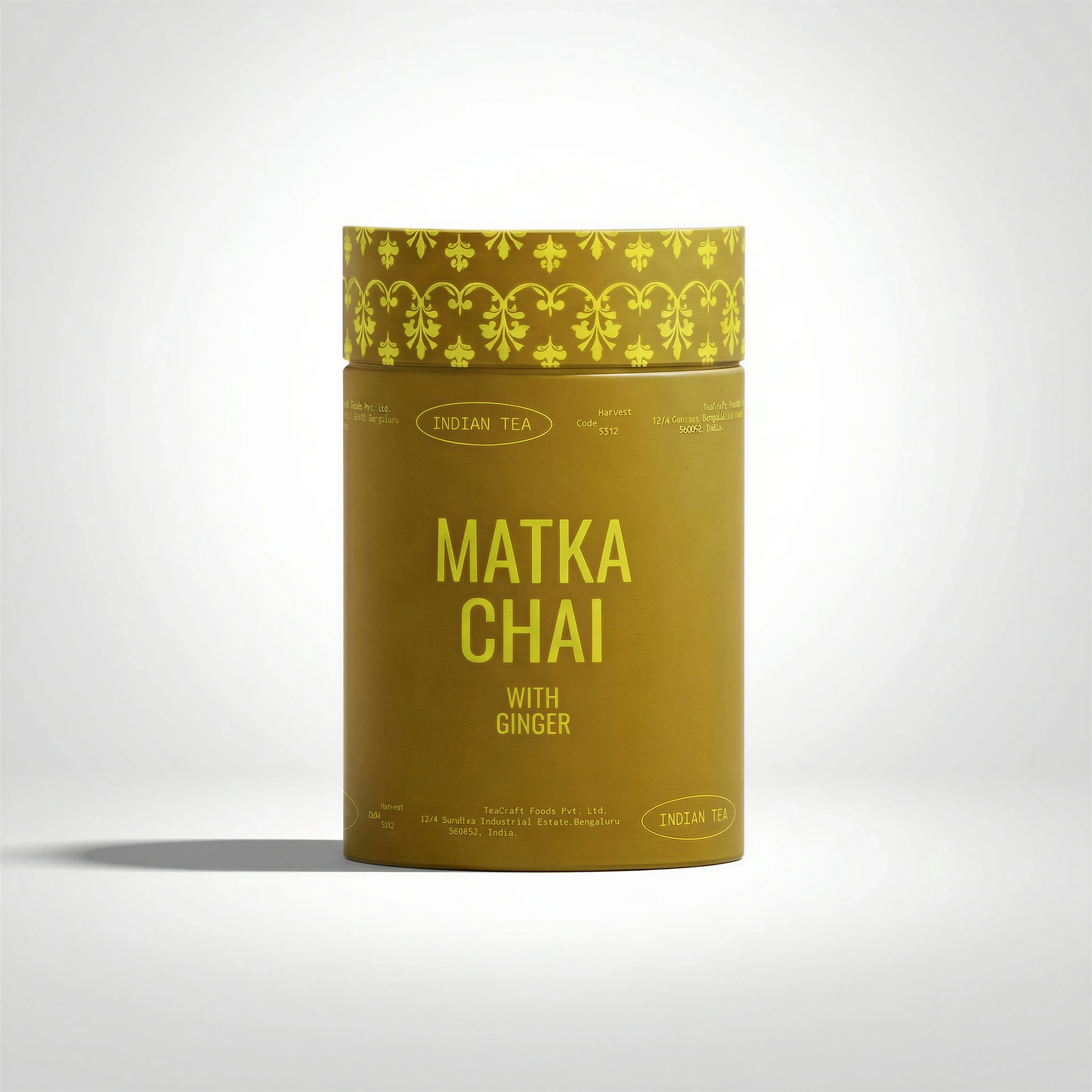
A simple packshot represents lower-cost baseline ecommerce photography.
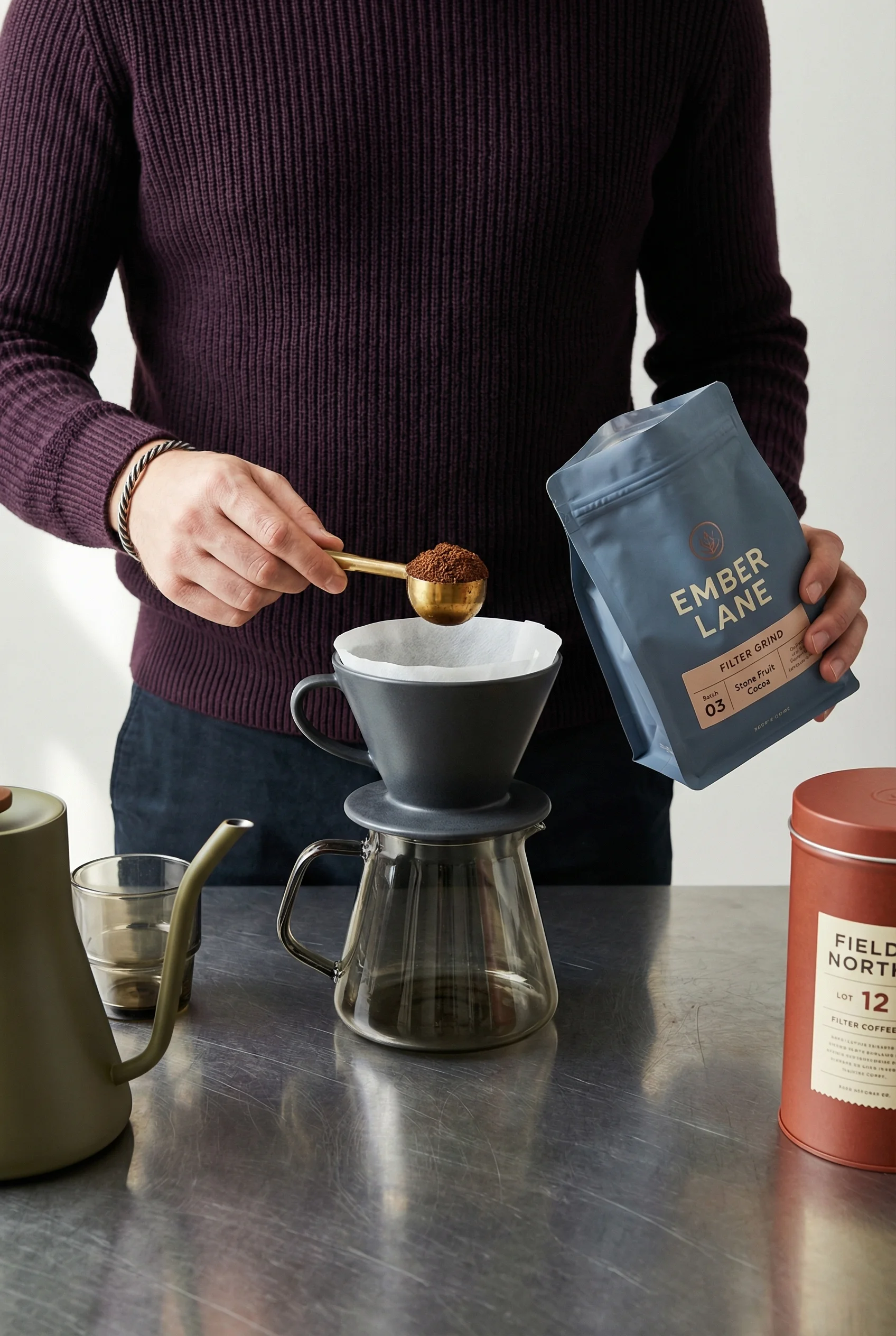
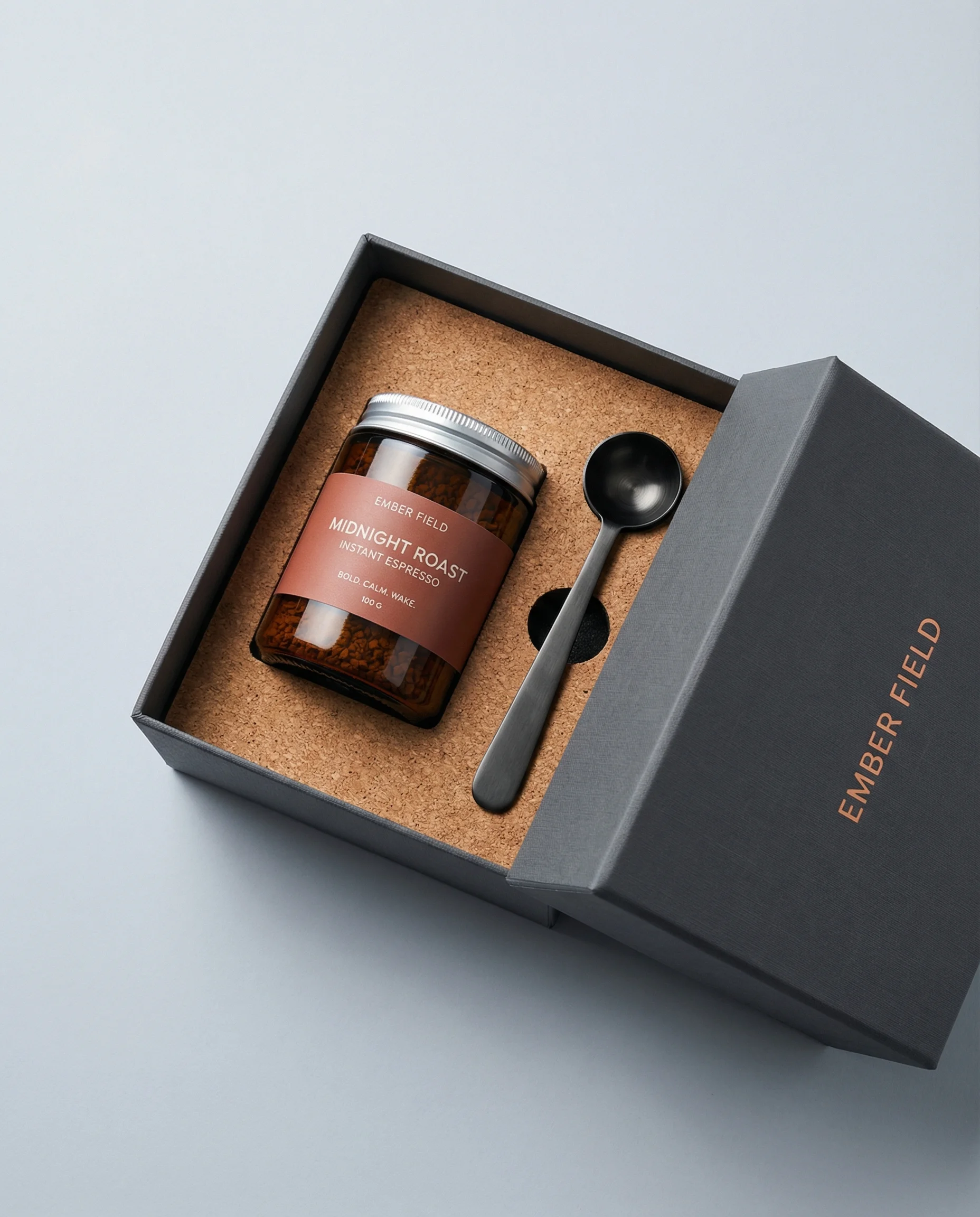
In-hand preparation adds talent, styling, and direction cost.
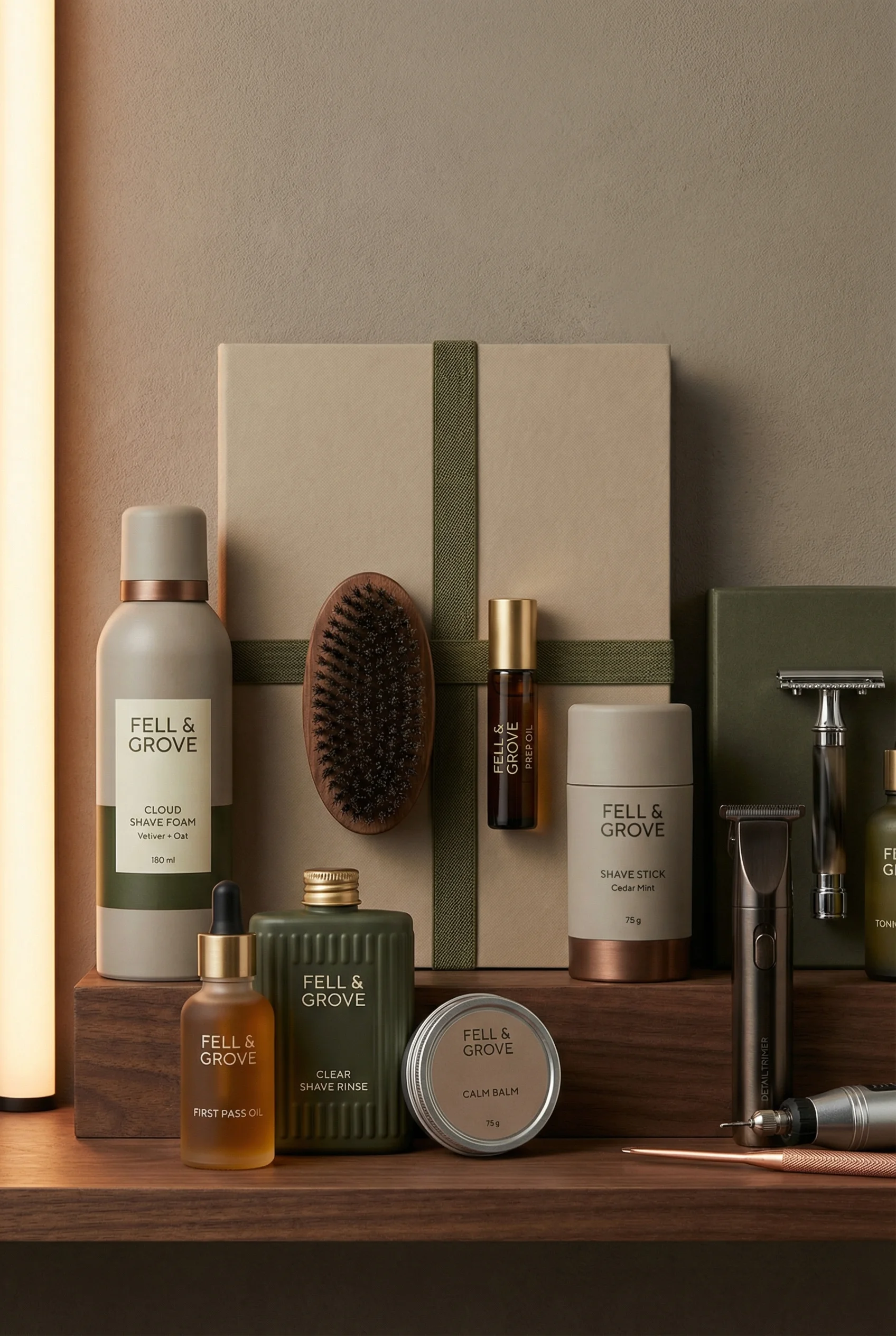
A premium set shows the added cost of multi-product composition.
The budget risk in product photography is rarely only the day rate. Costs grow through unclear briefs, missing shot lists, product changes, reshoots, retouching, crop requests, and last-minute channel adaptations.
This guide uses current market ranges as planning guardrails, not guaranteed quotes. The practical question is: what image complexity does the business actually need, which parts require physical capture, and which parts can become reusable creative infrastructure? Pair this with the AI product photography vs traditional photoshoots comparison and the ecommerce product photography shot list before asking for bids.
Product photography cost snapshot
Choose the right approach
Reviewed May 2, 2026
Ranges vary by market, usage rights, product complexity, volume, retouching, and whether talent or locations are involved.
| Scope | Typical 2026 planning range | Timeline and operator note |
|---|---|---|
| Simple packshot | $25-$75 per finished image is a common planning range; high-volume studios may advertise around $30-$40 per white-background photo. | Often 7-12 business days after product receipt for outsourced studio work. Best for PDP main images, marketplaces, and product truth. |
| Volume catalog day | $600-$2,000+ for a studio day or day-rate production, depending on market and what is included. | A well-organized day may cover dozens of simple white-background products, but far fewer styled setups. |
| Styled lifestyle setup | $100-$300+ per setup or image for lighter styling; more when props, surfaces, styling time, or complex layouts are included. | Useful for PDP galleries, ads, email, landing pages, and merchandising modules. |
| Model or talent shoot | $500-$2,500+ per half-day is a common lifestyle planning band before larger campaign costs. | Add casting, usage rights, wardrobe, hair and makeup, food, location, and approvals. |
| Full campaign production | $5,000-$25,000+ is realistic for major-market campaigns with creative direction, styling, talent, and production overhead. | Reserve this for hero assets, launches, brand worlds, or concepts that need physical certainty. |
| Retouching and revision work | $10-$80+ per image depending on complexity, with advanced cleanup costing more. | Product detail correction, label fixes, clipping paths, composites, and rush rounds can become the hidden budget. |
| AI-assisted variation | Pricing depends on platform, subscription, review time, and workflow; the cost advantage is strongest after the product reference is approved. | Best for scene variation, crop adaptation, seasonal refreshes, and testing, not for inventing unverified product truth. |
Main cost drivers
Choose the right approach
Product photography cost matrix
Use this matrix to identify where production complexity enters the budget and where Riverflow can reduce repeat work.
| Cost driver | What creates the cost | How to control it |
|---|---|---|
| Simple packshots | Single SKU, white background, consistent angle, light retouching, repeatable crop. | Standardize the setup and use approved packshots as product references for future gallery images, ads, and AI-assisted edits. |
| Variant or group images | Multiple SKUs, bundles, kits, product families, spacing, ordering, and label visibility. | Batch products that can share lighting, Style, camera distance, and review rules. |
| Lifestyle images | Room, surface, props, action, human context, location, or routine. | Decide which environments need a physical shoot and which can be handled with Riverflow's brand-safe Scene library. |
| Owned Scenes | A branded set, location, shelf, room, or campaign world captured by the brand. | Treat strong shoot environments as reusable owned Scenes that can be adapted to future products instead of rebuilt. |
| Retouching and revisions | Label cleanup, color correction, product correction, crop changes, background refinements, and product replacements. | Keep revisions specific: detail repair, aspect-ratio adaptation, angle exploration, or product swap when source truth is already approved. |
Riverflow workflow
How this works in Riverflow
Riverflow does not remove the need for product accuracy. It helps teams get more value from every approved product reference and shoot environment.
Photoshoots
Lower repeat shoot costs with reusable Scenes
Use Scenes from Riverflow's extensive brand-safe library for common ecommerce environments, or bring your own Scenes from previous photoshoots so a set, shelf, room, or campaign world can be adapted to new products.
Images
Choose the model that fits the task
Use Images for text-to-image and image-to-image work with Riverflow 2.0 Pro, Google's Nano Banana 2, and OpenAI GPT-Image-2 when the team needs concept range without booking a new production setup.
Editing
Spend revisions on specific changes
Use Editing to generate 9 angle variants, change aspect ratio while keeping the image natural and adjusting center point, fix product details with Riverflow 2.0 Reference-Based Super Resolution, which agentically finds and updates artwork in place without altering the rest of the image, or Swap product into an existing image.
Visual playbook
Visual playbook
Cost complexity by image type
Different product photography formats carry different production pressure. Use the lowest-complexity format that still answers the shopper or channel need.
Baseline packshot
A simple single-product image with clean lighting, accurate packaging, and minimal styling.
Use when: Use as the cost-efficient foundation for PDPs, marketplaces, catalogs, variant systems, and future AI-assisted workflows.
Prompt cue
Simple product-on-white packshot, centered product, accurate label and color, clean shadow, no props, consistent ecommerce crop.
Group or refill set
Multiple products add decisions about spacing, order, scale, label orientation, and shadow consistency.
Use when: Use for bundles, refill systems, starter kits, product families, and category-page assets that need comparable SKU treatment.
Prompt cue
Clean group product image of three refill products, labels readable, consistent spacing, subtle shadow, accurate size relationship, light background.
Reusable lifestyle environment
Context adds production value, but a strong environment can become a reusable Scene rather than a one-time shoot expense.
Use when: Use when shoppers need room context, use case, scale, or routine, and reuse the same Scene for related SKUs.
Prompt cue
Adapt the approved product into a modern kitchen sink Scene, product visible and accurate, realistic cleaning context, natural props, clean daylight.
In-hand preparation
Hands or models introduce styling, scale, pose, and usage decisions that require closer review.
Use when: Use when handling, preparation, pouring, carrying, or application affects purchase confidence and cannot be explained with a simpler image.
Prompt cue
Product-in-hand preparation shot, hands naturally using the product, accurate packaging scale, warm lifestyle light, product remains the focal point.
Where AI changes the cost model
AI-assisted creative workflows do not remove the need for planning or review. They change the marginal cost of producing variations once product references, Scenes, Styles, and channel rules are defined.
Keep expensive production focused on the parts that truly need a shoot: product truth, hard-to-capture materials, talent, or owned scenes worth reusing. Then use Photoshoots, Images, and Editing to extend approved inputs into more formats without starting every asset from zero. For products that need a clean baseline before any variation, see the product-on-white photography guide.
Before you publish
Budget planning checklist
- Price the quote against finished deliverables, not just the shoot day.
- Ask what is included: prep, styling, product handling, clipping paths, retouching, revisions, usage rights, and final export sizes.
- Separate required ecommerce images from optional campaign variations before requesting quotes or generations.
- Define the shot list before booking, generating, or briefing creative work.
- Group SKUs that can share lighting, background, angle, Style, and crop rules.
- Identify which physical shoot environments should become owned Scenes for future Photoshoots work.
- Approve product accuracy before creating lifestyle, hero, or model-generated variations.
- Plan PDP, marketplace, ad, social, email, and landing-page crops early so aspect-ratio edits are intentional.
- Reserve budget or time for review, retouching, product detail fixes, and product swaps.
Riverflow prompt recipe
Create it in Riverflow
Prompt cost-efficient product photography in Riverflow
Use this structure to turn the strategy into a specific creative brief that keeps the product accurate and the scene useful.
- 1
Standardize
Start with a reusable product-on-white or category prompt that defines angle, crop, shadow, background, product scale, and review rules.
- 2
Scene
Choose whether the image should use a Riverflow brand-safe Scene, an owned Scene from a previous shoot, or a fresh Images generation.
- 3
Style
Apply a consistent Style for lighting, surface, camera distance, and product hierarchy across related SKUs.
- 4
Model
Use Images with Riverflow 2.0 Pro, Google's Nano Banana 2, or OpenAI GPT-Image-2 when model choice matters for the concept or transformation.
- 5
Edit
After selecting the best output, request only the needed revision: 9 angle variants, aspect-ratio adaptation, product detail repair, or Swap product.
Example prompt
Mistakes to avoid
Comparing quotes without a shared shot list.
Define image count, formats, crops, product count, retouching needs, usage, and which assets should become reusable Scenes.
Using lifestyle creative to replace required ecommerce clarity.
Budget for product-on-white and variant coverage first, then add lifestyle or hero shots when they answer a shopper or channel need.
Letting revision rounds become the real production process.
Approve product rules, Scene choice, Style, props, backgrounds, and channel crops before generating or shooting.
Creating too many unique scenes for similar SKUs.
Use Riverflow Scenes and Styles for repeatable category assets, and reserve custom production for priority products or campaigns.
Paying for a new setup when a product swap is enough.
If the scene and product scale are already approved, use Swap product to replace the product in an existing image.
FAQ
How much should a basic ecommerce product photo cost?+
For planning, simple white-background product photos often sit around $25-$75 per finished image, with some high-volume studios advertising roughly $30-$40 per image. Quotes move quickly when products need styling, complex retouching, multiple items in frame, or usage licensing.
What should be included in a product photography quote?+
Ask for image count, shot types, crops, retouching level, clipping paths, revisions, product prep, props, styling, models, usage rights, delivery format, turnaround, rush fees, and what happens if a product detail is wrong.
What makes product photography more expensive?+
Complexity raises cost: more SKUs, more final images, more products per frame, models, props, locations, usage rights, retouching, crop adaptations, product correction, and unclear revision cycles.
Where can ecommerce teams save money without lowering quality?+
Standardize packshot setups, batch similar SKUs, define the shot list early, turn strong shoot environments into owned Scenes, use Styles for consistency, and use AI-assisted workflows for controlled variation and edits after product truth is approved.
Should every product get lifestyle and hero shots?+
No. Start with product clarity and add lifestyle or hero shots when the product needs context, scale, education, or campaign support. Prioritize high-volume, launch, or high-margin products first.
Sources and review notes
Last reviewed: May 2, 2026.
Start creating
Get started with on-brand visuals
Turn guide ideas into product-accurate creative in Riverflow, using your brand, products, scenes, styles, and channel crops from the start.
Your catalog into campaign-ready Creative
Riverflow connects your products, brand rules and creative workflows so your team can create on-brand photoshoots, ads, videos and edits across every campaign.