Guide
What Makes AI Creative Production-Ready?
A practical guide to production-ready AI creative for ecommerce teams that need usable brand assets, not just interesting generations.
- Guides
- Brand Creative Workflows

Examples
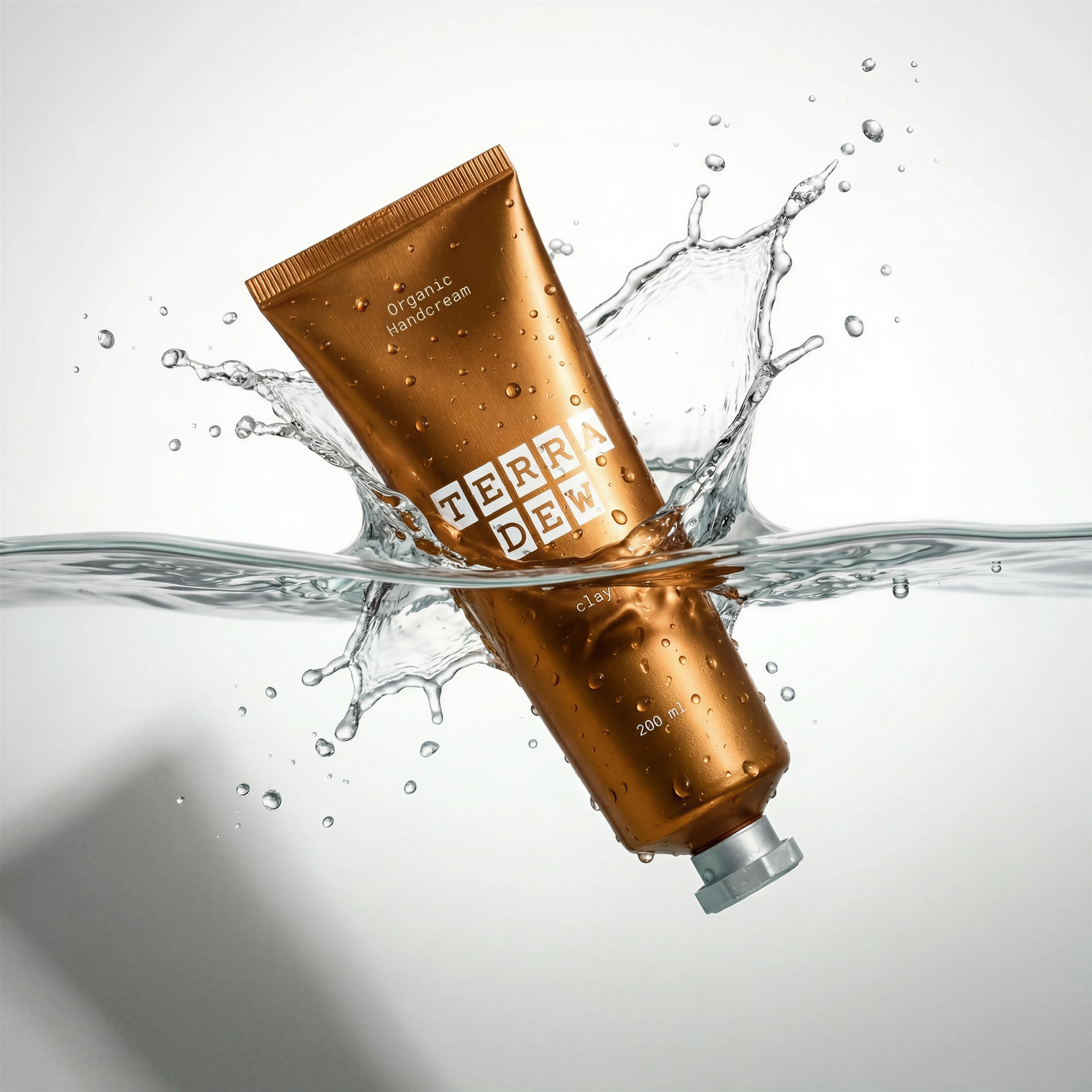
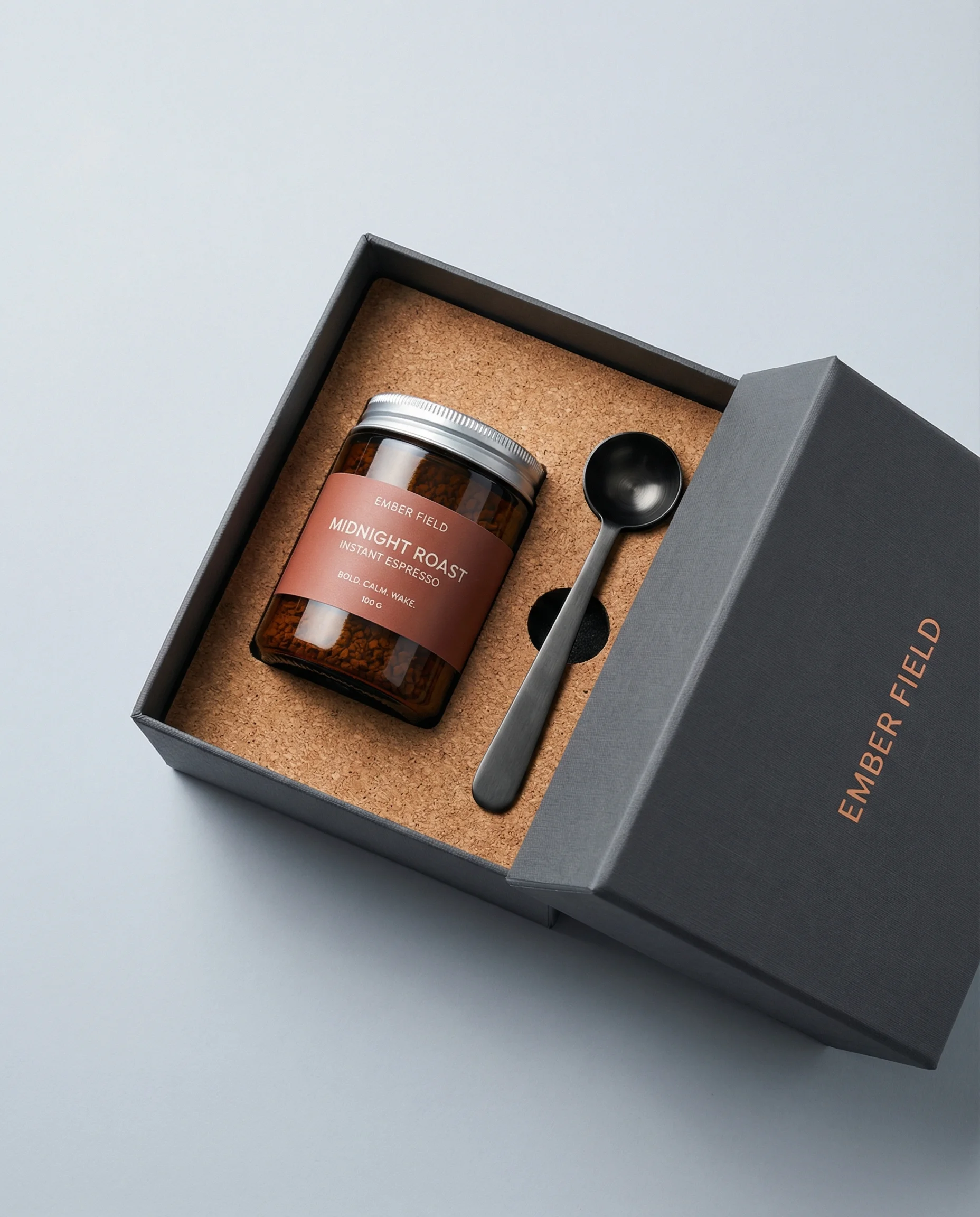
Scenes from the Riverflow library
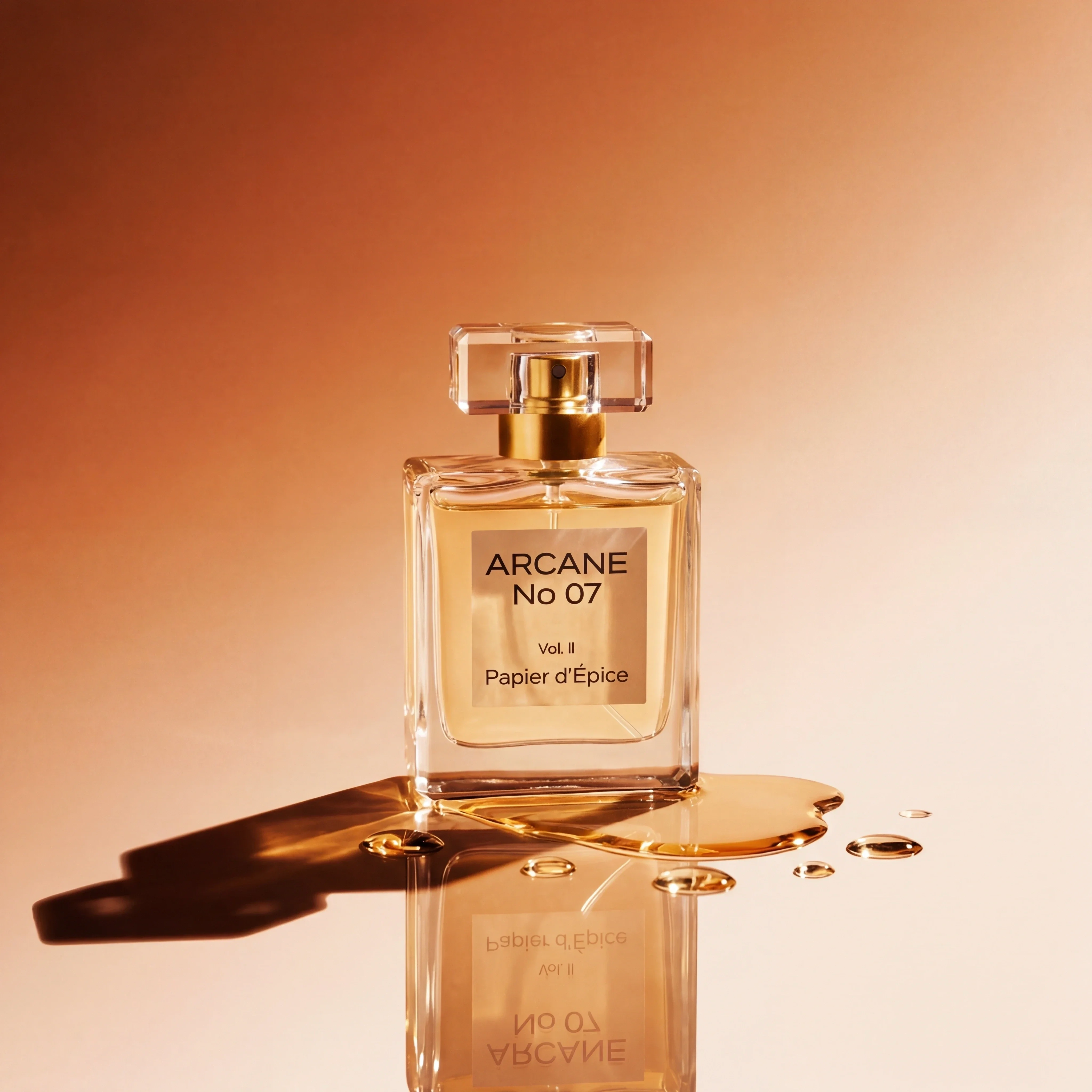
Premium lighting and glass detail sell campaign polish.
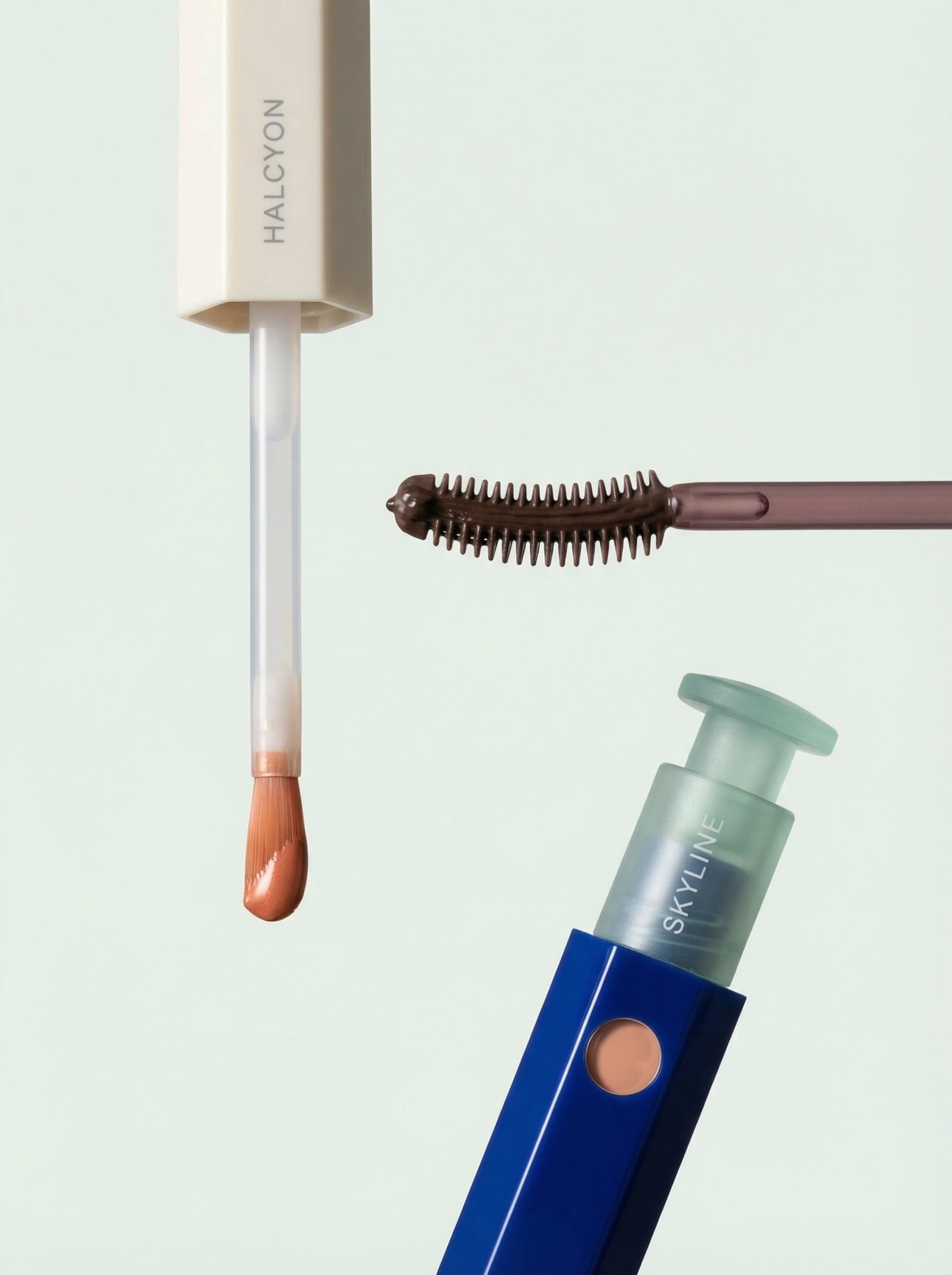
Controlled composition shows high-end beauty art direction.
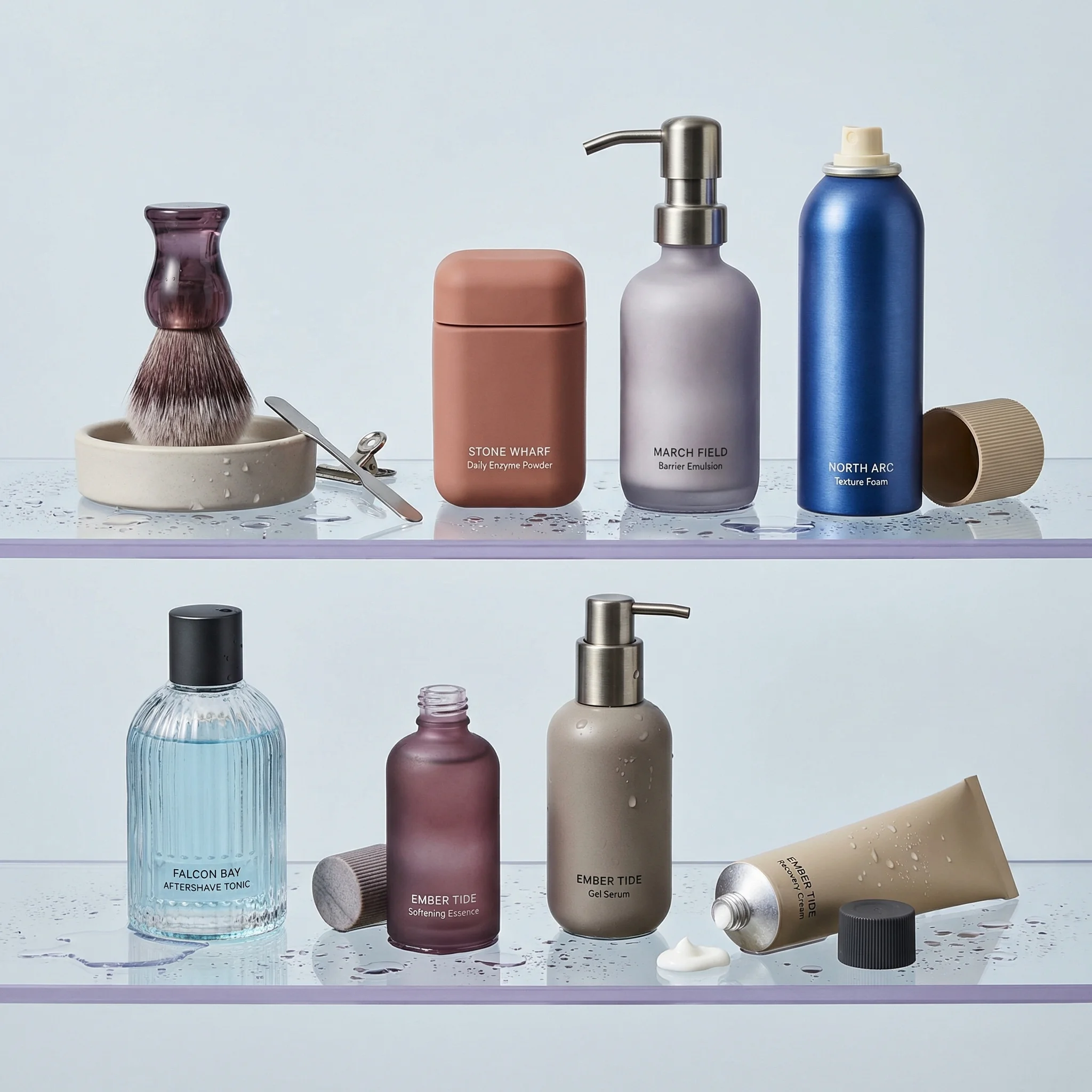
Droplets and glass shelves demonstrate finish and realism.
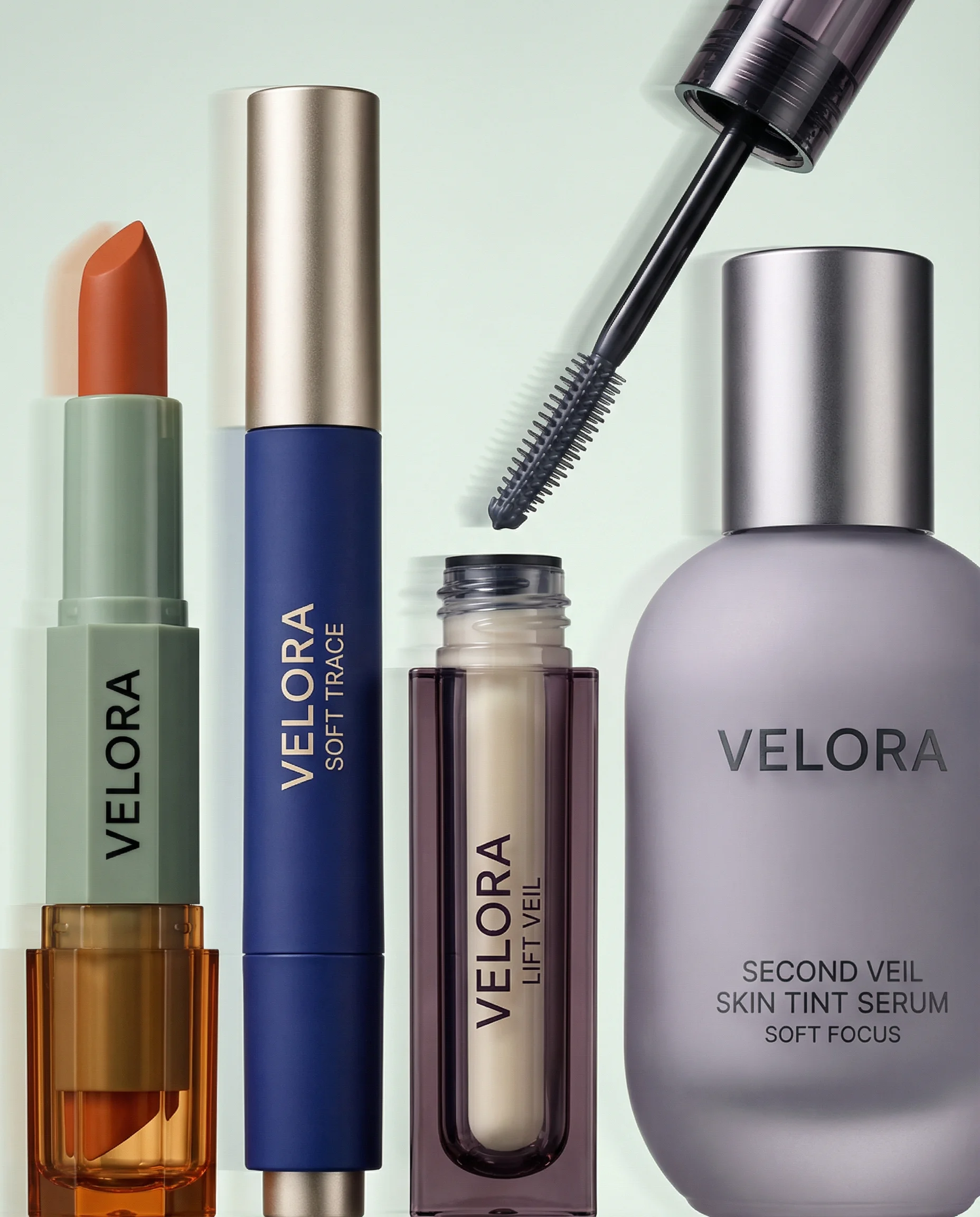
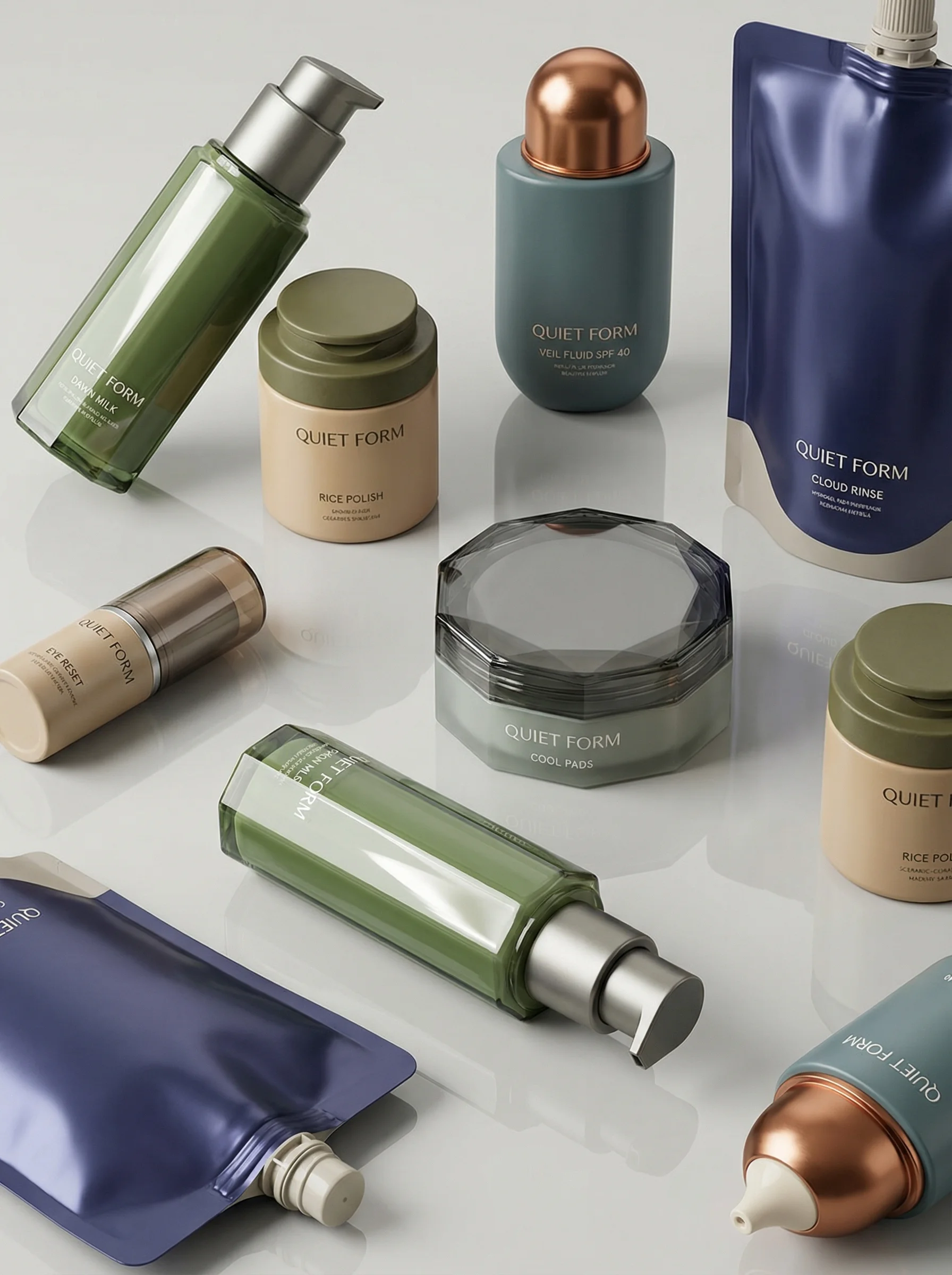
A polished lineup supports production checks across color and packaging.
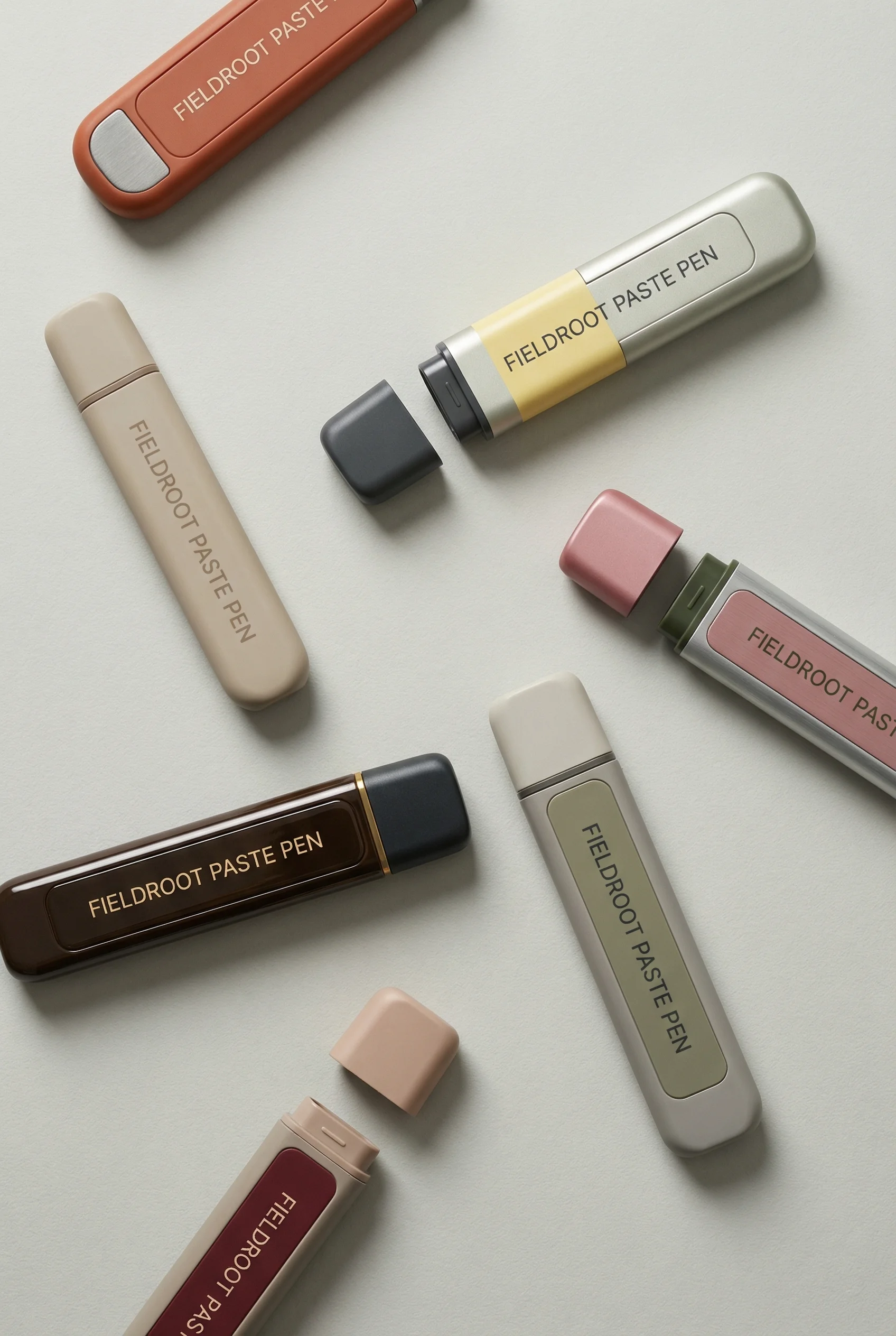
Structured product grouping is suitable for campaign and PDP review.
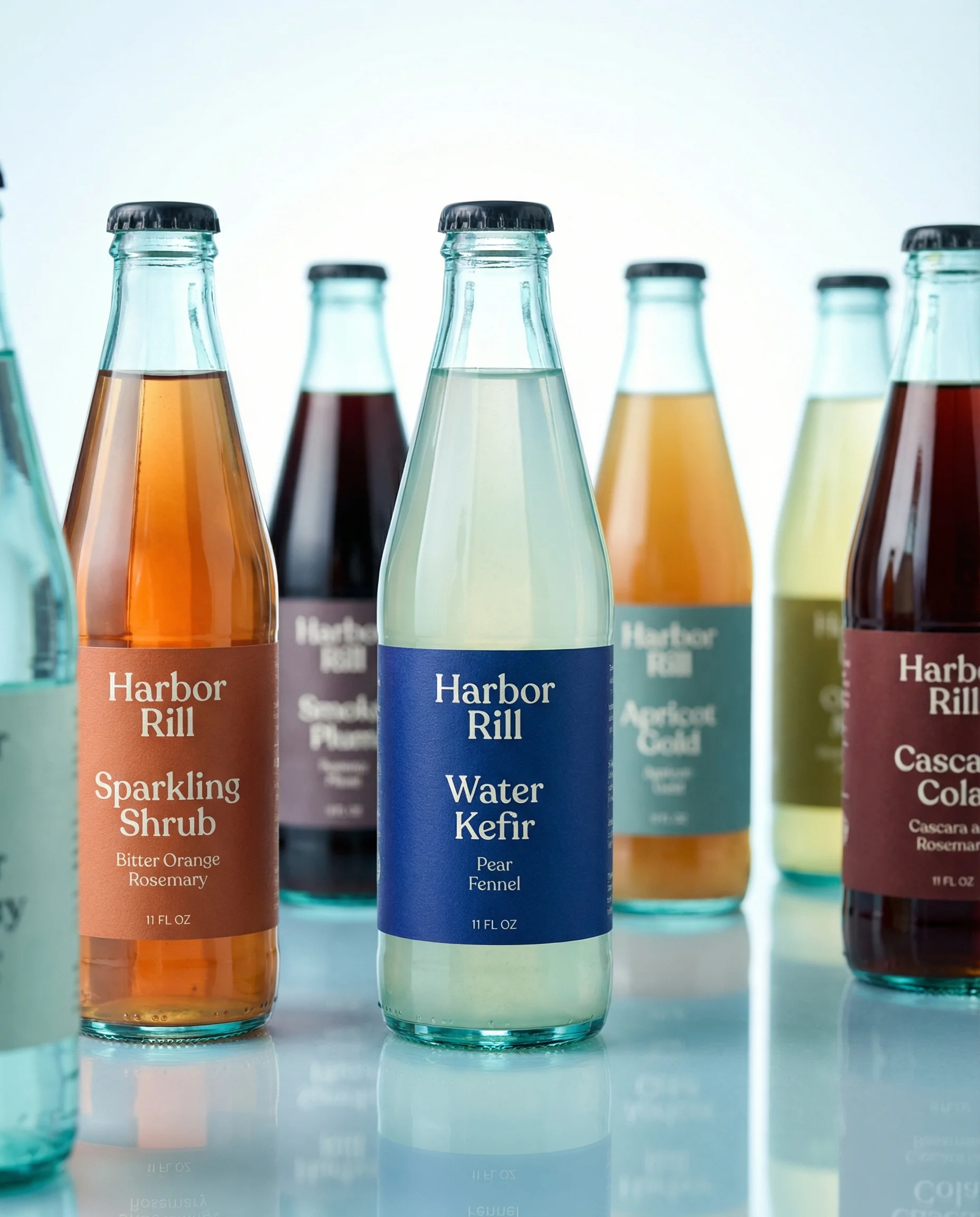
A clean beverage range shows production-ready consistency at scale.
Define production-ready
An AI image can look expensive and still fail production. For ecommerce teams, production-ready AI creative must pass four tests: it represents the product truthfully, it fits the brand system, it uses the right creative workflow, and it can be shipped in the required format without hidden rework. This is the approval companion to how to scale ecommerce creative production, especially when output volume increases faster than review capacity.
Choose the right approach
Production readiness matrix
Use this as the review standard before moving generated creative into campaigns or product pages.
| Readiness layer | What to control | Review standard |
|---|---|---|
| Product accuracy | Reference image, package artwork, product shape, materials, variant details, accessories, and bundle contents. | The final image must match the item being sold. If the product is wrong, the asset is not production-ready. |
| Scene and style fit | Riverflow brand-safe Scene, owned Scene, lighting, camera distance, surface, composition, category mood, and shot type. | The asset should feel like it belongs beside existing brand creative, not like a disconnected AI test. |
| Model choice | Text-to-image or image-to-image work in Images with Riverflow 2.0 Pro, Google's Nano Banana 2, or OpenAI GPT-Image-2. | The chosen model output still needs product, brand, and channel review before approval. |
| Editing and delivery | Aspect ratio, center point, angle variants, product detail fixes, product swaps, safe zones, file type, compression, and naming. | The export should be usable where it will run without resizing surprises, product errors, unreadable text, or missing approval context. |
Reviewer rejection criteria
Production review should not be a taste debate. Give reviewers explicit rejection criteria so the team can fix the asset, regenerate it, or stop the request.
Choose the right approach
Approve, edit, or reject
Use this matrix when a generated asset looks promising but may not be safe to ship.
| Scenario | Issue | Decision | Why it matters |
|---|---|---|---|
| Wrong product truth | Reject. | Shape, label, logo, variant, pack count, color, material, scale, or included items are wrong. | The asset misrepresents the product and should not enter Editing as if it were nearly approved. |
| Small product-detail defect | Edit if the rest of the image is approved. | A label edge, artwork detail, crop, angle, or center point needs repair. | Targeted Editing can preserve the good image while fixing the production blocker. |
| Unsupported claim or context | Reject or rewrite. | The Scene implies performance, ingredient, medical, sustainability, comparison, or before-after proof that has not been approved. | Review risk comes from implication as much as written copy. |
| Brand fit drift | Edit or rerun with a stricter Style. | Lighting, surface, typography, color, or composition no longer fits the brand system. | A beautiful asset can still weaken the campaign if it looks disconnected. |
| Channel export failure | Edit. | The asset is strong but fails safe area, crop, legibility, dimensions, compression, or naming rules. | This is a delivery problem, not a concept failure. |
| Missing source context | Hold. | The reviewer cannot see which product reference, Scene, Style, model, prompt, edits, or claims were used. | Assets need traceability before they become reusable production files. |
Riverflow workflow
How this works in Riverflow
Production readiness improves when generation, scene control, and post-generation edits are part of one reviewable workflow.
Photoshoots
Use Scenes and Styles for repeatability
Photoshoots lets teams use Scenes from Riverflow's extensive brand-safe library or bring their own Scenes from their own photoshoots, then adapt those scenes to products. Styles help maintain consistency across different scenes and shot types.
Images
Select from multiple generation models
Images gives access to powerful text-to-image and image-to-image models: Riverflow 2.0 Pro, Google's Nano Banana 2, and OpenAI GPT-Image-2. Model access is useful, but the production standard is still product accuracy and brand fit.
Editing
Fix the final mile before export
Editing works across Photoshoots and Images. Use it to generate 9 angle variants, change aspect ratio while keeping the image natural and adjusting center point, fix product details with Riverflow 2.0 Reference-Based Super Resolution, which agentically finds and updates artwork in place without altering the rest of the image, or Swap product in an existing image.
Visual review standards
Visual playbook
What production-ready AI creative should prove visually
A strong asset does more than look polished. It gives reviewers enough product, brand, workflow, and channel confidence to approve it.
Premium campaign finish
Decision note: approve only if the premium lighting improves the product read without changing cap shape, glass color, label placement, or reflection realism.
Use when: Use for hero ads, launch pages, gift campaigns, and premium category moments.
Prompt cue
Create a premium studio hero image using the exact perfume bottle. Preserve the cap shape, glass reflections, label placement, and brand color palette. Leave reviewer notes for any reflection or label detail repaired in Editing.
Multi-product composition
Decision note: approve only if each SKU remains identifiable after mobile crop and if the composition does not imply a bundle that the store does not sell.
Use when: Use for collection launches, bundle ads, homepage modules, and category storytelling.
Prompt cue
Arrange the supplied makeup products as a clean campaign lineup with consistent spacing, soft light, and no invented product text. Keep product count, scale, and label orientation reviewable.
Channel-safe product range
Decision note: approve only after the master range image survives the actual destination crops for PDP, email, carousel, and vertical paid social.
Use when: Use for product page galleries, email modules, paid social carousels, and merchandising tiles.
Prompt cue
Create a clean beverage range image for ecommerce. Keep each can label readable, preserve variant colors, and leave safe space for channel crops. Export test crops before final approval.
Before and after approval notes
Approval should create a reusable production record, not just a file download.
Choose the right approach
Production decision record
Capture these notes before an AI asset becomes part of the brand library.
| Review moment | Note to capture | Future use |
|---|---|---|
| Before generation | Product source, Scene, Style, model route, destination, claims, required crops, and off-limits details. | Helps rerun or extend the asset without guessing the original brief. |
| Before review | What changed from the source, what was held constant, and which detail needs reviewer attention. | Keeps review focused on production risk instead of broad preference. |
| After edit | Which product detail, crop, angle, artwork, or SKU was repaired and which parts of the image were intentionally preserved. | Prevents future editors from reintroducing old defects. |
| After approval | Approved use cases, rejected uses, channel exports, file naming, version, and reviewer owner. | Makes the asset reusable for launches, paid social, PDP, email, or marketplaces. |
For recurring campaign assets, connect this record to the testing discipline in the ecommerce ad creative examples guide so approval notes and performance notes stay tied together.
Production checklist
Before you publish
Approve AI creative only after these checks
- Product shape, color, material, label, logo, and variant details match the approved reference.
- No packaging text, ingredient callout, certification, barcode, or claim has been invented or distorted.
- The Scene is appropriate for the product and does not imply unsupported use, scale, performance, or compliance claims.
- The Style fits the brand and stays consistent across the required shot types or campaign variants.
- Model-generated outputs from Images are reviewed against product truth, not only against the prompt.
- Fonts, weights, colors, logo use, and copy hierarchy follow the brand system.
- Any product detail fix uses the approved reference and does not alter the rest of the image unnecessarily.
- The crop works at the target ratio and remains legible at mobile size.
- The file type, dimensions, compression, naming, source context, and version history are ready for handoff.
Handoff checklist by reviewer
Choose the right approach
Who signs off what
A production-ready workflow needs the right reviewer for each risk, not one overloaded final approver.
| Reviewer | Must approve | Sends back when |
|---|---|---|
| Product reviewer | SKU, variant, packaging, scale, materials, contents, product-page match, and source reference. | Anything about the item being sold is wrong or untraceable. |
| Brand reviewer | Style fit, typography, color, logo treatment, layout hierarchy, and campaign consistency. | The asset feels off-brand or cannot sit beside existing creative. |
| Claims reviewer | Reviews, comparisons, ingredients, performance language, before-after implication, discounts, and regulated claims. | The asset says or implies something the brand cannot support. |
| Channel reviewer | Crop, dimensions, safe area, compression, file type, naming, destination rules, and mobile legibility. | The asset looks approved in isolation but fails where it will run. |
Riverflow prompt recipe
Create it in Riverflow
Riverflow prompt recipe
Use this structure to turn the strategy into a specific creative brief that keeps the product accurate and the scene useful.
- 1
Input
Provide the product reference, packaging artwork, approved brand rules, final copy, destination channel, and any legal or marketplace constraints.
- 2
Workflow
Choose Photoshoots for reusable Scene adaptation, Images for text-to-image or image-to-image model work, or Editing for a controlled change to an existing output.
- 3
Scene
Name the Riverflow brand-safe Scene or owned Scene from your own shoot, and explain why it fits the product and channel.
- 4
Style
Lock the lighting, surface, camera distance, composition, and mood that should stay consistent across outputs.
- 5
Control
Lock product details first: shape, label, logo, color, material, variant, pack count, and any readable text.
- 6
Export
Specify aspect ratio, safe area, center point, text placement, mobile legibility, background treatment, and file use.
Example prompt
Mistakes to avoid
Approving based on aesthetics alone.
Review product accuracy, Scene fit, Style consistency, typography, claims, crop, and channel fit before judging the image finish.
Letting the model improvise exact text.
Use approved copy and font controls. Check spelling, hierarchy, spacing, and legal language before export.
Treating model choice as the production standard.
Riverflow Images gives access to multiple powerful models, but production readiness still depends on product truth, brand fit, and review.
Separating generation from review.
Build review into the workflow so product, brand, channel, and claims checks happen before files are shared widely.
Regenerating instead of editing a nearly approved image.
Use Editing for angle variants, natural aspect-ratio changes, product detail fixes, and product swaps when the selected output is otherwise strong.
Losing the source context after approval.
Store the product reference, Scene, Style, model, prompt, output, edits, export settings, and reviewer decision together for future updates.
Operator FAQ
When should reviewers reject instead of edit?+
Reject when the product truth, claim, context, or bundle logic is wrong. Edit when the concept is approved and the remaining issue is a controllable crop, angle, artwork, detail, or export problem.
What notes should be attached to an approved AI asset?+
Attach product source, Scene, Style, model, prompt, edits, crop specs, claim approvals, reviewer owner, approved uses, and any rejected uses. The file should be reusable without oral history.
Who should own final approval?+
Final approval should only happen after product, brand, claims, and channel risks are cleared by the right owner. A single final approver can coordinate the handoff, but they should not silently absorb every specialist decision.
How does Riverflow make production readiness more specific?+
Riverflow separates Photoshoots Scene adaptation, Images model exploration, and targeted Editing, so teams can decide whether an asset needs a new generation, a product-detail repair, a crop adaptation, or a product swap.
Start creating
Get started with on-brand visuals
Turn guide ideas into product-accurate creative in Riverflow, using your brand, products, scenes, styles, and channel crops from the start.
Your catalog into campaign-ready Creative
Riverflow connects your products, brand rules and creative workflows so your team can create on-brand photoshoots, ads, videos and edits across every campaign.