Guide
Apparel Product Photography Ideas
Practical apparel product photography ideas for PDP galleries, flat lays, detail shots, styling scenes, launch campaigns, and ads.
- Guides
- Product Photography Ideas

Examples
Scenes from the Riverflow library
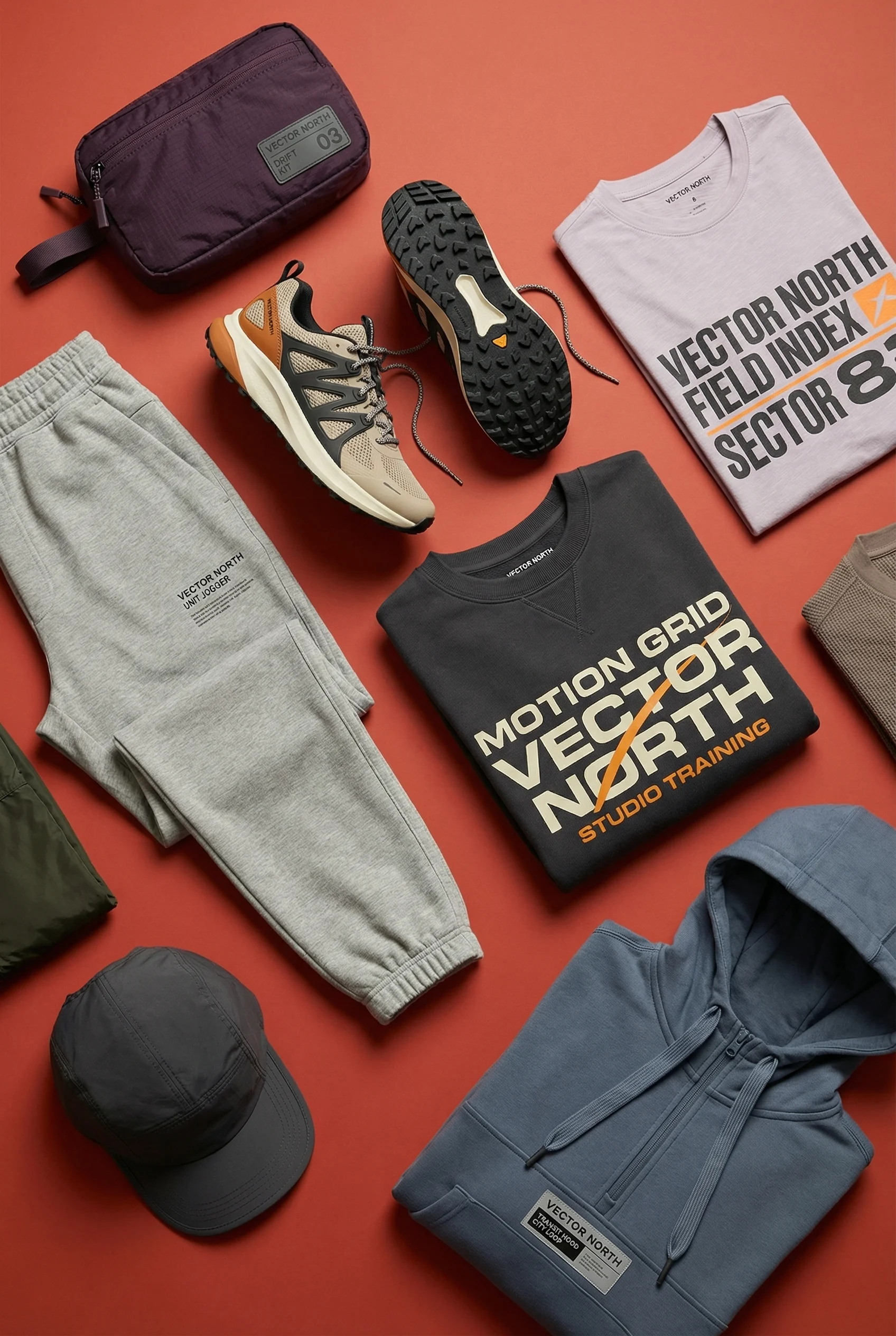
Flat lay shows complete outfit styling for performance apparel.
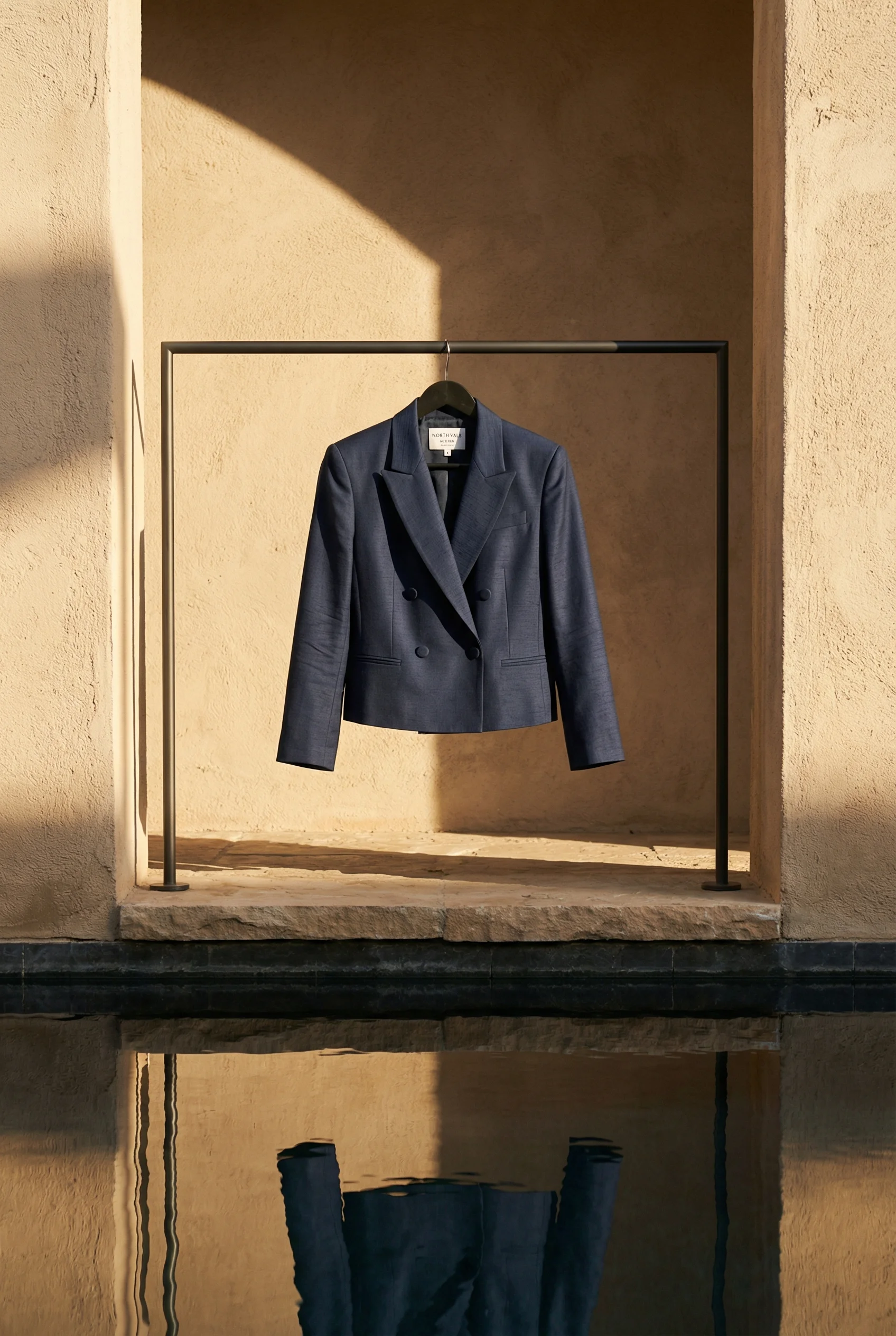
Formal blazer still life adds tailoring and hanger-display variety.
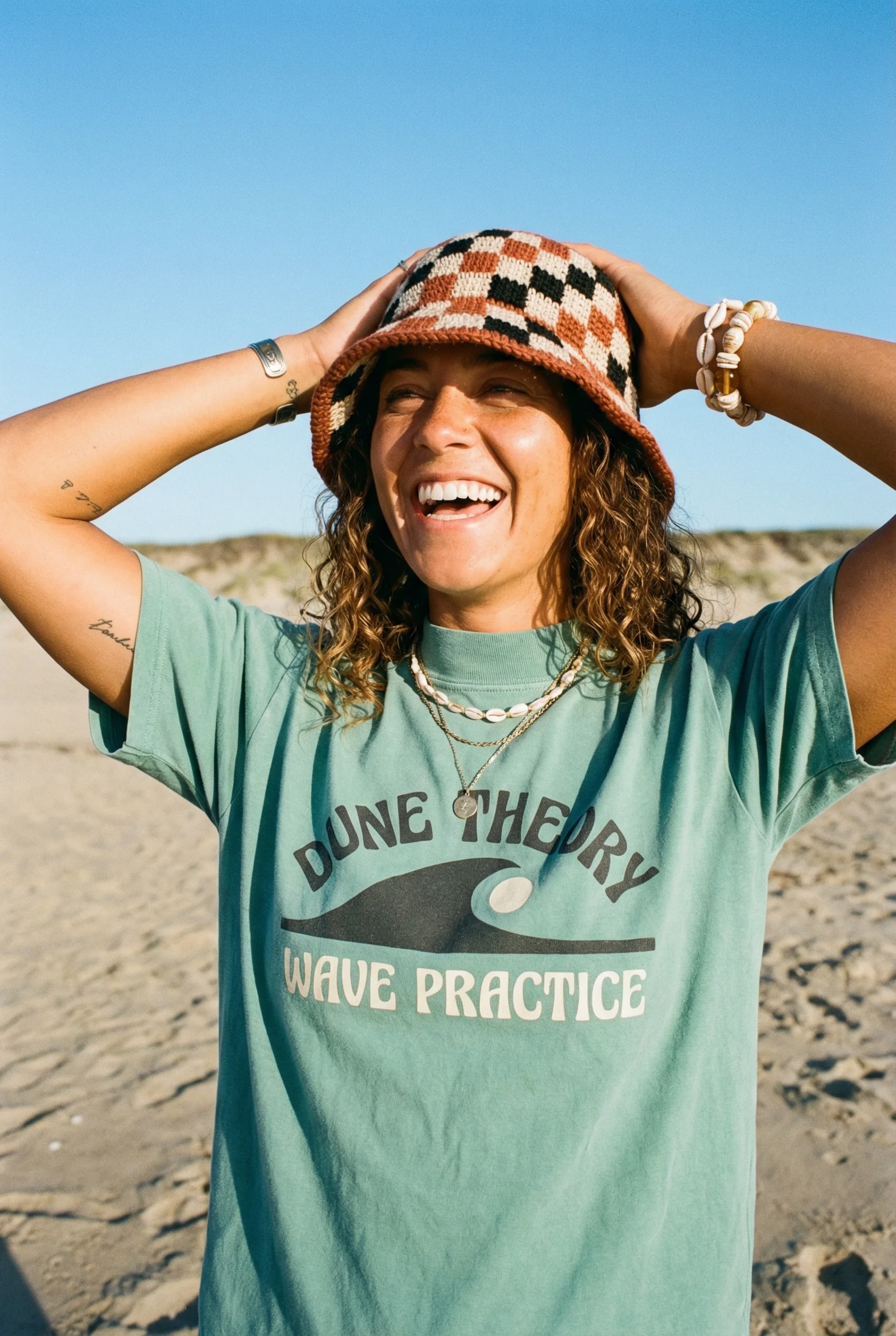
Outdoor lifestyle tee shot brings casual wear into a sunny use case.
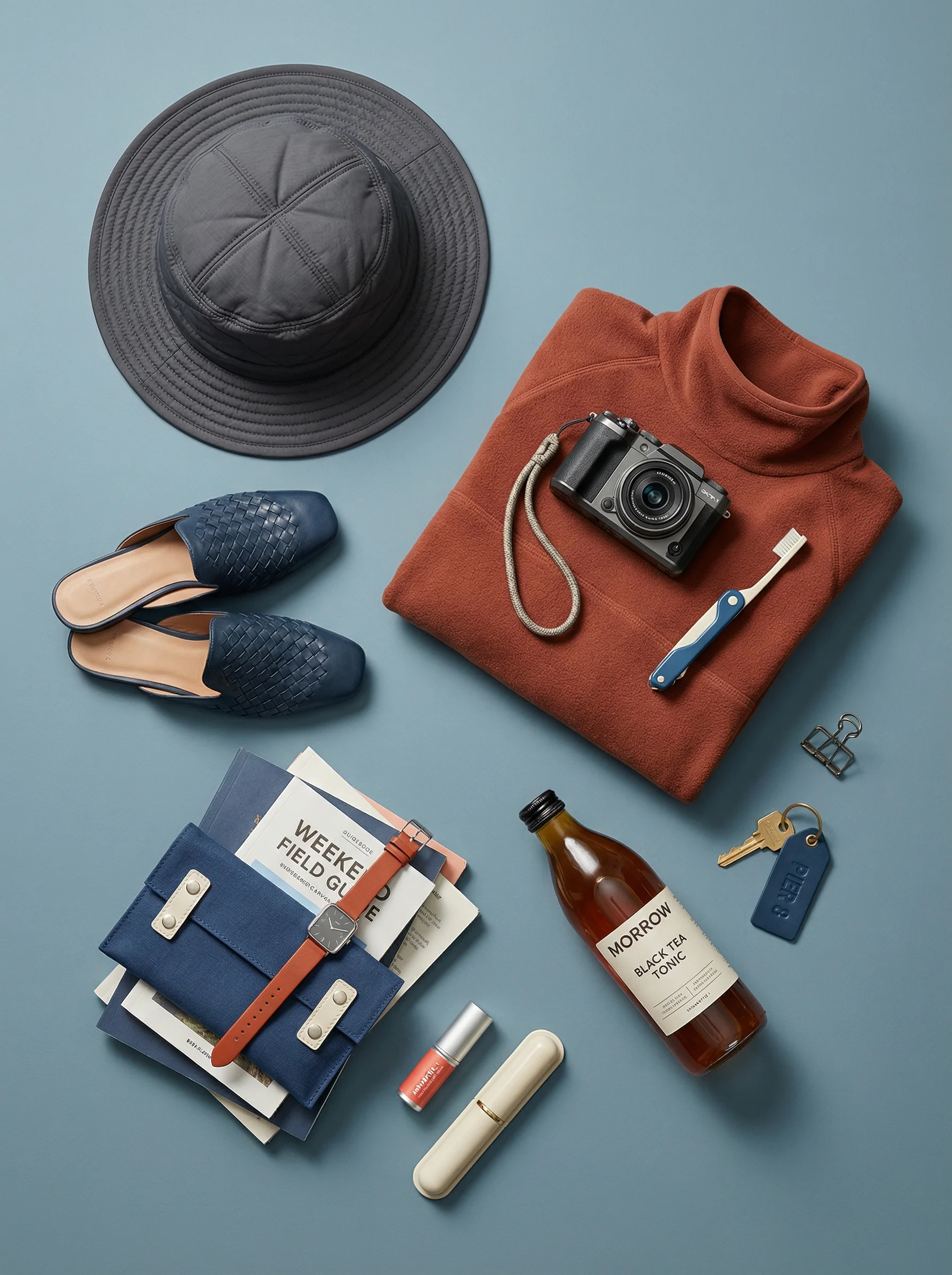
Travel flat lay shows styling context and cross-sell-ready accessories.
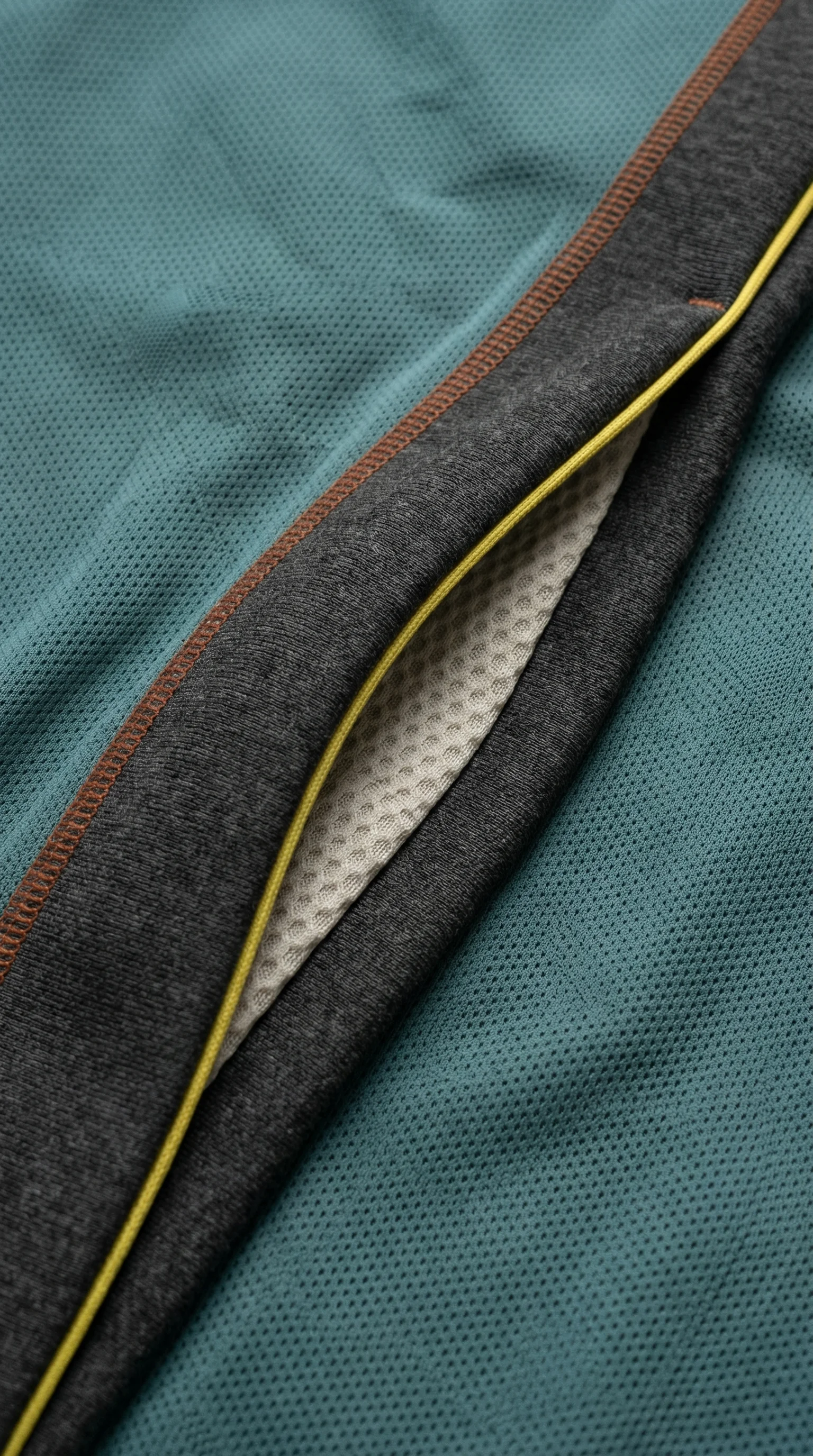
Fabric close-up adds construction detail for performance and material claims.
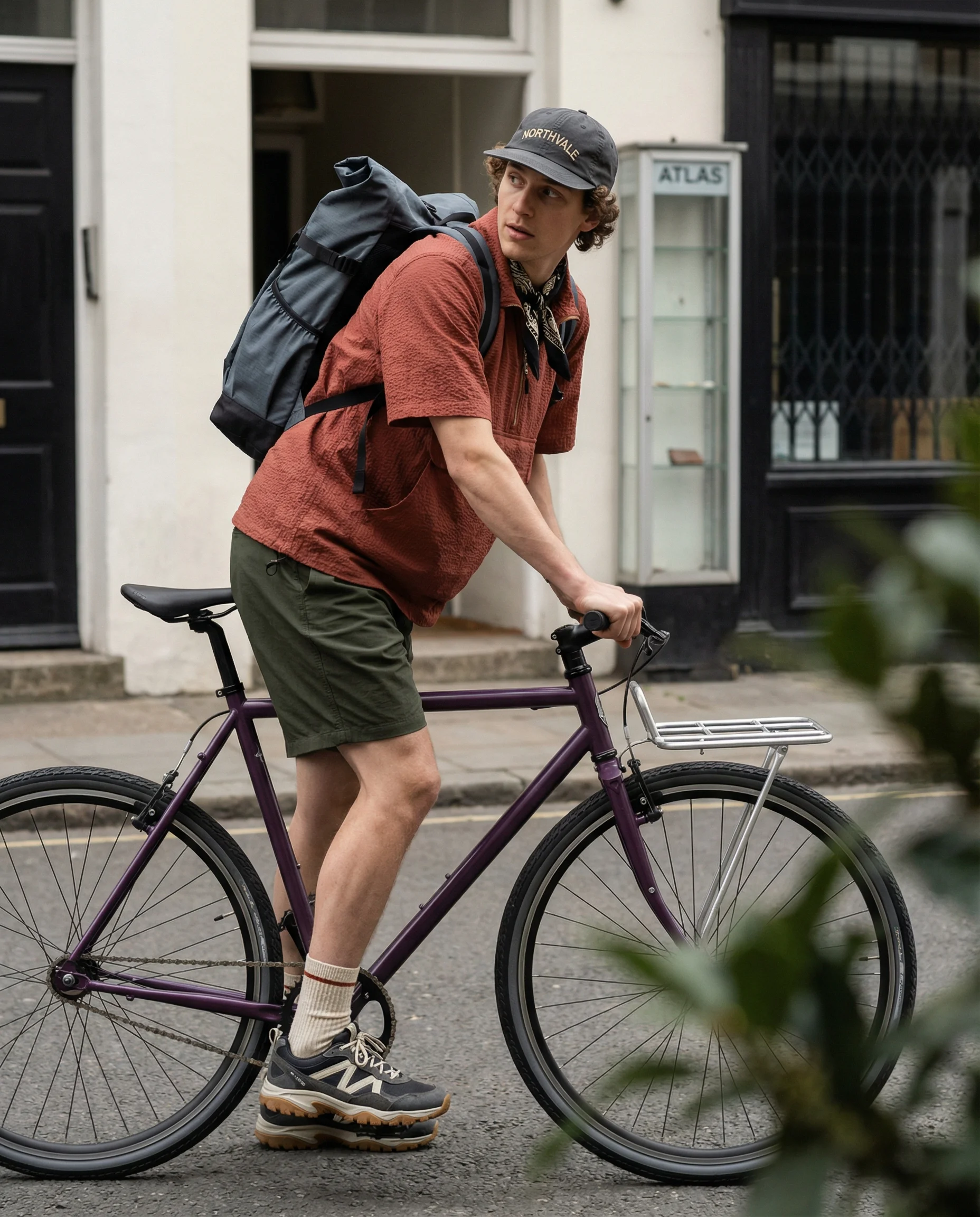
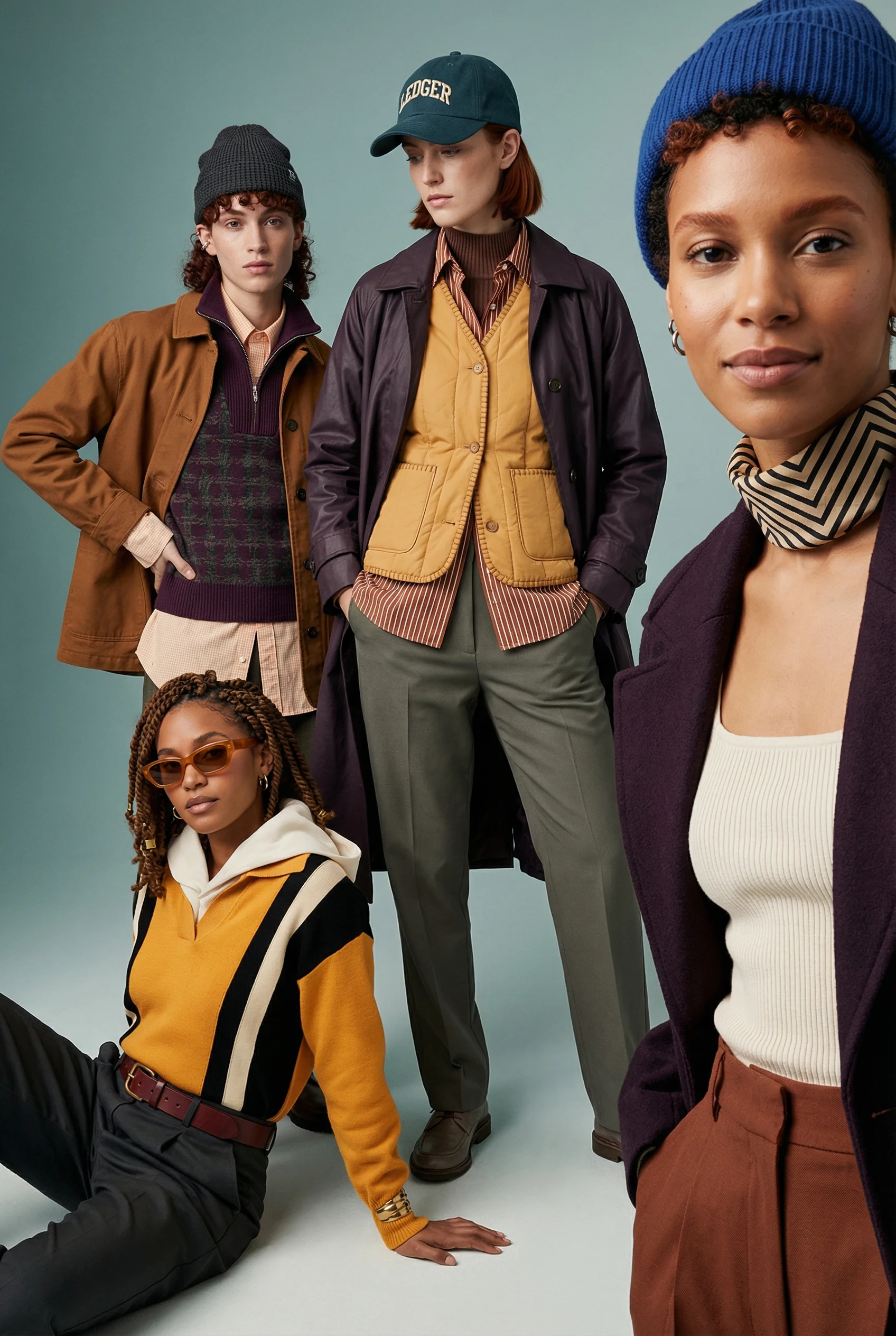
Commuter editorial scene gives apparel a practical city-use narrative.
Apparel product photography needs to clarify shape, fabric, construction, color, and styling potential. Even when model photography exists, ecommerce teams still need product-only assets for PDPs, collection pages, ads, emails, and merchandising.
Use an ecommerce product photography shot list to make sure front, back, detail, and variant needs are covered before campaign work. Apparel also has a natural link to flat lay product photography, detail product photography, and clean product-on-white photography for color-critical views.
Shot ideas for apparel brands
Visual playbook
Apparel visual playbook
Use apparel scenes to prove fit cues, material value, and styling context without relying only on model imagery.
Styled flat lay
Pair the hero item with relevant pieces, such as trousers, knitwear, socks, sneakers, accessories, or activewear props.
Use when: Use for PDP support, collection merchandising, cross-sell modules, and outfit-led ads.
Prompt cue
Create an athletic apparel flat lay with the hero garment clearly dominant, coordinated accessories, accurate fabric color, neat shaping, and clean ecommerce crop.
Construction detail
Show fabric texture, stitching, zippers, buttons, lining, hems, waistband, soles, hardware, pockets, or logo placement.
Use when: Use for premium basics, outerwear, denim, footwear, bags, performance apparel, and technical claims.
Prompt cue
Create a macro apparel detail image showing technical mesh binding, stitching, fabric texture, accurate color, and clean light for PDP use.
Occasion styling
Build a scene around workday uniform, travel, gym-to-street, holiday party, summer linen, city commute, or cold-weather layering.
Use when: Use for paid social, email, launch campaigns, and seasonal edits.
Prompt cue
Create an urban commuter apparel scene with the hero garment visible, practical city styling, accurate color, natural movement cue, and copy-safe ad crop.
For model-free apparel photography, structure matters. Flat lays, hanger views, ghost mannequin compositions, and shaped product-on-surface shots should reveal cut and silhouette, not just create a neat arrangement.
Additional apparel ideas to brief:
- A front-and-back pair with identical crop, garment scale, and sleeve or hem position.
- A construction strip showing fabric, seam, hardware, label, and closure details.
- A folded-stack image for basics, knitwear, underwear, socks, or color ranges.
- A complete outfit flat lay that supports cross-sell logic without hiding the hero item.
- A travel, commute, studio, gym, resort, or evening context image tied to the actual garment use case.
- A variant set that keeps colorways comparable under neutral light before seasonal edits.
Operator notes for fit cues without models
Model-free apparel can still answer fit questions if the brief names what the shopper needs to evaluate.
Review the image set for:
- Silhouette clarity: sleeves, rise, hem, collar, strap, waist, and leg shape should be readable.
- Fabric behavior: stiff, draped, sheer, ribbed, technical, heavyweight, or stretch materials need different shaping.
- Construction proof: pockets, zips, lining, vents, cuffs, gussets, soles, and hardware should not be hidden by styling.
- Variant consistency: colorways should not look like different garments because folds, shadows, or crops changed.
- Use-case truth: performance, formal, travel, lounge, and occasion pieces need different prop logic.
Riverflow is useful when the production rule is precise: same garment shape, same fold language, same crop, new colorway or context. That makes it a scaling tool for drops rather than a substitute for fit evidence.
PDP vs ads usage
Choose the right approach
How apparel shots work by channel
Use PDPs for evaluation and ads for styling direction.
| Moment | What to show | Why it works |
|---|---|---|
| PDP gallery | Front view, back view, angled silhouette, detail close-ups, and color-accurate variant images. | Answers questions about cut, construction, fabric, and color. |
| Collection page | Consistent product views across SKUs and colorways. | Lets shoppers compare silhouettes and variants without visual noise. |
| Paid social | Styled outfit, seasonal cue, product large enough for mobile, and copy-safe area. | Shows how the product fits a real occasion while staying recognizable. |
| Launch campaign | Hero garment, fabric detail, outfit pairing, and brand-specific surface or location cue. | Introduces the drop with context while preserving product detail. |
Do not use editorial campaign images as the only product evidence. Apparel shoppers need detail and comparison, especially when sizing, color, and fabric feel matter.
For campaign crops, use lifestyle product photography and product hero shots as companions. Keep marketplace and feed requirements in mind if these assets also need to work beyond the PDP.
Starter shot list
Before you publish
Apparel SKU checklist
- Clean front product view.
- Back product view where relevant.
- Three-quarter or angled silhouette shot.
- Fabric texture and construction detail.
- Closure, hardware, logo, lining, sole, waistband, or pocket close-up.
- Styled flat lay or outfit pairing.
- Color variant lineup or consistent variant set.
- Paid ad crop with seasonal styling and copy space.
Create this in Riverflow
Create it in Riverflow
Riverflow prompt recipe for apparel
Use this structure to turn the strategy into a specific creative brief that keeps the product accurate and the scene useful.
- 1
Product proof
Preserve garment shape, fabric color, texture, logo placement, hardware, seams, construction, and variant details.
- 2
View
Choose the required ecommerce view: front, back, three-quarter, flat lay, hanger, ghost mannequin style, or detail close-up.
- 3
Styling
Add one relevant use context, such as workday, travel, activewear, weekend, evening, summer, or cold-weather layering.
- 4
Channel
Create one color-accurate PDP crop and one styled ad crop with copy away from important garment details.
Example prompt
Riverflow workflow
How this works in Riverflow
Use Riverflow to keep garment shape, fabric, color, and construction evidence consistent while adapting one item across PDP, collection, launch, and paid placements.
Photoshoots
Start with apparel Scenes
Choose brand-safe flat lay, hanger, ghost mannequin style, detail, outfit, or seasonal Scenes from Riverflow's library, or bring owned Scenes from your own apparel shoots. Apply a Style so colorways, fabric texture, fold language, and styling cues stay consistent across a drop.
Images
Explore fit and styling concepts
Use Riverflow 2.0 Pro, Google's Nano Banana 2, or OpenAI GPT-Image-2 for text-to-image and image-to-image exploration of outfit pairings, surface choices, movement cues, fabric detail, and seasonal campaign directions.
Editing
Prepare product and channel variants
Generate 9 angle variants for front, back, three-quarter, flat lay, or detail views, change aspect ratio while keeping garment shape natural, use Riverflow 2.0 Reference-Based Super Resolution to fix logos, prints, or artwork in place without altering the rest of the image, and Swap product when the same Scene needs another colorway or item.
Mistakes to avoid
Wrinkles look accidental.
Shape folds intentionally and distinguish natural fabric texture from sloppy presentation.
Color casts change the garment.
Use neutral, consistent PDP lighting for color-critical views and save mood lighting for campaign crops.
Key construction details are hidden.
Show special pockets, adjustable straps, reversible linings, technical fabrics, hardware, and closures clearly.
Props imply the wrong use case.
Style performance, formal, travel, lounge, and occasion pieces in contexts that match the positioning.
FAQ
When is a flat lay not enough for apparel?+
A flat lay is weak when drape, volume, rise, length, or fit is the main purchase question. Add hanger, ghost mannequin, worn, or structured silhouette views.
How do you keep color variants trustworthy?+
Use neutral PDP lighting, identical crops, consistent folds, and controlled shadows. Save warm, tinted, or seasonal light for separate campaign assets.
Which apparel details deserve close-ups?+
Close up anything that changes value or fit: fabric, seams, lining, zippers, pockets, waistband, hardware, reflective trim, logo placement, sole, or closure.
Start creating
Get started with on-brand visuals
Turn guide ideas into product-accurate creative in Riverflow, using your brand, products, scenes, styles, and channel crops from the start.
Your catalog into campaign-ready Creative
Riverflow connects your products, brand rules and creative workflows so your team can create on-brand photoshoots, ads, videos and edits across every campaign.