Guide
Product Hero Shots
A practical guide to product hero shots, including composition, use cases, creative direction, channel planning, and review checklists for brand teams.
- Guides
- Product Photography

Examples
Scenes from the Riverflow library
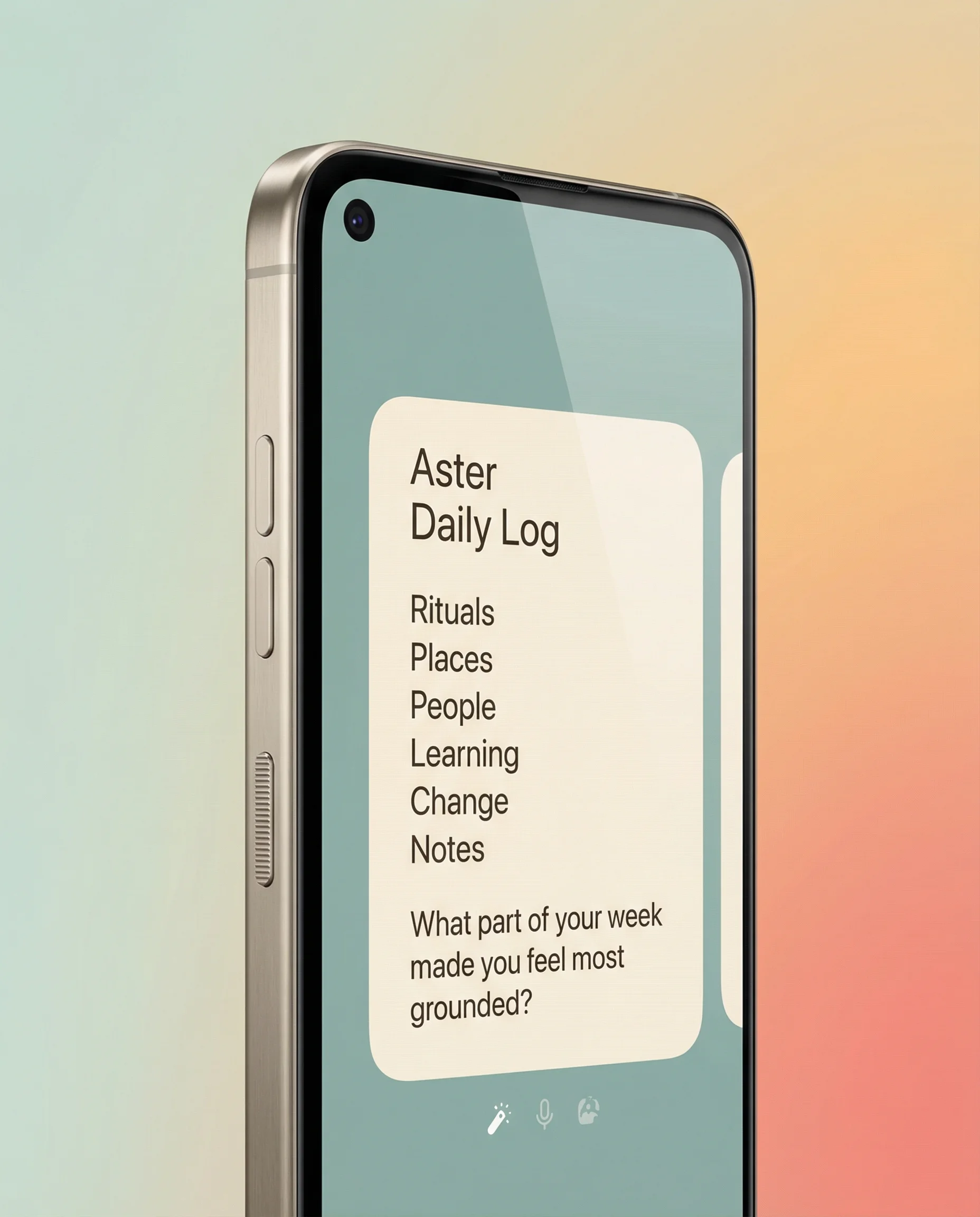
Large close-up device hero isolated against a premium pastel gradient.
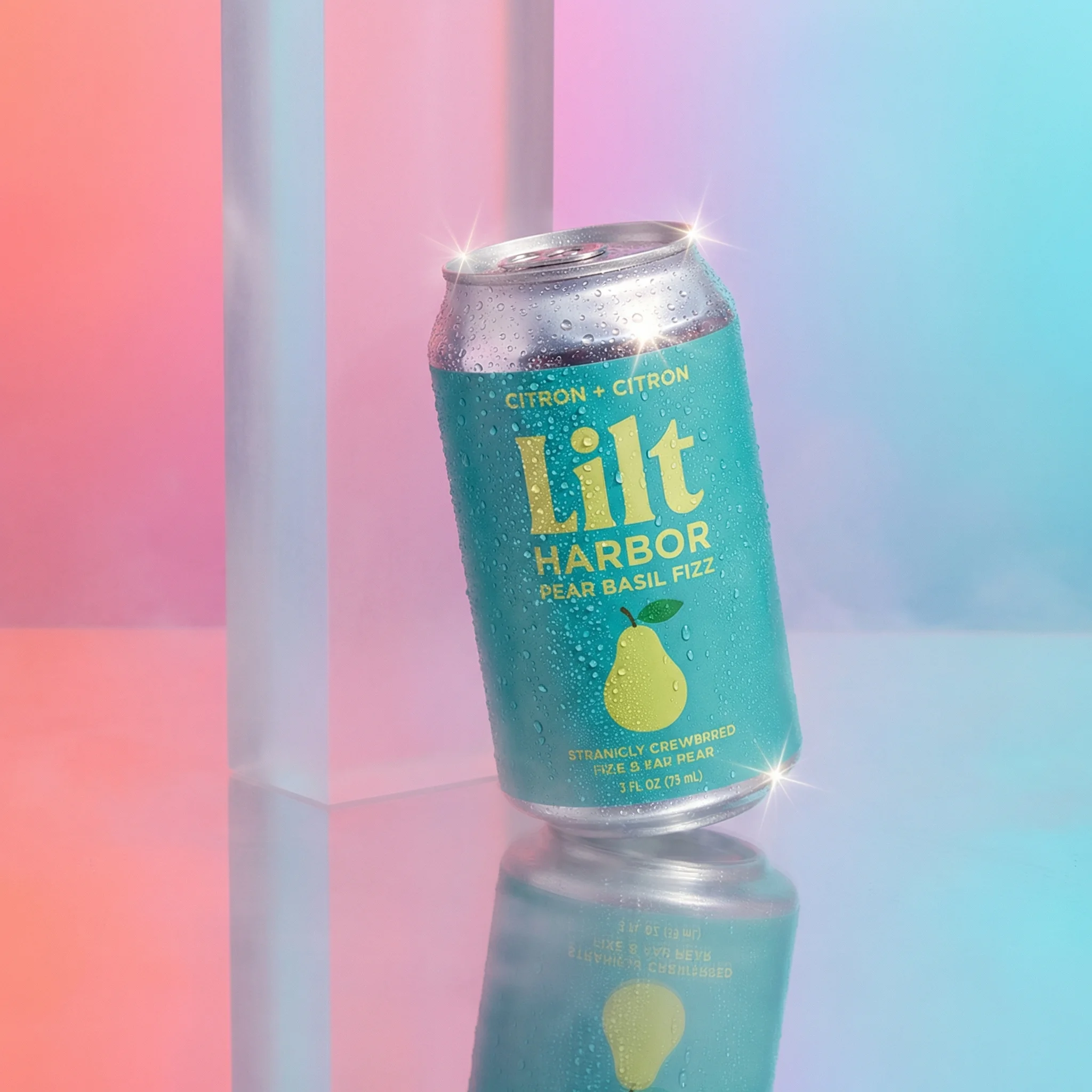
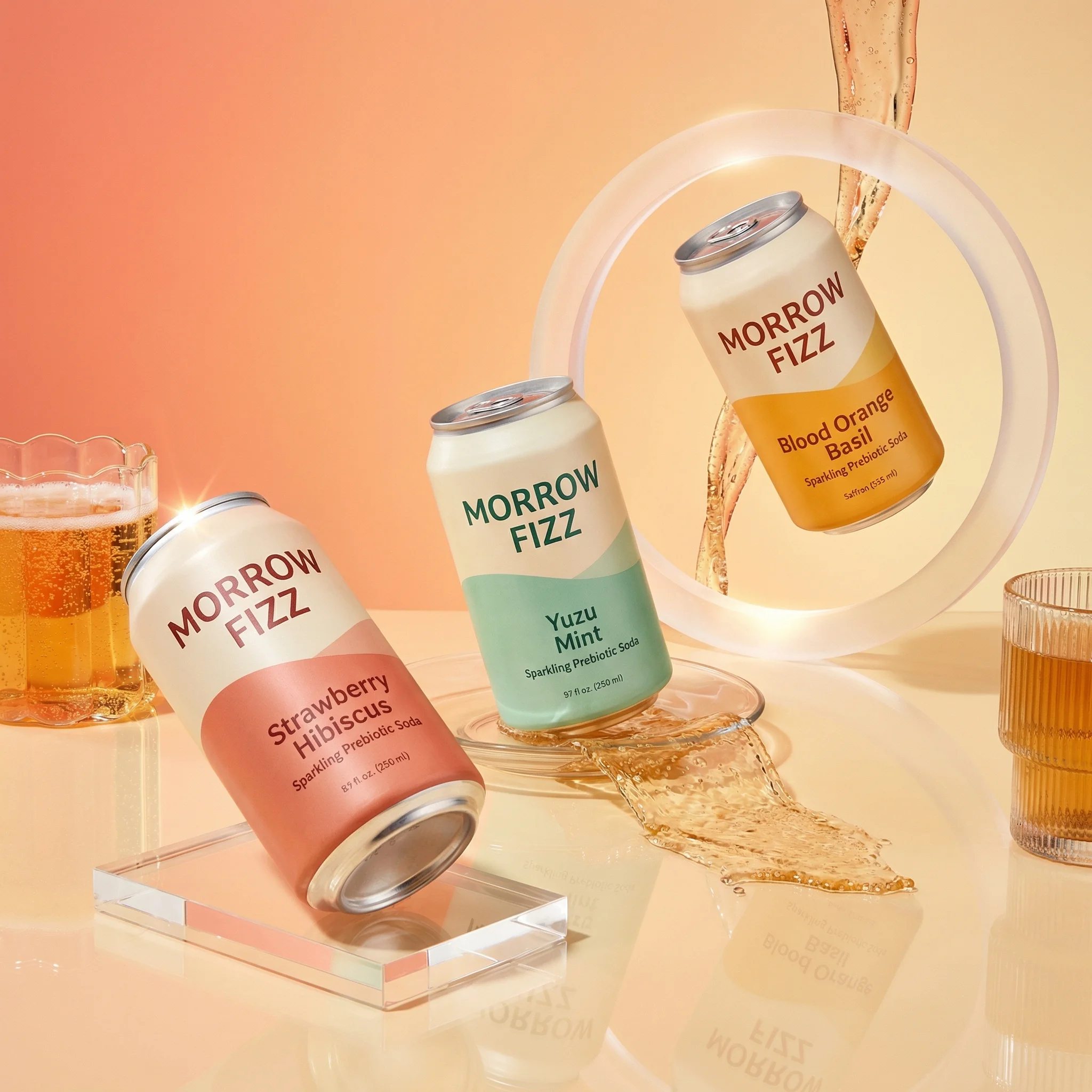
Ad-style can hero on a mirrored pedestal with condensation and gradient color.
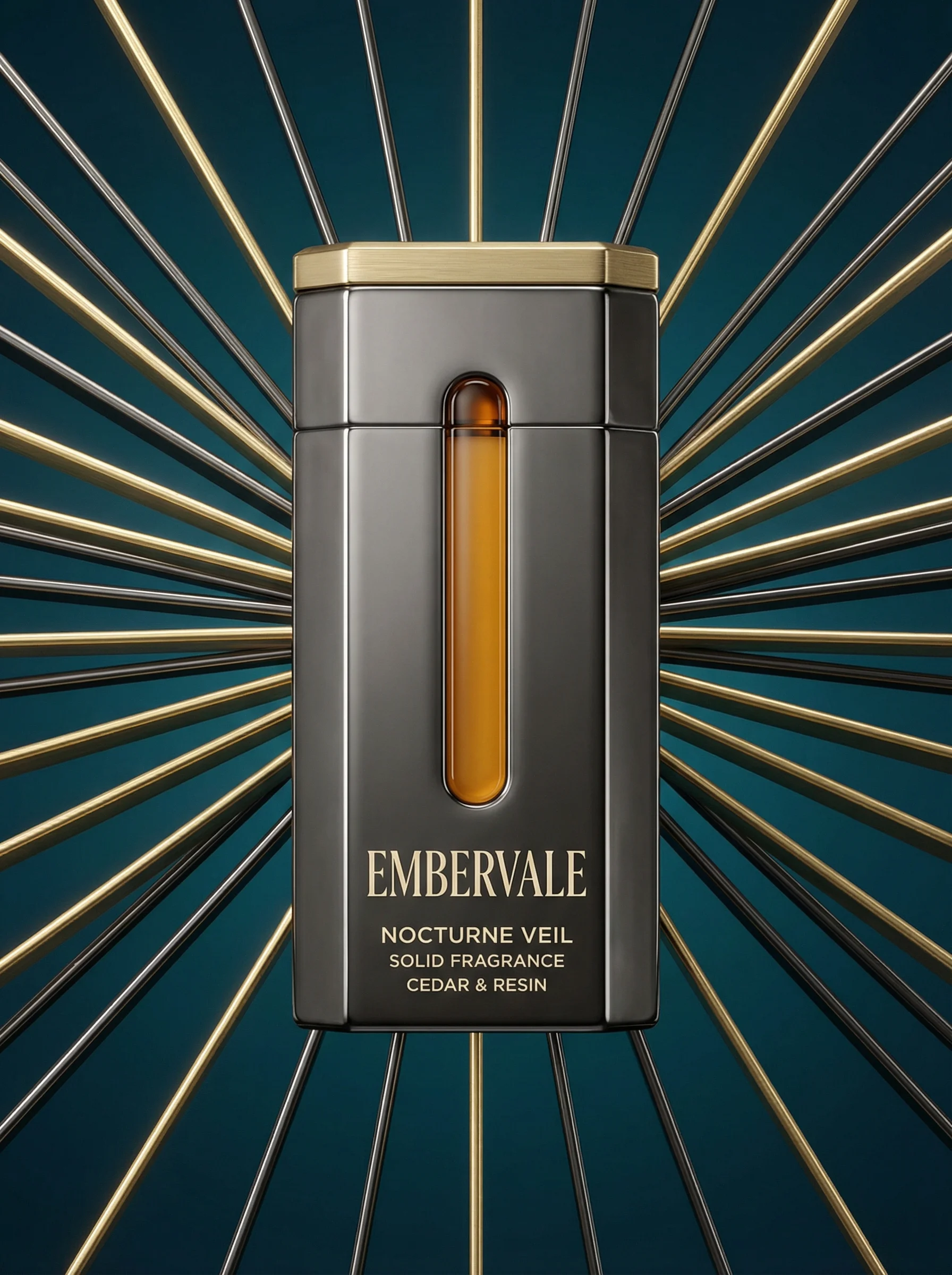
Centered fragrance product framed by radial metallic fins for a dramatic hero composition.
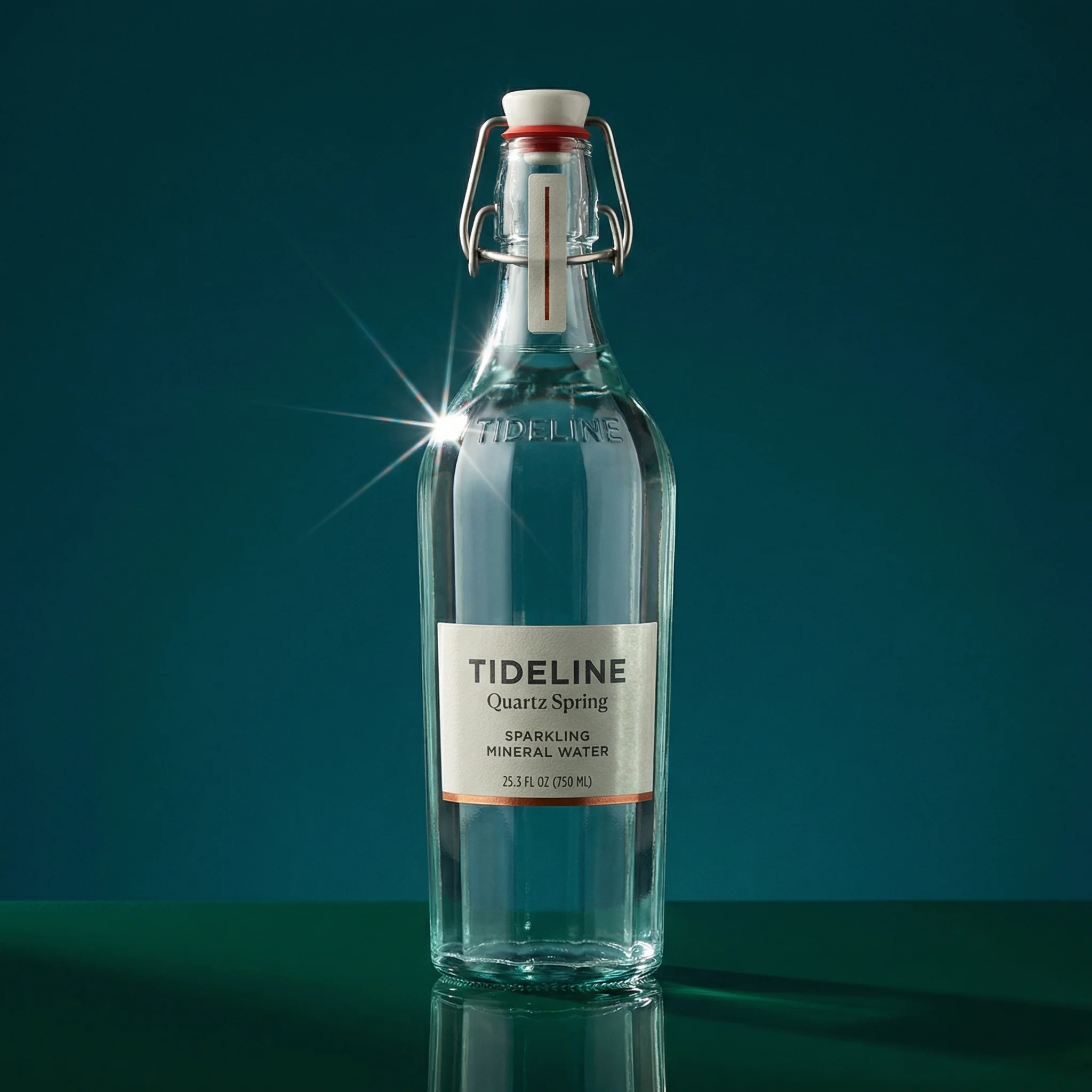
Condensation-led beverage hero with strong product focus and crisp refreshment cues.
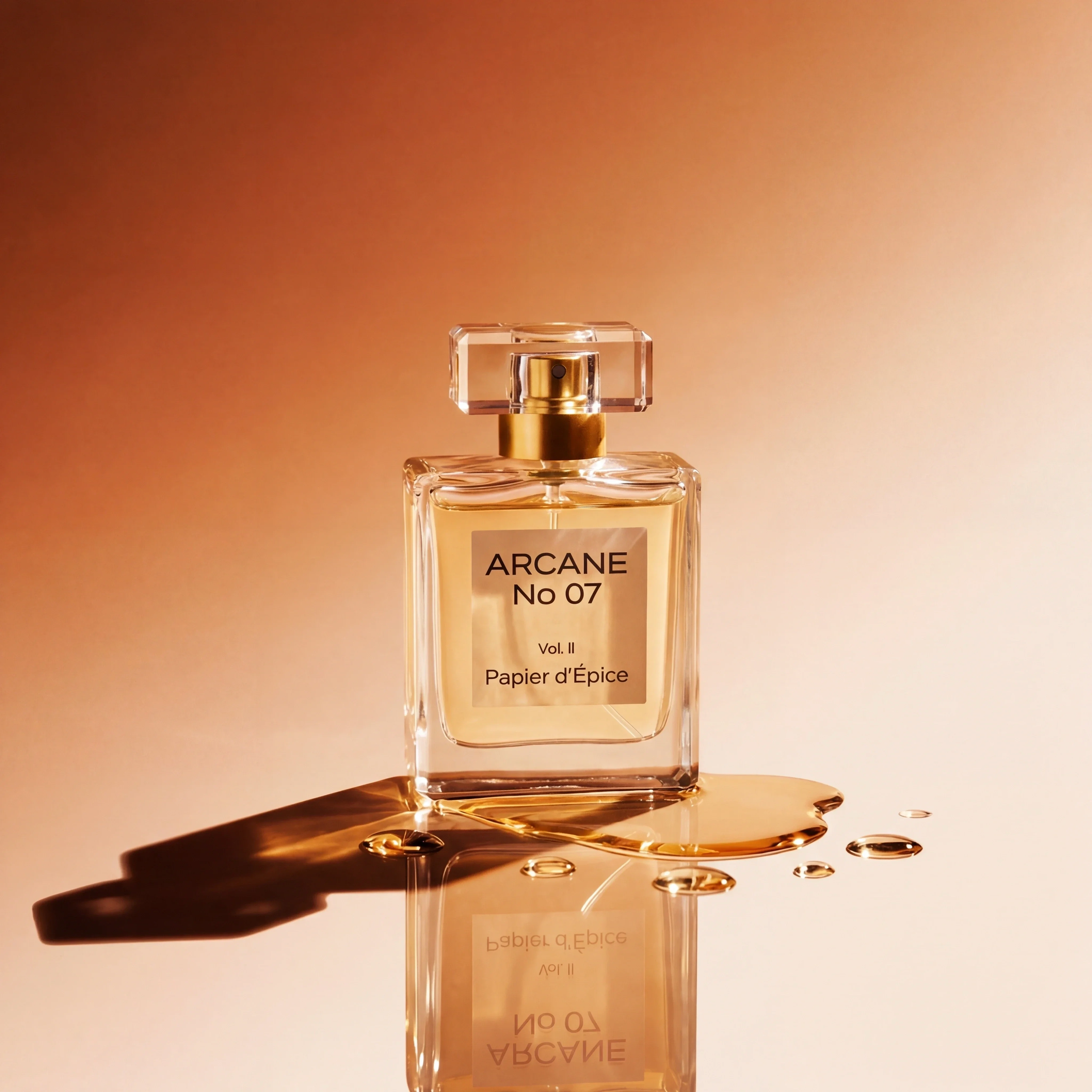
Warm fragrance hero using gold light and reflections to elevate the product.
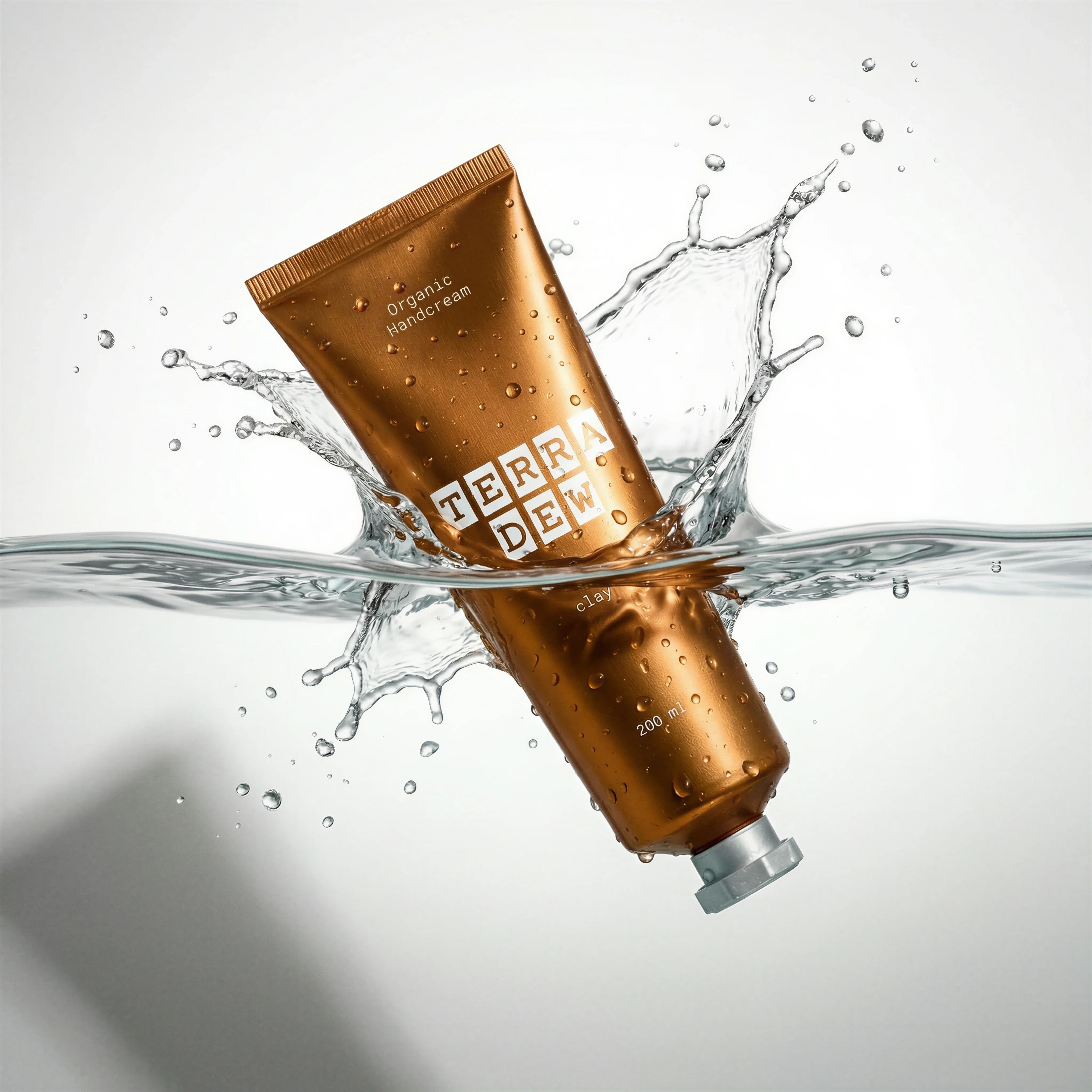
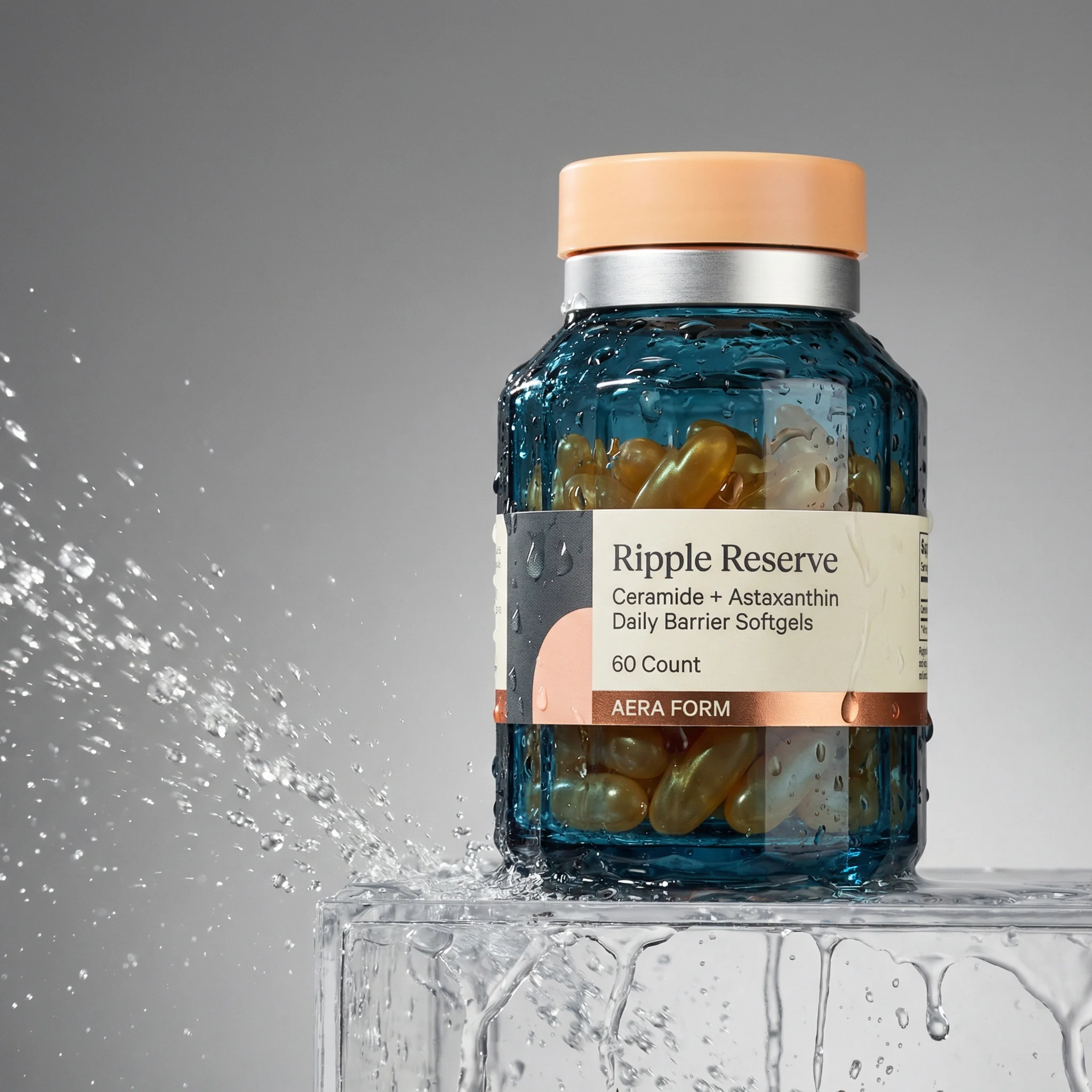
Skincare hero with splash motion and high-impact campaign energy.
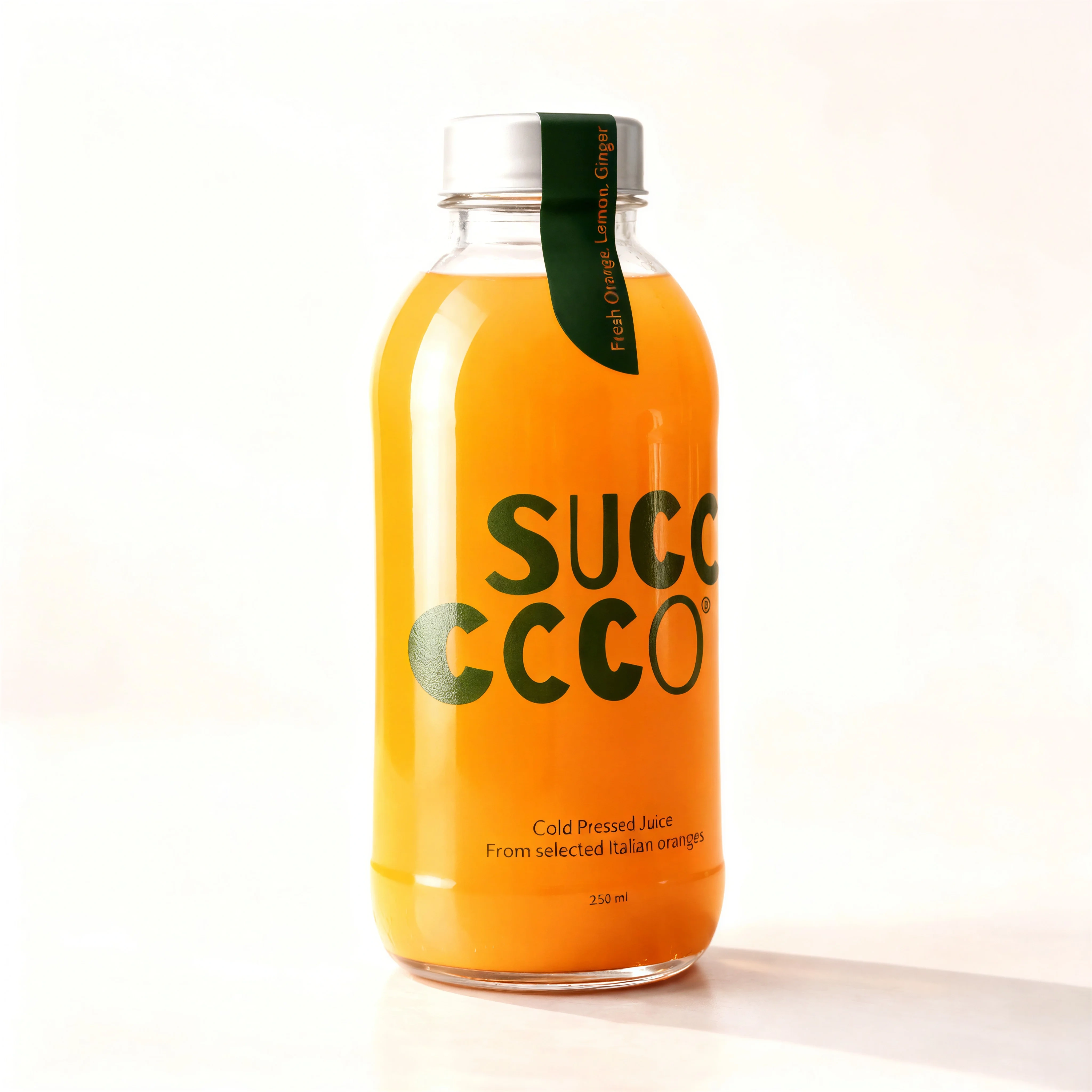
Hero shots carry more weight than catalog imagery. They need to attract attention, support the message, and still make the product easy to recognize. The best versions are visually strong because they are disciplined, not because they include every possible creative cue.
Use product hero shots after the core product image is approved. A hero image can be expressive, but it should not become the place where product truth gets negotiated.
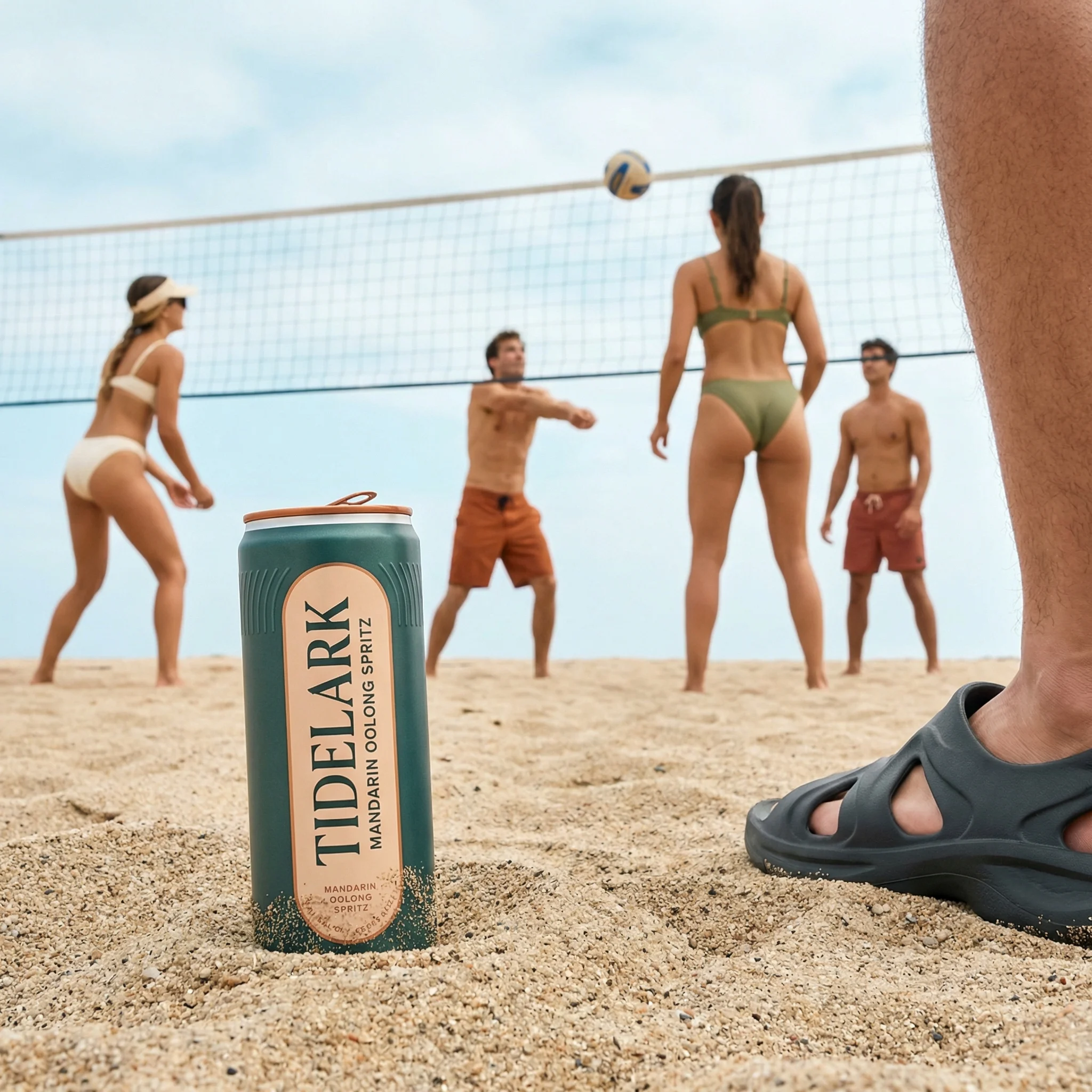
If the image is mainly explaining use context, read lifestyle product photography. If it is mainly proving texture, mechanism, or material quality, use detail product photography. A hero shot should carry a campaign idea.
What makes a product hero shot different
Choose the right approach
Hero shot planning matrix
A strong hero shot turns one commercial idea into one clear visual system.
| Use case | What to show | Why it matters |
|---|---|---|
| Launch | New SKU, variant, flavor, formula, packaging, or limited-edition visual cue. | Makes the newness clear quickly across ads and owned channels. |
| Benefit-led campaign | Ingredient cue, texture, motion, refreshment, performance, protection, glow, or durability. | Gives the campaign a memorable visual shorthand. |
| Premium positioning | Controlled reflections, sculptural light, elevated surface, minimal props, precise composition. | Signals quality without hiding the product. |
| Seasonal or occasion | Color system, prop language, environment, or crop that fits a specific moment. | Lets teams refresh creative while keeping product recognition stable. |
Visual playbook
Visual playbook
Product hero shot formats
Hero shots should feel more composed than standard product images, but they still need clear product hierarchy and channel-ready crops.
Splash or motion hero
Use controlled motion, liquid, powder, vapor, or suspended elements to make one benefit feel immediate.
Use when: Use for skincare, beverage, cleaning, wellness, beauty, and freshness-led campaigns.
Prompt cue
High-impact product hero shot with controlled splash motion around the product, product label sharp and accurate, premium studio lighting, clean campaign composition.
Premium studio hero
Use reflections, gradients, pedestals, or sculptural surfaces to elevate the product without adding clutter.
Use when: Use for fragrance, beauty, tech, personal care, and premium packaging.
Prompt cue
Premium studio product hero shot, centered product, sculptural background, controlled reflections, accurate bottle shape and label, space for campaign copy.
Refreshment or texture hero
Let condensation, bubbles, gloss, or ingredient cues communicate sensory value at a glance.
Use when: Use for drinks, food, skincare, haircare, and products with a strong texture promise.
Prompt cue
Refreshing beverage product hero shot, condensation detail, crisp studio light, product can accurate, strong focal point, ad-ready composition.
Color-system hero
Build the image around a brand color, variant color, or campaign palette so the product anchors the whole frame.
Use when: Use for variant launches, paid social refreshes, email headers, and landing-page hero modules.
Prompt cue
Product hero shot on a polished color-system set, coordinated gradient background, product upright and label readable, clean reflections, modern ecommerce campaign style.
Build the shot around one idea
Many hero shots fail because they try to say too much. A product can be premium, refreshing, sustainable, convenient, giftable, and new, but a single hero image should lead with one of those ideas.
Hero-shot review notes
A hero shot should be rejected if the first thing a reviewer notices is the effect rather than the product. Splash, glow, floating props, dramatic shadows, and premium surfaces are only useful when they sharpen the commercial idea. They are risky when they cover the label, imply unsupported performance, or make the product look like a different material.
Review the image next to the product-on-white asset. The hero can be more expressive, but the SKU should still feel like the same object. Then test the crop in the channel where it will run: a wide landing-page hero, a 4:5 paid social placement, and a square card will expose different hierarchy problems.
Riverflow workflow
How this works in Riverflow
Hero shots need room for creative expression, but the production workflow should still protect product identity and channel usability.
Photoshoots
Anchor the campaign in a scene
Use Riverflow's extensive brand-safe Scenes library for launch, premium studio, splash, color-system, and seasonal setups, or bring owned campaign Scenes from previous photoshoots. Photoshoots adapts the scene to the product, while Styles keep the hero direction coherent across variants and supporting shots.
Images
Develop the visual territory
Use Images to explore text-to-image and image-to-image hero directions with Riverflow 2.0 Pro, Google's Nano Banana 2, or OpenAI GPT-Image-2 before selecting the strongest campaign idea.
Editing
Turn one idea into usable assets
Generate 9 angle variants to evaluate product hierarchy, change aspect ratio for social, email, PDP, and landing-page placements, fix product artwork with Riverflow 2.0 Reference-Based Super Resolution, or Swap product into a hero image that already has the right set design.
Before you publish
Product hero shot checklist
- Write the campaign idea in one sentence before generating the visual.
- Keep the product as the largest or clearest focal point.
- Preserve label, proportions, color, pack claims, and finish.
- Choose props, surfaces, and effects that support one message.
- Create square, vertical, and wide crops if the shot will run across channels.
- Review the hero image beside product-on-white imagery to confirm consistency.
Riverflow prompt recipe
Create it in Riverflow
Prompt a product hero shot in Riverflow
Use this structure to turn the strategy into a specific creative brief that keeps the product accurate and the scene useful.
- 1
Idea
State the single hero concept: refreshment, glow, precision, giftability, launch color, premium material, travel convenience, or seasonal cue.
- 2
Product hierarchy
Specify product size, angle, label visibility, centered or off-center placement, and whether the product needs copy space around it.
- 3
Set design
Define surface, background, props, lighting, reflections, motion, liquid, ingredients, or environmental cues.
- 4
Scene system
If the image is part of a campaign set, reference the approved Scene or Style so supporting crops and variants keep the same visual language.
- 5
Channel
Name the output crop: square ad, vertical paid social, wide landing-page hero, email header, or PDP feature module.
- 6
Accuracy guardrails
Require exact packaging color, product proportions, label placement, finish, cap shape, and variant identity from the source product.
Example prompt
Mistakes to avoid
Using effects that overpower the product.
Make the product the clearest object before adding splash, motion, props, or light effects.
Trying to communicate every benefit at once.
Choose one lead idea and let supporting visual cues stay secondary.
Approving a hero crop that only works in one placement.
Plan square, vertical, and wide versions before final approval.
Letting AI polish alter the packaging.
Compare the hero shot against the source product and product-on-white image before publishing.
FAQ
Where should product hero shots appear?+
Use product hero shots in launch pages, homepage modules, paid social, email headers, landing pages, retail media, and later positions in product detail page carousels.
Can a hero shot be the first image on a product page?+
For most ecommerce pages, the primary image should still be product-on-white or a clear product view. A hero shot can support the carousel once the shopper has seen the product clearly.
How do I know if a hero shot is doing too much?+
If you cannot summarize the visual idea in one phrase, or if the product is less legible after adding effects, simplify the image before producing more variants.
Start creating
Get started with on-brand visuals
Turn guide ideas into product-accurate creative in Riverflow, using your brand, products, scenes, styles, and channel crops from the start.
Your catalog into campaign-ready Creative
Riverflow connects your products, brand rules and creative workflows so your team can create on-brand photoshoots, ads, videos and edits across every campaign.