Guide
Ecommerce Product Photography Shot List
A practical ecommerce product photography shot list for brand teams planning product detail pages, marketplaces, campaigns, ads, and content production.
- Guides
- Product Photography

Examples
Scenes from the Riverflow library
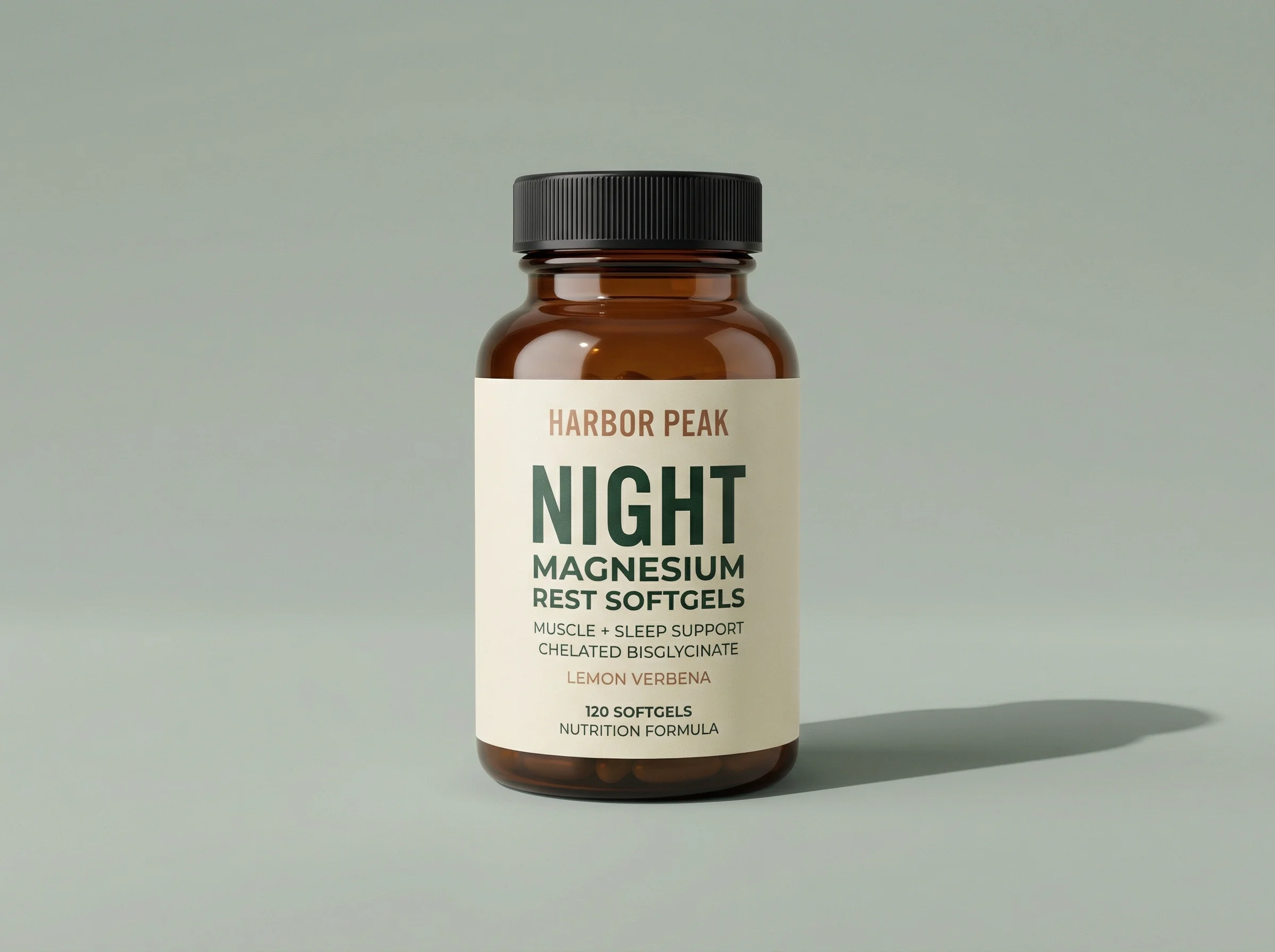
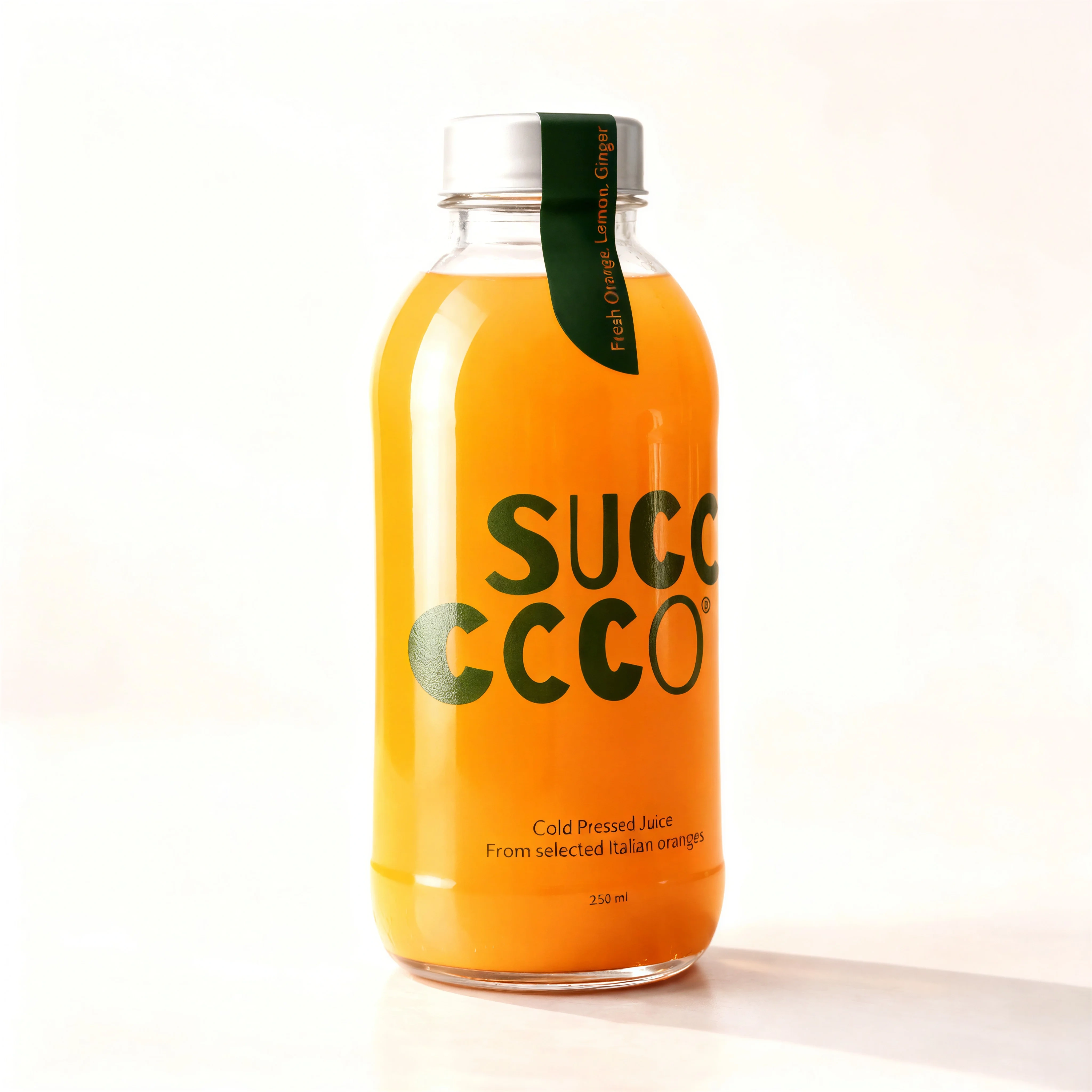
Single centered product hero for the primary SKU shot.
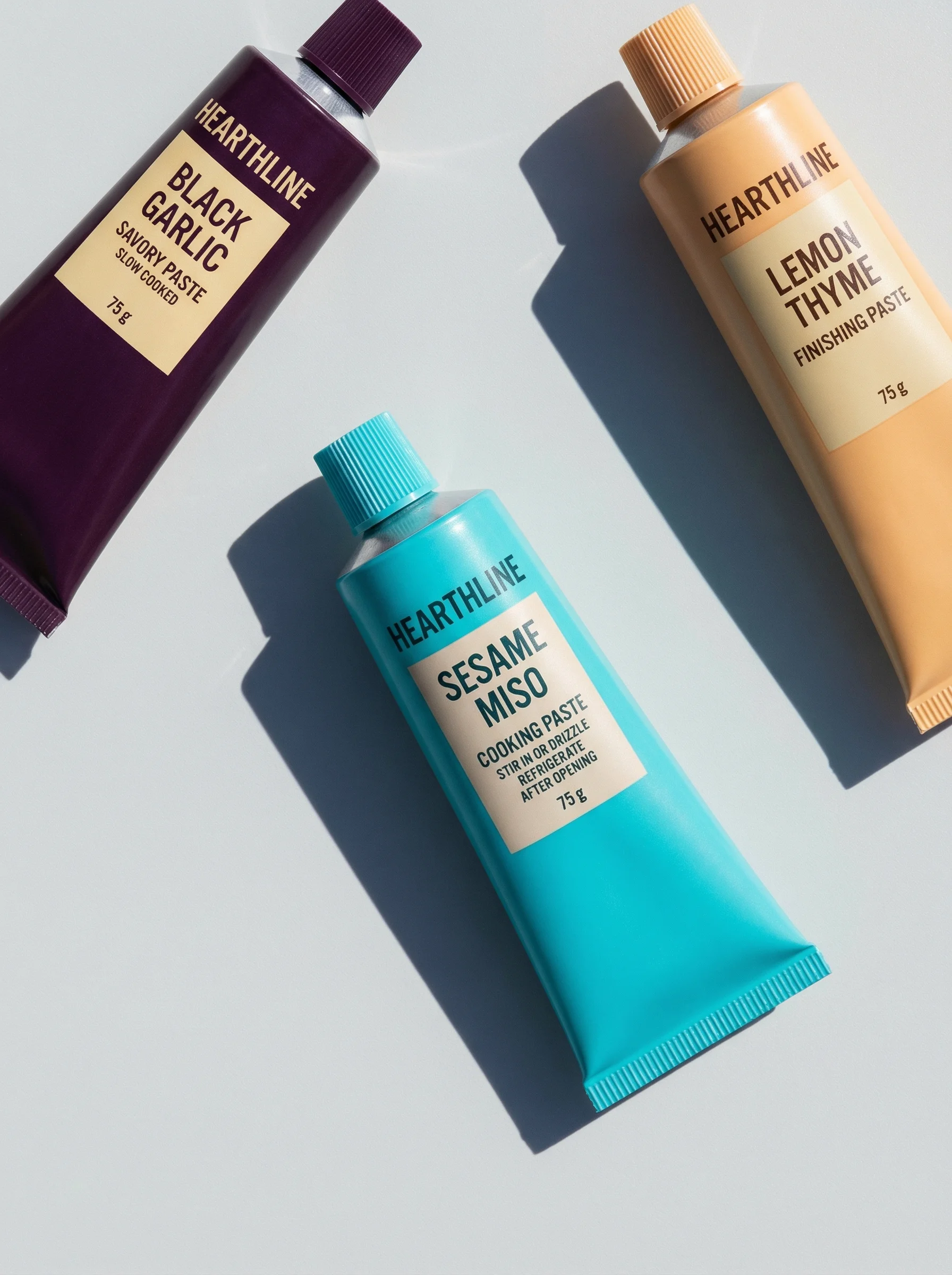
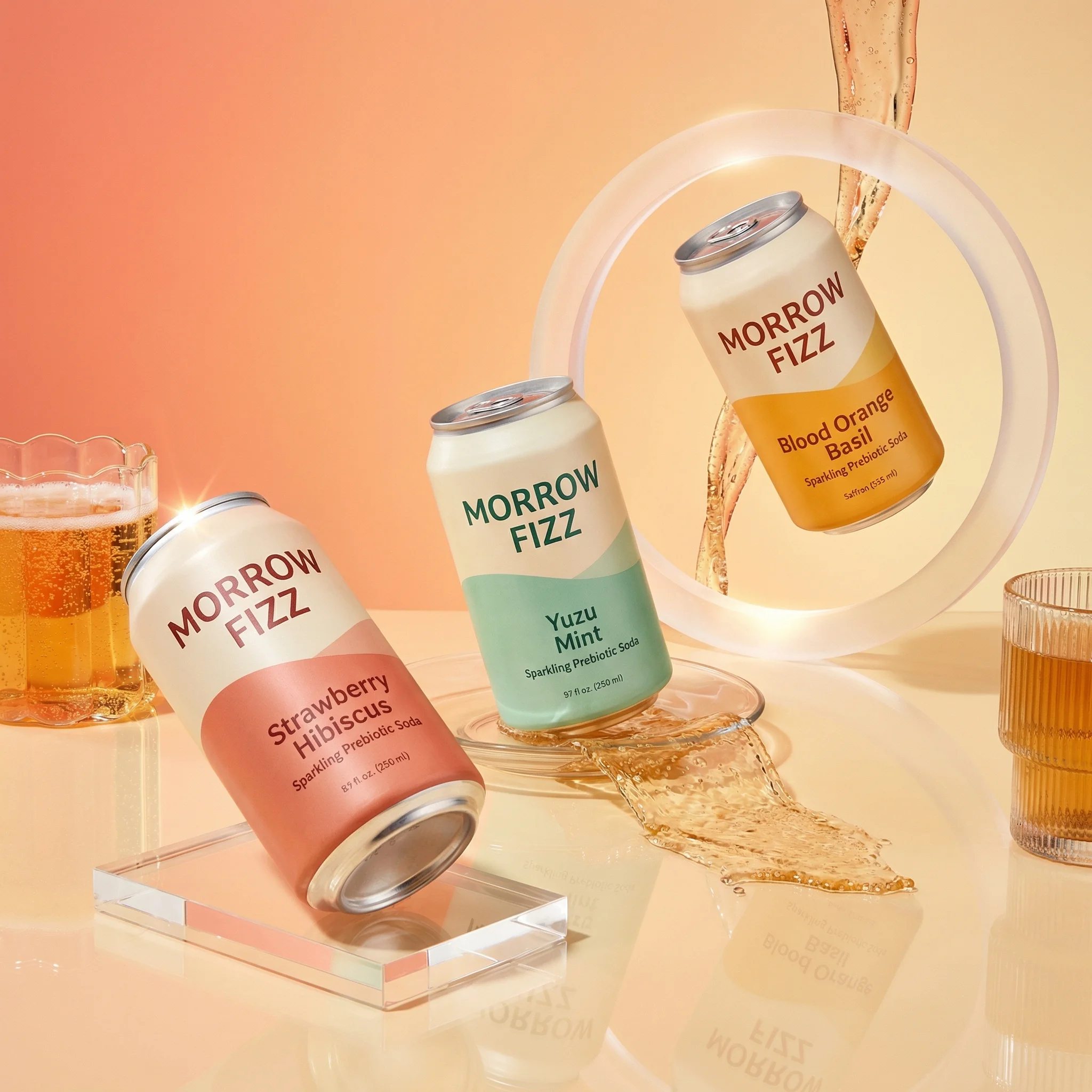
Variant trio on a plain pale background for assortment coverage.
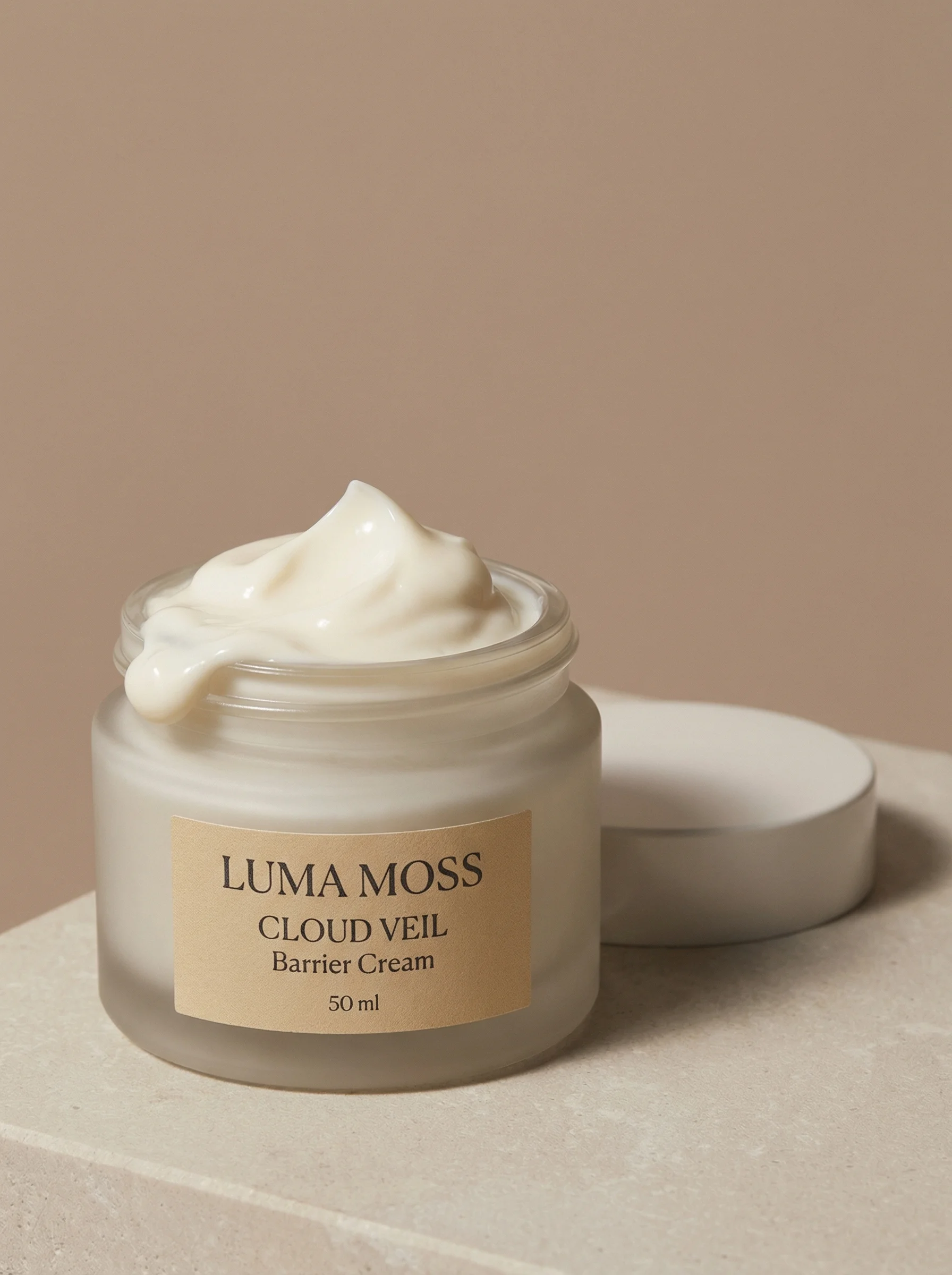
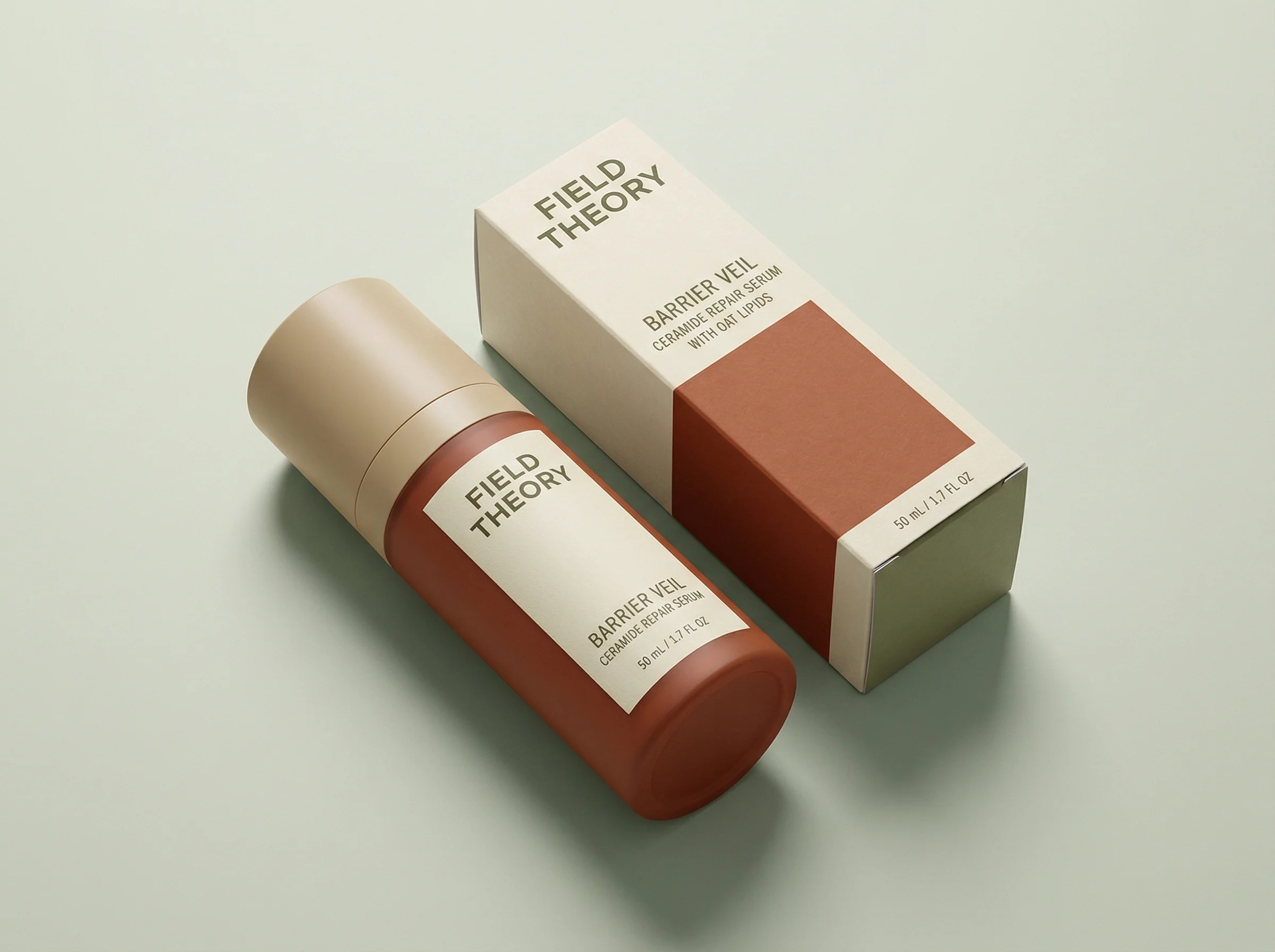
Open jar and detached cap show texture, contents, and close-up detail.
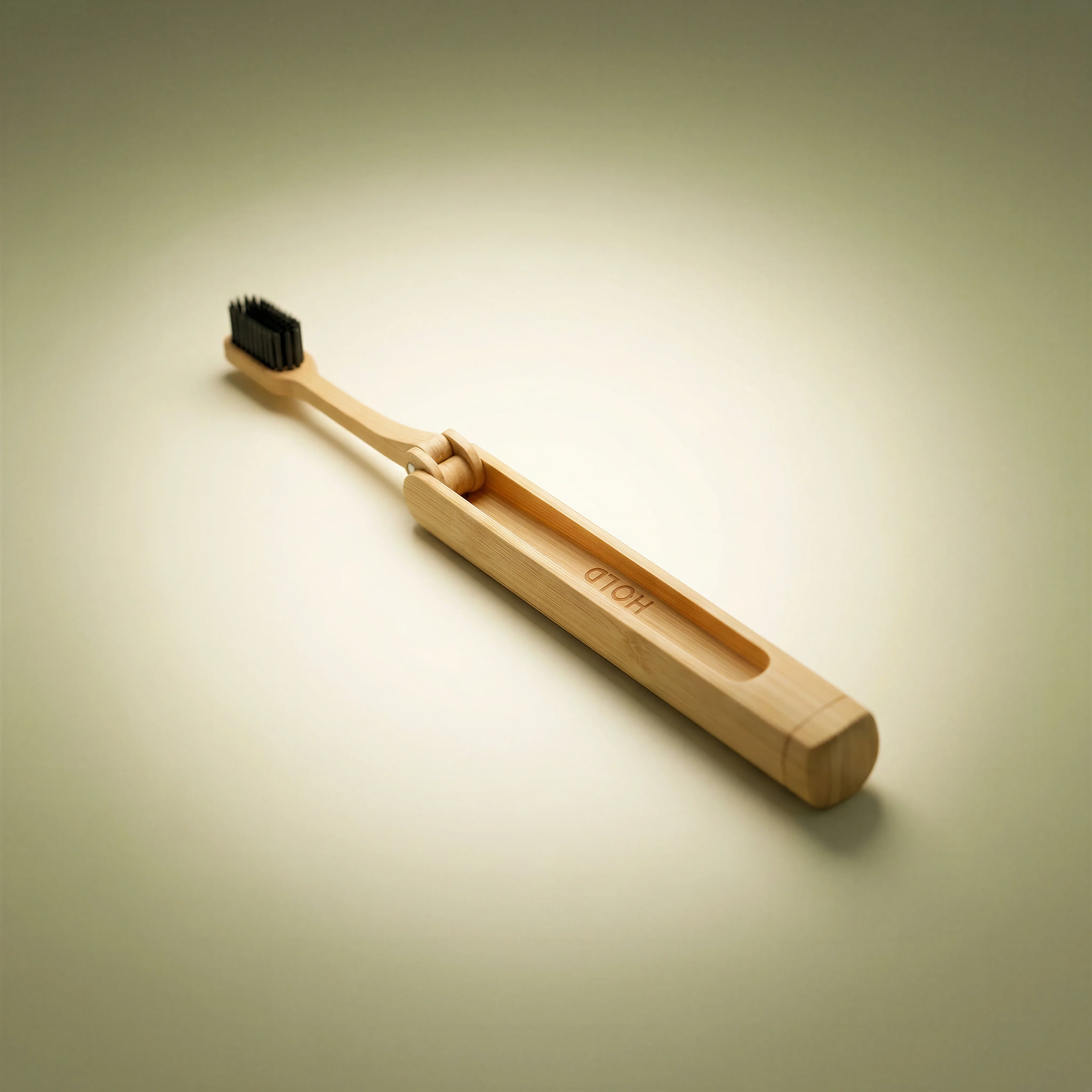
Clean single-product shot suitable for a primary ecommerce listing image.
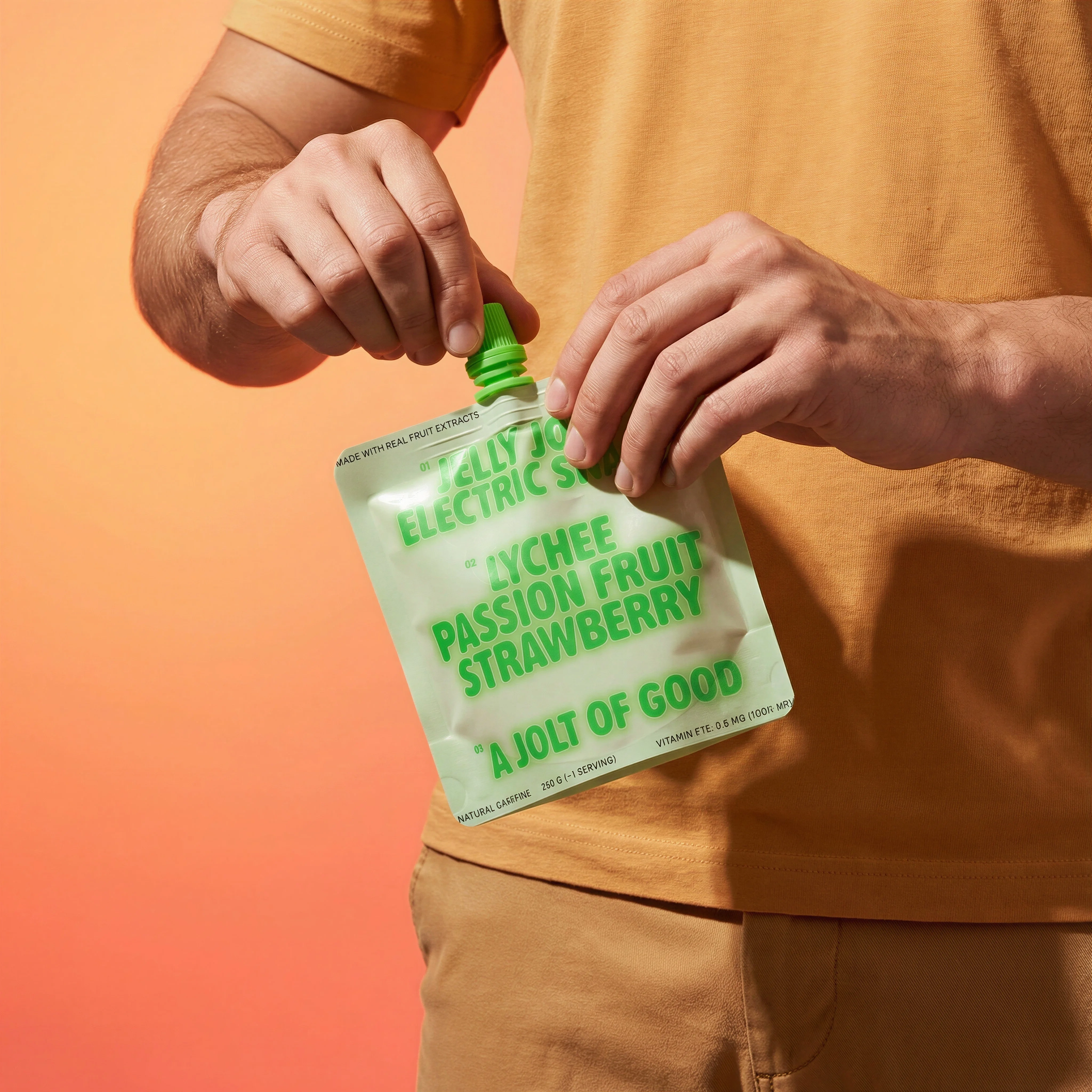
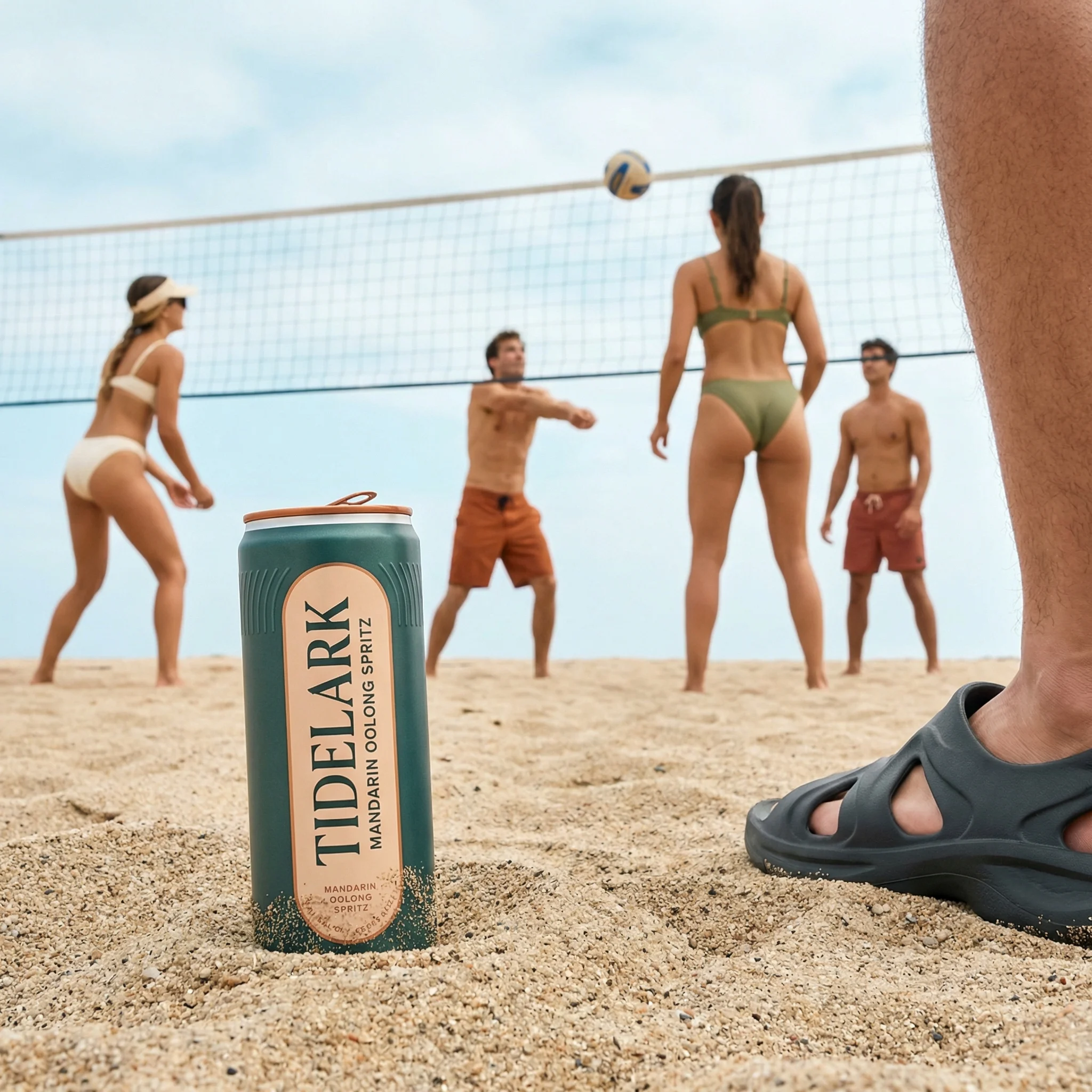
Held beverage shot adds human scale and PDP carousel variety.
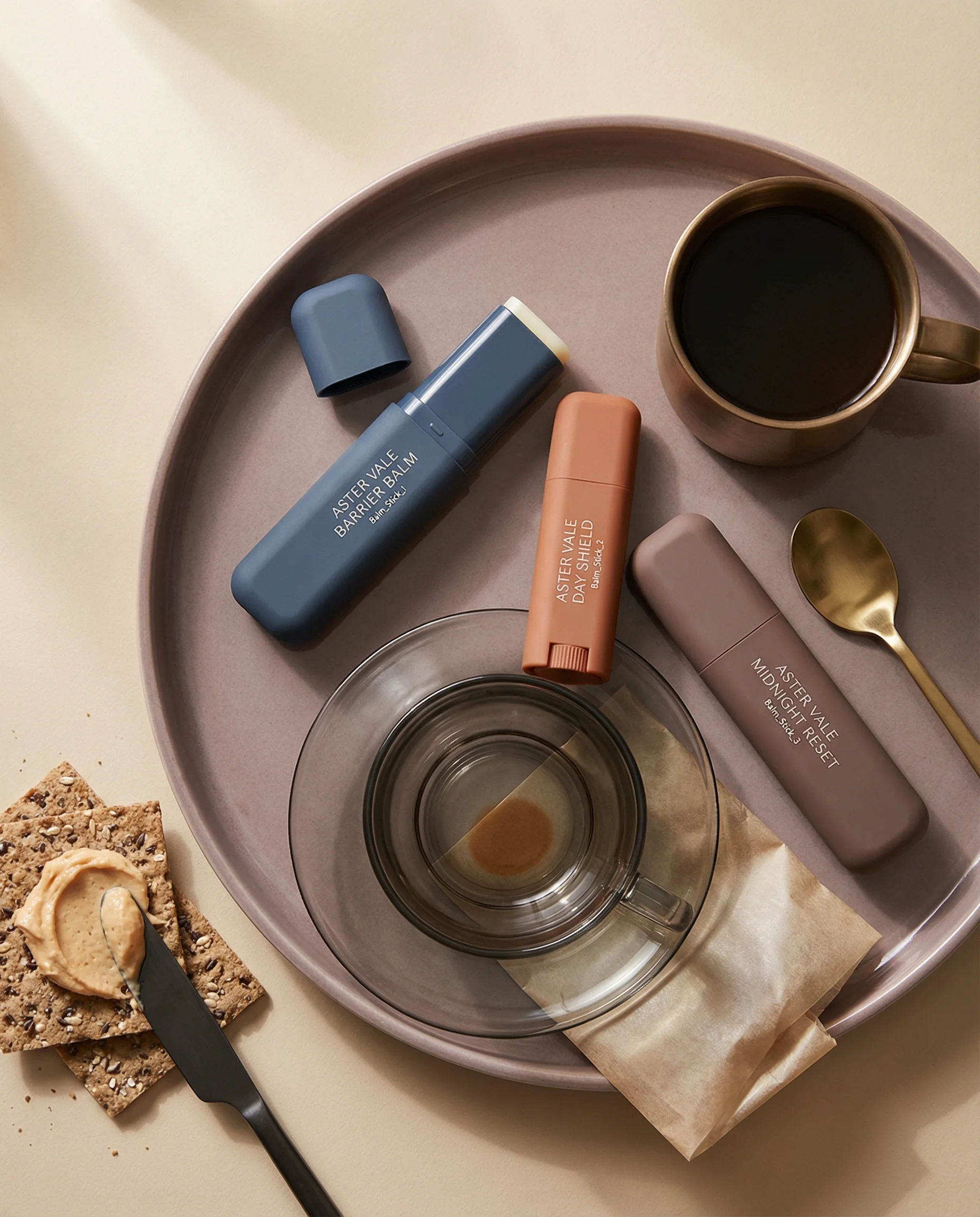
Variant trio demonstrates assortment coverage for a complete ecommerce shot list.
A shot list prevents teams from overproducing attractive images and underproducing useful ones. It makes clear which assets are needed, what each image must show, which channels it supports, and what details cannot change.
Use the list below as a starting framework, then adjust by product category, marketplace requirements, assortment size, and launch plan.
If you are still deciding which formats belong in the set, start with Types of Product Photography. If the list is already clear, use the deeper guides for product-on-white, detail shots, lifestyle scenes, and product-in-hand to brief each row properly.
Riverflow workflow
How this works in Riverflow
A shot list becomes more operational when each required image maps to a reusable scene, model choice, and edit path.
Photoshoots
Turn rows into reusable scenes
Use Riverflow's extensive brand-safe Scenes library for common PDP, lifestyle, in-hand, flat lay, and hero needs, or bring owned Scenes from previous photoshoots when the brand already has approved sets. Photoshoots adapts those scenes to products, and Styles keep a SKU family consistent across shot types.
Images
Cover creative gaps
Use Images for text-to-image and image-to-image needs that are not already covered by the shot list scene library, with access to Riverflow 2.0 Pro, Google's Nano Banana 2, and OpenAI GPT-Image-2.
Editing
Package the final set
Generate 9 angle variants for alternate views, change aspect ratio for PDP, social, email, and landing pages while keeping images natural, fix product artwork with Riverflow 2.0 Reference-Based Super Resolution, or Swap product into an approved frame for another SKU.
The core ecommerce shot list
Choose the right approach
Ecommerce shot list matrix
Each image in the set should answer a distinct shopper or channel question.
| Use case | What to show | Why it matters |
|---|---|---|
| Primary product image | Product-on-white, centered, accurate label, clean shadow, mobile-ready crop. | Establishes trust and supports listings, grids, and PDP first image requirements. |
| Alternate angle | Side, back, top, open, closed, inside, packaging panel, or important functional view. | Lets shoppers inspect information that the front view cannot show. |
| Scale or in-hand | Product held, used, carried, placed on a counter, or near familiar objects. | Makes size and handling easier to judge. |
| Lifestyle context | Product in a real setting, routine, room, outdoor moment, or use case. | Shows how the product fits into the customer's life. |
| Detail proof | Texture, applicator, material, stitching, contents, label claim, closure, or mechanism. | Reduces doubt around quality, function, and tactile value. |
| Hero or campaign image | One strong campaign idea with product-first composition and channel crop variations. | Gives marketing teams launch, ad, email, and landing-page creative. |
Visual playbook
Visual playbook
Shot list examples
A complete ecommerce set does not need every possible format. It needs the right formats in the right order for the product and channel.
Primary SKU shot
The clean lead image should show exactly what the customer is buying with minimal visual noise.
Use when: Use as the first PDP image, category-grid asset, and marketplace-ready product view.
Prompt cue
Primary ecommerce product-on-white shot, product centered, accurate packaging and color, clean shadow, no props, square PDP crop.
Variant or assortment coverage
Show color, scent, flavor, size, or formula differences with a consistent layout system.
Use when: Use when shoppers compare options or when ads need product-family clarity.
Prompt cue
Variant trio ecommerce product image, three products evenly spaced, labels readable, consistent scale and lighting, clean pale background.
Texture or open-product detail
Show the product opened, applied, poured, or exposed when contents influence trust.
Use when: Use for skincare, food, beverage, supplements, makeup, cleaning, and refill products.
Prompt cue
Open product detail shot showing cream texture and cap, product jar accurate, clean studio background, sharp texture, label partially visible.
Scale or human context
Add a hand, torso crop, countertop, shelf, or use context to make size clear.
Use when: Use for bottles, cans, pouches, small accessories, and any product where scale may be unclear.
Prompt cue
Product held at mid-torso for scale, label facing camera, clean lifestyle background, realistic hand position, product proportions accurate.
Campaign or hero image
Create one expressive image that can carry launch, paid social, email, or landing-page creative.
Use when: Use when the product needs a stronger commercial message beyond catalog clarity.
Prompt cue
Product hero shot with premium studio lighting, product centered and accurate, clear campaign mood, subtle background, space for copy.
Category adjustments
The core list should change by category. Apparel needs fit, fabric, stitching, on-body, and size-reference images. Beauty needs texture, applicators, shade, finish, and routine context. Food and beverage need pack clarity, ingredient cues, serving suggestions, and scale. Home goods need dimensions, room context, material detail, and styled use.
Reviewer acceptance criteria
A useful shot list is not finished when every row has an image. It is finished when every image can be approved against a clear standard:
- The primary image identifies the product accurately at thumbnail size.
- The alternate angle reveals information the front view cannot show.
- The scale image makes size and handling easier to judge.
- The lifestyle image shows a believable use case without hiding the product.
- The detail image proves texture, function, material, or packaging quality.
- The hero image has one campaign idea and enough crop flexibility for the channel.
If an image is attractive but cannot pass one of those tests, it belongs in a moodboard, not the final ecommerce set.
Before you publish
Production checklist
- Define required PDP, marketplace, ad, email, and landing-page crops before production.
- List every SKU, variant, bundle, and multipack that needs coverage.
- Assign each shot a job: identify, compare, explain, prove, contextualize, or persuade.
- Capture or generate product-on-white consistency before creative variations.
- Group repeatable shots by Scene and Style so similar SKUs can share the same production logic.
- Include detail and scale shots where shoppers may hesitate.
- Review the final set for duplicate images that do the same job.
Riverflow prompt recipe
Create it in Riverflow
Turn a shot list into Riverflow prompts
Use this structure to turn the strategy into a specific creative brief that keeps the product accurate and the scene useful.
- 1
SKU rules
Start with source product, variant name, packaging color, label orientation, and dimensions or scale notes.
- 2
Shot type
Create one prompt per format: product-on-white, alternate angle, in-hand, lifestyle, detail, flat lay, bundle, and hero.
- 3
Channel
Specify square PDP, vertical paid social, wide landing page, marketplace white, or email module crop.
- 4
Review criteria
Repeat accuracy requirements for label, proportions, variant color, claims, packaging finish, and included items.
- 5
Batching
For multiple SKUs, keep Scene, Style, camera angle, lighting, crop, and background stable unless the shot type intentionally changes.
Example prompt
Mistakes to avoid
Building the list around image styles instead of shopper questions.
Assign every shot a specific role in the purchase journey.
Forgetting variant and bundle consistency.
Use shared crop, lighting, spacing, and angle rules for comparable products.
Overproducing campaign visuals before the PDP set is complete.
Finish product-on-white, angle, scale, detail, and variant coverage first.
Skipping crop planning.
Define PDP, marketplace, ad, social, email, and landing-page ratios before final generation.
FAQ
How many images should be in an ecommerce product photography shot list?+
Most products need six to ten final images, but the right number depends on category complexity, variants, marketplace rules, and how much context shoppers need before buying.
What is the first shot on the list?+
Start with the primary product-on-white image. It anchors the set and gives the team a product-accuracy reference for all creative variations.
When should a shot be removed from the list?+
Remove it when it repeats the job of another image, hides the product, cannot be cropped for the channel, or introduces a claim or use case that the product team would not approve.
Should ad creative be part of the product photography shot list?+
Yes, if the same production needs to support launch or performance marketing. Label those as hero or campaign shots so they do not replace the required ecommerce proof images.
Start creating
Get started with on-brand visuals
Turn guide ideas into product-accurate creative in Riverflow, using your brand, products, scenes, styles, and channel crops from the start.
Your catalog into campaign-ready Creative
Riverflow connects your products, brand rules and creative workflows so your team can create on-brand photoshoots, ads, videos and edits across every campaign.