Guide
Lifestyle Product Photography
A practical guide to lifestyle product photography for ecommerce teams, covering scenes, props, composition, authenticity, and production workflows.
- Guides
- Product Photography

Examples
Scenes from the Riverflow library
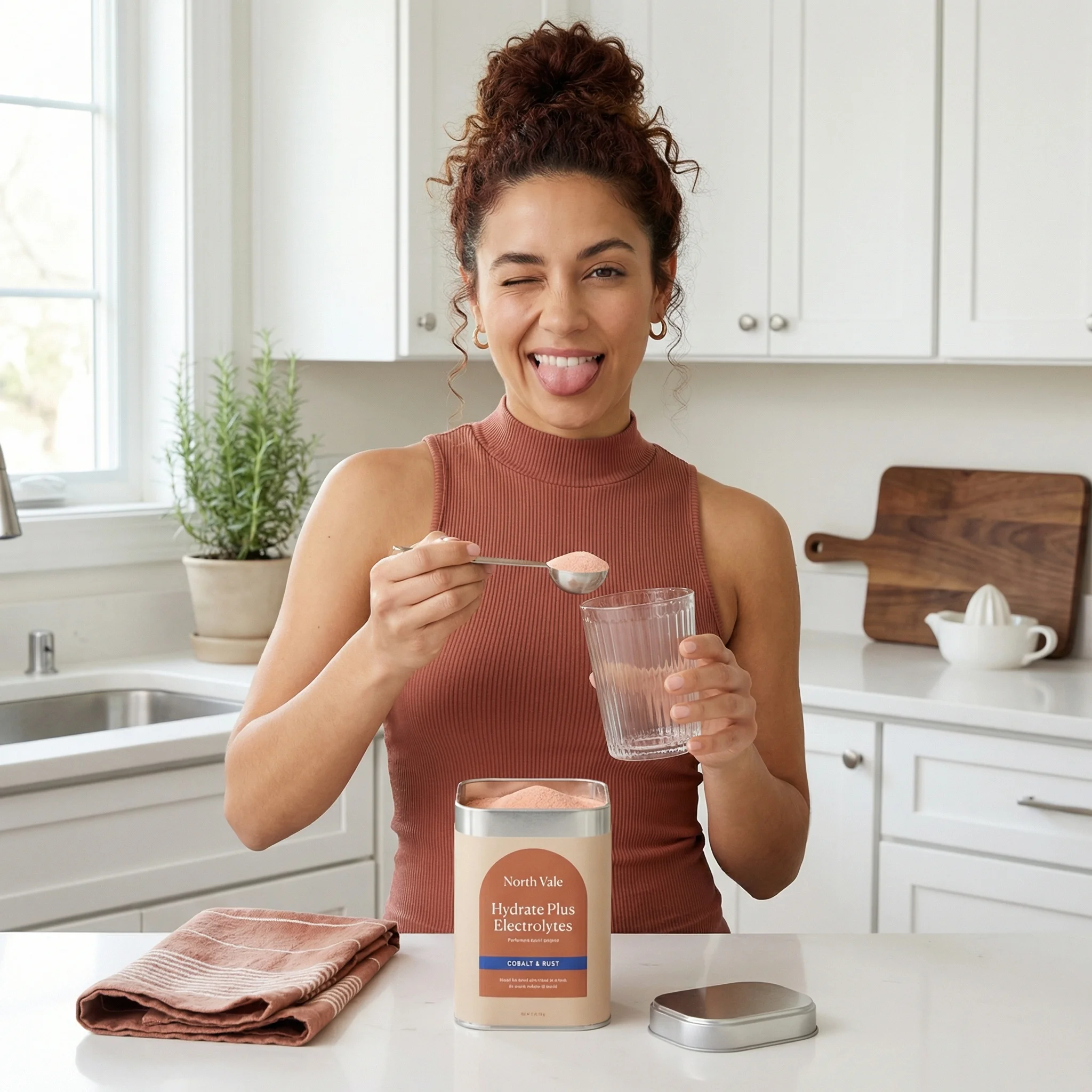
Bright kitchen lifestyle scene with model, counter props, and the supplement canister centered.
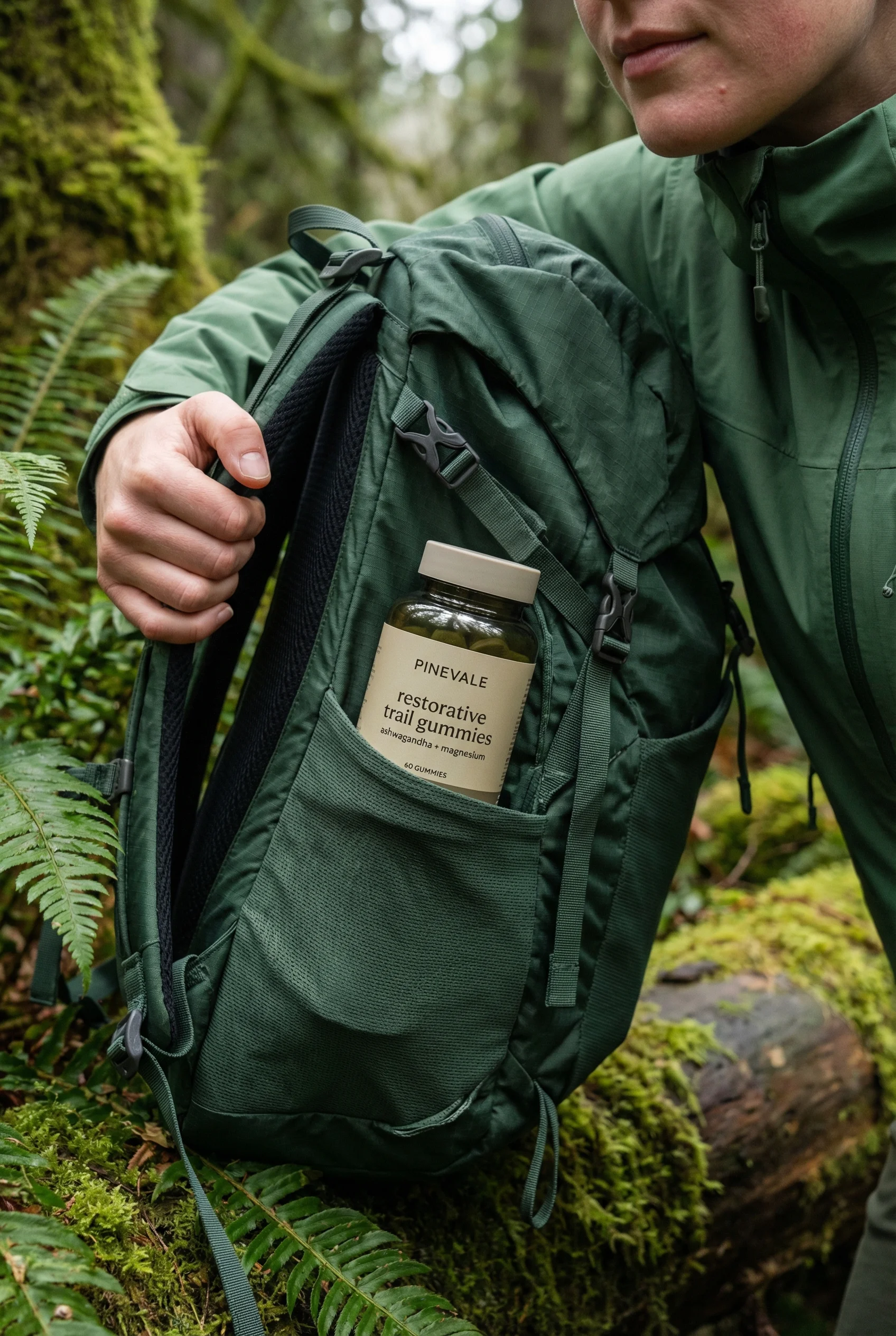
Outdoor trail context places the supplement jar in a backpack pocket with a partial model.
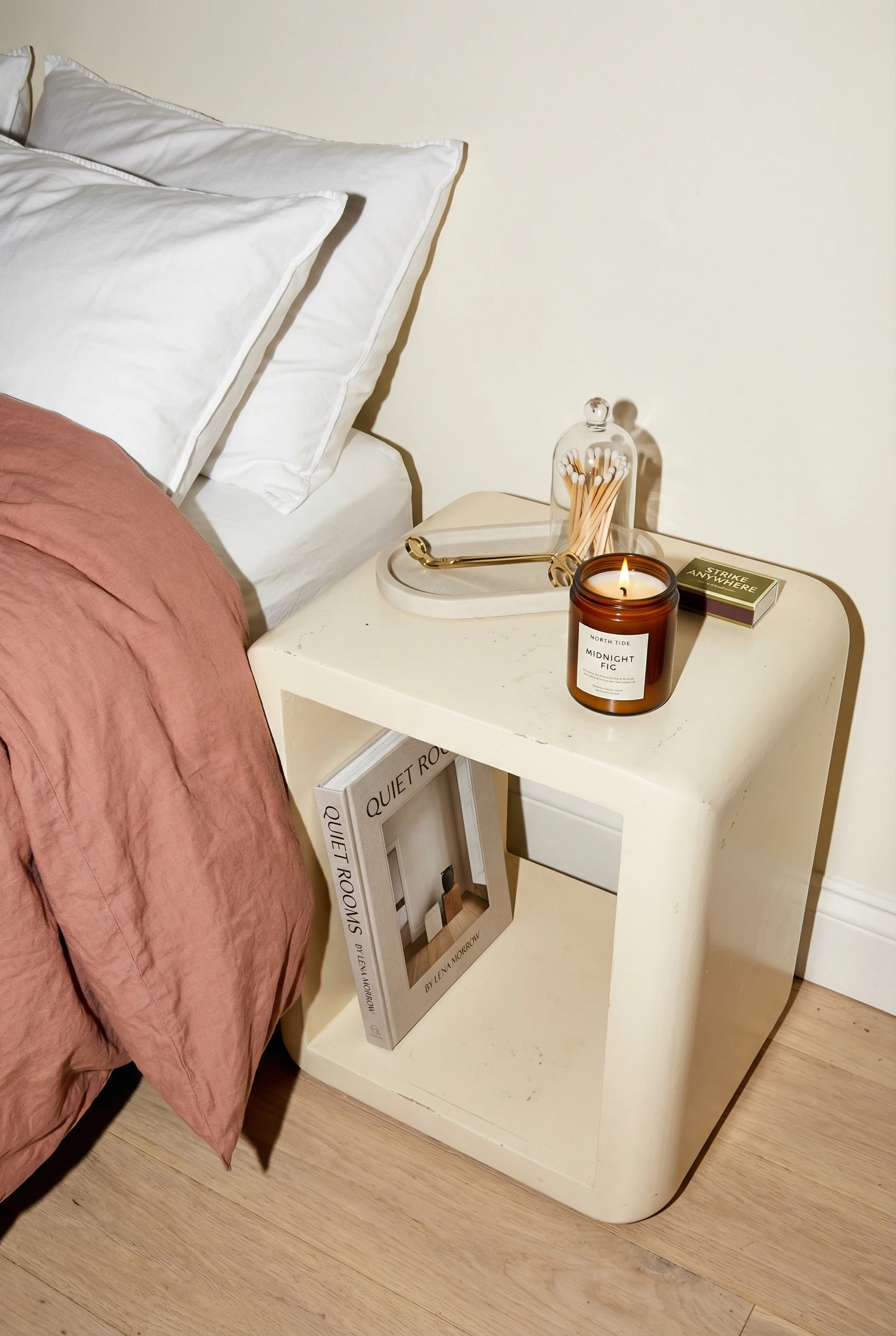
Real bedroom environment with candle, matchbox, tray, bedding, and warm lived-in context.
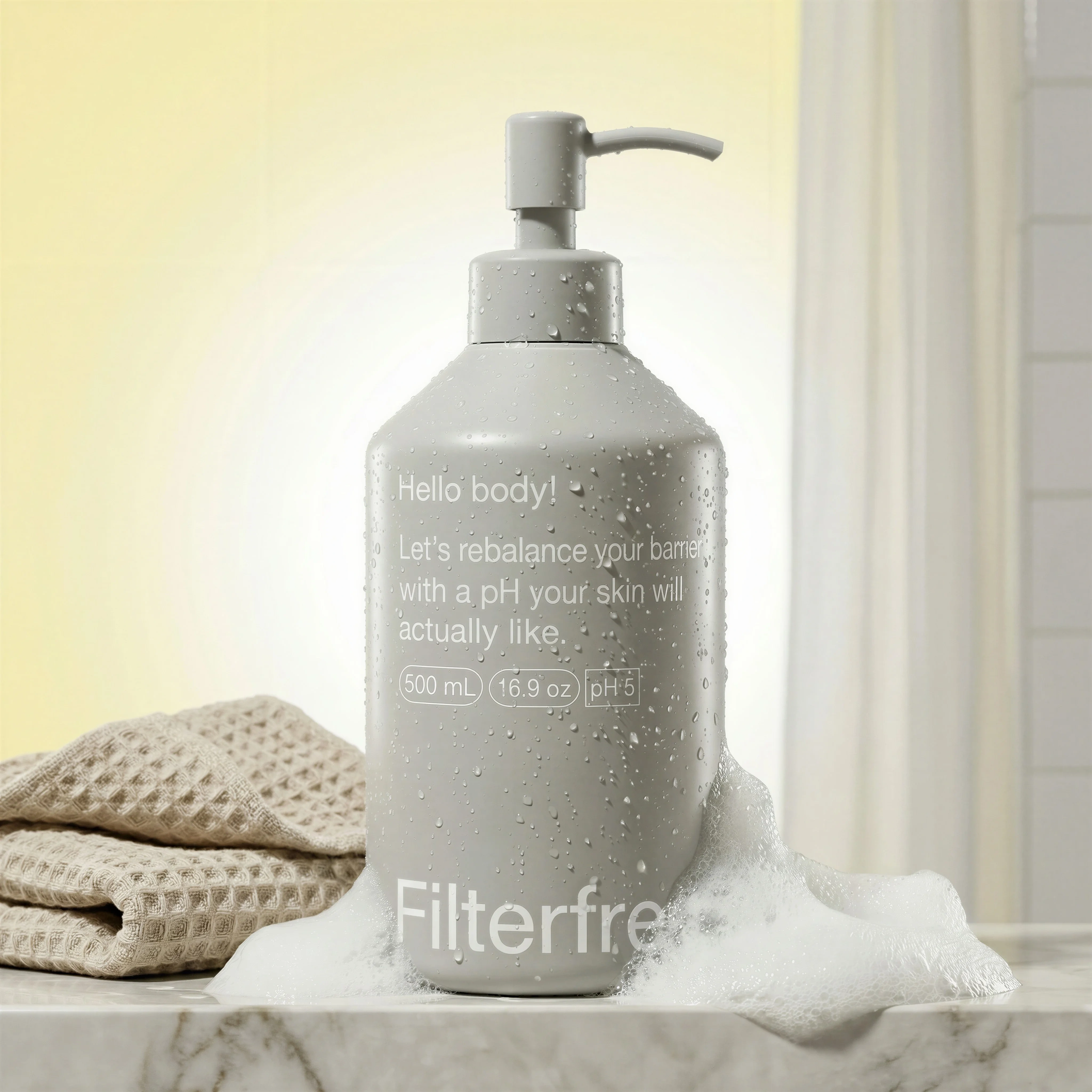
Bath products placed in a realistic bathroom setting for everyday routine context.
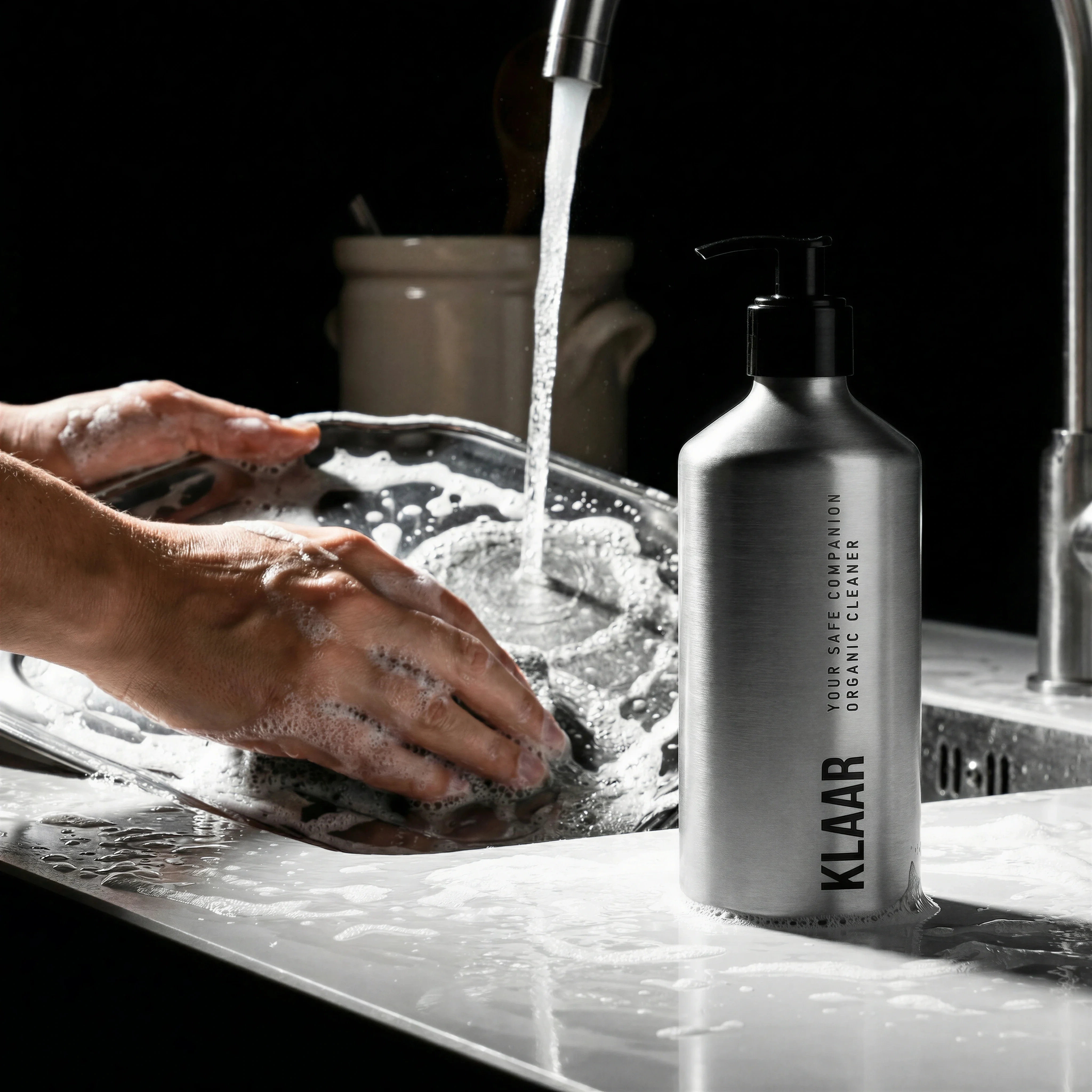
Cleaning product shown in use around a modern kitchen sink environment.
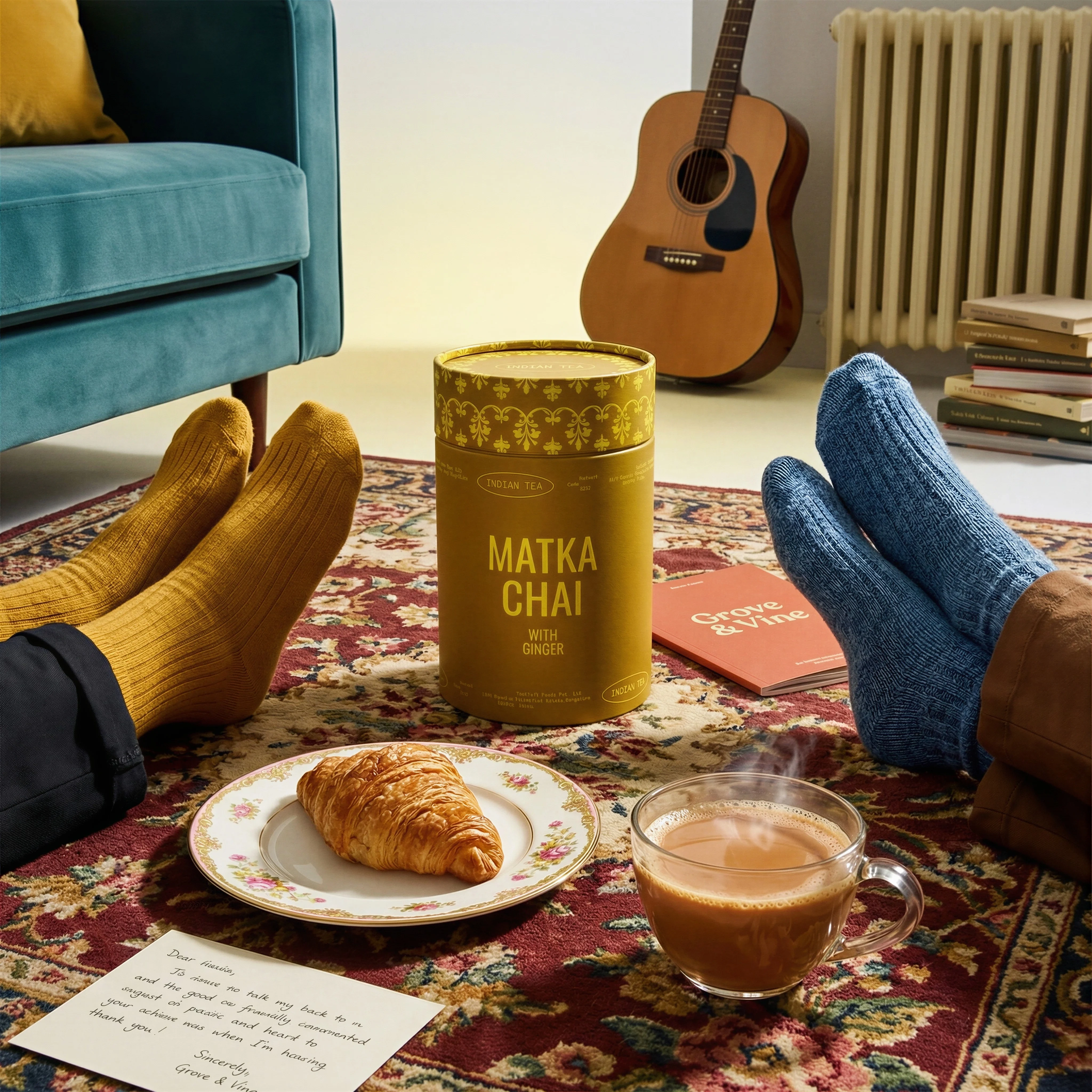
Tea product integrated into a relaxed living room moment with human context.
Lifestyle imagery turns product information into product context. A clean packshot tells shoppers what the item is; a strong lifestyle image shows where it belongs, how it is handled, and what kind of customer moment it supports.
For ecommerce teams, the goal is not just to make a scene attractive. The goal is to make the product easier to understand and easier to want.
This guide covers planned lifestyle imagery for PDPs, campaigns, and brand systems. If you are starting from an existing packshot and need to create a new lifestyle scene, use How to Turn Product Photos into Lifestyle Images. If the image should feel creator-native rather than brand-directed, compare it with UGC-Style Product Photography.
What lifestyle product photography should accomplish
Choose the right approach
Lifestyle image strategy matrix
Brief each lifestyle image around one clear job so the scene does not become decorative.
| Use case | What to show | Why it matters |
|---|---|---|
| Routine | Product in a bathroom, kitchen, desk, gym bag, bedside, or getting-ready moment. | Shows when the product naturally fits into daily life. |
| Scale | Product near hands, furniture, shelves, counters, bags, or familiar props. | Helps shoppers understand size and handling before purchase. |
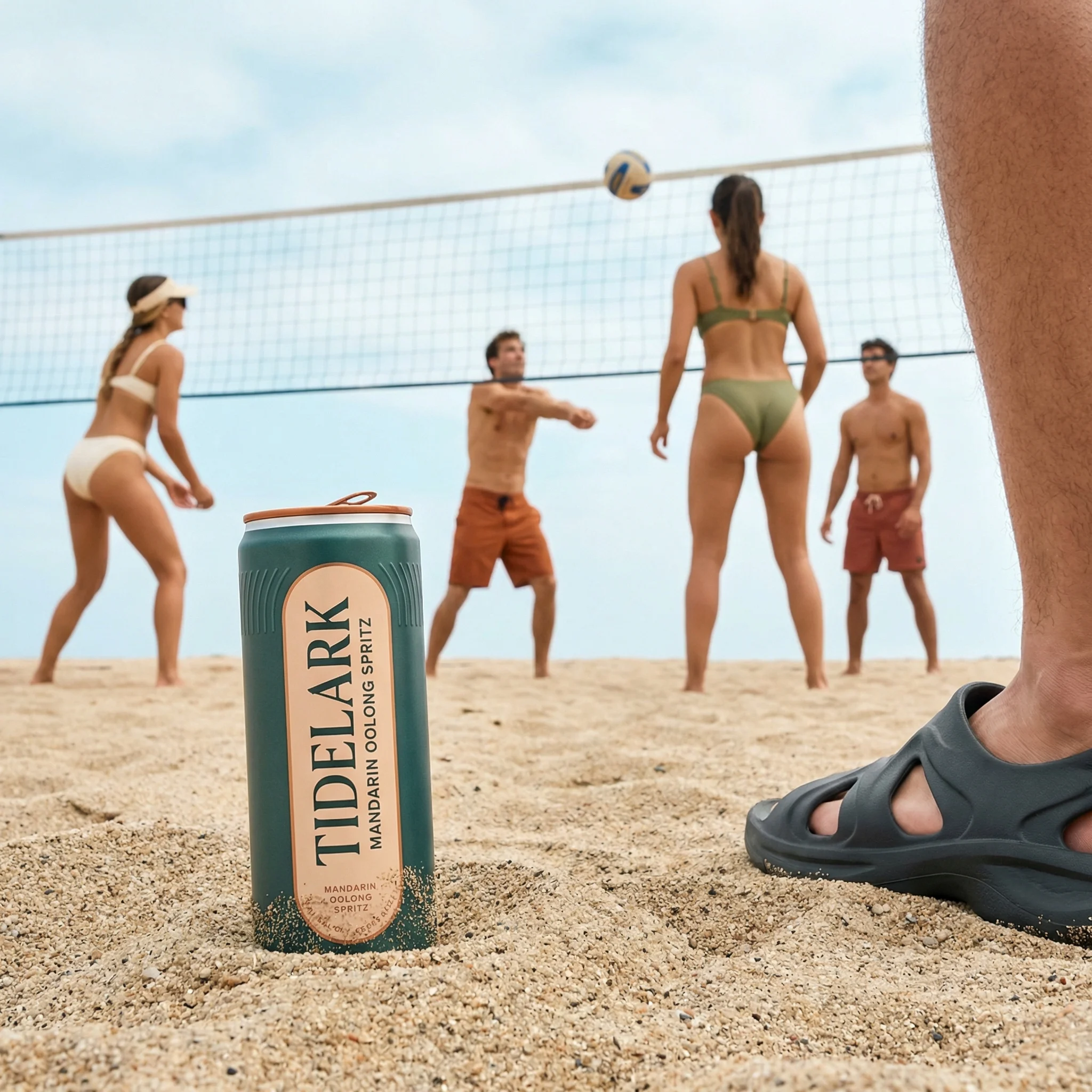
| Occasion | Beach day, commute, dinner prep, travel, gifting, hosting, restock, or morning routine. | Connects the product to a specific customer need or moment. |
| Brand world | Consistent color palette, lighting, surfaces, styling, and customer environment. | Makes a product line feel coherent across ads, PDPs, email, and launch pages. |
Visual playbook
Visual playbook
Lifestyle scene formats
Use lifestyle formats to clarify the product's role in a real moment. The setting should support the product, not bury it.
Kitchen or counter routine
Place the product where it would naturally be used, with practical props that reinforce the routine.
Use when: Use for supplements, beverage mixes, cleaning products, pantry goods, and morning-use products.
Prompt cue
Lifestyle product photography in a bright kitchen routine, product centered and label visible, natural counter props, clean daylight, realistic scale, no clutter.
On-the-go context
Show the product in a bag, pocket, hand, car, trail, desk, or commute setup to explain portability.
Use when: Use for travel-size products, supplements, snacks, drink cans, accessories, and outdoor categories.
Prompt cue
Outdoor lifestyle product image with product in a backpack pocket, partial human context, product label readable, natural light, practical trail setting, accurate packaging.
Home environment
Use rooms, surfaces, and lived-in details to make the product feel specific and believable.
Use when: Use for candles, home fragrance, bedding, wellness, decor, tea, and personal-care products.
Prompt cue
Warm bedroom lifestyle scene, product on nightstand, soft practical light, believable props, product sharp and visible, premium but lived-in ecommerce styling.
Use-in-progress
Show the product at the point of action: cleaning, pouring, applying, lighting, opening, or preparing.
Use when: Use when shoppers need to understand function or when the action creates desire.
Prompt cue
Lifestyle product photo showing the product in use around a modern kitchen sink, realistic action context, product facing camera, clean styling, accurate scale.
Planning the scene
The most reliable lifestyle briefs begin with a practical product sentence: "This product belongs in this moment because..." That sentence should guide the setting, props, human presence, lighting, crop, and product position.
Lifestyle image rejection notes
Reject a lifestyle image when it is beautiful but not useful. The most common failure is a scene that creates mood without explaining scale, routine, audience, occasion, or product role. The second failure is product drift: the product sits naturally in the scene but the label, color, size, or material no longer matches the source.
A strong reviewer question is: "Would this image help someone buy with more confidence?" If the answer is only "it looks on brand," add a clearer use case, hand cue, room cue, scale cue, or product detail shot.
Riverflow workflow
How this works in Riverflow
Lifestyle work is strongest when the setting is treated as a reusable production asset, not just a one-off background.
Photoshoots
Start from an approved scene
Choose a lifestyle Scene from Riverflow's extensive brand-safe library, or bring an owned Scene from a real photoshoot when the room, surface, model crop, or lighting is already approved. Photoshoots adapts that scene to the product, and Styles help keep the brand world consistent across kitchen, bathroom, outdoor, and home moments.
Images
Explore adjacent moments
Use Images with Riverflow 2.0 Pro, Google's Nano Banana 2, or OpenAI GPT-Image-2 to test text-to-image or image-to-image directions such as different rooms, routines, props, seasons, or channel compositions before committing to a set.
Editing
Make the scene production-ready
Editing works across Photoshoots and Images to change aspect ratio for PDP, paid social, email, or landing page placements while keeping the image natural and adjusting the center point. Use product-detail fixes or Swap product when the scene is right but the product needs correction or replacement.
Before you publish
Lifestyle product photography checklist
- Define the customer moment before choosing props or background.
- Keep the product large enough to identify on mobile.
- Make label, color, shape, and packaging finish match the source product.
- Use props that support the use case rather than decorate the frame.
- Decide whether hands, body crops, or full models improve clarity.
- Create crops for PDP, paid social, email, and landing page placements.
Riverflow prompt recipe
Create it in Riverflow
Prompt a lifestyle product shot in Riverflow
Use this structure to turn the strategy into a specific creative brief that keeps the product accurate and the scene useful.
- 1
Moment
Name the use case first: morning routine, kitchen cleanup, trail snack, bedtime ritual, gifting, post-workout, or desk setup.
- 2
Setting
Describe the room, surface, environment, season, and level of realism. Be specific enough to prevent a generic scene.
- 3
Scene source
Choose whether the image should use a Riverflow library Scene, an owned custom Scene from a previous photoshoot, or a new Images generation based on text or visual reference.
- 4
Product role
State where the product sits, which side faces camera, whether it is held or opened, and how visible the label should be.
- 5
Human context
Specify hands, partial model, full model, or no people. Include posture and interaction only when it improves the product story.
- 6
Channel crop
Ask for copy space, square PDP crop, vertical social crop, or wide hero crop depending on where the asset will be used.
Example prompt
Mistakes to avoid
Choosing a beautiful setting that does not explain the product.
Start with the product's use case and build the scene around that decision.
Letting props compete with the product.
Limit props to items that clarify scale, occasion, routine, or category.
Making the product too small for mobile viewing.
Review the crop at PDP thumbnail and paid social sizes before approving.
Using models without a clear role.
Add people only when they show scale, handling, use, audience, or emotional context.
FAQ
What is the difference between lifestyle product photography and hero shots?+
Lifestyle product photography is built around believable use context. A hero shot is more campaign-led and often uses stronger styling, lighting, motion, or composition to communicate one visual idea.
Should lifestyle product photos include people?+
Include people when they clarify scale, handling, audience, or use. If the product can be explained better through a surface, room, or routine, a no-model lifestyle scene can be stronger.
When should a lifestyle image be removed from a PDP carousel?+
Remove it when it duplicates another scene, makes the product hard to identify, implies an unsupported use case, or does not answer a shopper question better than a cleaner product image.
How many lifestyle images should a product page include?+
Most ecommerce pages benefit from one or two lifestyle images, supported by product-on-white, detail, and scale images. Add more for products where context is central to the purchase decision.
Start creating
Get started with on-brand visuals
Turn guide ideas into product-accurate creative in Riverflow, using your brand, products, scenes, styles, and channel crops from the start.
Your catalog into campaign-ready Creative
Riverflow connects your products, brand rules and creative workflows so your team can create on-brand photoshoots, ads, videos and edits across every campaign.