Guide
Skincare Product Photography Ideas
Practical skincare product photography ideas for ecommerce teams planning PDP images, ads, launch campaigns, and on-brand creative.
- Guides
- Product Photography Ideas

Examples
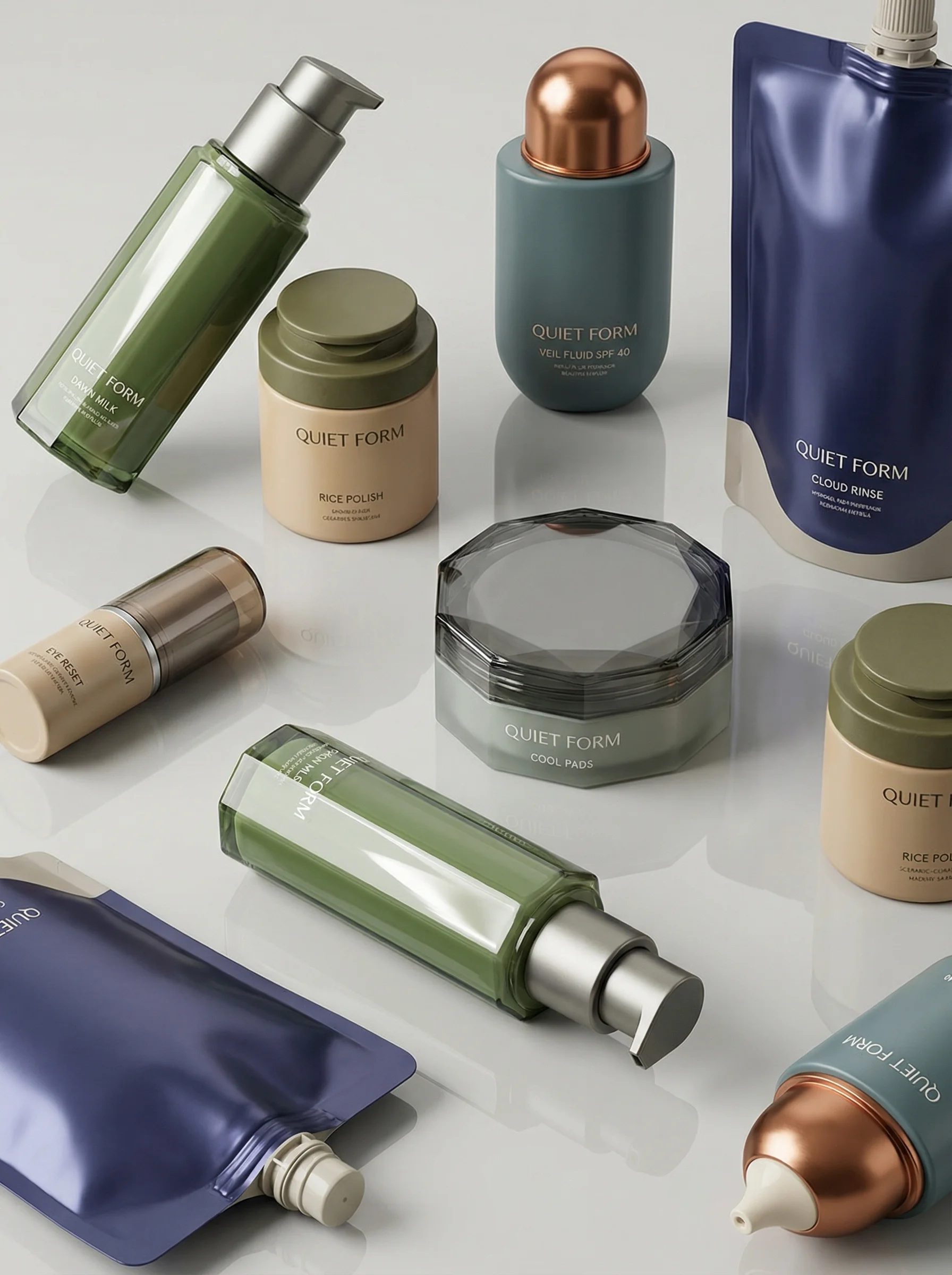
Scenes from the Riverflow library
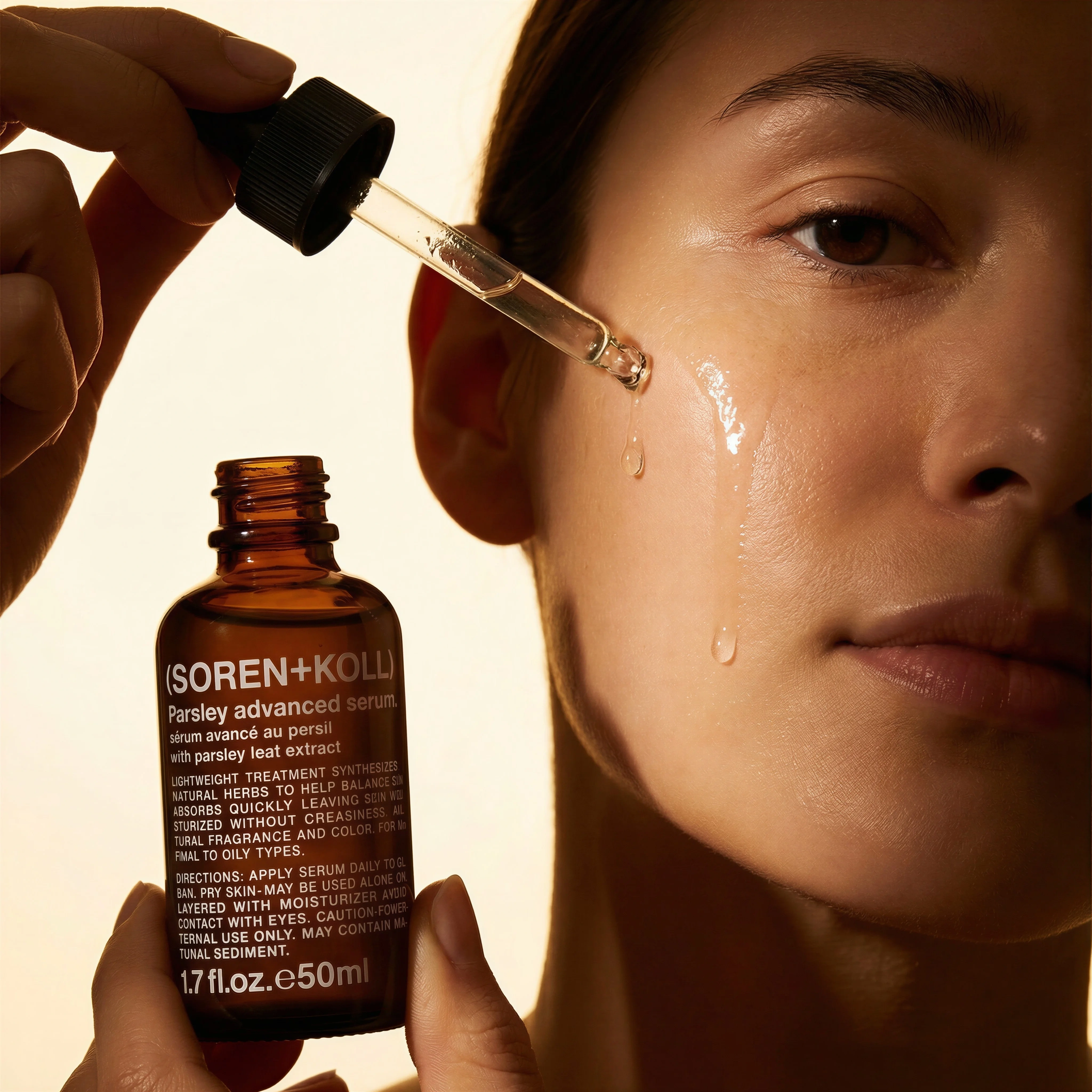
Shows product-in-use texture and skin contact for routine-led imagery.
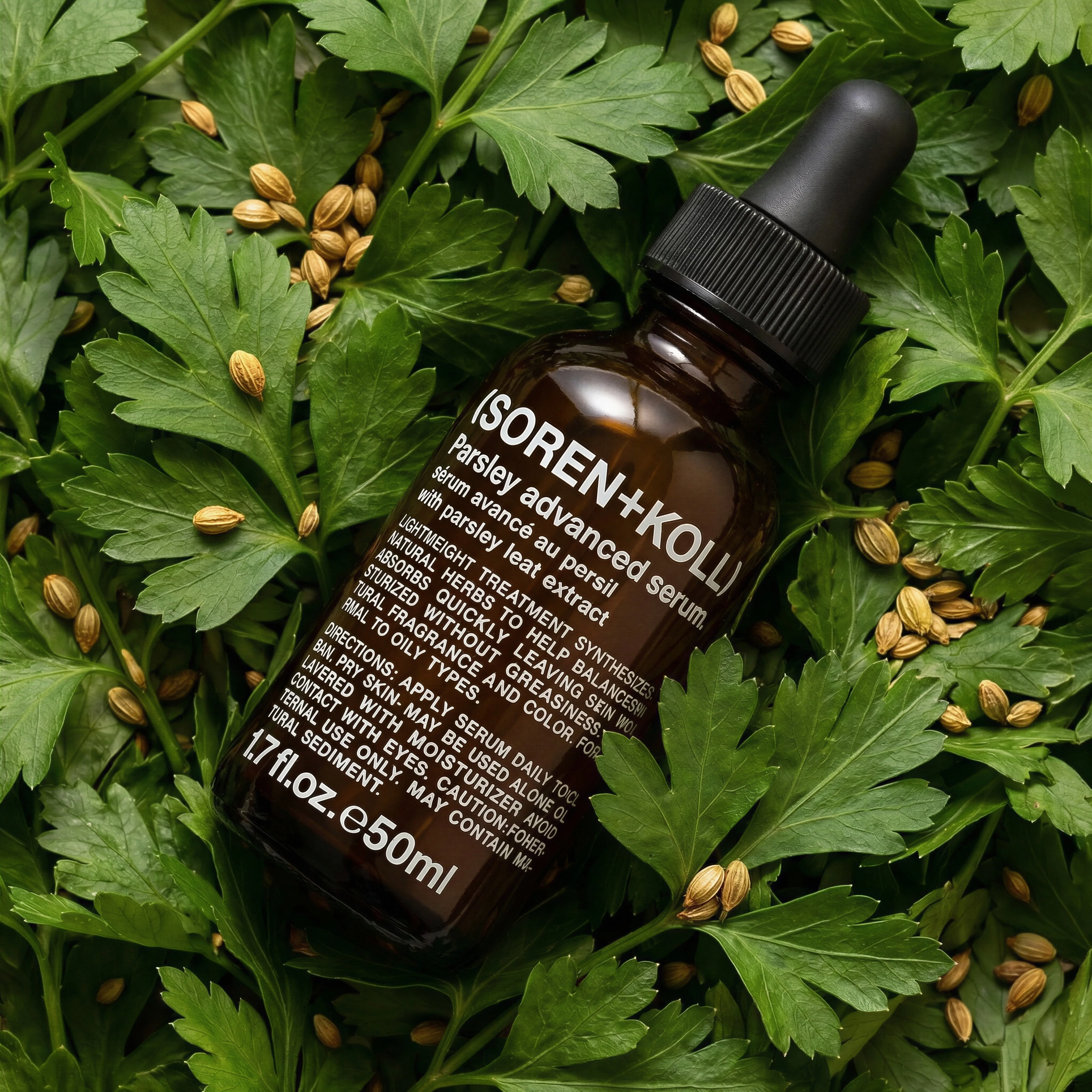
Ingredient flat lay adds botanical and natural-formula context.
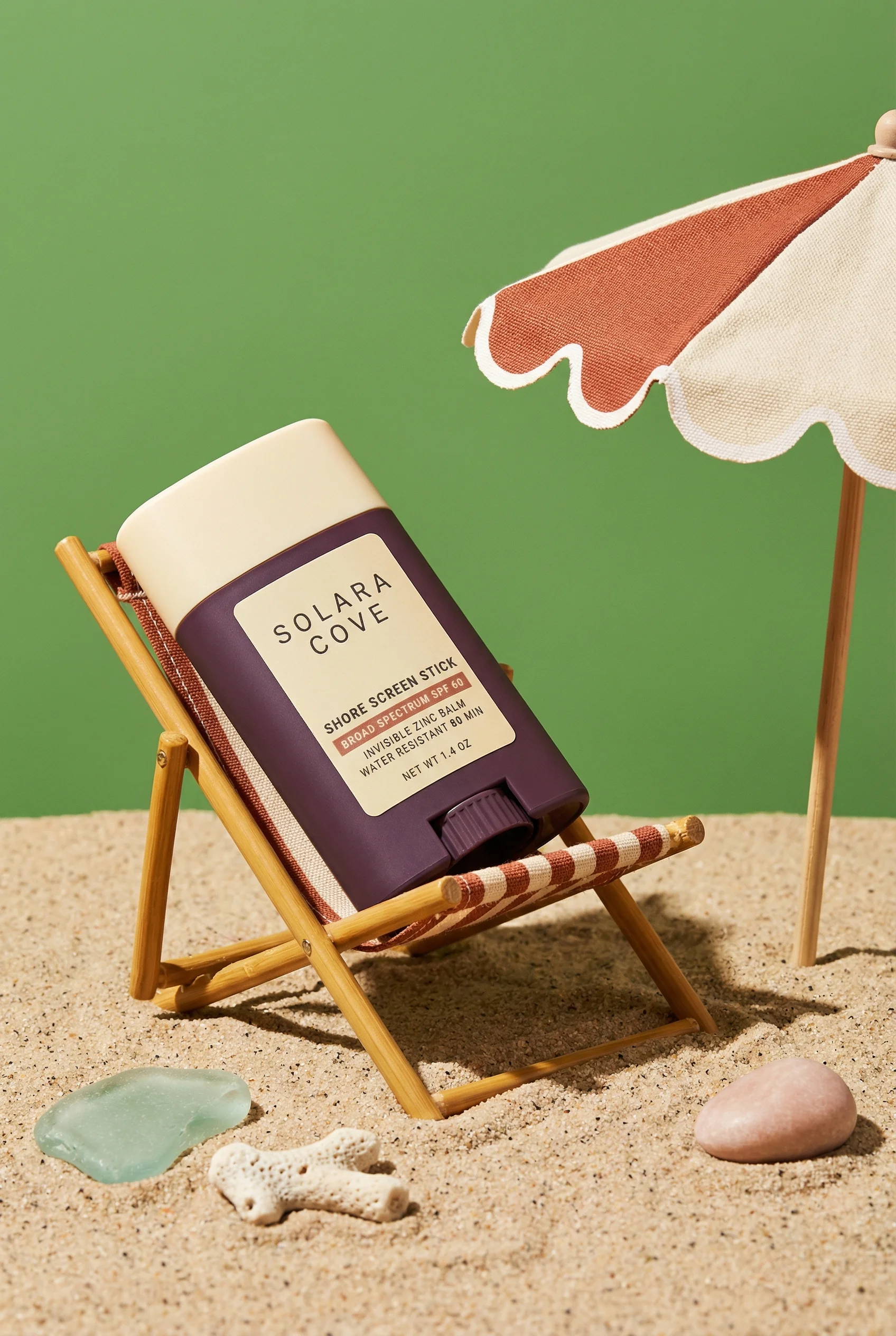
Playful miniature set gives sunscreen a seasonal lifestyle angle.
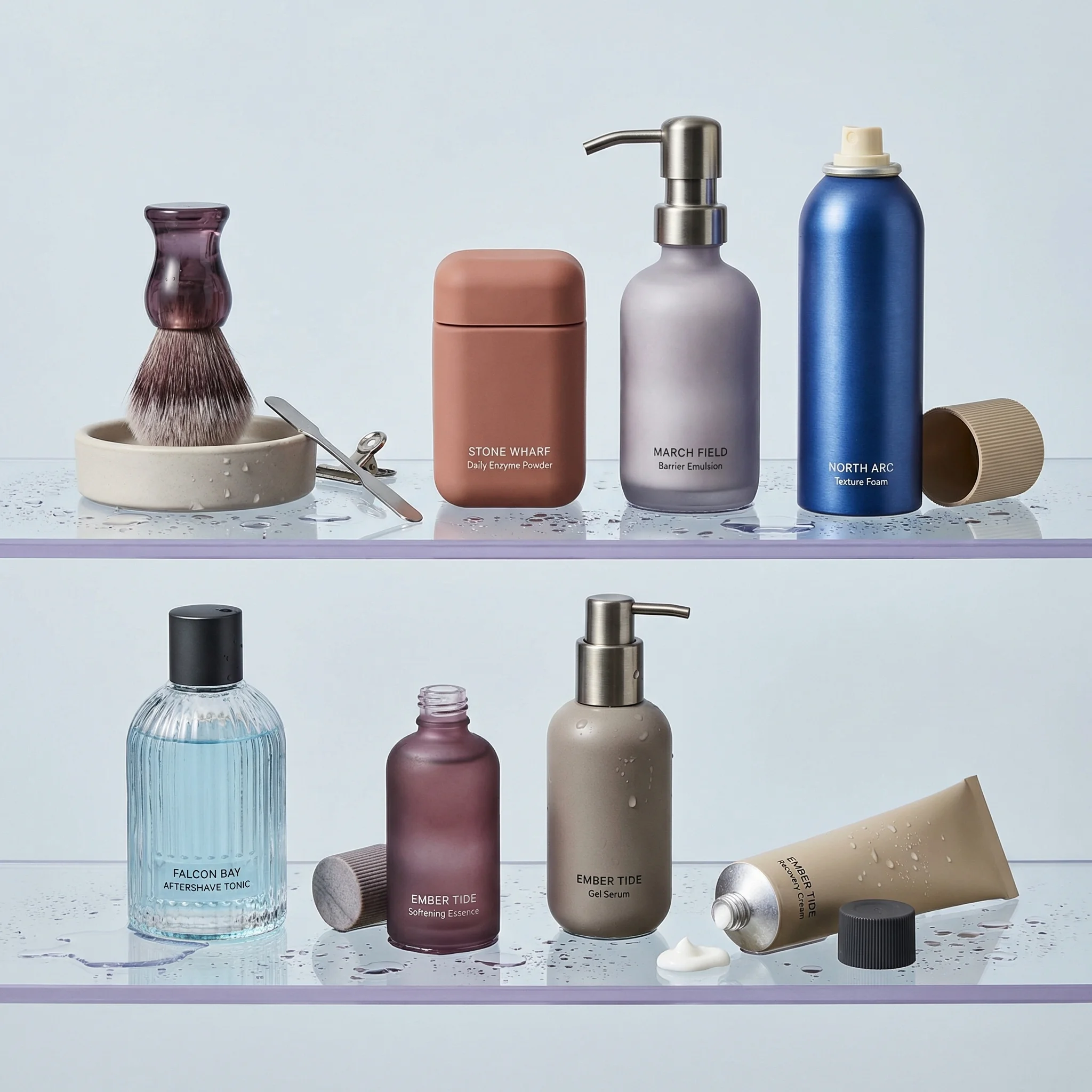
Bathroom shelf styling shows a complete routine in a polished real-use context.
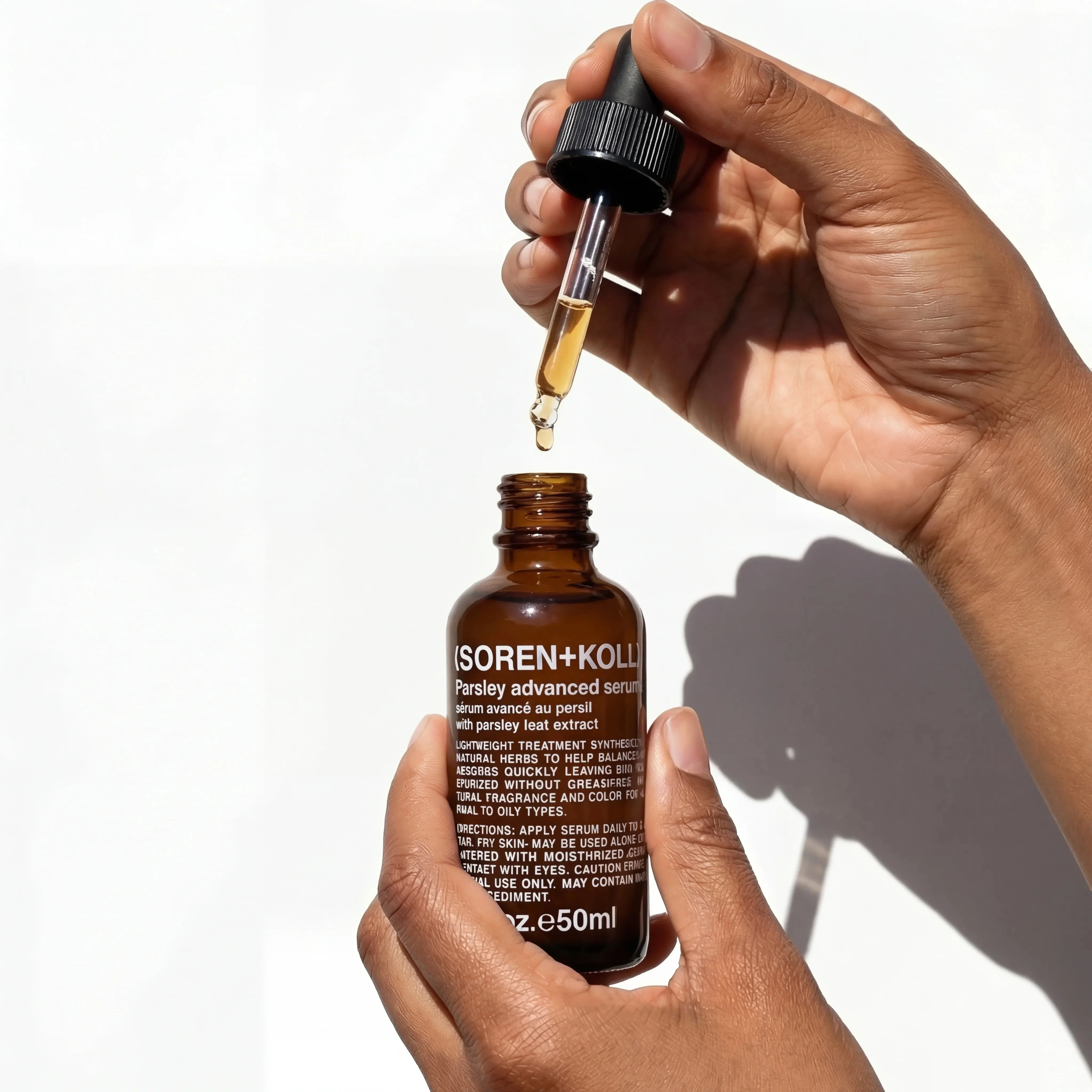
Close dropper detail highlights application precision and premium serum texture.
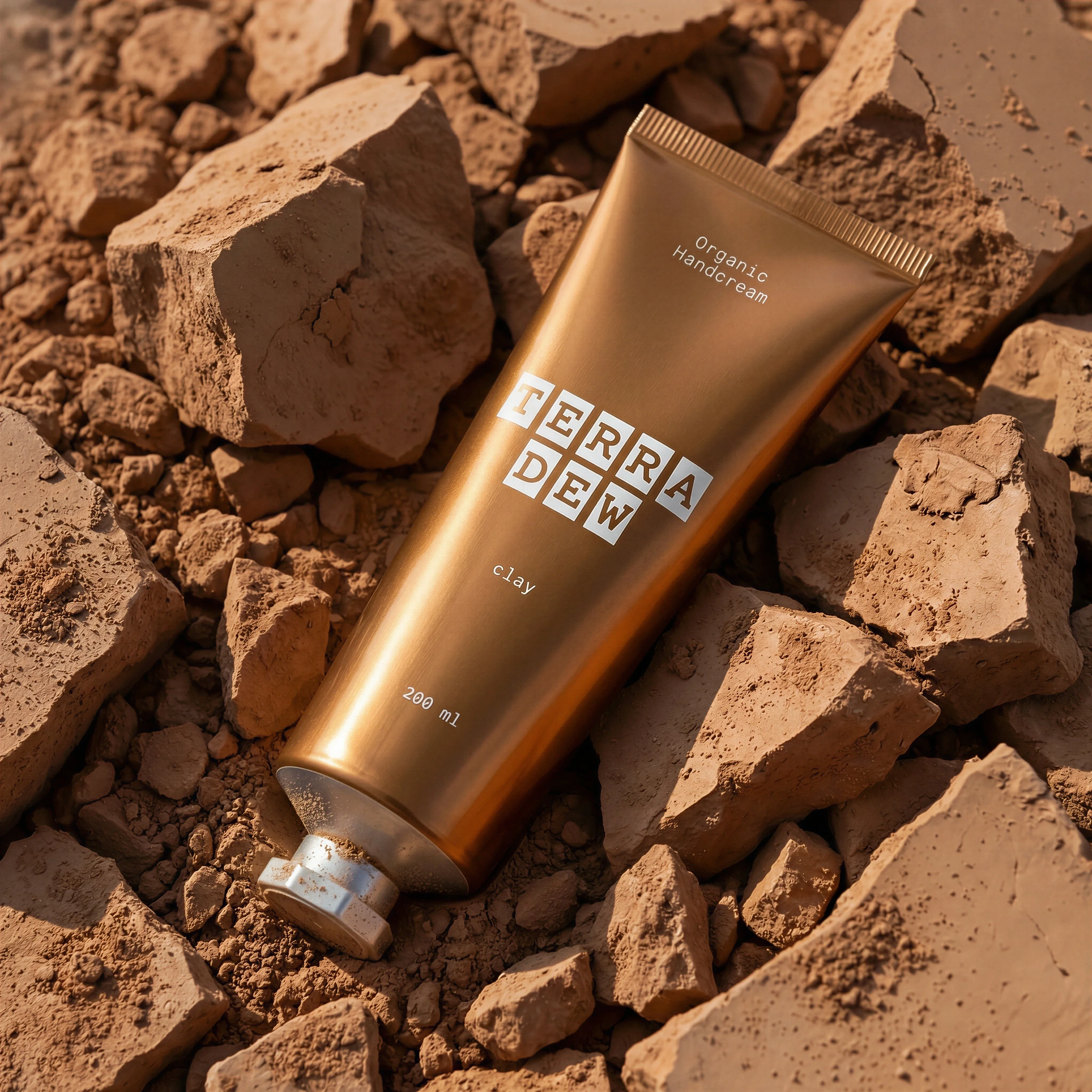
Clay mask texture gives the gallery tactile formula and ingredient depth.
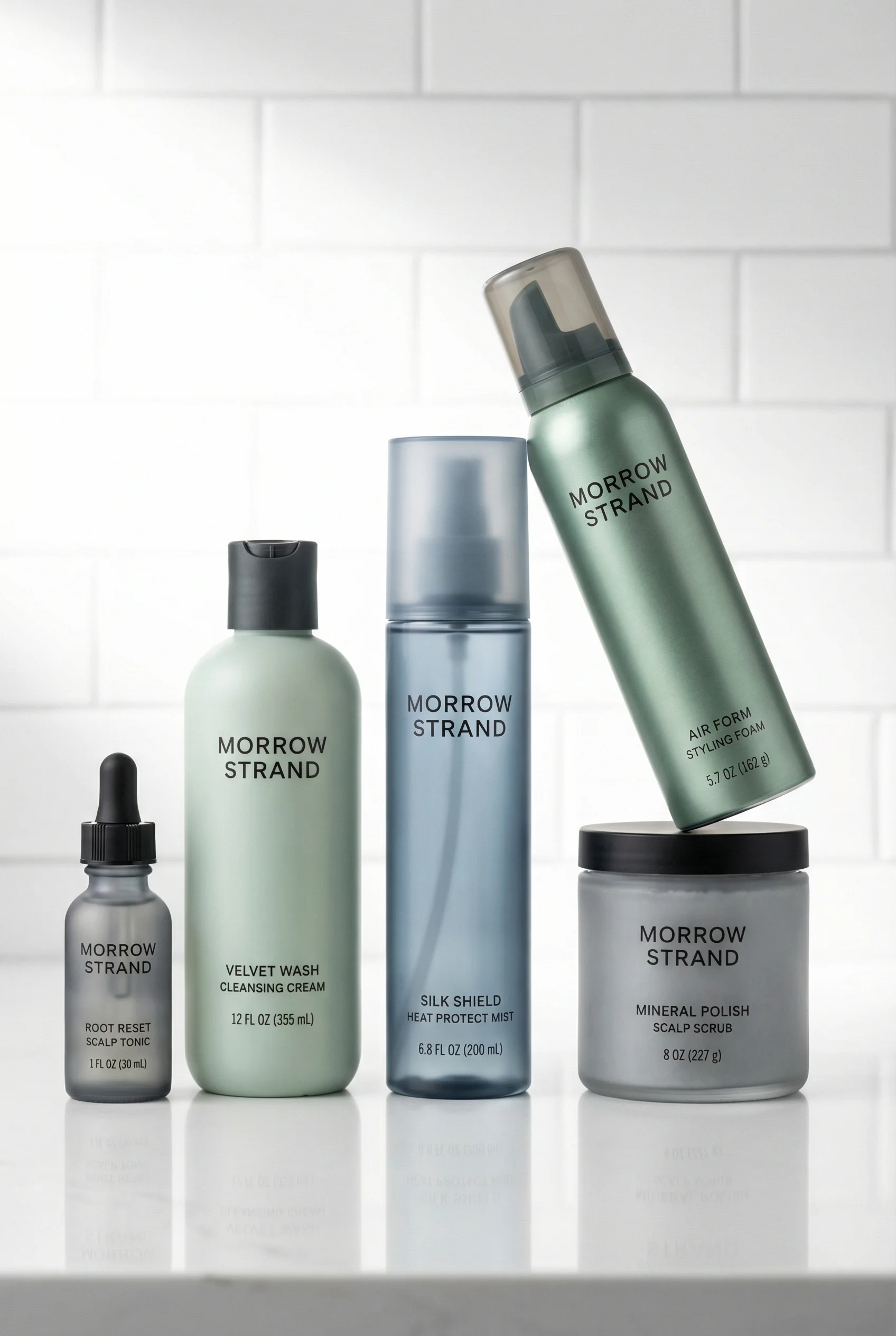
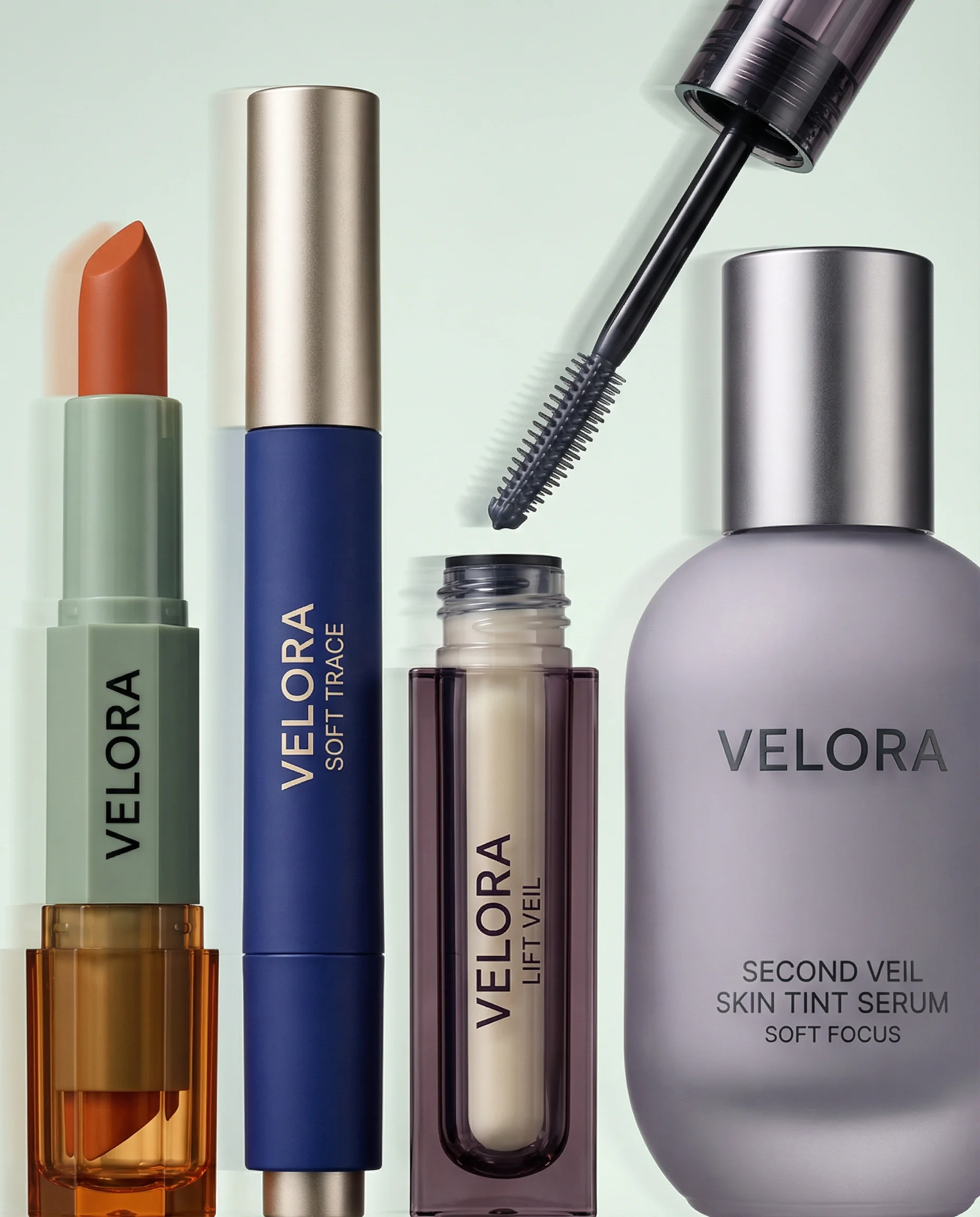
Skincare product photography has to show product truth and sensorial value at the same time. A shopper should be able to read the label, understand the texture, picture the routine, and see why the formula belongs in their bathroom or travel kit.
If you are building the full carousel from scratch, start with an ecommerce product photography shot list, then separate the clean lead image from the more tactile detail product photography and routine-led lifestyle product photography.
Shot ideas for skincare brands
Visual playbook
Skincare visual playbook
Use these scene types to cover PDP evaluation, routine desire, and paid creative without making the set feel generic.
Texture proof
Show a serum dropper, cream swipe, gel lather, balm scoop, or mask texture on a clean surface.
Use when: Use for PDP galleries, product comparison pages, and formula-led emails.
Prompt cue
Create a macro skincare serum scene with the bottle label readable, a single controlled droplet, clean studio light, and enough negative space for PDP cropping.
Routine shelf
Place the SKU in a believable bathroom, sink, towel, mirror, or shelf context with only the props the routine needs.
Use when: Use for bundles, regimen education, retention emails, and collection pages.
Prompt cue
Create a polished skincare bathroom shelf scene with the hero product upright, label sharp, soft water detail, neutral towels, and a quiet premium routine mood.
Ingredient anchor
Use one or two formula-relevant ingredients, such as clay, aloe, oat, citrus, rose, or mineral powder.
Use when: Use for ingredient education, landing pages, launch campaigns, and ads with short benefit copy.
Prompt cue
Create an ingredient-led skincare still life with clay texture, restrained natural props, accurate packaging color, and no medical before-and-after cues.
Texture should not be decorative. It should answer the practical question the shopper cannot resolve from a pack shot: how heavy, glossy, creamy, foamy, or precise the product feels. Ingredient scenes should be just as disciplined. If the ingredient is not part of the formula story, leave it out.
Additional skincare ideas worth briefing:
- A cap-off pump or dropper view that proves the dispensing mechanism.
- A travel-pouch scene for minis, SPF, barrier cream, or post-gym routines.
- A regimen order image that shows morning versus evening use without turning into an instruction poster.
- A refill, carton, or secondary packaging image when sustainability or gifting affects purchase confidence.
- A tight crop of the product next to a pea-sized amount, especially for actives where dosage matters.
- A quiet bathroom-counter shot with no face or skin claim when compliance review is tight.
Operator notes for skincare claims
Skincare images often fail review because the set looks medically precise while the claim language is only cosmetic. Before approving a direction, check the visual claim the image makes without copy.
Use this quick review:
- If the scene includes a face, does the crop imply a before-and-after or treatment outcome?
- If the product is SPF, acne, retinol, exfoliating acid, or barrier support, are all props and captions tied to approved language?
- If an ingredient is visible, is it actually in the INCI story or approved marketing story?
- If the skin texture appears edited, does it overpromise smoothness, glow, or irritation relief?
- If the image will become an ad, is there clean space for compliant copy rather than trying to let the visual claim do the work?
Riverflow is most useful here when the team has already agreed on the claim-safe territory: ingredient-light, routine-led, derm-adjacent, sensorial, travel, or bundle education. Use it to create variants inside that approved lane, not to discover new claims at the image stage.
PDP vs ads usage
Choose the right approach
Where each skincare image works best
PDPs need accuracy and comparison. Ads can carry more mood, but the product still has to stay readable.
| Moment | What to show | Why it works |
|---|---|---|
| PDP gallery | Front pack, angled pack, texture, scale, and routine pairing. | Answers evaluation questions before the shopper reads the full product description. |
| Collection page | Consistent pack shots or routine lineups ordered by use step. | Lets shoppers scan cleanser, serum, moisturizer, and SPF options quickly. |
| Paid social | Hero product with texture cue, approved benefit copy, and copy-safe space. | Creates a fast skincare story without turning the image into a claim. |
| Launch campaign | Ingredient anchor, regimen context, and a more distinctive light or surface system. | Introduces the new product while keeping visual continuity with the catalog. |
When one image must support both PDP and ads, keep the product upright and unobstructed, then generate ad-specific crops with copy zones, seasonal props, and stronger hierarchy.
For the clean anchor shot, use the rules in product-on-white photography. For hand scale and routine credibility, use product-in-hand photography sparingly so the hand does not become a skin-result proxy.
Starter shot list
Before you publish
Skincare SKU checklist
- Front-facing pack shot with label and cap readable.
- Angled pack shot showing pump, dropper, jar depth, or closure.
- Texture smear, droplet, scoop, lather, or mask close-up.
- Ingredient still life tied to the actual formula story.
- Routine scene on sink, shelf, towel, mirror, or travel pouch.
- In-hand scale image for size and usage context.
- Regimen lineup if the product belongs in a system.
- Paid ad crop with clean space for concise, claim-safe copy.
Create this in Riverflow
Create it in Riverflow
Riverflow prompt recipe for skincare
Use this structure to turn the strategy into a specific creative brief that keeps the product accurate and the scene useful.
- 1
Product proof
Use the uploaded product reference as the source of truth. Preserve label text, cap shape, packaging color, proportions, and product size.
- 2
Scene
Build a clean skincare ecommerce scene with one clear routine cue, one relevant texture or ingredient cue, and soft controlled lighting.
- 3
Channel
Create one PDP crop with the product centered and one paid social crop with negative space for short approved benefit copy.
- 4
Guardrails
Avoid before-and-after implications, clinical props, exaggerated wet effects, and ingredients that are not part of the formula story.
Example prompt
Riverflow workflow
How this works in Riverflow
Use Riverflow to build a repeatable skincare set from the product reference, then adapt it for PDP, routine education, and ads without changing packaging truth.
Photoshoots
Start with routine-ready Scenes
Choose brand-safe bathroom shelf, sink, stone texture, travel pouch, or ingredient Scenes from Riverflow's library, or bring owned Scenes from your own photoshoots. Apply a Style so texture proofs, routine shelves, and ingredient anchors share the same light and retouching rules.
Images
Explore texture and ingredient directions
Use Riverflow 2.0 Pro, Google's Nano Banana 2, or OpenAI GPT-Image-2 for text-to-image and image-to-image exploration when you need serum droplets, cream swipes, gentle water detail, or formula-relevant props before committing to a set.
Editing
Adapt the final skincare assets
Generate 9 angle variants for bottle or jar views, change aspect ratio while keeping texture and center point natural, use Riverflow 2.0 Reference-Based Super Resolution to find and update label artwork in place without altering the rest of the image, and Swap product when the same routine Scene needs another SKU.
Mistakes to avoid
Beauty lighting hides the label.
Keep the pack readable first, then add reflection, glow, or shadow only where it supports the product.
Every formula is styled as wet and dewy.
Match the surface language to the product: matte for rich creams, water movement for cleansers, precise shine for serums.
Ingredient props imply a formula story the product does not own.
Use only ingredients, colors, and textures that map to approved messaging.
One visual style is forced across every SKU.
Let clinical, spa, playful, and derm-backed products share brand rules but keep distinct scene cues.
FAQ
Where should texture images sit in a skincare PDP?+
Place them after the pack and angle views, once the shopper knows the product format. Texture is strongest as proof of feel, not as the first image.
How should SPF, retinol, acne, or acid products be handled visually?+
Keep the frame routine-led and claim-safe. Avoid clinical props, before-and-after cues, irritated skin references, or ingredient piles unless those claims and associations are approved.
What if a generated skincare image makes the product look too glossy or wet?+
Treat that as a product-truth issue. Reduce dewy styling, match the finish to the real formula, and regenerate separate directions for matte creams, gels, balms, foams, and oils.
Start creating
Get started with on-brand visuals
Turn guide ideas into product-accurate creative in Riverflow, using your brand, products, scenes, styles, and channel crops from the start.
Your catalog into campaign-ready Creative
Riverflow connects your products, brand rules and creative workflows so your team can create on-brand photoshoots, ads, videos and edits across every campaign.