Guide
Product-on-White Photography
Learn how to create clean product-on-white images that support ecommerce clarity, product trust, marketplace consistency, and scalable visual production.
- Guides
- Product Photography

Examples
Scenes from the Riverflow library
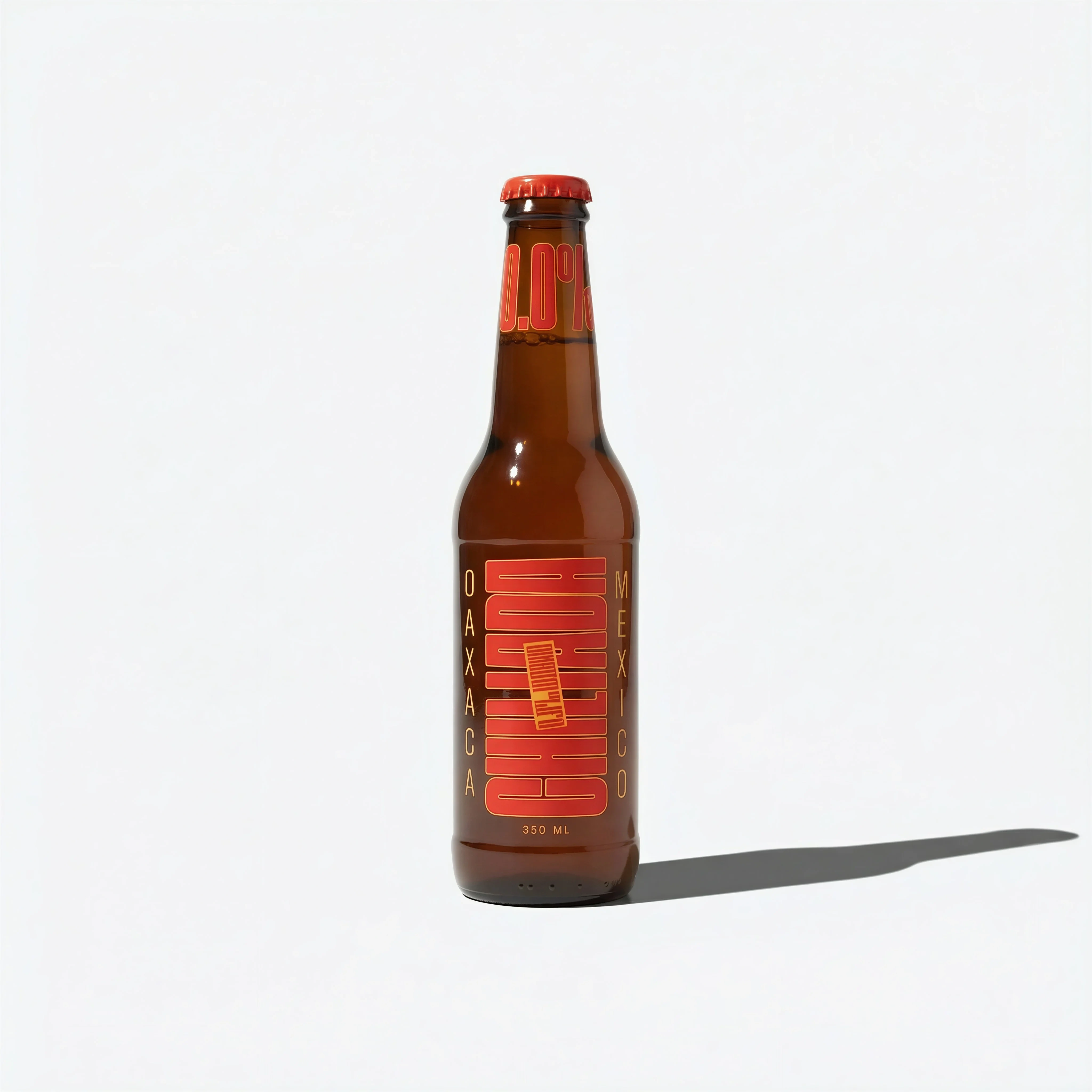
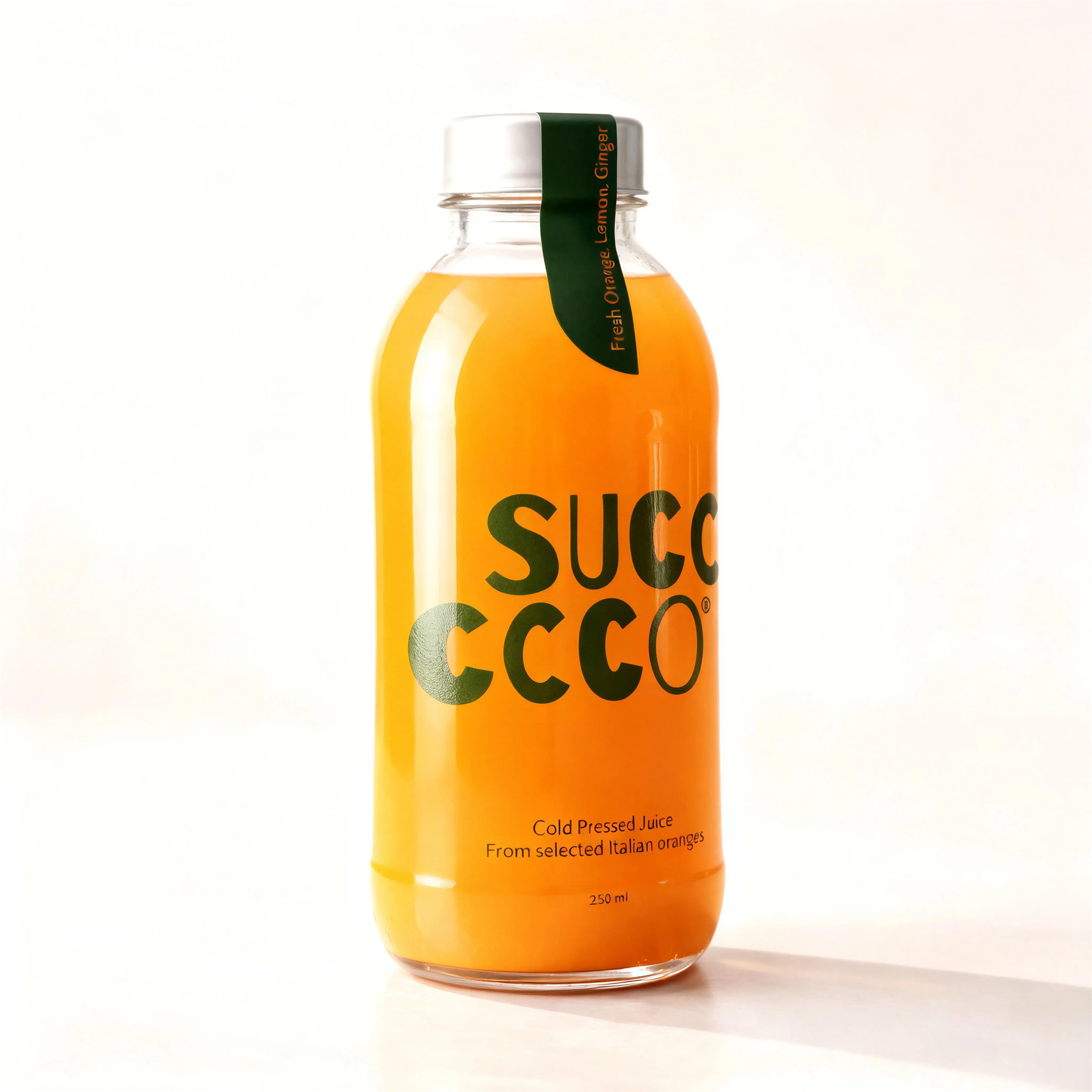
Centered isolated bottle on a white seamless background with a clean ecommerce shadow.

Burgundy eyewear arranged on high-key white seamless studio ground.

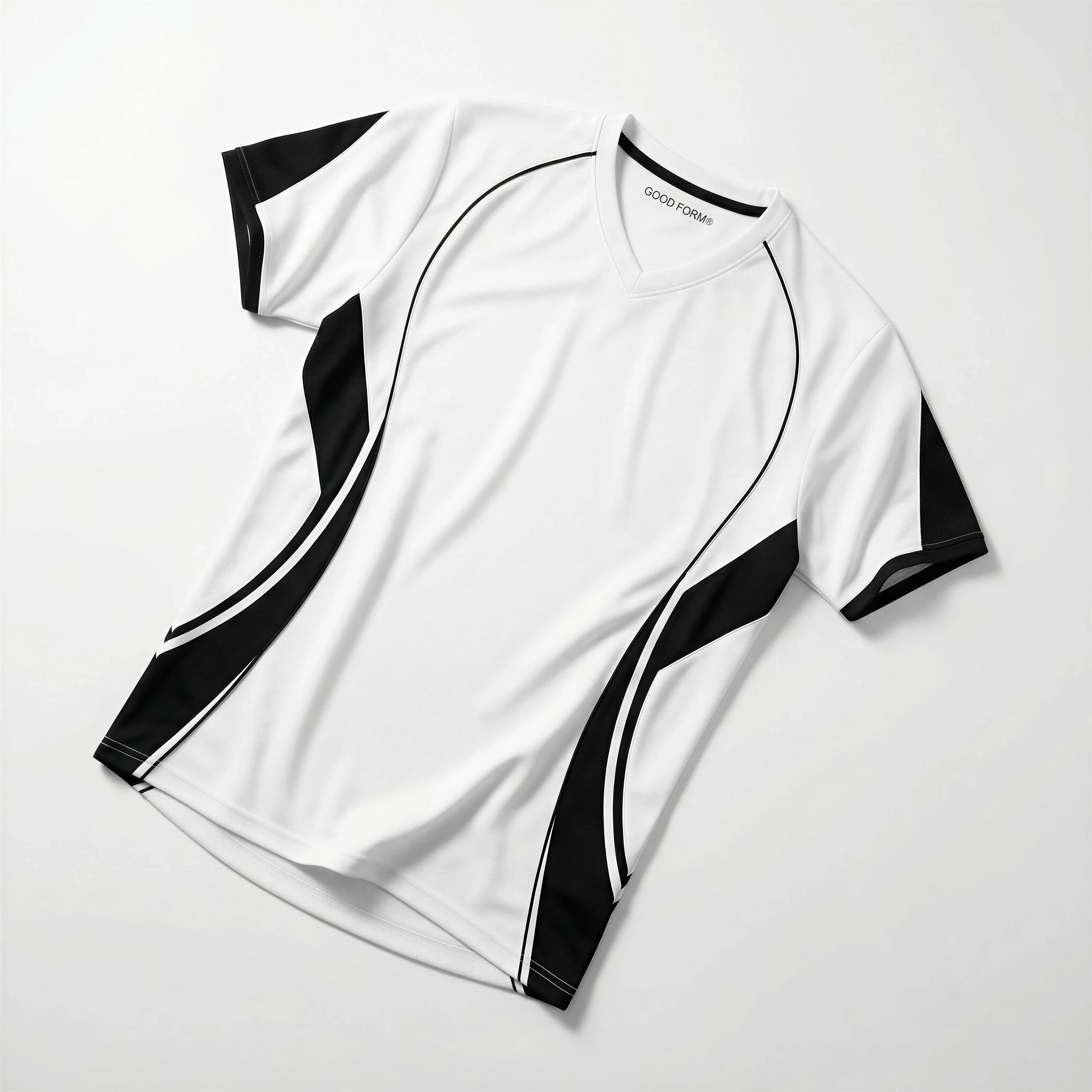
Single jersey laid diagonally on a plain white seamless background.

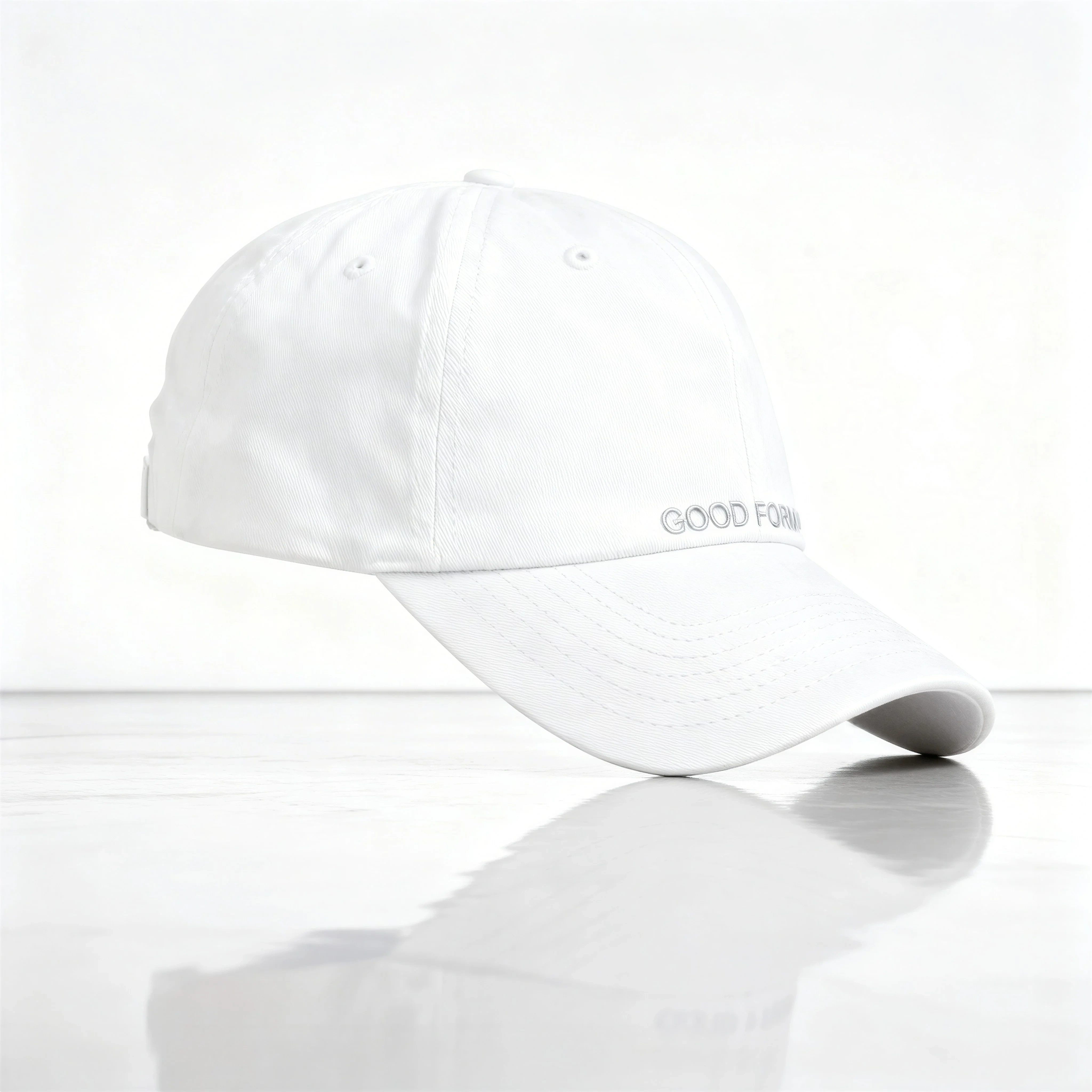
White cap isolated on a clean white surface with subtle shadow and texture.

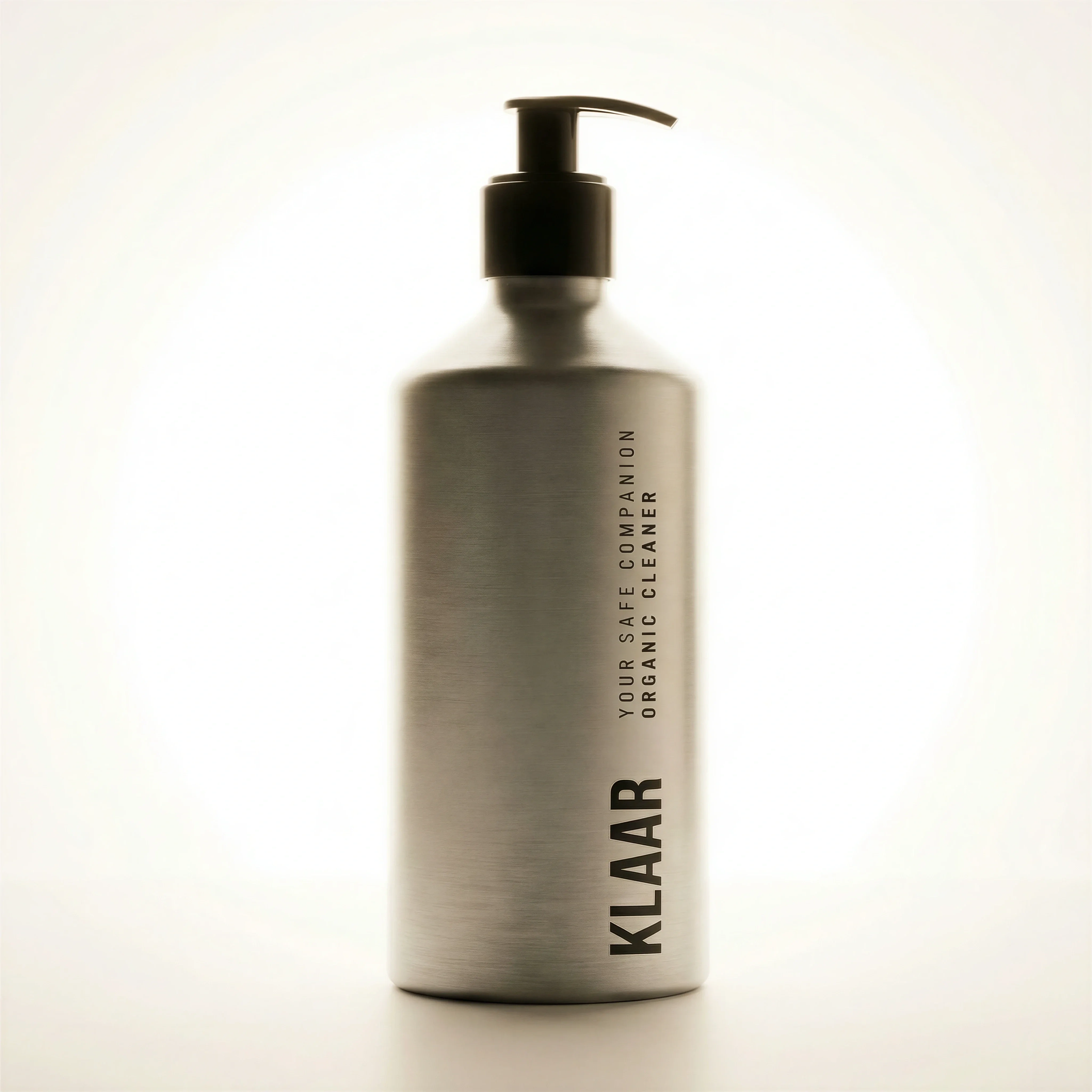
Single pump bottle centered against a plain white studio background.

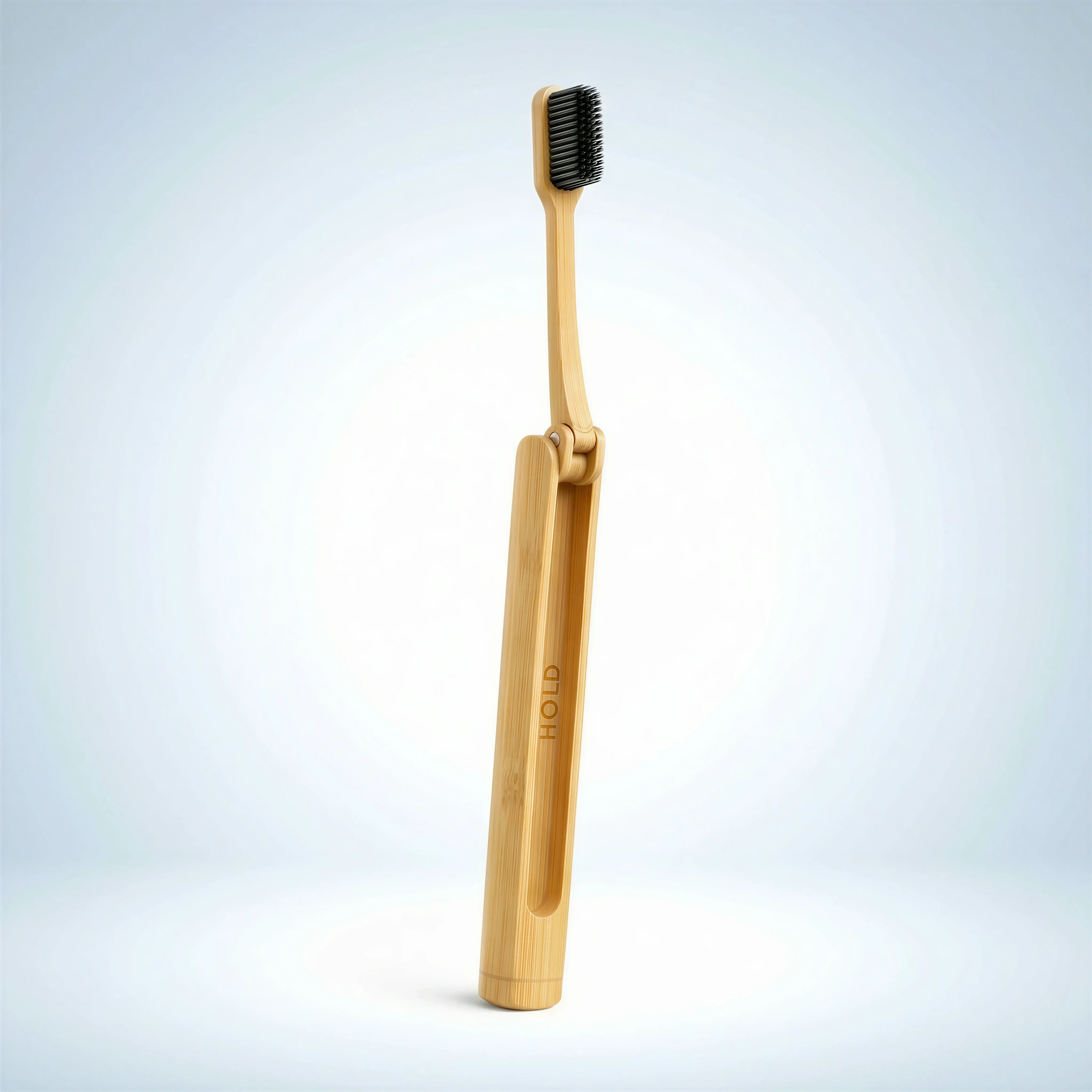
Bamboo toothbrush presented upright on a clean high-key product background.
Product-on-white looks simple, but the quality bar is high. A strong image should feel clean without looking flat, edited without looking artificial, and consistent without hiding product-specific details.
For ecommerce teams, this is the trust layer. If the clean product image is unclear, every lifestyle, detail, or hero shot has to work harder.
Use this guide for the clean product image itself. If the job is only to remove an existing background, start with background removal. If the clean image will become the source for lifestyle or ad creative, pair it with product consistency in AI images.
What product-on-white photography is for
Choose the right approach
Product-on-white use-case matrix
Use product-on-white when the image needs to prioritize direct inspection and consistency.
| Use case | What to show | Why it matters |
|---|---|---|
| Primary PDP image | Front-facing product with readable label, correct color, and clean shadow. | Gives shoppers the clearest first view of what they are buying. |
| Marketplace listing | White or compliant background, centered product, minimal styling, accurate crop. | Meets channel requirements and keeps the product easy to compare. |
| Variant system | Flavor, color, size, scent, or pack variants from the same angle and scale. | Lets shoppers compare options without visual inconsistency. |
| Bundle or multipack | Included items arranged cleanly with visible packaging and consistent spacing. | Explains quantity and contents without lifestyle distraction. |
Visual playbook
Visual playbook
Clean ecommerce image formats
Product-on-white does not need to mean lifeless. Use shadow, angle, and crop to preserve dimension while keeping the product easy to inspect.

Centered packshot
A single product centered on white with a natural contact shadow and accurate packaging.
Use when: Use for primary ecommerce images, feeds, retailer decks, and product comparison pages.
Prompt cue
Centered product-on-white ecommerce packshot, accurate label and color, subtle natural shadow, high-key white background, no props, clean catalog crop.

Shape-led product view
Use enough angle or elevation to show dimensional structure without making the image feel styled.
Use when: Use for eyewear, accessories, footwear, containers, and products where silhouette matters.
Prompt cue
Product-on-white image showing product shape and dimensional form, clean shadow, accurate material finish, high-key background, consistent ecommerce crop.

Flat product on white
Use overhead or angled flat placement when the product is naturally viewed as a surface.
Use when: Use for apparel, textiles, paper goods, posters, kits, and lightweight accessories.
Prompt cue
Minimal product-on-white flat lay, product fully visible, accurate fabric texture and color, soft shadow, clean edges, no decorative props.

Small-item isolation
Use a crisp crop and controlled shadow so small products still feel tangible and easy to inspect.
Use when: Use for toothbrushes, beauty tools, stationery, tech accessories, and personal-care items.
Prompt cue
Small product isolated on white, upright presentation, accurate material texture, subtle shadow, sharp edges, product large enough for mobile PDP viewing.
Background, shadow, and crop rules
White backgrounds still need shape. A fully cutout product can look weightless; a heavy shadow can look inconsistent. Aim for clean, subtle shadows that show the item is real without introducing visual noise.
In Riverflow, product-on-white assets are useful as both final ecommerce images and product-accuracy references for more expressive work. Keep the crop, angle, shadow, and pack details precise before using the product in lifestyle, hero, in-hand, or flat lay scenes.
Approval standard for white-background images
The approval bar is not "white enough." A product-on-white image should pass five checks: product truth, shape, shadow, crop, and comparison. The product should match the SKU reference, the silhouette should not be warped, the shadow should make the item feel grounded, the crop should work in grid and PDP layouts, and variant images should compare cleanly side by side.
Reject images where the background is technically white but the product looks weightless, over-smoothed, off-color, or inconsistent with nearby SKUs. Clean ecommerce photography is less about removing everything around the product and more about making the product inspectable.
Before you publish
Product-on-white checklist
- Use a white or near-white background appropriate for the channel.
- Keep product color, label, material, shape, and finish true to the source item.
- Use consistent product size and angle across variants.
- Use Styles or repeated prompt rules when the same packshot system needs to apply across several SKUs.
- Keep shadows natural, light, and repeatable.
- Leave enough margin for marketplace, PDP, and grid crops.
- Check the image at mobile thumbnail size and zoomed PDP size before approving.
Riverflow prompt recipe
Create it in Riverflow
Prompt a product-on-white shot in Riverflow
Use this structure to turn the strategy into a specific creative brief that keeps the product accurate and the scene useful.
- 1
Product view
Specify front view, three-quarter view, side view, back view, overhead, angled flat lay, or bundle layout.
- 2
Background
Ask for white seamless, near-white studio, high-key white, or marketplace-compliant white background.
- 3
Shadow
Define subtle contact shadow, soft studio shadow, light reflection, or no reflection depending on channel needs.
- 4
Consistency
For variants, repeat angle, crop, product scale, shadow style, Style rules, and background tone across every asset.
- 5
Accuracy
Require exact product proportions, packaging color, label placement, cap shape, and material finish.
Example prompt
Create a centered product-on-white image of the pump bottle, front label readable, high-key white background, soft contact shadow, accurate packaging color and scale.
Create an overhead product-on-white flat lay of the folded shirt, full product visible, fabric texture accurate, clean shadow, square ecommerce crop.
Mistakes to avoid
Treating background removal as finished product photography.
Add realistic shadow, clean edges, correct crop, and product-level accuracy checks.
Using inconsistent scale across variants.
Set a repeatable crop rule so flavors, sizes, and colors compare cleanly.
Making white products disappear on white.
Use controlled shadow, edge contrast, and soft highlights to preserve shape.
Approving images that look good only at full size.
Review category-grid thumbnails, PDP mobile views, and zoomed detail views.
FAQ
Is product-on-white photography required for ecommerce?+
It is not always legally required, but most ecommerce teams need it because marketplaces, retailer listings, category grids, and PDPs depend on clear product inspection.
Should product-on-white images have shadows?+
Usually yes. A subtle contact shadow helps the product feel real and dimensional. The shadow should be consistent and quiet, not a styling feature.
When should product-on-white be replaced by a lifestyle first image?+
Only do this when the selling context is more important than direct inspection and the channel allows it. For most PDPs and marketplaces, keep product-on-white as the anchor and use lifestyle later in the carousel.
What makes a product-on-white image look cheap?+
Common issues are clipped edges, no natural shadow, wrong product scale, overly grey backgrounds, color shifts, inconsistent variant crops, and labels that are not readable at thumbnail size.
Start creating
Get started with on-brand visuals
Turn guide ideas into product-accurate creative in Riverflow, using your brand, products, scenes, styles, and channel crops from the start.