Guide
Jewellery Product Photography Ideas
Practical jewellery product photography ideas for rings, necklaces, earrings, bracelets, PDP galleries, gifting campaigns, and ads.
- Guides
- Product Photography Ideas

Examples
Scenes from the Riverflow library
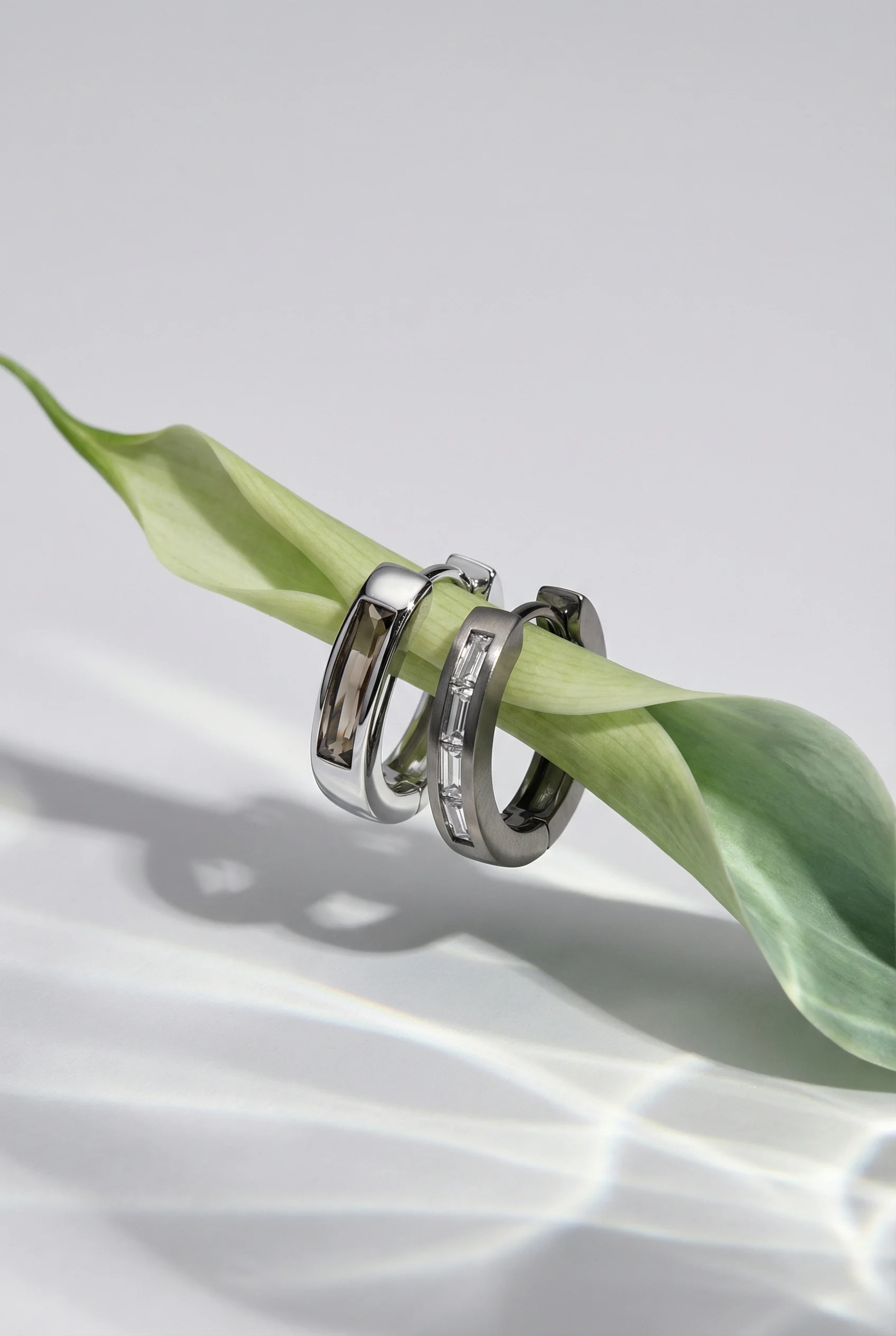
Still life isolates earrings with clean sculptural styling.
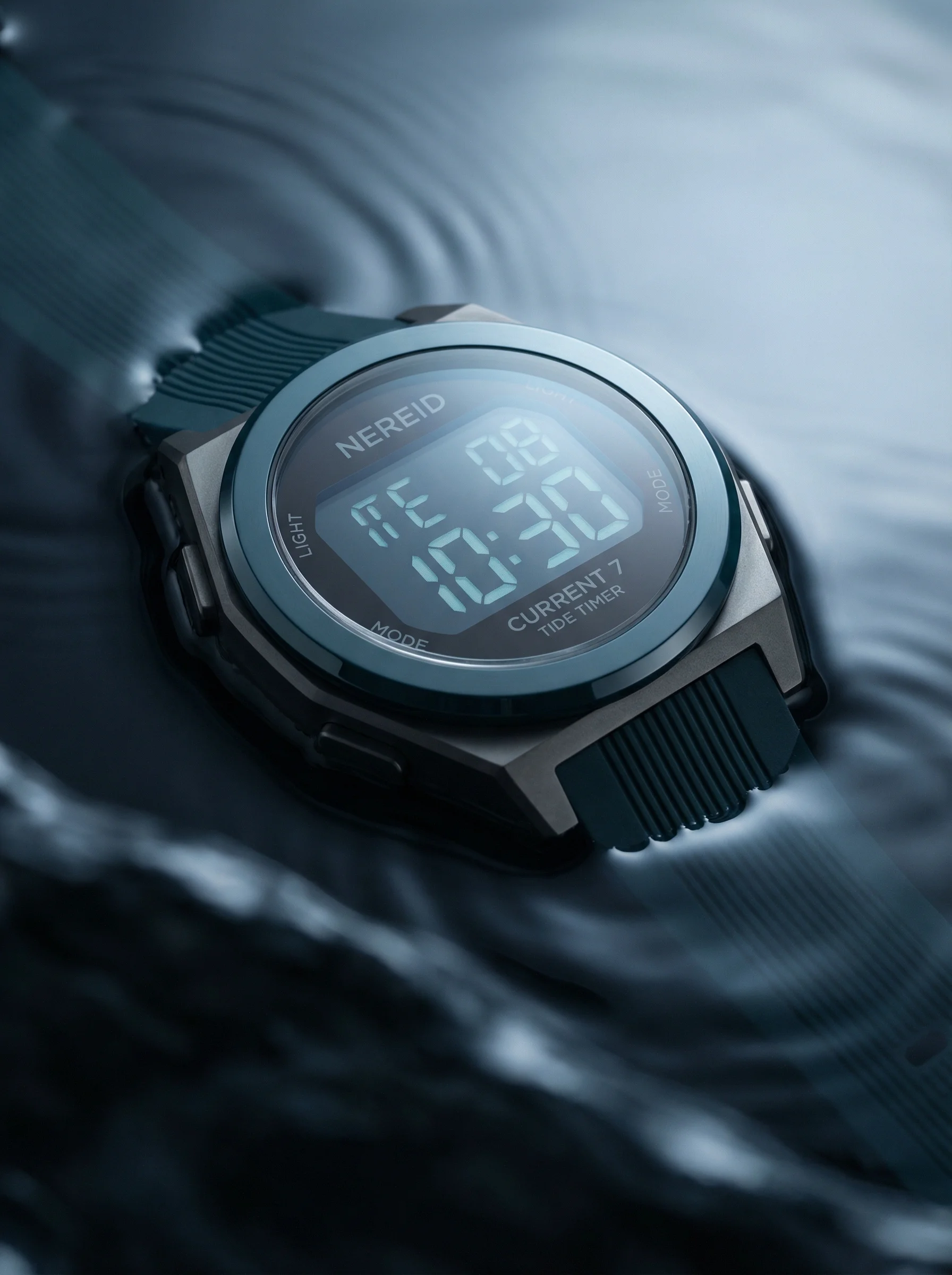
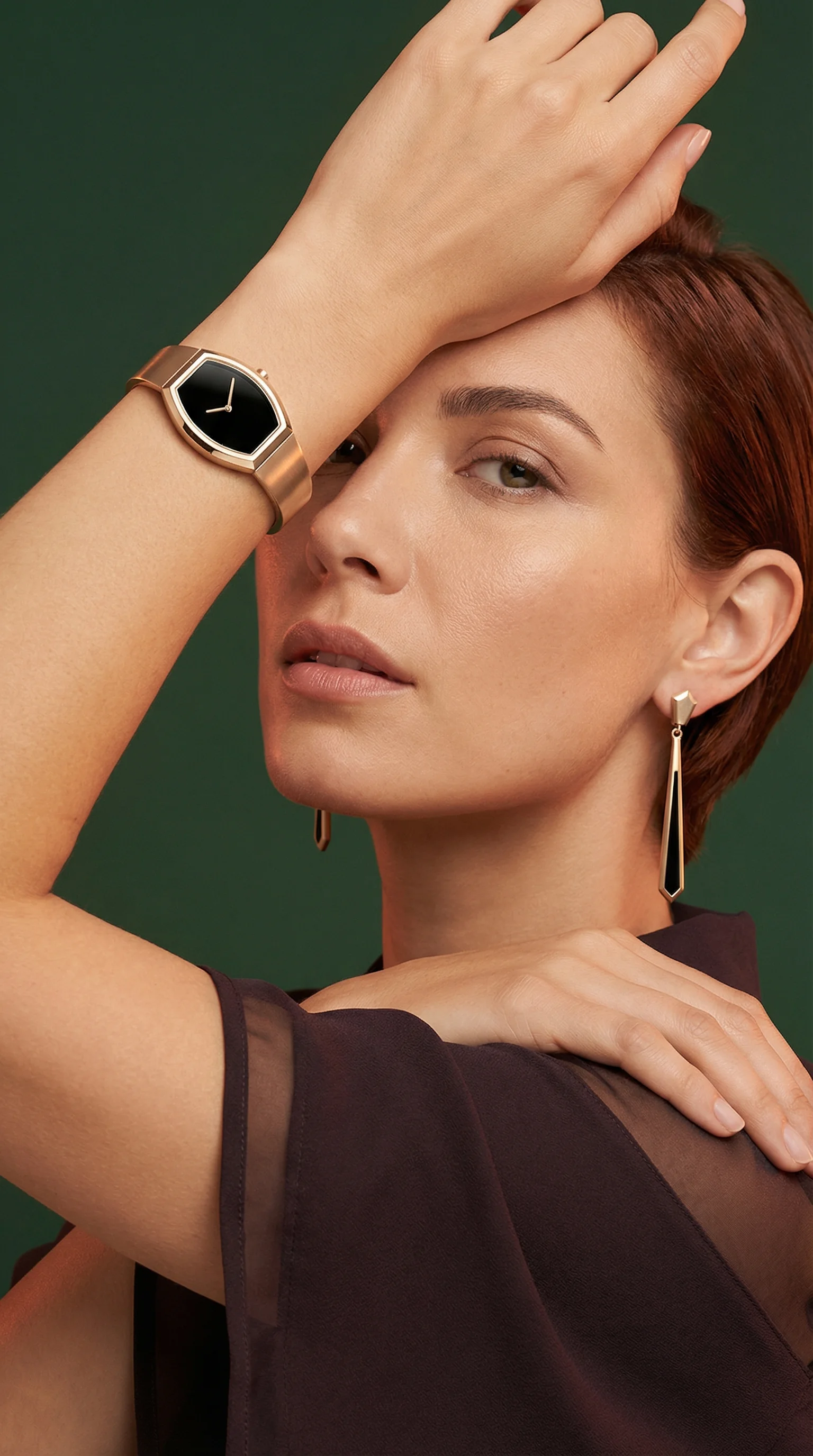
Moody water setup adds a technical watch angle.
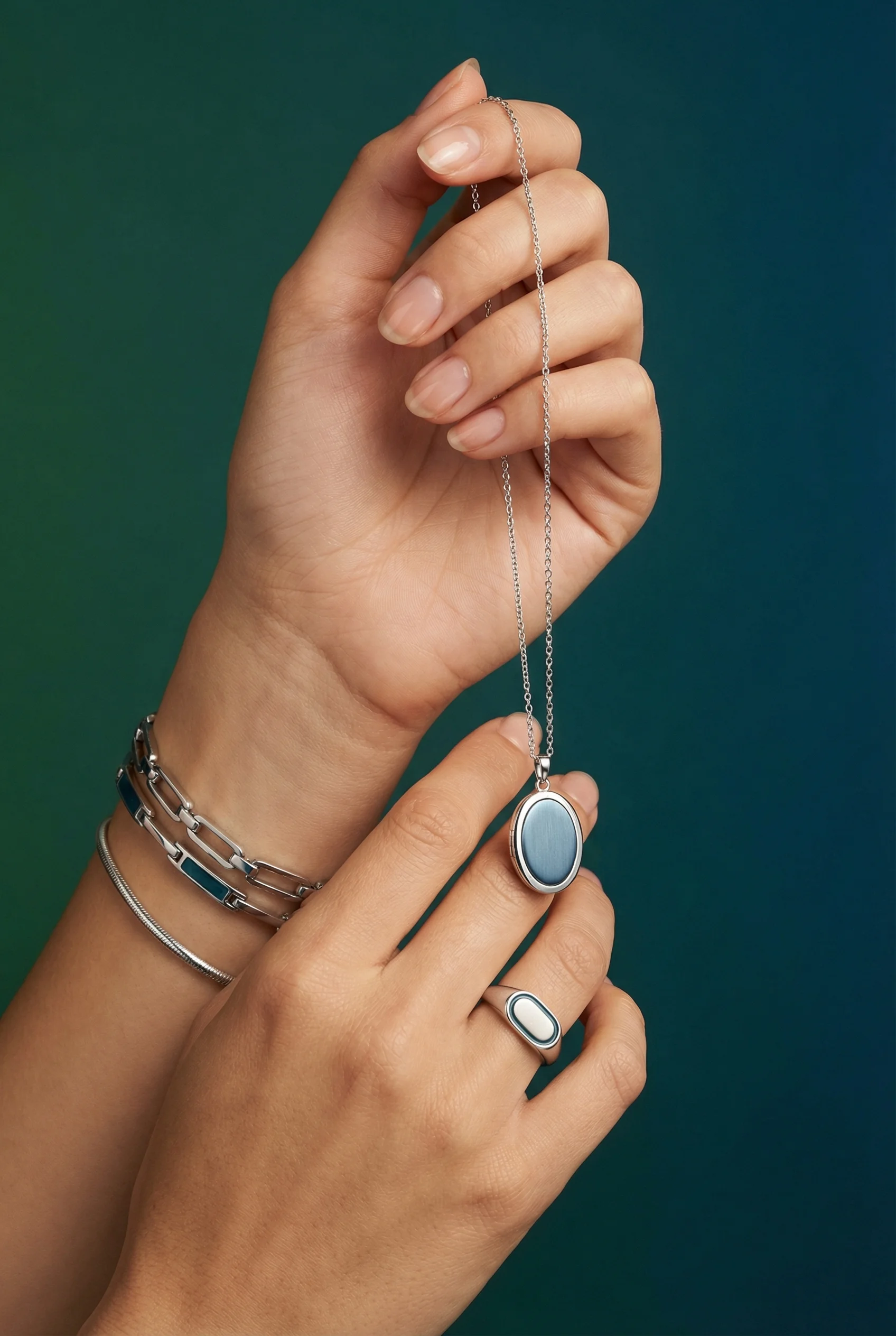
Hand pose shows wear, scale, and layered silver pieces.
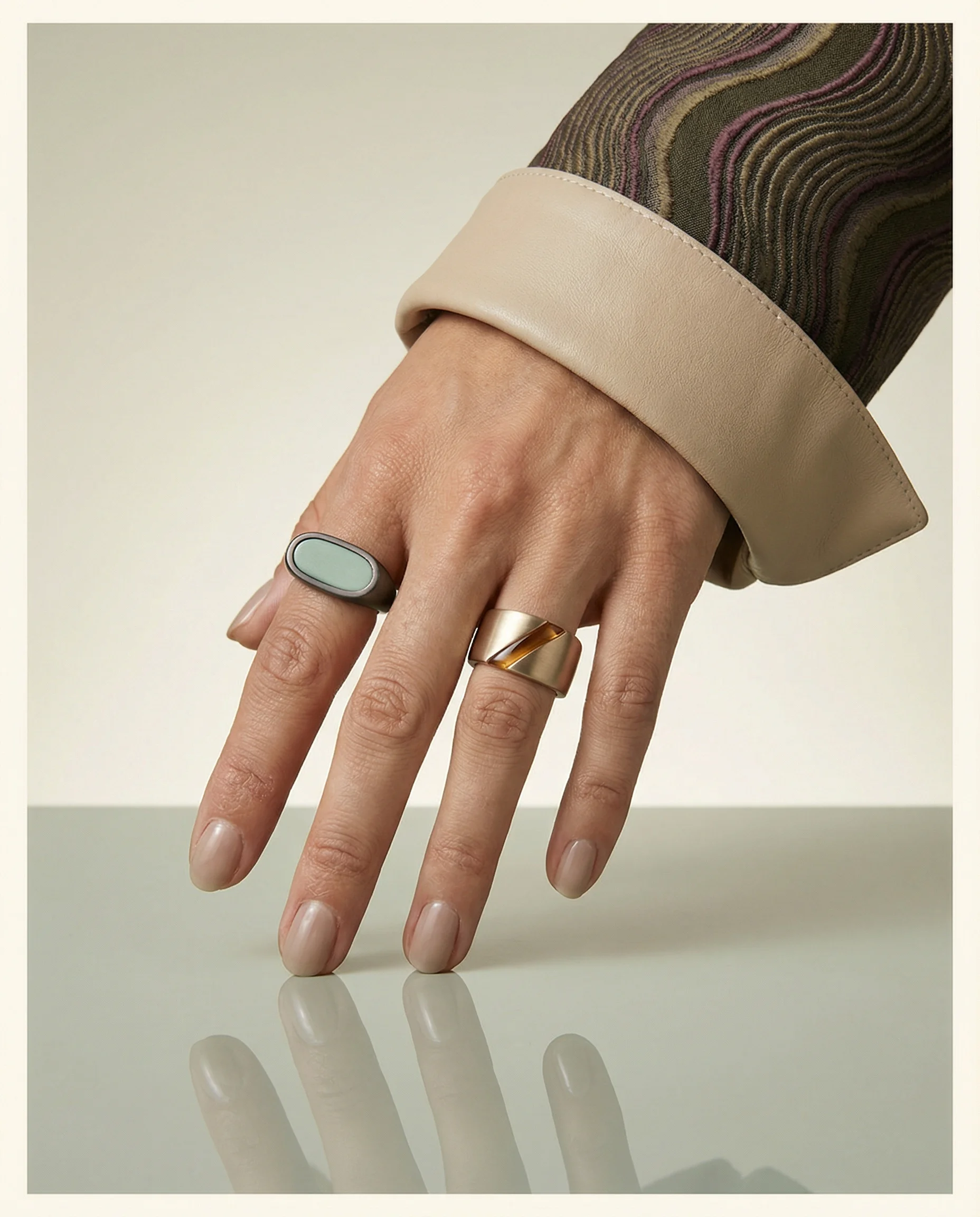
Ring duo adds clean comparison imagery for shape, finish, and pairing.
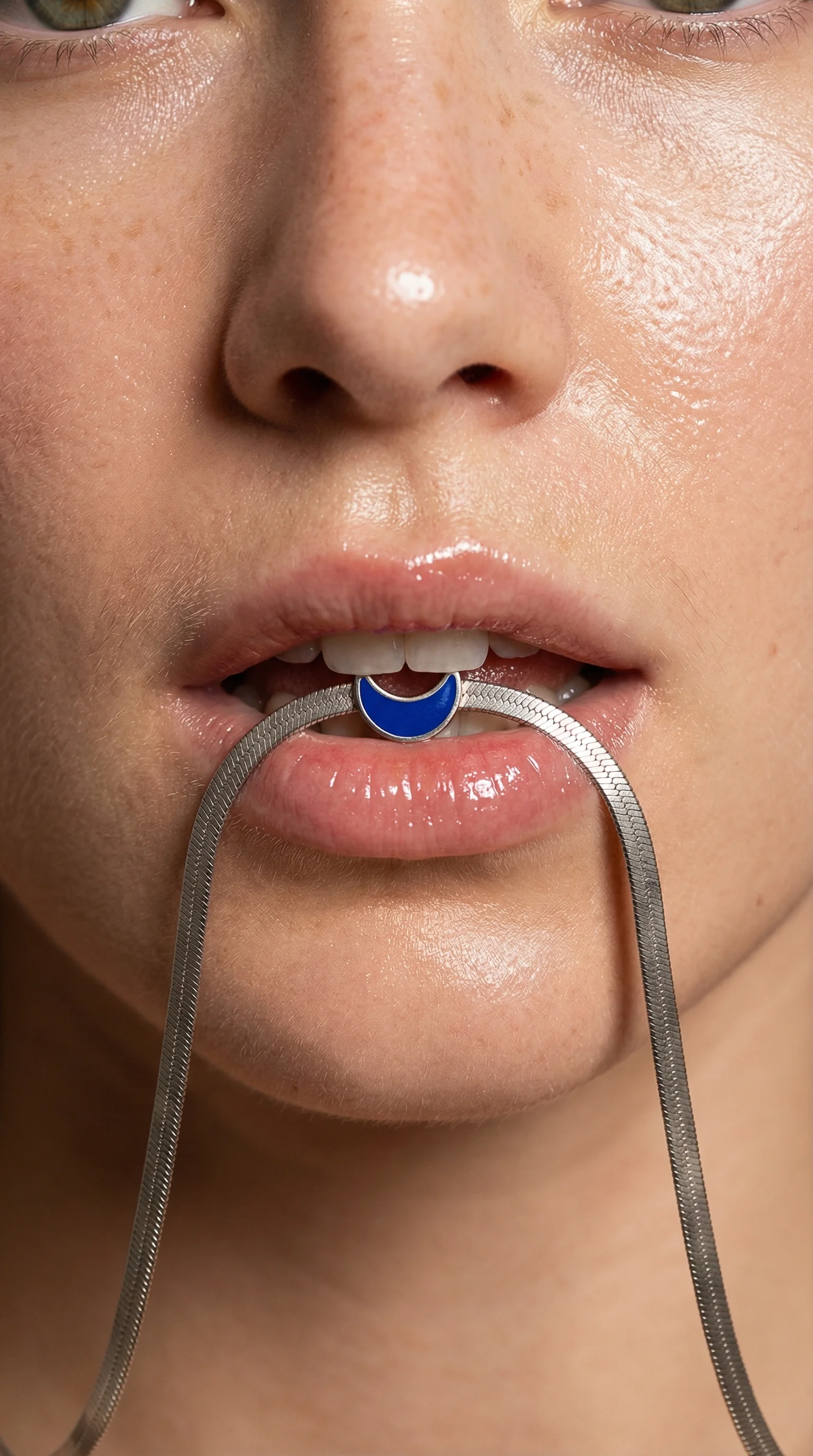
Necklace portrait shows scale, drape, and wearability on-body.
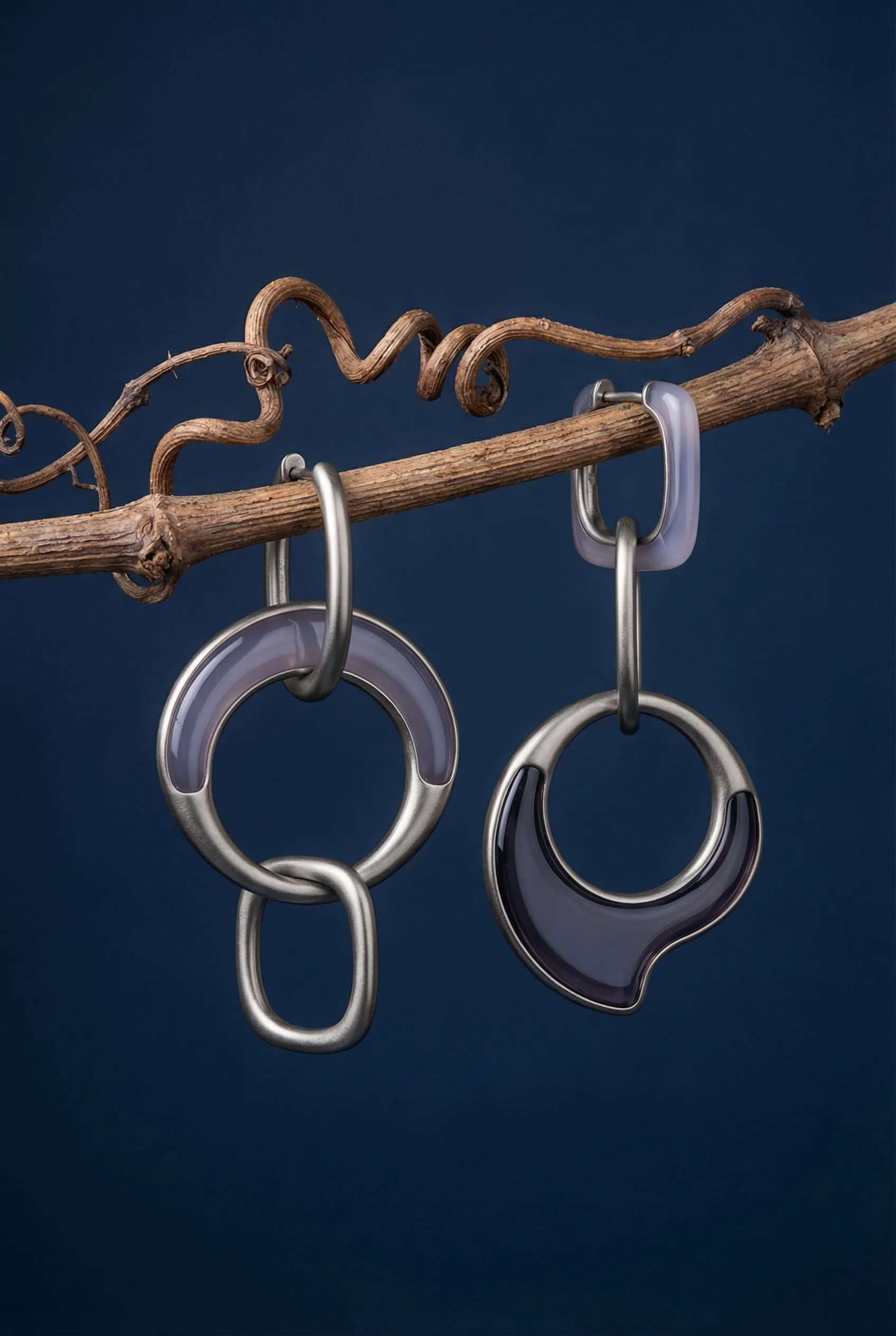
Sculptural earring still life brings material detail and editorial polish.
Jewellery product photography depends on detail, scale, and restraint. Rings, necklaces, earrings, bracelets, charms, and watches are small objects with high consideration, so the image set has to show metal tone, stone detail, clasp, length, finish, size, and styling potential without swallowing the piece.
For ecommerce foundations, pair this with product-on-white photography and detail product photography. Jewellery also depends heavily on scale, so product-in-hand photography is useful even when the final crop is more polished than casual.
Shot ideas for jewellery brands
Visual playbook
Jewellery visual playbook
Use jewellery scenes to clarify shape, finish, scale, and occasion without competing with the piece.
Clean product view
Show rings, earrings, necklaces, bracelets, charms, or watches on a neutral surface with the shape and finish visible.
Use when: Use for PDP hero images, collection grids, marketplace assets, and variant comparison.
Prompt cue
Create a clean jewellery PDP image with two rings on a neutral surface, accurate gold tone, crisp edges, soft shadows, and generous negative space.
Worn scale
Show a ring on a hand, earrings on an ear, a pendant on a neckline, a bracelet on a wrist, or a watch in use.
Use when: Use when size, drop, chain length, wrist fit, or layering matters to purchase confidence.
Prompt cue
Create a necklace scale image on a neckline with pendant drape visible, accurate metal tone, soft skin-safe lighting, and uncluttered styling.
Detail and finish
Use macro framing for stone setting, engraving, chain texture, clasp design, pearl surface, enamel, bezel, or watch construction.
Use when: Use for premium PDP support, gift guides, craftsmanship content, and ads focused on material value.
Prompt cue
Create a macro jewellery still life with hoop earrings, accurate metal reflections, visible clasp detail, sculptural neutral prop, and no distracting background pattern.
Jewellery often benefits from fewer objects in the frame. A box, pouch, fabric fold, hand, bust, tray, or mirror can create context, but the piece should remain the visual center.
Additional jewellery ideas to brief:
- A clasp, hinge, post, chain, or strap mechanism detail for anything shoppers need to operate.
- A pairing image that shows studs, hoops, rings, or bracelets as the exact set sold.
- A metal-variant lineup with gold, silver, rose gold, and enamel handled under identical light.
- A gift-box open view with pouch, care card, or insert only if included.
- A layering guide image for necklaces, bracelets, or stackable rings.
- A tight crop that shows engraving, stone setting, pearl surface, enamel edge, or watch bezel.
Material-specific review notes
Small product changes can become trust problems in jewellery. Review every image as material evidence, not just styling.
Watch for:
- Gold that turns too orange, silver that turns blue, or rose gold that looks copper.
- Stones, pearls, and enamel that become too perfect or change color under retouching.
- Chains that kink, float, merge into fabric, or lose visible links.
- Ring sizes, pendant drops, and bracelet diameters that shift between PDP and worn images.
- Gift packaging that suggests premium inserts or boxes the customer does not receive.
Riverflow is strongest when you constrain the setup: one metal finish, one scale cue, one packaging truth, and one occasion. That keeps tiny details from getting swallowed by a too-editorial scene.
PDP vs ads usage
Choose the right approach
How jewellery shots work by channel
Use PDPs for accurate comparison and ads for occasion-led styling.
| Moment | What to show | Why it works |
|---|---|---|
| PDP gallery | Clean product view, angled view, macro detail, worn scale, packaging, and variants. | Shows material, construction, size, and what arrives. |
| Variant comparison | Gold, silver, rose gold, enamel, gemstone, and size variants photographed consistently. | Lets shoppers compare options without visual inconsistency. |
| Gift campaign | Product with box, pouch, ribbon, card, mirror, or dressing table cue. | Makes the piece feel gift-ready while keeping it visible. |
| Paid social | Recognizable product type, worn or scale cue, and one occasion such as bridal, everyday, evening, or anniversary. | Communicates style and relevance quickly on mobile. |
If a piece has multiple finishes, create parallel PDP views. Gold, silver, rose gold, enamel, and gemstone variants should not feel like different shoots.
For giftable pieces, compare the packaging views with the Shopify product image guide so the gallery clarifies what arrives. For campaign images, use product hero shots without sacrificing metal and stone truth.
Starter shot list
Before you publish
Jewellery SKU checklist
- Clean product view on neutral surface.
- Angled product view showing depth and shape.
- Macro detail of stone, clasp, engraving, chain, bezel, or finish.
- Worn or scale image on hand, ear, wrist, neck, bust, or tray.
- Packaging, pouch, or gift box image.
- Variant lineup for metals, stones, sizes, or sets.
- Occasion scene for gifting, bridal, everyday, workwear, or evening styling.
- Paid ad crop with product clarity and copy space.
Create this in Riverflow
Create it in Riverflow
Riverflow prompt recipe for jewellery
Use this structure to turn the strategy into a specific creative brief that keeps the product accurate and the scene useful.
- 1
Product proof
Preserve metal tone, stone color, shape, clasp, chain length, engraving, setting, and packaging details.
- 2
Scale
Choose a scale cue appropriate to the piece: hand, ear, wrist, neckline, bust, tray, box, or watch strap context.
- 3
Scene
Use restrained surfaces, soft fabric, mirror, box, or sculptural prop without covering small details.
- 4
Channel
Create one clean PDP crop and one occasion-led ad crop with the product still large enough for mobile.
Example prompt
Riverflow workflow
How this works in Riverflow
Use Riverflow to keep small product details legible while adapting jewellery imagery for PDP proof, worn scale, gifting, and occasion-led campaigns.
Photoshoots
Start with jewellery-safe Scenes
Choose brand-safe neutral surface, macro detail, worn scale, box, pouch, mirror, or gift Scenes from Riverflow's library, or bring owned Scenes from your own shoots. Apply a Style so metal tone, stone color, reflection handling, and negative space stay consistent across variants.
Images
Explore restrained styling directions
Use Riverflow 2.0 Pro, Google's Nano Banana 2, or OpenAI GPT-Image-2 for text-to-image and image-to-image exploration of sculptural props, soft fabric, neckline context, gift settings, and occasion cues before choosing the final visual system.
Editing
Adapt detail, crop, and variant assets
Generate 9 angle variants for rings, earrings, necklaces, bracelets, watches, or packaging, change aspect ratio while keeping the piece naturally centered, use Riverflow 2.0 Reference-Based Super Resolution to fix engraving or packaging artwork in place without altering the rest of the image, and Swap product when the same Scene needs another metal, stone, or set.
Mistakes to avoid
Reflections are polished until the product looks unreal.
Keep the metal premium but truthful, with enough surface detail to judge finish.
Large props overpower small pieces.
Use quiet styling and negative space so the jewellery remains dominant.
Scale is missing.
Add worn, hand, bust, box, or tray context for pendants, rings, earrings, and bracelets.
Dramatic shadows hide fine details.
Protect clasps, settings, stones, chains, and engravings before adding mood.
FAQ
How do you show jewellery scale without overproducing model imagery?+
Use hands, ears, necklines, wrists, busts, trays, boxes, or packaging context. The goal is to show size, drape, and proportion clearly.
What is the common issue with jewellery reflection edits?+
Over-polished reflections can make metal look synthetic or hide settings, clasps, and engraving. Keep enough real surface information for evaluation.
When should gift packaging appear in the PDP gallery?+
Use it when the box, pouch, card, or set packaging is part of the value proposition. Only show items that are actually included.
Start creating
Get started with on-brand visuals
Turn guide ideas into product-accurate creative in Riverflow, using your brand, products, scenes, styles, and channel crops from the start.
Your catalog into campaign-ready Creative
Riverflow connects your products, brand rules and creative workflows so your team can create on-brand photoshoots, ads, videos and edits across every campaign.