Guide
Beverage Product Photography Ideas
Practical beverage product photography ideas for cans, bottles, multipacks, flavors, ecommerce PDPs, campaign imagery, and ads.
- Guides
- Product Photography Ideas

Examples
Scenes from the Riverflow library
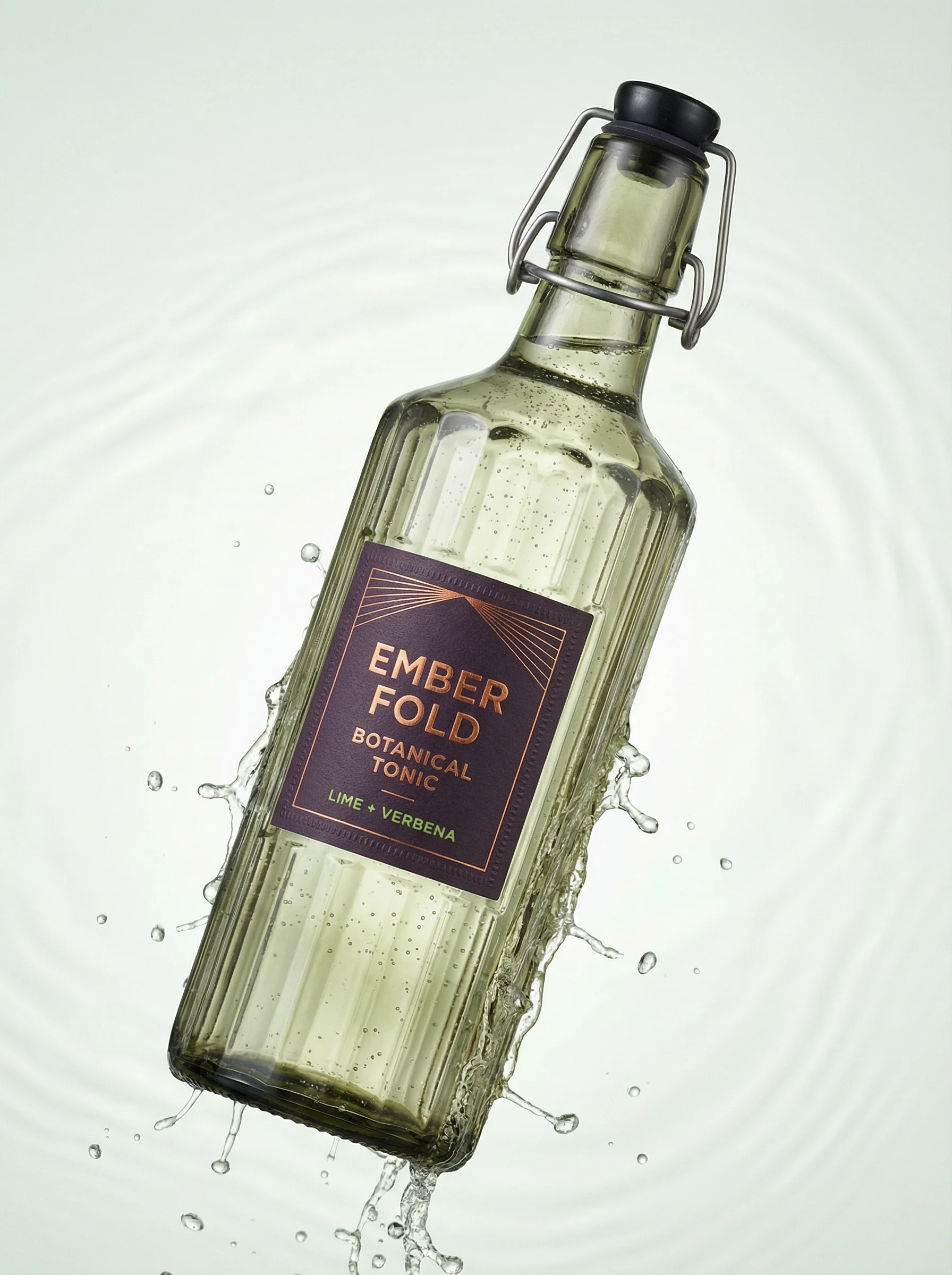
Dynamic splash shot communicates freshness and carbonation.
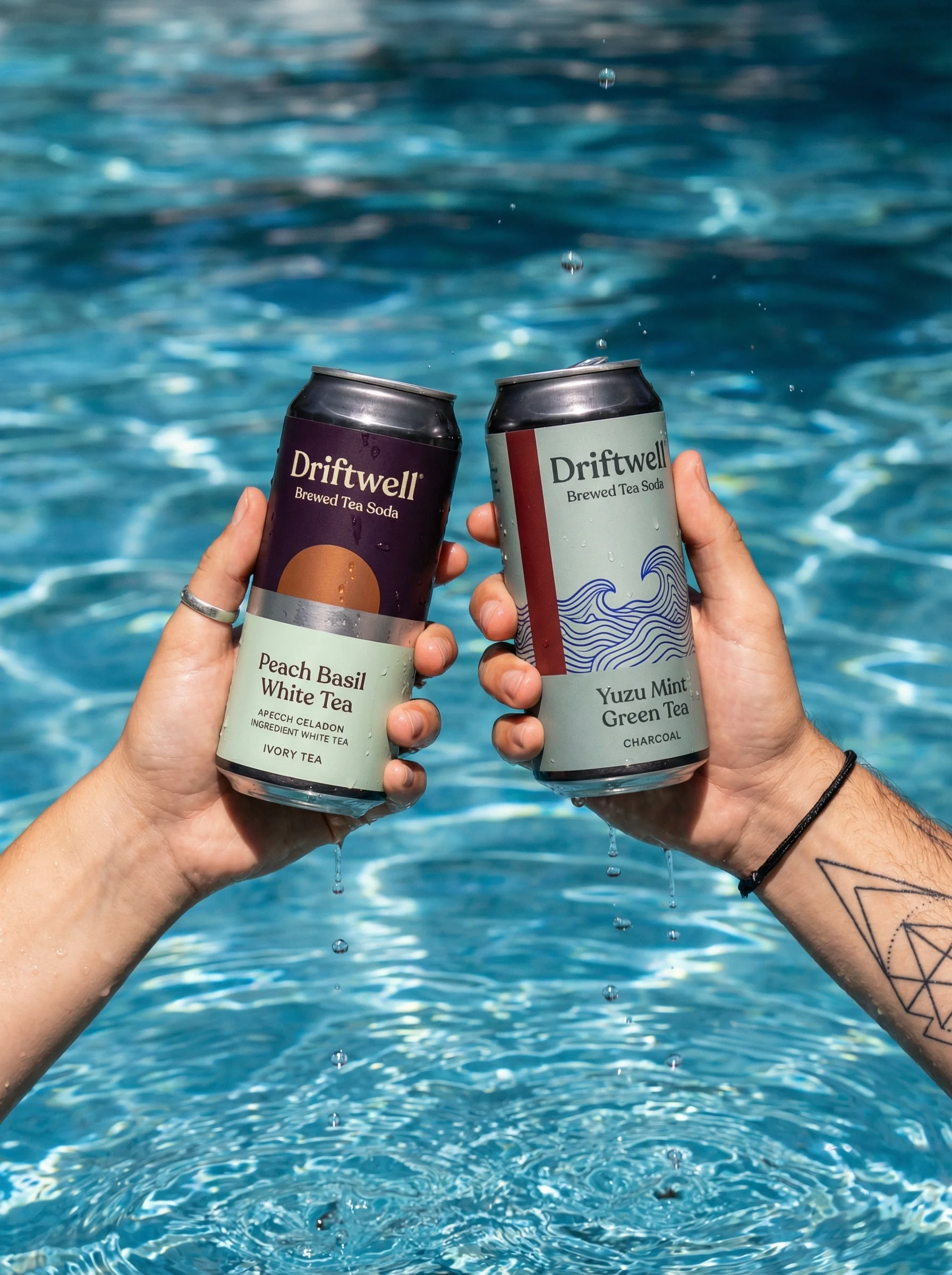
Poolside hand shot adds summery social lifestyle energy.
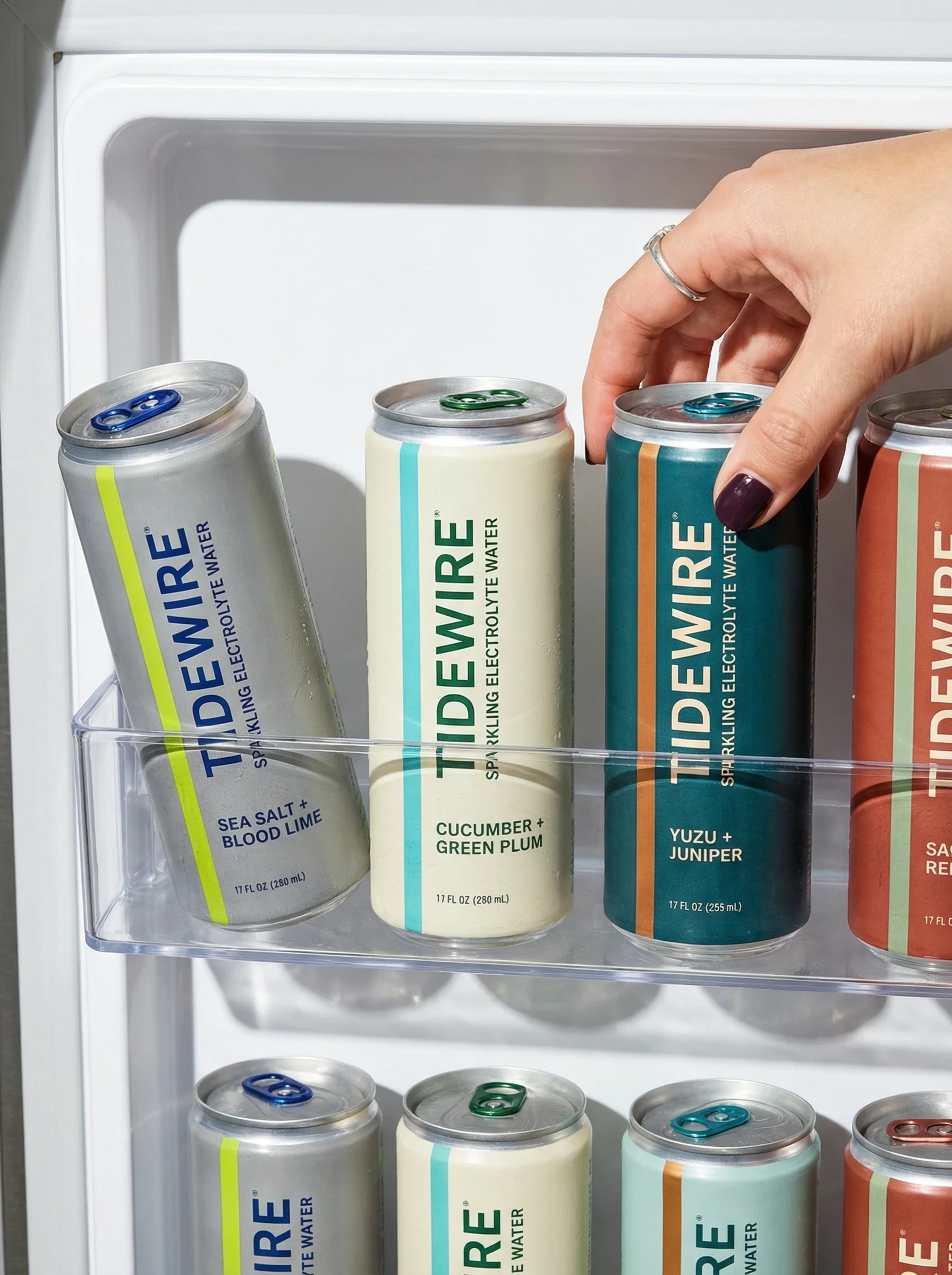
Refrigerator grab covers retail and everyday refreshment context.
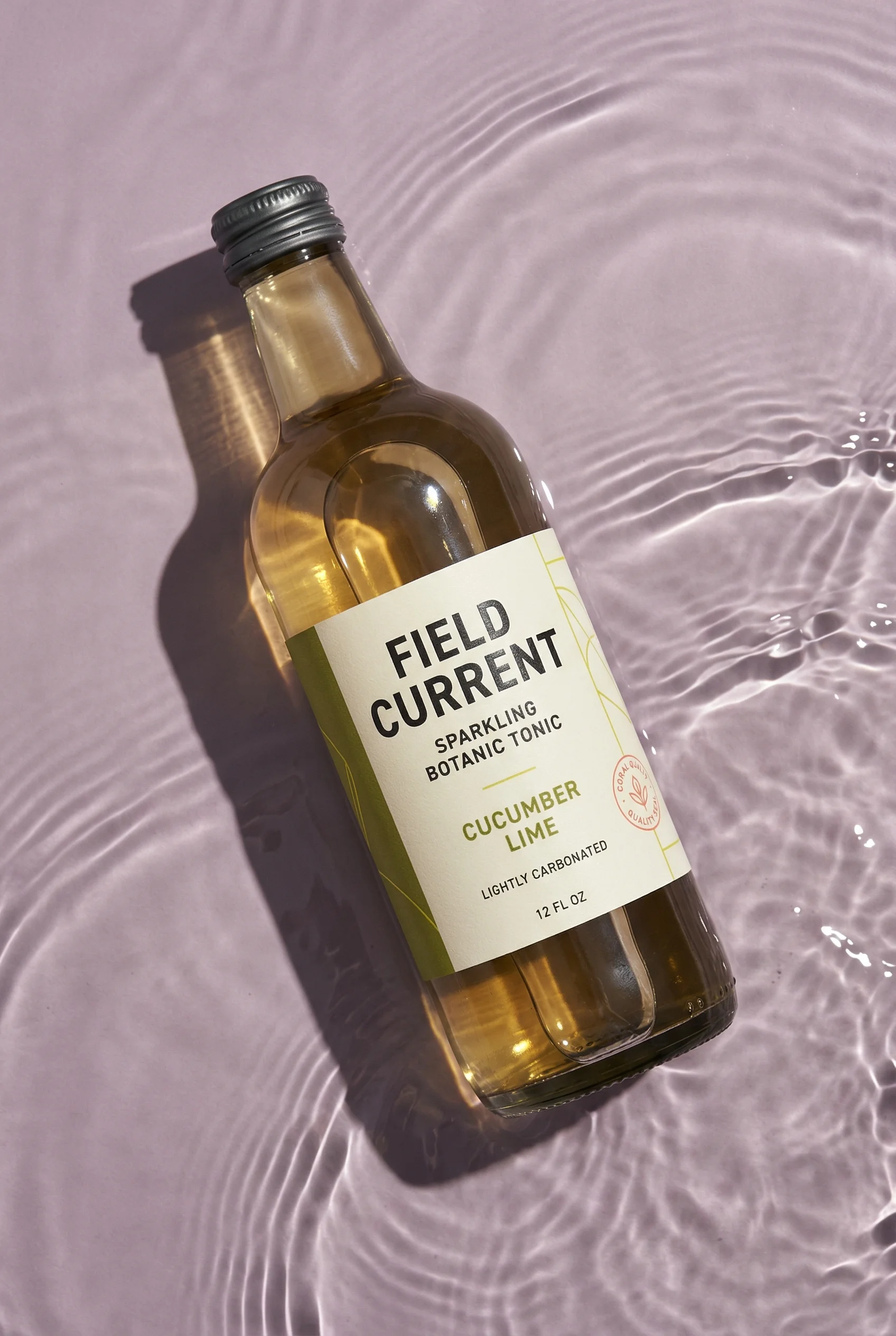
Rippled tonic setup conveys refreshment while keeping the can hero-forward.
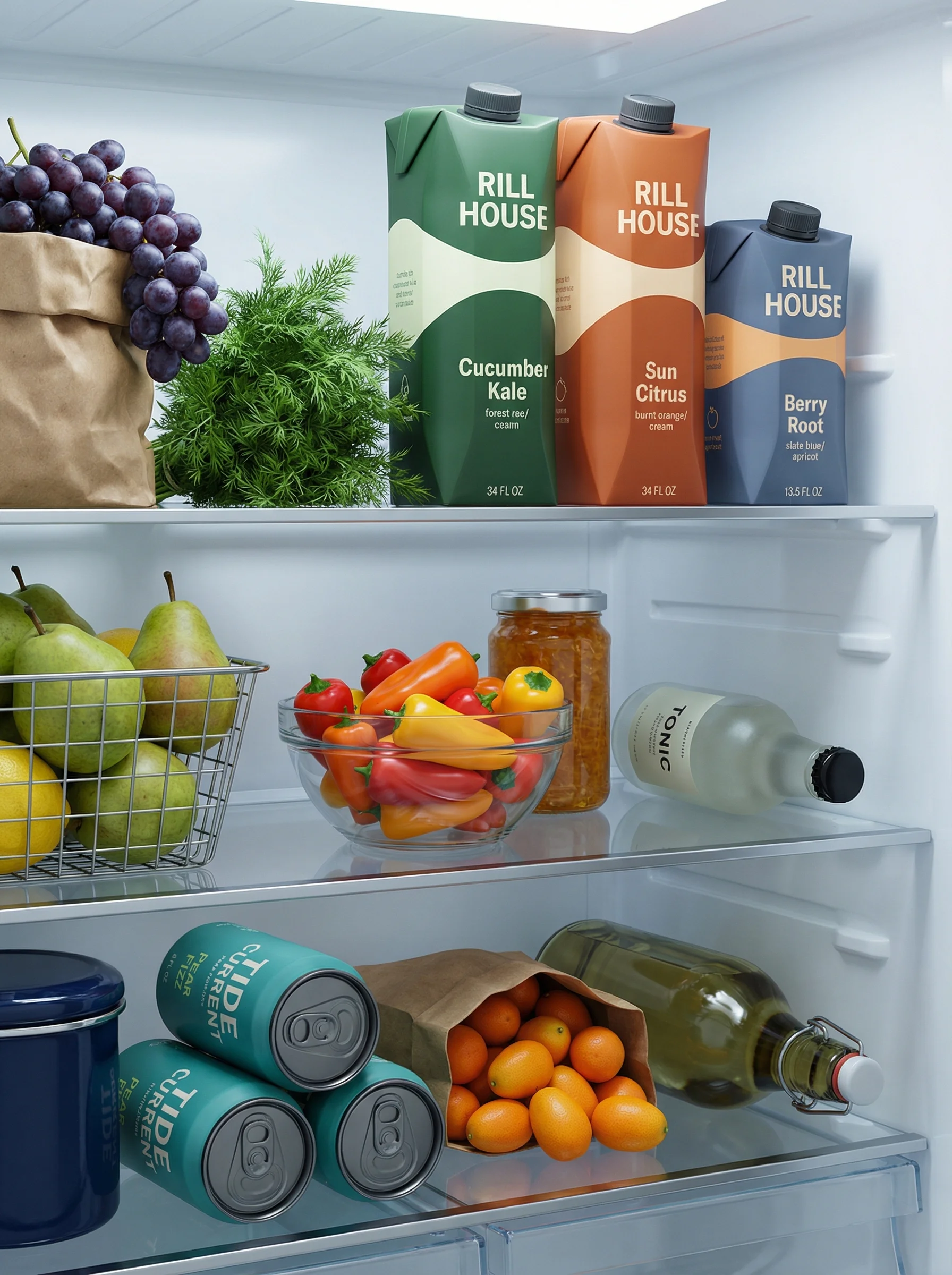
Fridge lineup adds retail-style choice and everyday chilled-drink context.
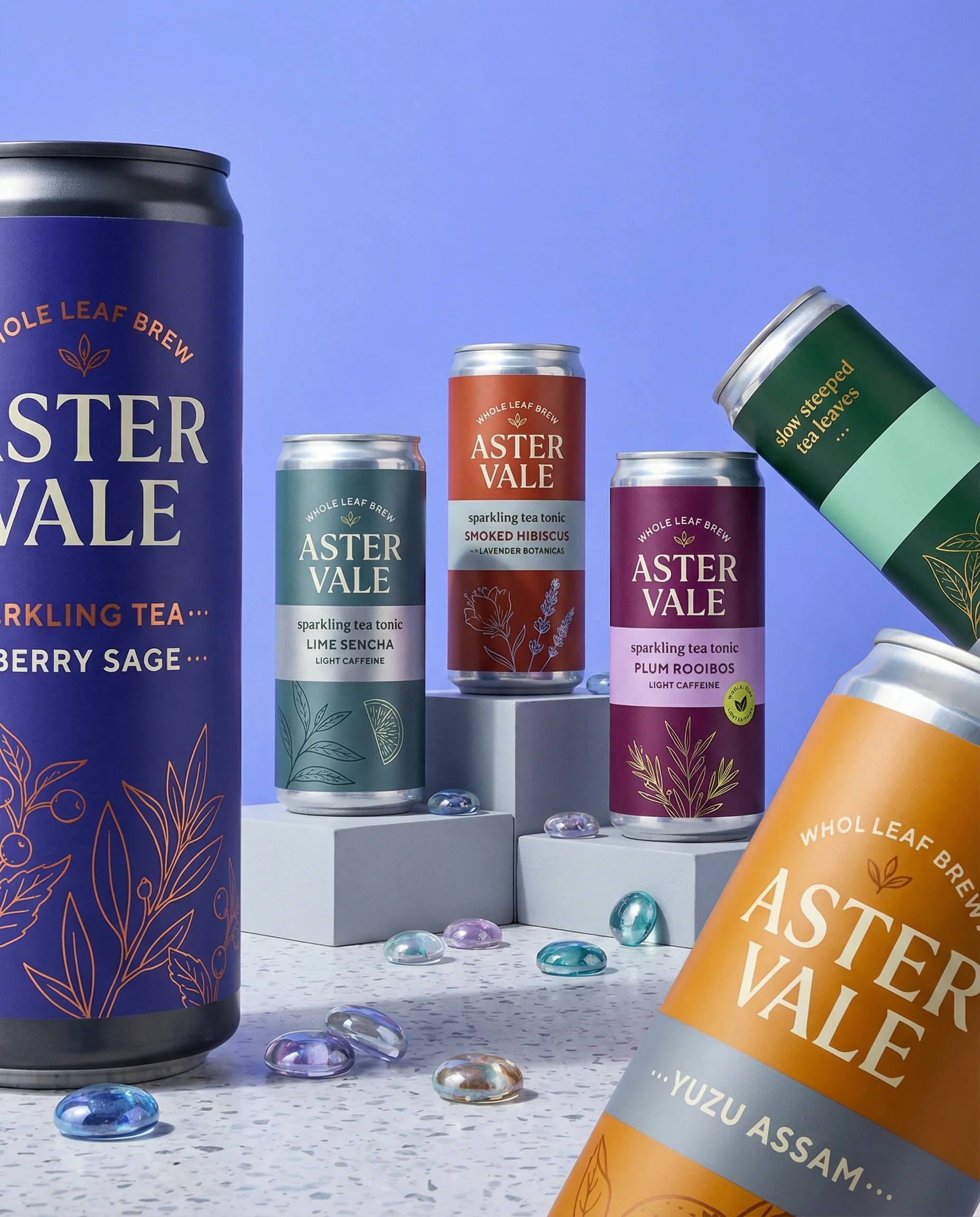
Can collection supports flavor-range storytelling for multipacks and bundles.
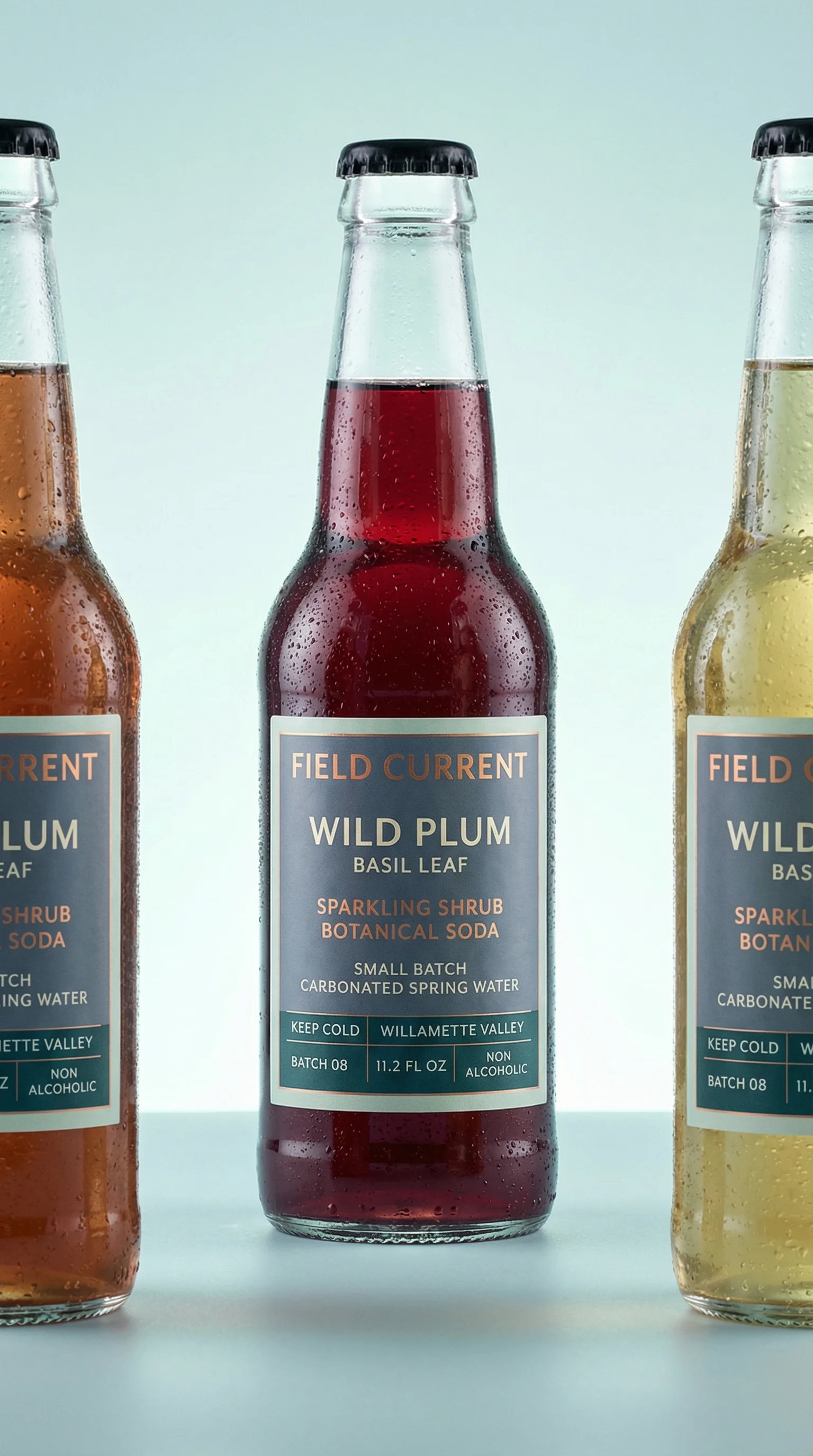
Beverage product photography has to communicate refreshment, flavor, format, and occasion almost instantly. A shopper should be able to identify the drink type, read the flavor, understand the pack size, and imagine the moment without zooming into the image.
For ecommerce planning, use the Shopify product image guide alongside an ecommerce product photography shot list. Beverage brands also need a channel split: plain label-forward images for retail, and more appetite-led product hero shots for launches and ads.
Shot ideas for beverage brands
Visual playbook
Beverage visual playbook
Use beverage scenes to prove the pack, show the liquid, and make the drinking occasion specific.
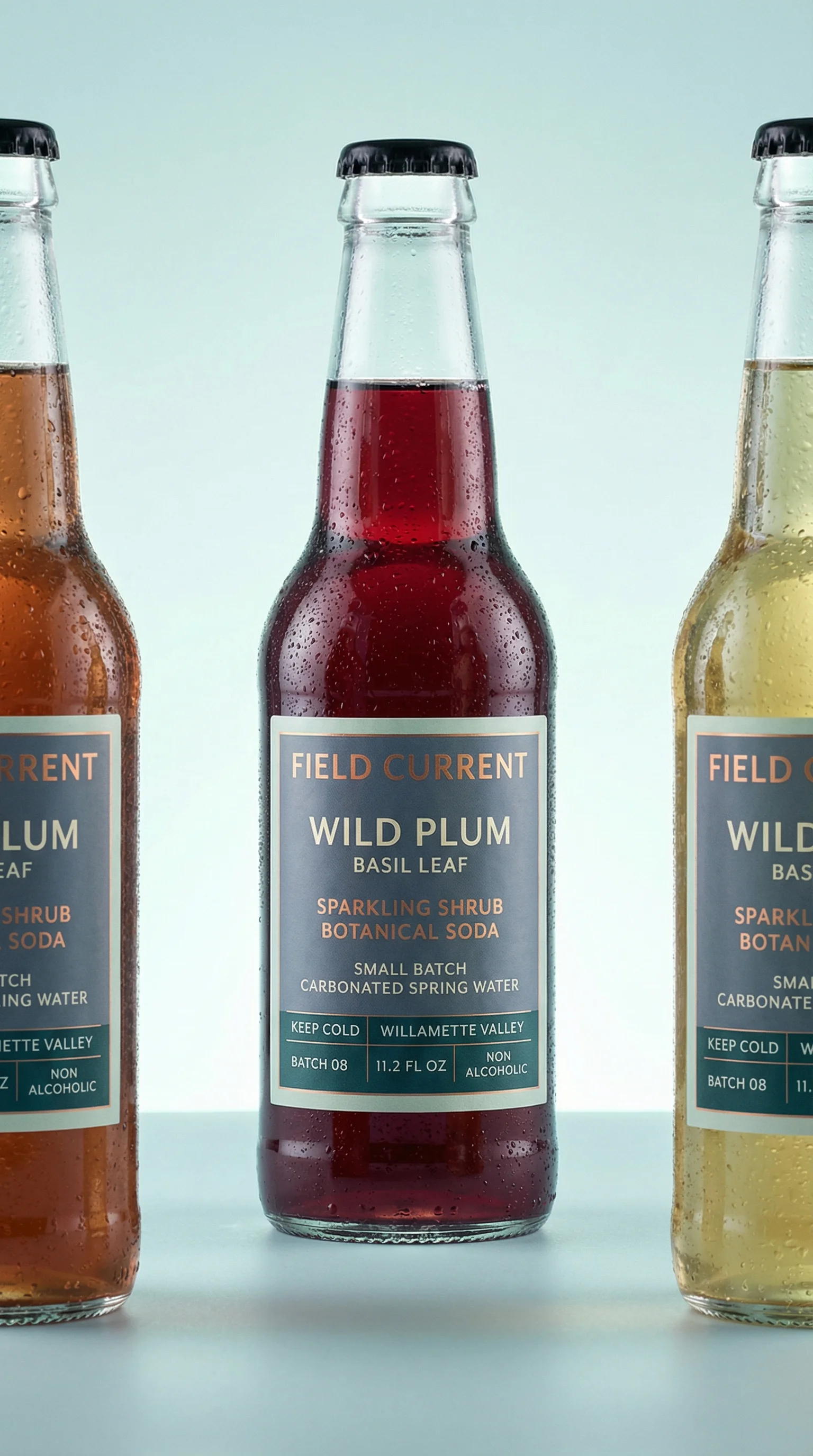
Chilled hero
Show the can, bottle, carton, or pouch upright with label, flavor, and silhouette clearly visible.
Use when: Use for PDP hero images, retailer pages, marketplaces, and collection tiles.
Prompt cue
Create a chilled beverage hero with three cans upright, labels readable, light condensation, accurate slim can scale, and clean studio surface.
Pour and texture
Show carbonation, juice opacity, cold brew depth, creamy shake body, or mixer clarity through glassware.
Use when: Use for PDP support, flavor education, launch pages, and appetite-led ads.
Prompt cue
Create a botanical tonic pour scene with readable can, clear glassware, controlled bubbles, fresh garnish cue, and no messy splash covering the label.
Occasion context
Place the drink in a fridge, cooler, desk break, picnic, gym, brunch, evening mixer, or commute context.
Use when: Use for paid social, email headers, subscriptions, and lifestyle campaign assets.
Prompt cue
Create a beverage fridge restock scene with cans organized by flavor, labels visible, chilled shelves, accurate pack scale, and copy space.
Beverage imagery can be energetic, but it should still feel drinkable. The pour, ice, garnish, and condensation should support the product rather than bury the brand or flavor name.
Additional beverage ideas to brief:
- A top-and-tab detail for cans where opening ritual, resealability, or slim format matters.
- A case, carton, four-pack, six-pack, or variety-pack view that shows exact unit count.
- A glassware sequence: unopened pack, pour, finished serve, and garnish.
- A cold-chain context, such as fridge, cooler, ice bucket, or doorstep delivery.
- A shelf-style flavor lineup ordered by range logic rather than random color.
- A zero-mess retailer image for marketplaces that reject heavy props, splashes, or lifestyle clutter.
Merchandising notes for flavor ranges
Beverage visuals often have to sell the individual SKU and the range at the same time. That means the composition should make flavor architecture clear before it chases refreshment.
Review range images for:
- Consistent can or bottle height across flavors, especially when mixing slim cans, glass bottles, cartons, and multipacks.
- Flavor names readable at mobile size, not hidden behind condensation or garnish.
- Ingredient cues that map to the exact SKU, not the category in general.
- Pack count clarity for variety packs, subscription cases, and retail bundles.
- Color systems that help comparison without making the liquid or label color inaccurate.
Riverflow works well for beverage teams when one approved occasion needs many flavor variants: fridge restock, poolside, brunch, workout hydration, evening mixer, or launch shelf. Keep the occasion stable, then swap flavor cues and labels intentionally.
PDP vs ads usage
Choose the right approach
How beverage shots work by channel
Use PDP shots to answer buying questions and ads to sharpen appetite and occasion.
| Moment | What to show | Why it works |
|---|---|---|
| PDP gallery | Front product, angled product, multipack, flavor lineup, pour, and scale cue. | Clarifies container, unit count, flavor, liquid appearance, and value. |
| Retailer page | Isolated pack, exact case configuration, and label-forward flavor range. | Supports quick shelf-style scanning and accurate merchandising. |
| Paid social | Chilled product, flavor cue, occasion context, and short offer or flavor copy. | Makes the drink appealing in a mobile feed while staying commercially clear. |
| Launch campaign | New flavor color system, hero can or bottle, pour, garnish, and copy-safe composition. | Introduces the flavor while keeping the package recognizable. |
For marketplaces, keep the product isolated and legible. For paid social, give the image space for offer copy, subscription messaging, or flavor callouts.
For hand-held drink moments, use product-in-hand photography to keep scale and label angle credible. For paid crops, check Meta ad image sizes for ecommerce before committing to a splash or pour that may not survive every placement.
Starter shot list
Before you publish
Beverage SKU checklist
- Front-facing can, bottle, carton, or pouch shot.
- Angled product shot showing shape, cap, tab, or closure.
- Multipack, case, variety pack, or delivery box image.
- Flavor lineup across the range with consistent ordering.
- Pour shot with glassware and liquid visibility.
- Flavor ingredient still life tied to the actual SKU.
- Occasion scene for fridge, desk, gym, picnic, brunch, cooler, or evening use.
- Paid social crop with copy-safe negative space.
Create this in Riverflow
Create it in Riverflow
Riverflow prompt recipe for beverages
Use this structure to turn the strategy into a specific creative brief that keeps the product accurate and the scene useful.
- 1
Product proof
Preserve label readability, flavor name, container silhouette, pack scale, cap or tab detail, and brand color system.
- 2
Liquid
Show the real beverage cue: bubbles, opacity, cold brew color, juice body, creamy texture, or clear mixer.
- 3
Occasion
Choose one moment: fridge restock, desk break, post-workout hydration, picnic, beach cooler, brunch, or evening mixer.
- 4
Channel
Create one PDP crop focused on pack clarity and one ad crop with flavor cue, occasion, and copy space.
Example prompt
Riverflow workflow
How this works in Riverflow
Use Riverflow to keep beverage labels, pack scale, and flavor systems recognizable while adapting the same SKU for PDP, retail, launch, and paid placements.
Photoshoots
Start from beverage Scenes
Choose brand-safe chilled hero, pour, fridge, cooler, brunch, desk, gym, or picnic Scenes from Riverflow's library, or bring owned Scenes from your own shoots. Apply a Style so cans, bottles, multipacks, pours, and flavor lineups keep consistent light, condensation, and crop rules.
Images
Develop liquid and occasion ideas
Use Riverflow 2.0 Pro, Google's Nano Banana 2, or OpenAI GPT-Image-2 for text-to-image and image-to-image exploration of bubbles, pour behavior, garnish, fridge restocks, coolers, and launch flavor worlds.
Editing
Create channel-ready beverage variants
Generate 9 angle variants for cans, bottles, cartons, or multipacks, change aspect ratio while keeping labels and center point natural, use Riverflow 2.0 Reference-Based Super Resolution to fix flavor or label artwork in place without altering the rest of the image, and Swap product when the same occasion Scene needs another flavor or pack.
Mistakes to avoid
Condensation covers the label.
Use light droplets around the brand and flavor name, not across them.
Splash effects look impossible or messy.
Keep motion controlled and make the liquid look drinkable.
Flavor props conflict with the SKU.
Match garnish and ingredients to the actual flavor system.
Scale is misleading.
Frame slim cans, standard cans, shot bottles, cartons, and multipacks according to their real proportions.
FAQ
How much condensation is too much?+
Too much condensation is any amount that hides the brand, flavor, size, or nutrition callouts. Keep droplets around key information, not over it.
What should multipack beverage images prove?+
They should prove unit count, included flavors, pack format, and delivery or retail configuration. Do not let a pretty lineup obscure what the customer receives.
When should a pour shot include the package?+
Almost always for ecommerce and ads. The liquid makes the drink appetizing, but the package makes the asset commercially usable.
Start creating
Get started with on-brand visuals
Turn guide ideas into product-accurate creative in Riverflow, using your brand, products, scenes, styles, and channel crops from the start.
Your catalog into campaign-ready Creative
Riverflow connects your products, brand rules and creative workflows so your team can create on-brand photoshoots, ads, videos and edits across every campaign.