Guide
Types of Product Photography
A practical guide to the product photography shot types that help ecommerce teams sell clearly, build trust, and scale on-brand creative.
- Guides
- Product Photography

Examples
Scenes from the Riverflow library
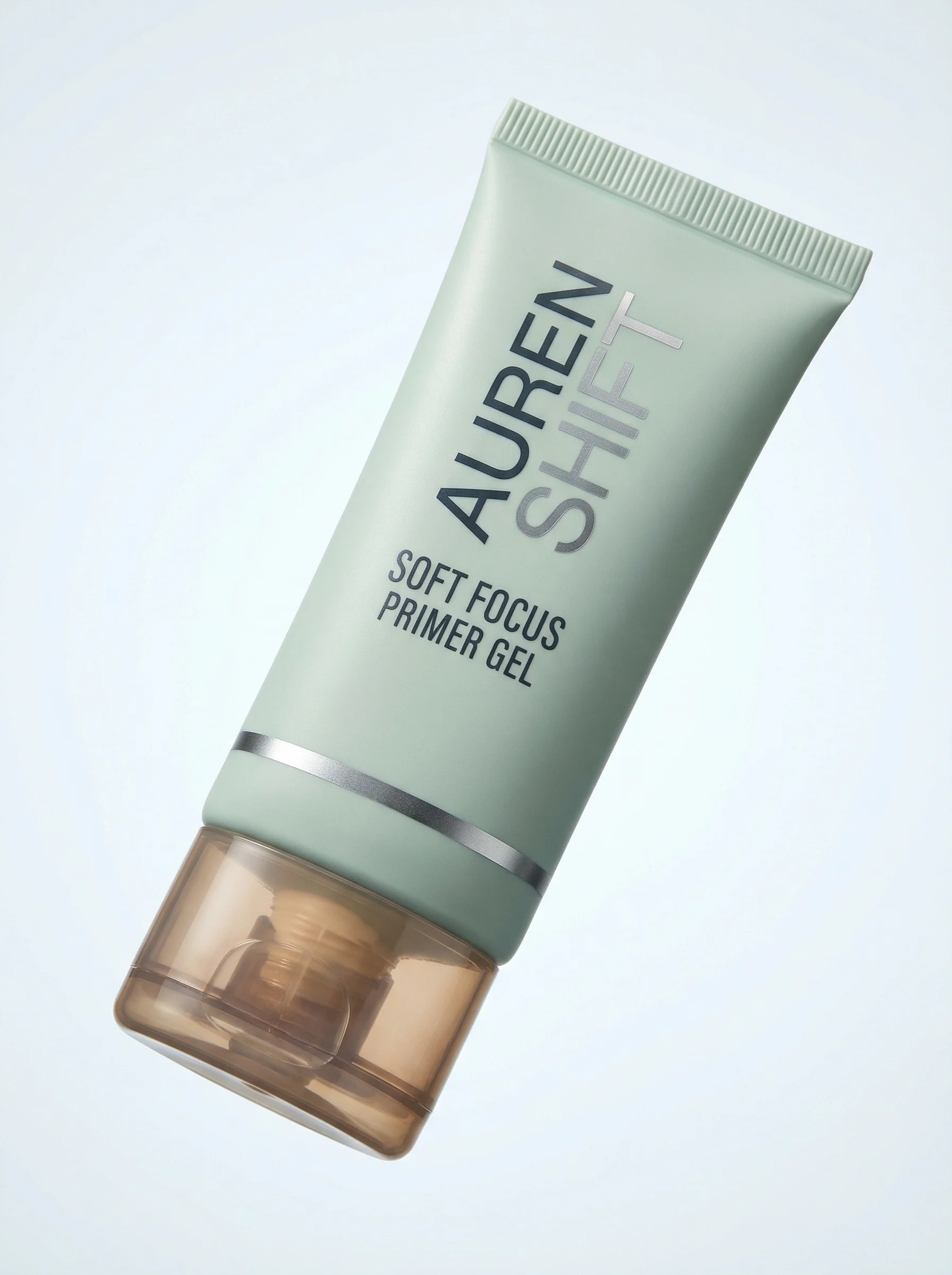
Minimal packshot type: one isolated floating product on a high-key seamless gradient.
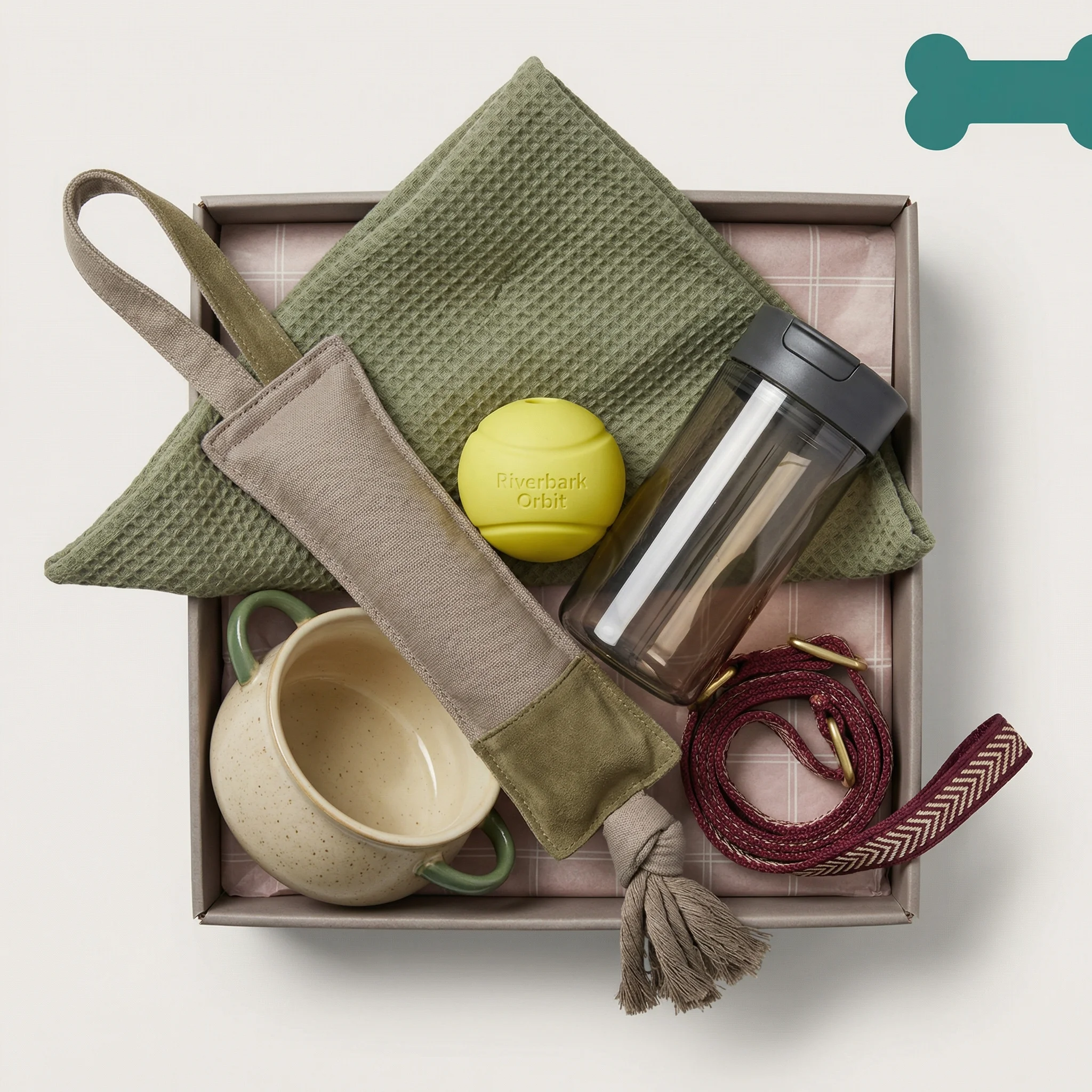
Flat-lay type: overhead gift-box arrangement with coordinated accessories.
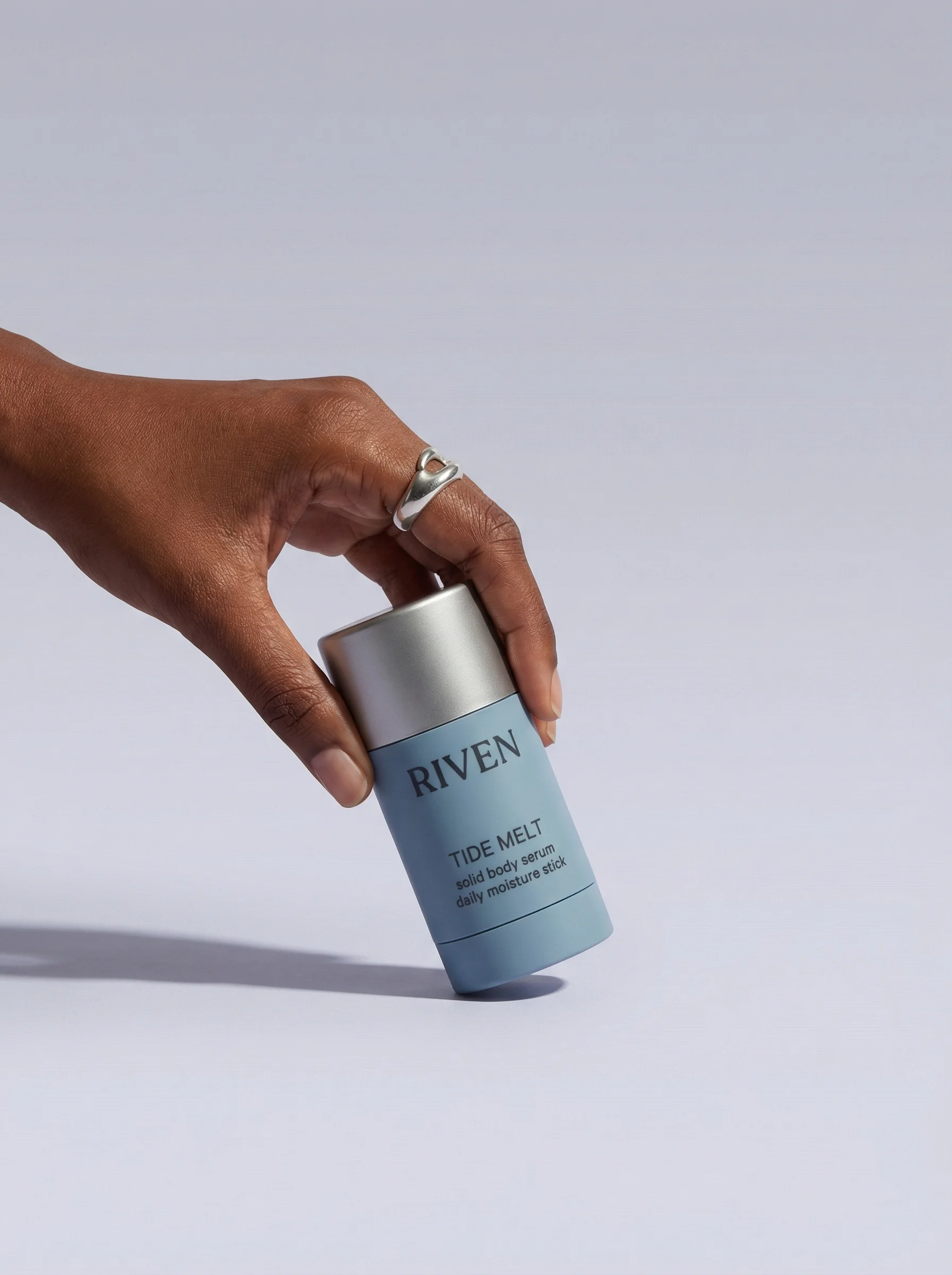
Product-in-hand type: a hand suspends the stick against clean negative space.
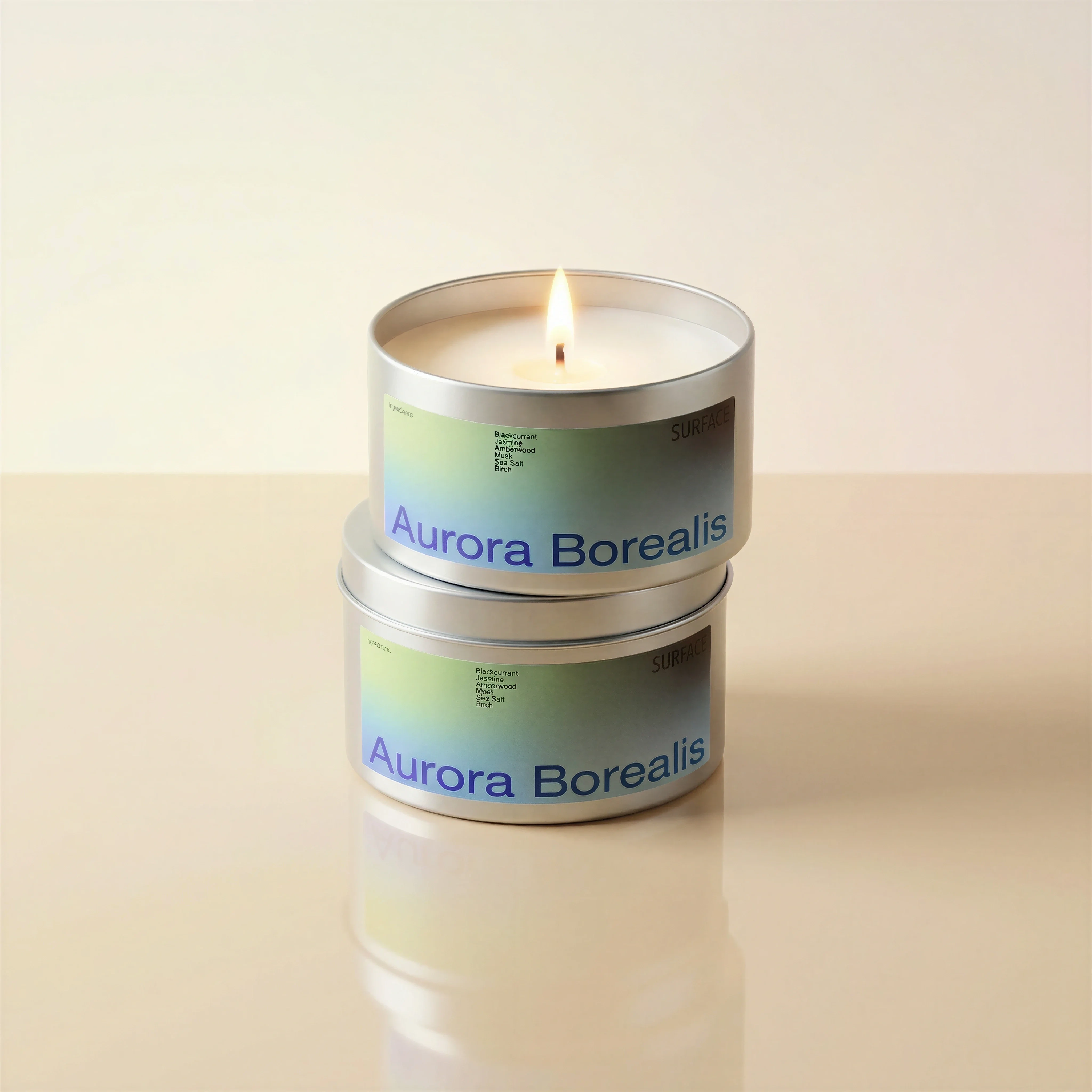
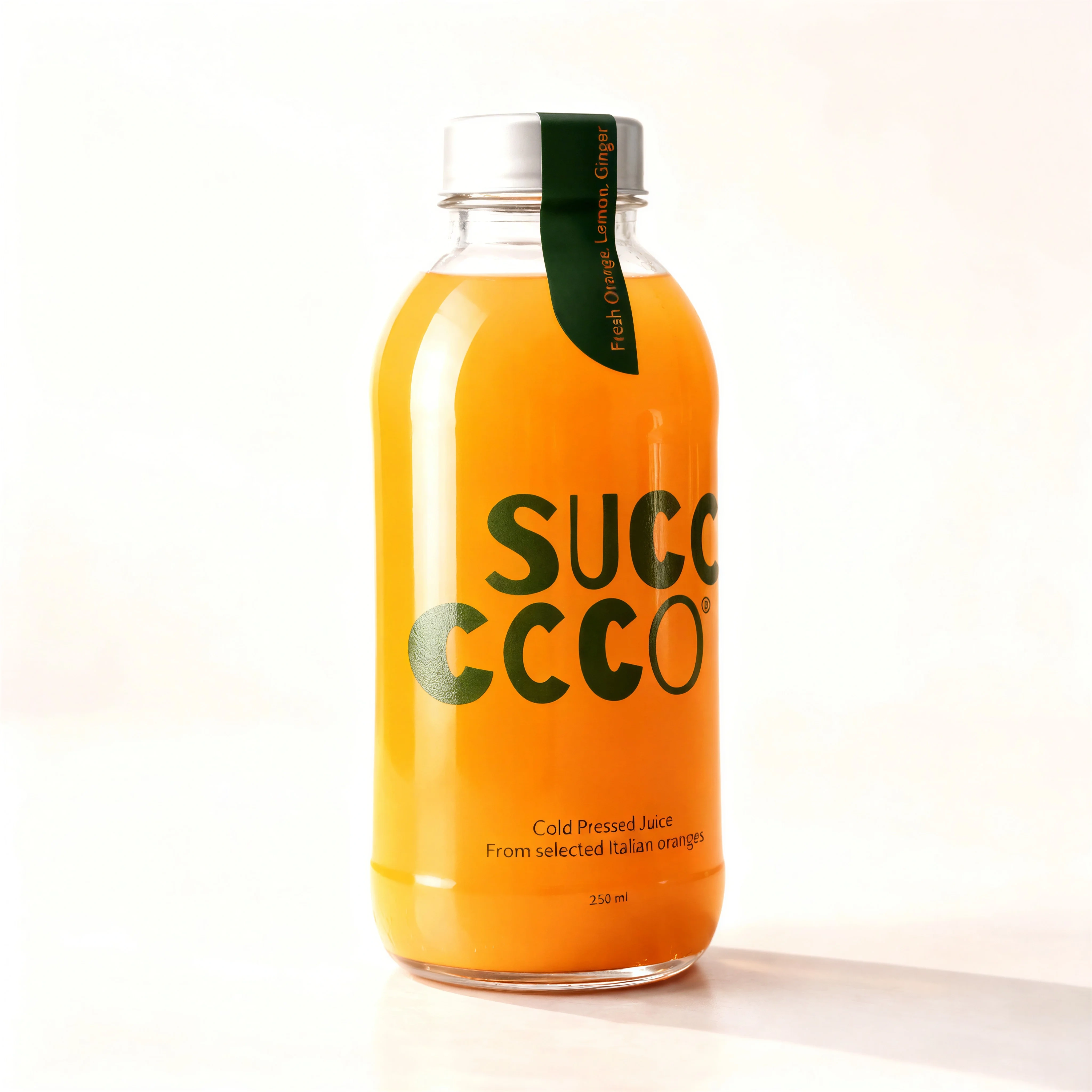
Plain-background candle shot represents the clean catalog product image type.
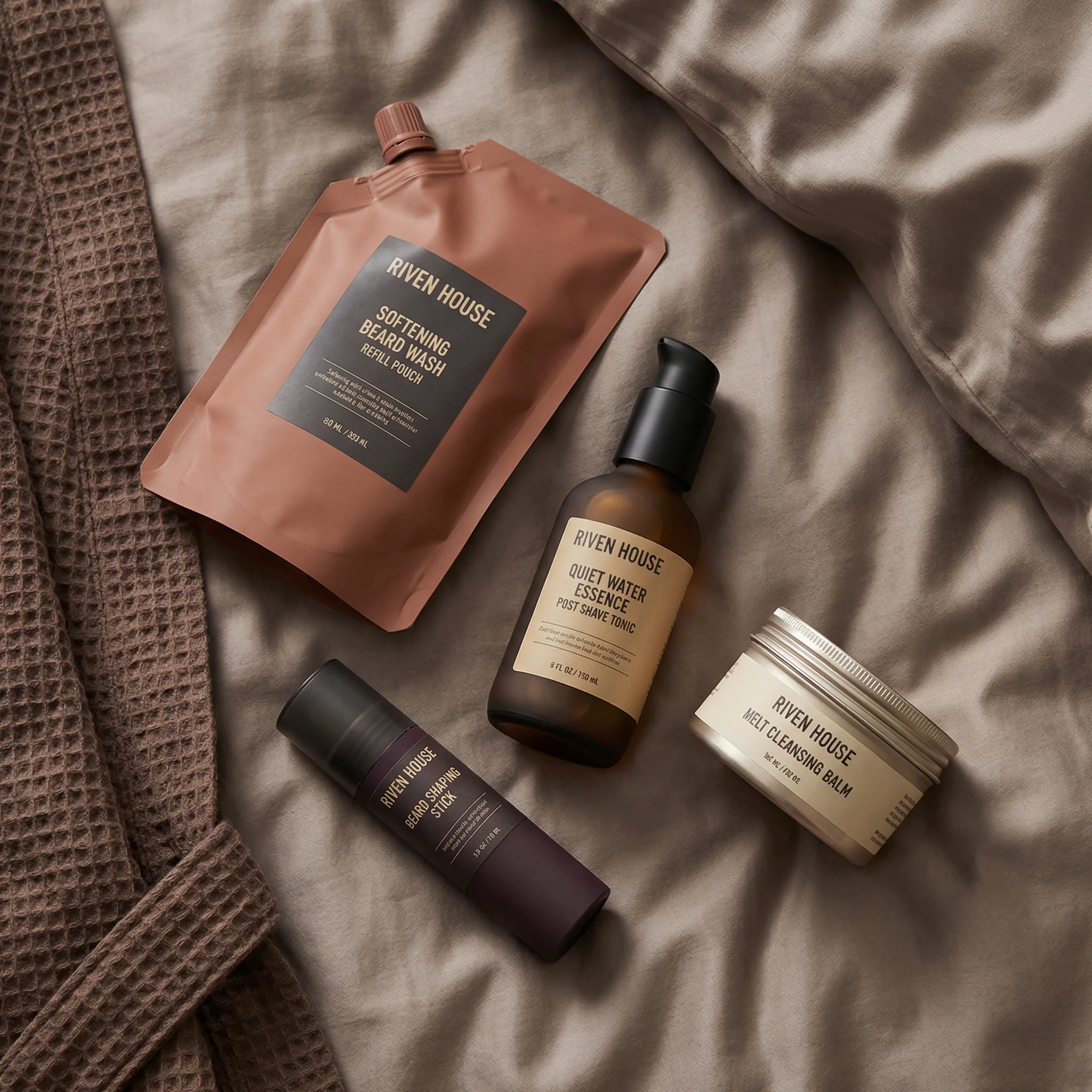
Overhead grooming arrangement demonstrates the flat lay product photography type.
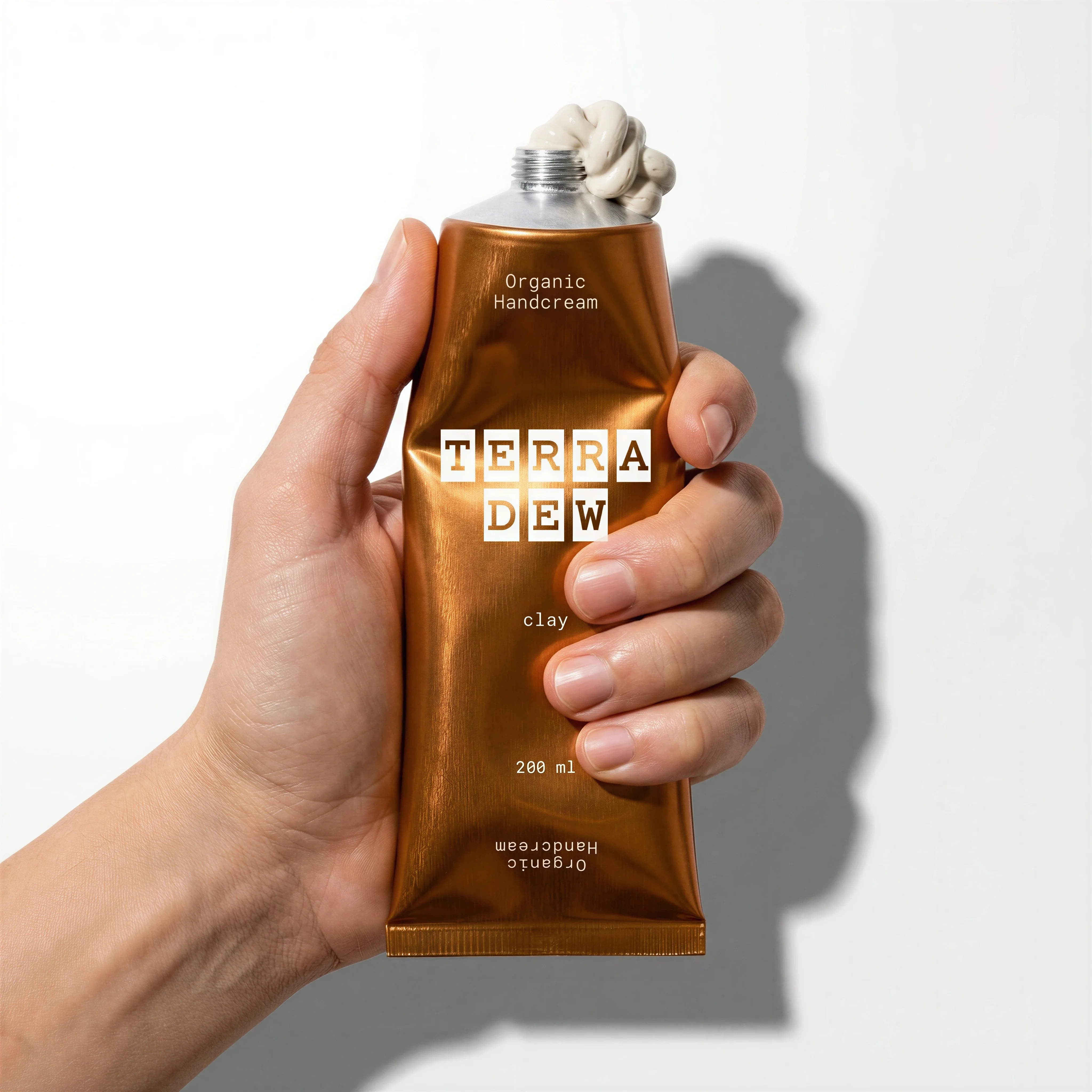
Handheld cream tube shows scale and use context for the in-hand image type.
Product photography works best as a set, not a single image. A shopper may need one image to identify the product, another to understand scale, another to inspect a texture, and another to feel the brand context.
The right mix depends on product category, buying risk, channel requirements, and the level of creative variation the team needs for ads, email, landing pages, and product detail pages.
Use this guide as the hub. If you already know the shot type you need, go deeper on product-on-white, lifestyle product photography, product hero shots, detail product photography, flat lays, product-in-hand, or UGC-style product photography.
Riverflow workflow
How this works in Riverflow
A complete product photography system is easier to scale when shot types, scenes, and production edits are planned together.
Photoshoots
Map shot types to reusable scenes
Use Riverflow's extensive brand-safe Scenes library for common ecommerce setups, or bring in owned Scenes from previous photoshoots when a product line already has an approved environment. Photoshoots adapts those scenes to new products, and Styles help keep lighting, palette, and polish consistent across formats.
Images
Fill creative gaps with the right model
Use Images when a shot type is better explored from text or an existing reference. Riverflow gives access to Riverflow 2.0 Pro, Google's Nano Banana 2, and OpenAI GPT-Image-2 for text-to-image and image-to-image generation.
Editing
Prepare channel-ready variants
Editing works across Photoshoots and Images: generate 9 angle variants, change aspect ratio for PDP, social, email, and landing page placements while keeping the image natural, fix product artwork with Riverflow 2.0 Reference-Based Super Resolution, or swap a product into an existing approved image.
Core product photography types
Visual playbook
Visual playbook by shot type
Use each format for a defined job. The more specific the role, the easier it is to brief, generate, review, and scale product imagery.
Product-on-white
A clean product view on white or near-white background for product detail pages, marketplaces, and category grids.
Use when: Use when the shopper needs clear shape, color, label, variant, or pack information.
Prompt cue
Centered product-on-white ecommerce image, accurate shape and label, subtle natural shadow, clean high-key background, consistent catalog crop.
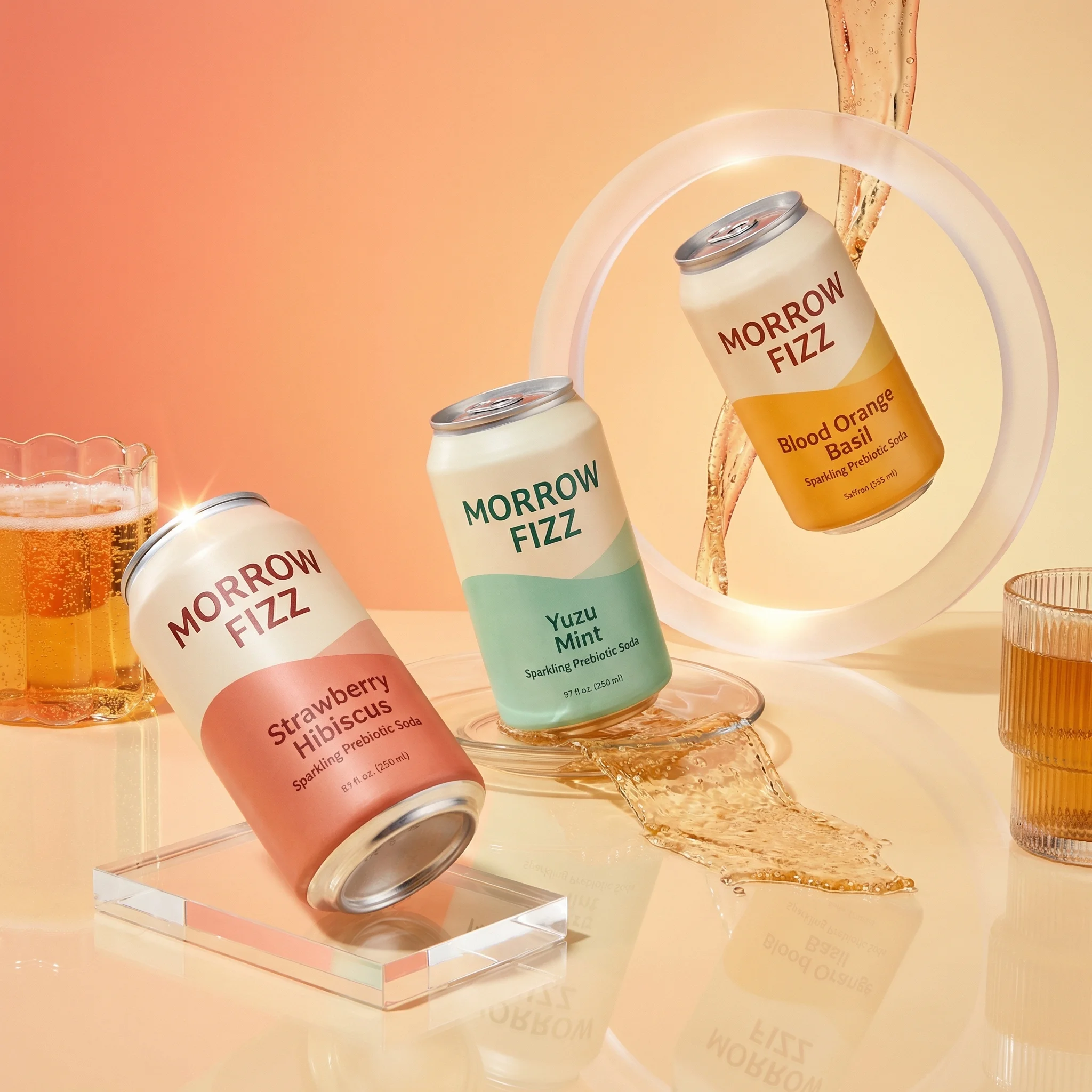
Lifestyle product photography
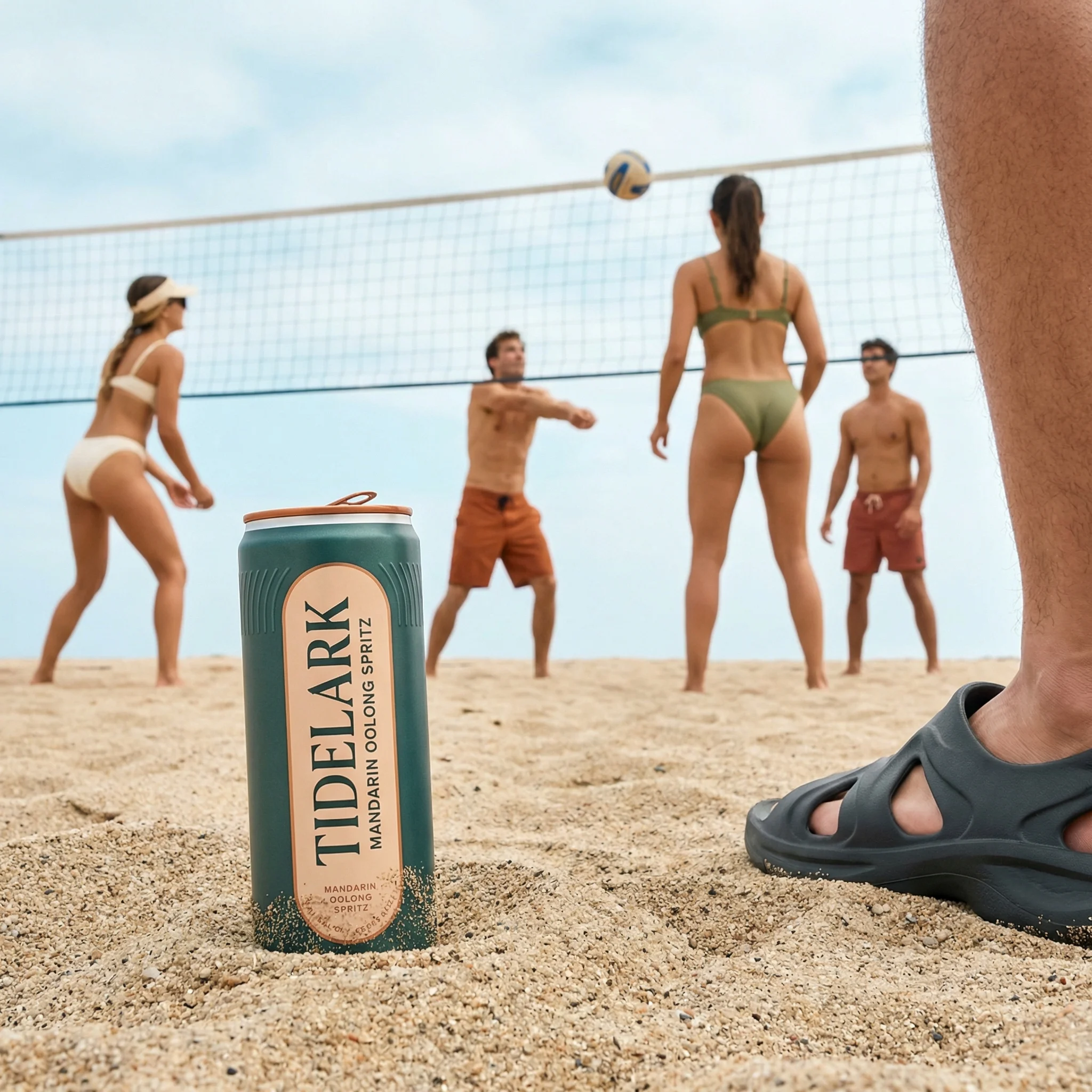
A believable setting that shows the product in a routine, room, occasion, or customer context.
Use when: Use when the product needs atmosphere, use-case clarity, scale, or brand world-building.
Prompt cue
Lifestyle product photography scene for the product in a realistic use context, product clearly visible, brand colors respected, natural props, ecommerce-ready composition.
Flat lay photography
A top-down arrangement that shows kits, bundles, ingredients, accessories, or product families clearly.
Use when: Use for sets, routines, gift boxes, stationery, beauty, food, and compact social creative.
Prompt cue
Top-down flat lay of the product set, clear hierarchy, balanced spacing, coordinated props, clean background, product labels readable.
Product-in-hand
A hand holding, presenting, opening, or using the product to communicate scale and handling.
Use when: Use for smaller products, beauty, food, beverage, supplements, accessories, and handheld packaging.
Prompt cue
Product-in-hand ecommerce shot, hand naturally holding the product, label facing camera, clean background, accurate scale, product remains the focal point.
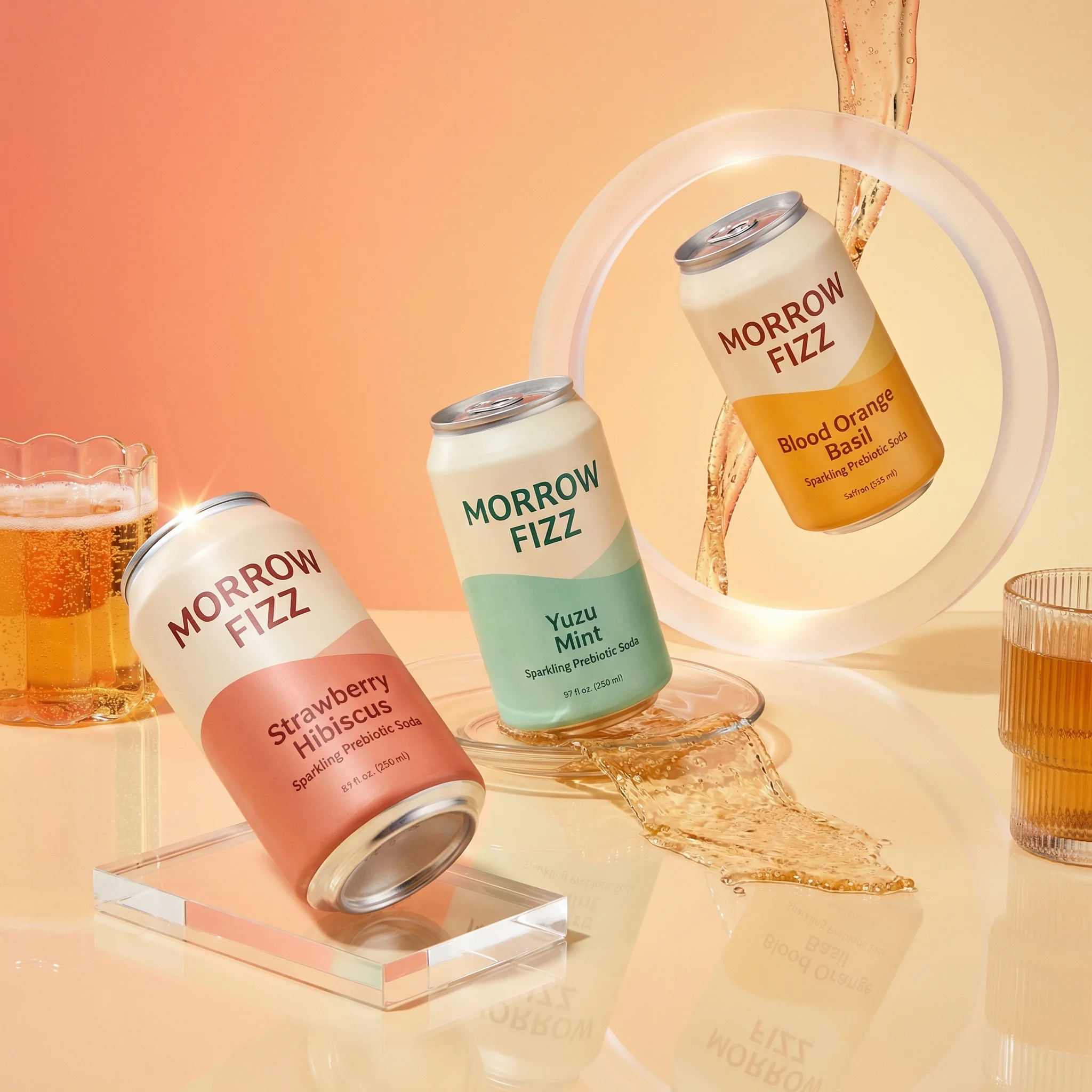
Hero shot
A campaign-led image with stronger composition, lighting, props, motion, or color built around one visual idea.
Use when: Use for launches, landing pages, paid social, email headers, seasonal campaigns, and retail media.
Prompt cue
Product hero shot with one clear campaign idea, premium studio lighting, strong composition, product accurate, space for copy, channel-ready crop.
Detail or macro shot
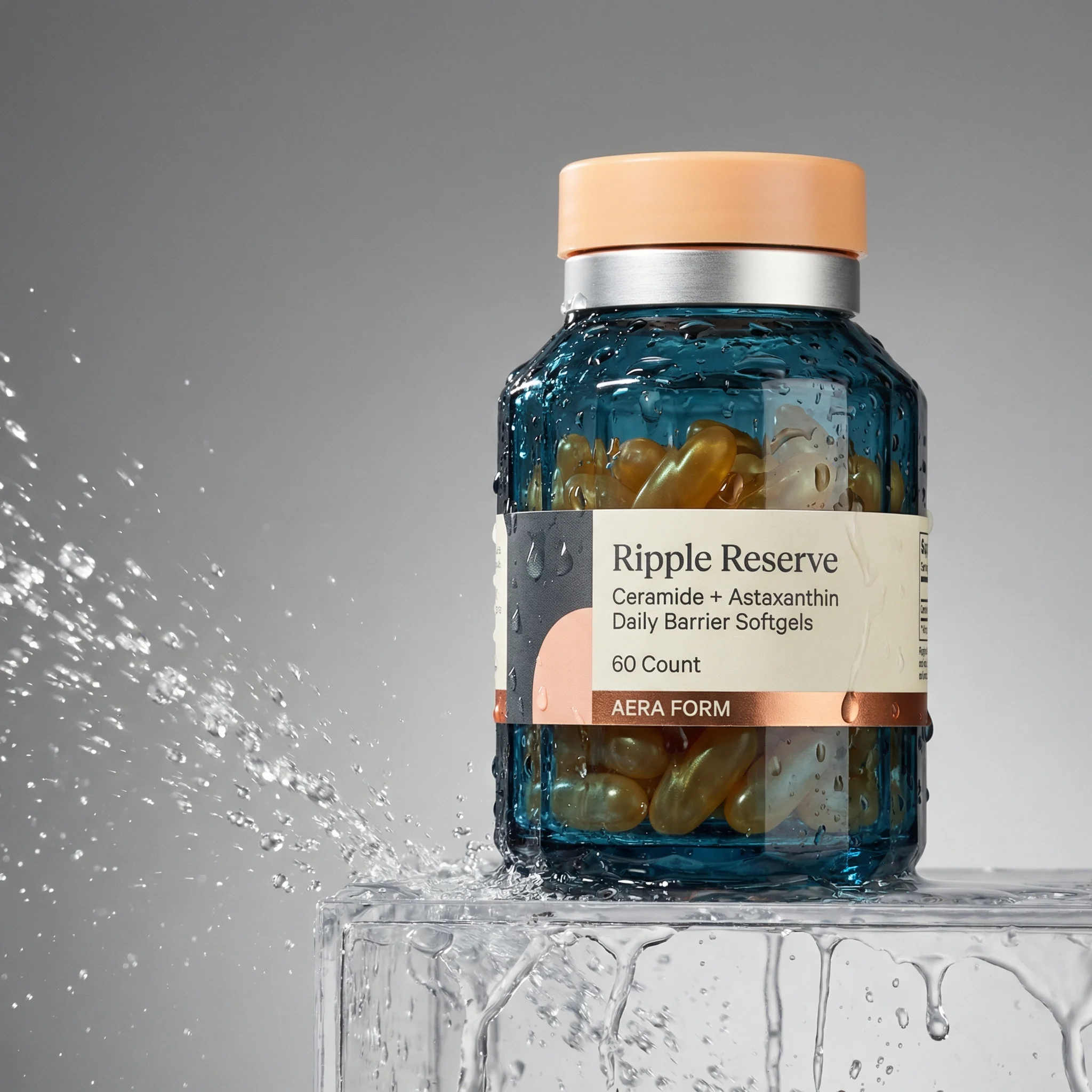
A close-up of texture, applicator, label, mechanism, material, finish, or construction.
Use when: Use when product value depends on a feature shoppers need to inspect.
Prompt cue
Close-up product detail image focused on the key feature, sharp texture, accurate material, controlled light, no distracting props.
How to choose the right mix
Choose the right approach
Product photography mix matrix
Match shot types to the question the image needs to answer.
| Use case | What to show | Why it matters |
|---|---|---|
| Primary ecommerce image | Product-on-white with consistent crop, angle, shadow, and accurate label. | Creates trust and makes products easy to compare in grids and PDPs. |
| Scale and handling | Product-in-hand, on-body, countertop, shelf, or next to familiar objects. | Helps shoppers understand size and practical use. |
| Bundle or routine | Flat lay, contents layout, ingredient arrangement, or staged kit. | Explains what is included and how items relate to each other. |
| Quality proof | Detail shots of texture, material, finish, applicator, stitching, or mechanism. | Reduces uncertainty around tactile or functional value. |
| Campaign attention | Hero shot with one visual idea, brand color system, and channel crop. | Gives marketing teams a stronger asset for ads, email, and landing pages. |
Expert shot-set logic
The best product image set usually follows a simple sequence: identify, inspect, understand, desire, then convert. A product-on-white image identifies the SKU. An alternate angle and detail shot help shoppers inspect it. A scale, in-hand, or lifestyle shot explains how it fits into real life. A hero or campaign image creates desire and gives the marketing team something more expressive to test.
That order matters. If a PDP opens with a beautiful hero image before the shopper can identify the product, it can feel like advertising rather than proof. If the page has six clean packshots and no scale or use context, it can feel safe but unpersuasive. Treat each shot type as a role in the selling journey, not as a visual style to tick off.
Product photography checklist
Before you publish
Build a complete ecommerce image set
- Start with the product-on-white image before campaign variations.
- Add at least one image that shows scale or handling.
- Include detail photography when texture, material, claims, or function affect purchase confidence.
- Use flat lays for kits, bundles, variants, and product families.
- Create hero shots only after the product identity rules are clear.
- Use a consistent Style or equivalent creative rule set when the same product needs to move across different scenes and shot types.
- Review the full set for consistent label accuracy, color, proportion, and channel crops.
Riverflow prompt recipe
Create it in Riverflow
Prompt a multi-format product photography set in Riverflow
Use this structure to turn the strategy into a specific creative brief that keeps the product accurate and the scene useful.
- 1
Source
Upload or select the product source image that defines shape, packaging, label placement, color, and finish.
- 2
Shot type
Name the format first: product-on-white, lifestyle, hero, flat lay, detail, product-in-hand, or UGC-style.
- 3
Job
Describe the shopper question the image should answer, such as scale, texture, routine, ingredients, bundle contents, or campaign message.
- 4
Scene rules
Set background, lighting, props, model presence, crop ratio, and whether the image needs copy space.
- 5
Consistency
Repeat product-accuracy constraints and Style rules across every prompt so the generated set feels like one ecommerce system.
Example prompt
Mistakes to avoid
Using one image type for every job.
Build a set where each format answers a different shopper or channel need.
Creating campaign images before product rules are fixed.
Approve product-on-white accuracy first, then generate expressive formats from that foundation.
Treating lifestyle images as decoration.
Brief the setting around a specific use case, routine, customer, or occasion.
Forgetting channel constraints.
Plan square, portrait, landscape, PDP, marketplace, and ad crops before generating final assets.
FAQ
What is the most important type of product photography for ecommerce?+
Product-on-white is usually the foundation because it shows what the customer is buying clearly. It should be supported by scale, lifestyle, detail, and campaign images where the category needs more context.
How many product photography types should a product page use?+
Most product pages need four to seven images: primary product-on-white, alternate angle, scale or in-hand image, lifestyle image, detail image, and variant or bundle image where relevant.
When should I create a separate shot-type guide or brief?+
Create a separate brief when the shot type has a different review standard. Product-on-white is judged on accuracy and consistency; lifestyle is judged on use context; detail photography is judged on proof; hero shots are judged on campaign impact.
How should teams avoid duplicate product images?+
Ask what each image proves. If two shots answer the same shopper question, keep the clearer one and replace the duplicate with scale, detail, context, variant, or campaign coverage.
Start creating
Get started with on-brand visuals
Turn guide ideas into product-accurate creative in Riverflow, using your brand, products, scenes, styles, and channel crops from the start.
Your catalog into campaign-ready Creative
Riverflow connects your products, brand rules and creative workflows so your team can create on-brand photoshoots, ads, videos and edits across every campaign.