Research

Introducing Riverflow 2.5: Reasoning image generation at the frontier

Enhanced multi-edit thinking with custom judging and fonts for harder production tasks.

  • Sourceful Research
  • Image Generation
  • Image Editing
  • Creative Workflows
  • Marketing
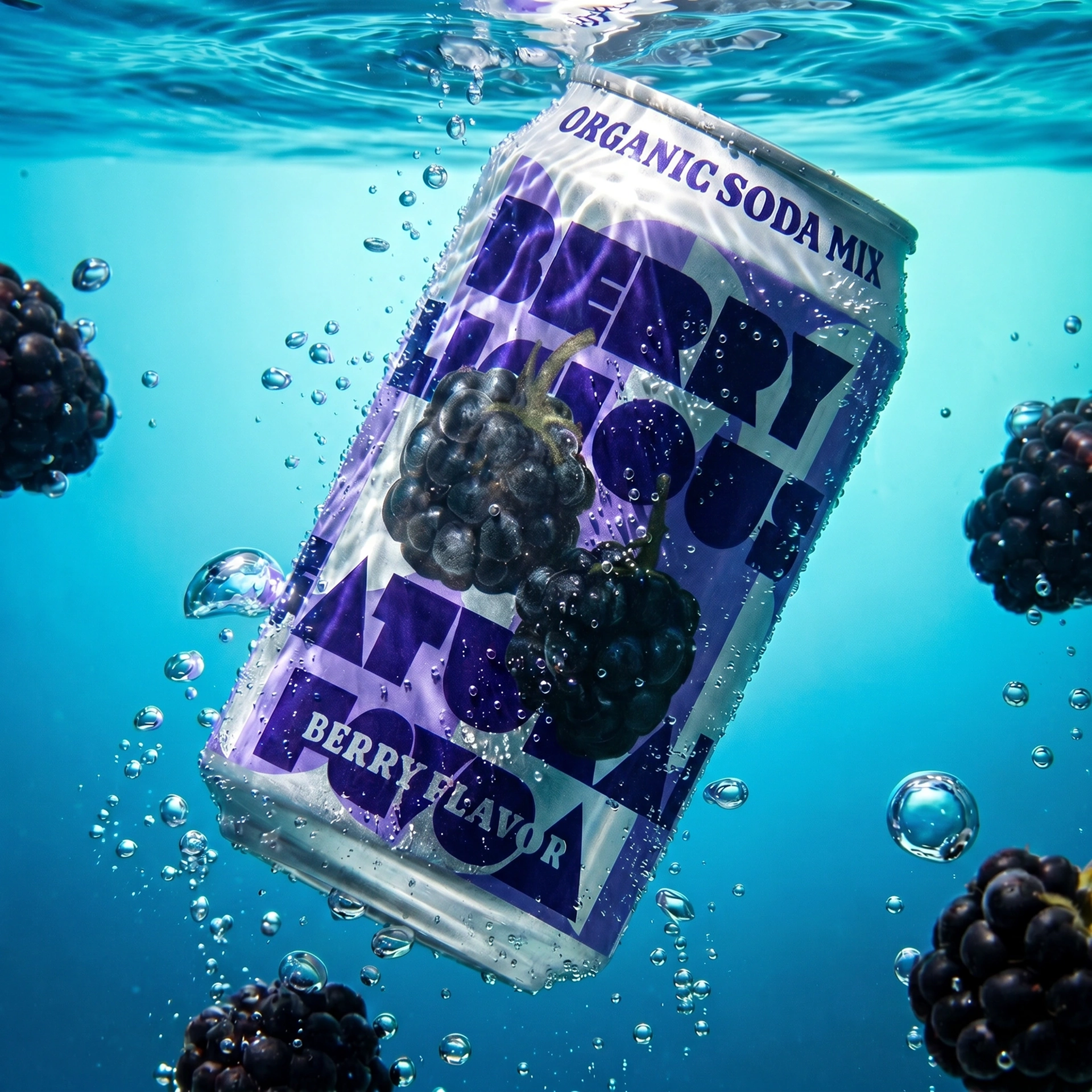
Riverflow 2.5 product creative generated from product, brand, and judge inputs

Enhanced multi-edit thinking with custom judging and fonts. Improved reliability and problem solving for harder production tasks.

Today we are introducing Riverflow 2.5, a reasoning image generation model for every step of the production creative workflow. Riverflow 2.5 builds on Riverflow 2.0's multi-step editing foundation with deeper reasoning, stronger review controls, Font Control, background output modes, and up to 4K exports.

Models can reason, but what are they reasoning about? So far, they have largely been tuned to general audience preference. Over multiple steps in an editing journey, what are they prioritising: realism, creativity, harmony, clarity, brand accuracy? There are so many trade-offs in design, and even well-written prompts leave a lot of ambiguity.

We solved this by introducing a custom scoring rubric that you can provide. Tell the model what you care about and how you would like it to evaluate.

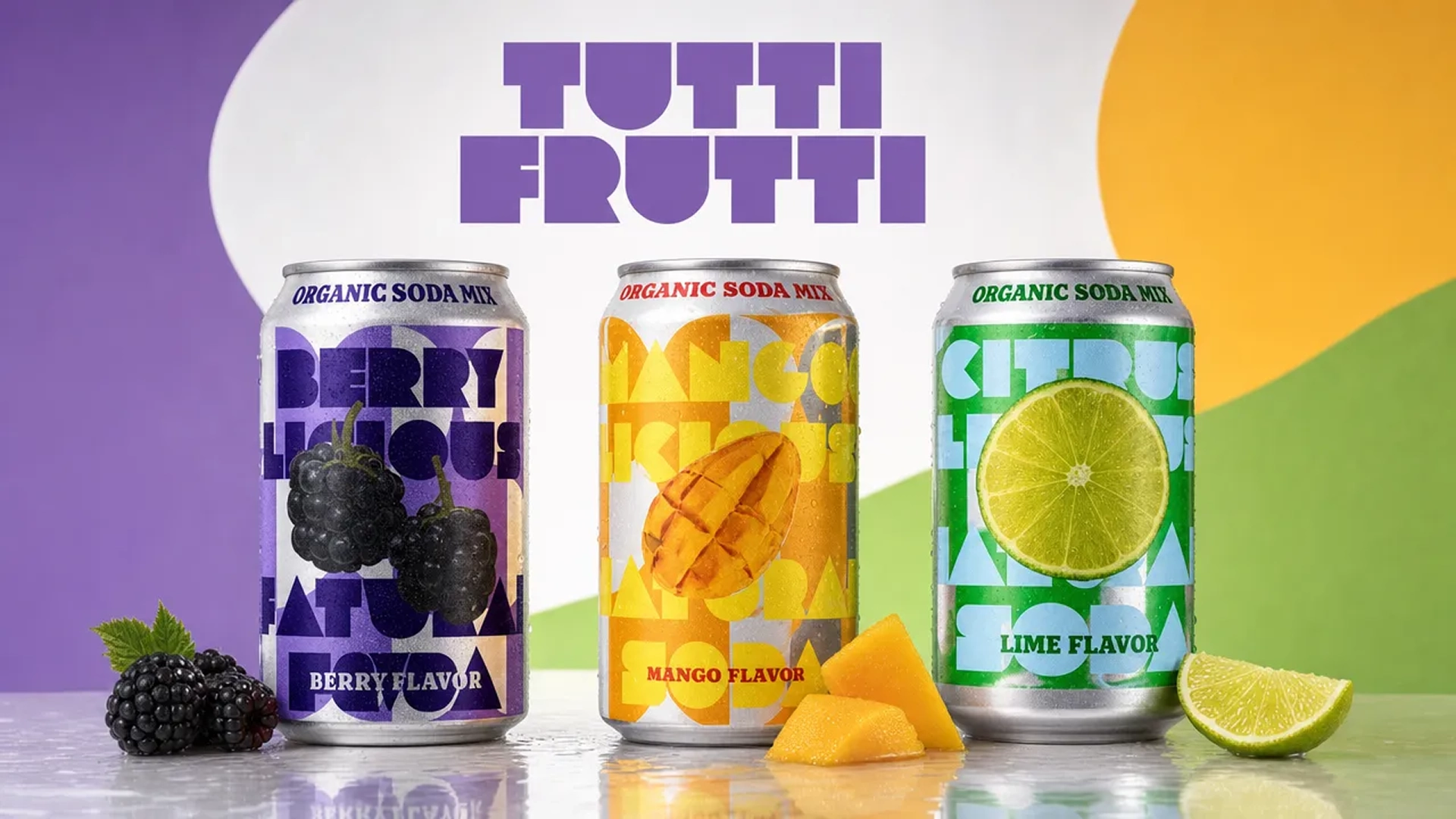
Riverflow 2.5 turns product references, brand direction, scoring criteria, and output settings into production creative
Riverflow 2.5 combines source images, creative direction, scoring criteria, and export settings into a production-oriented generation workflow.

Why Riverflow 2.5 exists

We do not want to live in a world where everything is AI-generated and looks the same. Riverflow and Sourceful exist because we believe in the beauty and power of design, and that it will continue to separate the best brands from the rest.

Agentic systems employ reasoning across code, text, and media generation. We wanted to ensure there was an alternative to generic image models, putting you in control of that reasoning.

Impressive demos often break down when a team needs product labels, exact SKU identity, typography, crops, transparent outputs, and review decisions to survive the path to production. Riverflow 2.5 treats generation as a workflow problem. How can we help guide the reasoning to achieve your goals, so we can be more confident and ambitious about outcomes, not just hype?

Riverflow 2.5 wide hero extension with product fidelity and copy space
Wide hero extension with product fidelity and copy space.
Riverflow 2.5 product packshot transformed into a lifestyle scene
Packshot-to-lifestyle reasoning from product and mood inputs.
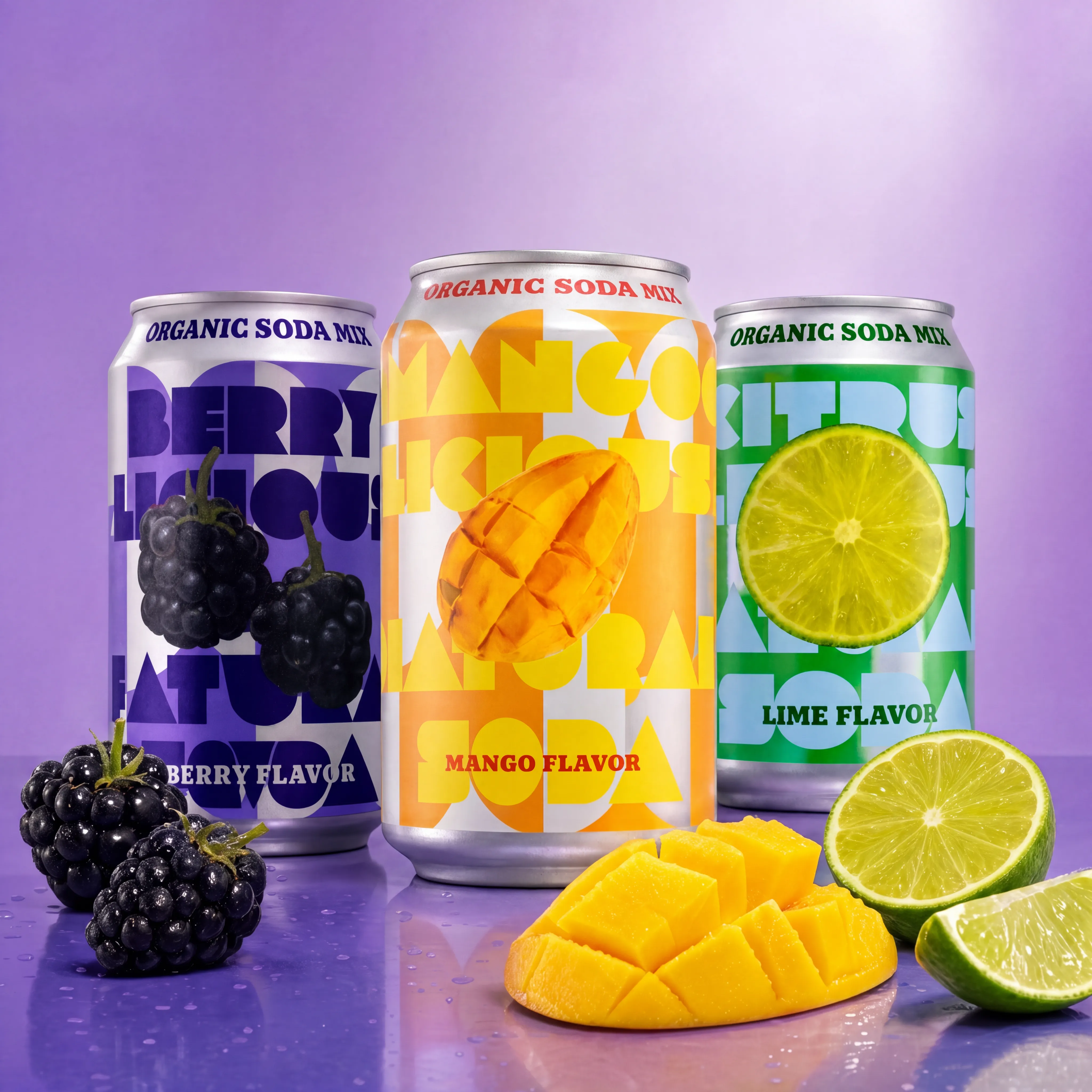
Riverflow 2.5 three SKU flavor family lineup
Three-SKU assembly with separate flavor cues.

What changed since Riverflow 2.0

Riverflow 2.0 was multi-step and brought a higher degree of reliability and effective cost per output than other models at the time. With Riverflow 2.5, we have provided even more control.

Firstly, we let you control the thinking level. Ranging from low through to xhigh, or Extra High, you can think of this as how many edits we are willing to do plus how tough a judge we will be before accepting the result.

Use low when you want faster results at the early stage of exploration. Use xhigh when you want to do a batch of results and you want it to be 90%+ repeatedly.

Custom scoring and judging

Riverflow 2.0 and most other SOTA, or state of the art, models optimise their success criteria based on what a general audience would say given a prompt. This leads to better images in general, but it can also make everything feel the same, which is the world we are trying to avoid.

We now provide the ability to include a custom scoring rubric alongside your prompt. After each step, the reasoning model uses your rubric to score the candidate and decide how to proceed. The custom scorer provides an extremely powerful way to guide the model towards your desired outcomes.

The most useful judge demo is not a generic candidate bake-off. To isolate the control surface, we held the generation instruction and source images fixed inside each concept, then changed only the scoringPrompt and scoringRubric.

For the featured controlled set below, the generation prompt and inputs are identical across all three outputs. Only the scoring lens changes.

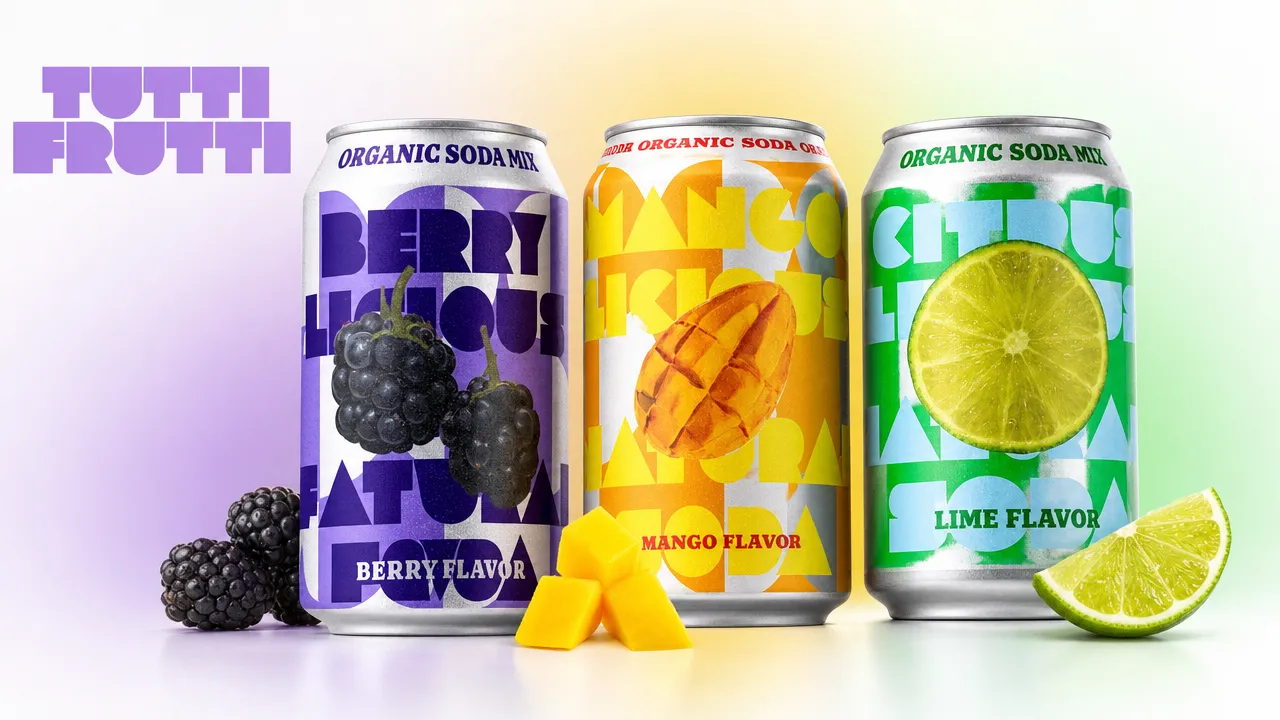
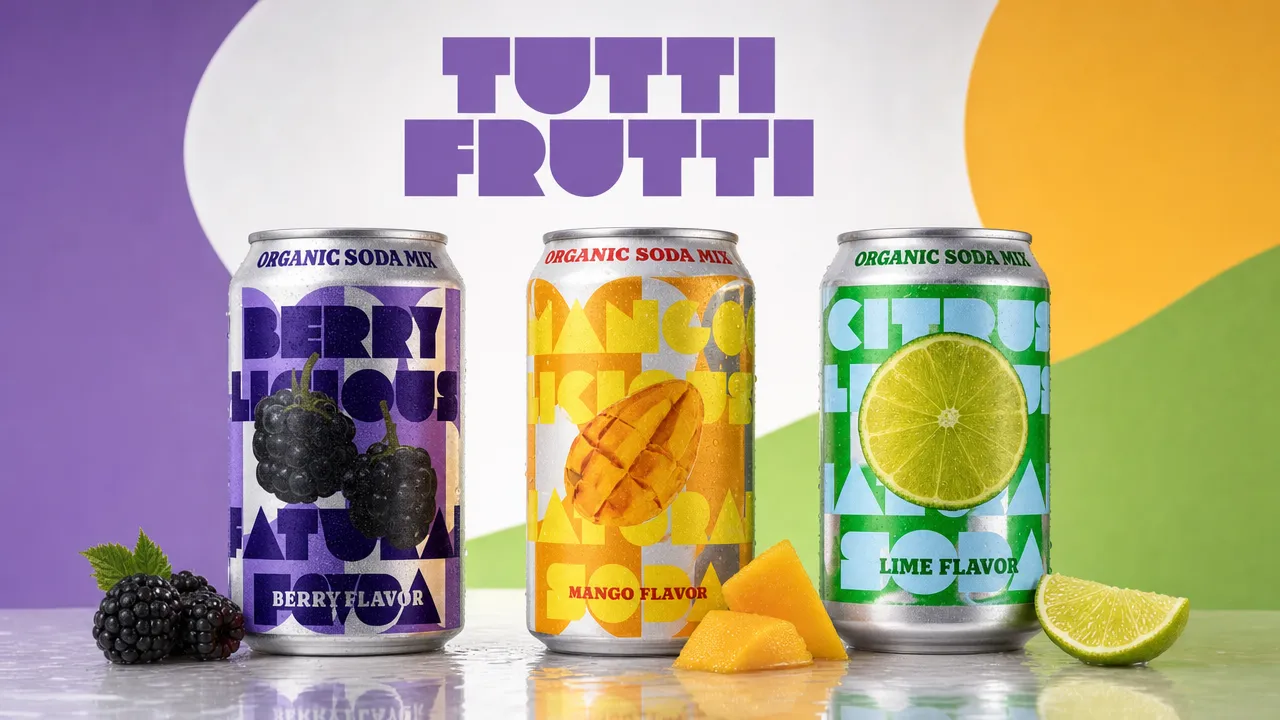
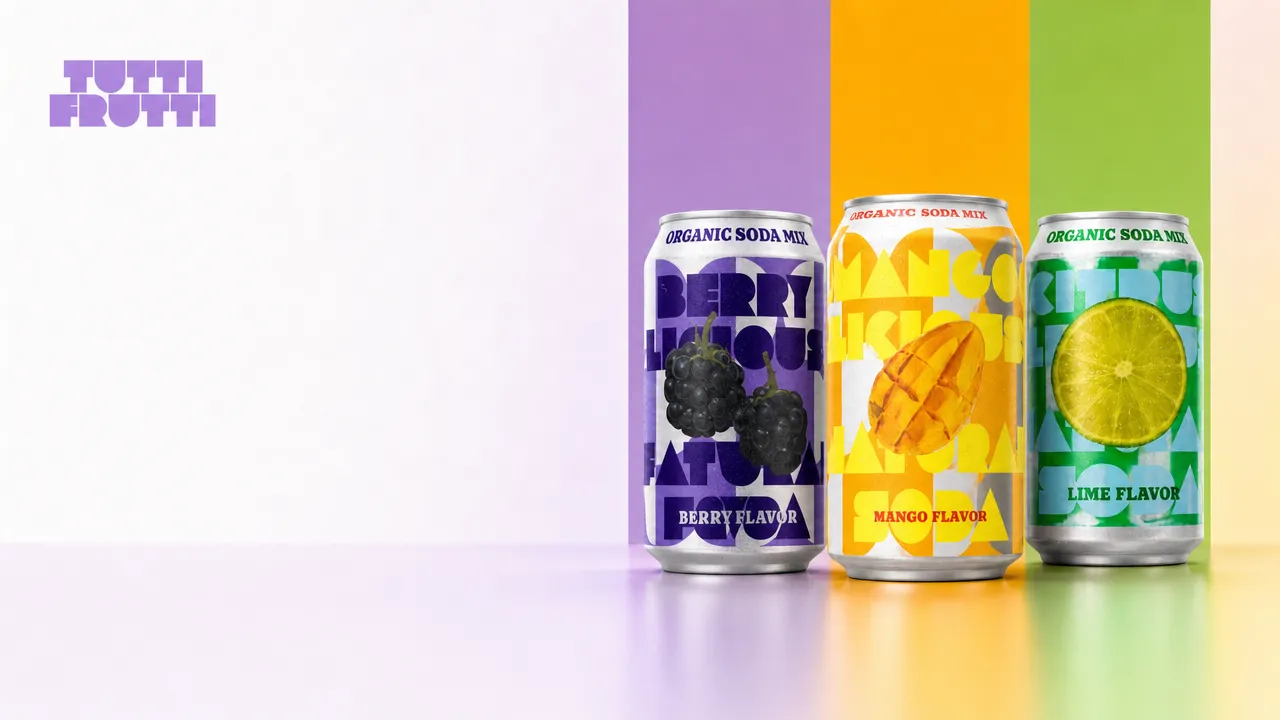
Create one polished 16:9 Tutti Frutti flavor-family master creative from the supplied berry, mango, lime, and logo references. It should be plausible for launch use across web, retail media, and paid social. Show the three cans together with distinct flavor cues, cohesive lighting, and a practical composition. Preserve each SKU identity and keep the products recognizable. Do not add prices, badges, QR codes, extra logos, or unrelated products.

Scoring lensScoreWhat the judge rewarded
Pack approval readiness92.3%Pack accuracy, brand compliance, and low approval risk.
Paid social conversion fit90.4%Scroll-stopping appeal, product hook, and campaign energy.
Homepage hero suitability89.2%First-viewport strength, copy space, and brand world.
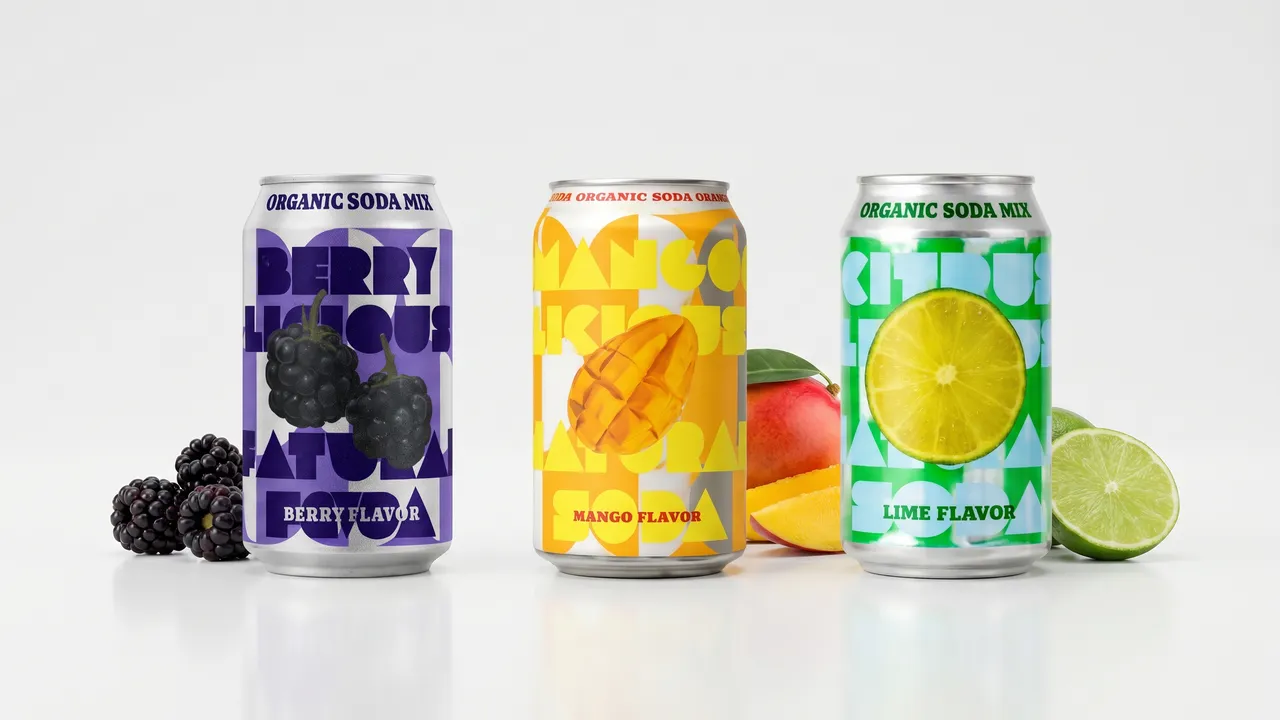
Riverflow 2.5 pack approval readiness judge output
Pack approval readiness / 92.3%
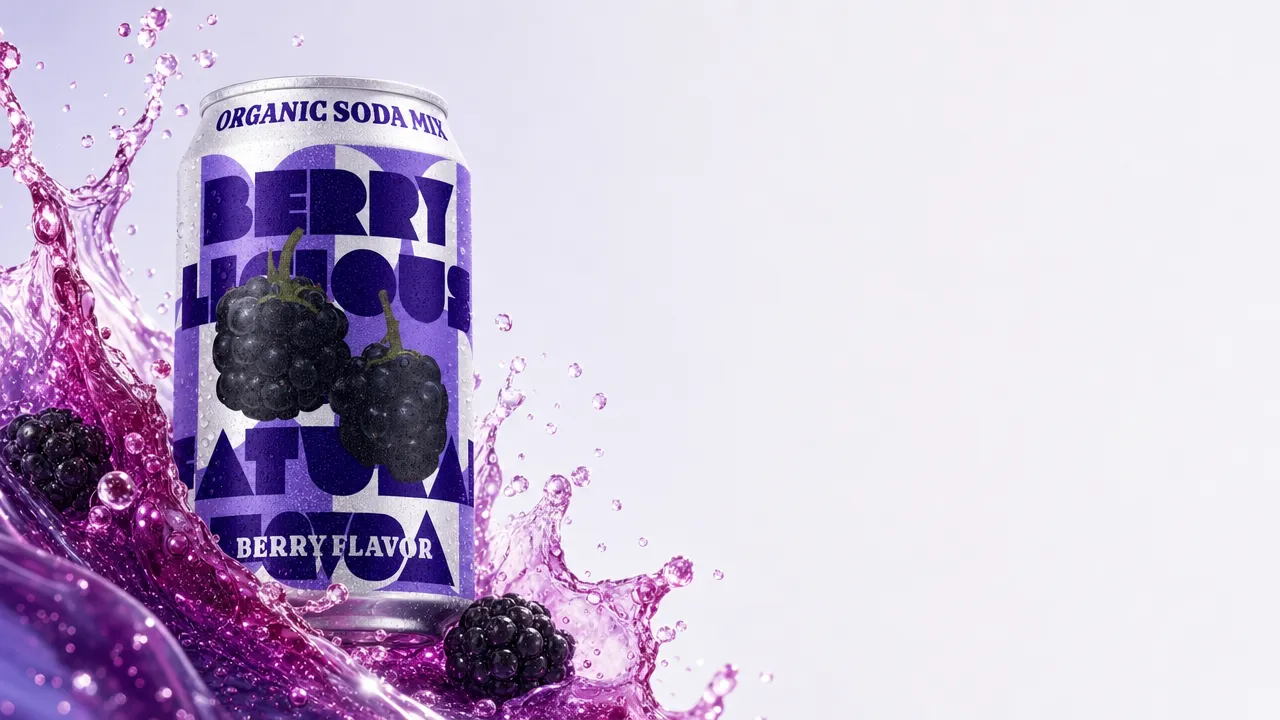
Riverflow 2.5 paid social conversion fit judge output
Paid social conversion fit / 90.4%
Riverflow 2.5 homepage hero suitability judge output
Homepage hero suitability / 89.2% / perfect spacing to allow marketing text to be added in HTML

This is the reason custom scoring matters. "Best" is not a single universal property. A creative that performs well as a paid social ad can be too expressive for pack approval. A composition that is ideal for a homepage hero may leave the product smaller than a packaging approver wants. Riverflow 2.5 lets developers encode that context directly in the request.

Font Control is much improved

Once you get away from showcases about whiteboards full of text or handwritten notes, you soon hit a more practical issue. Brands often use custom fonts, or specific variants of well-known fonts. Getting this right makes or breaks the brand world.

With Riverflow 2.5, you can provide up to two custom font files and the model will use them to match lettering, spacing, and weight to get you a better result.

Riverflow 2.5 Font Control example using supplied brand typography
Font Control uses supplied text and font references as part of the image generation request.

Backgrounds and output quality

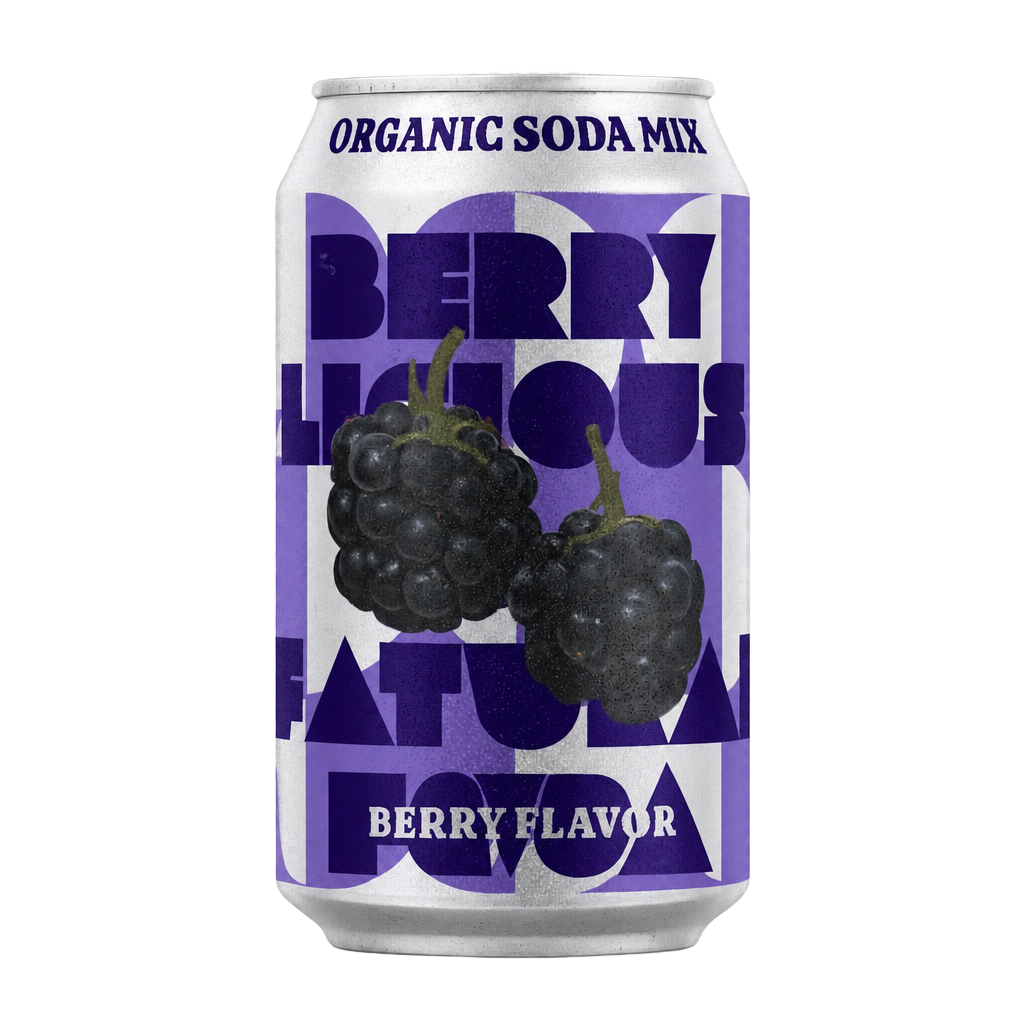
Often overlooked or done as a separate step, we are happy to extend our support with three background modes: Transparent for compositing, Solid color background for consistency, and Normal. Along with that, we support 1K, 2K, and 4K for whatever you need.

Riverflow 2.5 transparent background product output
Transparent PNG output for compositing.
Riverflow 2.5 4K product campaign output
4K output for final campaign use.

What Riverflow 2.5 enables

Riverflow 2.5 achieves what most models promise: amazing outputs on a consistent basis. It is still imperfect, and it still can make mistakes, but we are proud of how much more reliable this model is compared to anything else. It works perfectly with Claude, ChatGPT, or Codex as well as in the Riverflow app.

For more examples and to see how you can use Riverflow in the API or in our platform, visit Riverflow 2.5 Models.