Research
Put SuperAgent to work
SuperAgent is now in beta. A creative agent built to understand your brand, create visuals and rollout your brand world across all your products and formats.
- Riverflow research
- SuperAgent
- Beta
- Workflows

Create a summer campaign for the new lime flavor

SuperAgent is now in beta. A creative agent built to understand your brand, create visuals and rollout your brand world across all your products and formats.
SuperAgent has launched in beta, the first creative agent built for your brand. Unlike other chat interfaces, SuperAgent is powered by a team of specialist agent workflows for creative production. SuperAgent sits within your brand context, understands your target market, competitors, moodboards and anything else you can give it.
There are so many ways to create images, ads and video, but we've identified 28 core journeys that the SuperAgent can run for you that apply across consumer goods and fashion. You want AI that can actually do the job end-to-end and SuperAgent is the first to do it consistently.
Six recurring themes keep coming up throughout our conversations, whether that's making your first product images to lock your "look", all the way through to preparing a campaign across a range and resizing 100s of ad variants across SKUs and languages and channels.
To get you started with each of these use cases, we’ve compiled the examples below.
Create product images
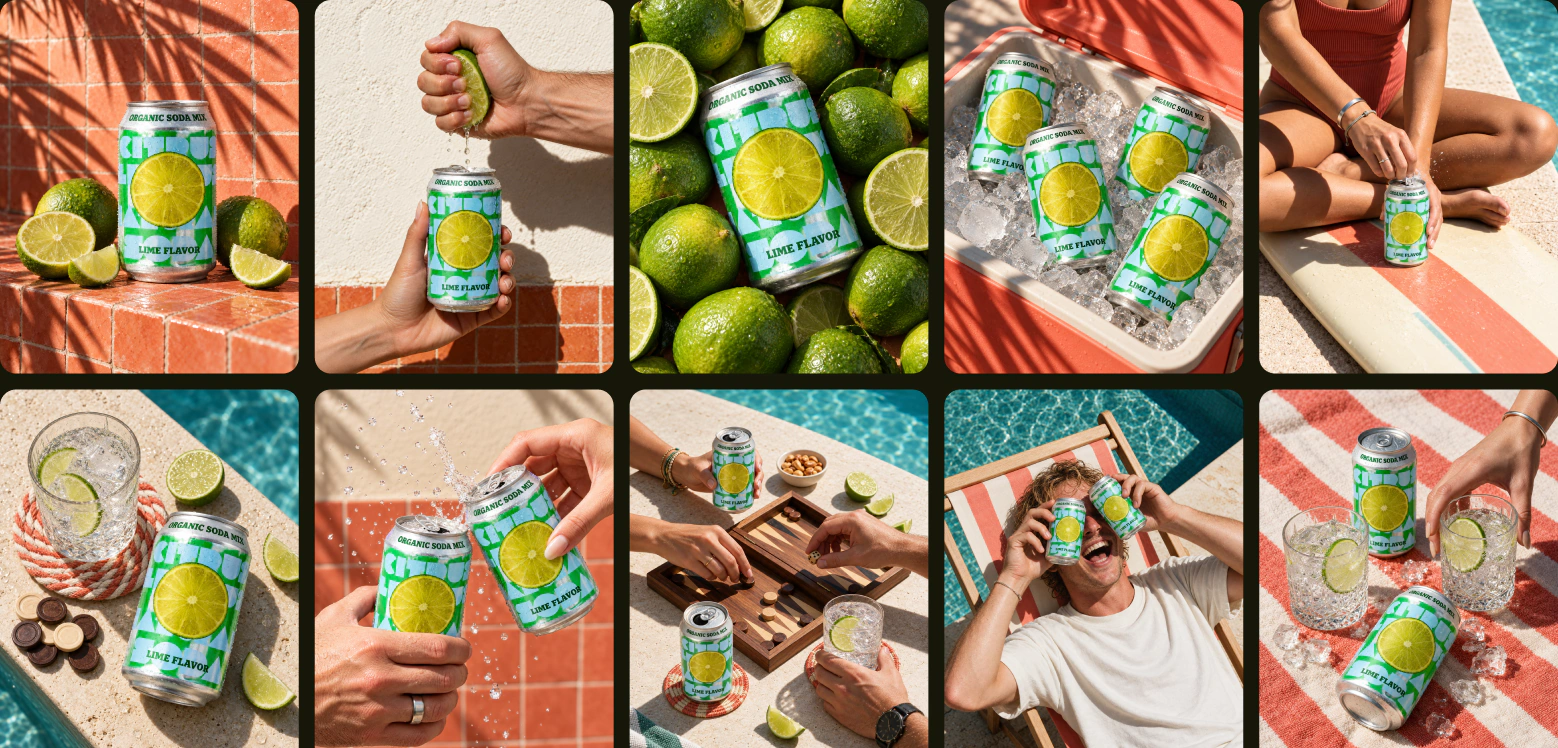
Start with the images your product needs: a clean shot, a closer look at a detail, a lifestyle scene or a photo showing it in use. For a product page, give each image a different job rather than asking for several versions of the same shot. A PDP set (Product Display Page set) needs to tell a coherent story of the product across its images.
Bring accurate product references and a moodboard if you have one. Explain which references show the product itself and which show the lighting, setting or style. For photos with models, include how the product should be worn or held and its real-world size.
Try this:
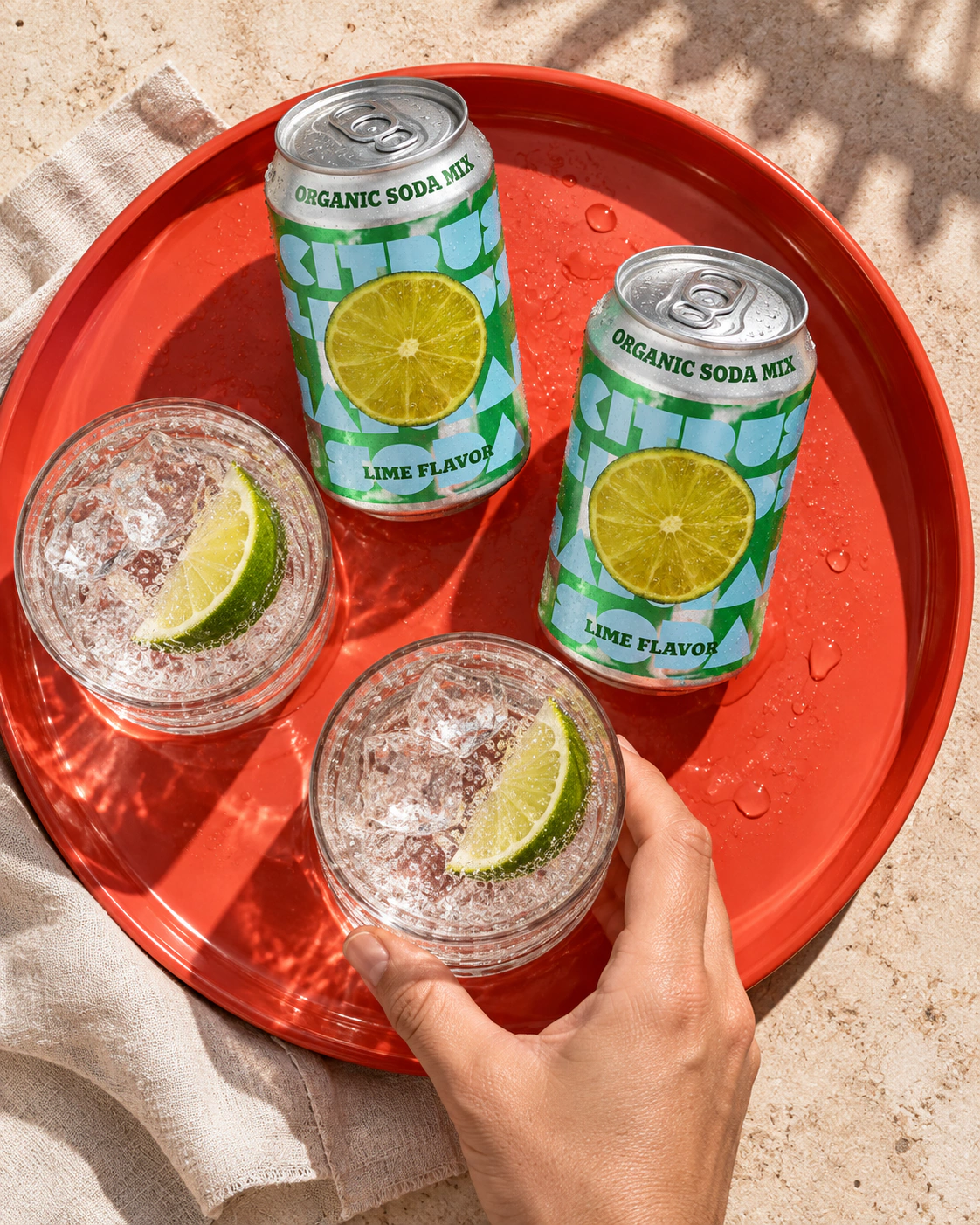
“Create a new product photoshoot for a mixed berry flavour product page. Use the reference images from the lime flavour for lighting and colour, Make sure the photoshoot is relevant to the product flavour and not a recreation of the lime. Use contrasting highlight colours to the berry can. Show me the shot plan first.”
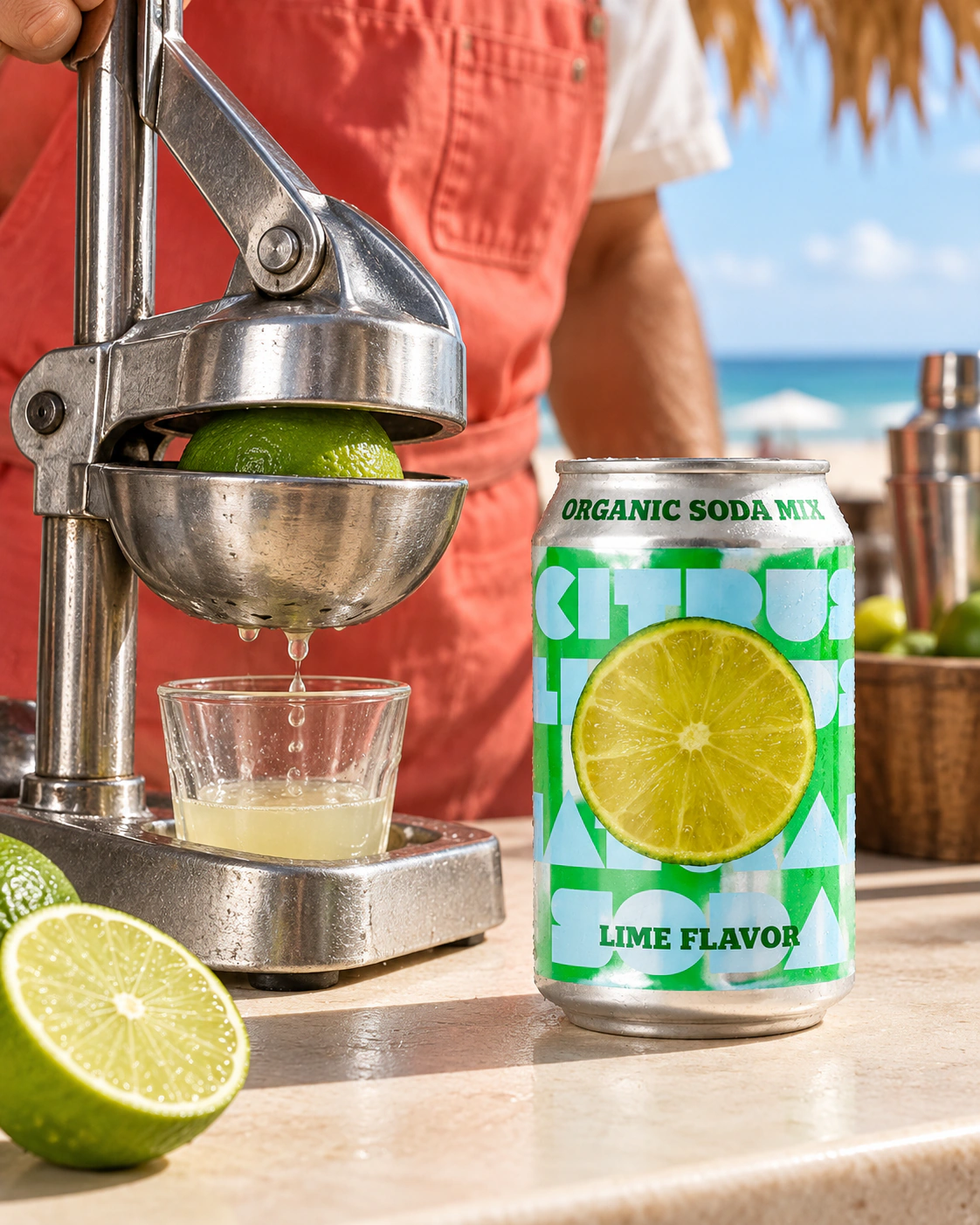
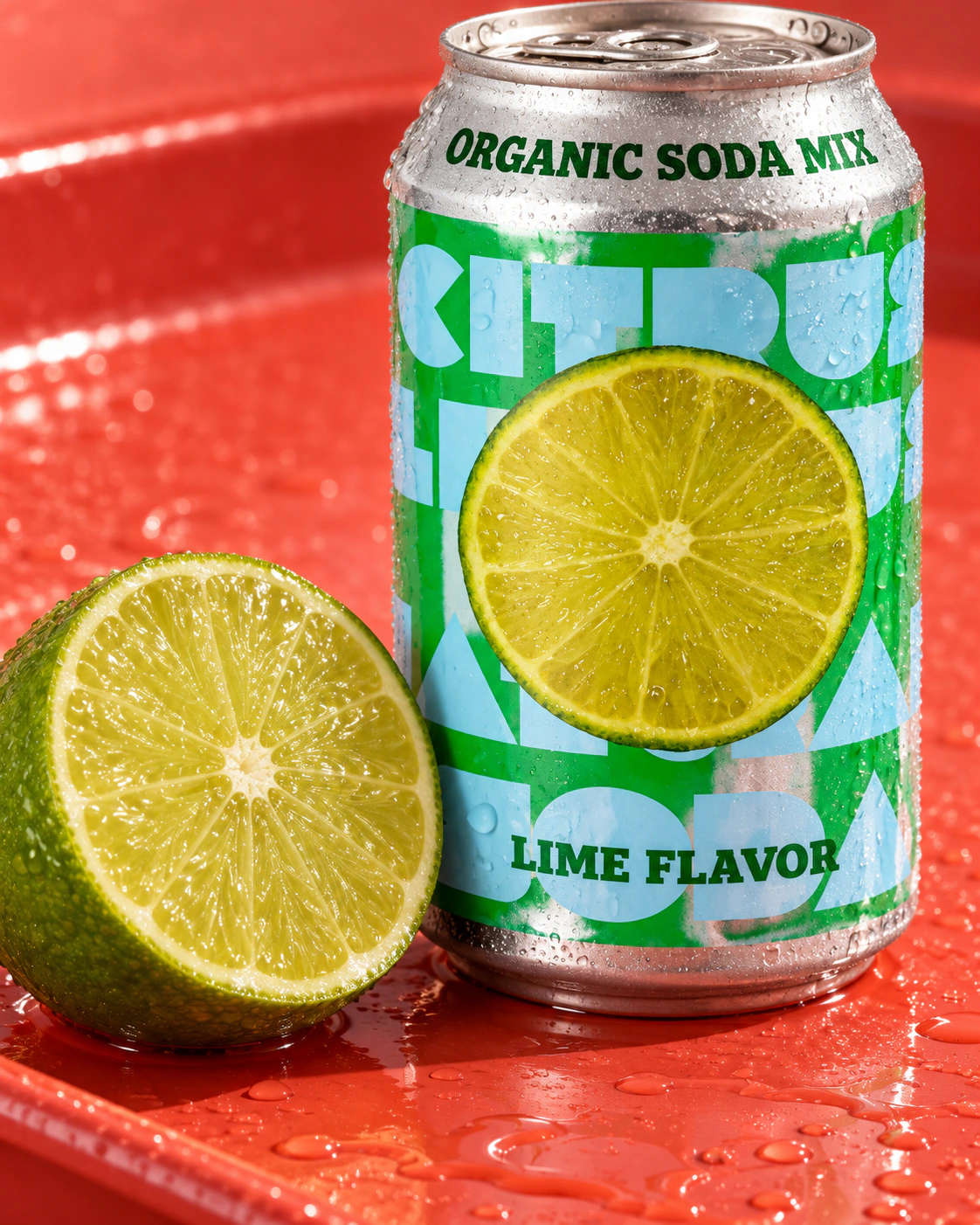
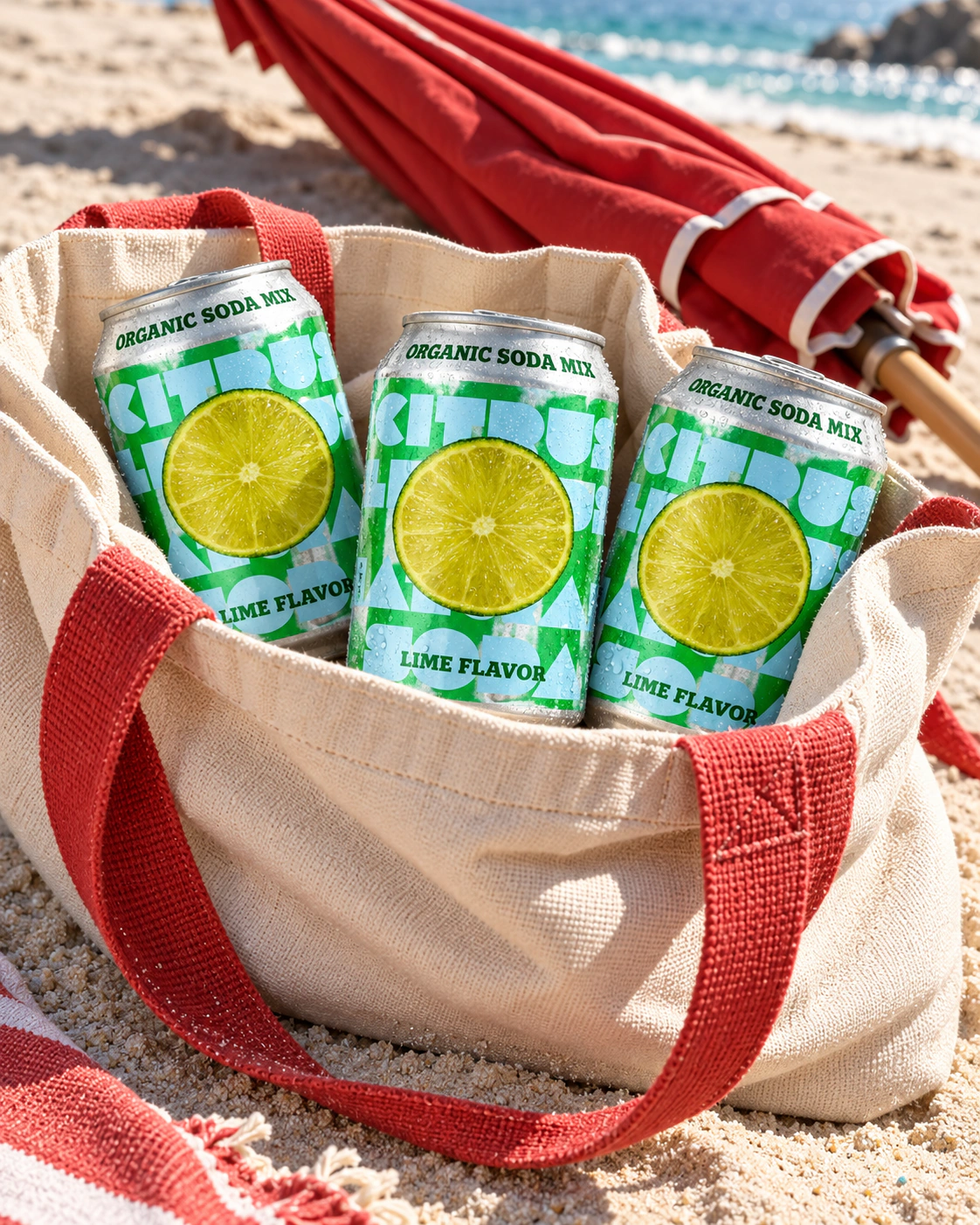
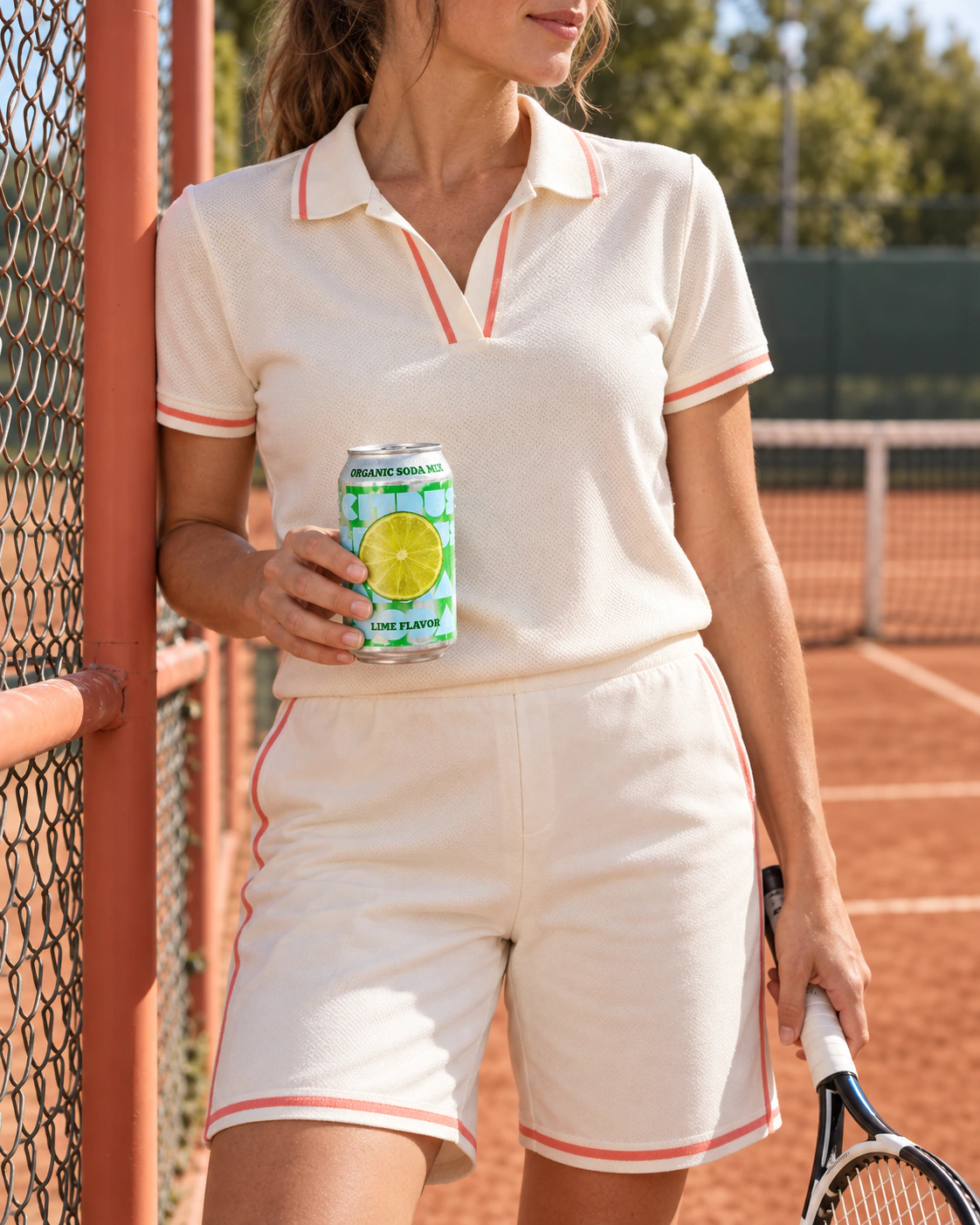
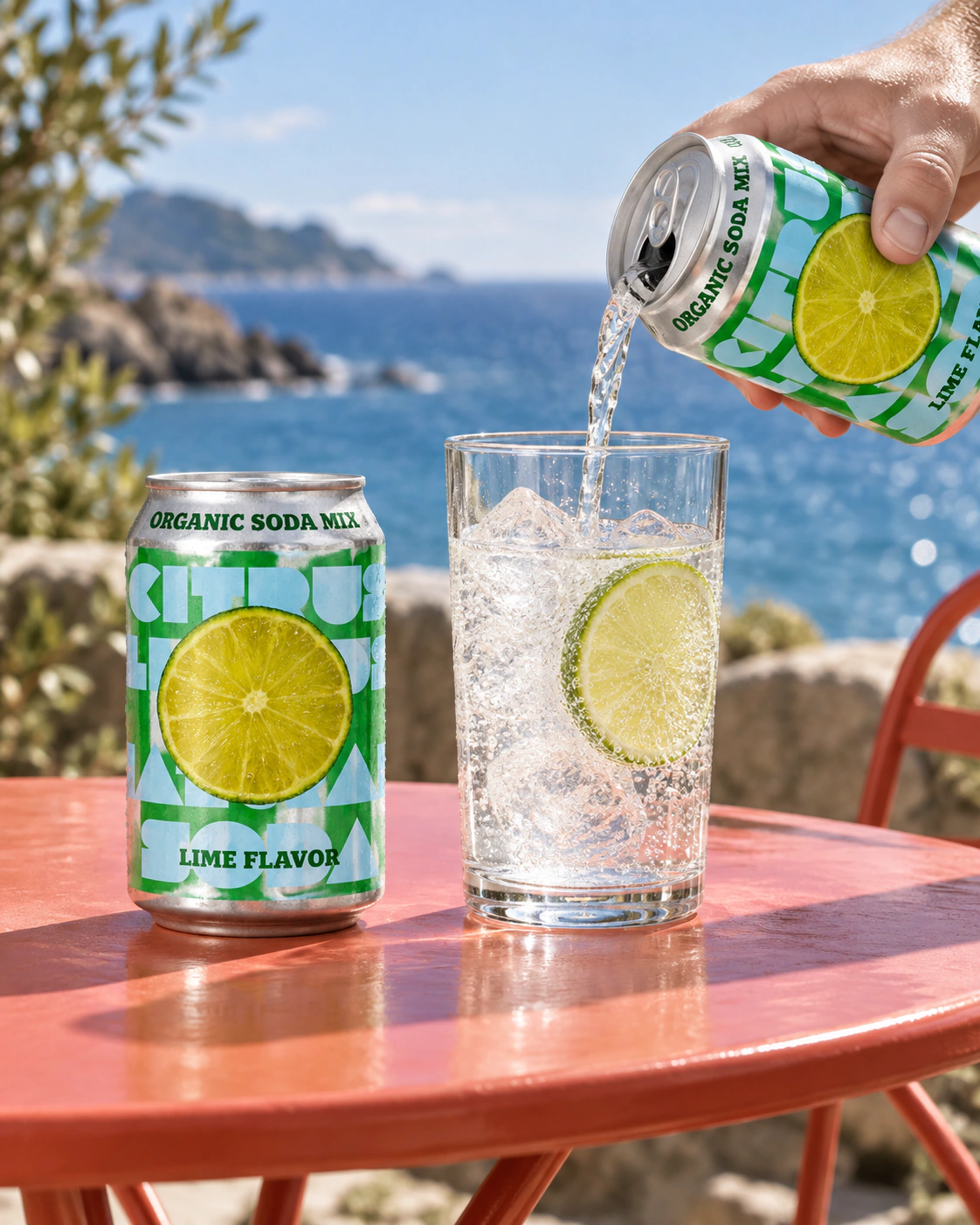
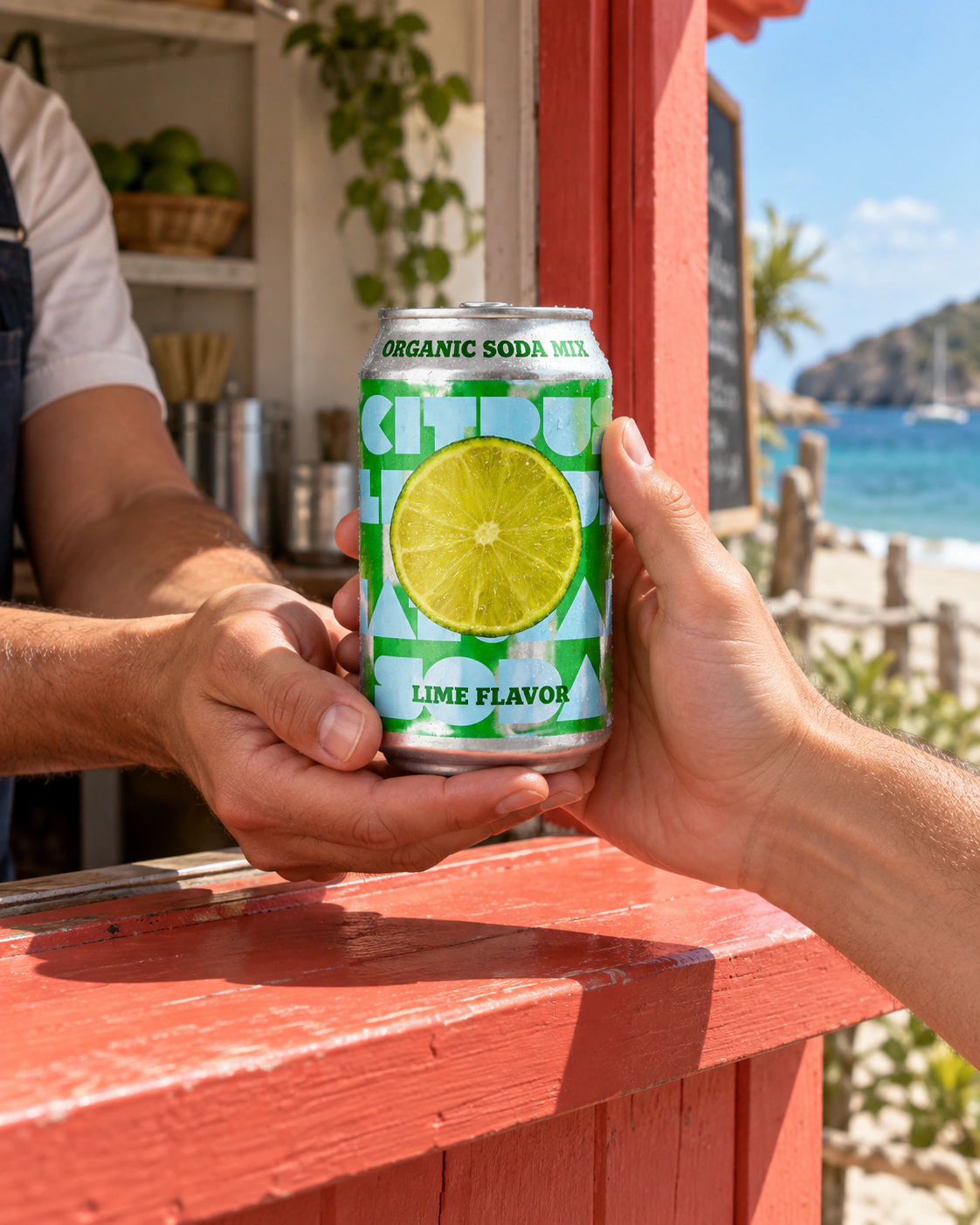
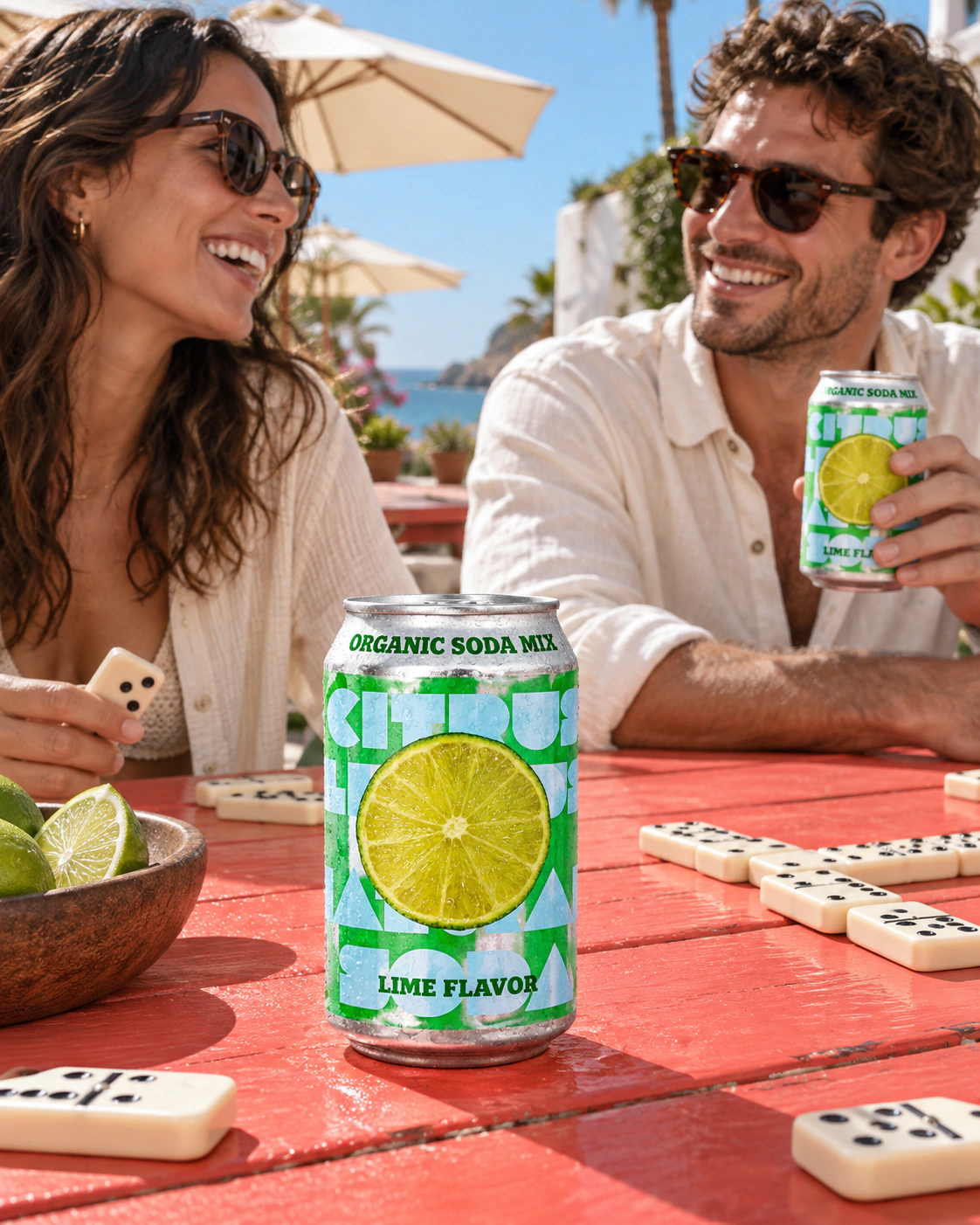
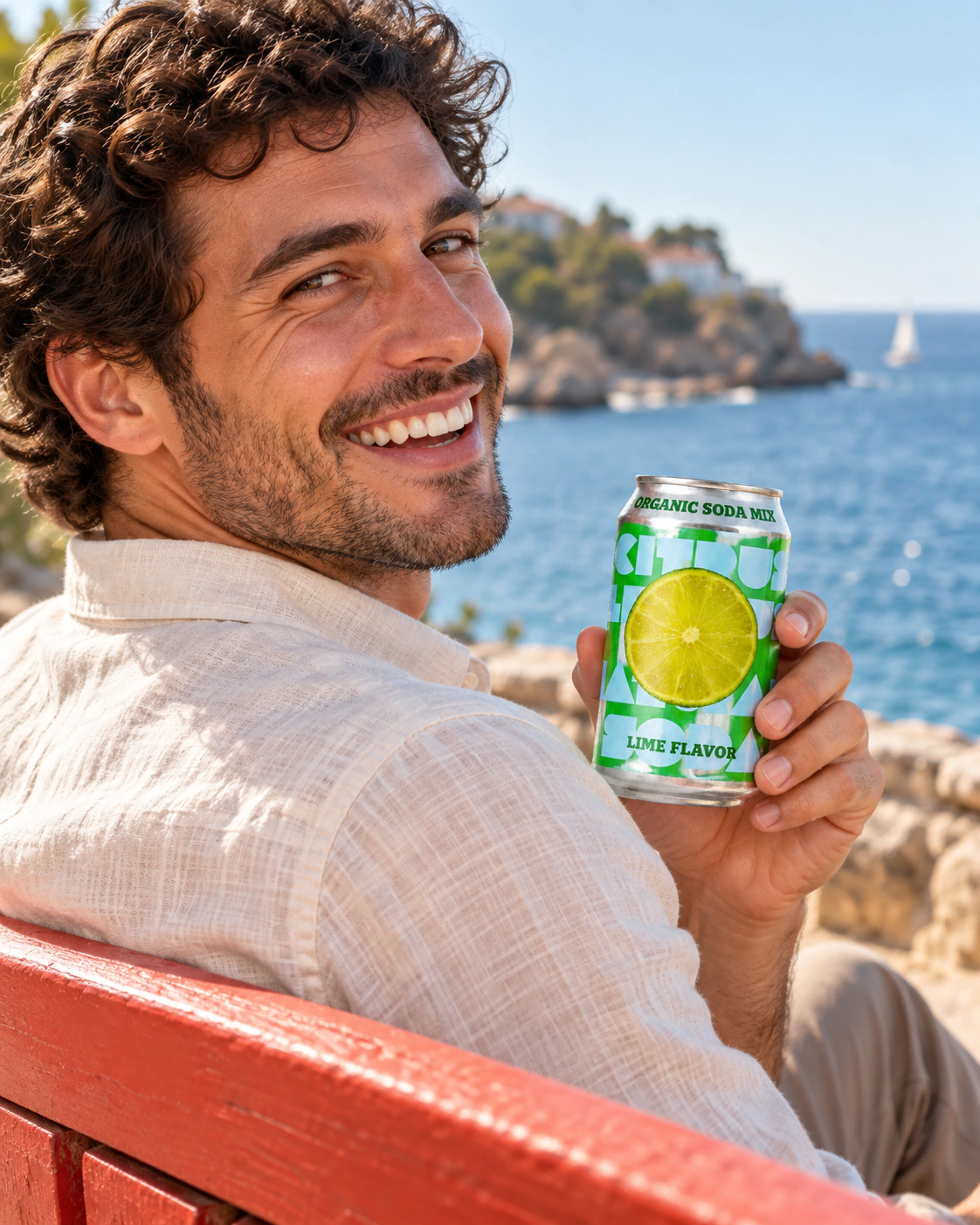
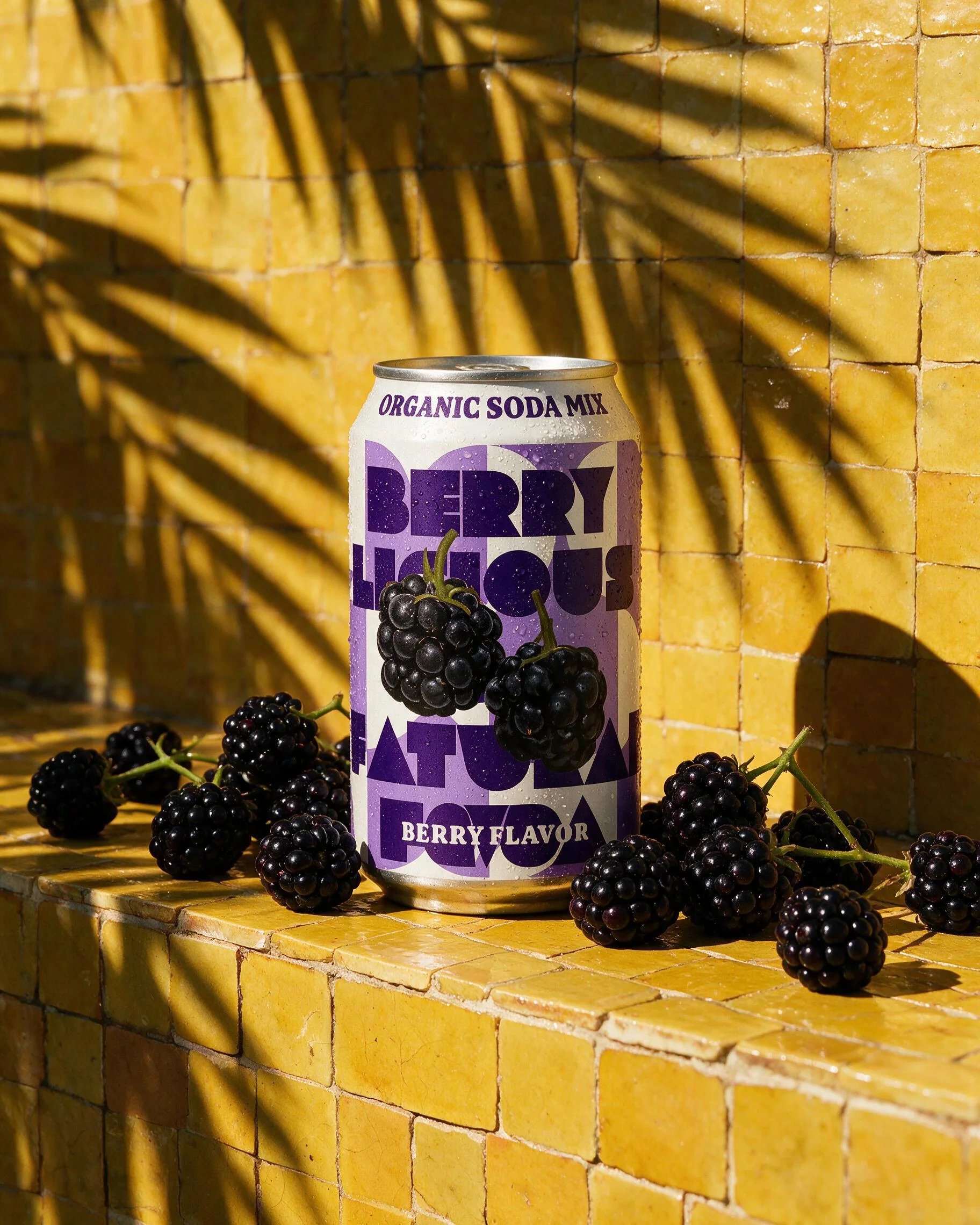
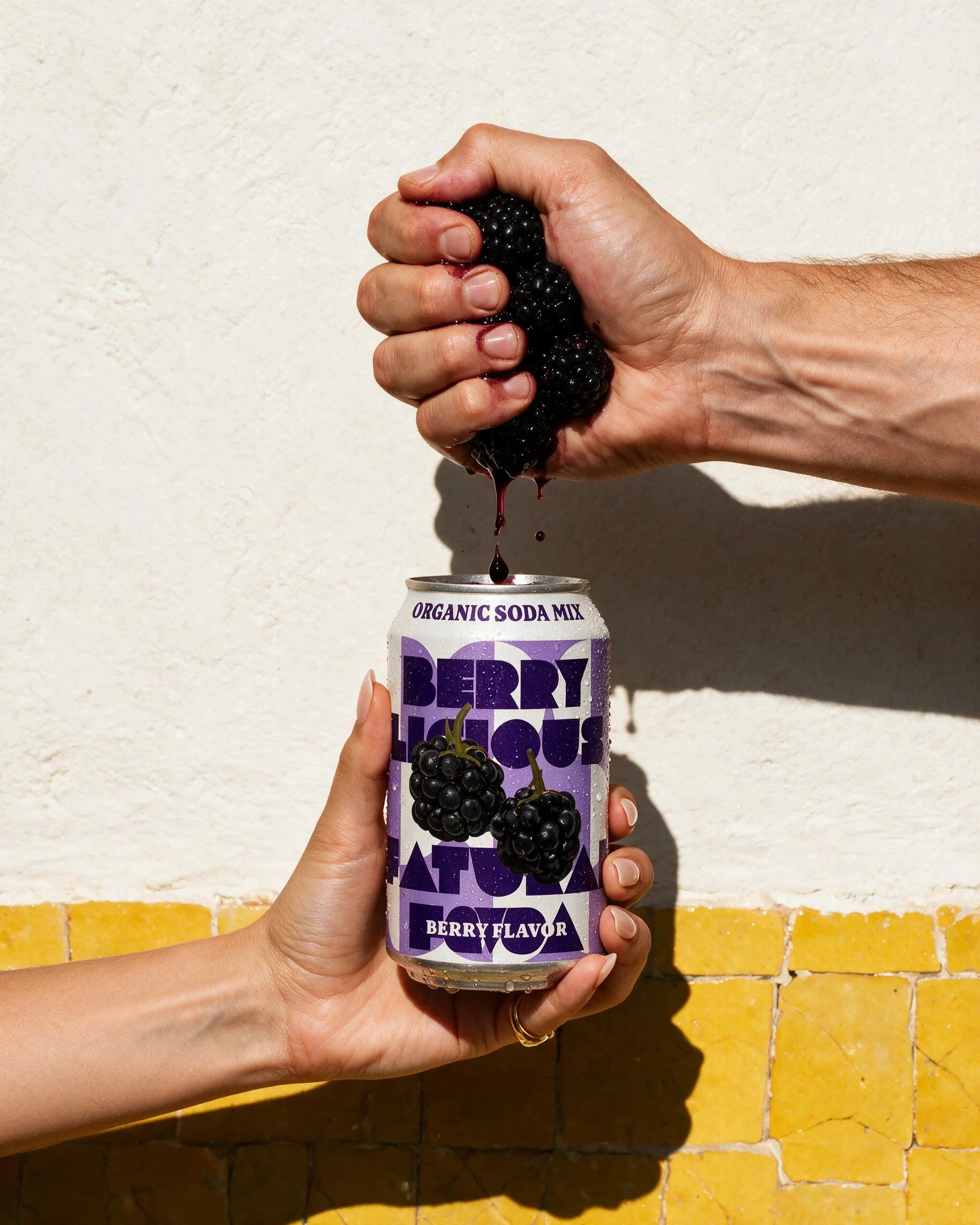
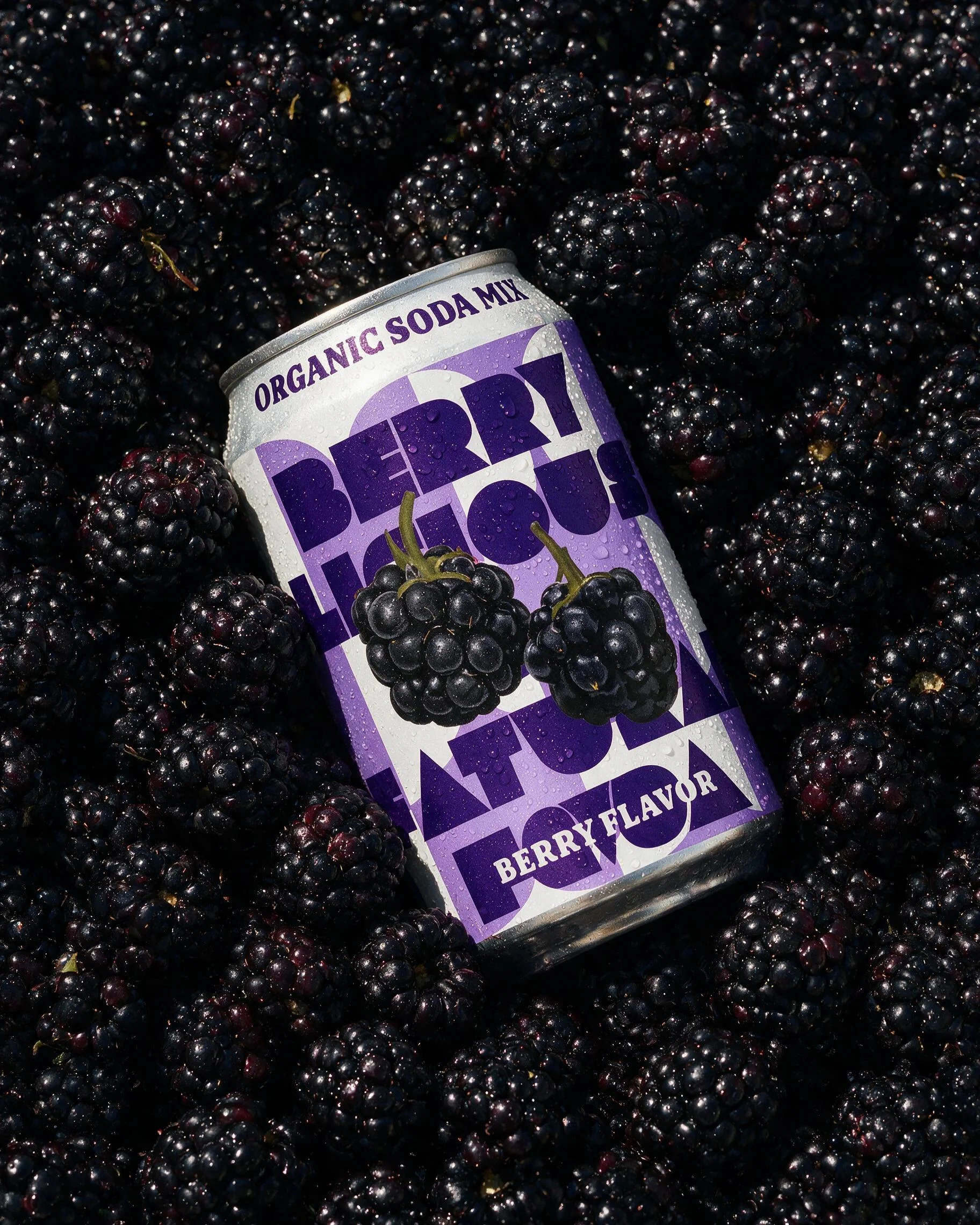
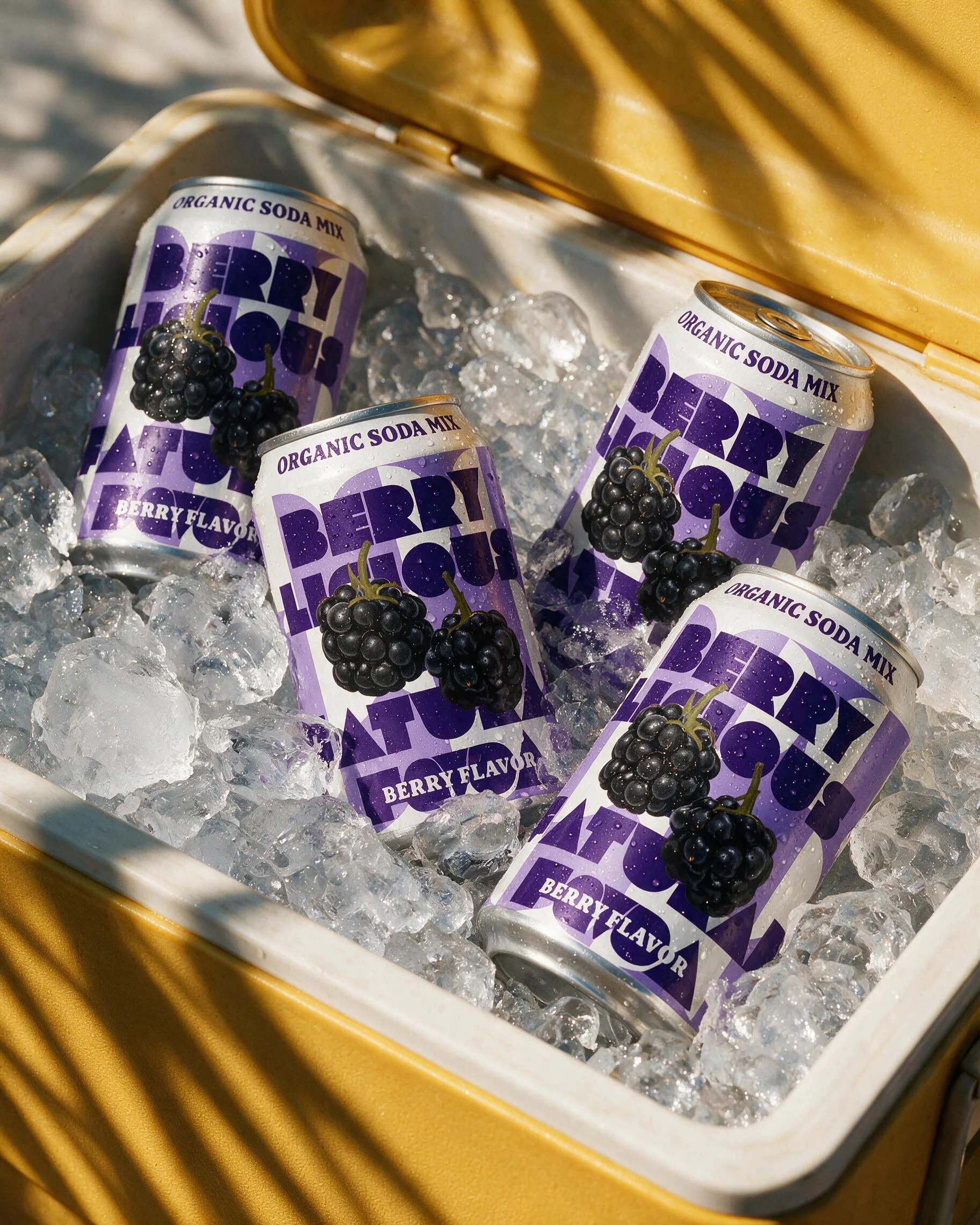
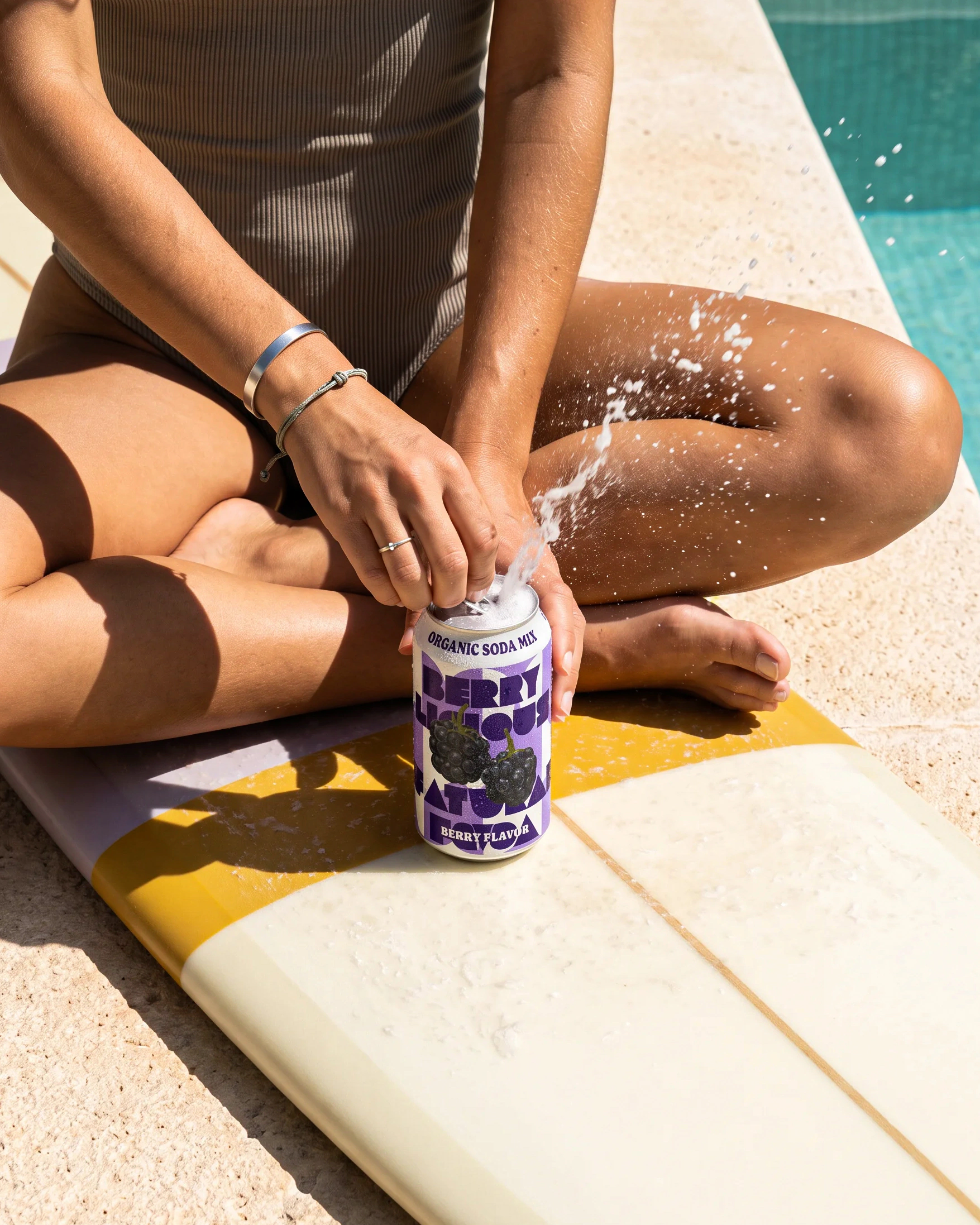
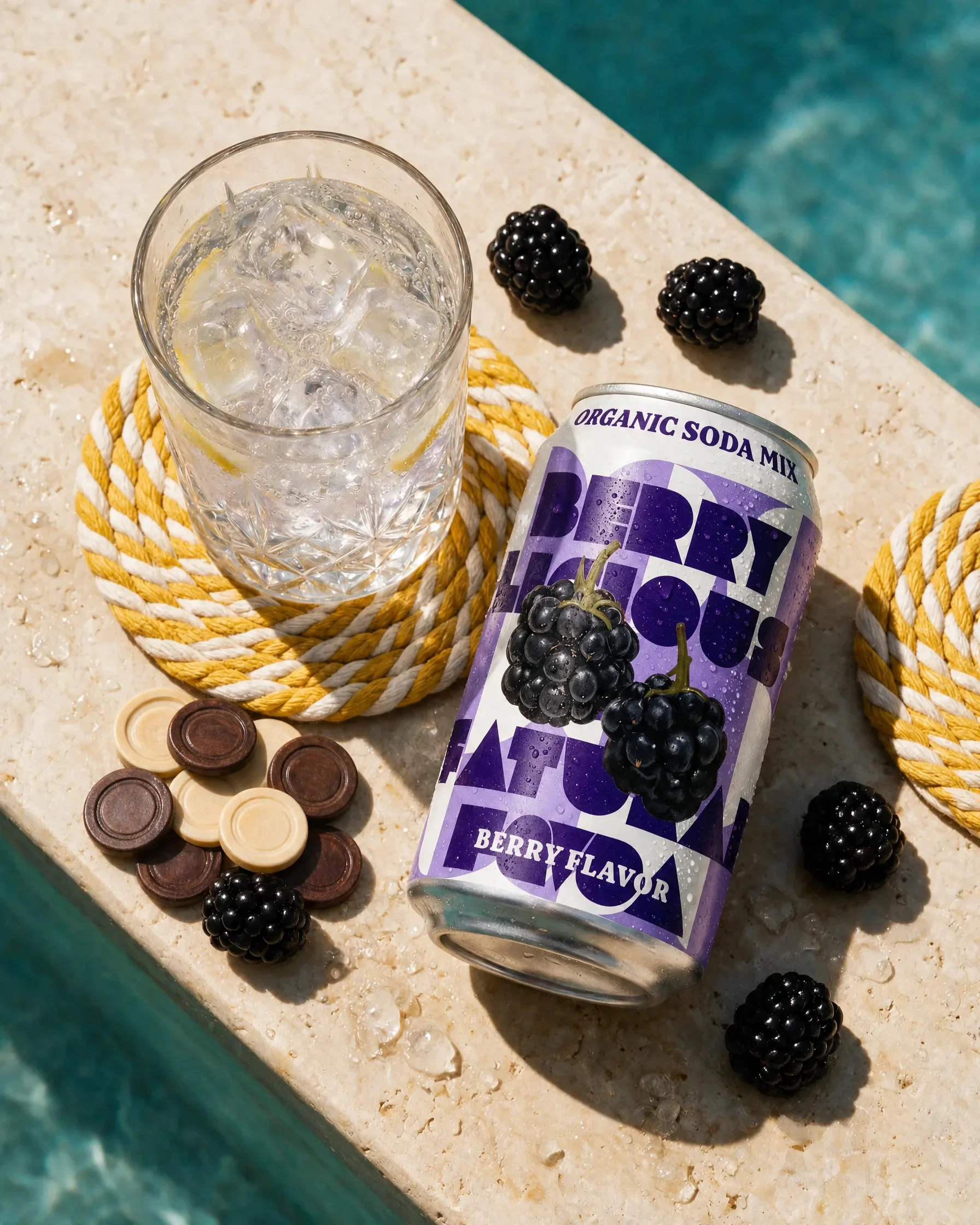
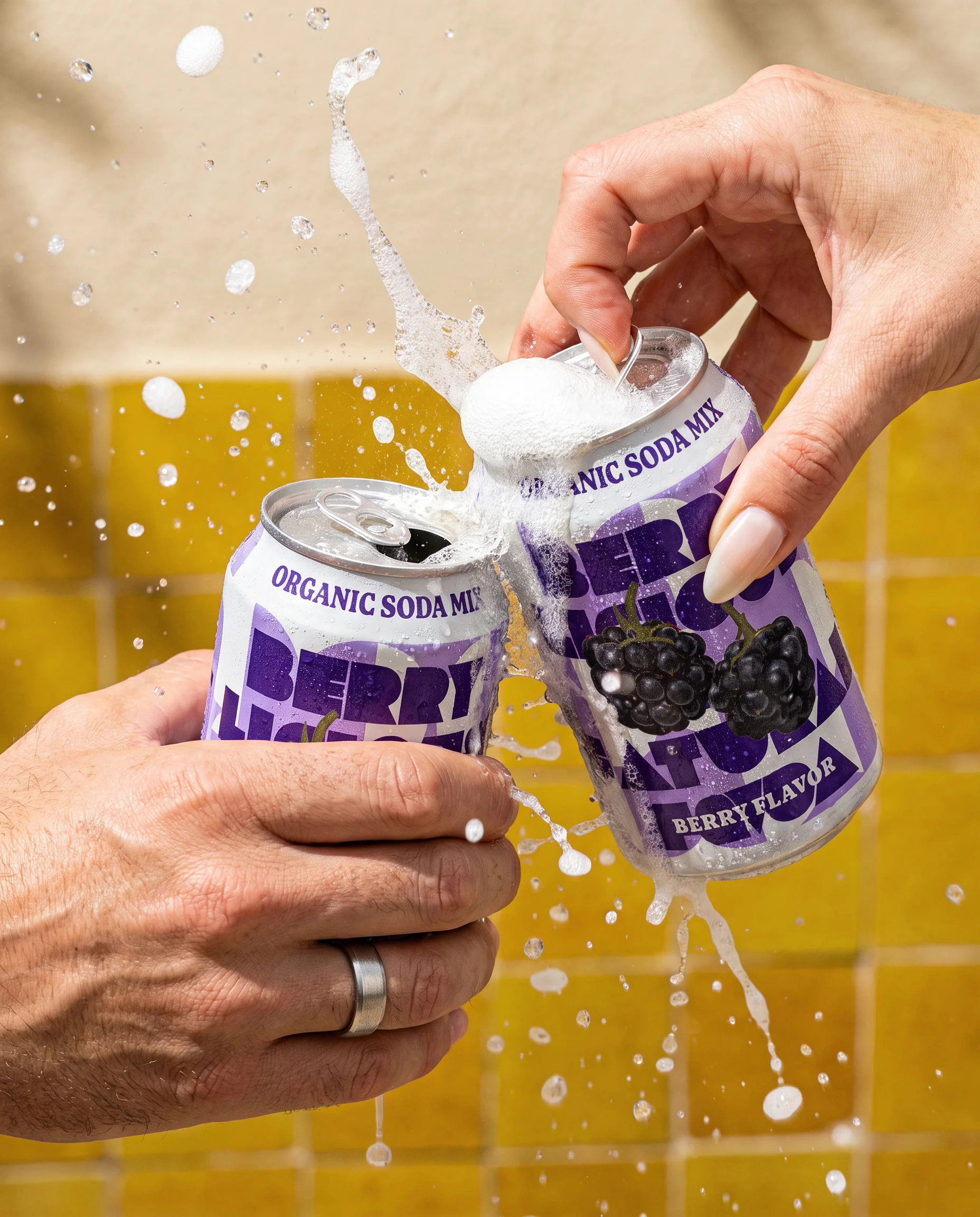

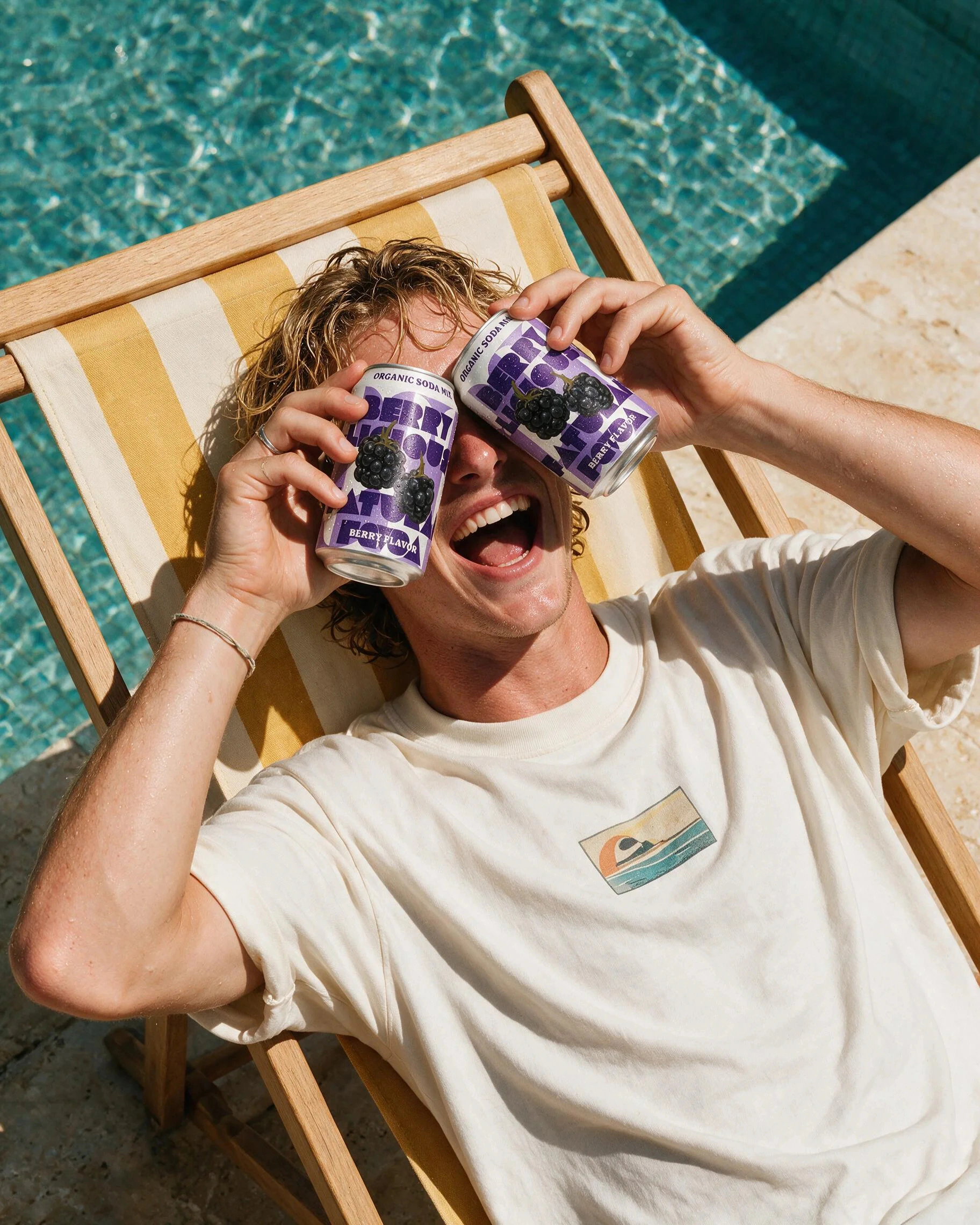
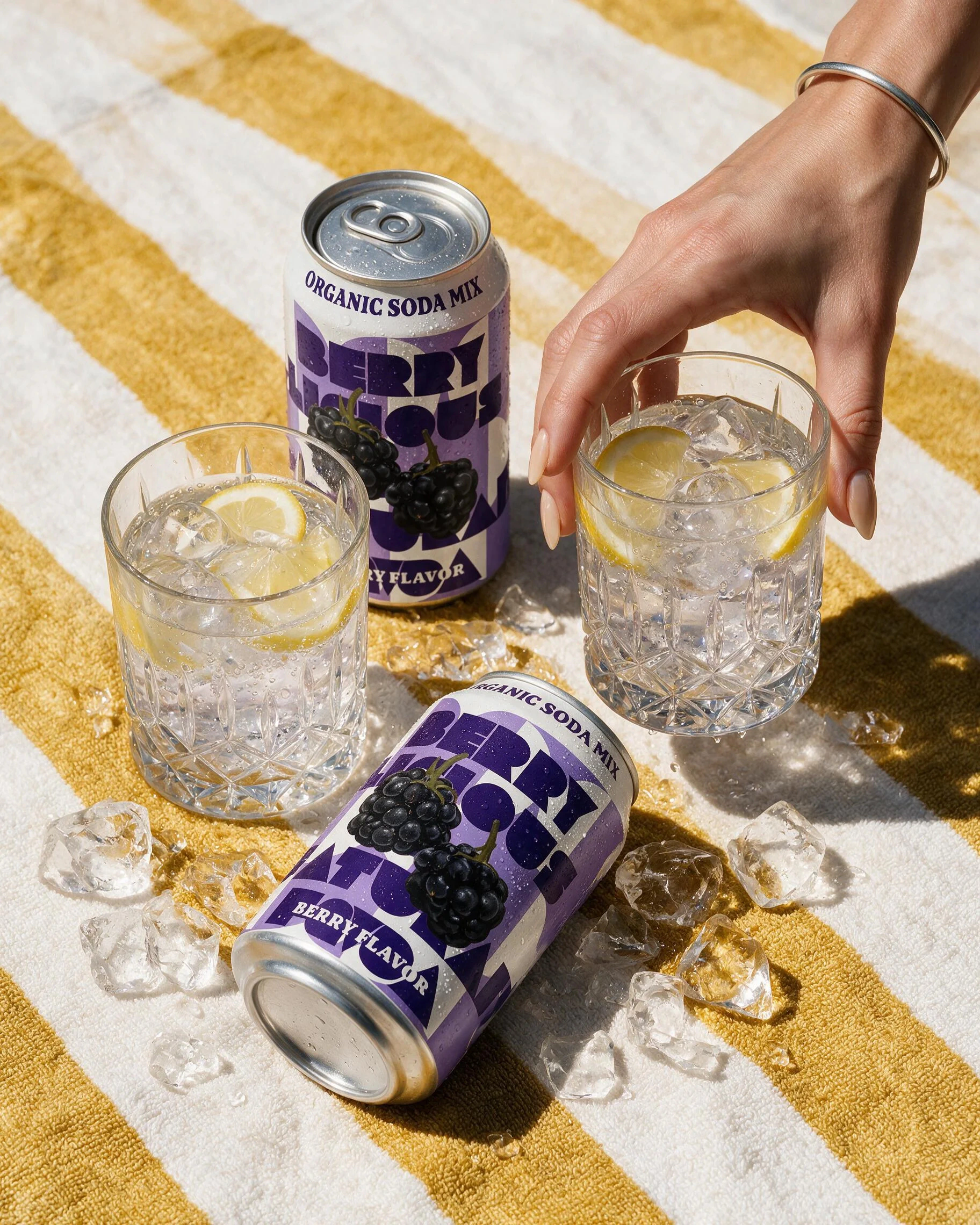
Review the set together. Does each image add something? Check packaging, proportions, materials and handling before extending the photoshoot. For a marketplace listing, check that platform’s image requirements too.
Create ads & social
Bring the product, the message and the audience. That could be a single product ad, a promotion, a social carousel or a coordinated campaign set. The more you can teach the SuperAgent about your competitive positioning and messaging the better.
Decide what stays consistent across the work and what should vary. A carousel needs a reason for each panel. An ad series needs different angles without losing the brand direction.
Try this:
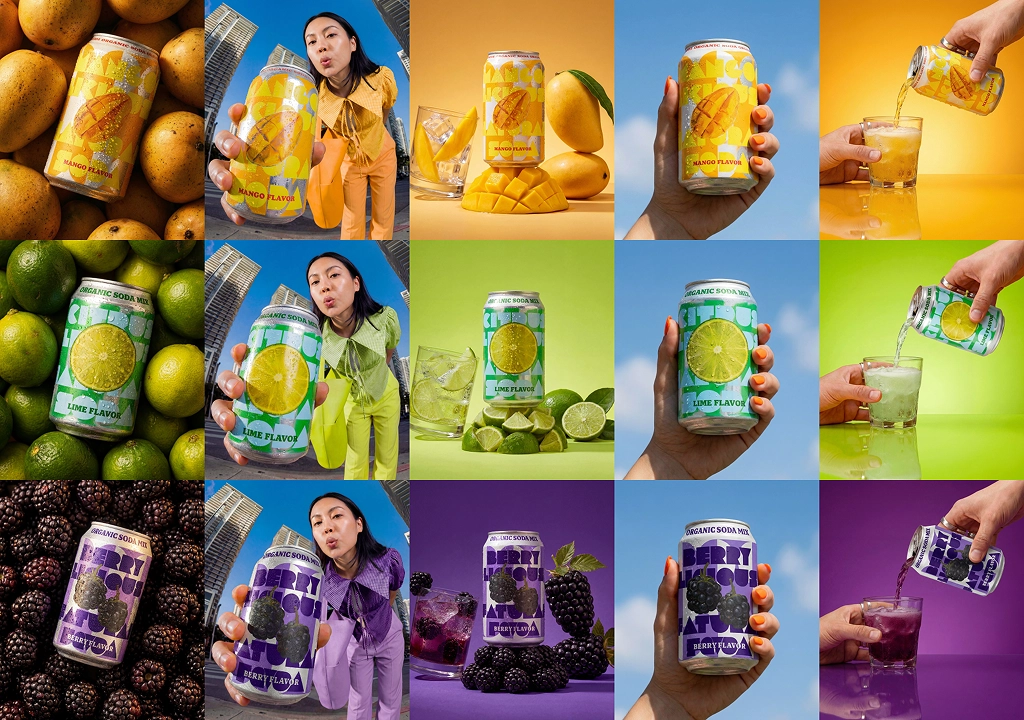
“Plan a 3-panel carousel for this collection using our approved creative reference. Each panel should be a new flavour and suggest the copy based on the flavour in the ad.”
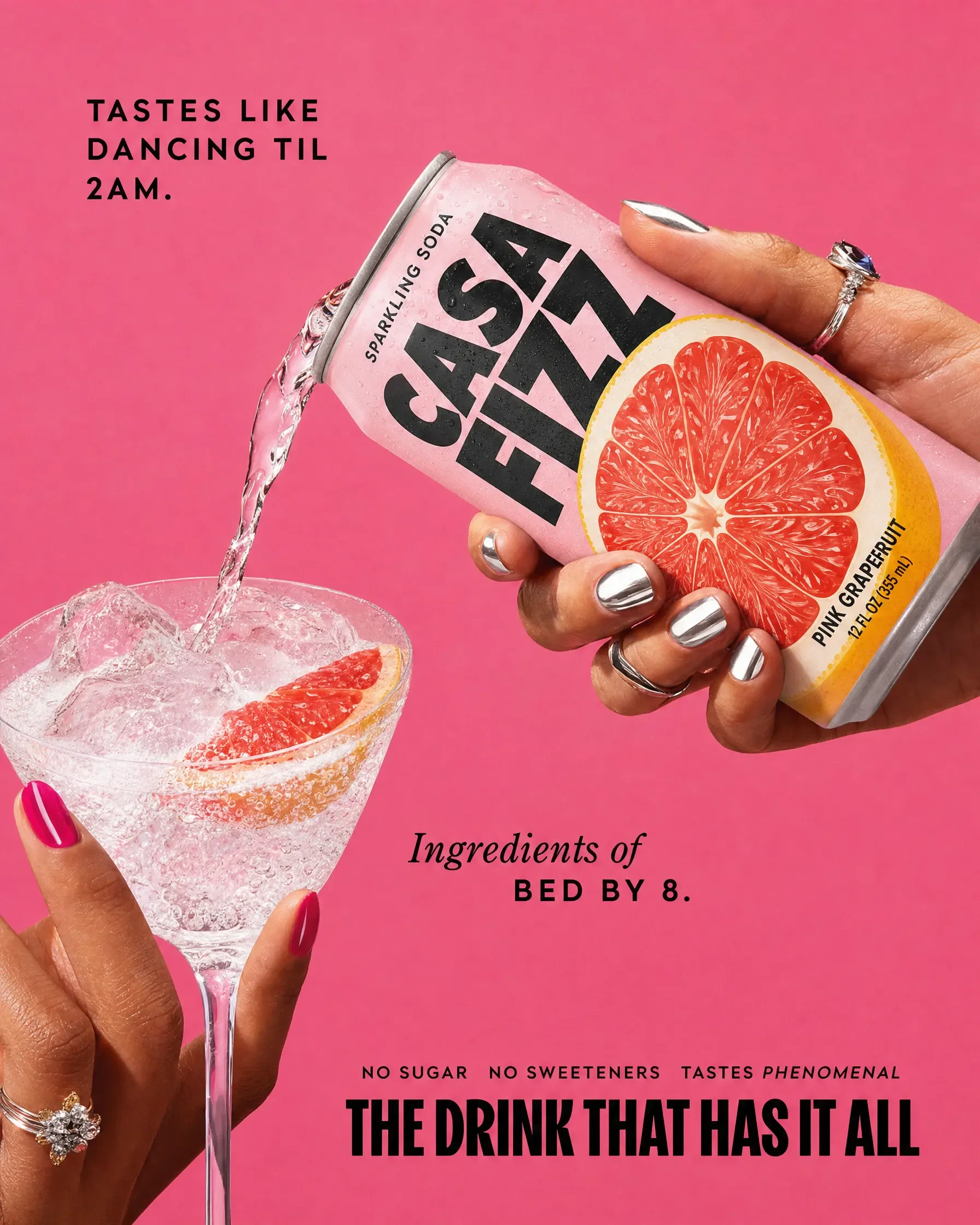
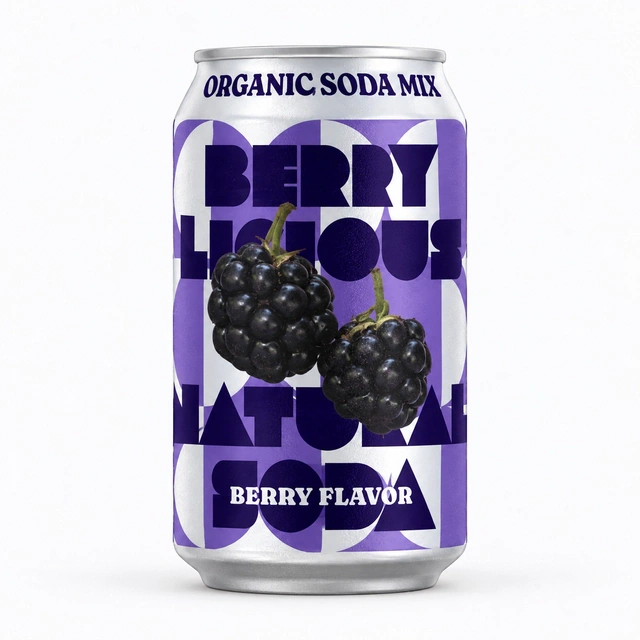
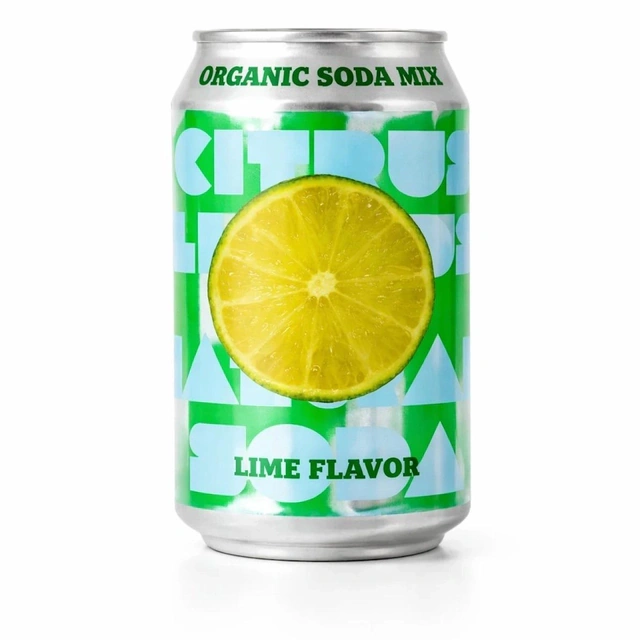
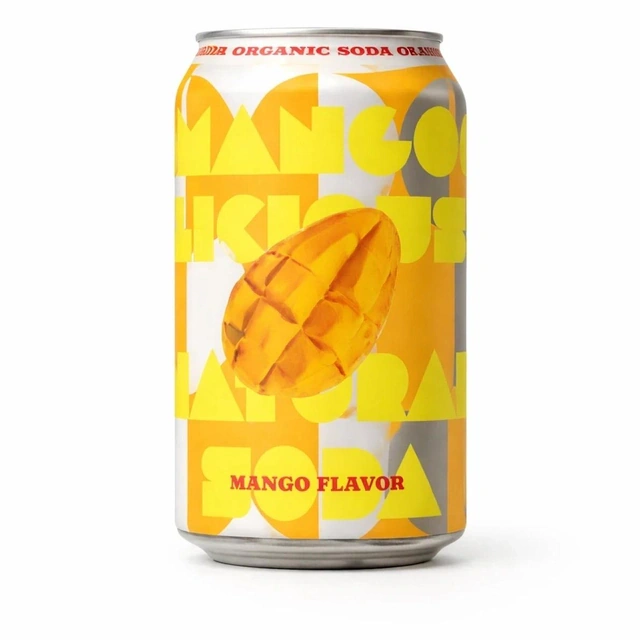
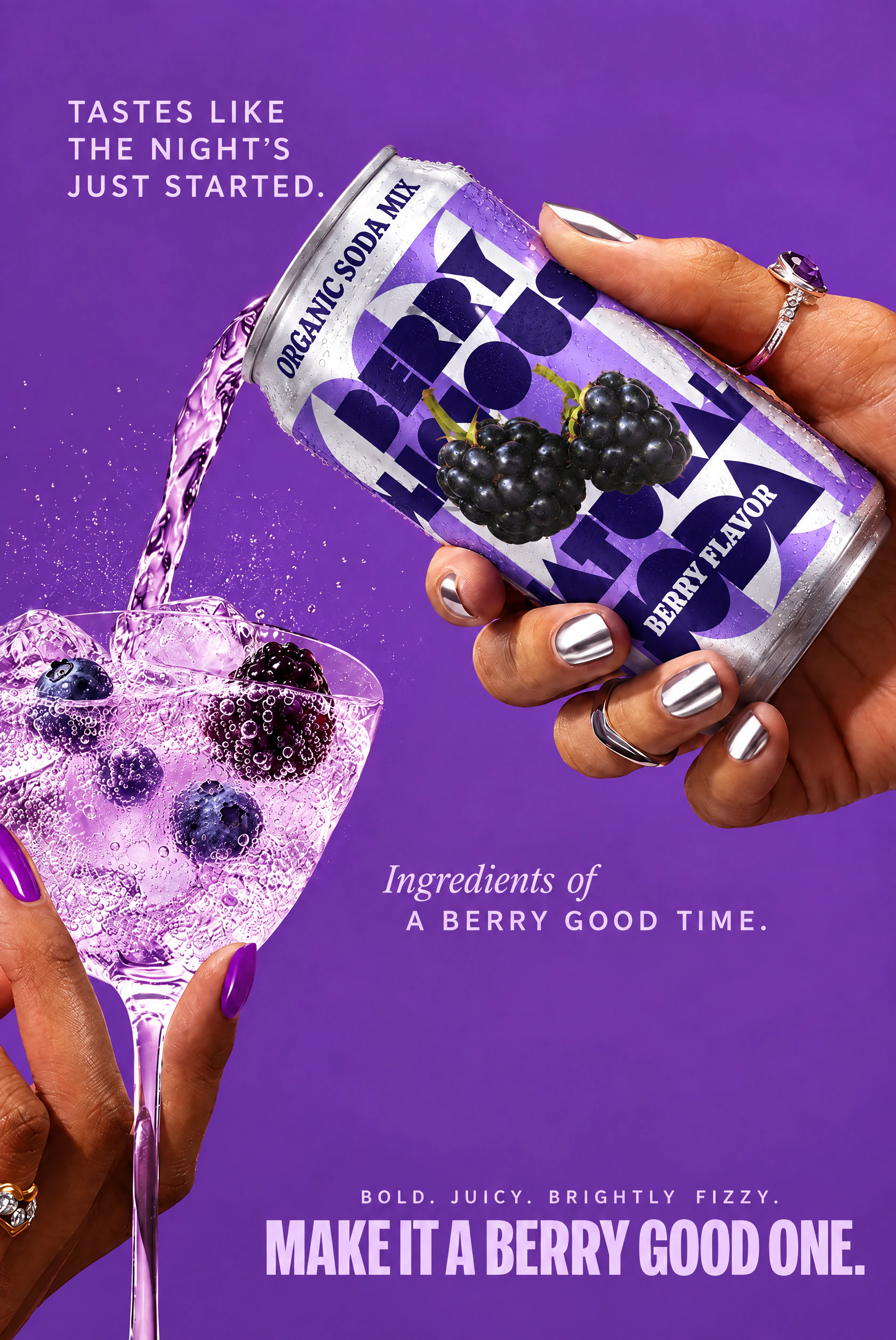

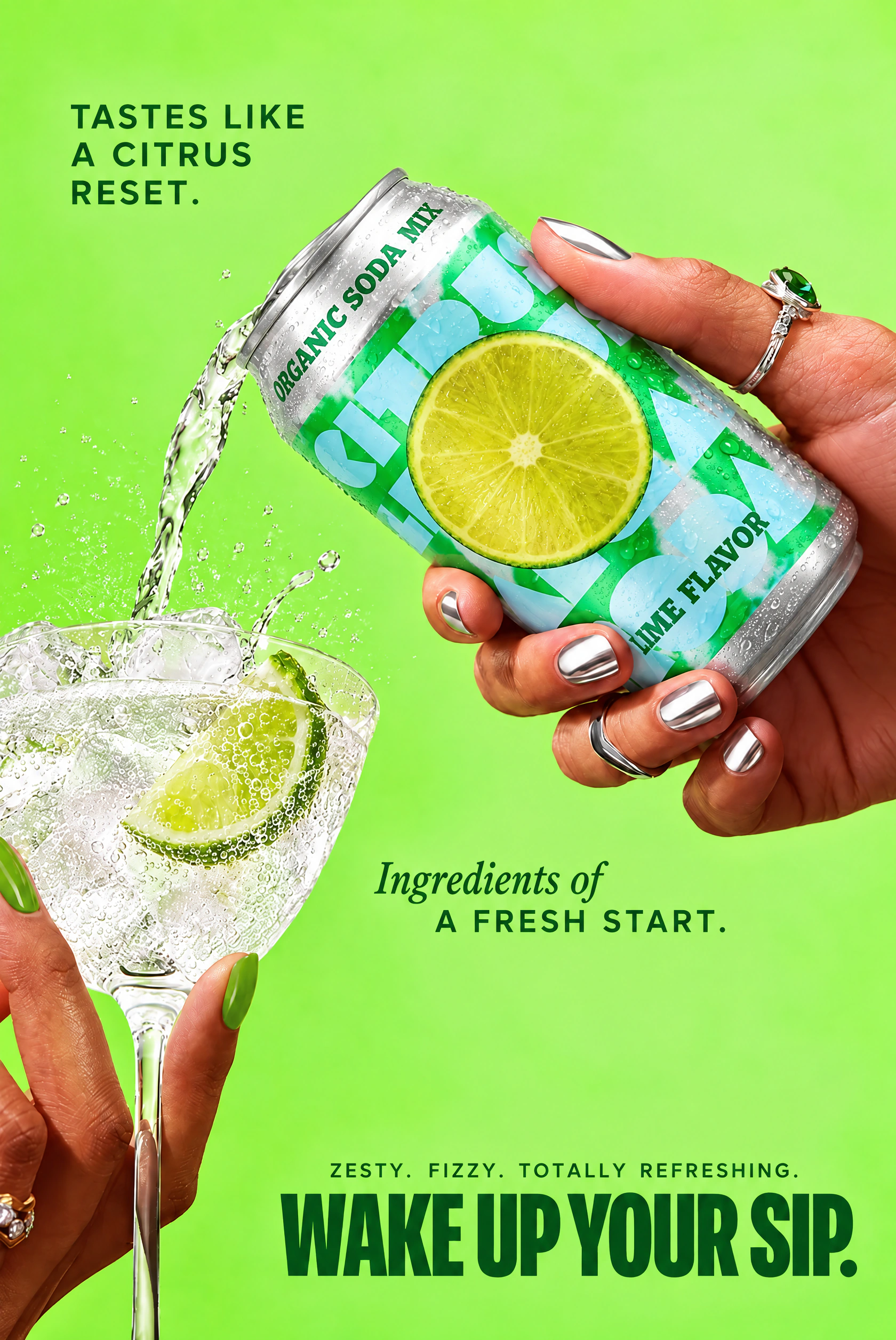
Check the sequence as well as the individual images. Is the message clear? Is the offer correct? Has any unsupported product information appeared? Review the text and product details before preparing versions for other placements.
Edit an image
Sometimes the image is nearly there. The label needs correcting, the product needs swapping or the background needs changing. You want to keep the parts you’ve already approved.
Make that boundary explicit. Supply the original image and an accurate reference, then name the change and everything that should remain untouched.
Try this:
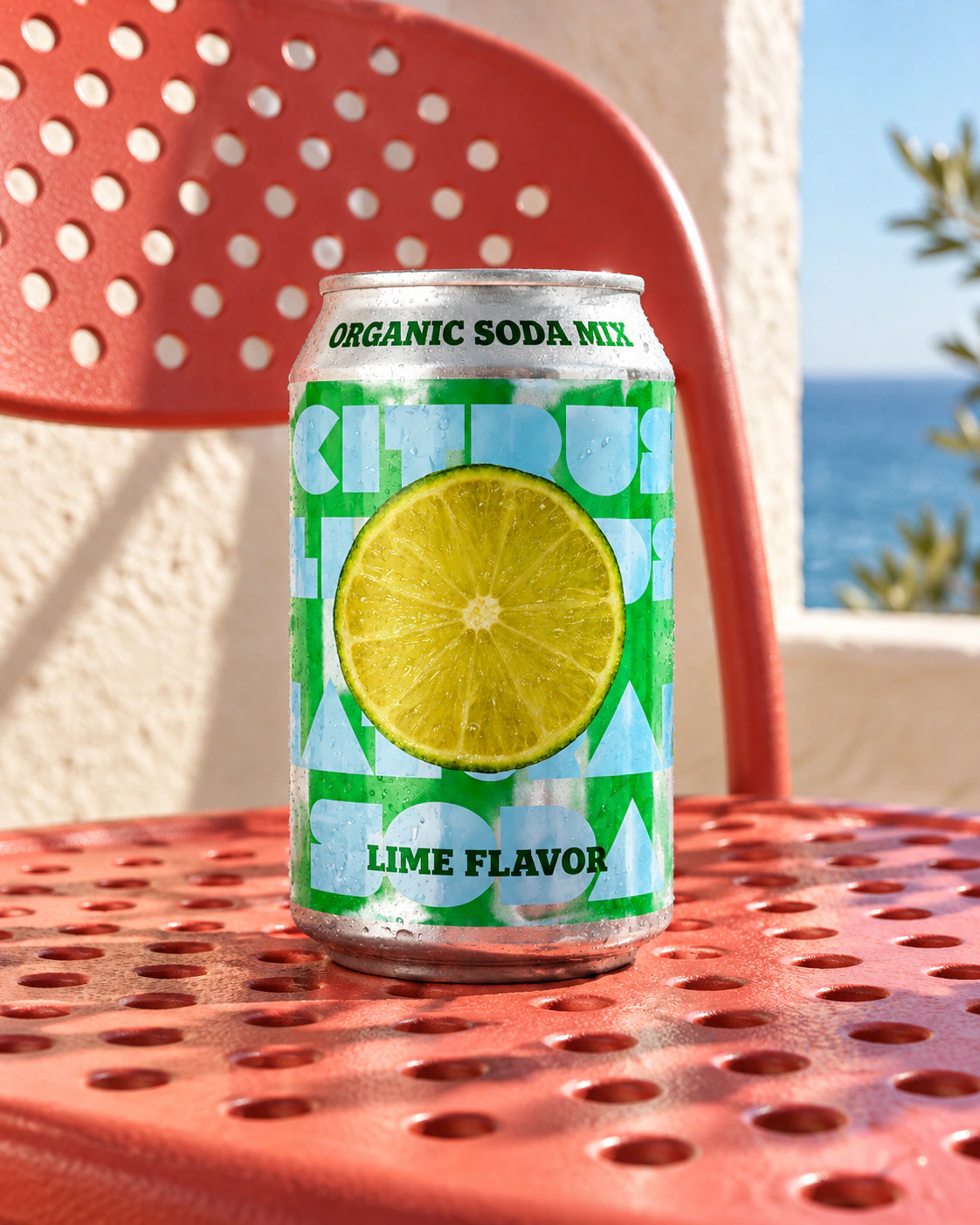
“Replace the can in this image with the attached product. Preserve the person, composition, lighting and background. Use the product reference for the label, shape and proportions. Don’t add or change any other text.”
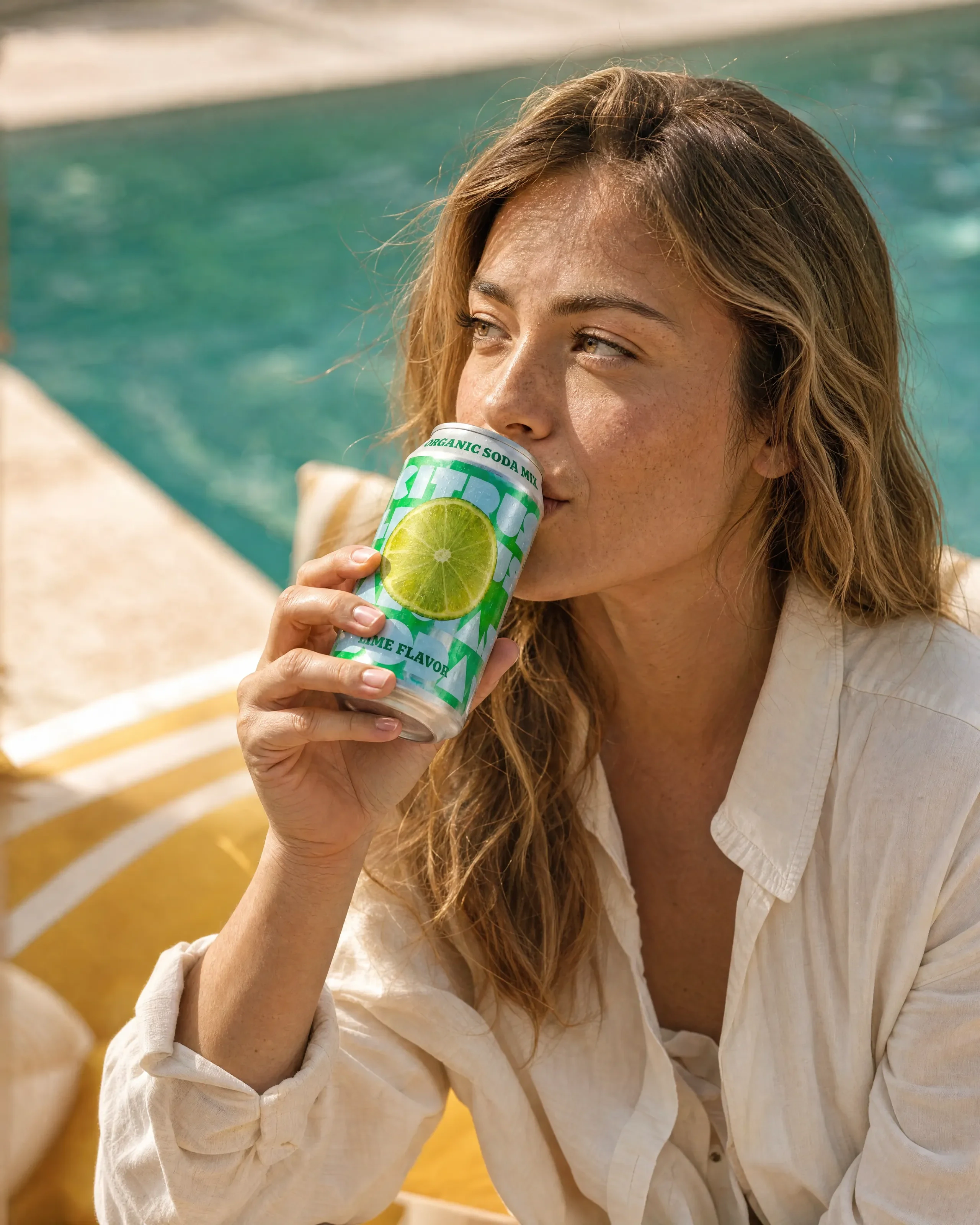
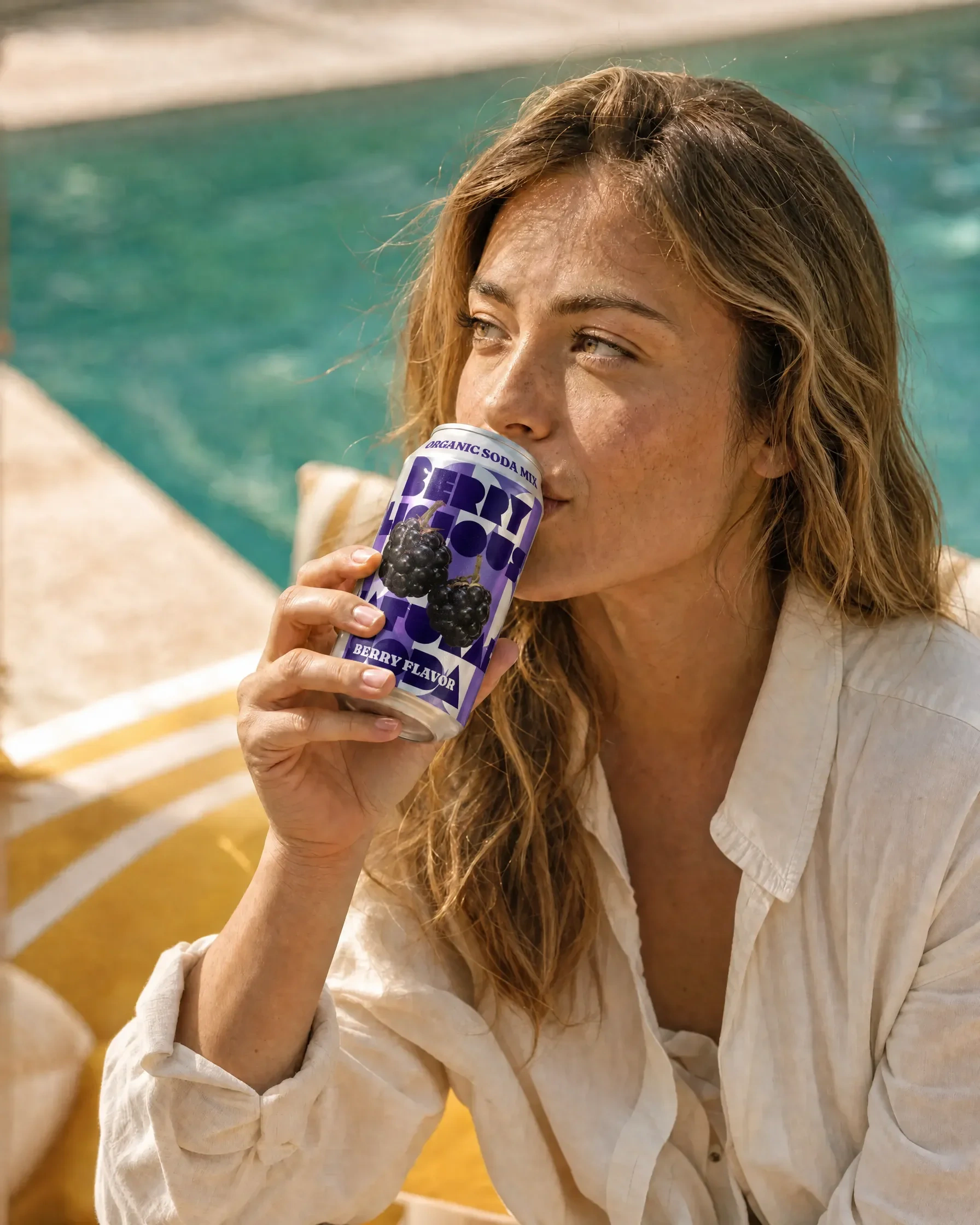


The same approach helps you brief a targeted text correction or a new setting. For resizing, extending an image or removing a background, specify the required dimensions and file type as well as the visual result.
Compare the edit with the original, including the areas you asked to preserve. Check the downloaded dimensions and any required transparency; a preview alone won’t confirm the export is right.
Plan & prepare
You don’t need to know exactly what to make before you start. Bring the commercial goal, the products and the channels you need to cover. Ask for a practical recommendation before generating assets.
Try this:
“Help me plan the images for this product launch. We need a product-page set and social creative. Review the references I’ve supplied, suggest the shots that would be useful and flag any missing product details. Don’t generate anything yet.”
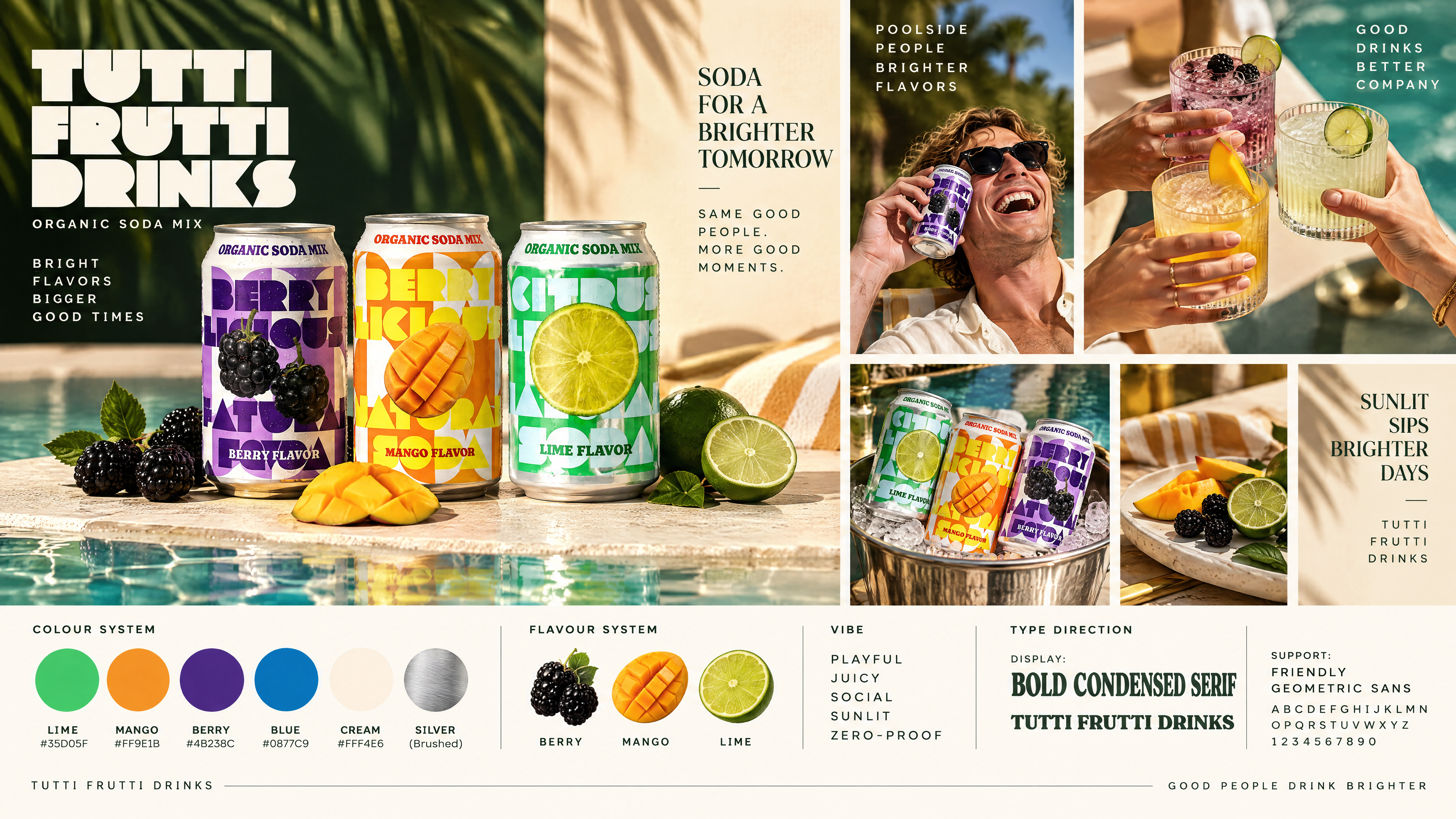
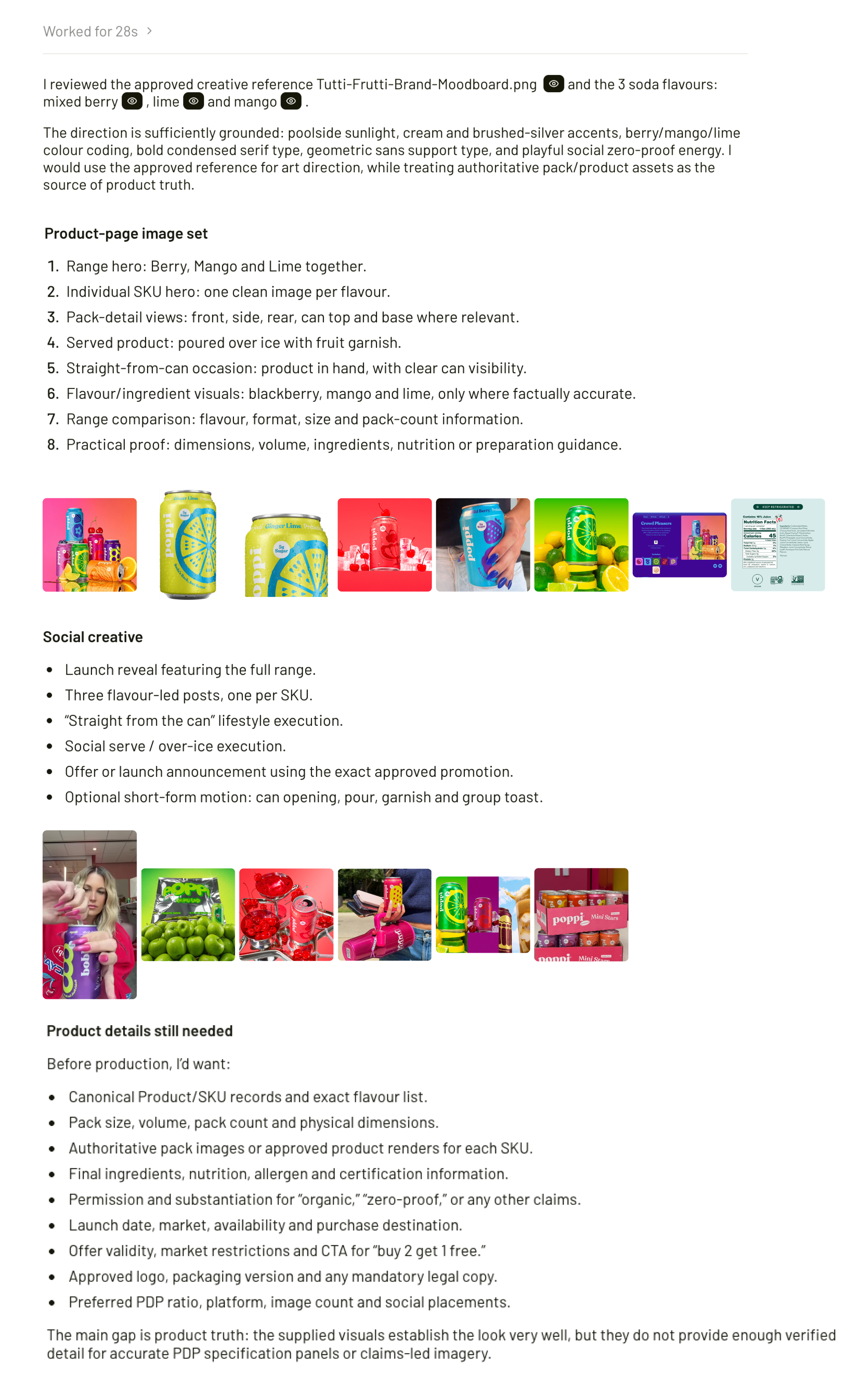


Preparation is also the place to separate product facts from creative inspiration. An image might establish the correct packaging, another the true size and a third the desired lighting. Naming those roles gives the brief a clearer foundation.
Keep an approved record of the brand guidance and corrections you want to reuse. Where saving guidance is supported, confirm what was saved and where to find it. Don’t assume a rule will be remembered in a new conversation.
Create & edit videos
An approved image can be the starting point for a short product video. Begin with the movement you want, the intended length and where the video will be used.
Try this:
”Use this product SKU image and the moodboard to create a short vertical video. Slowly pour the lime soda into the glass moving the camera closer, then show the can being lifted away. Preserve the can’s shape, colours and label design. No added text or music.”

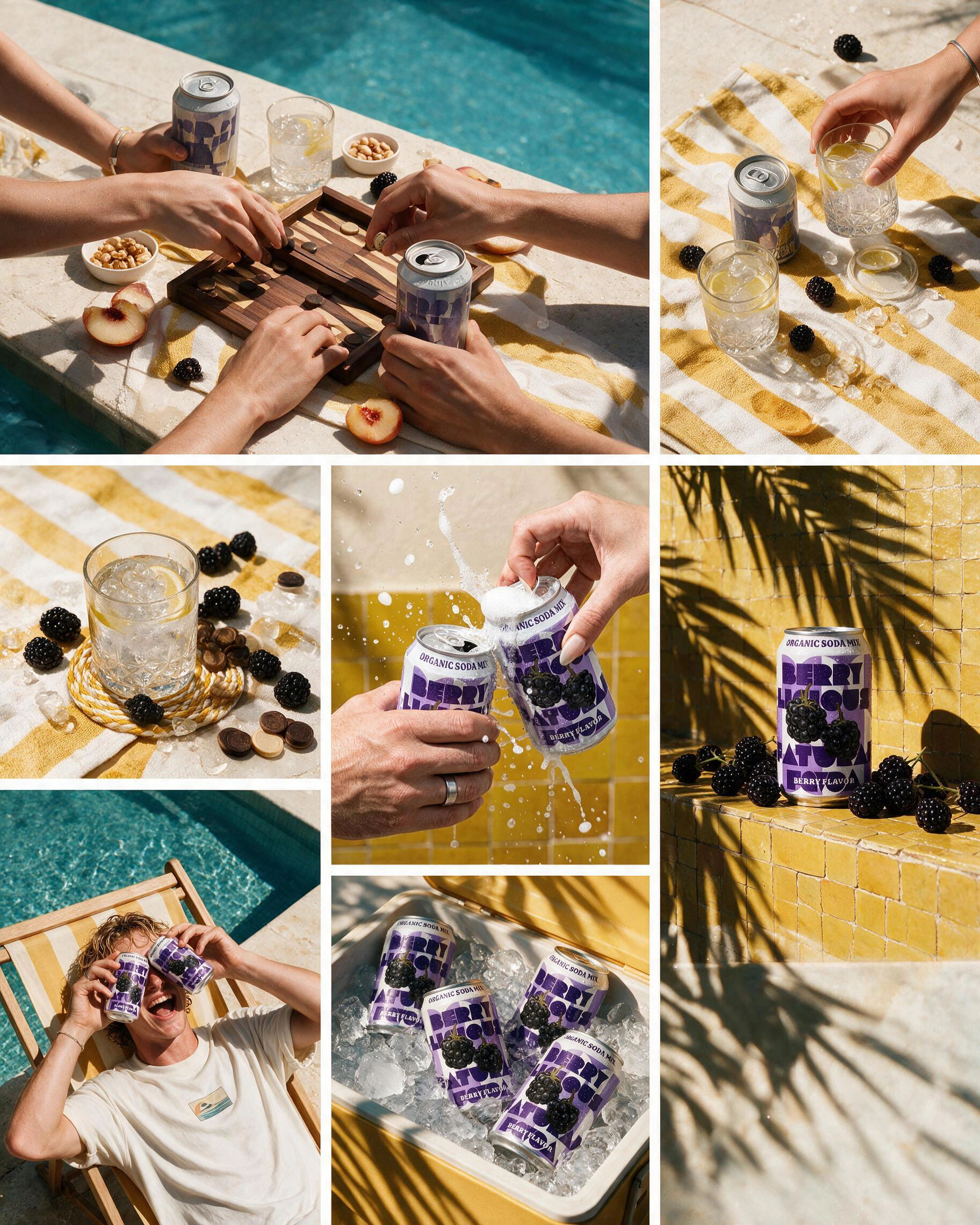


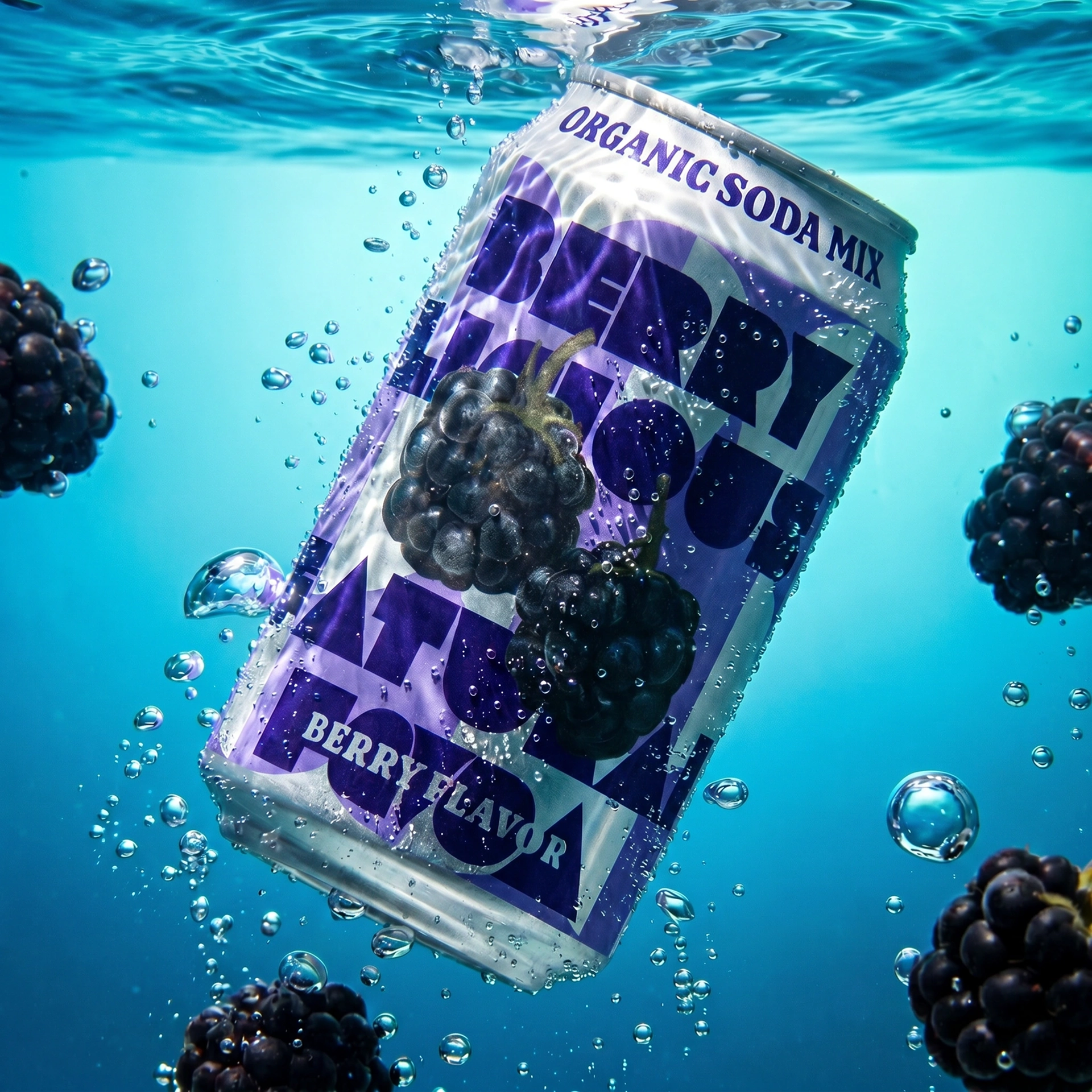
For a creator-style brief, describe the situation, product handling and camera feel. Be clear whether you want a casual phone-shot treatment or a polished campaign film.
Editing existing footage is a different job from generating a new video. If you need clips combined or an existing video revised, specify the source clips, cuts, timing, text and audio. Confirm that the requested edit is supported before committing to the work; these beta workflows may need another tool or help from our team.
Review the whole clip for product details, motion and continuity. Where an edit is supported, check that the approved parts remain intact.
Bring your next brief
Choose one task you already need to finish. Bring the source assets, explain the result you want and say what must stay unchanged.
SuperAgent is in beta. Review the actual outputs, not just the confirmation message, and check the details before publishing. Your team’s judgement stays part of the work.
Want help putting one of these approaches to work for your brand, or building a custom agent around how your team creates?