Guide
How to Upscale Product Images Without Losing Detail
A practical guide to upscaling product images for ecommerce teams that need sharper assets without sacrificing product accuracy.
- Guides
- AI Product Photo Editing


Examples
Scenes from the Riverflow library
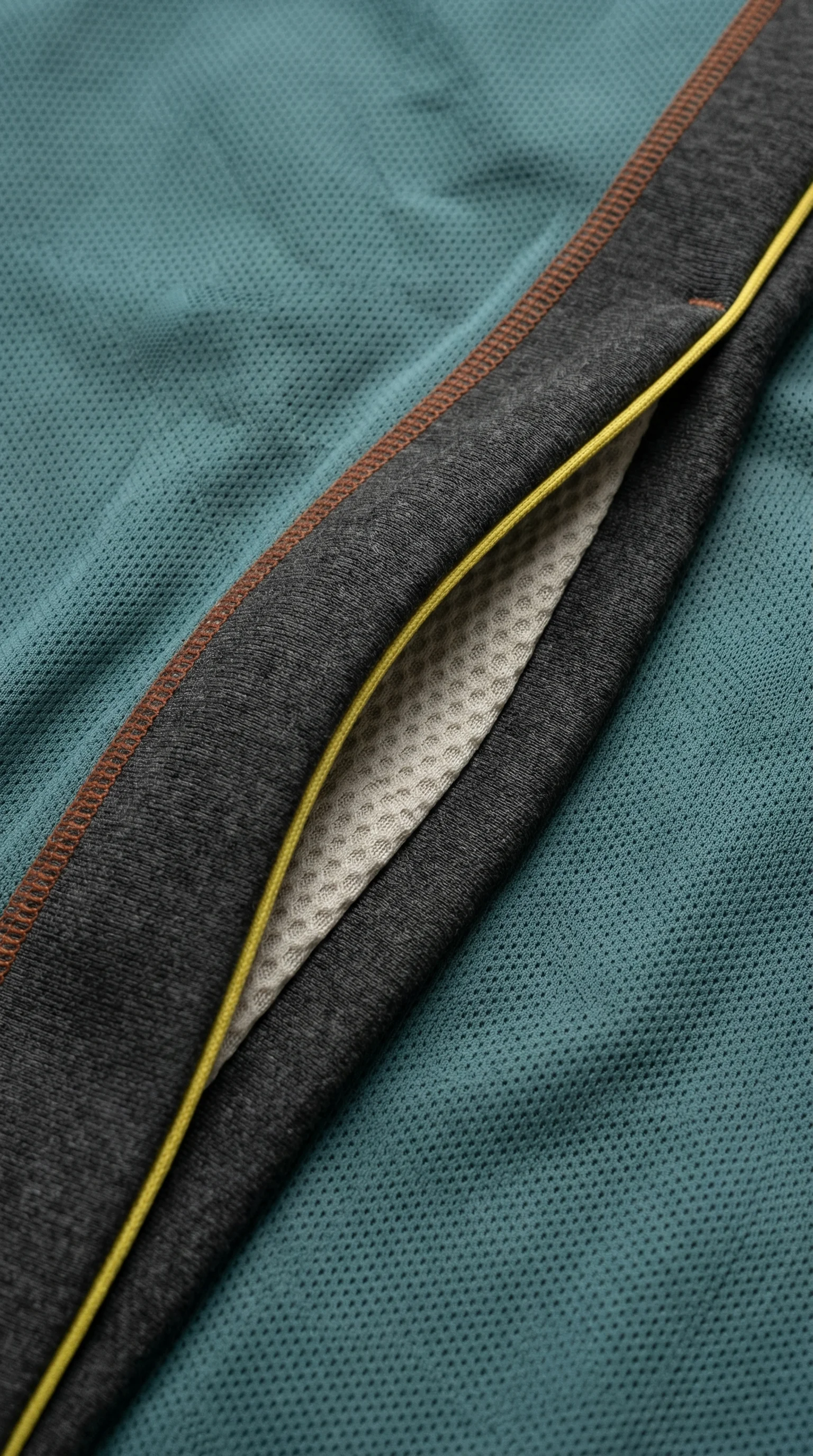
Fabric weave and seams test texture recovery.
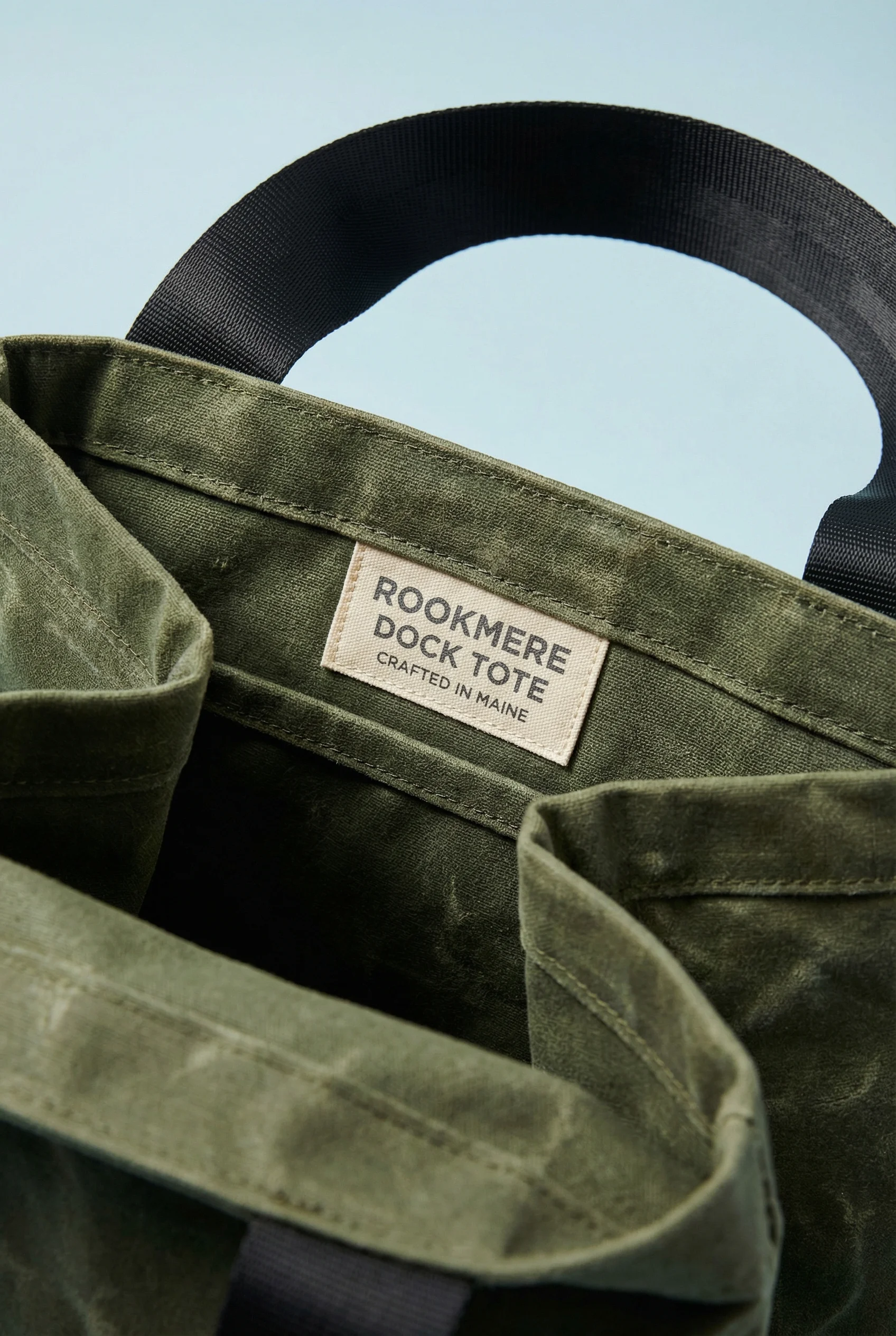
Canvas grain shows whether upscaling preserves surface fidelity.

Small highlights and curved edges reveal sharpening quality.
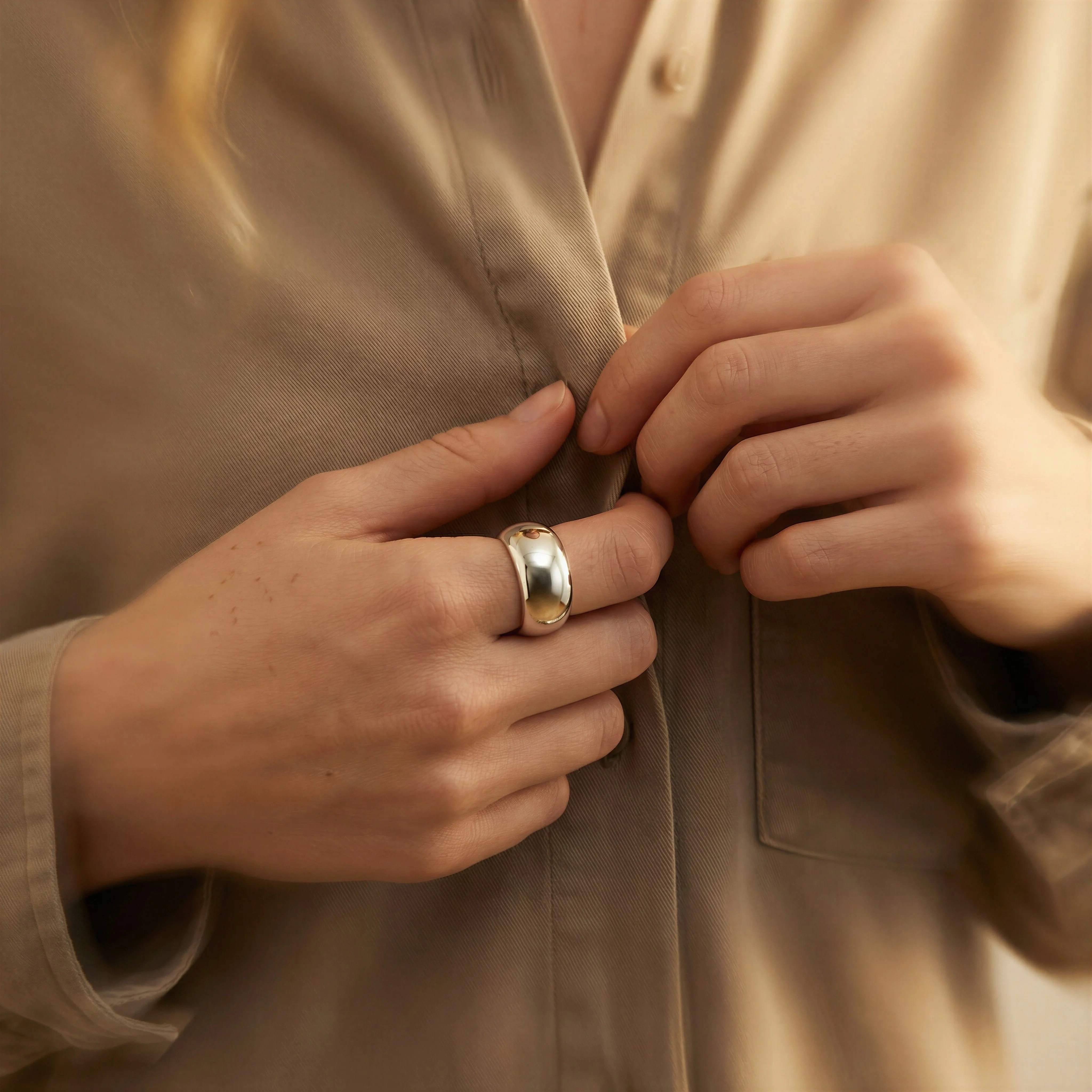
Fine metal and skin detail make sharpness improvements easy to judge.
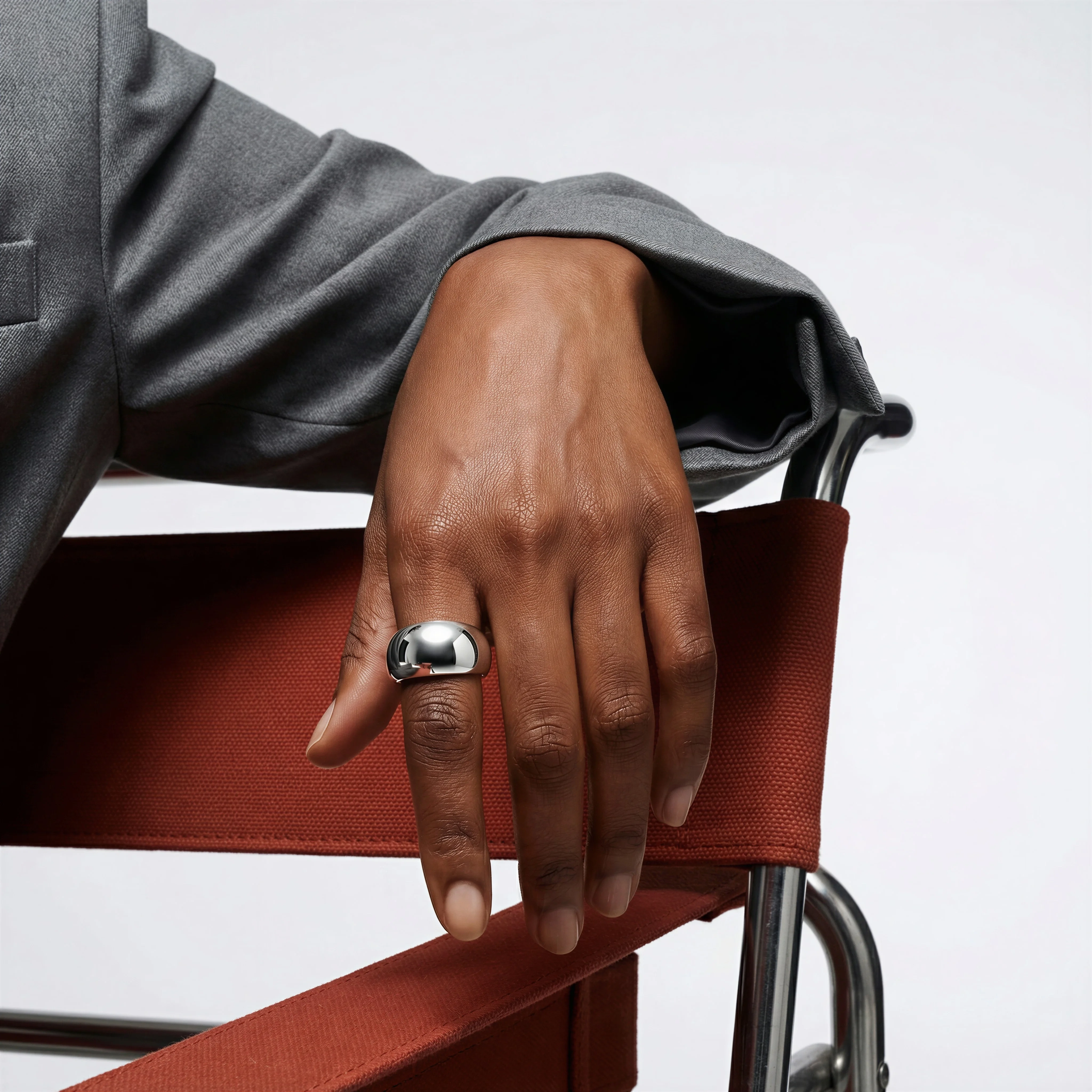
Close jewelry texture is a strong test for upscale fidelity.
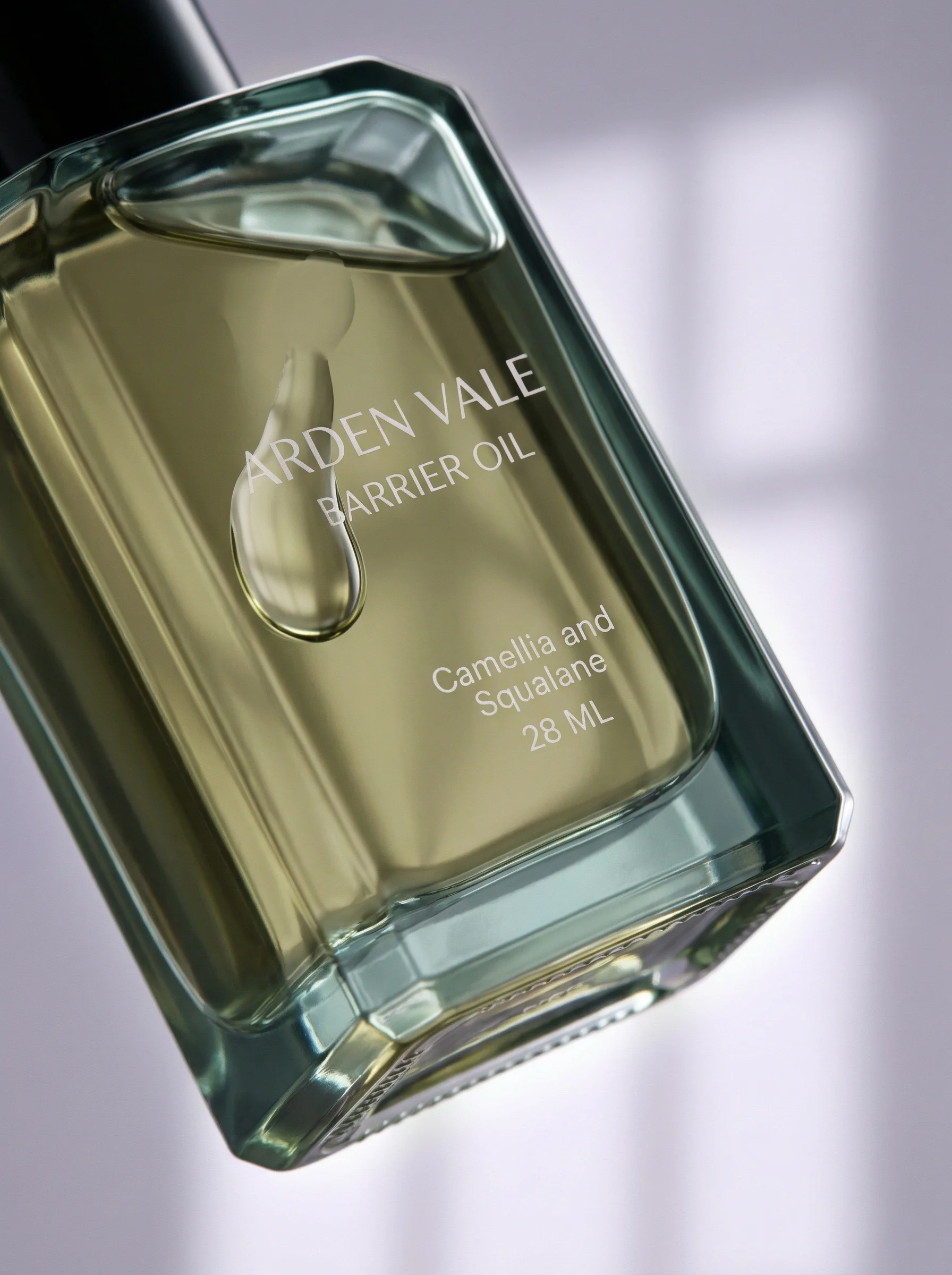
Macro packaging and liquid detail highlight resolution and artifact control.
Decide whether upscaling is the right fix
Upscaling can make product images more flexible for zoom, PDP layouts, paid ads, email banners, marketplace feeds, and campaign crops. It cannot turn a poor source file into perfect product truth. If the original is inaccurate, reshooting or rebuilding may be the better production choice.
Separate three jobs before you start. Basic upscaling increases usable size. Product-detail correction protects or repairs specific artwork, labels, logos, and material cues. Rebuilding creates a new asset when the source is not worth saving. Riverflow supports all three paths, but they should not be treated as the same request.
For a local artwork error, read Fix Product Details before upscaling. For a product that changes across generated assets, use product consistency in AI images. Upscaling should be the answer only when the source is accurate and the destination needs more usable resolution.
Visual playbook
Details that reveal upscale quality
Review the parts of the image most likely to show artifacts: fine texture, reflective edges, small type, and material finish.
Fabric and seam detail
Textiles can become waxy, over-sharpened, or patterned with repeating artifacts if the upscale is too aggressive.
Use when: Use for apparel, bags, footwear, home goods, and any PDP image with zoomable fabric texture.
Prompt cue
Upscale this product detail image while preserving mesh texture, stitching, edge shape, and natural material softness.
Reflective product edges
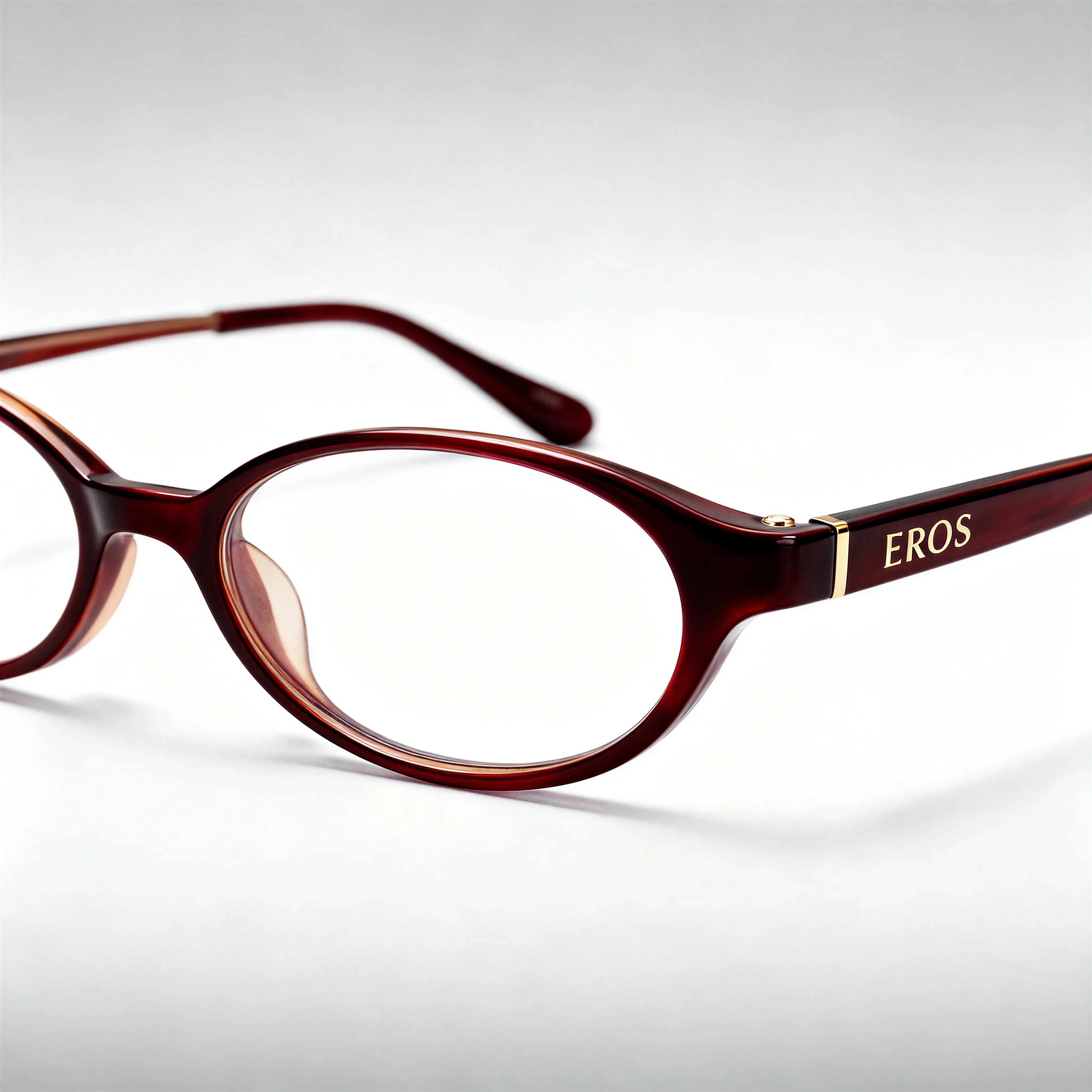
Jewelry, glass, and polished materials need clean highlights without halos or fake edge detail.
Use when: Use for jewelry, beauty packaging, glassware, watches, accessories, and premium PDP zoom images.
Prompt cue
Upscale this jewelry close-up with clean reflective edges, preserved pearl shape, accurate highlights, and no artificial halo.
Packaging artwork repair
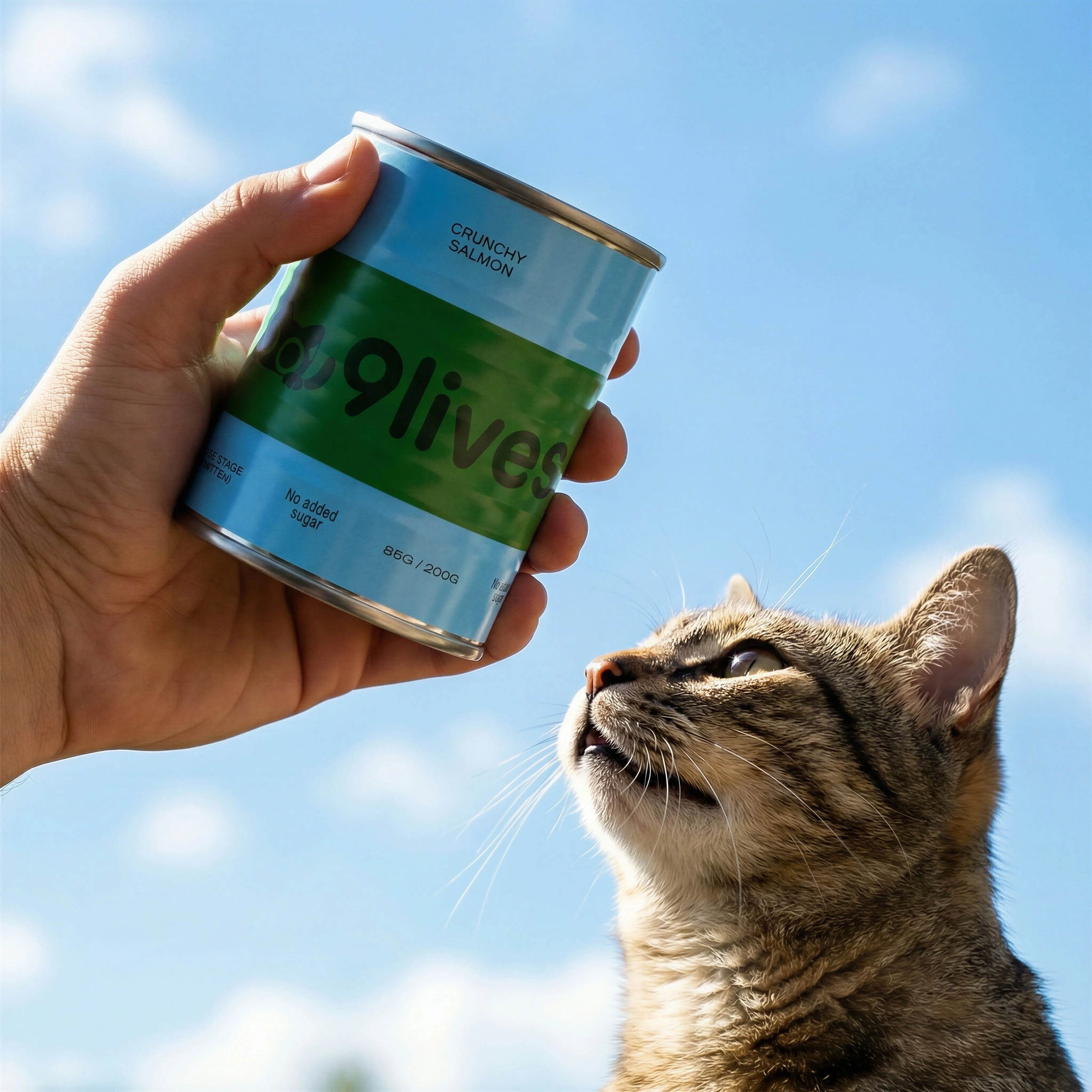
Small labels, transparent material, and glossy surfaces should stay readable and realistic after enhancement; if artwork is wrong, repair the detail rather than sharpening the mistake.
Use when: Use for beauty, wellness, beverage, supplement, and packaged goods images that will be inspected closely.
Prompt cue
Improve this packaging macro while preserving label text, bottle shape, liquid clarity, glossy highlights, and product color. Use reference artwork if any label detail needs correction.
Upscale review standards
Choose the right approach
Upscaling decision matrix
Use the destination and product detail risk to choose the right Riverflow path and review standard.
| Workflow | What to control | Review standard |
|---|---|---|
| Editing upscale | Resolution, edges, label text, texture, compression, color, product shape, crop, aspect ratio, and center point. | The image should look natural at shopper zoom level and final placement size, not only at full editor magnification. |
| Reference-based detail fix | Logos, artwork, engraving, stitching, grain, transparent material, reflective highlights, small type, and source references. | Use Riverflow 2.0 Reference-Based Super Resolution when the task is to find and update product artwork in place without altering the rest of the image. |
| Images generation path | Model choice, source reference, prompt constraints, material texture, product detail risk, and final use. | Riverflow 2.0 Pro, Google's Nano Banana 2, and OpenAI GPT-Image-2 can support text-to-image and image-to-image workflows, but product truth still needs source references and review. |
| Photoshoots rebuild | Scene source, Style, product reference, channel crop, and whether the old image is still a reliable source. | If the source is too damaged, rebuild the asset in a controlled Riverflow Scene rather than upscaling missing information. |
Riverflow workflow
How this works in Riverflow
For product imagery, upscaling is only one part of image recovery. The right workflow depends on whether you need size, product-detail correction, or a cleaner rebuilt asset.
Photoshoots
Rebuild when the source is weak
If an old image is too blurred, compressed, or poorly staged, use Photoshoots to adapt the product into a controlled Scene from Riverflow's brand-safe library or a Scene from your own photoshoot. Styles help keep rebuilt shots consistent with the rest of the campaign.
Images
Use model paths deliberately
Use Riverflow's Images product for text-to-image and image-to-image work with Riverflow 2.0 Pro, Google's Nano Banana 2, or OpenAI GPT-Image-2 when a generation path is more appropriate than simply enlarging a flawed file.
Editing
Repair and export carefully
Use Editing to change aspect ratio while keeping the image natural, generate 9 angle variants for product-form checks, fix product details with Riverflow 2.0 Reference-Based Super Resolution, or Swap product into an approved high-resolution scene.
Upscaling checklist
Before you publish
Approve only after these checks
- Product shape, proportions, and silhouette are unchanged.
- Label text, logo, product name, variant, certification marks, and visible numbers are not invented or distorted.
- Material texture still matches the real product: fabric, metal, glass, plastic, paper, food, skin, or liquid.
- Edges look clean without halos, jagged lines, ringing, or over-sharpening.
- Color, contrast, reflections, and lighting remain consistent with the source.
- Any product artwork correction is based on reference assets, not a model guess.
- Aspect-ratio changes preserve natural composition and a sensible center point.
- The file is sharp enough at the actual placement size, not only at 200 percent zoom.
- Export dimensions, file size, and format match the channel.
- The original image, upscaled output, reference assets, and approval notes stay linked.
Upscale acceptance test
Review the output at three sizes: final placement size, PDP zoom size, and close inspection. At placement size, the image should feel natural and commercial. At PDP zoom size, the product should still look like the source. At close inspection, you are looking for artifacts, not perfection.
The output fails if it creates sharper but wrong text, repeats fabric texture, invents product grain, adds halos to reflective edges, changes a variant color, or makes the product look more expensive than it really is. For ecommerce, truthful resolution beats artificial sharpness.
Riverflow prompt recipe
Create it in Riverflow
Riverflow prompt recipe
Use this structure to turn the strategy into a specific creative brief that keeps the product accurate and the scene useful.
- 1
Input
Upload the source image and any reference assets that should anchor product detail, such as packaging artwork, close-up photos, product renders, or the approved product reference.
- 2
Path
Choose the job: enlarge a sound image, fix product artwork with Riverflow 2.0 Reference-Based Super Resolution, use Images for a model-based generation path, or rebuild in Photoshoots.
- 3
Protect
Identify protected details: label text, logo, color, texture, shape, reflective highlights, edge softness, material finish, and visible variant information.
- 4
Destination
State the final use: PDP zoom, hero section, paid social, email banner, marketplace feed, aspect-ratio crop, or campaign master.
- 5
Review
Ask for natural resolution improvement with no invented text, artificial grain, texture repetition, halos, color shift, or unapproved product-detail changes.
Example prompt
Mistakes to avoid
Using upscaling as a fix for a bad source image.
If the image is blurred, cropped, inaccurate, or missing critical detail, reshoot or rebuild the asset.
Reviewing only at full magnification.
Check the image at the final shopper-facing size and crop, then inspect detail areas separately.
Accepting sharper text that has changed letters or numbers.
Compare labels, logos, ingredient panels, certifications, and variant details against the source or original artwork.
Asking the model to guess missing artwork.
Use reference assets and a detail-fix workflow when artwork needs to be corrected in place.
Replacing the original with the upscale.
Keep the original source, upscaled file, references, prompt, and approval history together.
FAQ
Can AI upscaling recover missing product detail?+
It can improve presentation when the source is sound, but it should not be trusted to recreate missing labels, artwork, texture, or product information without references.
What should I inspect first after upscaling a product image?+
Start with the product truth: shape, logo, label text, variant details, texture, color, and edges. Then review the asset at the final placement size.
When should I use Reference-Based Super Resolution?+
Use Riverflow 2.0 Reference-Based Super Resolution when the image is mostly right but product artwork, label detail, or similar SKU-critical content needs to be found and updated in place without altering the rest of the image.
When should I avoid upscaling?+
Avoid upscaling when the product is already inaccurate, the label is unreadable, the crop removes important detail, or the source has compression artifacts that would become more visible at larger sizes.
Start creating
Get started with on-brand visuals
Turn guide ideas into product-accurate creative in Riverflow, using your brand, products, scenes, styles, and channel crops from the start.
Your catalog into campaign-ready Creative
Riverflow connects your products, brand rules and creative workflows so your team can create on-brand photoshoots, ads, videos and edits across every campaign.