Guide
Replicate the Riverflow POMMY Campaign
An image-led guide to Riverflow's POMMY campaign, with the complete product and scene gallery plus a link to all 26 image prompts.
- Guides
- Brand Creative Workflows

Examples
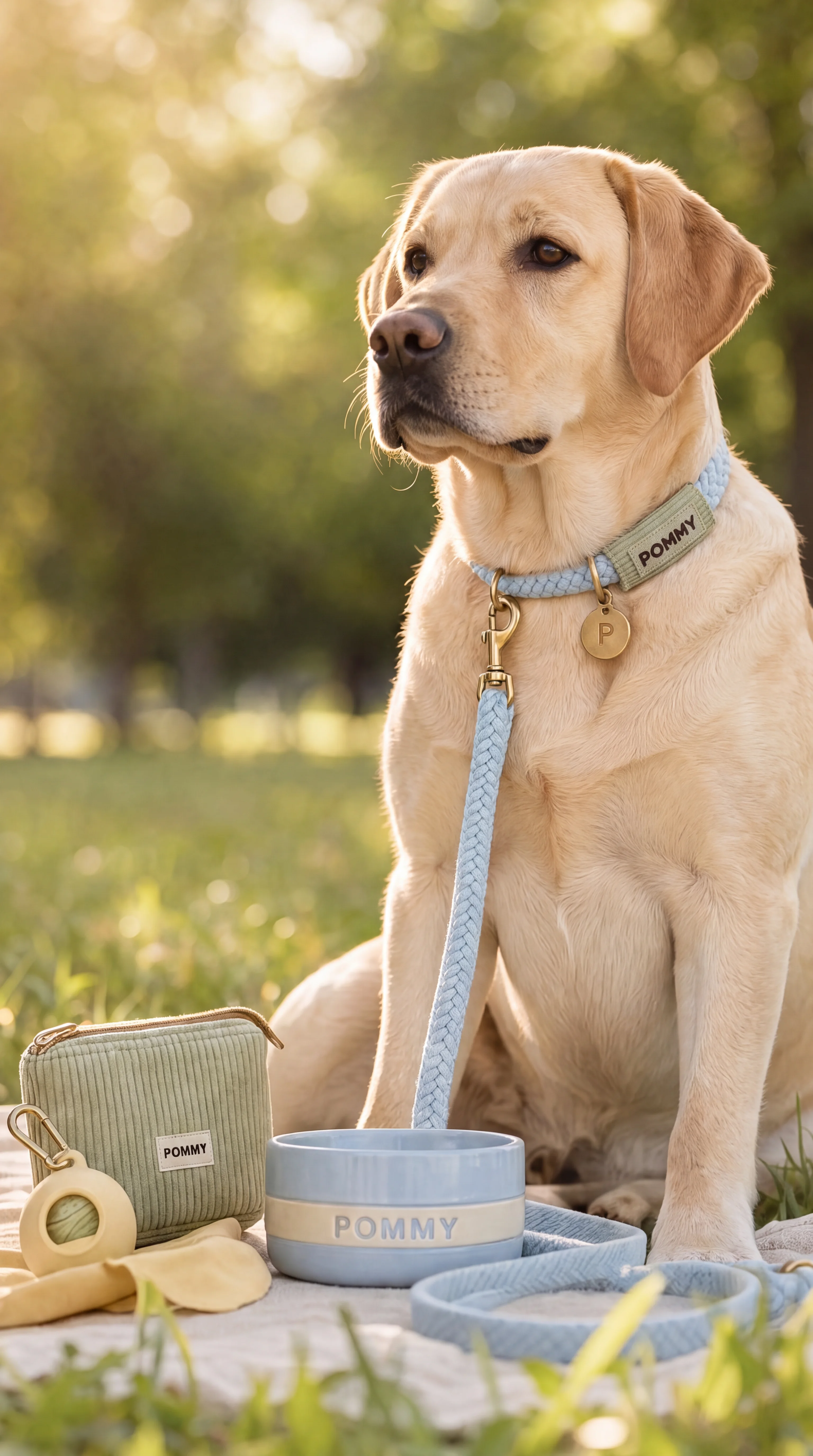
Scenes from the Riverflow library
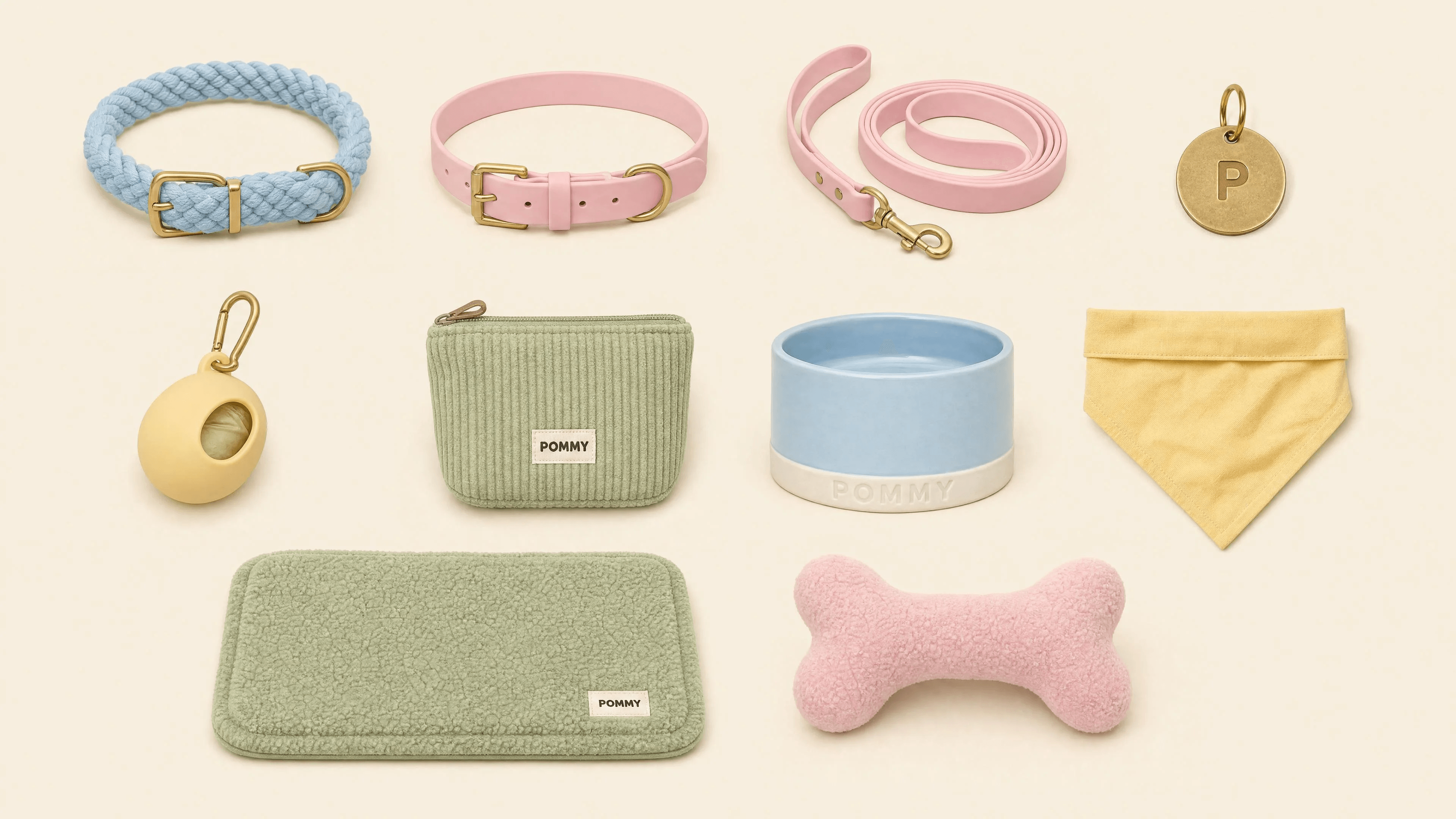
Reference 01: POMMY Product Sheet
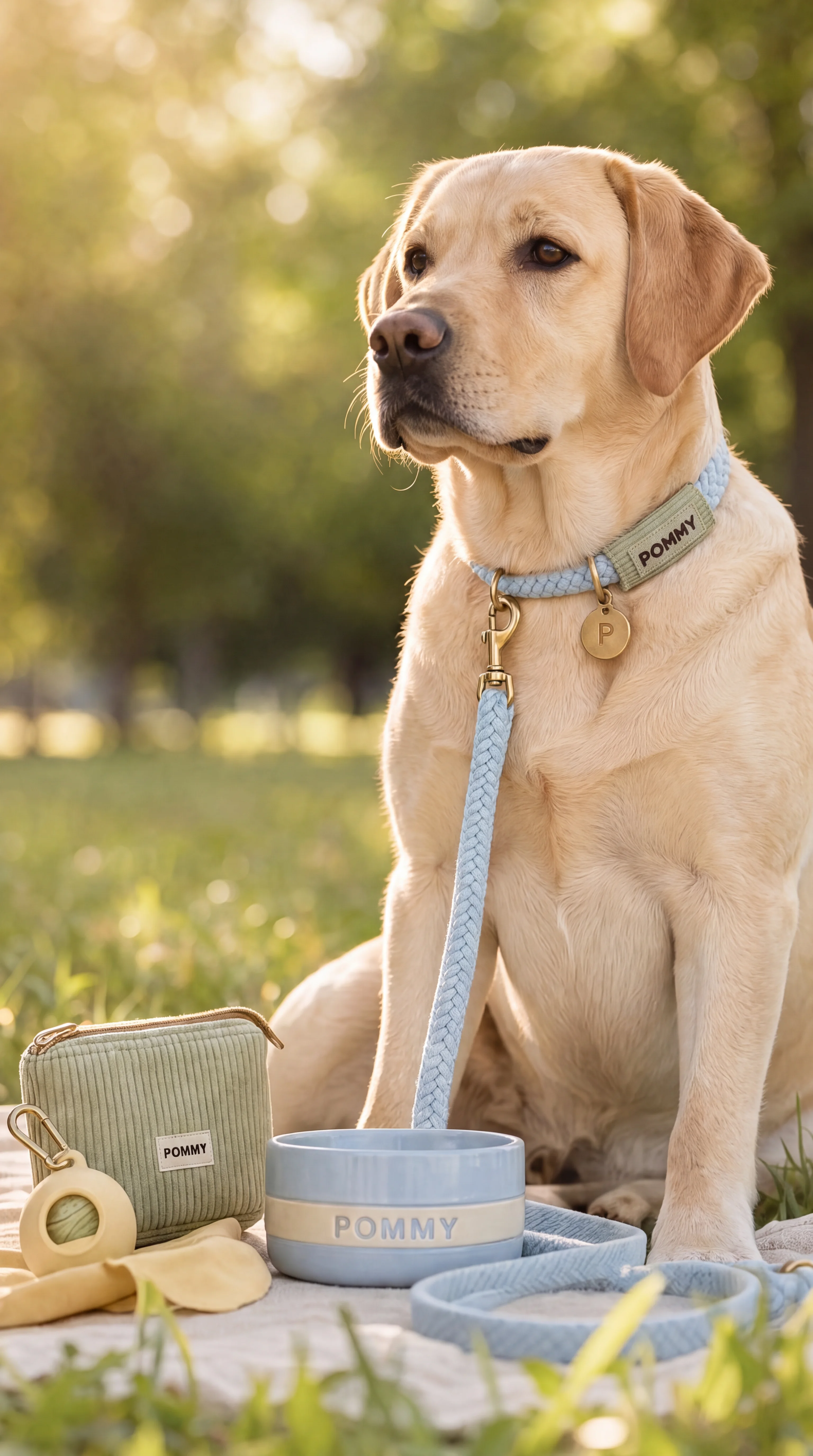
Image 03: Sky Rope Walk
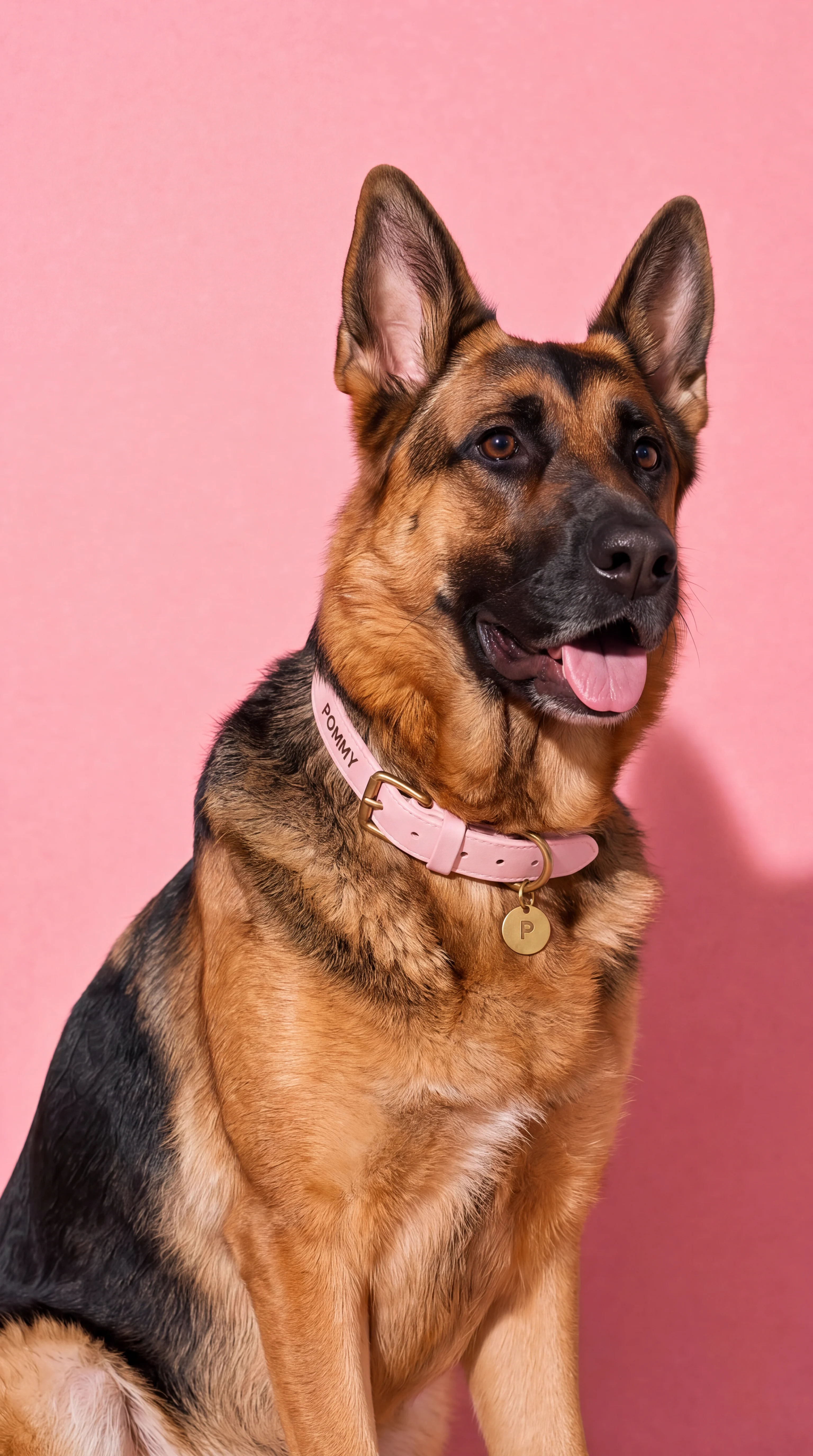
Image 04: Court Collar Hero
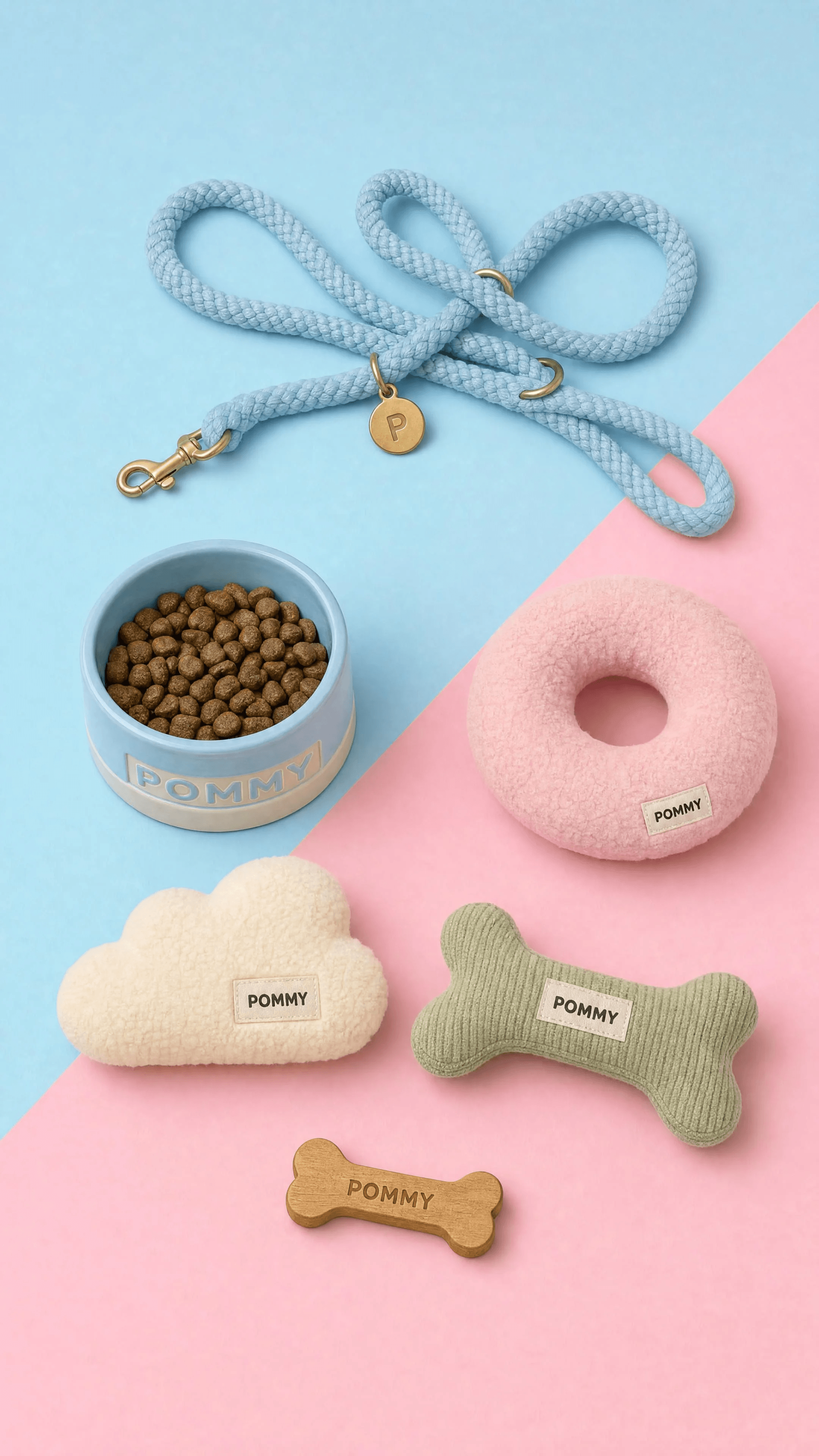
Image 05: Duo-Tone Flatlay
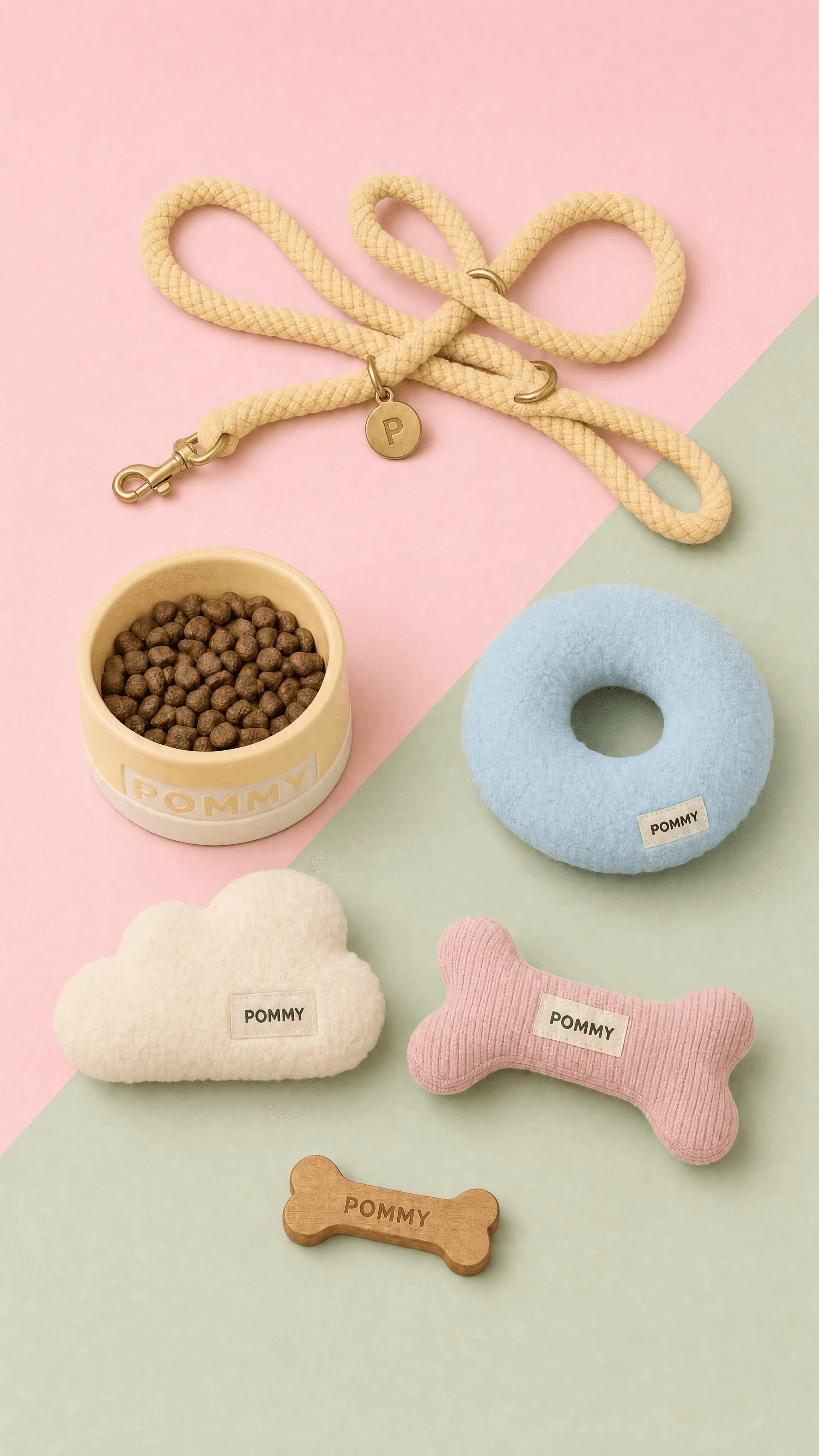
Image 06: Duo-Tone Flatlay — Blush and Sage
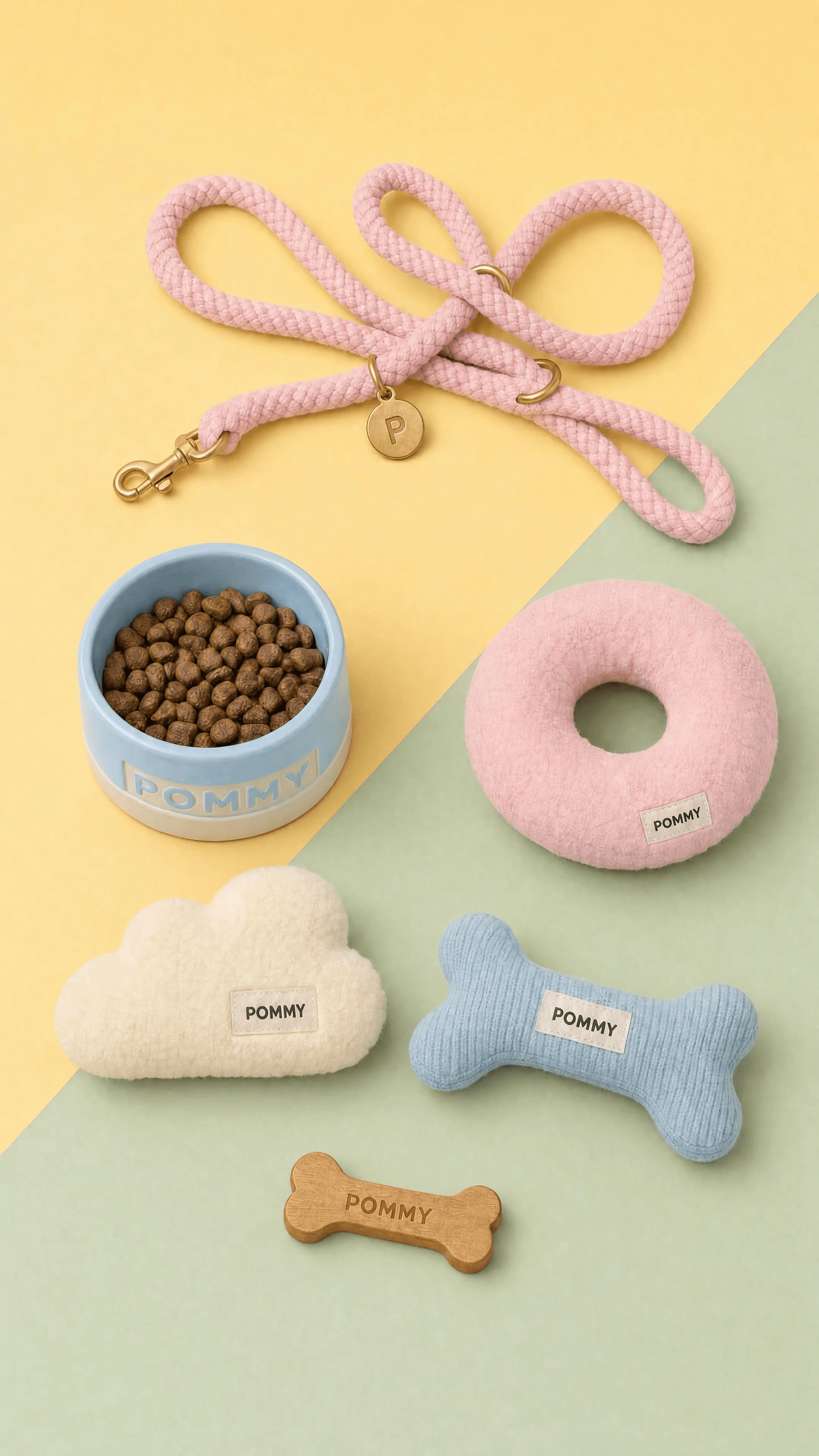
Image 07: Duo-Tone Flatlay — Butter and Sage
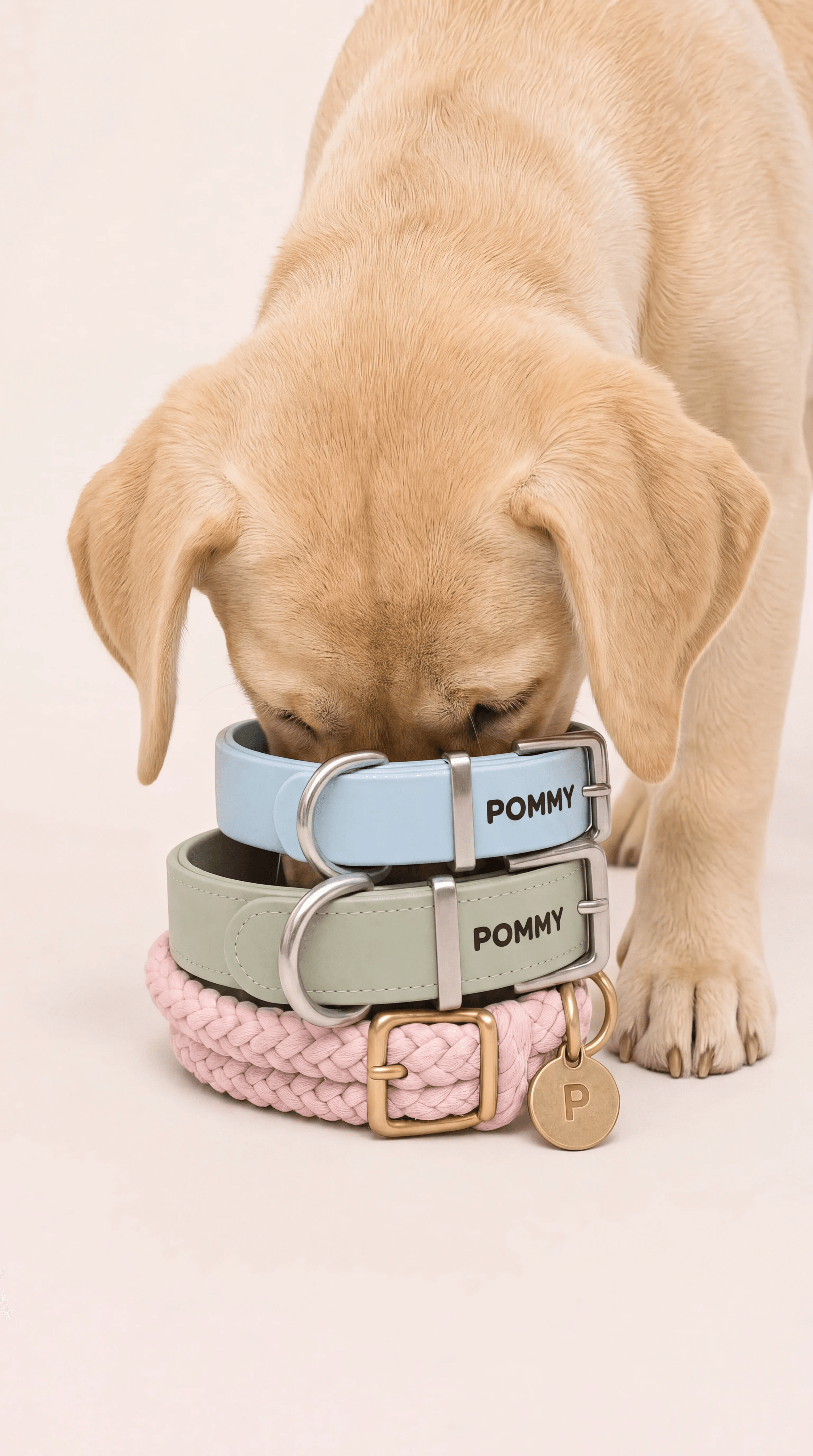
Image 08: Puppy Collar Stack
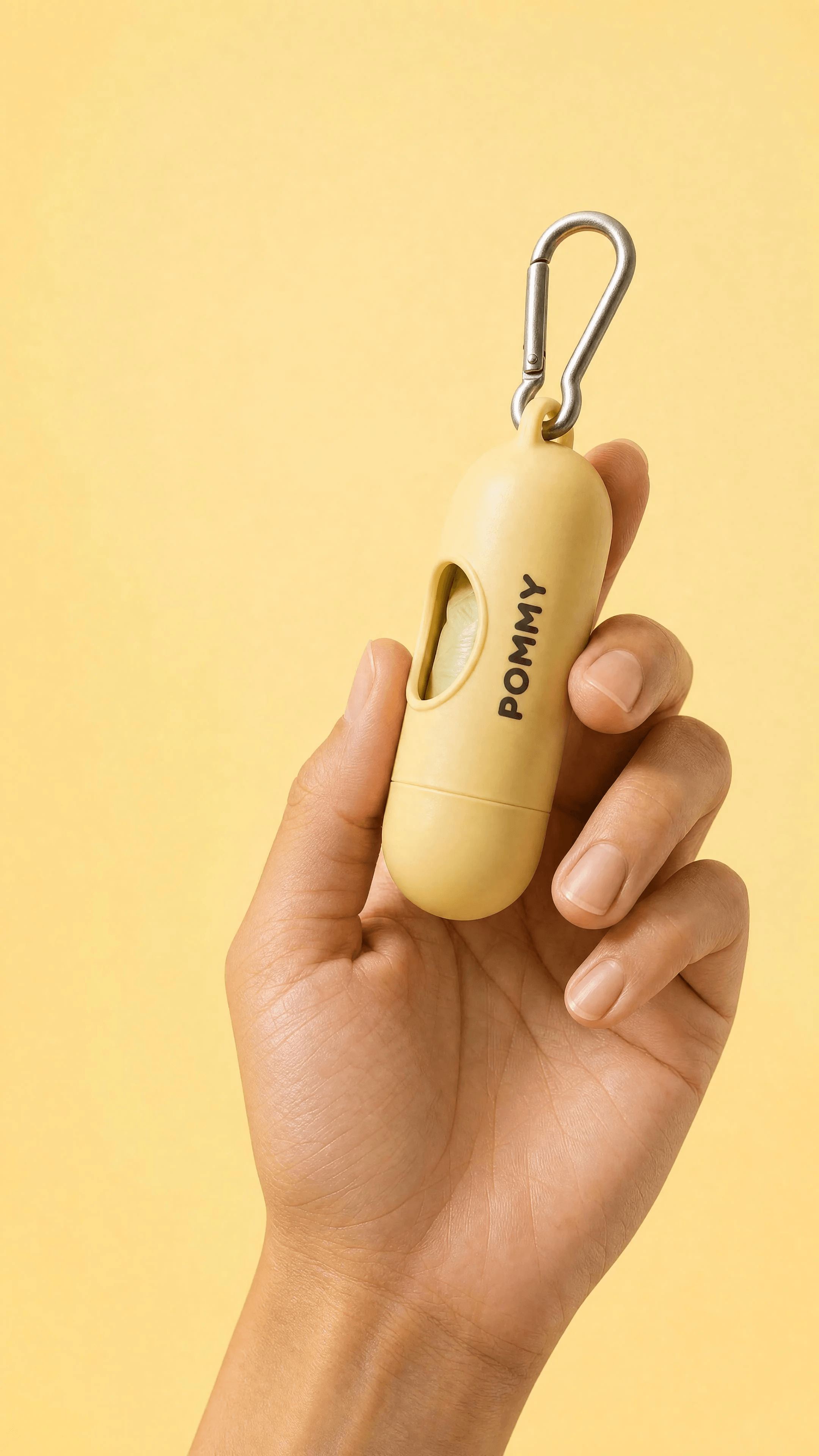
Image 09: Waste Bag in Hand
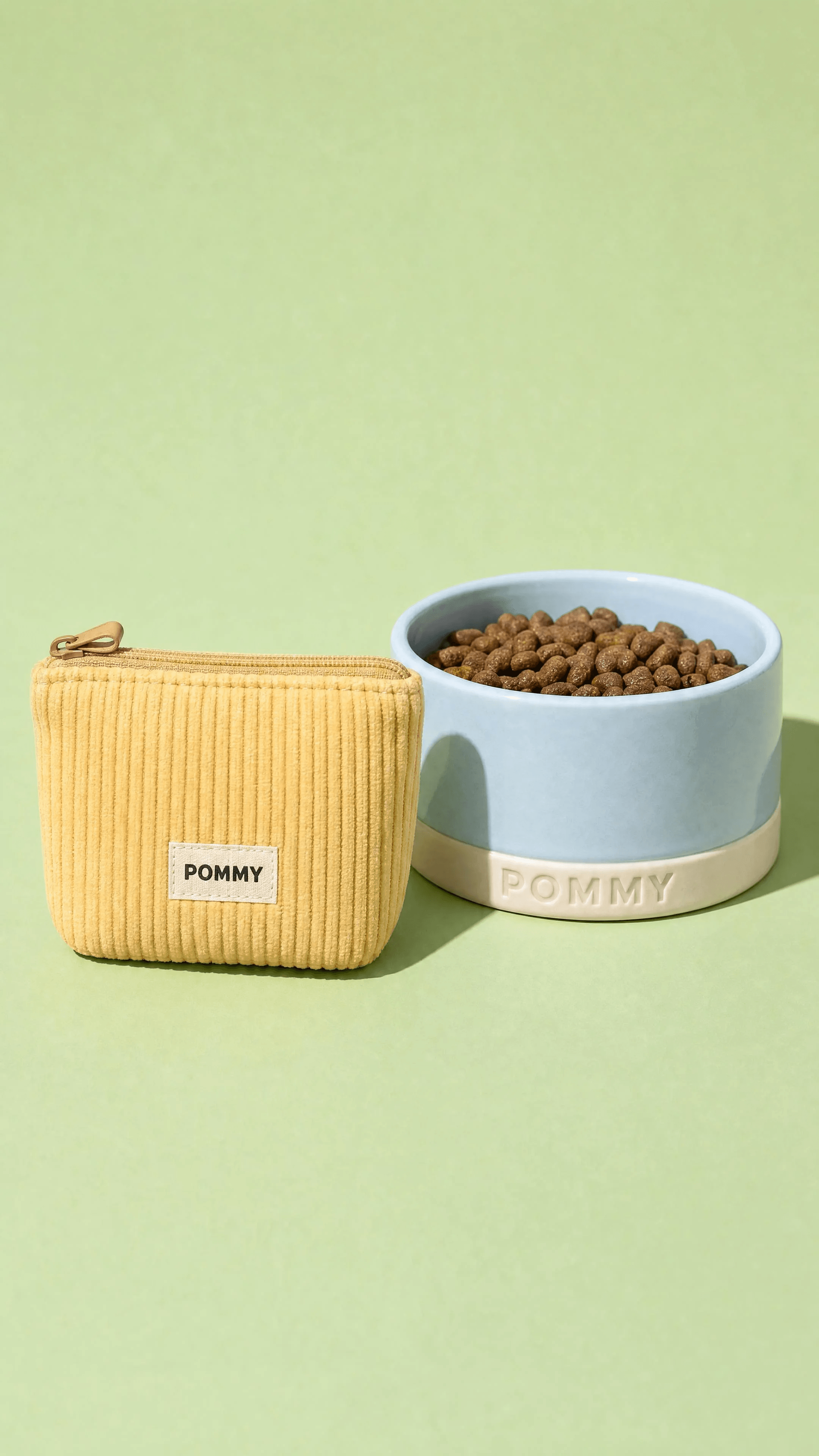
Image 10: Treat Pouch and Bowl
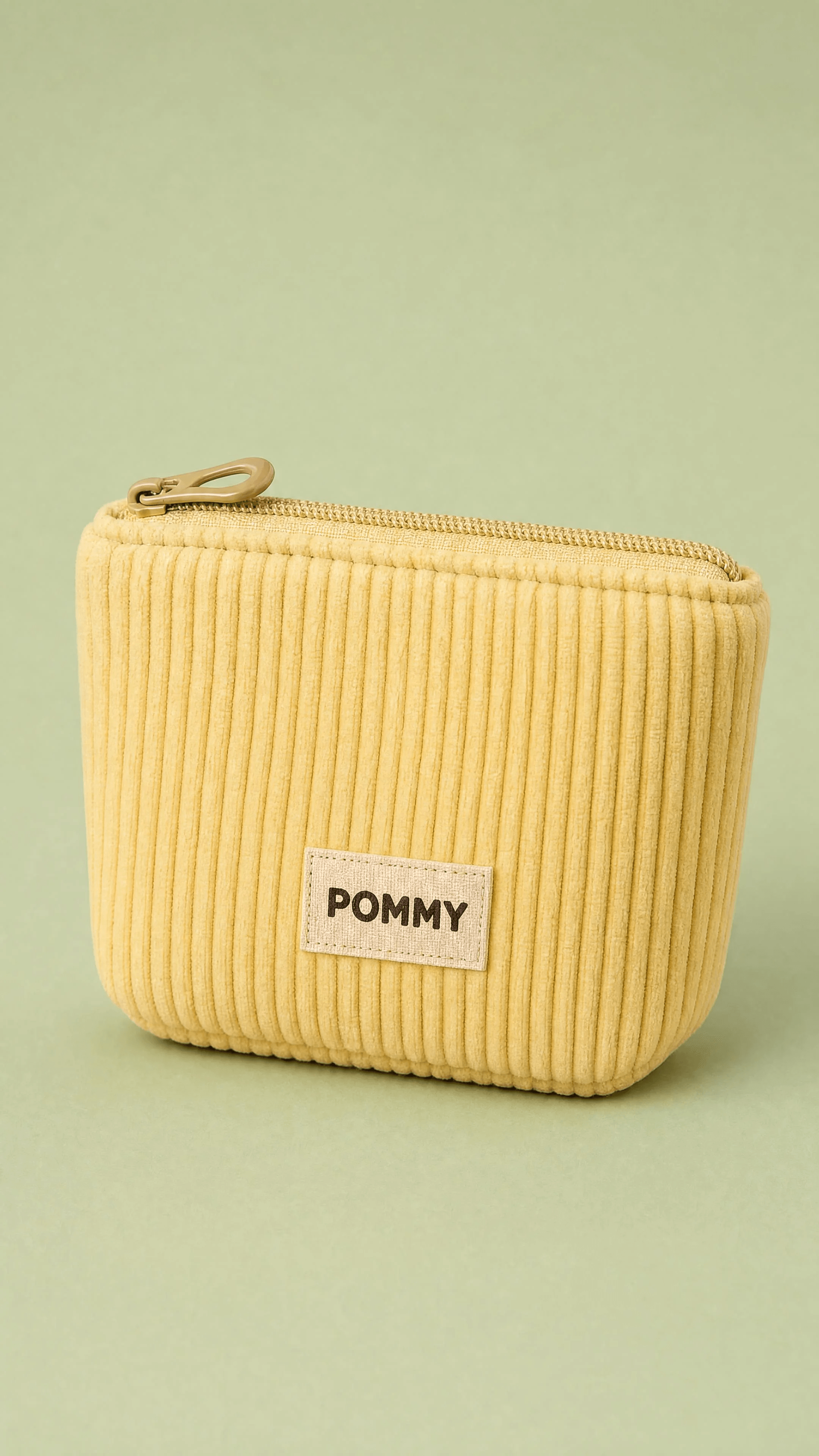
Image 11: Treat Pouch Close-up
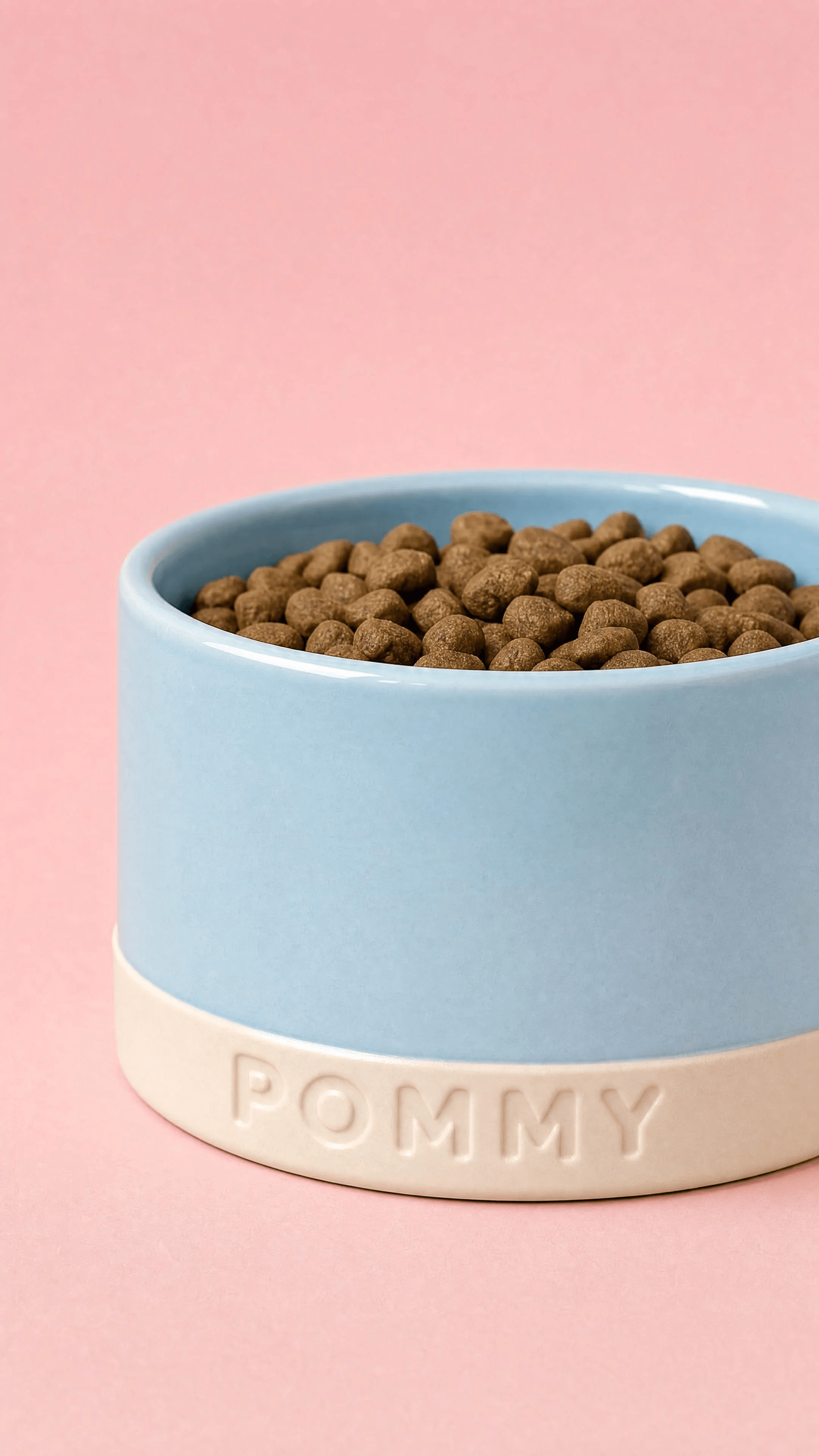
Image 12: Bowl Close-up
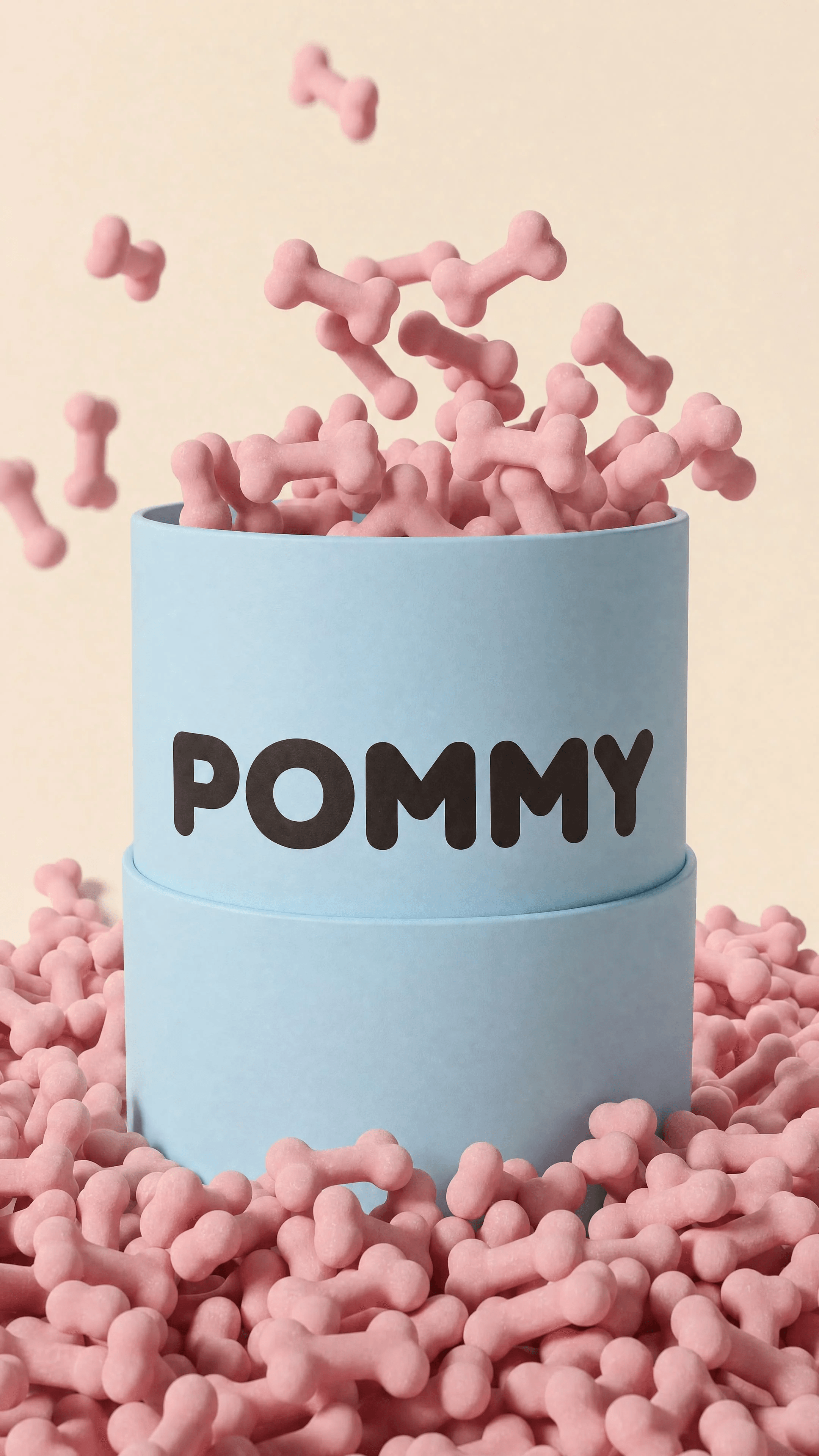
Image 13: Treats Tin
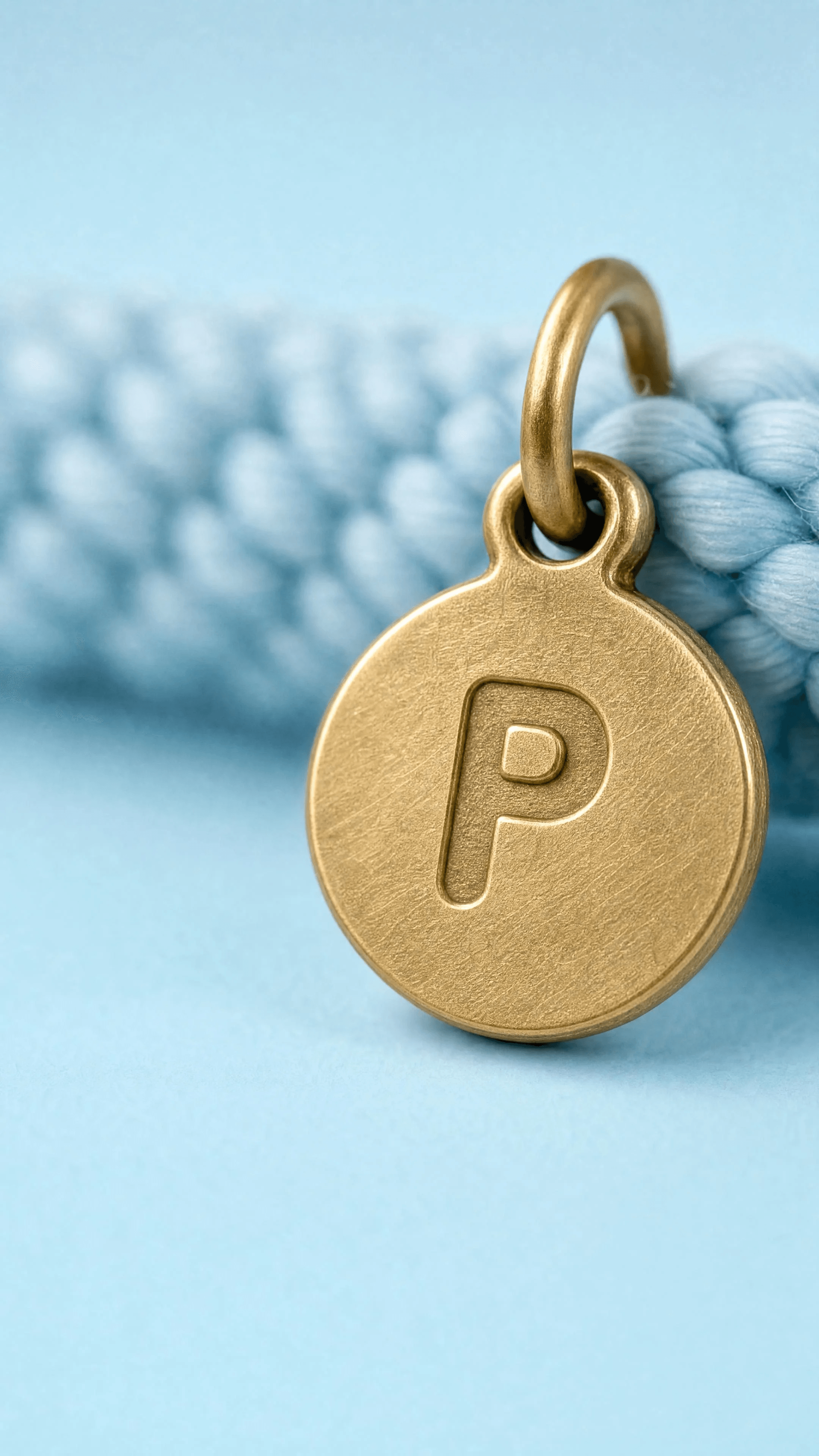
Image 14: Charm Macro
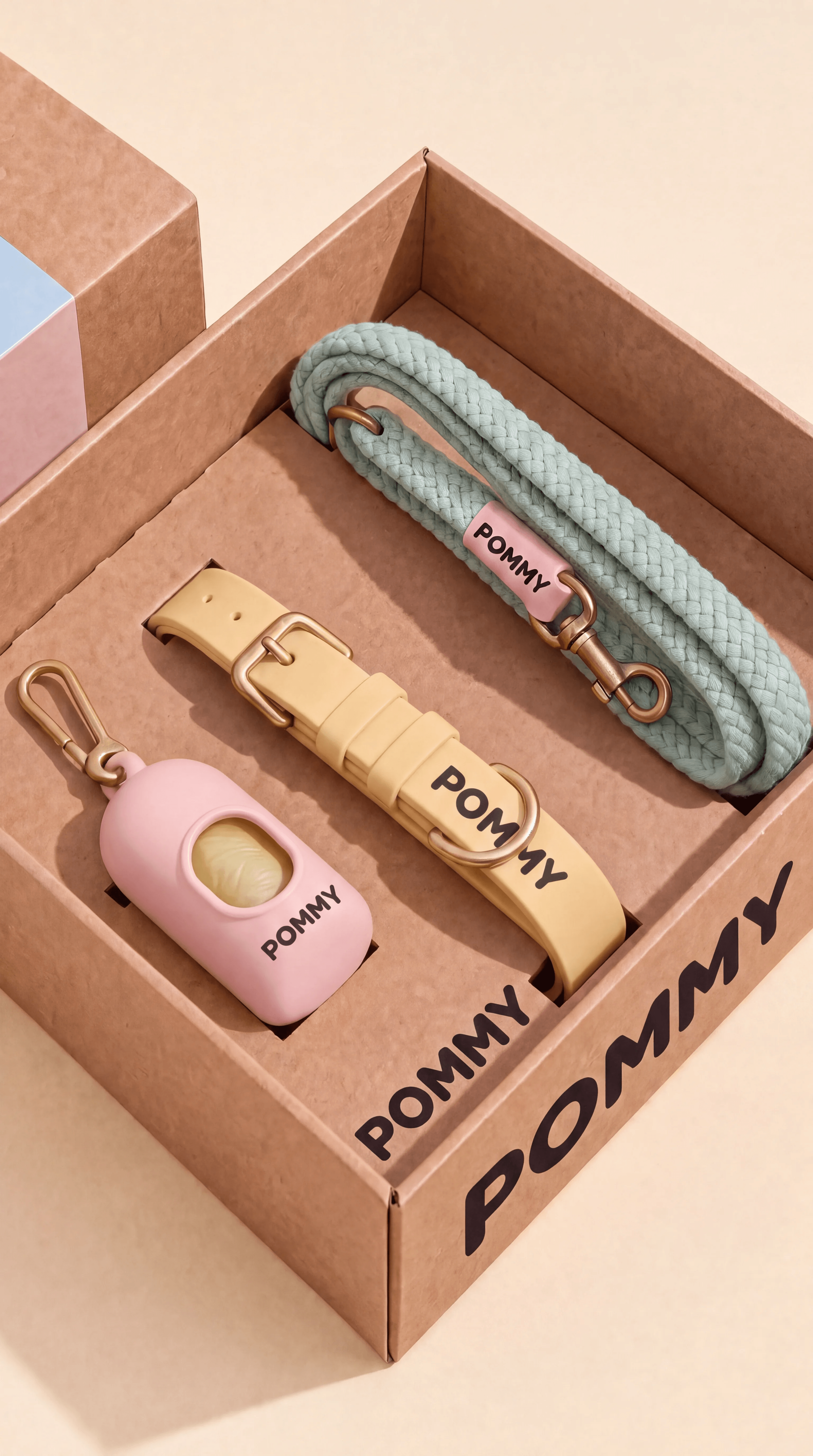
Image 15: Gift Set Unboxing — Variation 1
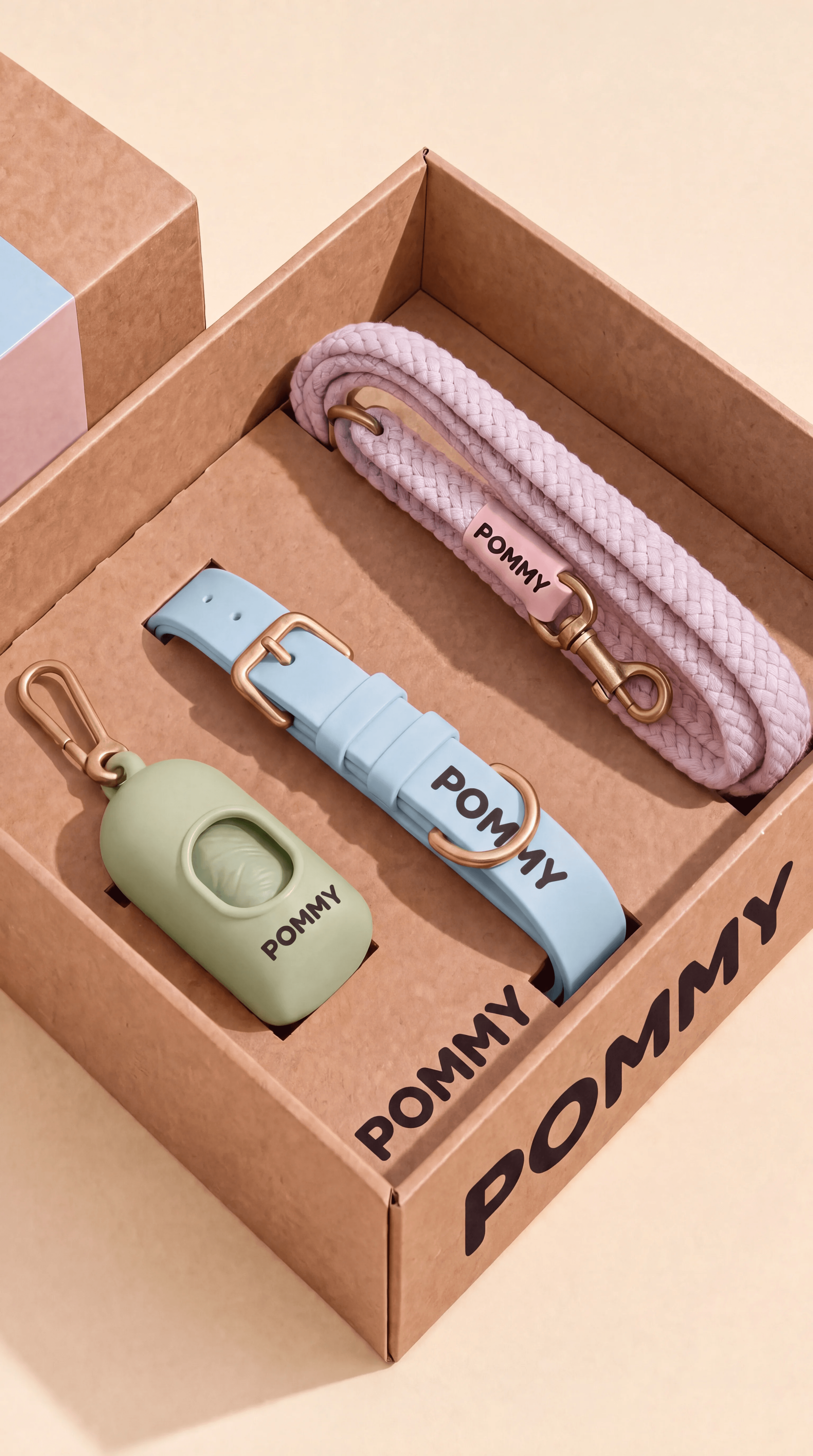
Image 15: Gift Set Unboxing — Variation 2

Image 15: Gift Set Unboxing — Base Delivery
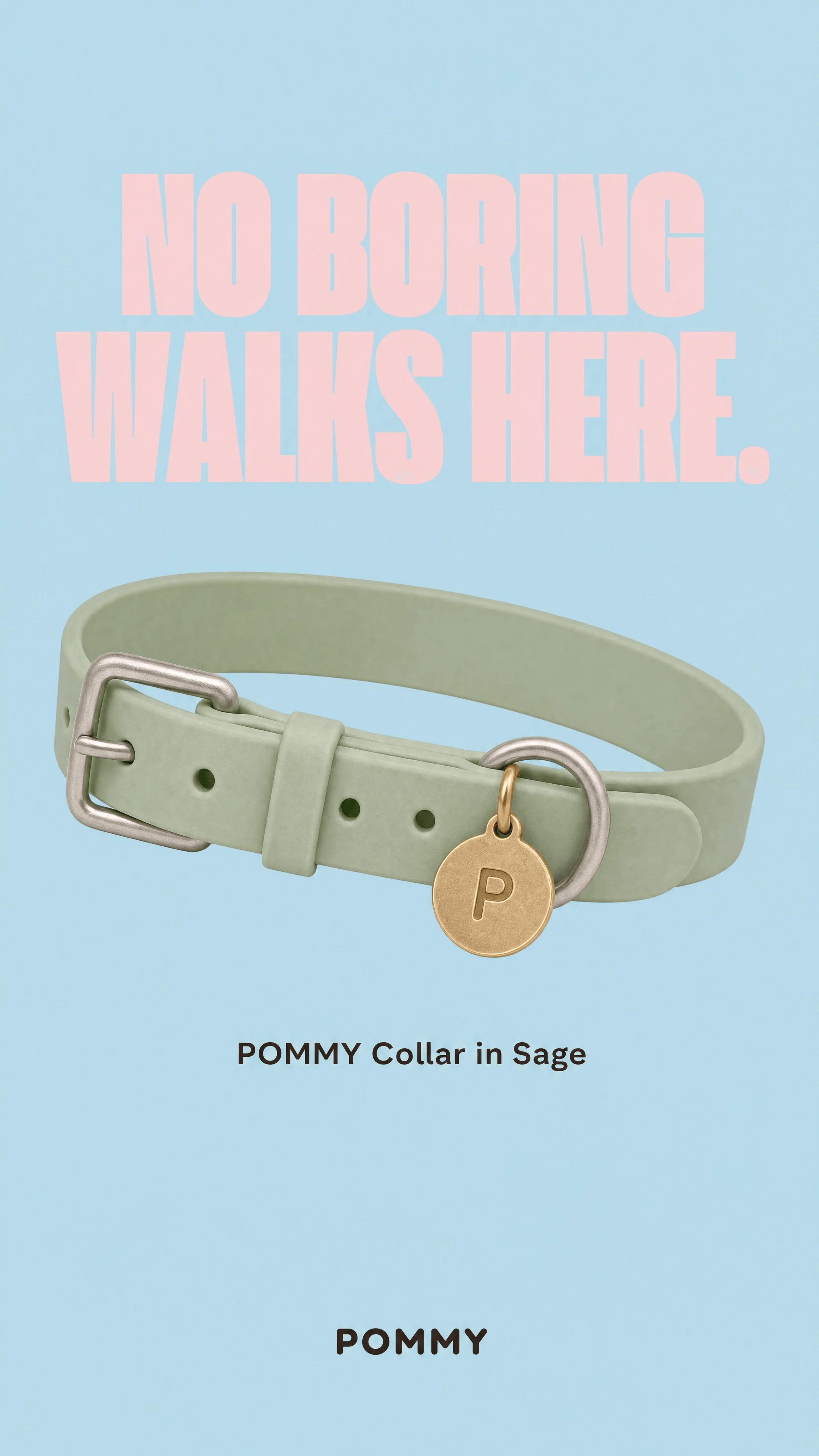
Image 16: No Boring Walks Here
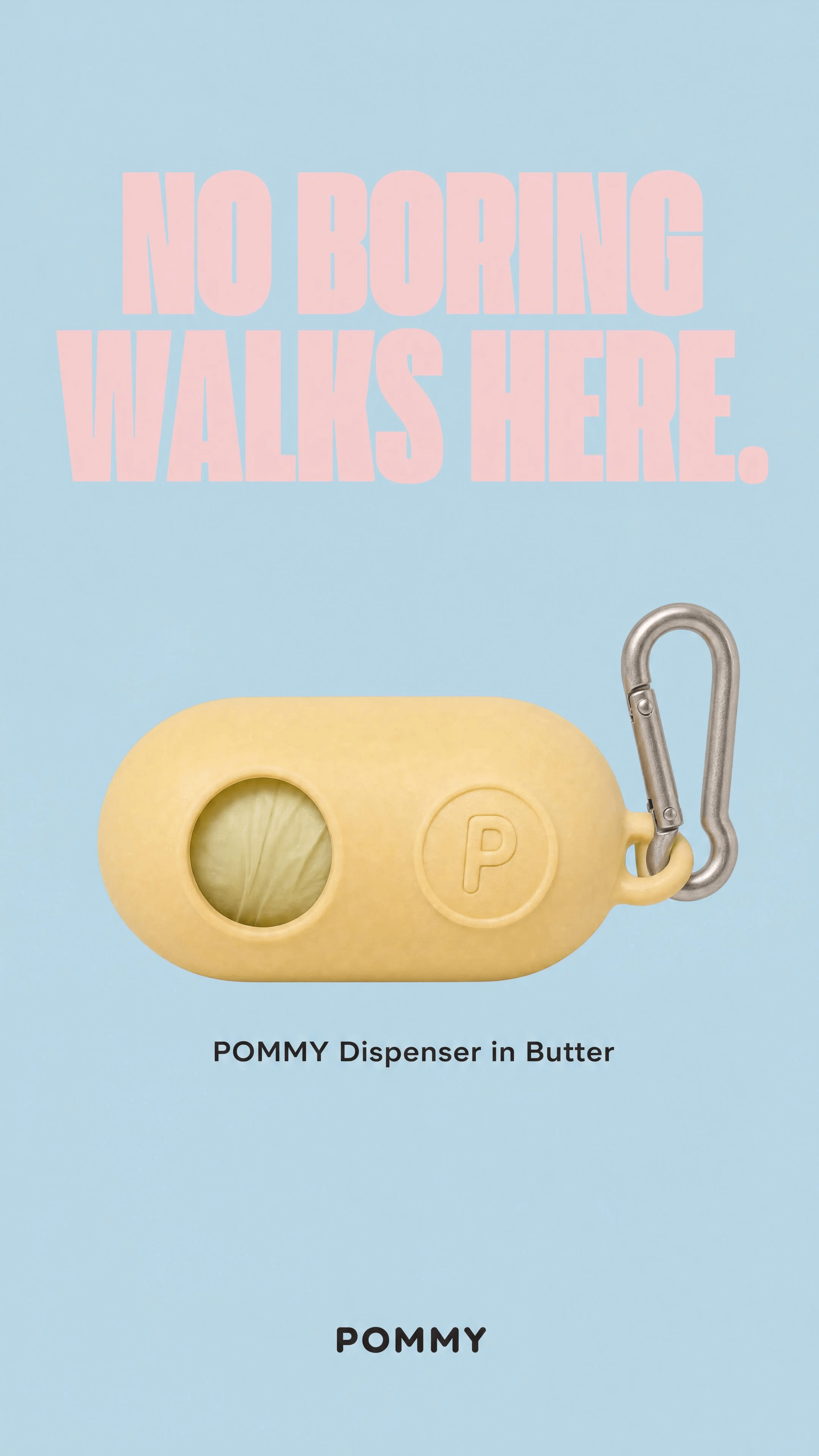
Image 17: No Boring Walks — Dispenser
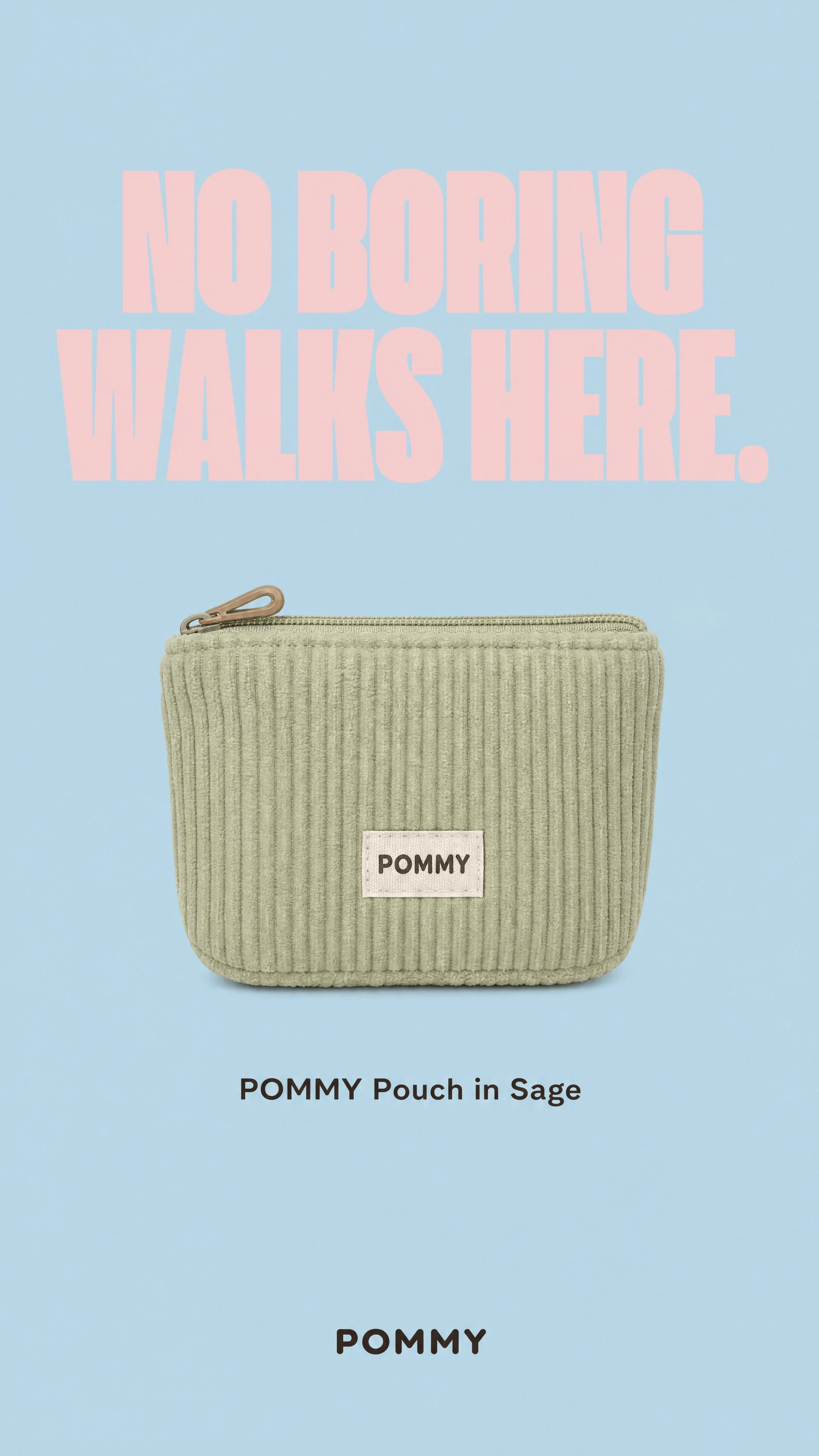
Image 18: No Boring Walks — Pouch
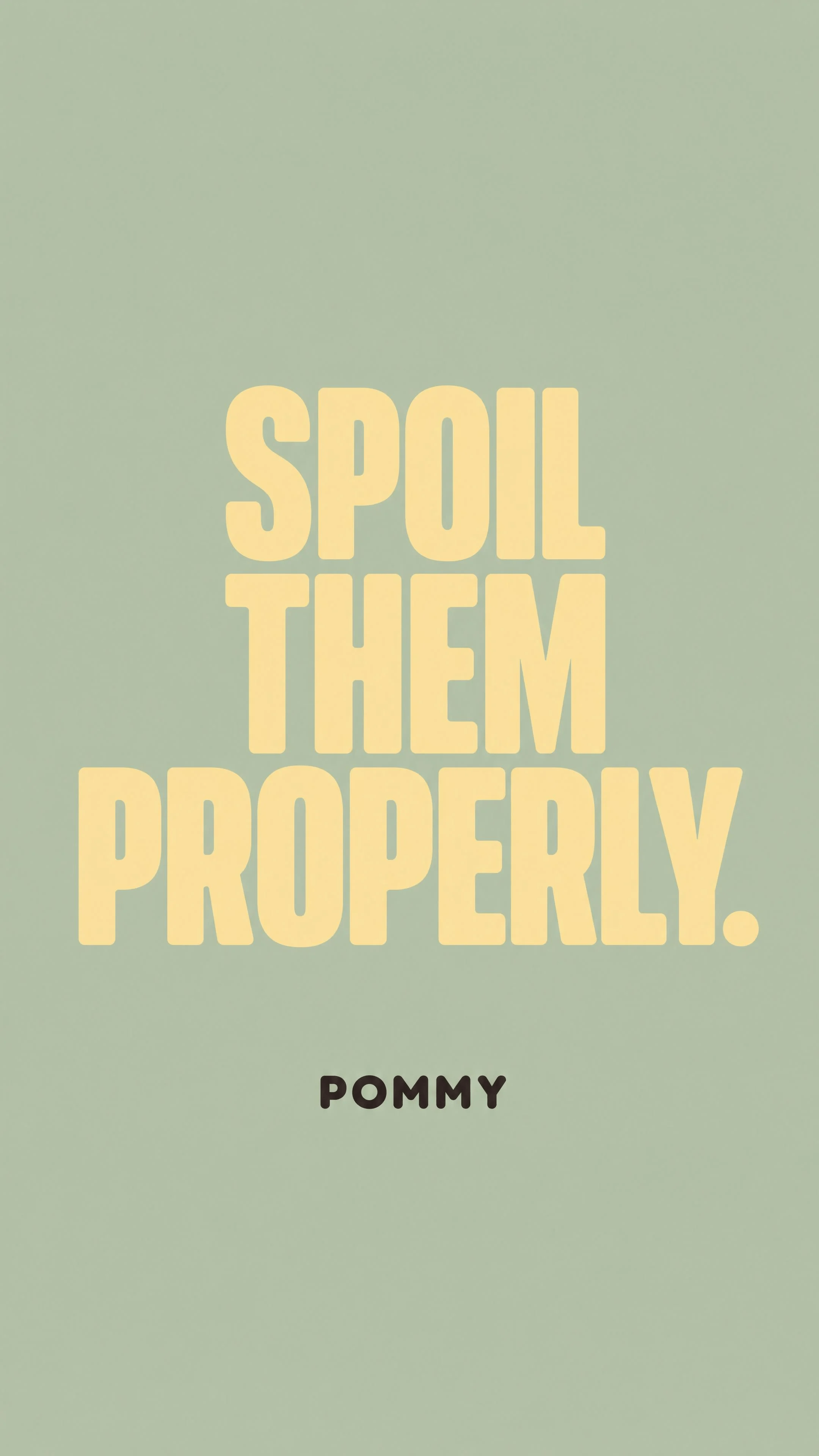
Image 19: Spoil Them Properly
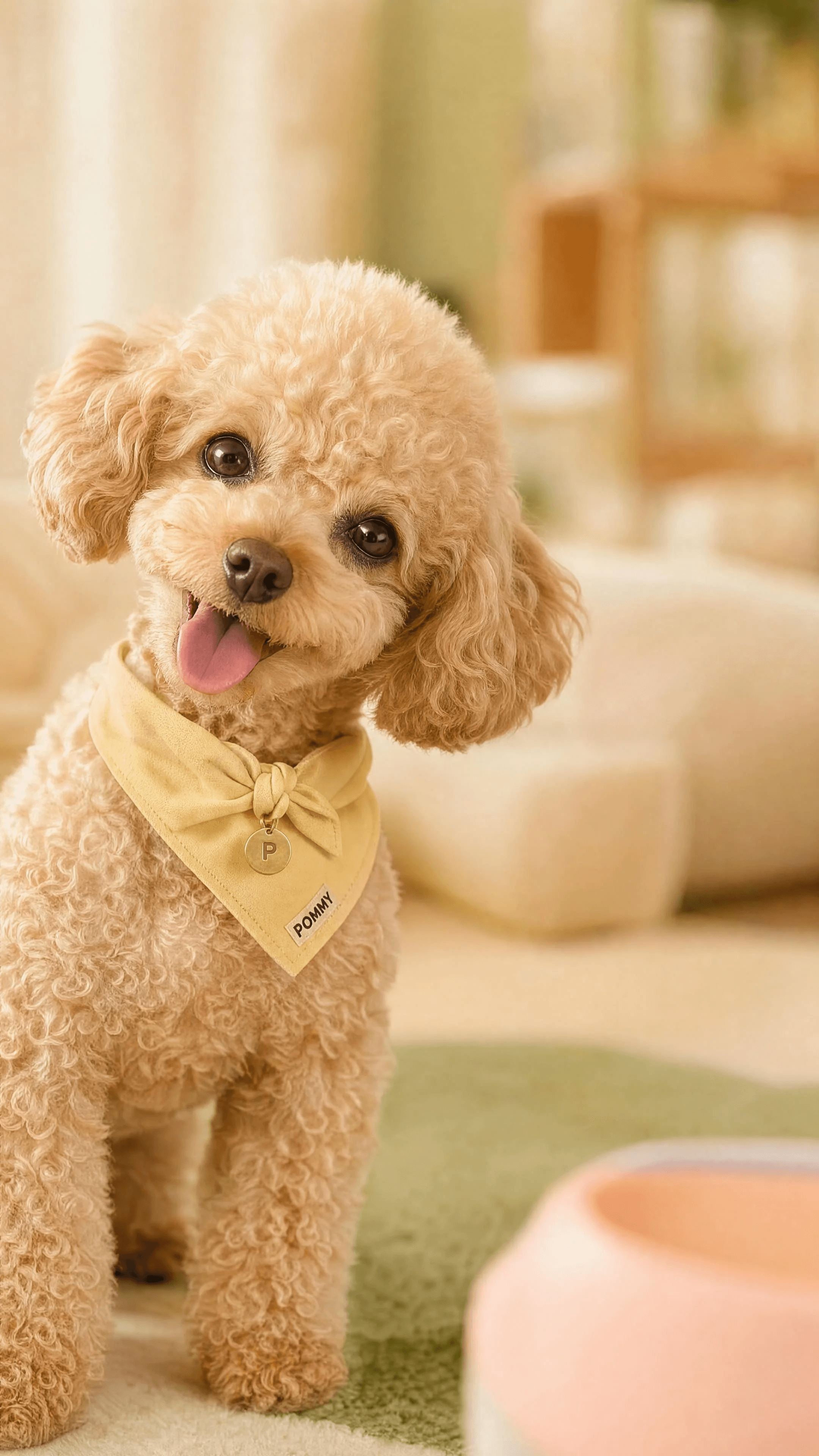
Image 20: Poodle Bandana Moment
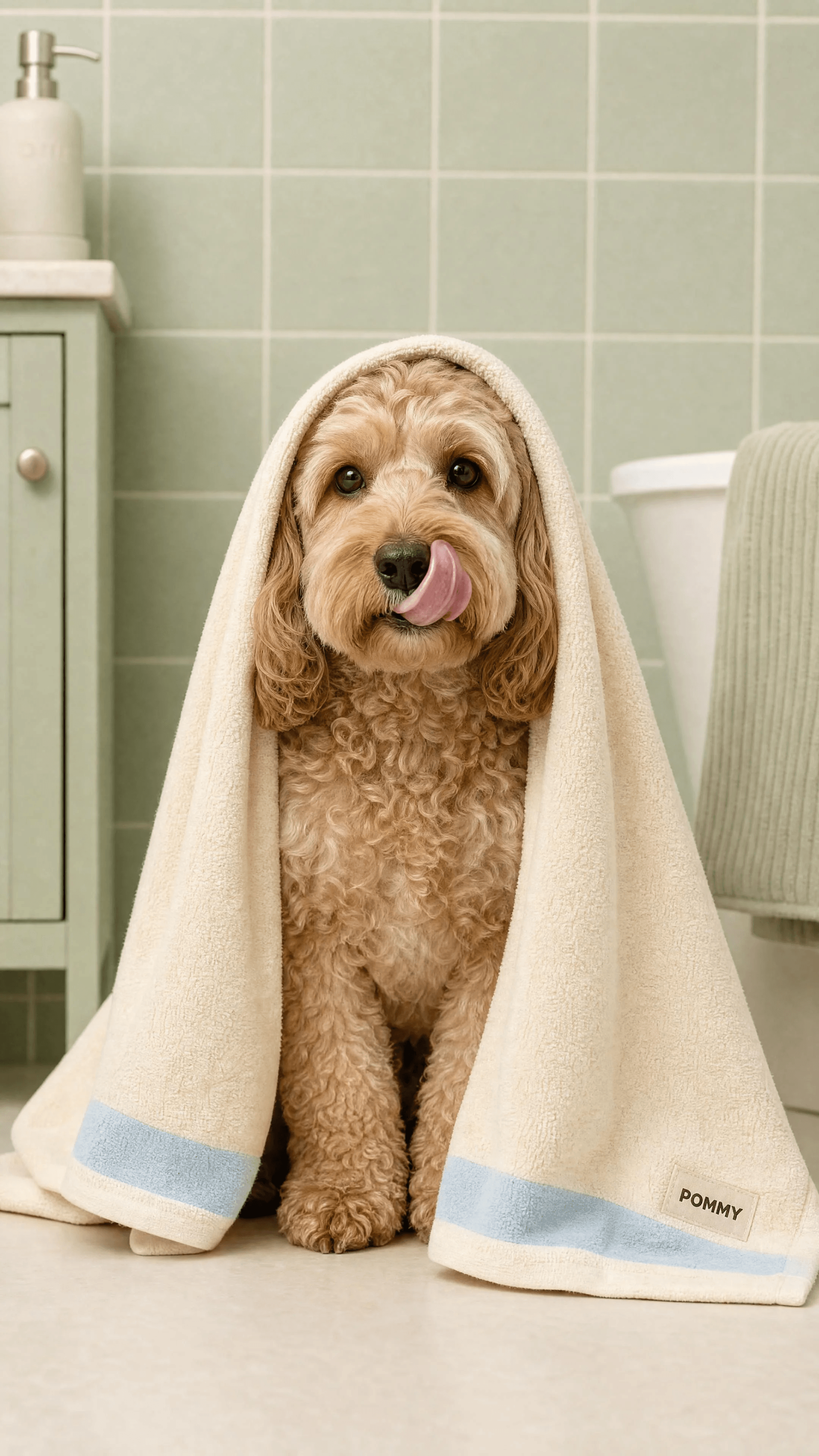
Image 21: Bath Towel Moment
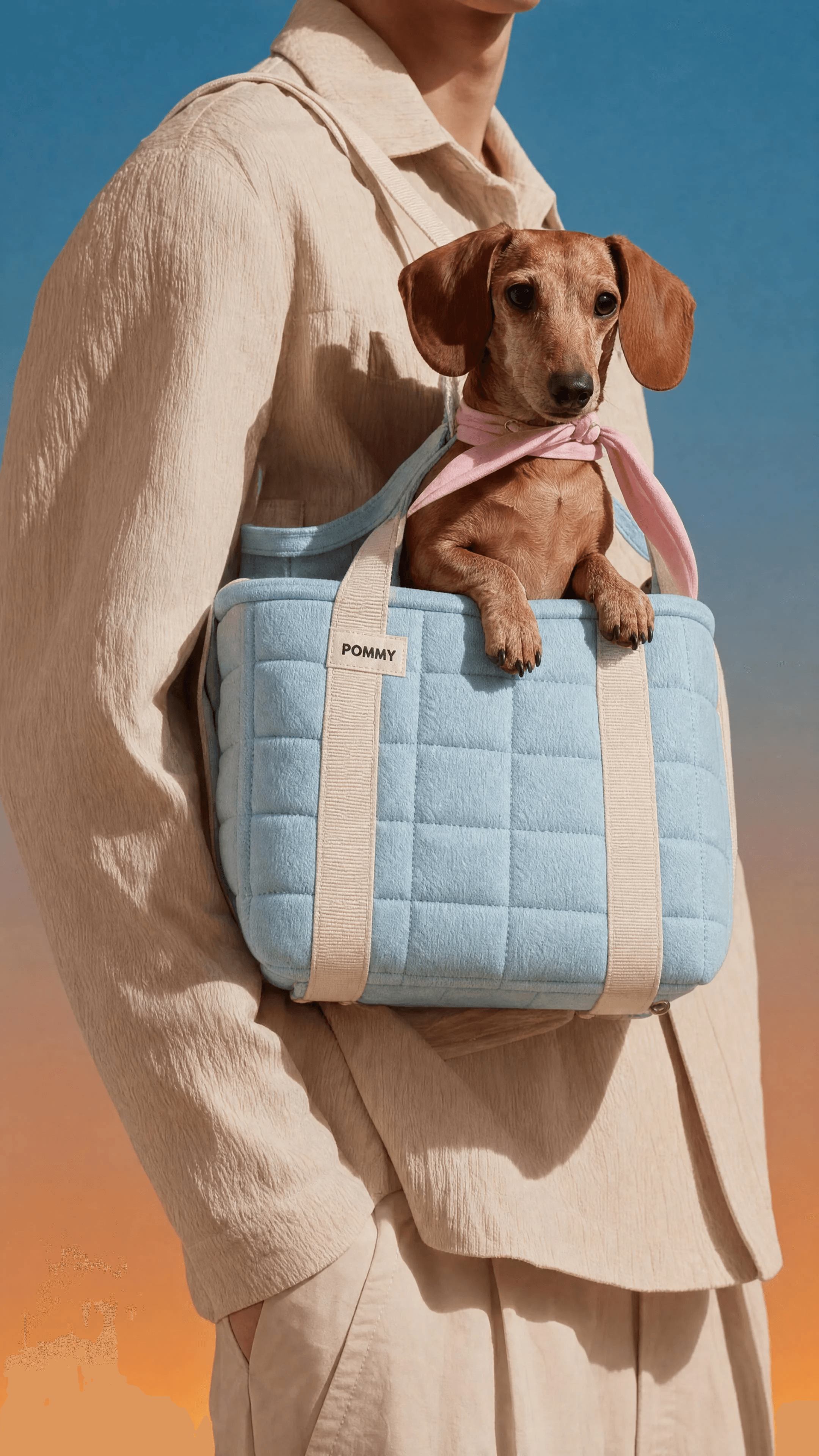
Image 22: Carrier Tote
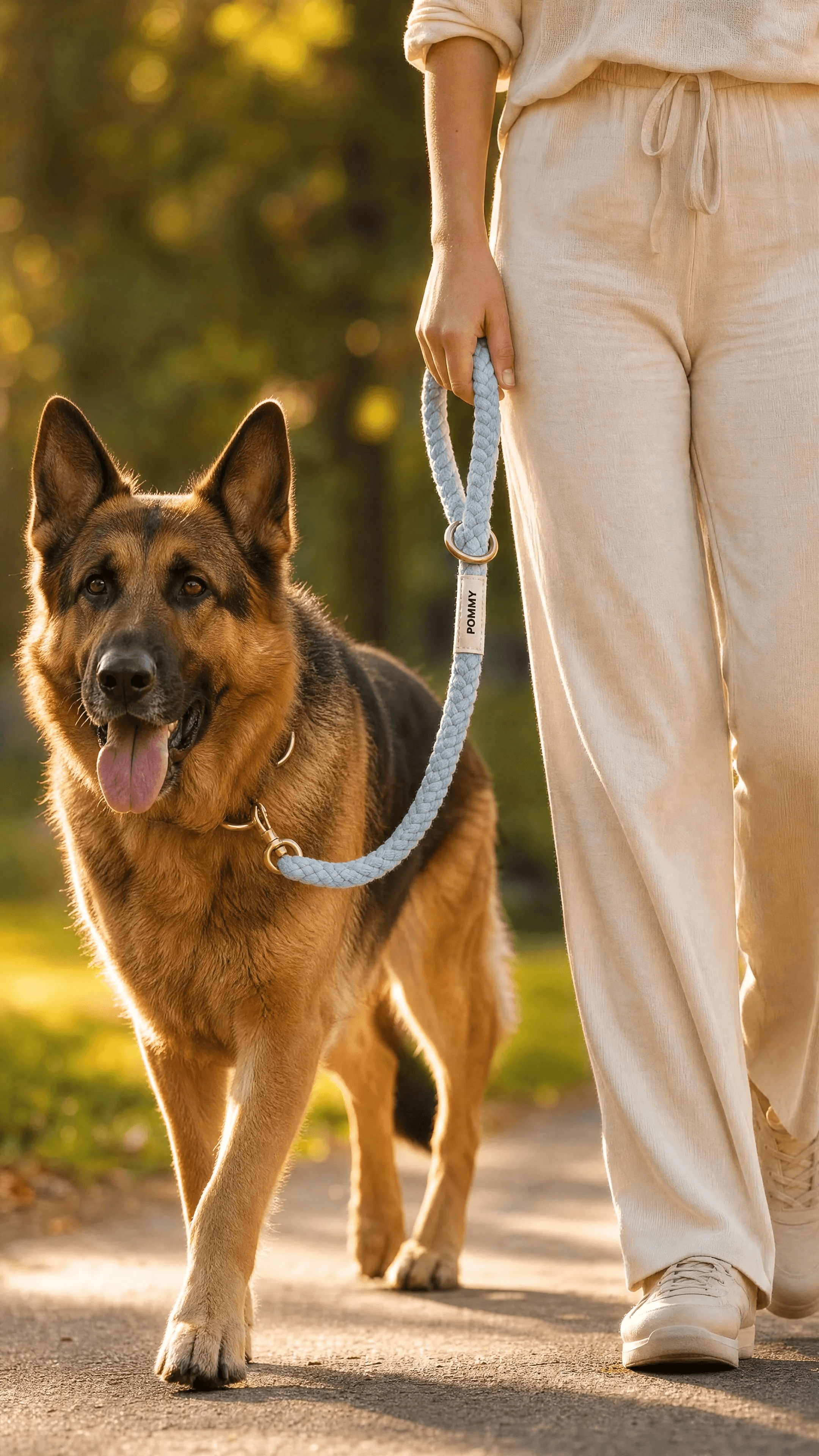
Image 23: Golden Hour Walk
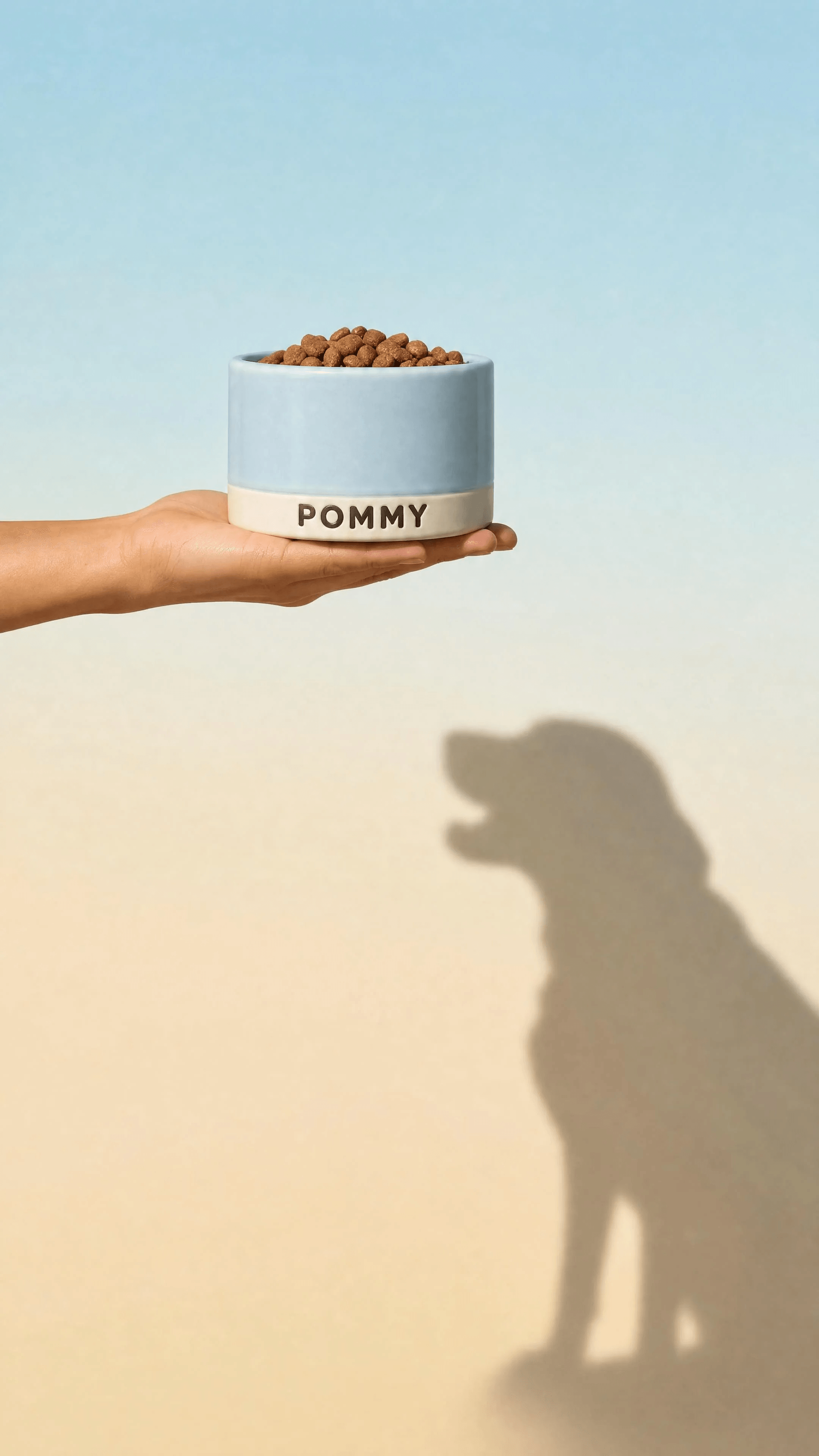
Image 24: Hand, Bowl, and Dog Shadow
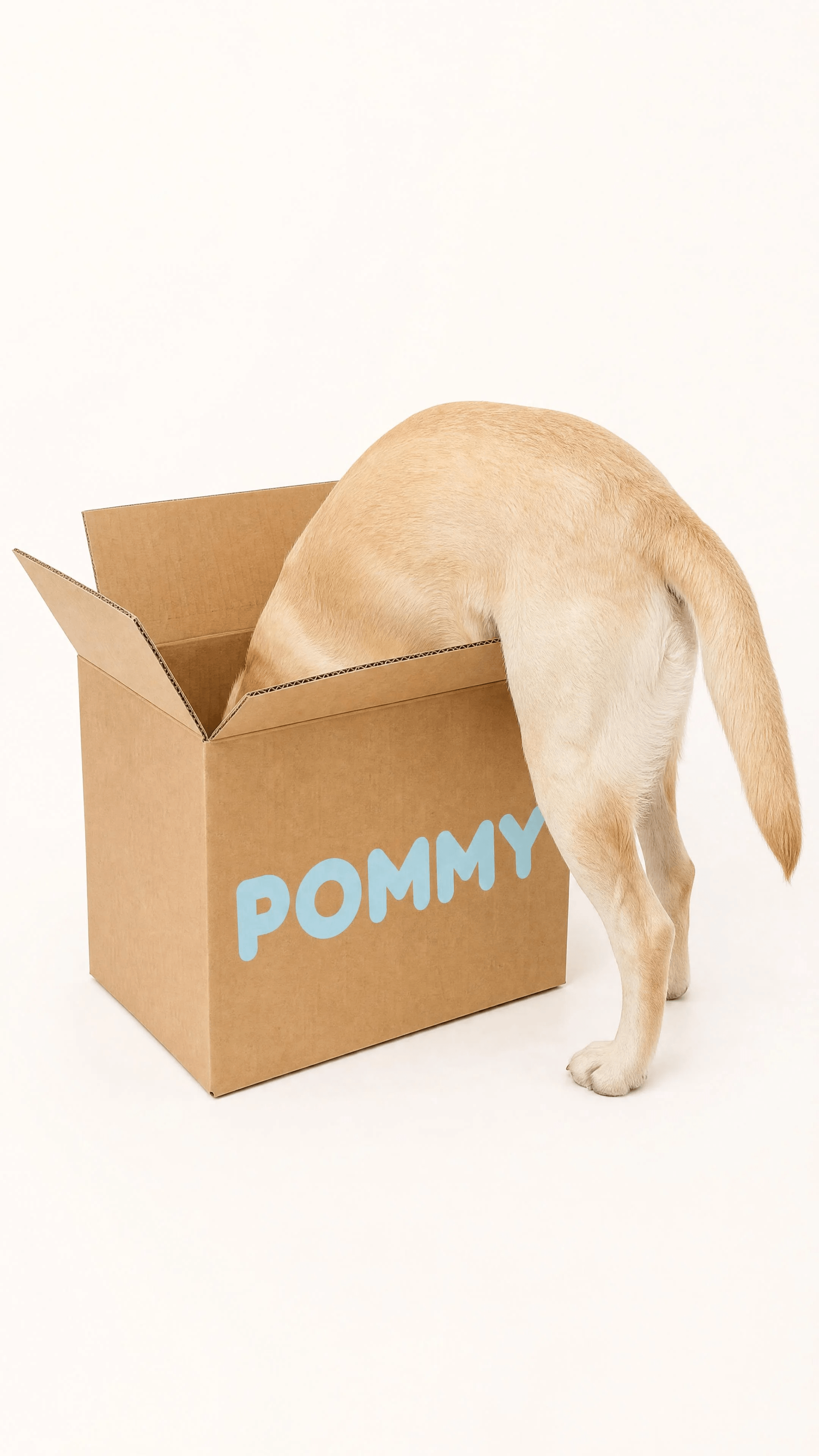
Image 25: Giant Shipping Box
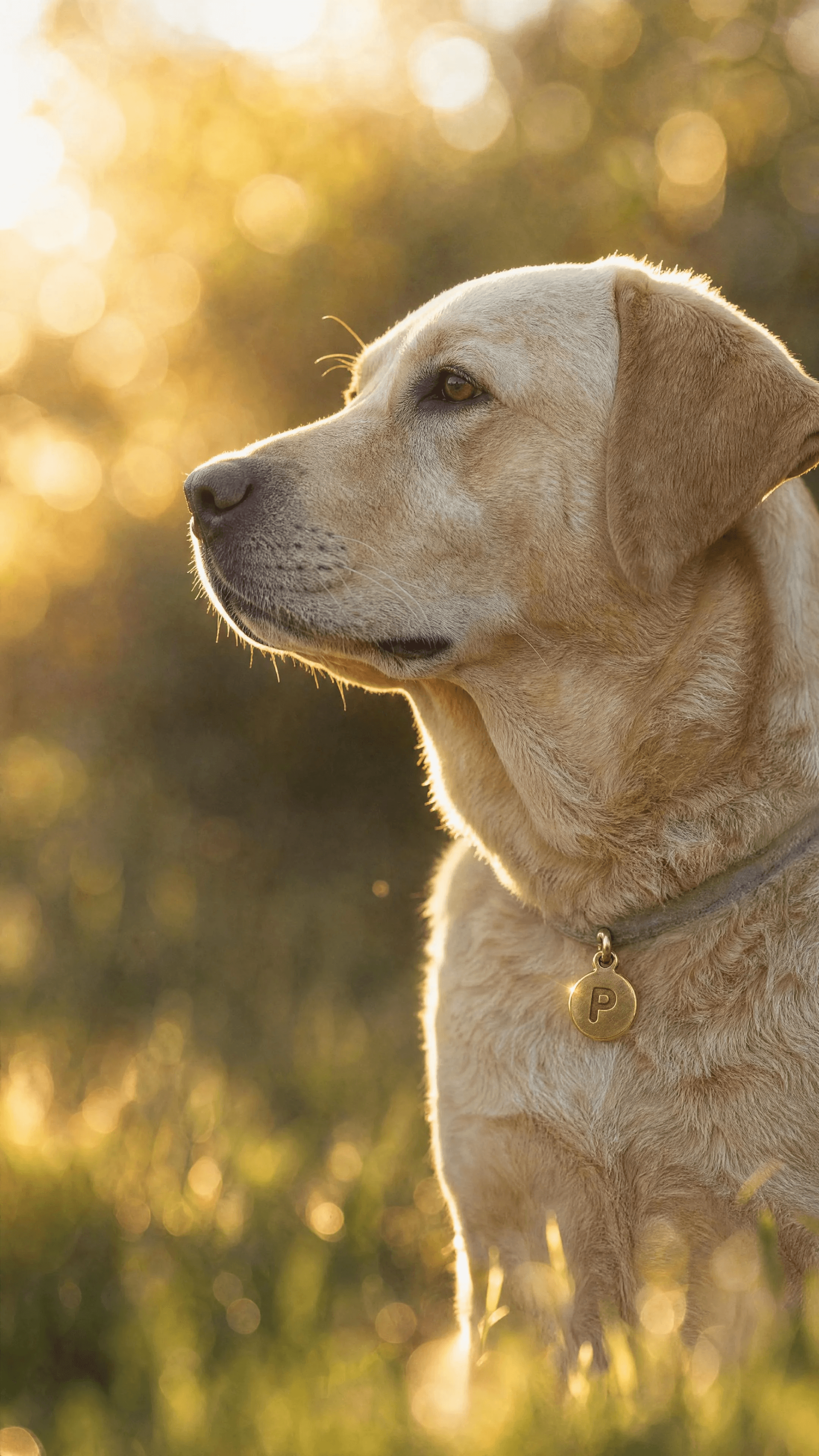
Image 26: Artistic Bokeh Closer
The process
The POMMY system separates product truth from scene-making. Establish the whole catalog and its smallest branding details first, then reuse those references while the set, palette, camera, and subject change around them.
Riverflow workflow
Product first, then campaign images
Bring the finished POMMY wordmark, label design, four-pastel palette, product shapes, and hardware details before generating. Keep both approved reference sheets attached wherever the prompt calls for them.
Product
Create and lock both reference sheets
Use the first two prompts in the PDF to generate the clean 16:9 product catalog sheet and the 16:9 macro label-and-hardware detail sheet. Approve the product geometry, POMMY wordmark, circular brass P charm, materials, and colors before continuing.
Image
Generate the campaign scene
Choose Riverflow 2.5, attach both locked POMMY sheets plus any composition reference named by the selected prompt, paste the complete scene prompt from the PDF, and generate the 9:16 image.
Review
Protect consistency across the set
Check the exact wordmark, charm silhouette, product scale, material texture, dog anatomy, pastel assignments, scene composition, and output dimensions before approving each result.
The full POMMY prompt pack
The prompt PDF contains 26 copy-ready sections: two 16:9 reference-sheet prompts followed by 24 vertical campaign-scene prompts. The gallery contains 27 supplied PNGs because the Gift Set Unboxing prompt has three delivered results. Only the Product Sheet was supplied as a separate reference image; generate the Label Detail Sheet from Image 02 in the PDF rather than treating the Product Sheet as both references.
Open the full POMMY prompt PDF
This published edition is intentionally image-led. The full prompts stay together in the PDF, and the source pack contains no finished videos or motion prompts.
Why the POMMY system works
The two reference sheets divide consistency into complementary jobs: the product sheet locks the catalog-wide silhouettes, colors, and materials, while the detail sheet locks the wordmark, woven labels, debossing, brass charm, and hardware. Each campaign prompt then repeats the invariant brand rules alongside a tightly specified scene, camera treatment, real-world scale constraint, and negative prompt. That lets the settings range from graphic flat lays to photoreal dog portraits without loosening the core product identity.
Review checklist
Before you publish
Before approving the next POMMY image
- Both approved reference sheets are attached: the full product catalog and the macro label-and-hardware detail sheet.
- The image was generated with Riverflow 2.5 using the exact reference roles and output dimensions in the PDF.
- The POMMY wordmark remains a rounded geometric sans-serif in espresso ink, with no added logos or stray text.
- Any ID charm is one circular brushed-brass disc engraved with a single P.
- Accessories remain realistically scaled to the dog or person, and dogs retain photoreal fur and correct anatomy.
- The four hero pastels, product materials, composition, lighting, and negative constraints match the selected prompt.
FAQ
Which model should I use for the POMMY images?+
Use Riverflow 2.5. The source PDF predates the current model naming, so this guide uses the current approved name throughout.
Why are there 26 prompts but 27 supplied images?+
The PDF contains two reference-sheet prompts and 24 campaign-scene prompts. Every scene has a supplied result, while Prompt 15, Gift Set Unboxing, has a base delivery plus two alternatives.
Do I need the Label Detail Sheet if it is not in the gallery?+
Yes. Generate and lock it with Image 02 from the full prompt PDF. The supplied media contains the Product Sheet but no separate Label Detail Sheet PNG.
Why are the full prompts not embedded on this page?+
This edition is an image showcase, with the unusually long 26-prompt set kept together in the public PDF linked above. No videos or motion prompts were supplied for the published guide.
Start creating
Get started with on-brand visuals
Turn guide ideas into product-accurate creative in Riverflow, using your brand, products, scenes, styles, and channel crops from the start.
Your catalog into campaign-ready Creative
Riverflow connects your products, brand rules and creative workflows so your team can create on-brand photoshoots, ads, videos and edits across every campaign.