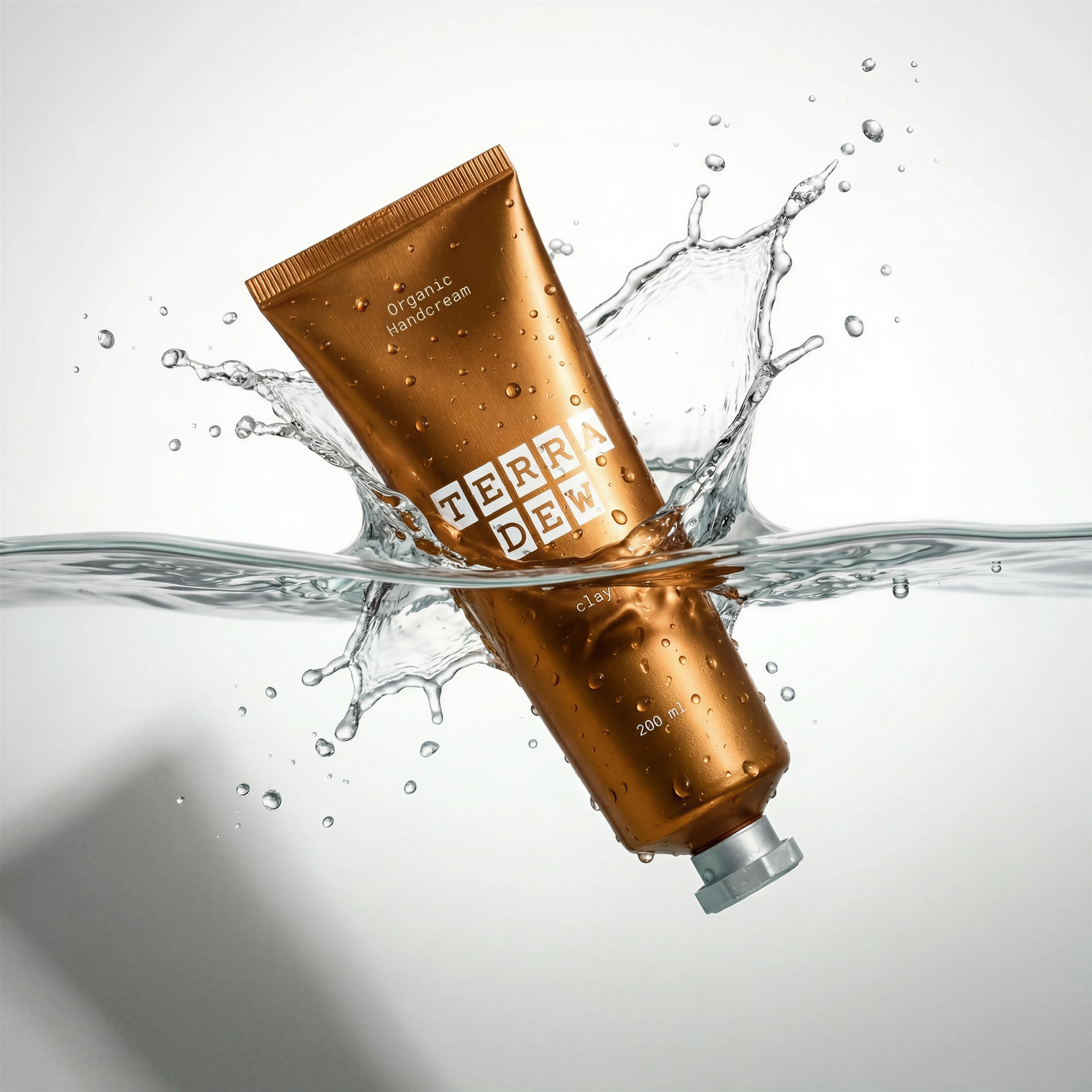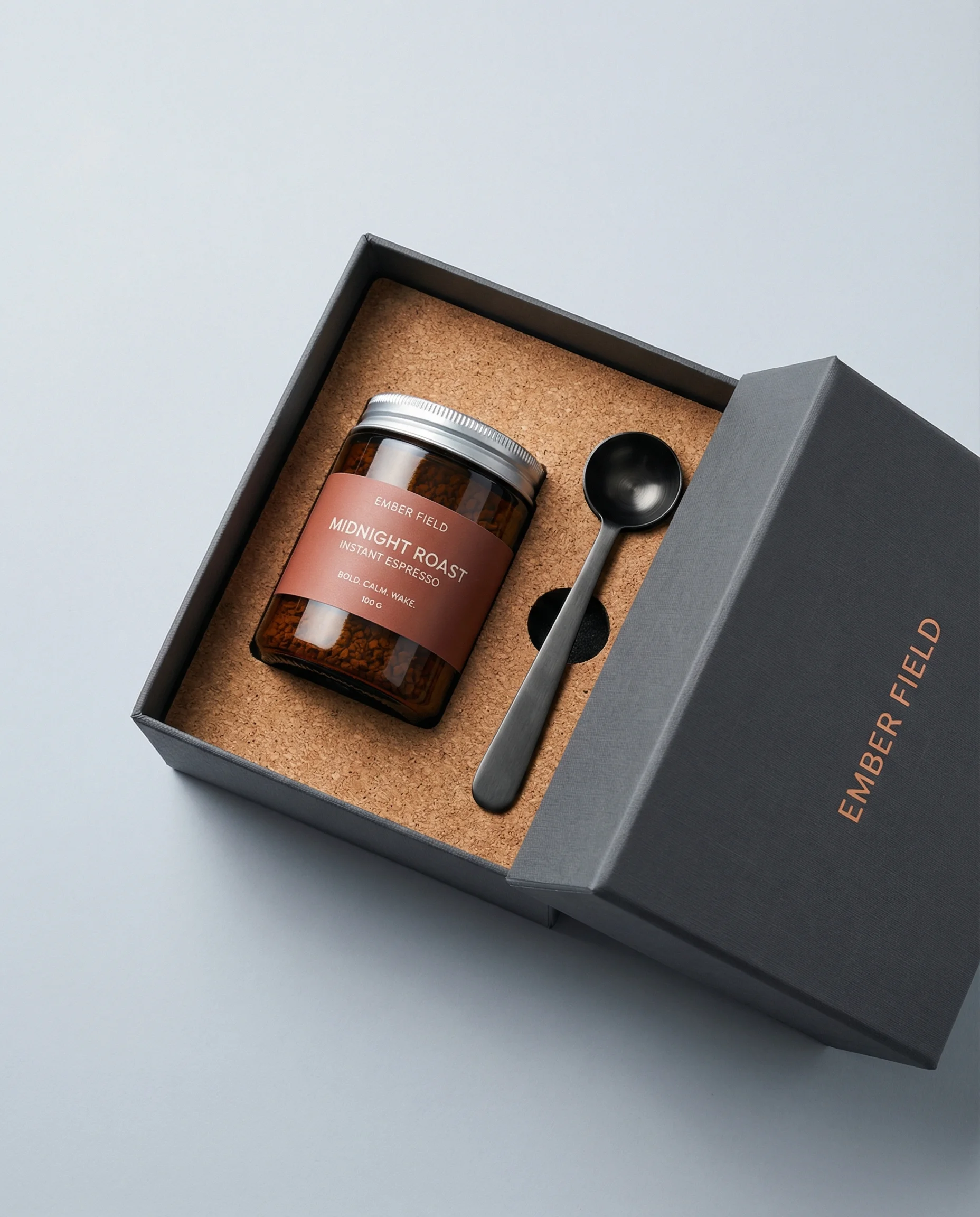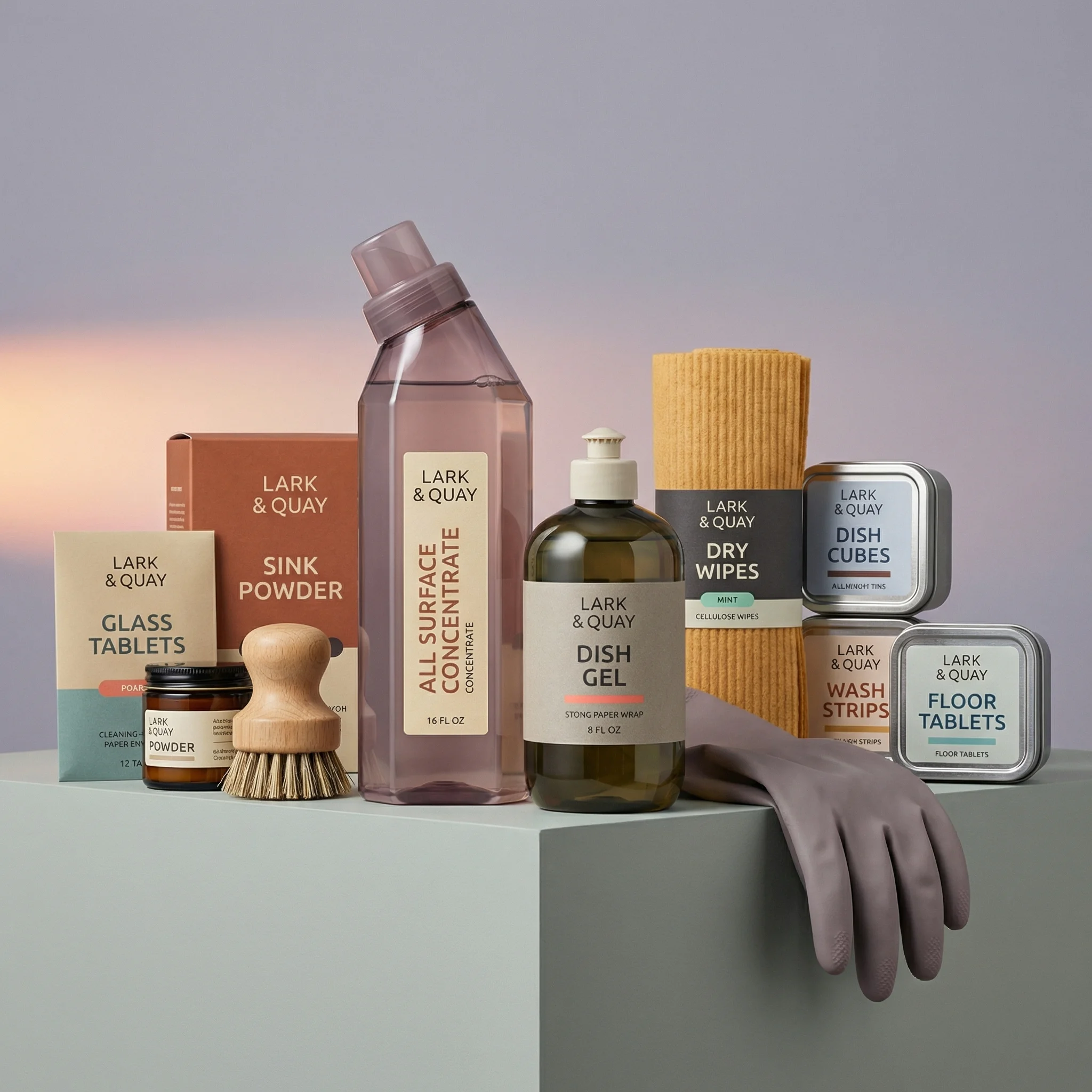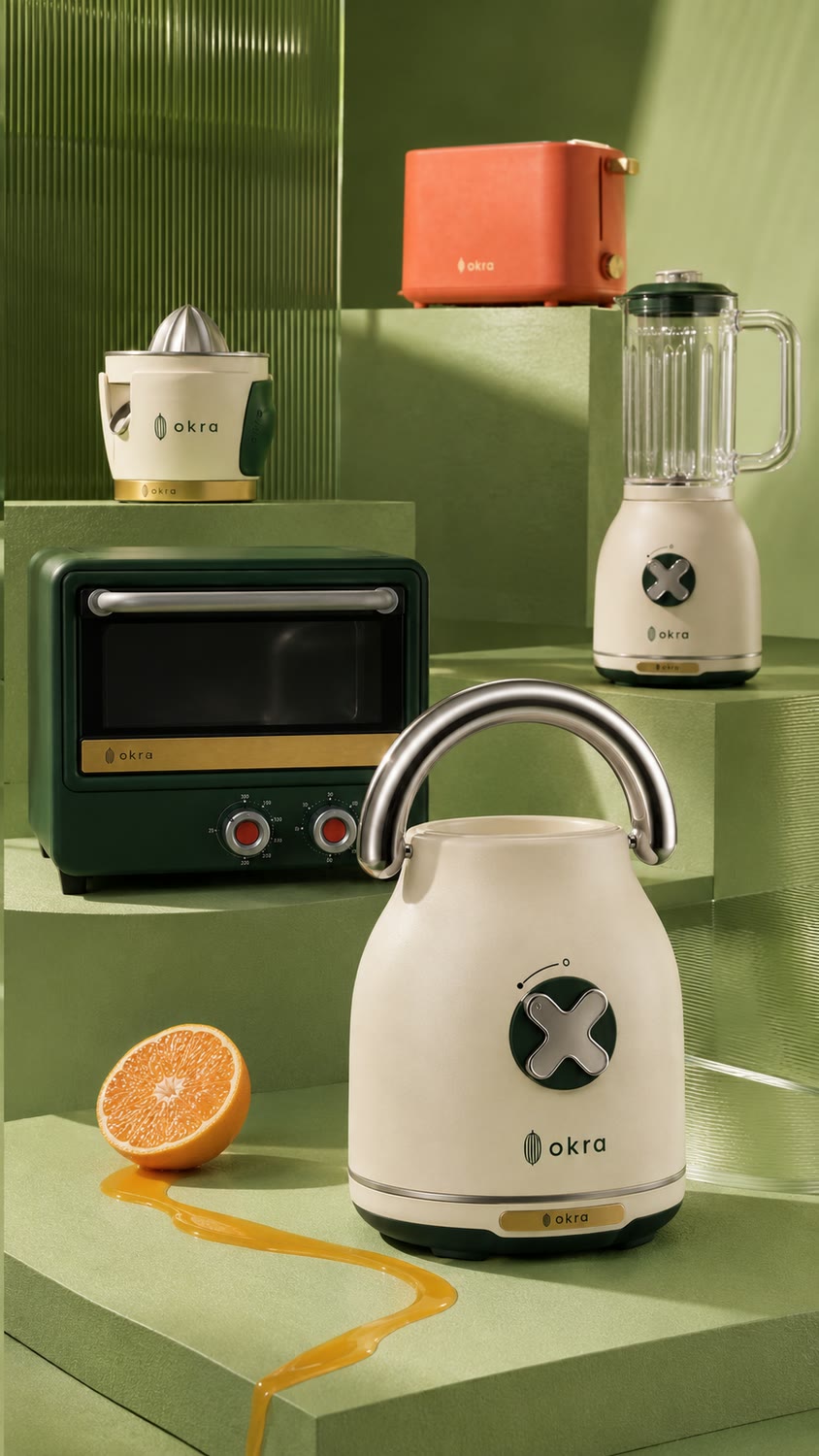
Scenes from the Riverflow library
The process
Product first, then image, then video
Define the brand and references
Generate the still
Animate the approved frame
Six Riverflow 2.5 prompts
The six-frame OKRA carousel
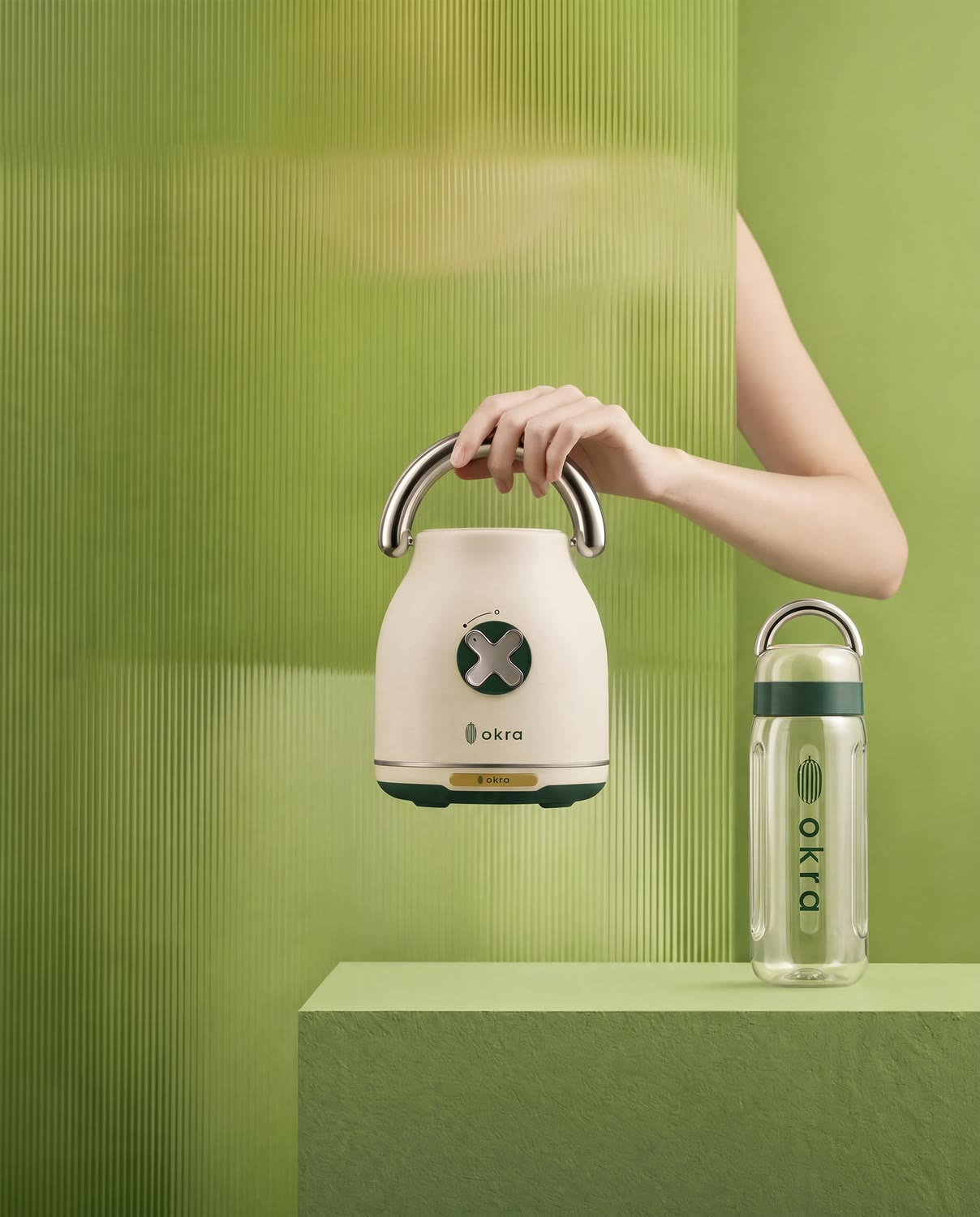
1. Sautéed Green - Kettle in Hand
Original prompt
USE CASE: advertising product photograph for a kitchen-appliance brand, social carousel frame. TASK: this is a faithful recreation of the attached reference image. PRESERVE from the reference, as exactly as possible: the composition and crop, the camera angle and height, the focal length and depth-of-field staging, the position and scale of the hero within the frame, the lighting setup, the set, the surfaces and every prop, and the out-of-focus foreground element and where it crosses the frame. CHANGE only these three things: (a) whatever appliance or device appears in the reference is rebuilt as an OKRA kitchen appliance of the same category and silhouette, (b) the background and set colour are restyled to a vivid pistachio green #A6C48A, (c) accent props shift to the OKRA accent colours. SUBJECT: the OKRA appliance sits exactly where the reference's hero sits, at the same scale and angle. Body warm cream #F2EAD9, satin non-glossy finish, brushed stainless details, pine-green #123326 control area. Tack-sharp on the body and on the branding. BRAND: okra-pod mark (slim vertical oval, five ribs, stem cap) directly to the LEFT of the lowercase wordmark "okra", same baseline. Geometric rounded sans-serif, medium weight, no serifs. Pad-printed pine green #123326 on the body, warm-brass #C9A227 plate on the base, wordmark debossed into any silicone part. BACKGROUND: saturated pistachio green #A6C48A sweep, vivid and punchy, same shadow shapes and light falloff as the reference. PALETTE: #A6C48A · #2F8F4E · #123326 · #C75B39 · #E2725B · #F2EAD9 · #C9A227 CAMERA: 85-200mm telephoto at f/1.4-f/2, camera far from the subject for strong compression, shallow depth of field, foreground melting into creamy bokeh. CONSTRAINTS: no faces, no heads - hands/forearms only if a person appears. No text other than "okra". No watermarks, no other logos, no white background, no HDR, no AI plastic sheen. OUTPUT: Output in exactly 2160px x 3840px (9:16 portrait vertical format).
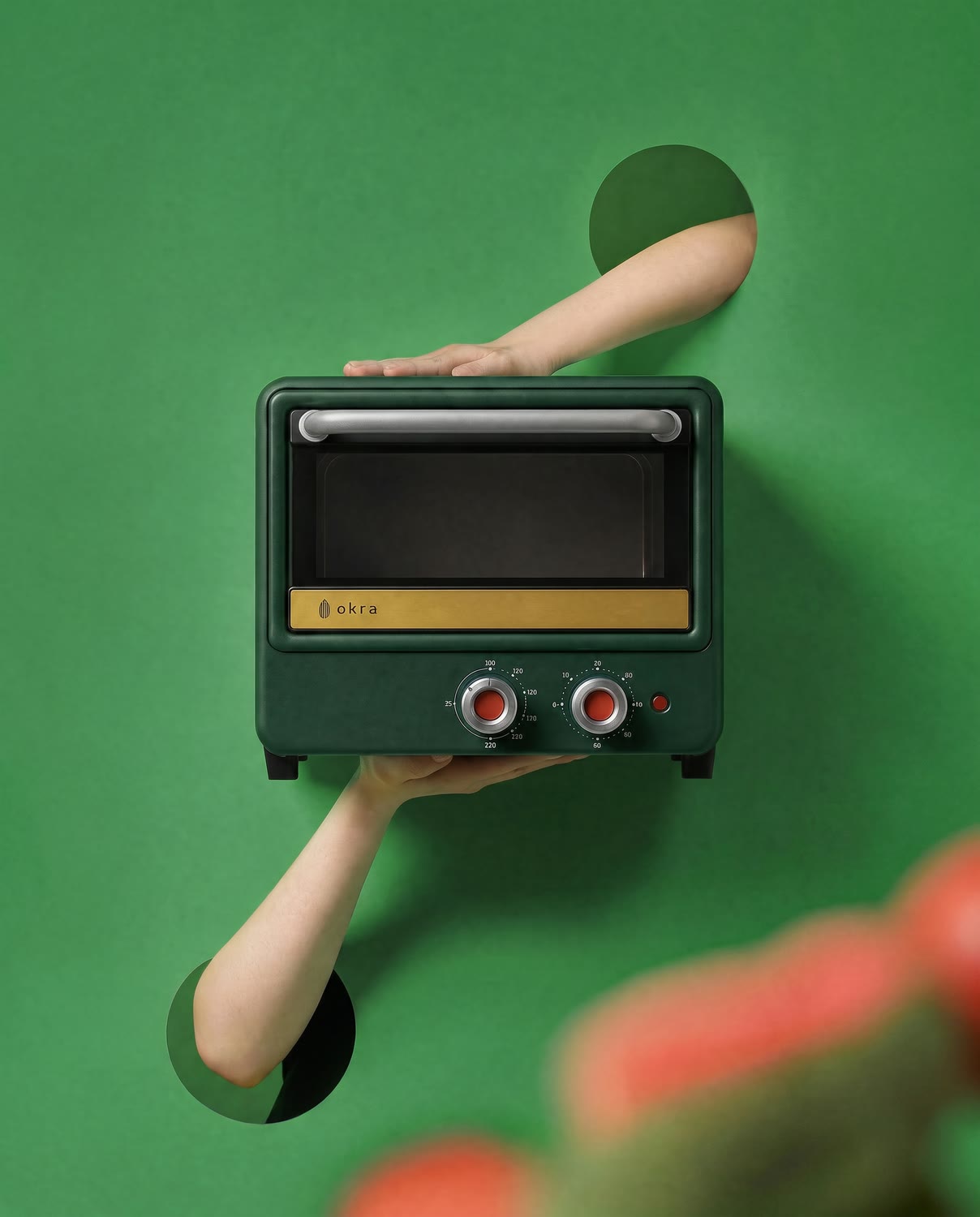
2. Toaster Oven - Arms Through the Set
Original prompt
USE CASE: advertising product photograph for a kitchen-appliance brand, social carousel frame. TASK: faithful recreation of the attached reference image. PRESERVE the composition, camera angle/height, focal staging, hero position/scale, lighting, set, props and foreground blur element exactly. CHANGE only: (a) the appliance rebuilt as an OKRA appliance of the same category, (b) background restyled to saturated grass green #2F8F4E, (c) one accent prop shifts to coral #E2725B. SUBJECT: body in deep pine green #123326 satin finish, warm-brass #C9A227 base plate, brushed stainless details. Tack-sharp on the body and branding. BRAND: okra-pod mark + lowercase wordmark "okra", same baseline. On this dark body, pad-printed in warm cream #F2EAD9 for contrast; matching lockup on the brass plate. BACKGROUND: saturated grass green #2F8F4E sweep, same shadow shapes and light falloff as the reference. PALETTE: #2F8F4E · #123326 · #A6C48A · #E2725B · #C75B39 · #F2EAD9 · #C9A227 CAMERA: 85-200mm telephoto at f/1.4-f/2, strong compression, foreground melting into creamy bokeh. CONSTRAINTS: no faces/heads, no text other than "okra", no watermarks, no white background, no HDR, no AI plastic sheen. OUTPUT: Output in exactly 2160px x 3840px (9:16 portrait vertical format).
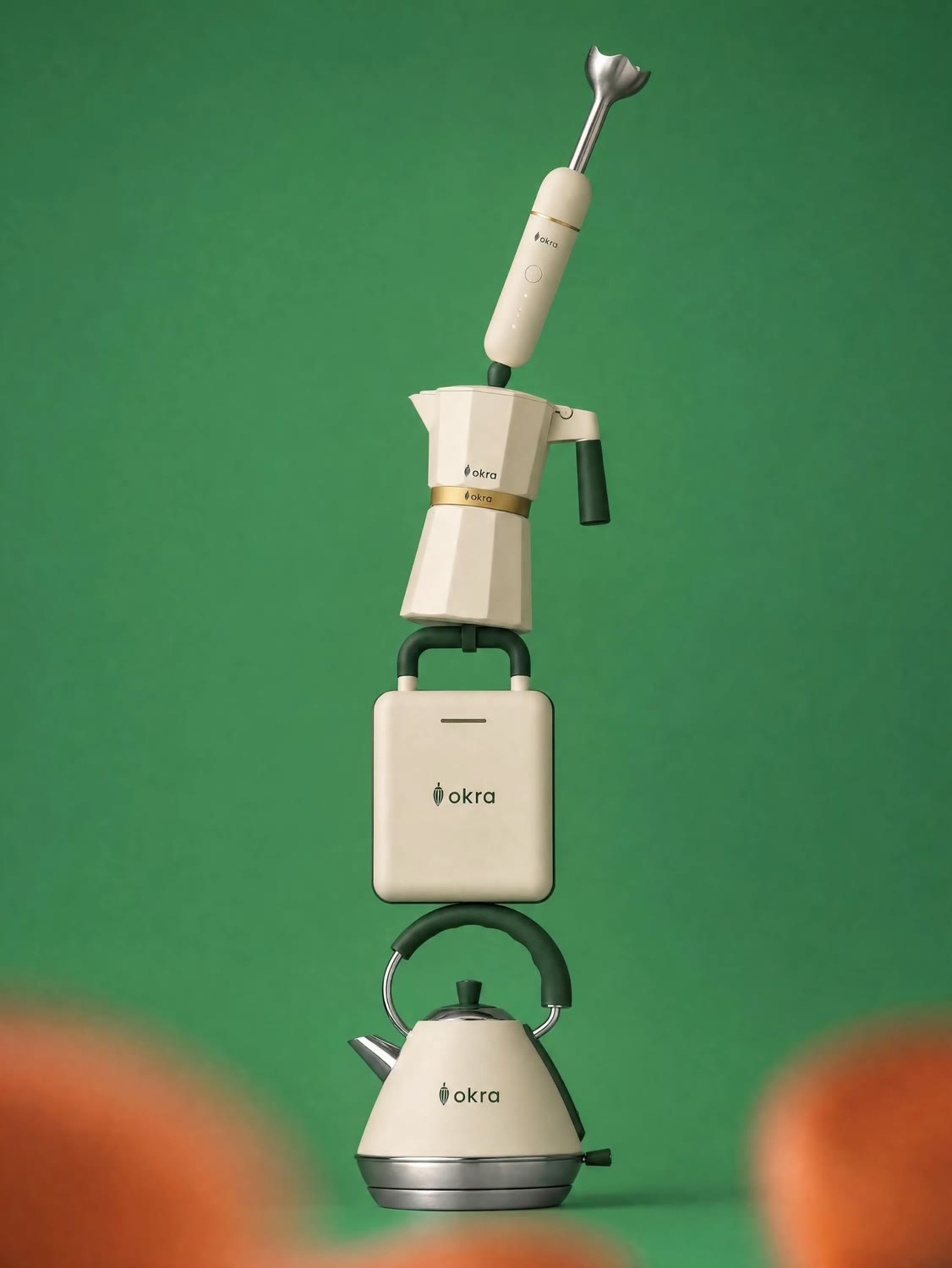
3. Balancing Act - Four Appliances in Equilibrium
Original prompt
USE CASE: advertising product photograph for a kitchen-appliance brand, social carousel frame. TASK: faithful recreation of the FIRST attached reference - a vertical tower of four small appliances balanced impossibly one on top of another against a flat colour wall. PRESERVE the stacking order, silhouettes, contact points, diagonal lean of the topmost item, height/centring, camera height and shadow. SECOND reference is the OKRA brand reference. CHANGE only: every appliance becomes an OKRA appliance, light-wood parts become pine green or warm brass, the flat blue wall becomes flat saturated grass green. SUBJECT bottom to top: (1) pyramid kettle with polished stainless base and tall arched handle, (2) square sandwich press with arched carry handle, (3) faceted moka-style coffee maker, (4) immersion hand blender resting diagonally on top. DETAILS: bodies warm cream #F2EAD9 satin; handles/knobs/grips matte pine green #123326 - no wood anywhere; trim and collars warm brass #C9A227. Every appliance carries the brand lockup, crisp at its scale. BACKGROUND: flat saturated grass green #2F8F4E, no wall texture. FOREGROUND: soft terracotta #C75B39 element entering from the bottom edge, creamy bokeh. CAMERA: 135mm telephoto at f/1.8, far back for strong compression, tower tack-sharp. CONSTRAINTS: no wood/wood grain, no blue, no faces/hands/bodies, no white background. OUTPUT: Output in exactly 3072px x 3840px (4:5 portrait format).
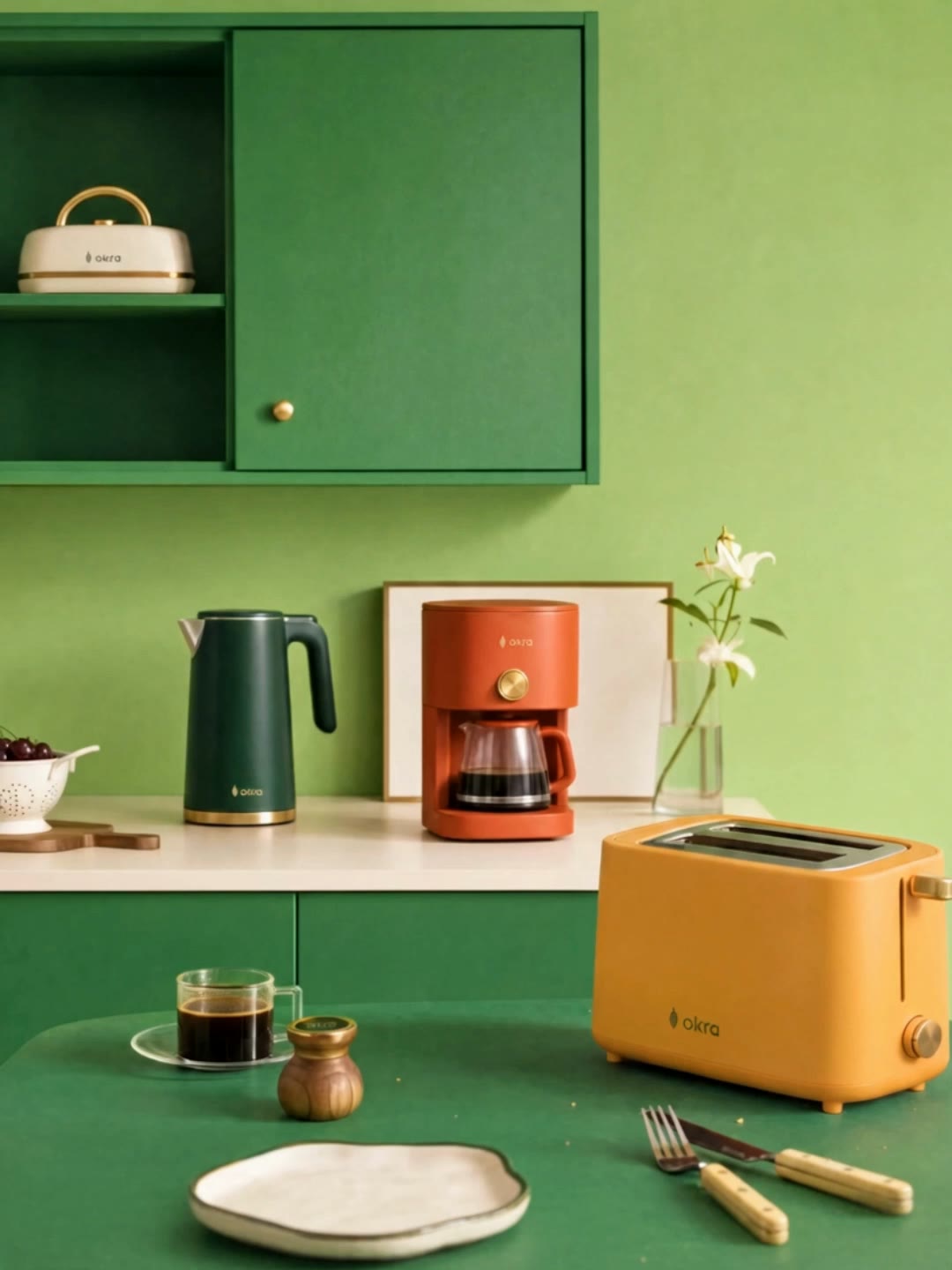
4. Colour Rotation - Kitchen Counter, Base Frame
Original prompt
USE CASE: advertising lifestyle photograph for a kitchen-appliance brand, social carousel frame. TASK: faithful recreation of the FIRST attached reference - an interior kitchen scene. PRESERVE the composition, camera height/angle, wall cabinet with open shelves and sliding door, counter, leaning picture frame, glass vase with white flower, bowl of cherries, wooden board, foreground table with coffee glass and grinder, soft directional window light. SECOND reference is the OKRA brand reference. CHANGE only: wall/colour environment restyled to a flat vivid green far more saturated than the reference's beige, every appliance replaced by an OKRA appliance in a different colour. APPLIANCES: cabinet shelf = sandwich press, cream #F2EAD9. Counter left = kettle, pine green #123326. Counter centre = drip coffee maker, terracotta #C75B39. Foreground table = two-slot toaster (hero, sharpest), coral #E2725B. SCENE: back wall flat saturated pistachio green #A6C48A; cabinet/table deeper green rather than wood; counter pale cream. Soft daylight from camera-left, 5200K, punchier contrast than the reference. CAMERA: 105mm telephoto at f/1.8, strong compression, foreground toaster tack-sharp, cabinet/back wall gentle blur. CONSTRAINTS: no UI elements, no text other than "okra", no beige or blue, no faces/people. OUTPUT: Output in exactly 3072px x 3840px (4:5 portrait format).
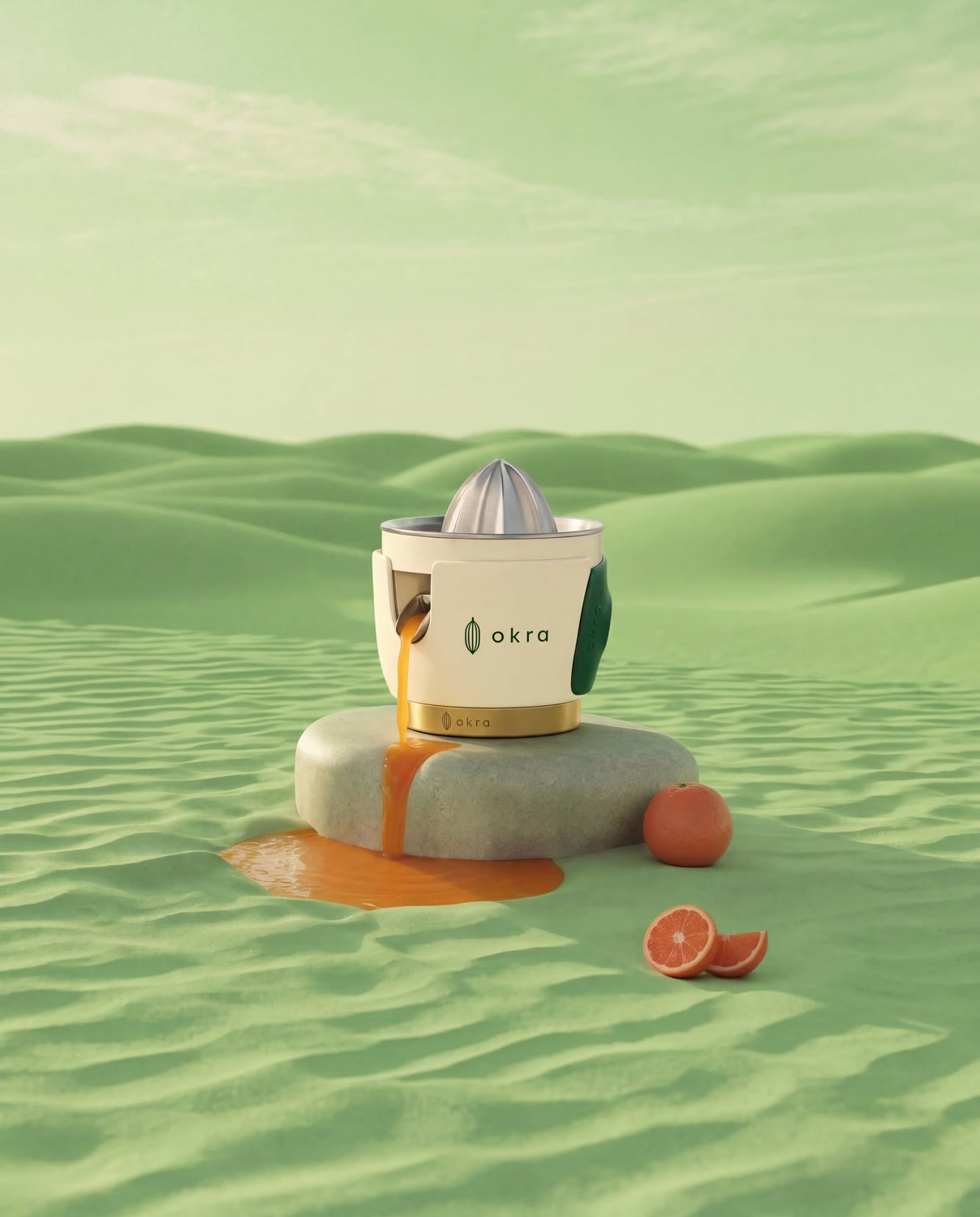
5. Desert Juicer - Citrus on the Dunes
Original prompt
USE CASE: advertising product photograph for a kitchen-appliance brand, social carousel frame. TASK: faithful recreation of the attached reference image, a citrus juicer on desert sand under hard midday sun. PRESERVE composition, camera angle/height, focal staging, position/scale of the juicer, the hard directional light with its long shadow, dune contour and horizon, every prop, and the foreground blur element. CHANGE only: (a) the juicer becomes an OKRA citrus juicer, (b) the desert sand/sky restyled to vivid pistachio green #A6C48A - same dune contour and light hardness, (c) the citrus props become deep terracotta oranges #C75B39. SUBJECT: cream #F2EAD9 satin body, brushed stainless reamer cone, pine-green #123326 lever, warm-brass #C9A227 collar. Tack-sharp with hard specular highlights. BACKGROUND: no sand, no beige - saturated pistachio green field, same dune contour, horizon and hard shadow direction as the reference. CAMERA: 85-200mm telephoto at f/1.4-f/2, strong compression, foreground melting into creamy bokeh. OUTPUT: Output in exactly 2160px x 3840px (9:16 portrait vertical format).
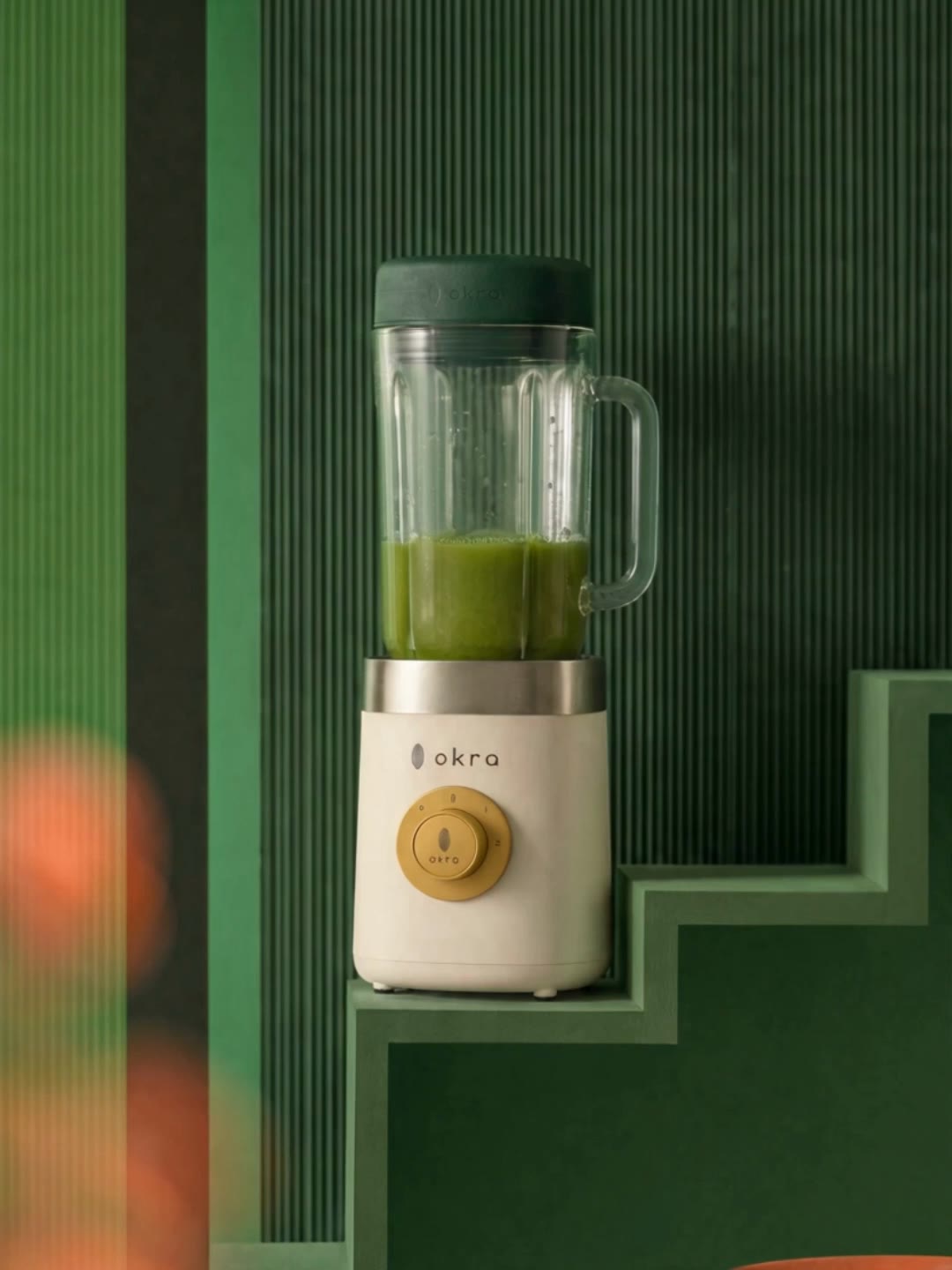
6. Stairway Blender - Dripping Green Juice
Original prompt
USE CASE: advertising lifestyle photograph for a kitchen-appliance brand, social carousel frame. TASK: recreate the FIRST attached reference (a woman climbing a sculpted staircase set) exactly, changing one thing. PRESERVE the staircase, the ribbed pistachio panel on the left, her exact pose mid-stride, the crop that cuts above the shoulders so no head/face/hair are ever visible, the cream knit top, the long sage satin skirt, the sandals, camera height/angle, hard daylight and shadow shapes, the terracotta bokeh entering from the left edge. SECOND reference is the OKRA blender to reproduce exactly; THIRD is the OKRA brand reference. CHANGE only: the object hanging from her right hand is now the OKRA countertop blender instead of the moka pot. SUBJECT: her hand grips the blender's glass jar by its side handle at hip height, TILTED SLIGHTLY FORWARD (~15 degrees) so the spout dips toward the steps. PRODUCT: faceted glass jar with fresh green juice, matte pine-green #123326 silicone lid, cream #F2EAD9 motor base, brushed stainless collar, warm-brass #C9A227 dial. ACTION: a thin ribbon of green juice runs over the spout and falls into two or three sharp round droplets in mid-air with specular highlights; on the step below, a small glossy puddle has formed with scattered droplets and one thin runnel, reflecting the green wall. CAMERA: 135mm telephoto at f/1.8, strong compression, blender/hand/droplets tack-sharp, wall and upper steps gently soft. CONSTRAINTS: no text except "okra", no face/head/hair, no coffee maker/moka pot/fan. OUTPUT: Output in exactly 3072px x 3840px (4:5 portrait format).
Frame 5, Step 2: Extend to 4:5 and remove headline text
Task: Extend the image from 9:16 to 4:5 while preserving everything already present, and remove the headline text. Keep the original content exactly unchanged: subject, objects, background, lighting, shadows, colour grading, perspective, texture. Do not crop, resize, distort or remove any existing element, with ONE exception below. EXCEPTION - text removal: the headline words "Squeeze the moment" printed across the lower part of the image must be completely removed. Erase that text and reconstruct the green sand surface underneath it exactly as it would look without any lettering, matching the surrounding ripple pattern, grain, shading and light falloff seamlessly. After removal the image must contain no text at all except the small "okra" wordmark already on the juicer body and its brass base ring. Expand the canvas horizontally on both sides only, so the final composition becomes 4:5. Generate only the missing side areas seamlessly, continuing the same background, materials and lighting direction. Maintain exact camera angle, horizon line, focal look and depth of field. Strict constraints: no alteration to the original content other than the text removal described. No shift in subject position, no change in proportions, no blur, no cleanup, no beautification, no relighting.
Three Seedance 2.5 animations
The approved OKRA animations
Balancing Act
Original prompt
@Image 1 is the sole visual reference. Preserve the exact appliances, their stacked order, proportions, colors, branding, green background, framing, lighting and tabletop composition. Animate the existing tower as if the appliances were performers attempting a human circus balancing act. [Stage 1 - 0.00-2.00] The entire appliance tower begins making small, believable balance corrections. The lower kettle remains firmly grounded while the stacked appliances above it subtly sway left and right. The top immersion blender wobbles most noticeably, gently leaning one way and correcting back toward center. Controlled, natural, playful, never frantic. [Stage 2 - 2.00-4.50] The tower develops a slightly larger synchronized sway. The middle appliances shift weight in opposite directions to compensate, a realistic cascading motion from bottom to top. The upper blender makes a visible last-second correction. All contacts remain physically connected. The bottom kettle stays planted as the stable foundation. [Stage 3 - 4.50-6.00] The whole tower gradually regains equilibrium, oscillations becoming smaller and slower until every appliance settles into the exact original stacked arrangement from @Image 1. A tiny final corrective wobble from the top blender, then complete stillness. Camera: locked-off frontal product shot, no camera movement, no zoom, no reframing. Physics: believable center-of-mass shifts, inertia, weight, friction and contact. No rubbery deformation, no morphing, no cartoon physics. Preserve all product geometry and logos exactly. Audio: < SFX > subtle ceramic, metal and appliance contact sounds synchronized with each balance correction < SFX > very soft tabletop contact creaks and tiny mechanical rattles during the larger sway (music) minimal, light circus-inspired instrumental accompaniment, understated and elegant No dialogue, no vocals.
Colour Rotation
Original prompt
@Image 1 is the sole visual reference and must remain the exact composition throughout the entire animation. [Edit Goal] Change the color of ONLY the four visible Okra appliances, continuously and smoothly over 6 seconds. The foreground toaster, the coffee maker, the kettle, and the sandwich maker in the upper-left cabinet alternate colors between their existing colors and a clean warm yellow, exchanging colors with one another in a coordinated sequence. Smooth, deliberate, clearly visible transitions, no other visual transformation. [Source Video Role] Use @Image 1 as the complete visual source and preserve its exact framing, geometry, lighting, environment and object placement. Colour-only animation - no physical movement of any object is permitted. [Edit Scope] The only editable pixels are the exterior colored surfaces of the four appliances. Colours in rotation: coral-red/orange, dark green, cream/off-white, warm yellow. Keep metallic gold, chrome, glass, black controls, handles, logos and buttons unchanged. [Timeline Inheritance] Camera completely locked - no movement, zoom, pan or reframing. All non-appliance elements remain perfectly static for the full 6 seconds. [Content to Preserve] The green wall and cabinet, the countertop, the foreground table, the glass of coffee, the saucer, the pepper mill, the bowl of cherries, the cutting boards, the flowers and vase, the picture frame, all crumbs, all shadows/highlights/reflections, every logo/button/handle/trim, the exact position and geometry of every appliance, the exact camera framing and depth of field. No object may move, rotate, deform, grow, shrink, disappear, appear or morph. Do not recolor anything other than the four appliance bodies.
Stairway Blender
Animation 1: Balancing Act - 6 seconds
Animation 2: Colour Rotation - 6 seconds
Animation 3: Stairway Blender - 6 seconds
Review checklist
Before generating the next frame
FAQ
Get started with on-brand visuals
Your catalog into campaign-ready Creative
Riverflow connects your products, brand rules and creative workflows so your team can create on-brand photoshoots, ads, videos and edits across every campaign.